freshchat icon chat icon loading icon

Share this template anywhere.

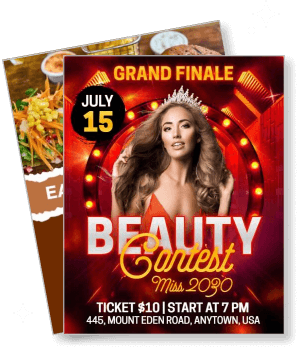
grand finale beauty contest miss 2090 event announcement template

Contest Flyer Templates

DesignWiz Contest Flyer Templates help businesses and organizers promote giveaways, competitions, and sweepstakes. Add prize details, entry rules, and deadlines in minutes.
I love the app, especially since I pay for the premium version. I have rated it, and I have asked you to stop asking me to rate it. Leave me alone asking me to like your app, you insecure app developer. Just be you, babe. We'll love you just the way you are😆 — brad hawkins
4.6/5 (From 380k reviews)

Create your own

{"993520":{"name":"steampunk-costume-contest-event-flyer-template-68x9fy4bc97a7d.jpg","webp_name":"steampunk-costume-contest-event-flyer-template-68x9fy4bc97a7d.webp","width":650,"height":800}} 993520
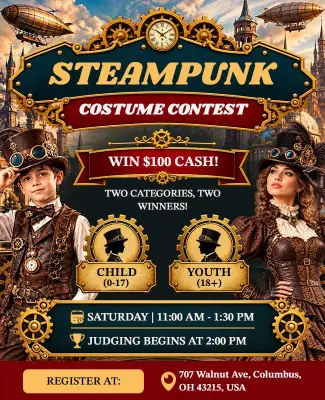
Steampunk Costume Contest Event Flyer Template
650 x 800 px

steampunk
costume
Show all keywords
Steampunk Costume Contest Event Flyer Template
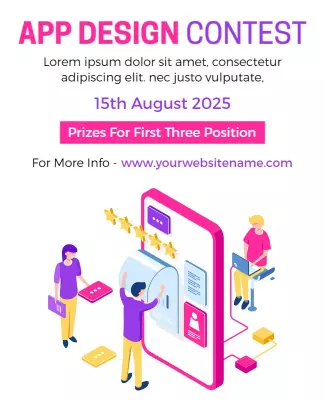
{"841631":{"name":"app-design-contest-flyer-template-x9dve6ee2329c5.jpg","webp_name":"app-design-contest-flyer-template-x9dve6ee2329c5.webp","height":800,"width":650}} 841631
App Design Contest Flyer Template
650 x 800 px

app
design
Show all keywords
App Design Contest Flyer Template
{"515015":{"name":"coriander-and-serenade-contest-flyer-template-gu7697a308b3ba.jpg","webp_name":"coriander-and-serenade-contest-flyer-template-gu7697a308b3ba.webp","height":800,"width":650}} 515015
Coriander and Serenade Contest Flyer Template
650 x 800 px

flyers
flyer
Show all keywords
Coriander and Serenade Contest Flyer Template
{"888056":{"name":"creative-art-making-contest-competition-event-flyer-template-r06nbyd783b750.jpg","webp_name":"creative-art-making-contest-competition-event-flyer-template-r06nbyd783b750.webp","height":800,"width":650}} 888056
Creative Art Making Contest Competition Event Flyer Template
650 x 800 px

flyers
flyer
Show all keywords
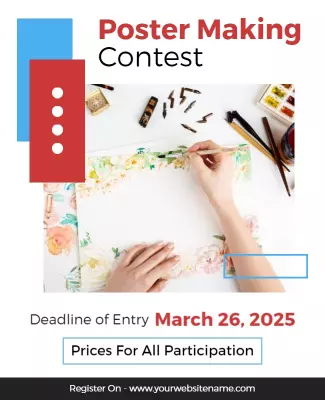
Creative Art Making Contest Competition Event Flyer Template
{"653525":{"name":"fishing-contest-flyer-template-abihf3a284f6e5.jpg","webp_name":"fishing-contest-flyer-template-abihf3a284f6e5.webp","height":800,"width":650}} 653525
Fishing Contest Flyer Template
650 x 800 px

flyers
flyer
Show all keywords
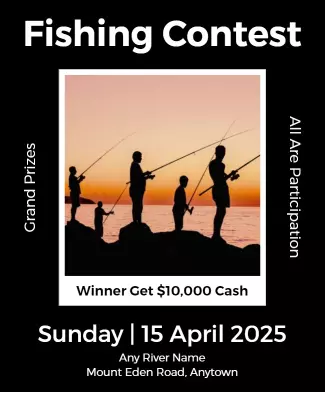
Fishing Contest Flyer Template
{"406667":{"name":"end-year-contest-flyer-template-dml9bqedc6847f.jpg","webp_name":"end-year-contest-flyer-template-dml9bqedc6847f.webp","height":800,"width":650}} 406667
End Year Contest Flyer Template
650 x 800 px

flyers
flyer
Show all keywords
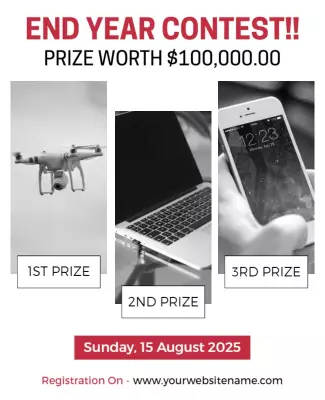
End Year Contest Flyer Template
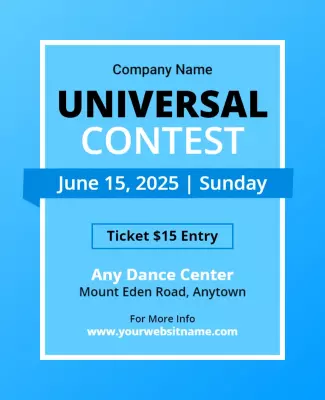
{"961308":{"name":"universal-contest-flyer-template-p8pc8xb99298da.jpg","webp_name":"universal-contest-flyer-template-p8pc8xb99298da.webp","height":800,"width":650}} 961308
Universal Contest Flyer Template
650 x 800 px

universal
contest
Show all keywords
Universal Contest Flyer Template
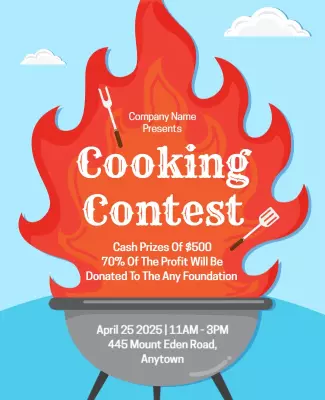
{"537494":{"name":"french-pass-and-picton-blue-contest-flyers-template-p63b6ped9070d8.jpg","webp_name":"french-pass-and-picton-blue-contest-flyers-template-p63b6ped9070d8.webp","height":800,"width":650}} 537494
French Pass and Picton Blue Contest Flyers Template
650 x 800 px

cooking
contest
Show all keywords
French Pass and Picton Blue Contest Flyers Template
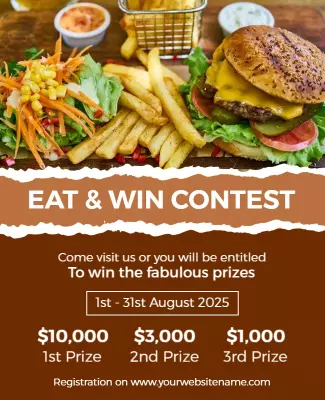
{"649798":{"name":"brown-rust-and-nutmeg-wood-finish-contest-flyers-template-ib759pd6d2eb02.jpg","webp_name":"brown-rust-and-nutmeg-wood-finish-contest-flyers-template-ib759pd6d2eb02.webp","height":800,"width":650}} 649798
Brown Rust and Nutmeg Wood Finish Contest Flyers Template
650 x 800 px

flyers
flyer
Show all keywords
Brown Rust and Nutmeg Wood Finish Contest Flyers Template
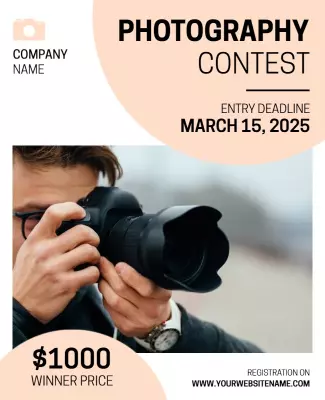
{"660833":{"name":"photography-contest-flyer-template-isbk5ma17a383e.jpg","webp_name":"photography-contest-flyer-template-isbk5ma17a383e.webp","height":800,"width":650}} 660833
Photography Contest Flyer Template
650 x 800 px

flyers
flyer
Show all keywords
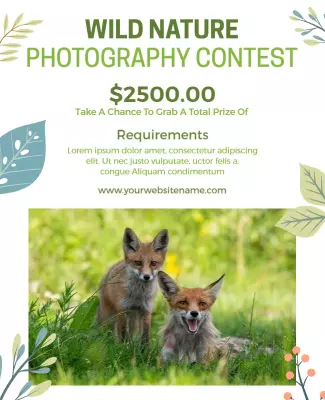
Photography Contest Flyer Template
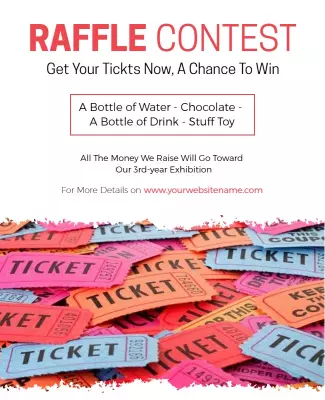
{"983616":{"name":"raffle-contest-flyer-template-h0sswdd6862464.jpg","webp_name":"raffle-contest-flyer-template-h0sswdd6862464.webp","height":800,"width":650}} 983616
Raffle Contest Flyer Template
650 x 800 px

raffle
contest
Show all keywords
Raffle Contest Flyer Template

How to customize a contest flyer

No design skills needed. Pick a layout, add your contest details and prize info, adjust the colors, then export for print or digital sharing.

Corporate Growth Poster
1.

1. Pick a layout

Pick a layout that fits your contest type - art competition, business giveaway, or school contest. Confirm the page size works for community boards or social posts.

2.

2. Add contest details

Add the contest name, prize details, entry deadline, and submission guidelines. Include eligibility, judging criteria, and how winners are announced.

3.

3. Use one hero visual

Use a prize photo or winning entry as the hero visual. Keep the layout clean and let the prize and deadline stand out. Bold colors and clear typography grab attention fast.

4.

4. Check print settings

Set margins to 0.125" for print, keep key text like deadline and prize info inside safe areas, and export at 300 DPI CMYK. Preview at actual size so entry details are readable from a distance.

5.

5. Export and share

Export a print-ready PDF plus square and portrait PNGs for social media. Post at community boards and local businesses. Share on social media and in email newsletters.

Trusted by Thousands

Tata Consultancy Services
Boston Consulting
AT&T
Avelo Airlines
Procter & Gamble
Ministry Of Health, Malaysia
Veterans Affairs
Detroit Government
New York University
Texas A&M University
Decathlon America
Warby Parker
Tata Consultancy Services
Boston Consulting
AT&T
Avelo Airlines
Procter & Gamble
Ministry Of Health, Malaysia
Veterans Affairs
Detroit Government
New York University
Texas A&M University
Decathlon America
Warby Parker
High performer asia
Front runners
capterra-reward-best-value

Other Flyer templates

Contest Flyer Templates Design Ideas and Examples

Pick a layout based on the type of contest you are running - photo and art competitions, business giveaways and sweepstakes, or school and community contests. DesignWiz offers contest flyer templates in bold prize announcement styles, creative competition layouts, and family-friendly contest designs so you can start with something that fits your event instead of building from scratch. Use these ideas to decide how to present prize details, entry rules, and deadlines. When you need more options beyond your first pick, browse flyer templates for the full collection.

Photo and art contests

Feature the contest theme and submission categories prominently. List the deadline, submission requirements such as file format and size, and how entries will be judged. Include prize details for first, second, and third place. Add a call-to-action for entry submission with a QR code or link. For art contest flyer examples, start from art contest flyer template and swap in your contest theme, categories, and prize details.

Business giveaways and sweepstakes

Lead with the prize or giveaway item as the hero visual. List the entry methods, start and end dates, eligibility requirements, and how the winner will be selected and notified. Include any legal disclaimers if required. Use bold, attention-grabbing colors and typography that align with your brand. For business giveaway flyer ideas, adapt t shirt design contest flyer template and replace with your prize details, entry rules, and deadline information.

School and community competitions

Use bright, welcoming colors and age-appropriate imagery. List the competition categories or grade divisions, entry guidelines, deadlines, and judging criteria. Include how winners will be announced and what prizes or recognition they will receive. Add sponsor logos if applicable. For school contest flyer inspiration, adapt creative mural art contest flyer template and update with the school or organization name, competition categories, and submission instructions.

Create Your Contest Flyer Now!

Frequently Asked Questions (FAQs)

Contest name and theme, prize description, entry deadline, eligibility requirements, submission guidelines, how winners are selected, and announcement date. Include a call-to-action with a link, QR code, or entry instructions. Add rules or a link to full official rules if legally required. Keep the prize and deadline the most prominent elements so potential entrants can quickly decide if the contest is worth their time.

Lead with the prize or the opportunity. Examples: Win a $500 Gift Card, Show Us Your Best Design - Win Big, Enter to Win a Dream Vacation, or Name Our Mascot Contest. For creative contests: Capture Your Best Shot - Photo Contest. For school contests: Science Fair 2026 - Show Us What You Discovered. Keep it under 10 words and make the action clear so people know immediately what they can win and what they need to do.

Include a summary of key rules on the flyer and a link to the full official rules. Key rules to summarize include eligibility age and location, entry methods, deadline, prize details, and how the winner is selected. Add a line like Full rules at [website] or See official rules for complete details. For giveaways and sweepstakes, include No purchase necessary and any legal disclaimers required in your jurisdiction.

Letter size (8.5x11") works best for posting at community boards, schools, and local businesses. Half-letter size (5.5x8.5") is good for handouts at events and in-store counters. For digital promotion, create a square version (1080x1080 px) for social media feeds and a portrait version for Stories. Print at 300 DPI CMYK with 0.125" bleed so the flyer looks professional when posted alongside other announcements.

Make the prize the hero element of the flyer. Use a photo of the prize or a clear description in large, bold text. List the prize value and quantity such as Grand Prize: $1,000 Cash (1 winner) and Runner-Up: $100 Gift Card (3 winners). If there are multiple prize tiers, use a simple hierarchy. Add a visual cue like a trophy icon, gift box, or ribbon to draw the eye to the prize section. Keep prize details above the fold.

Use an image of the prize for giveaway contests - product photos, gift cards, or cash visuals work well. For art and creative contests, use sample artwork or design elements that reflect the contest theme. For school competitions, use photos of students, trophies, or academic imagery. Avoid generic stock photos that do not relate to the contest. High-quality, relevant images help entrants visualize what they are competing for and increase participation.

Place the entry deadline prominently near the top or in a highlighted box. Use a clear format: Entries due by [Date] at [Time] [Timezone]. Include the full timeline if useful: contest opens, entry deadline, judging period, winner announcement, and prize delivery date. Add urgency with phrases like Limited entries accepted or Enter by [date] for a chance to win. Use a countdown element on digital versions to create urgency as the deadline approaches.

Start promoting 4-6 weeks before the entry deadline for most contests and giveaways. Launch with a teaser at 6 weeks out, the full flyer at 4 weeks, a mid-point reminder at 2 weeks, and a final push 3-5 days before the deadline. For social media giveaways with shorter timelines, promote 1-2 weeks ahead with daily reminders in the final week. Post the winner announcement after the contest closes to build credibility for future contests.

If your contest allows bonus entries for social sharing or referrals, list the methods clearly: Earn one bonus entry for sharing this contest on Facebook, or Refer a friend for an extra entry. Include how to track referrals if applicable. Add relevant hashtags and social media handles. If social sharing is part of the entry method, specify the platform, tagging requirements, and privacy notes. Keep this section separate from the main entry rules to avoid confusion.

Create a separate winner announcement version of the flyer. Include the winner name or username (with permission), the prize they won, a brief description of their entry if applicable, and a congratulatory message. Add a photo of the winner or their entry. Use the same design template as the original contest flyer for brand consistency. Post both online and in the original contest locations. A well-presented winner announcement encourages future participation.
Describe what you want to create with AI