We can’t create this design as it violates our content policy.

AI Image Enhancer

DesignWiz AI image enhancer helps you enhance image quality in seconds. Upload your image, choose 2X or 4X upscaling, and get sharper, high-resolution results instantly. Free, fast, and built for creators, marketers, and anyone who needs clear visuals without effort.

Upload Your Image

or drop an image file (PNG, JPG, or JPEG)
(Max size 5Mb)

By uploading an image you hereby agree to our Terms of Service. This site is protected by reCAPTCHA and the Google Privacy Policy and Terms of Service apply.
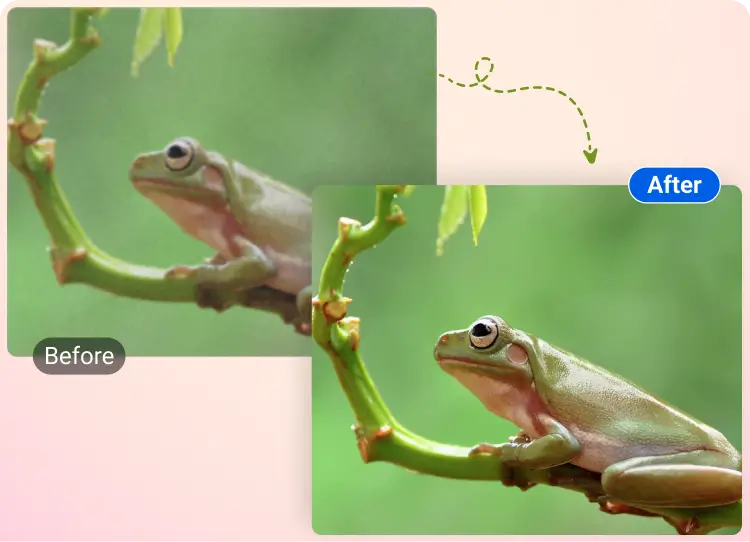
After Before Before
Before
After
Upload Your Image

By uploading an image you hereby agree to our Terms of Service. This site is protected by reCAPTCHA and the Google Privacy Policy and Terms of Service apply.

AI Image Upscaler

Enhance image quality instantly with our AI image enhancer that fixes blur, noise, and low resolution. Basically, your old photos get a second chance.

Get up to 4X Resolution

Upscale image resolution in seconds with our AI image upscaler. Turn pixelated images into sharp, high-resolution visuals online, no design skills needed.

Sharper Details, Less Blur

Improve image clarity and enhance picture quality with precision. Our free AI photo enhancer makes every image look like it finally got its glasses.
How To Use DesignWiz AI Image Enhancer

Our AI image enhancer online improves image clarity, resolution, and quality instantly. No editing skills needed. Just upload, upscale, and download your enhanced image.

1

Upload Your Image

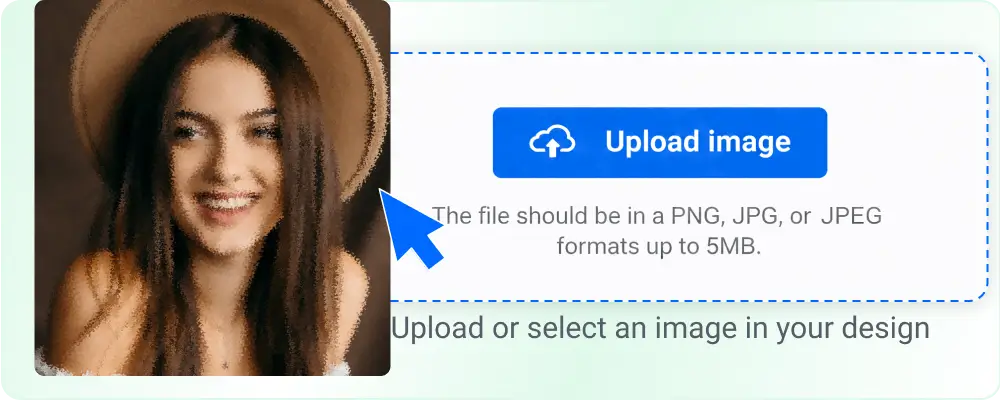
Upload any JPG, PNG, or JPEG image up to 5 MB that you want to improve. Our AI image quality enhancer supports low-resolution, blurry, and pixelated images to start enhancement instantly.
Upload modal preview

1

2

Select Image Resolution

Choose how much you want to upscale the image resolution. Pick 2X for quick improvements or 4X for maximum detail and clarity enhancement.
Upscale resolution toggle

2

3

Let AI Enhance Image

Click the enhance button and let AI enhance the image quality automatically. It removes blur, reduces noise, and sharpens details in seconds.
Ai Chatbot Assistant Banner

3

4

Download High-Quality Image

Download your enhanced image without a watermark. Get a clear, high-resolution photo ready for social media, design, or professional use.
French summer fashion

4

Trusted by Thousands

Tata Consultancy Services
Boston Consulting
AT&T
Avelo Airlines
Procter & Gamble
Ministry Of Health, Malaysia
Veterans Affairs
Detroit Government
New York University
Texas A&M University
Decathlon America
Warby Parker
Tata Consultancy Services
Boston Consulting
AT&T
Avelo Airlines
Procter & Gamble
Ministry Of Health, Malaysia
Veterans Affairs
Detroit Government
New York University
Texas A&M University
Decathlon America
Warby Parker

All-in-One AI to Enhance Image Quality Instantly

Improve image clarity, sharpness, and resolution in seconds with our AI image enhancer. Whether your photo is blurry, pixelated, or low quality, this image upscaler restores details and delivers clean, high-resolution results without manual editing.

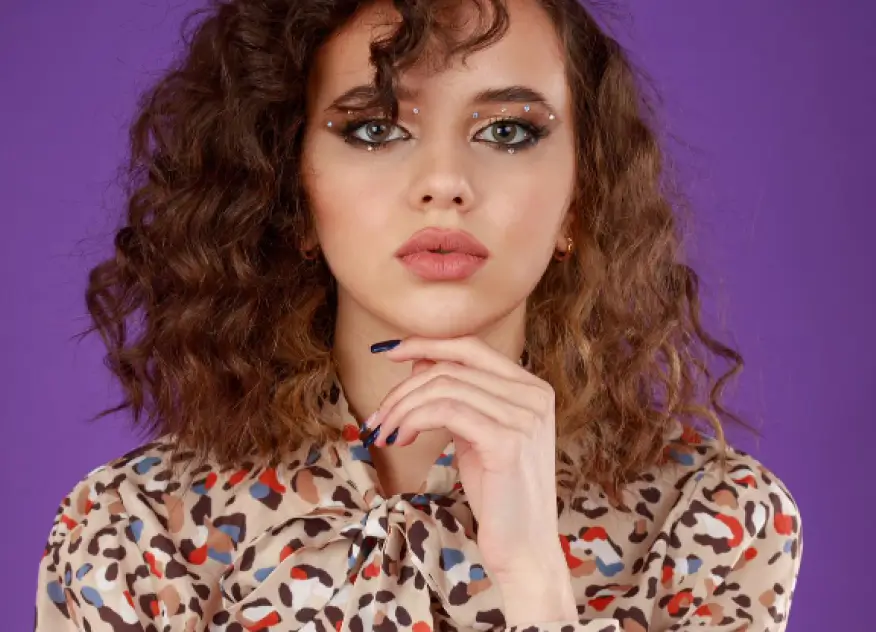
Curly haired woman portrait purple background Curly haired woman portrait purple background Curly haired woman portrait purple background

Fix Blurry Images Instantly

Turn unclear and soft images into sharp visuals. Our image clarity enhancer removes blur and improves image clarity automatically.
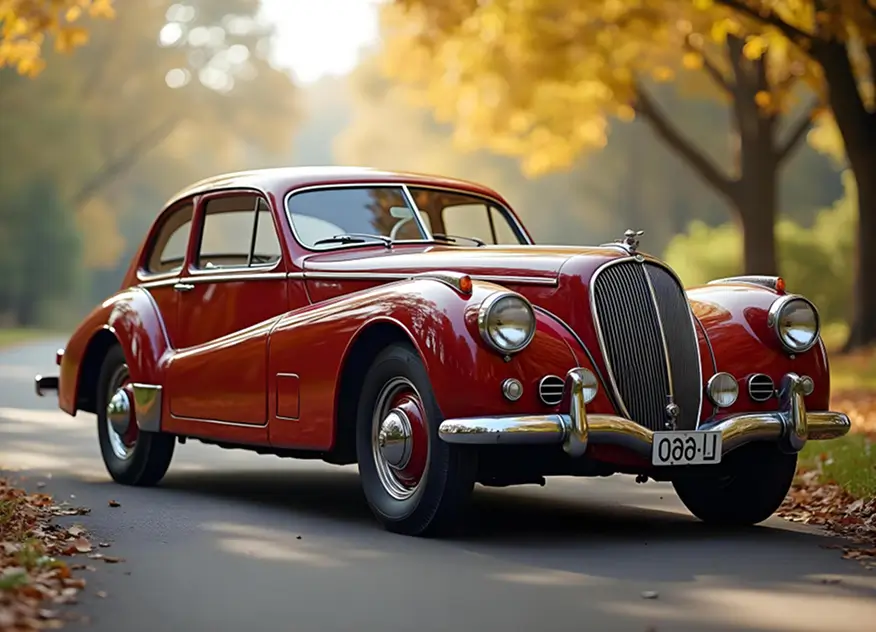
Vintage red classic car autumn road Vintage red classic car autumn road Vintage red classic car autumn road

Upscale Image to 2X or 4X

Increase image resolution without quality loss. This AI image upscaler enhances pictures while preserving natural details.
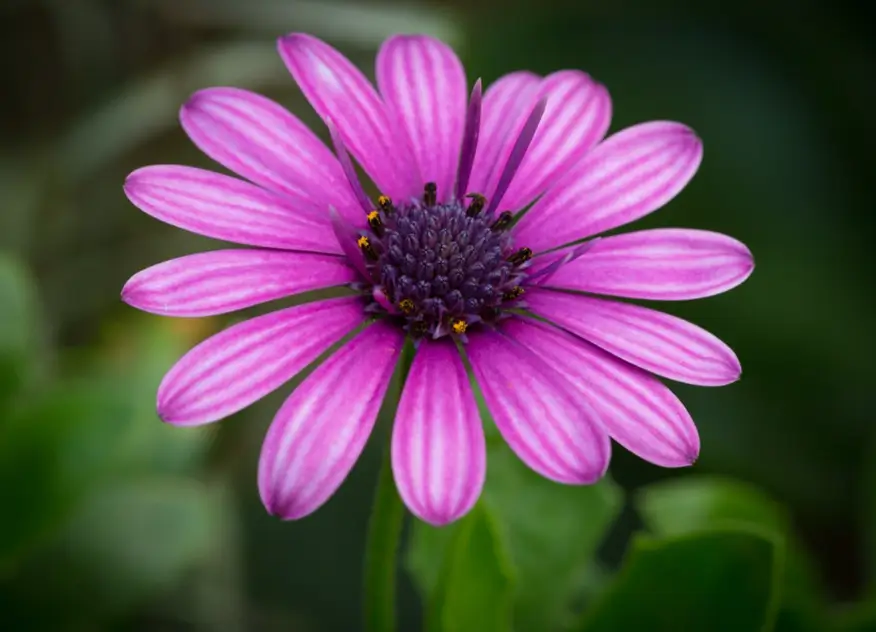
Pink daisy flower macro green background Pink daisy flower macro green background Pink daisy flower macro green background

Remove Noise and Grain

Clean up noisy or compressed images. The photo enhancer AI detects and removes unwanted artifacts for a smoother finish.
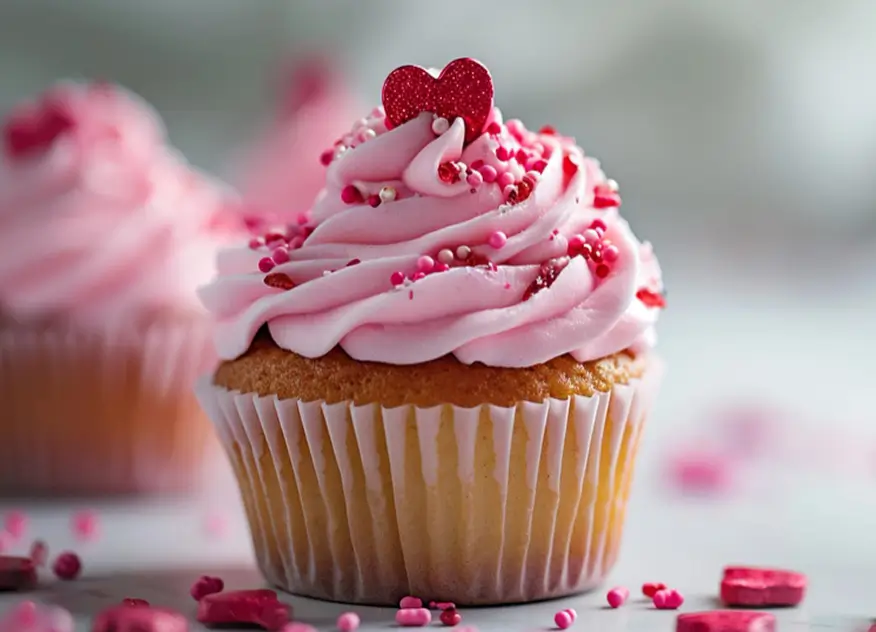
Pink frosted cupcake with heart sprinkles Pink frosted cupcake with heart sprinkles Pink frosted cupcake with heart sprinkles

Restore Details & Textures

Recover edges, textures, and fine details. Our image enhancer AI rebuilds lost quality for a natural look.

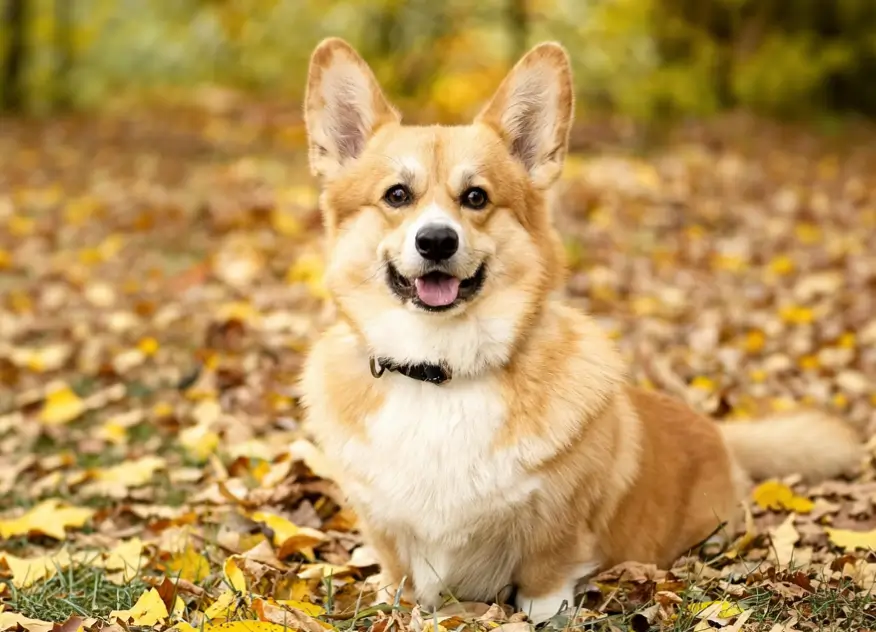
Corgi dog autumn leaves Corgi dog autumn leaves Corgi dog autumn leaves

Enhance Pixelated Image

Fix pixelation, enhance picture quality, and upscale image resolution to get sharp, ready-to-use images in seconds.

The AI Photo Enhancer That Matches Your Vision

99%

Enhance image quality instantly with AI.

2X to 4X

Crystal-clear upscaling, every time

85%

More clicks on AI-enhanced images

75%

Save on photo
editing costs.

Benefits Of Using AI To Upscale Pictures Online

DesignWiz AI photo enhancer helps you enhance image quality online without complexity. It is fast, reliable, and built to deliver consistent results for every type of image.

Simple and Fast Enhancement

Upload, let free photo enhancer, and get high-quality images in seconds. No learning curve or design experience required.

Free AI Image Enhancer to Start

Get started with an AI image upscaler free and use credits only when you process an image.

No Watermark Downloads

Download enhanced images without a watermark and use them anywhere.

Works on Low-Quality Images

Improve old, compressed, or low-resolution images with powerful AI enhancement.

Online Photo Enhancer, No Setup Needed

Use the image enhancer online directly from your browser. No downloads or installations required.

AI Image Enhancer to Improve Every Image You Use

This AI picture enhancer is built for anyone who needs better image quality quickly. From personal use to professional projects, enhance photos without effort.

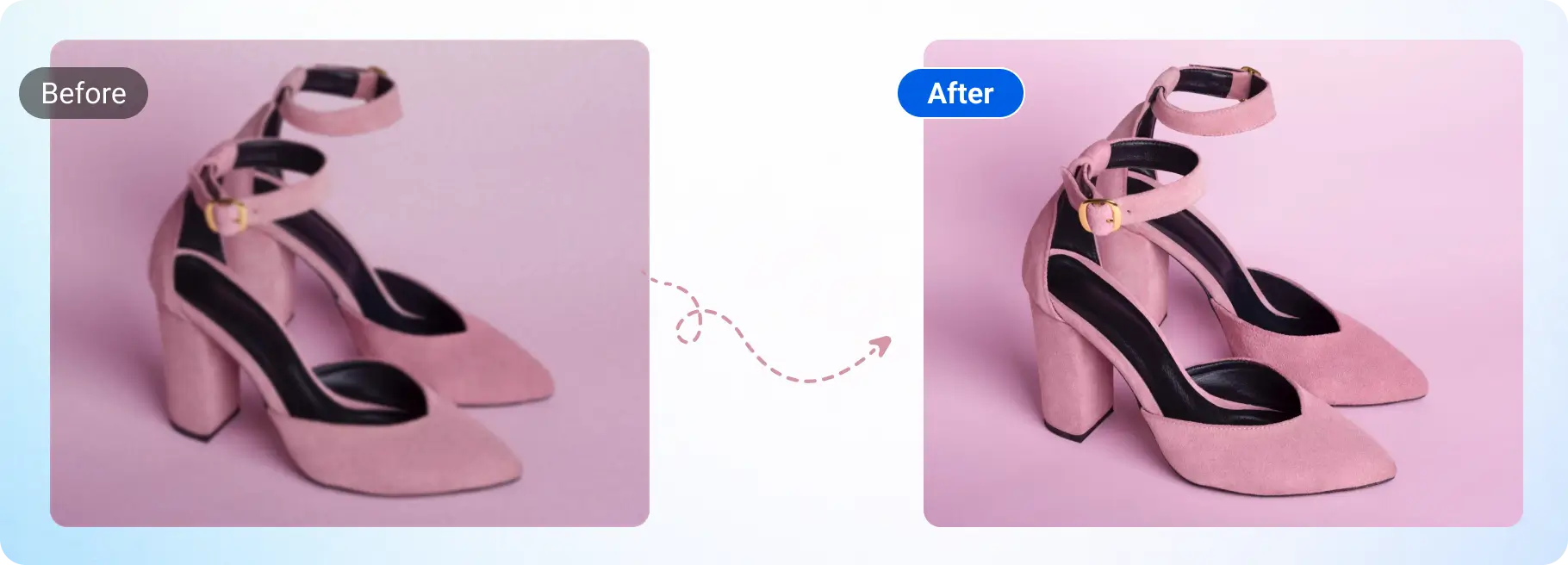
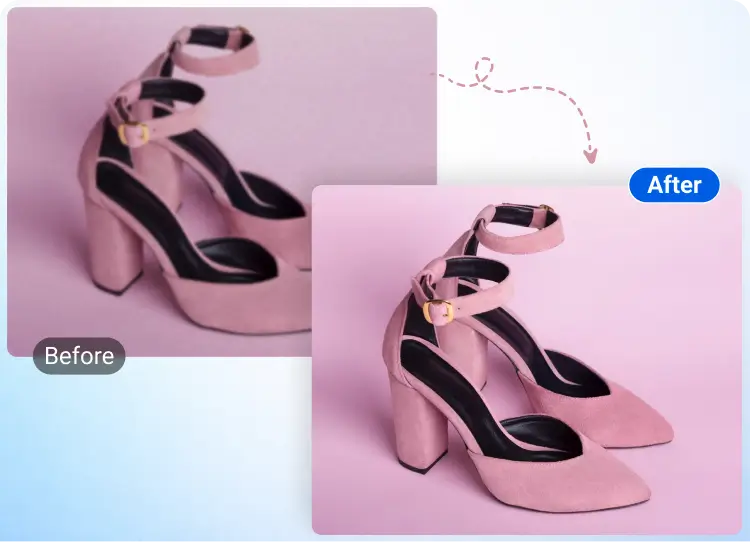
Pink shoes ecommerce product Pink shoes ecommerce product

E-commerce Product Images

Enhance image quality to make product photos sharp and professional for better conversions.

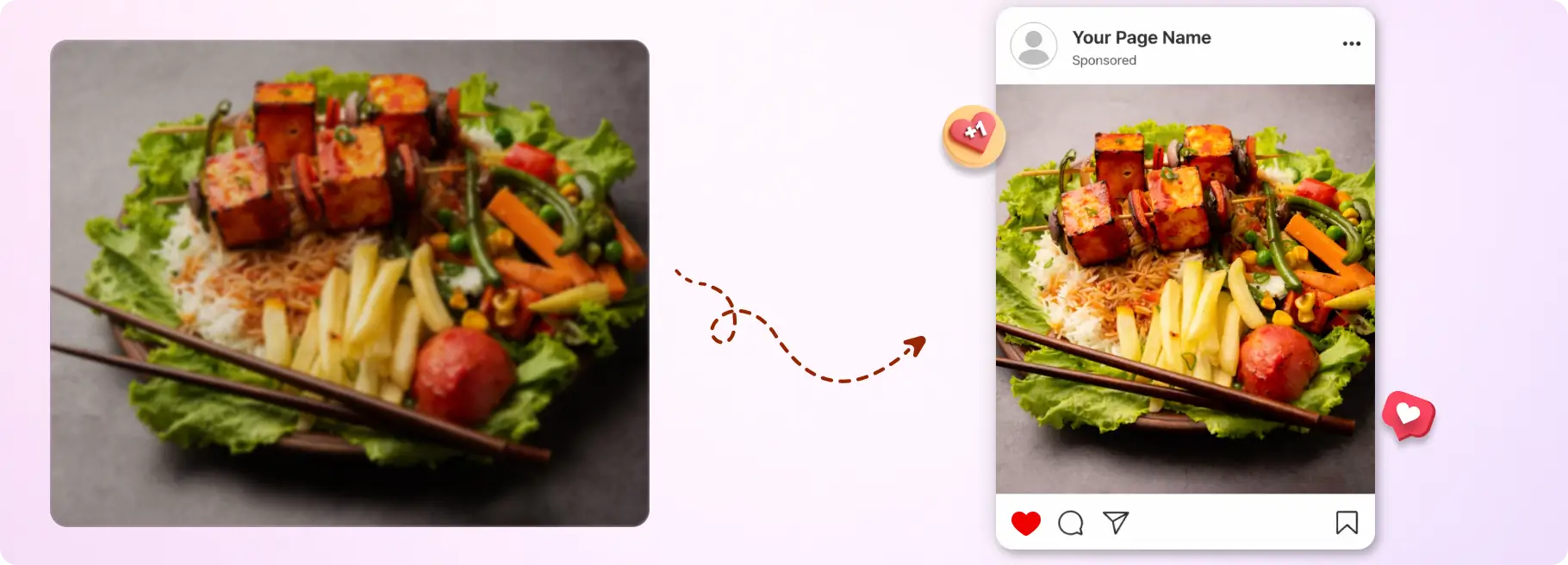
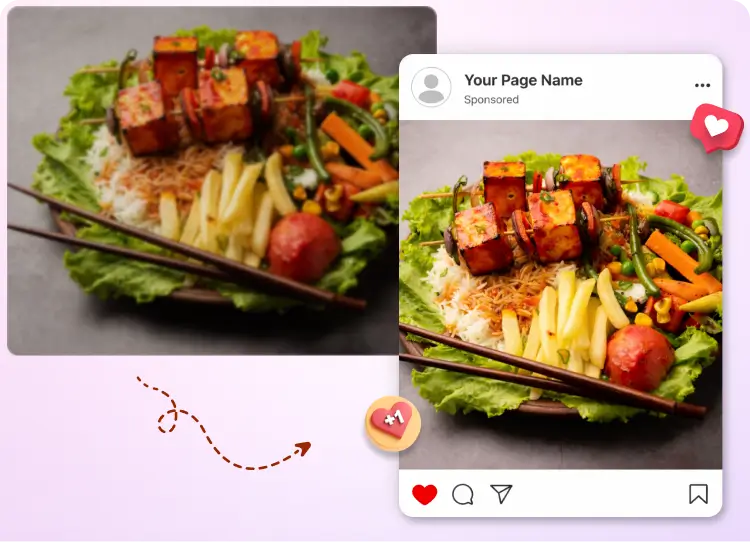
Paneer tikka platter social ad Paneer tikka platter social ad

Social Media Content

Use AI enhanced image tools to improve visuals for posts, ads, and thumbnails.

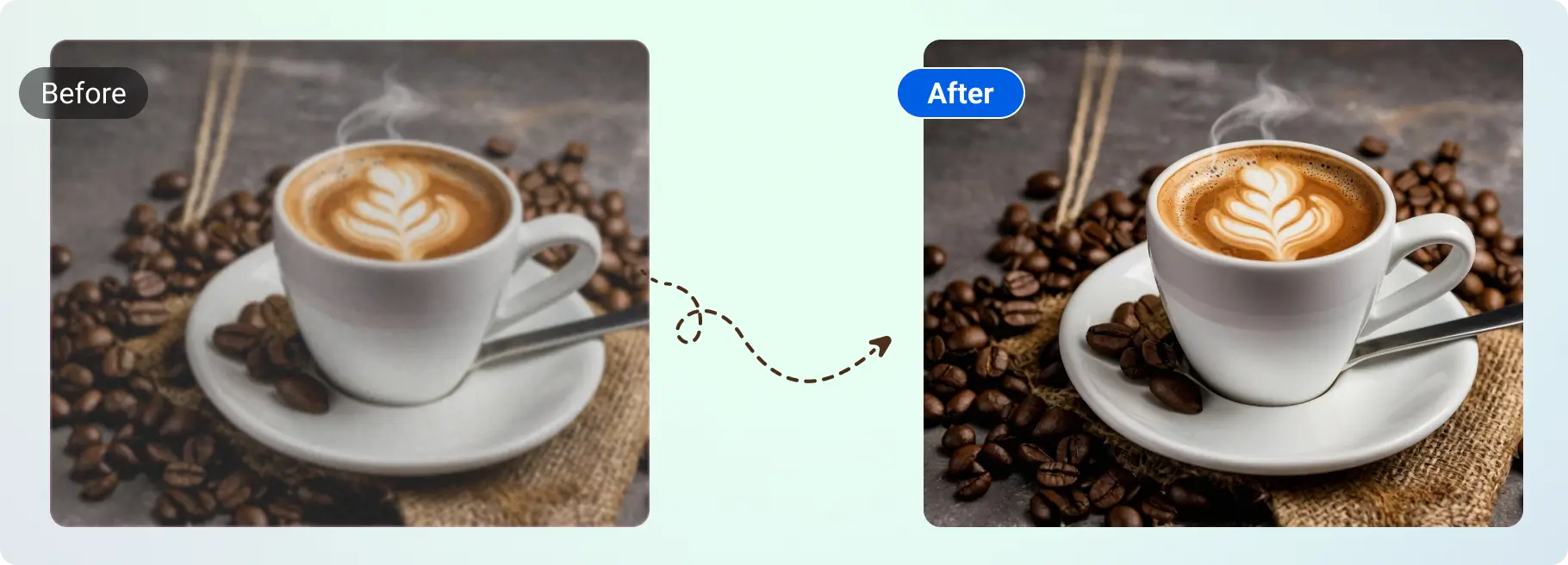
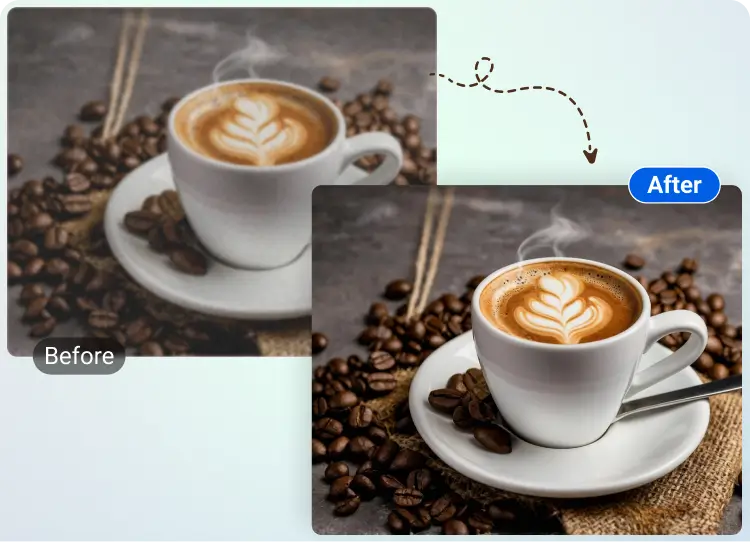
Coffee retouch before after Coffee retouch before after

Designers and Marketers

Fix low-quality assets and upscale images for campaigns, creatives, and branding.

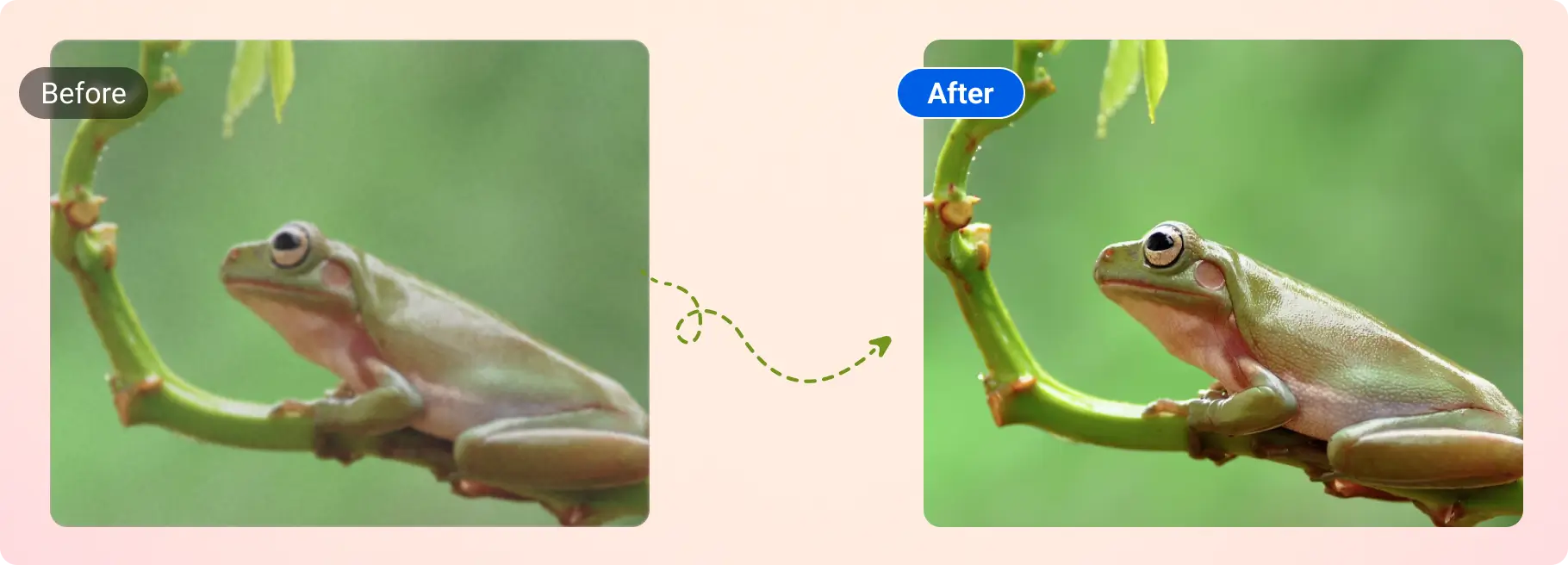
Green tree frog retouch Green tree frog retouch

Photographers and Editors

Use photo enhancer tools to restore and improve old or compressed photos.

Modern marketing deck design Modern marketing deck design

Students and Professionals

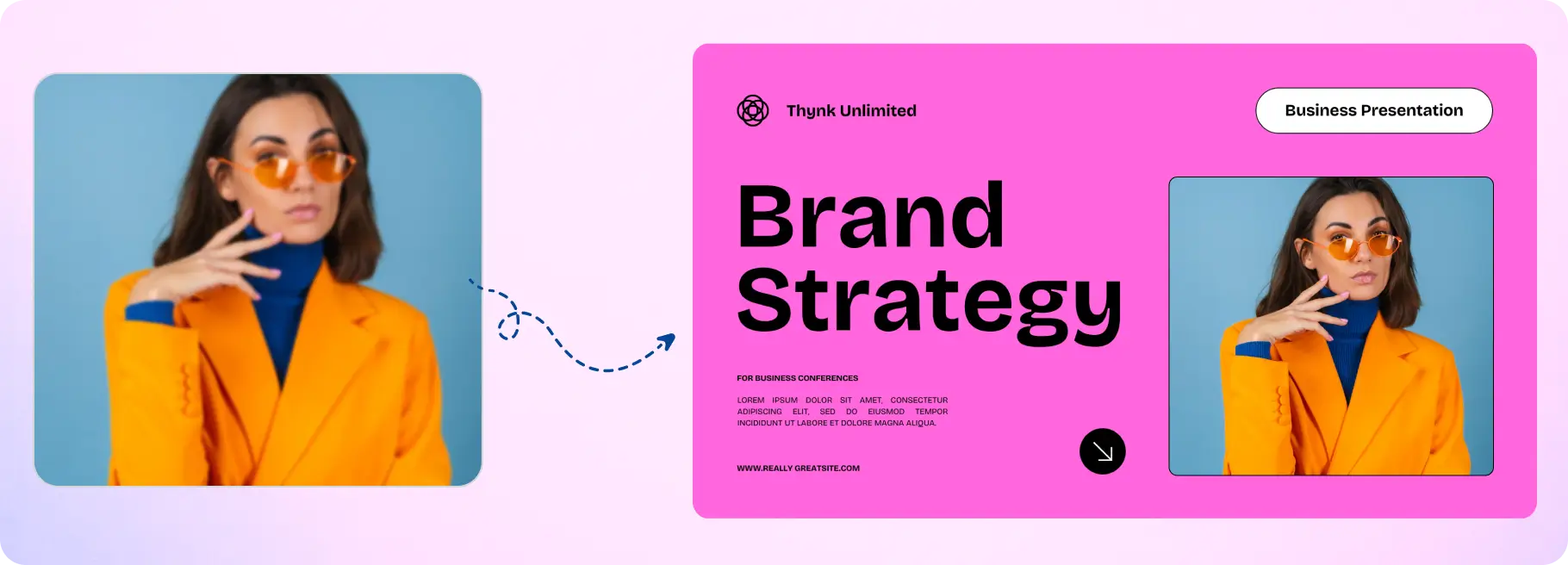
Enhance picture quality for presentations, documents, and reports.

freshchat icon chat icon loading icon

Explore Ideas, Images, and Ways to Improve Your Visuals

Browse downloadable images, get inspiration for your projects, and learn simple ways to improve picture quality and resolution when needed.

Explore More Tools

Frequently Asked Questions (FAQs)

An online AI image enhancer is a tool that improves image quality using artificial intelligence. It can sharpen details, fix blurry images, reduce noise, and increase image resolution automatically without manual editing.
Upload your image, select 2X or 4X upscaling, and the AI image upscaler processes it instantly. It enhances image clarity, improves resolution, and refines details to deliver a high-quality result.
Yes, you can start with a free AI photo enhancer. You receive credits after signing up, and credits are used only when you enhance image quality or upscale an image.
Upscaling picture 2X doubles the image resolution, while 4X increases it further for sharper and more detailed results. Higher scaling is useful when you need high-resolution images for printing or design.
You can upload JPG, JPEG, and PNG files up to 5 MB. These formats work best for an online photo enhancer tool and ensure smooth processing.
Yes, you can download enhanced images without any watermark. Your final image is ready for personal, professional, or commercial use.
No design or editing skills are required. This AI photo enhancer works automatically. Just upload your image, the artificial intelligence photo enhancer will enhance it, and download the result.
Yes, the AI-enhanced image tool is built to handle blurry, pixelated, and low-resolution images. It improves image clarity and sharpness, though results depend on the original image quality.
Most images are processed within seconds. The exact time depends on image size and the selected upscaling option.