


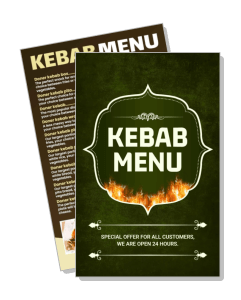
Kebab Menu Templates
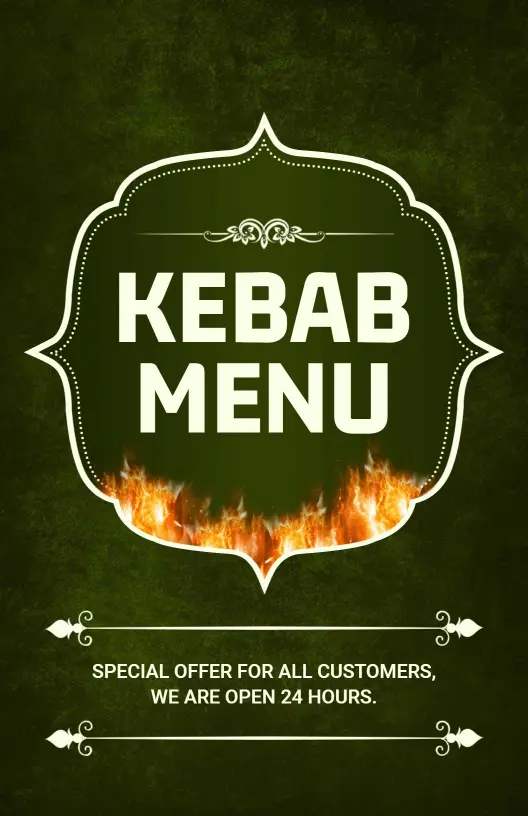
Kebab menu templates help restaurants, grills, and takeout counters present kebabs, wraps, platters, sides, and specials in a layout that is easy to read at the table or on a phone.
Trusted by Thousands
 Tata Consultancy Services
 Boston Consulting
 AT&T
AT&T
 Avelo Airlines
 Procter & Gamble
 Ministry Of Health, Malaysia
 Veterans Affairs
 Detroit Government
 New York University
 Texas A&M University
 Decathlon America
 Warby Parker
Tata Consultancy Services
Boston Consulting
AT&T
Avelo Airlines
Procter & Gamble
Ministry Of Health, Malaysia
Veterans Affairs
Detroit Government
New York University
Texas A&M University
Decathlon America
Warby Parker
Warby Parker
Tata Consultancy Services
Boston Consulting
AT&T
Avelo Airlines
Procter & Gamble
Ministry Of Health, Malaysia
Veterans Affairs
Detroit Government
New York University
Texas A&M University
Decathlon America
Warby Parker



Other Menu templates
Attract More Guests with Tempting Kebab Menus
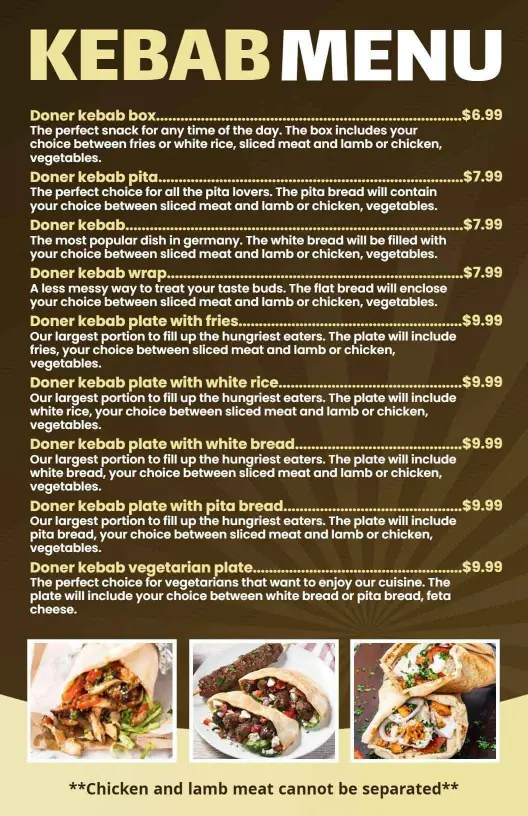
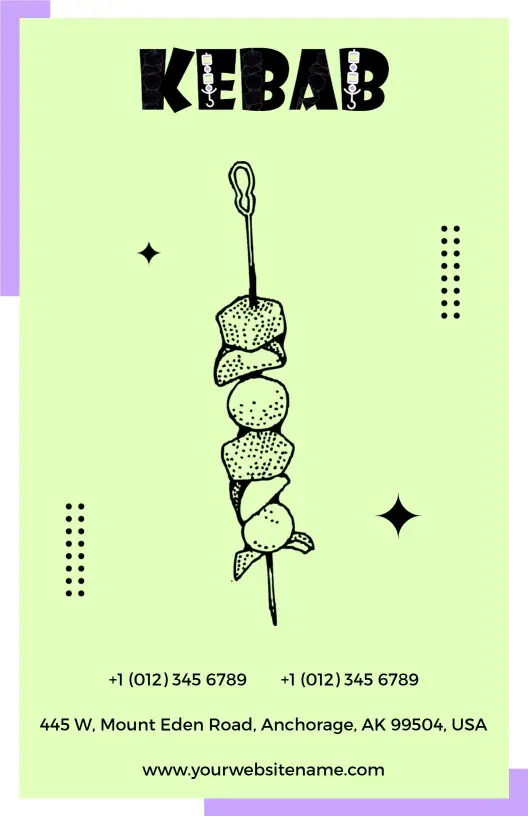
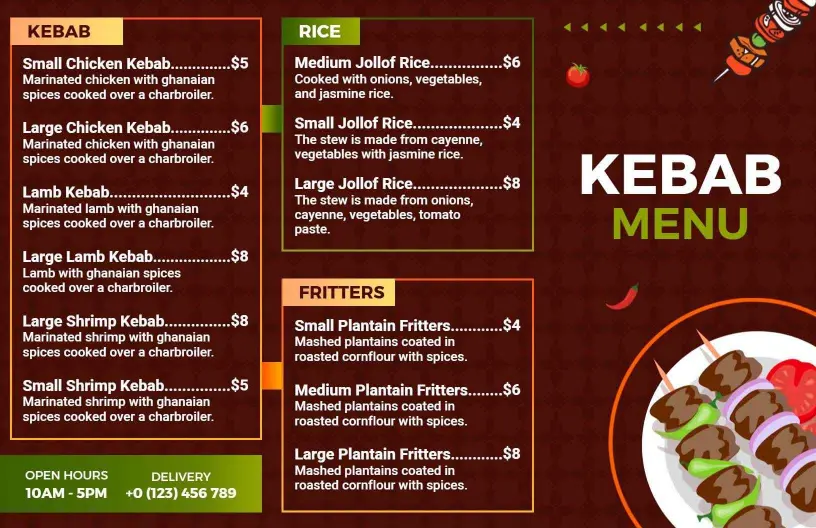
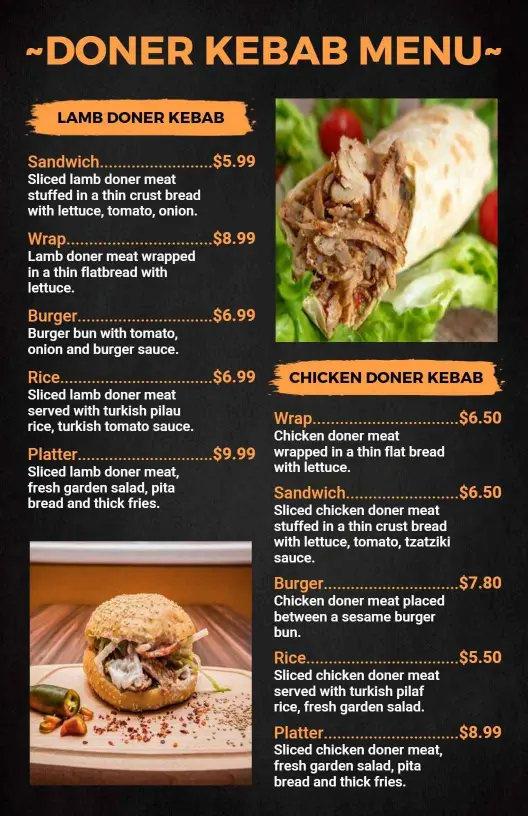
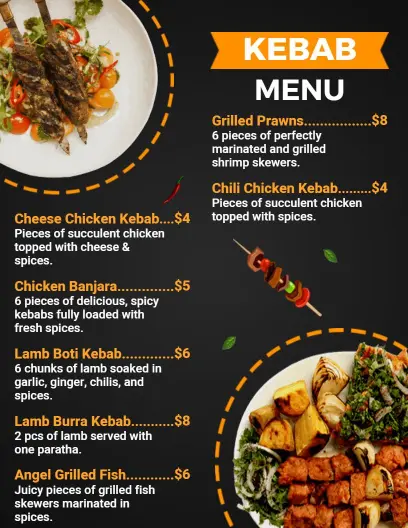
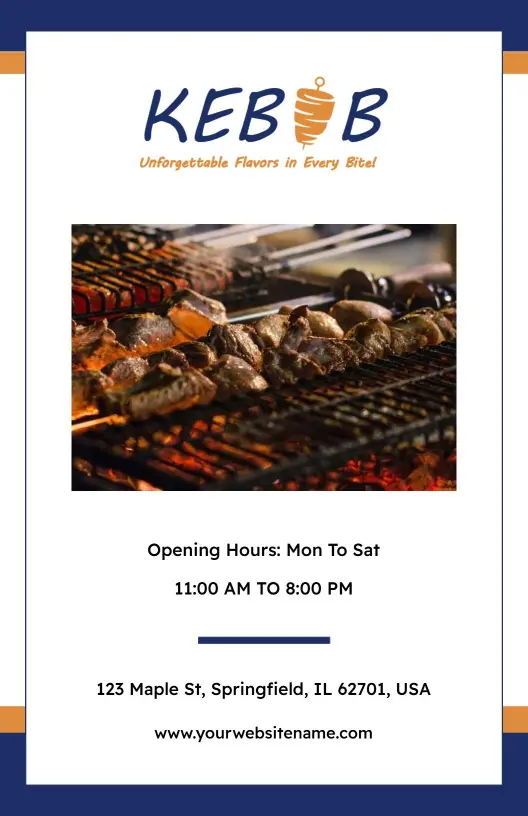
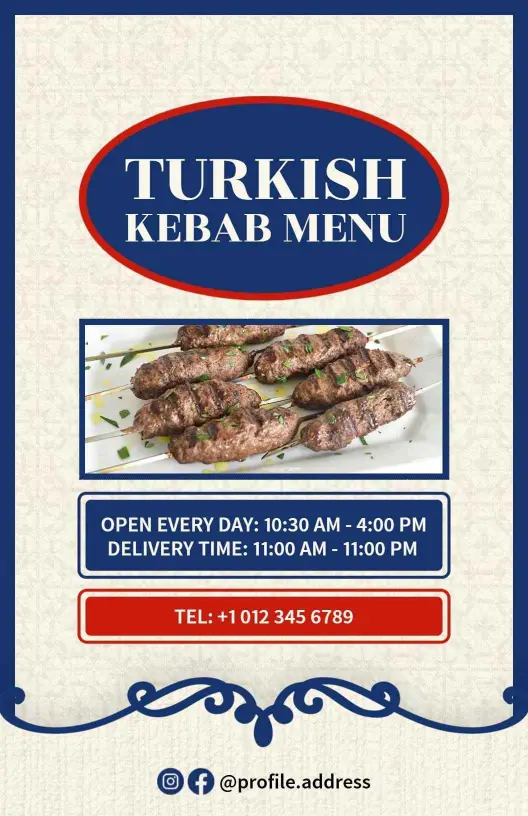
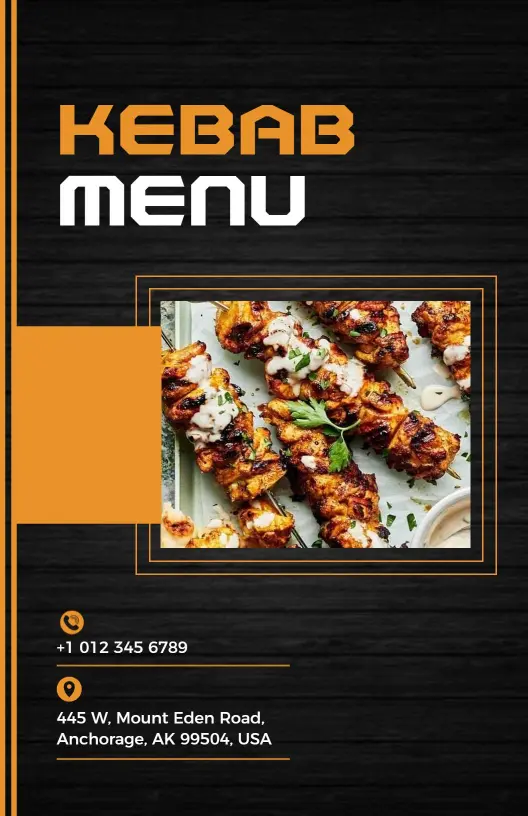
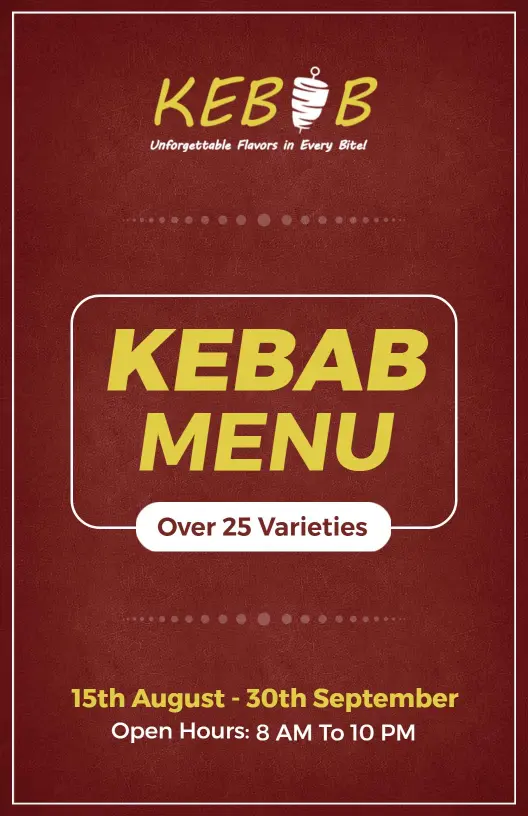
Mouthwatering kebabs deserve a menu design that captures the spicy aroma and sizzling flavor, drawing diners in at a glance. DesignWiz kebab menu templates use rich, warm colors like earthy browns and vibrant chili reds, along with enticing food photos that spotlight your signature lamb, chicken, or vegetarian skewers.
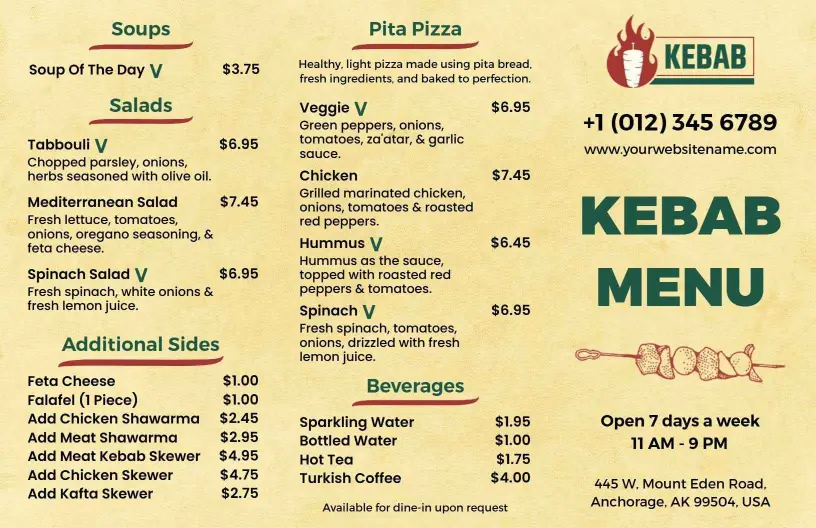
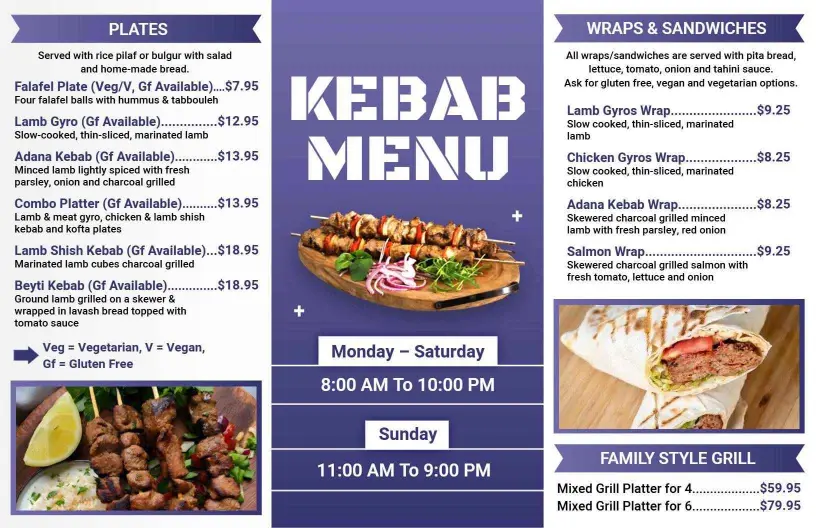
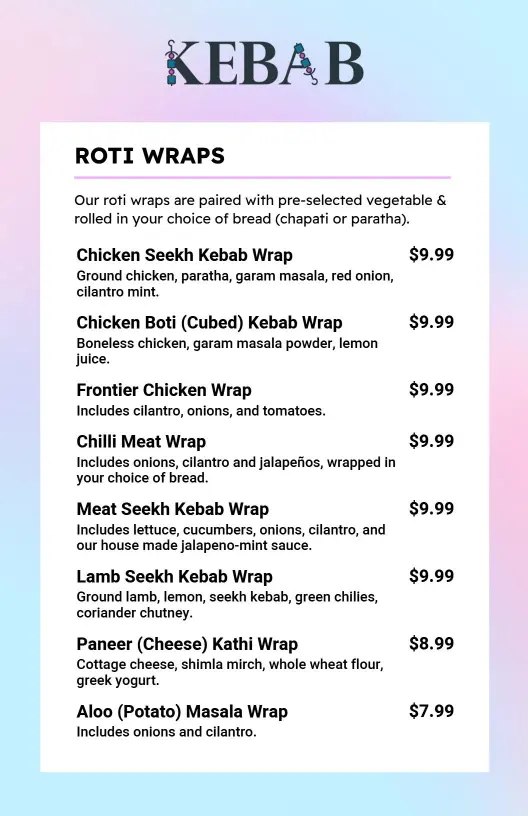
Ensure every dish is easy to find with well-structured sections. Include detailed descriptions, spiciness levels, portion sizes, ingredients, and clear pricing alongside any special kebab platters, combo offers with sides and drinks, and vegetarian or halal indicators, helping guests quickly make their selection.
Place printed menus on each table for an engaging dining experience, fold them into takeaway bags for delivery customers, and upload digital versions to your restaurant's website and social channels to boost online orders seamlessly.