Seasonal Menu Templates
Seasonal menu templates help restaurants, cafes, and event hosts present spring, summer, winter, and holiday specials in a layout that is easy to scan, easy to edit, and ready for print or digital sharing.
How to make a seasonal menu
Start with the service style your guests will use most, then organize the menu so spring, summer, winter, and holiday specials are easy to compare on paper or on a phone.
1. Choose the right layout
Pick a layout based on how the menu will be used. A shorter seasonal offer can stay compact, while a rotating specials menu may need more space for sections, pricing, and service notes.
2. Group dishes by season
Separate spring, summer, winter, and holiday specials so guests can scan the page in a natural order. If you have limited-time offers, keep those labels obvious and consistent.
3. Add prices and helpful labels
Put prices beside each item and add short labels for ingredients, portion size, or availability when those details help people decide faster. Keep the wording brief so the page stays clean.
4. Check readability on phone and in print
Review the design on a phone and on a printed copy before you publish it. Make sure the fonts stay clear, and the menu still reads well in bright dining-room light or low event lighting.
5. Export and reuse
Save a print-ready PDF for tables, counters, or handouts, then export a digital version for QR ordering or social sharing. Reusing one clean structure makes price or menu updates much easier.
Trusted by Thousands
Tata Consultancy Services
Boston Consulting
AT&T
Avelo Airlines
Procter & Gamble
Ministry Of Health, Malaysia
Veterans Affairs
Detroit Government
New York University
Texas A&M University
Decathlon America
Warby Parker
Tata Consultancy Services
Boston Consulting
AT&T
Avelo Airlines
Procter & Gamble
Ministry Of Health, Malaysia
Veterans Affairs
Detroit Government
New York University
Texas A&M University
Decathlon America
Warby Parker
Other Menu templates
Seasonal menu templates for spring, summer, winter, and holiday specials
Seasonal menus work best when guests can move from featured dishes to side items, drinks, and desserts without losing the thread of the page. DesignWiz keeps the layout practical for small businesses that need a clean way to present changing specials, pricing, and service details in a format that stays readable on paper or on a phone.
Summer specials that feel light and fresh
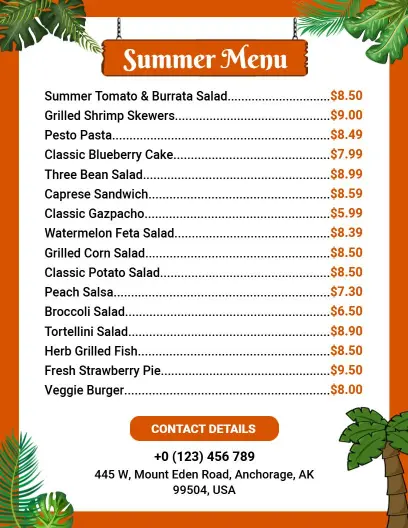
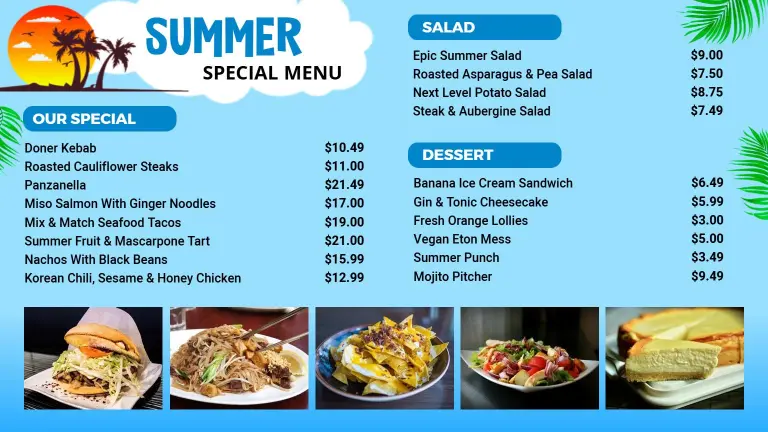
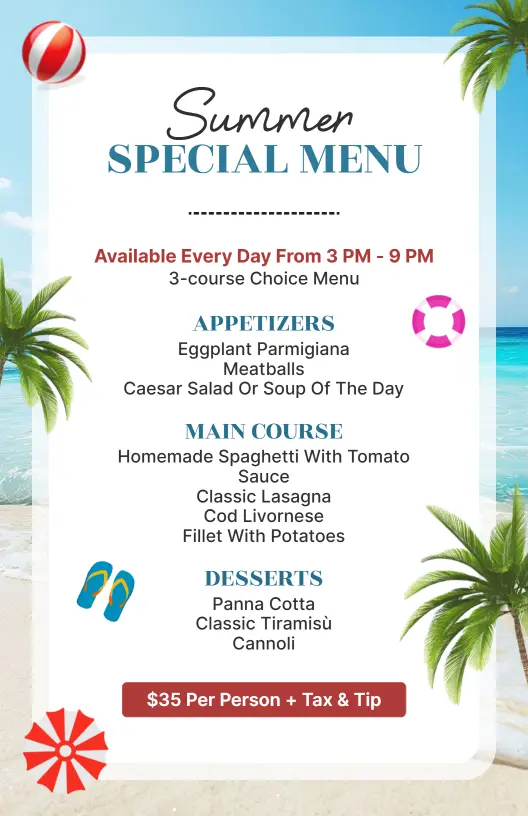
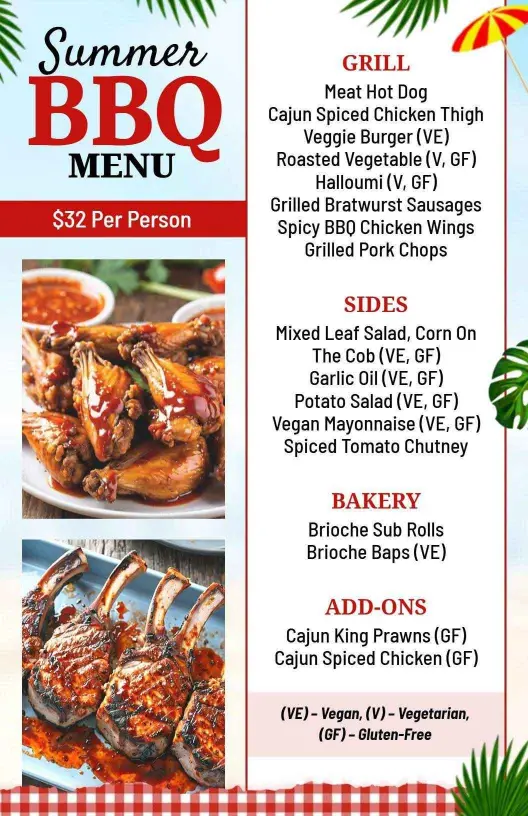
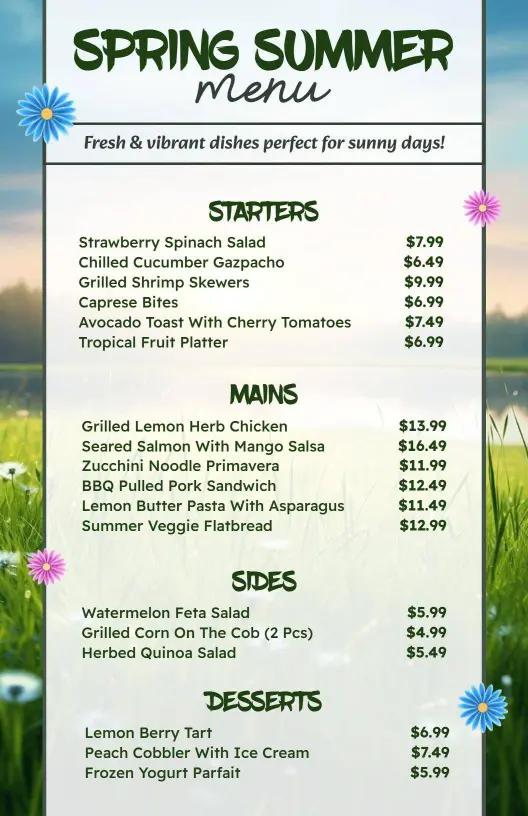
For warm-weather menus, the layout should make salads, lighter mains, and refreshing drinks easy to compare at a glance. Keep the seasonal favorites near the top and use short notes for ingredients or serving style when they help guests decide faster. The Vibrant Summer Dishes Menu Template is a good fit when you want a bright, easy-to-scan layout that still feels polished.
Spring menus with fresh ingredients
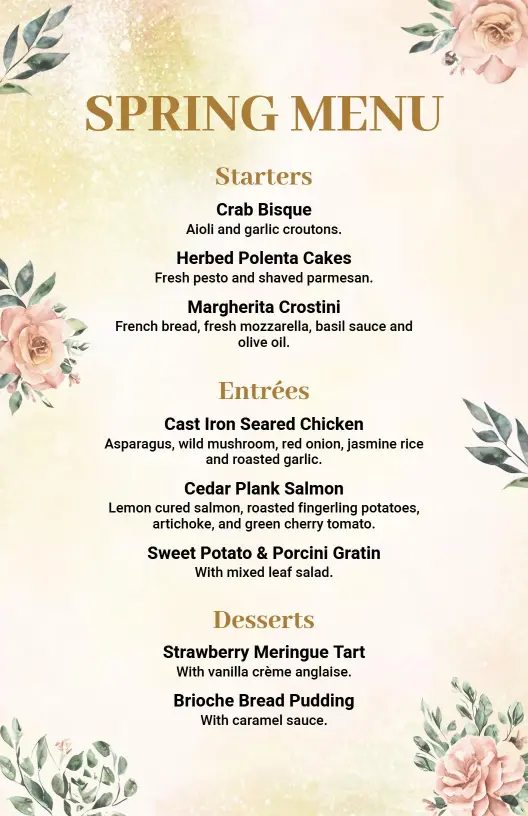
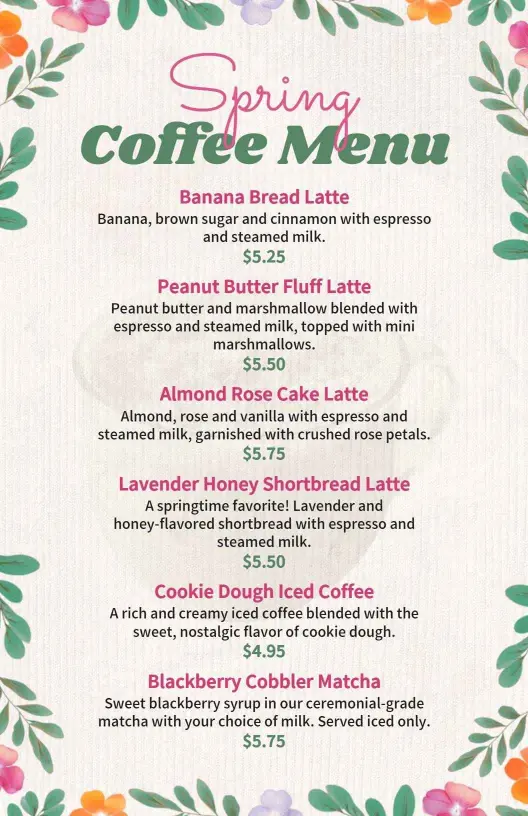
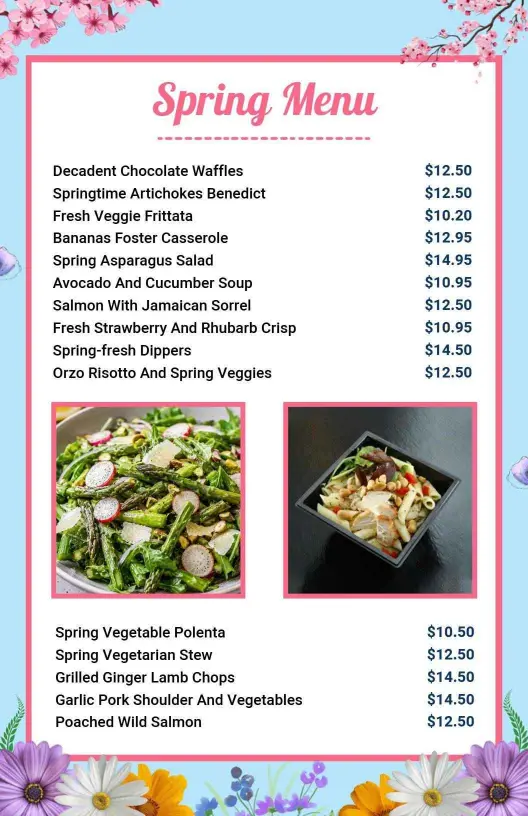
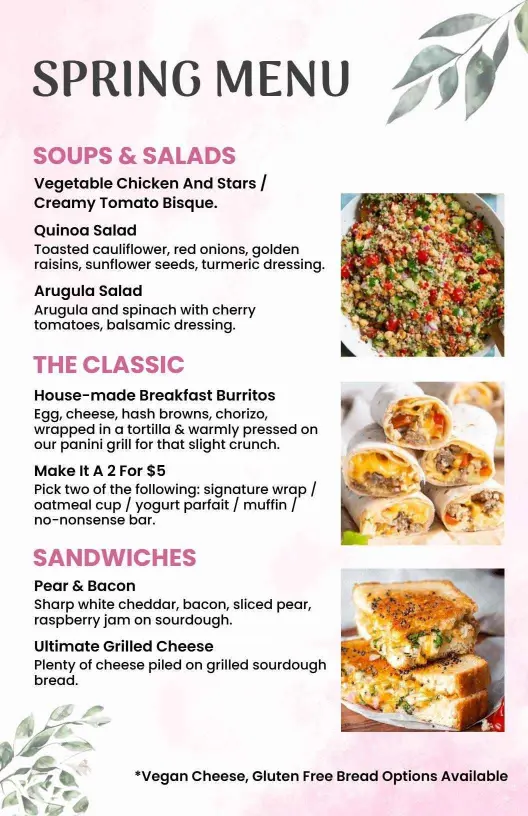
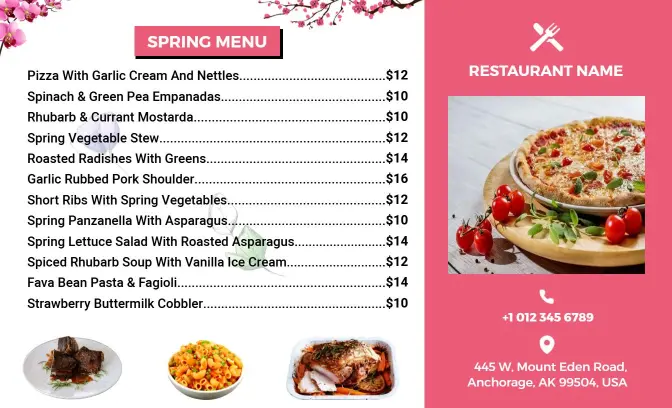
Spring pages work best when the menu separates fresh starters, lighter dishes, and seasonal desserts into clear blocks. That helps guests understand the offer quickly and makes it easier for staff to update featured items or limited-time specials. The Delicious Springtime Dishes and Fresh Ingredients Seasonal Menu Template and the Elegant Spring Starters and Desserts Featuring Seasonal Menu Template both support that kind of service flow.
Winter comfort menus that stay organized
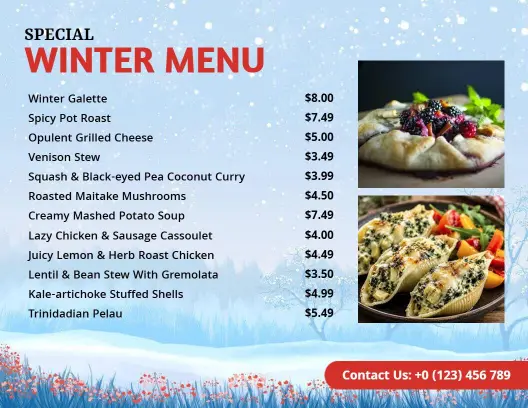
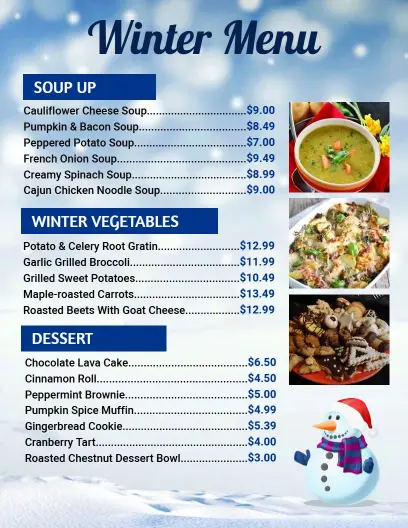
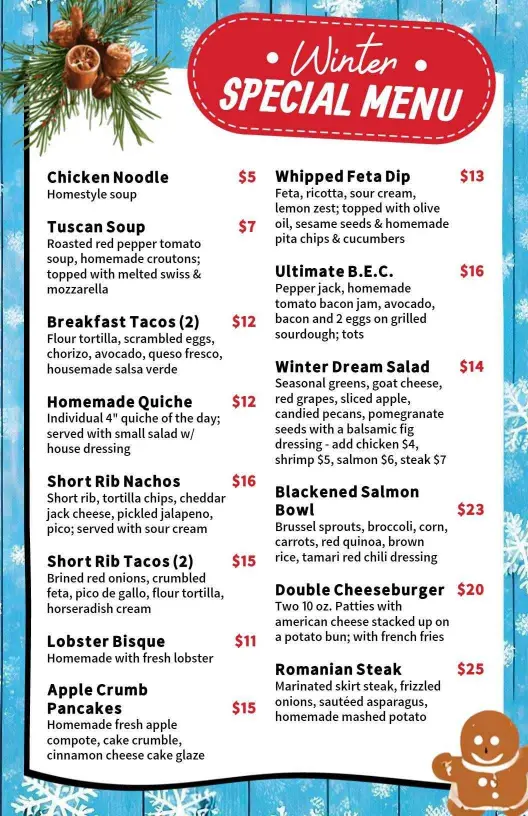
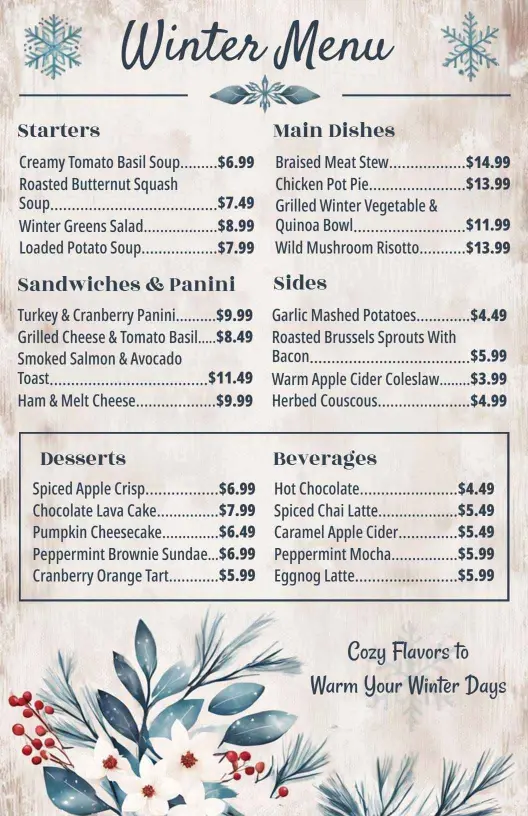
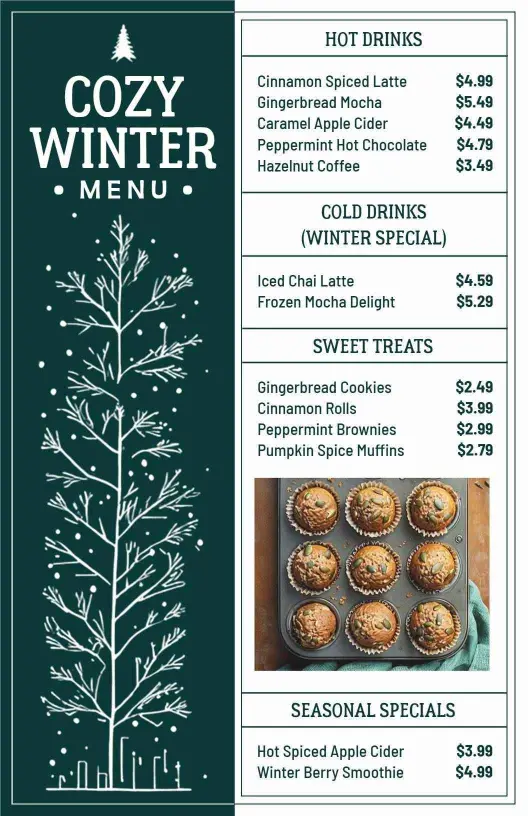
If your menu leans toward warm dishes, soups, and comfort-food specials, the page should keep those items grouped so the design feels clear and cozy. A compact structure helps guests compare soups, mains, and desserts without scanning the full page. The Warm and Comforting Winter Cuisine Menu Template works well when those dishes need their own spotlight. The Cozy Winter Soups and Desserts for Chilly Days Seasonal Menu Template is useful when soups and desserts need a stronger seasonal role.
Holiday and themed specials with room to breathe
If the page includes holiday-themed items or a more styled seasonal look, give those dishes enough space to feel deliberate instead of crowded. That makes the page easier to update and easier for diners to browse when they are comparing limited-time offers. The Tropical Blue Summer Special Menu Template works well when the menu needs a more branded visual direction.
A strong seasonal menu should feel current, readable, and practical. The layout should help your team present the changing specials clearly while giving diners a quick way to understand the dishes, prices, and service style.