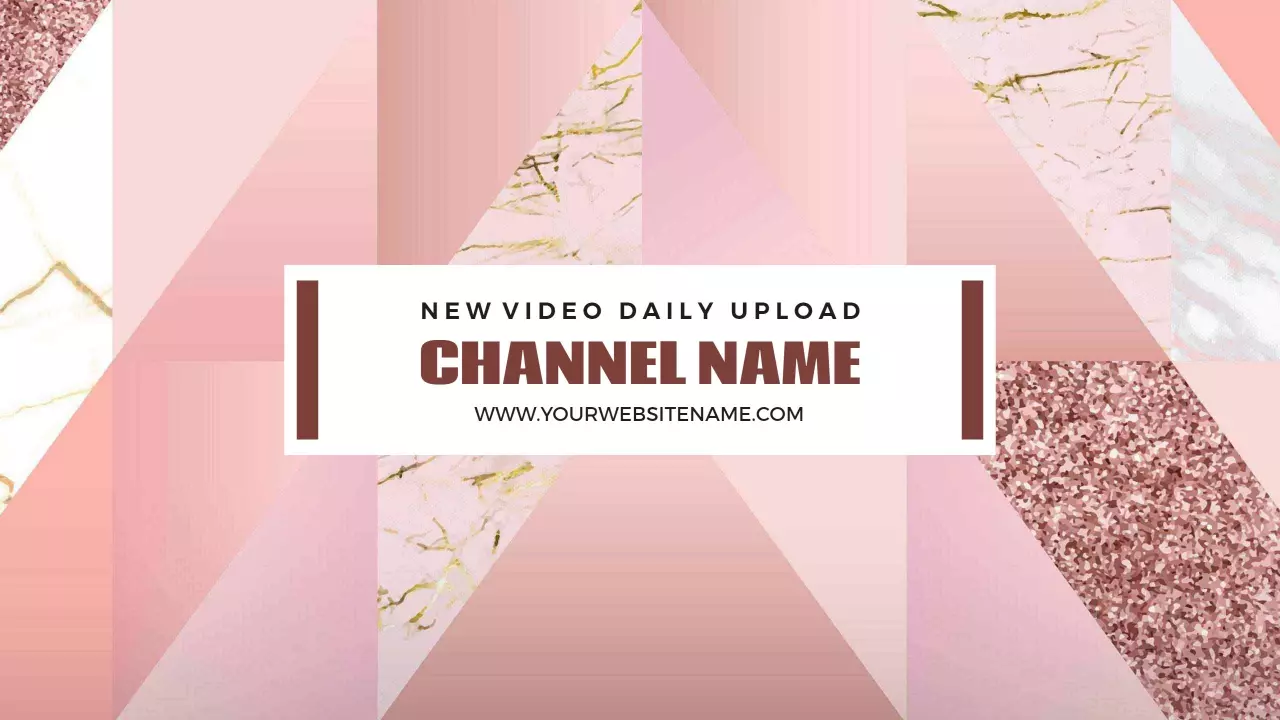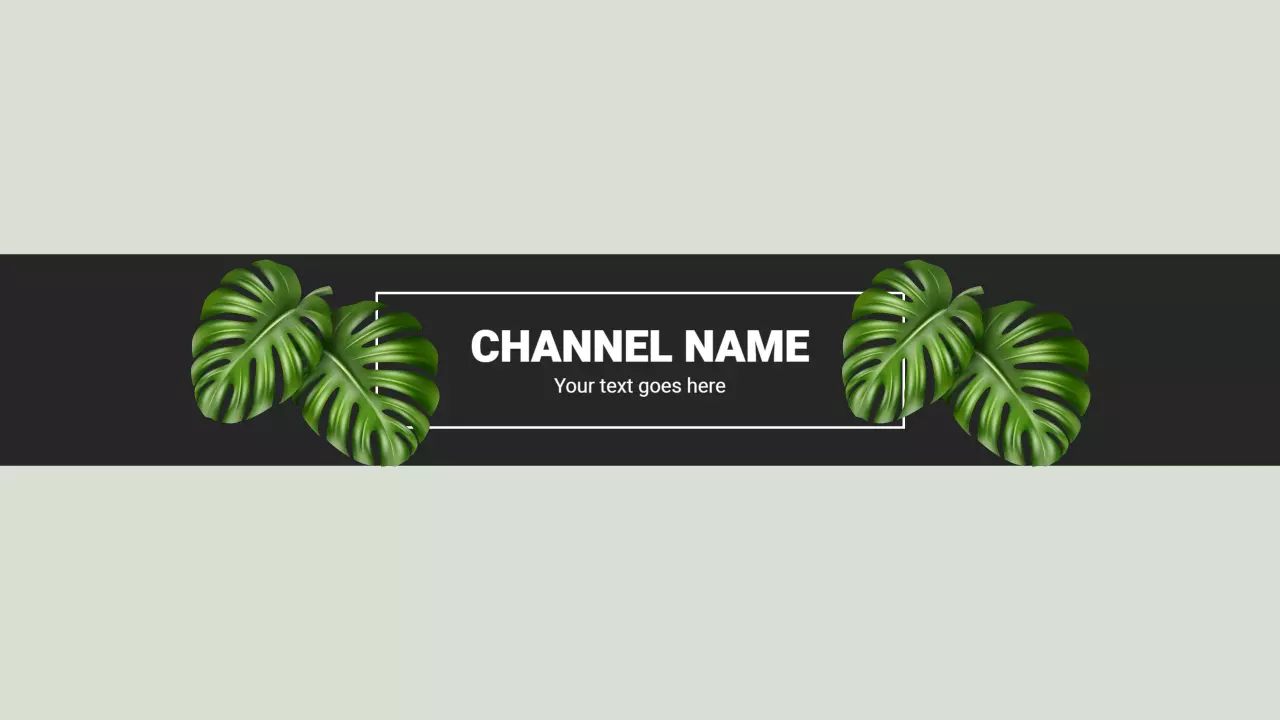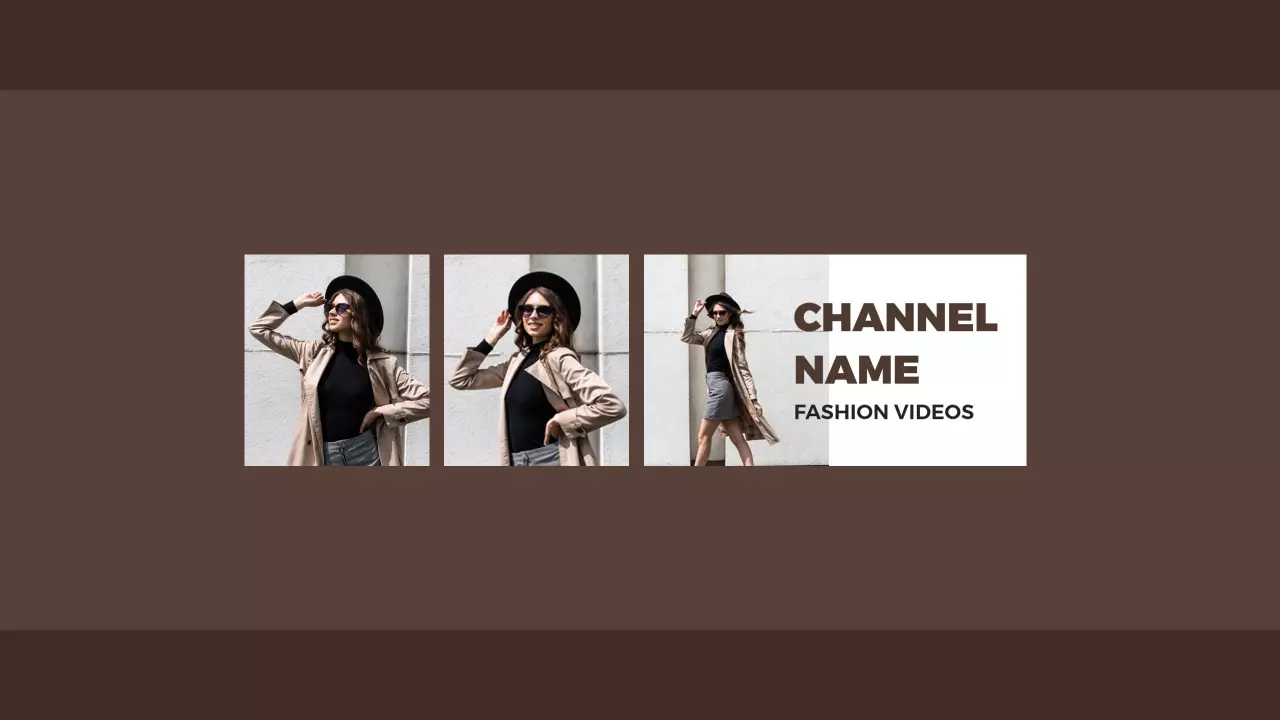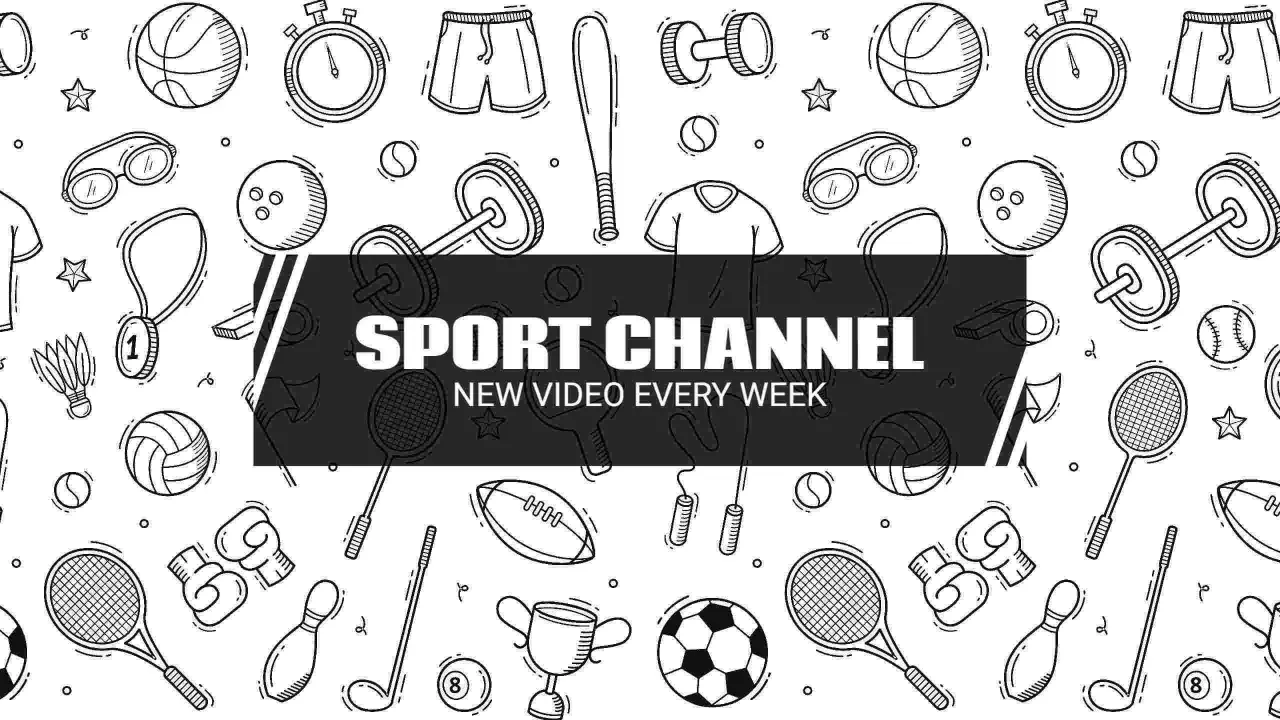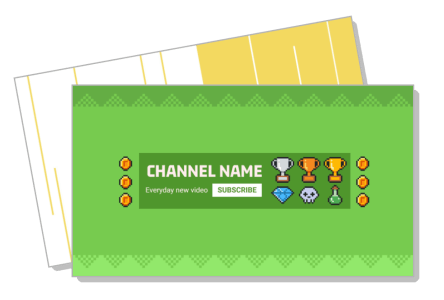
YouTube Banner Templates
YouTube banner templates for gaming channels, beauty vloggers, food creators, and brands — used by over 700 channel owners to match niche colors and post upload schedules in minutes.
Create your own
How to make a YouTube banner
No design skills needed. Pick a niche-matched layout, update your channel name and upload schedule, swap in your colors, and export a 2560x1440px PNG ready for YouTube Studio in minutes.
1. Pick a template
Pick a YouTube banner template matching your channel niche — gaming, beauty, food, fitness, or education — and verify the layout includes the safe zone guide at 1546x423px centered.
2. Update channel text
Update your channel name, tagline, and upload schedule text (for example, new videos every Tuesday), then adjust the color palette to match your channel niche or existing brand colors.
3. Swap the background
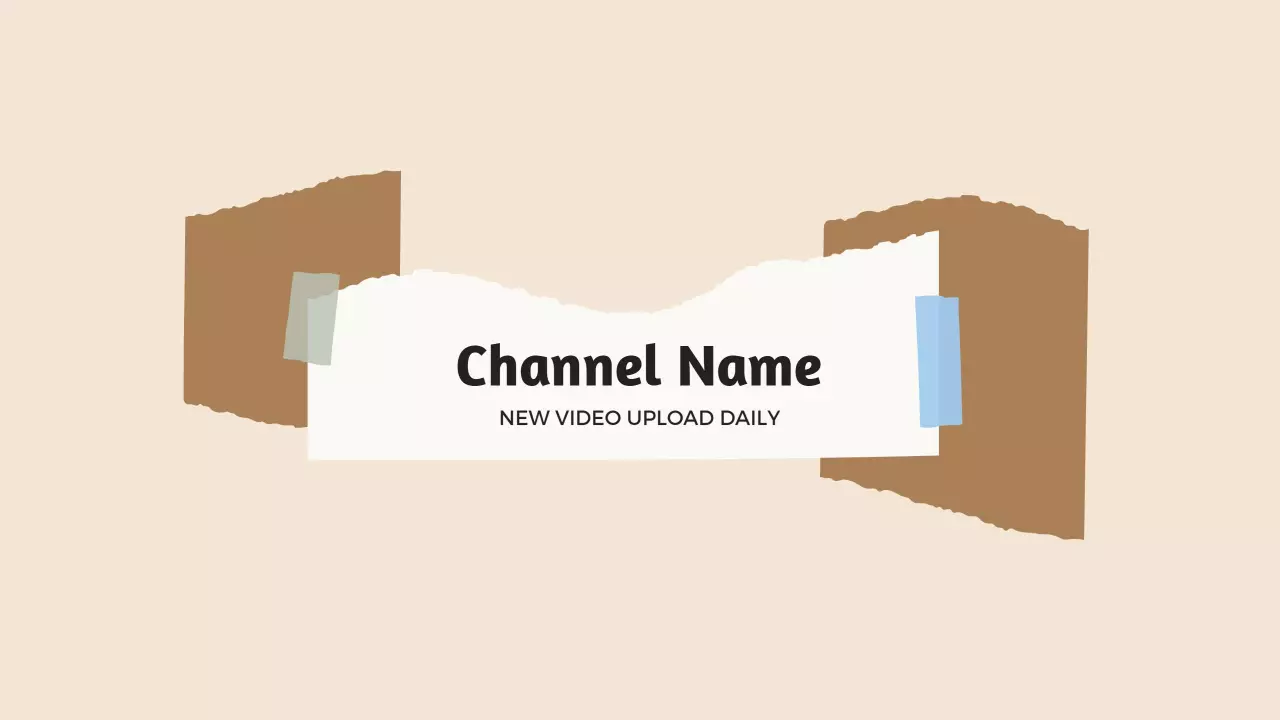
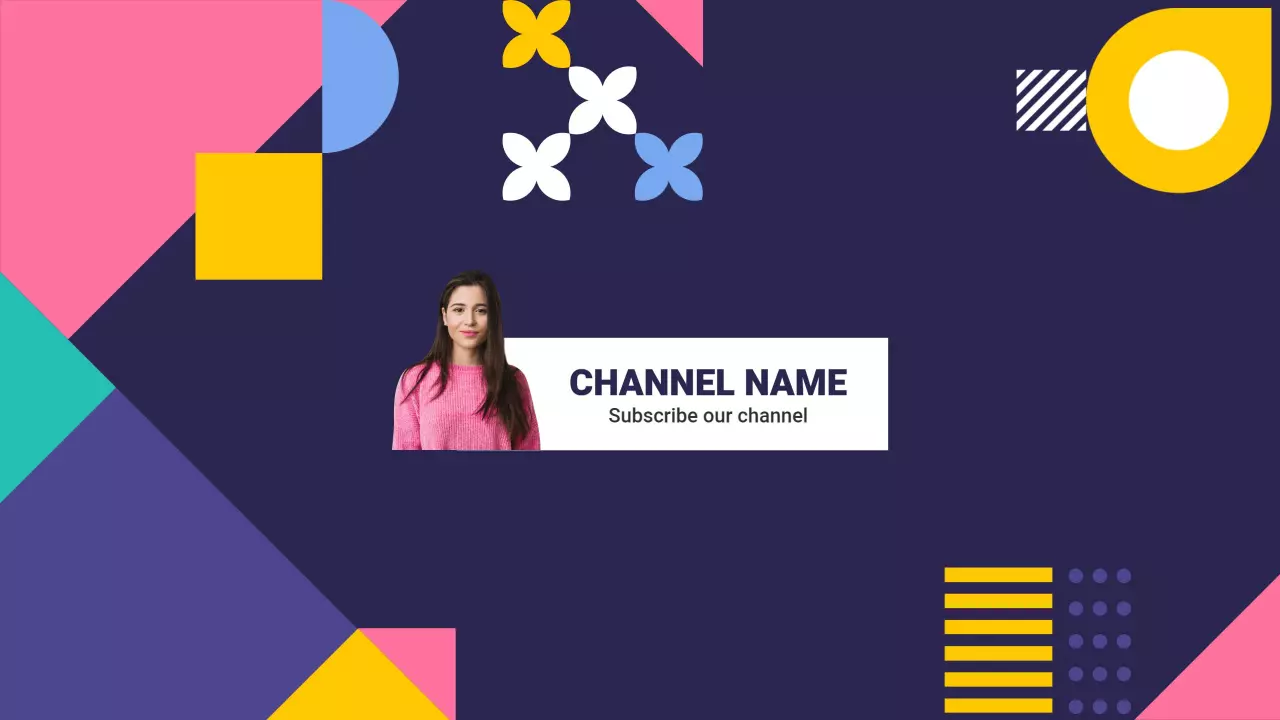
Replace the placeholder background image or pattern with your own channel art or a niche-relevant photo, or keep the template stock visual if it fits your channel aesthetic and colors.
4. Export and upload
Export as a 2560x1440px PNG and upload directly to YouTube Studio under Customization, Branding, Banner image — then preview how it crops on desktop, mobile, and TV before publishing.
Trusted by Thousands

Tata Consultancy Services
Boston Consulting
AT&T
Avelo Airlines
Procter & Gamble
Ministry Of Health, Malaysia
Veterans Affairs
Detroit Government
New York University
Texas A&M University
Decathlon America
Warby Parker
Tata Consultancy Services
Boston Consulting
AT&T
Avelo Airlines
Procter & Gamble
Ministry Of Health, Malaysia
Veterans Affairs
Detroit Government
New York University
Texas A&M University
Decathlon America
Warby Parker
Other Banner templates
Who uses YouTube banner templates?
YouTube banner templates are used by content creators setting up or rebranding their channels, as well as businesses and agencies managing YouTube presence across multiple accounts. Most need a layout that prominently displays their channel name, niche visual style, and upload schedule text — all of which must remain legible across YouTube's three display breakpoints (desktop, mobile, TV). A ready-made template handles the safe zone layout so creators can focus on color and copy rather than pixel math.
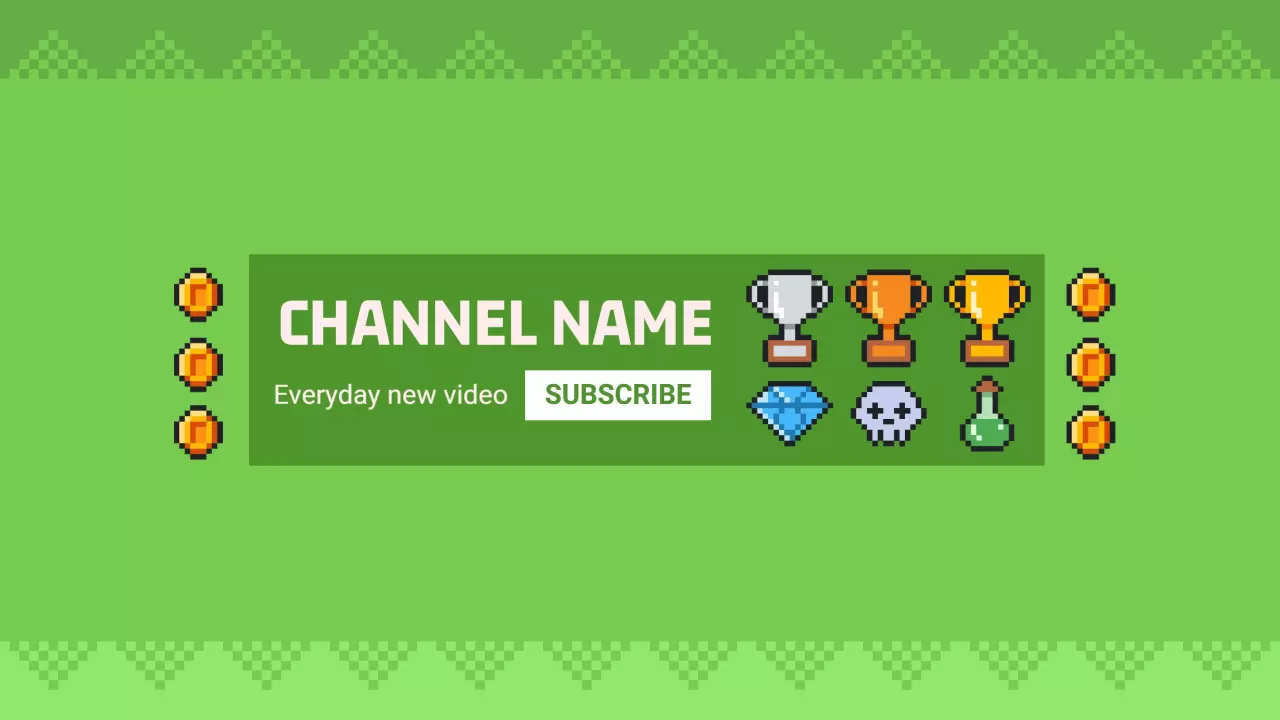
Gaming channel creators — Gaming channel creators use dark-background YouTube banner templates to display their channel name in bold neon type alongside a weekly upload schedule like New Videos Every Friday. They swap in trophy icons or pixel art to match their game genre. Use the Fun Pixel Art Gaming Design with Trophies and Coins YouTube Banner Template to get started.
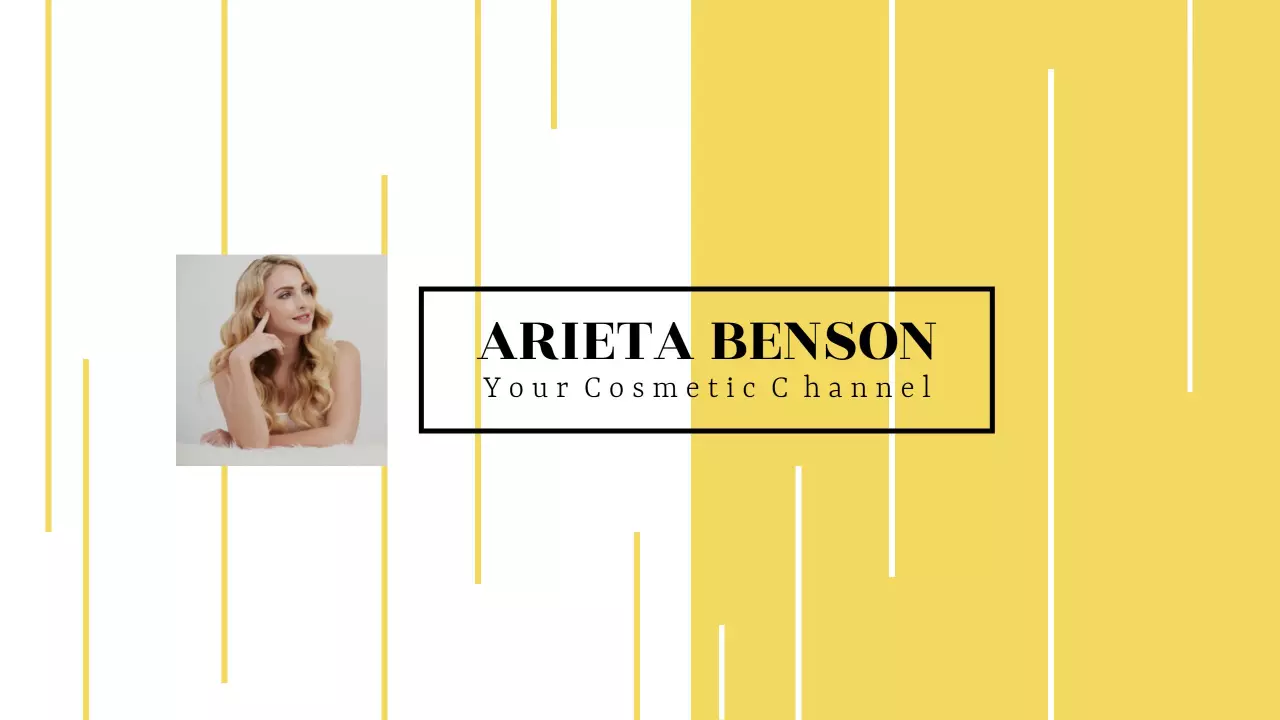
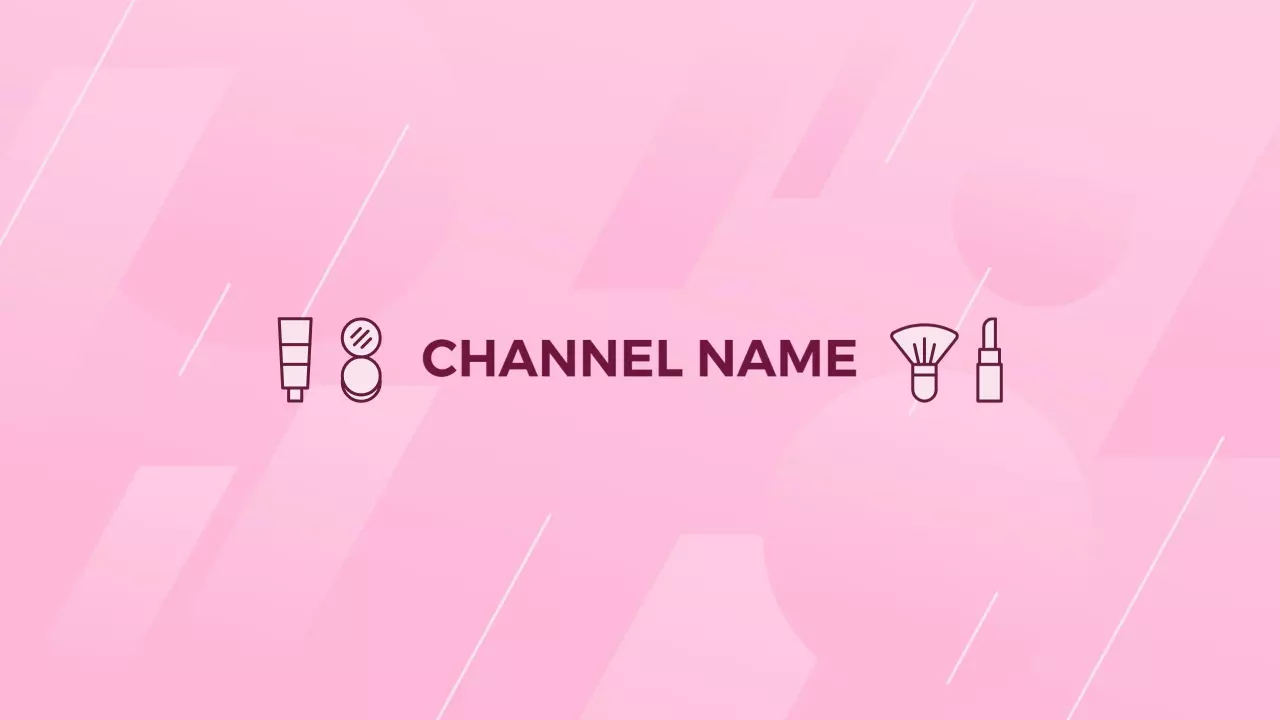
Beauty and lifestyle vloggers — Beauty vloggers need a YouTube banner that signals their aesthetic before a viewer hits subscribe. They replace placeholder text with their channel tagline and upload days, and swap background colors to match their feed palette. Use the Stylish Yellow Stripes Featuring Beauty Tips YouTube Banner Template to get started.
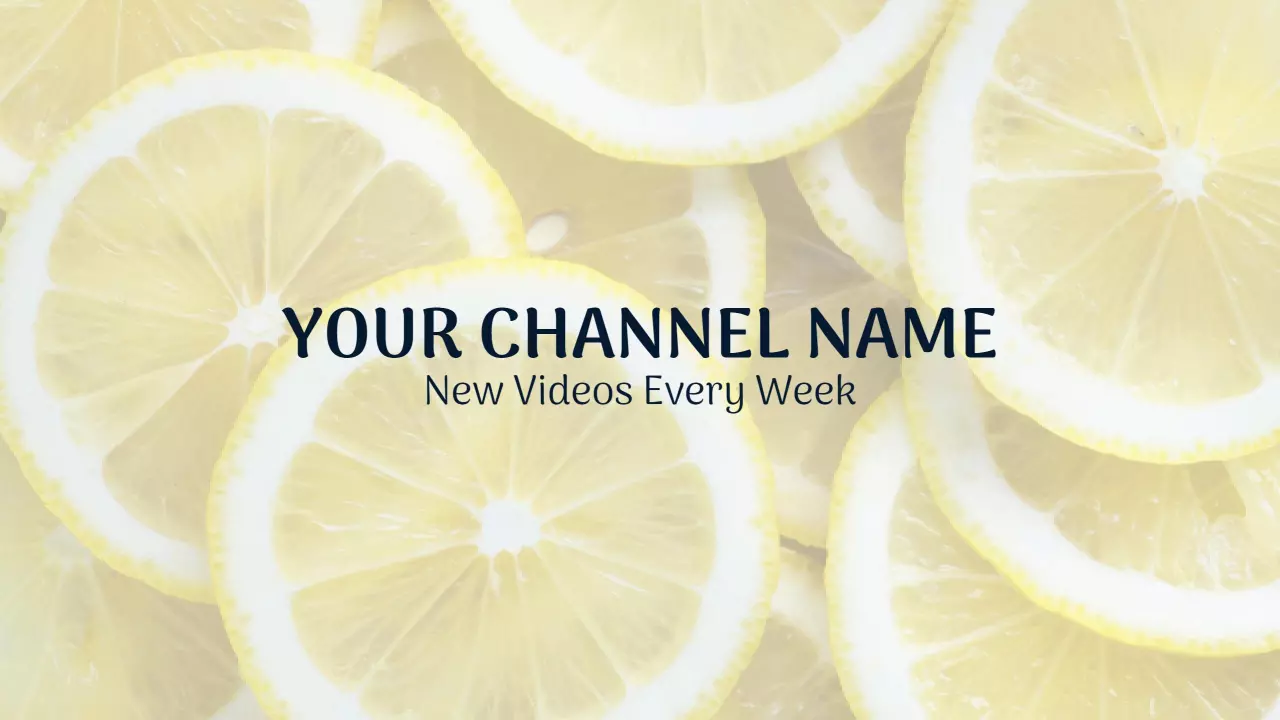
Food and recipe creators — Food creators use fresh, vibrant YouTube banner layouts to show channel personality — lemon slices, greenery, and ingredient photography perform well in this niche. They update the channel name and post their weekly recipe drop day in the text block. Use the Bright Lemon Slice Background with Freshness Theme YouTube Banner Template to get started.
Small businesses with YouTube channels — Small businesses launching YouTube channels need a banner that immediately reflects brand identity — logo placement, brand colors, and a one-line channel description inside the safe zone. They avoid busy backgrounds that break apart on mobile crop. Use the Minimalist Green and White Design for Your YouTube Channel Banner Template to get started.
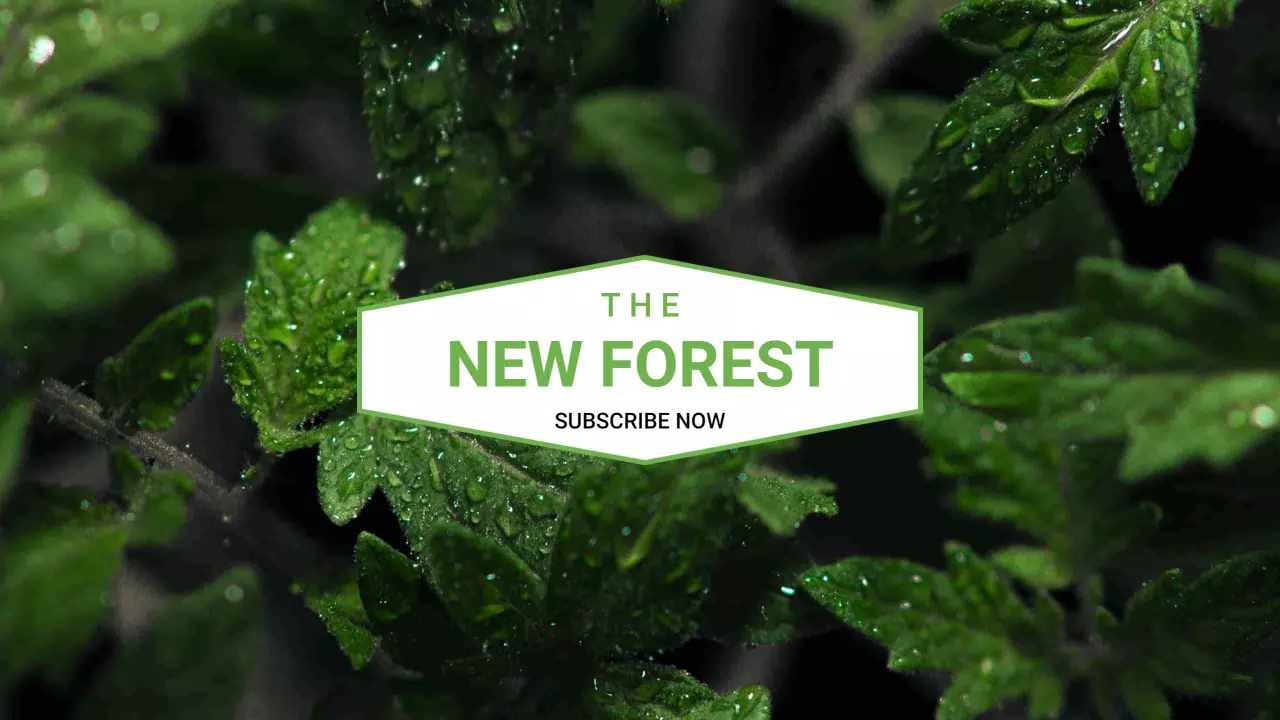
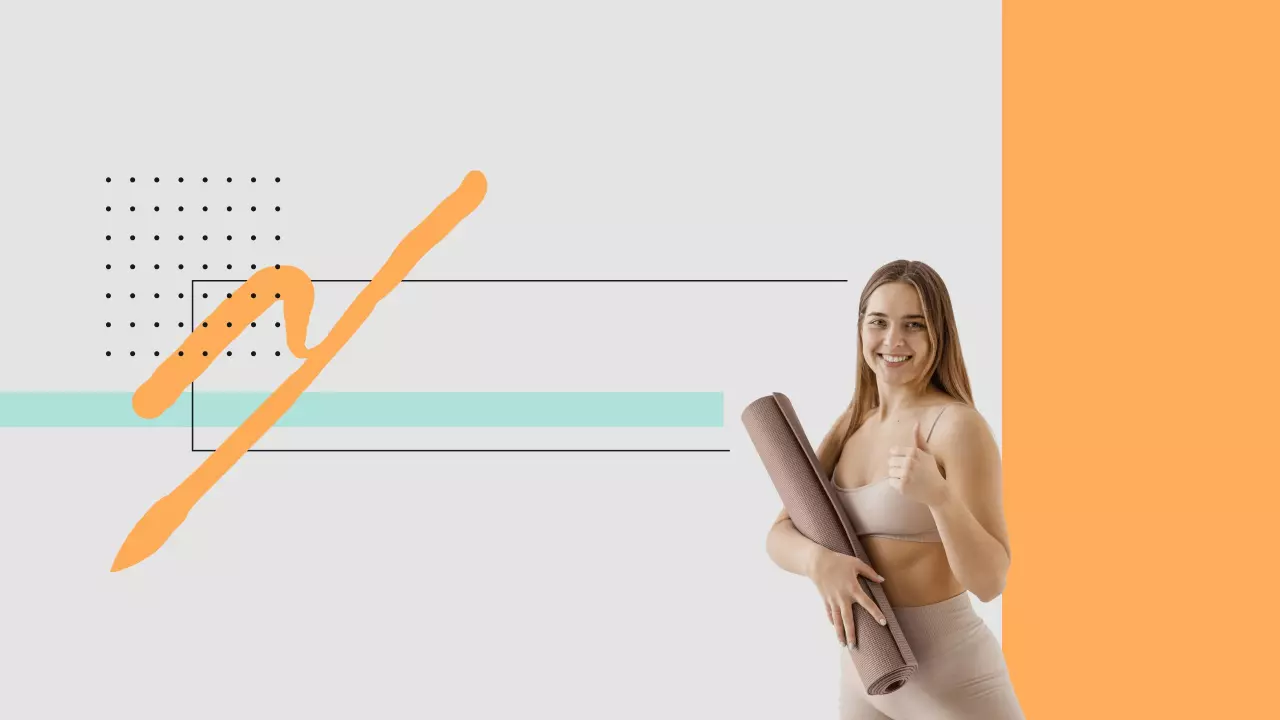
Fitness and wellness coaches — Fitness coaches and yoga instructors use energetic YouTube banner templates to signal motivation before a viewer watches a single video. They customize class schedule text and add a channel tagline like New workouts every Monday. Use the Lush Green Leaves and Refreshing Vibes YouTube Banner Template to get started.
Music artists and bands — Music artists use moody or bold YouTube banner templates to establish visual identity across their channel page. They drop in their artist name, release dates, and social handles within the safe zone to convert viewers into followers. Use the Autumn Leaves Design with Soft Cream Background YouTube Banner Template to get started.
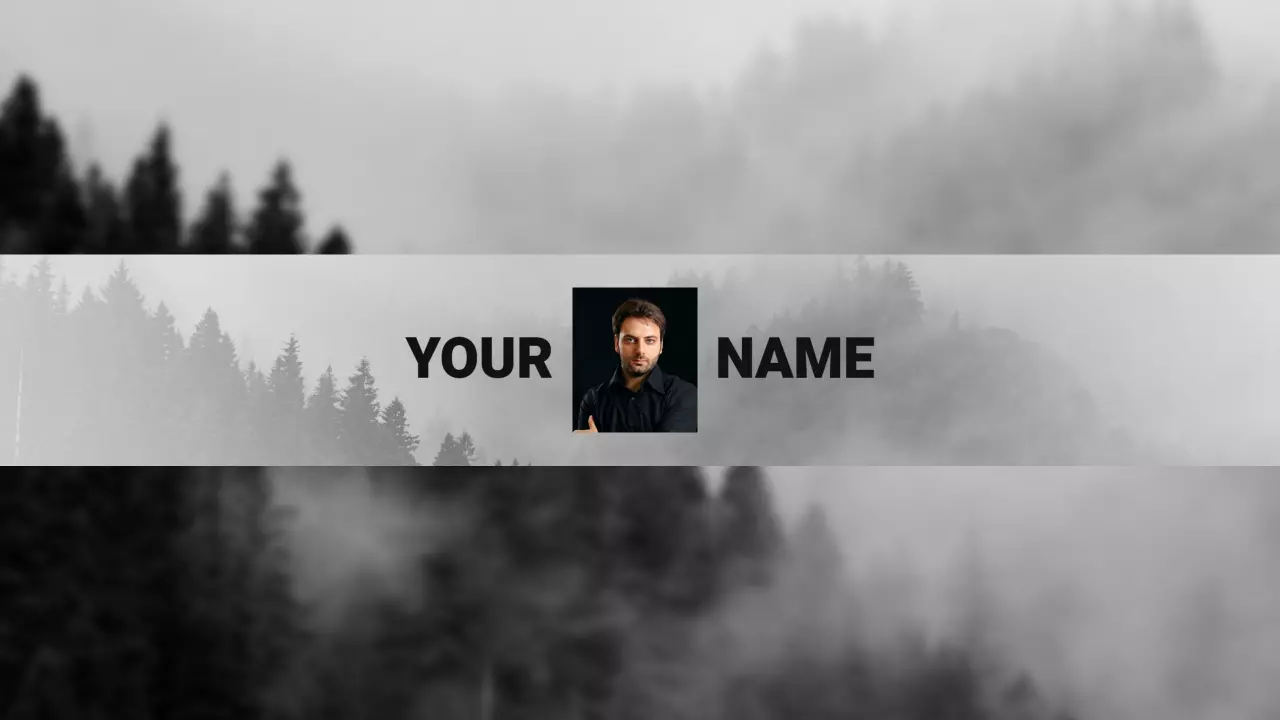
Educational content creators — Educators and tutorial creators use clean, minimal YouTube banner layouts so channel information stays readable on every device. They add subject matter, posting frequency like New lessons every Wednesday, and a professional headshot in the image zone. Use the Elegant Butterfly Designs on Soft Beige YouTube Banner Template to get started.
Over 743 people have used DesignWiz to create YouTube banner templates.