


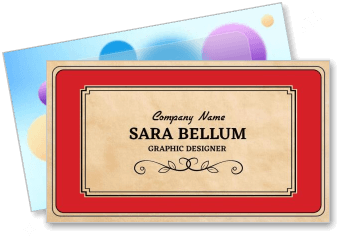
Graphic Designer Business Card Templates
Graphic Designer Business Card Templates help freelancers, studio owners, and creative professionals present their services, contact details, and visual identity in a polished format.



How to create a graphic designer business card
Build a card that presents your creative identity clearly, gives prospects an easy way to contact you, and remains readable in both printed and digital formats.
1. Select a visual direction
Start with a layout that matches your design specialty and brand tone. A bold, minimal, or vintage direction should support the kind of client work shown in your portfolio.
2. Organize essential contact details
Add your name, role, email, phone number, portfolio URL, and relevant social handle. Keep the most useful contact method prominent so prospects know how to reach you.
3. Apply your brand identity
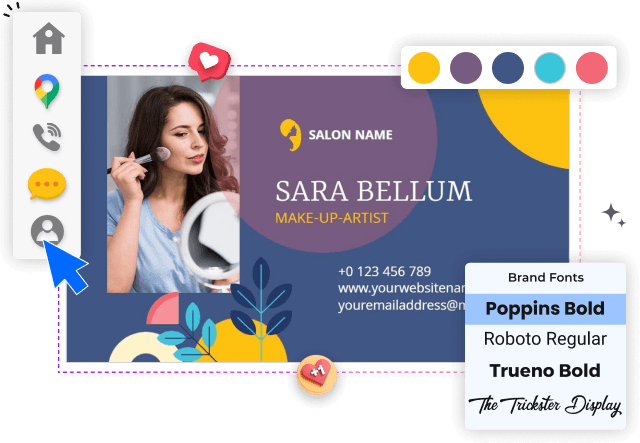
Replace the sample logo, colors, and typefaces with elements from your visual identity. Maintain enough contrast and spacing so creative choices never reduce readability.
4. Use the reverse side carefully
Use the reverse side for a short service list, portfolio QR code, or focused value statement. Avoid filling every space; a clear hierarchy makes the card feel more considered.
5. Check and export the final card
Review spelling, alignment, margins, and QR code performance before exporting. Save a print-ready file and a digital version that can be shared after meetings or online inquiries.
Trusted by Thousands
 Tata Consultancy Services
 Boston Consulting
 AT&T
AT&T
 Avelo Airlines
 Procter & Gamble
 Ministry Of Health, Malaysia
 Veterans Affairs
 Detroit Government
 New York University
 Texas A&M University
 Decathlon America
 Warby Parker
Tata Consultancy Services
Boston Consulting
AT&T
Avelo Airlines
Procter & Gamble
Ministry Of Health, Malaysia
Veterans Affairs
Detroit Government
New York University
Texas A&M University
Decathlon America
Warby Parker
Warby Parker
Tata Consultancy Services
Boston Consulting
AT&T
Avelo Airlines
Procter & Gamble
Ministry Of Health, Malaysia
Veterans Affairs
Detroit Government
New York University
Texas A&M University
Decathlon America
Warby Parker



Other Business Card templates
Business card designs that turn creative style into client recognition
Graphic designer business card templates give creative professionals a practical way to introduce their services while reinforcing the visual identity clients see across portfolios, websites, and social profiles. A well-structured card balances personality with readable contact information, making it useful during meetings, events, referrals, and everyday networking.
Choose a style that reflects your creative specialty
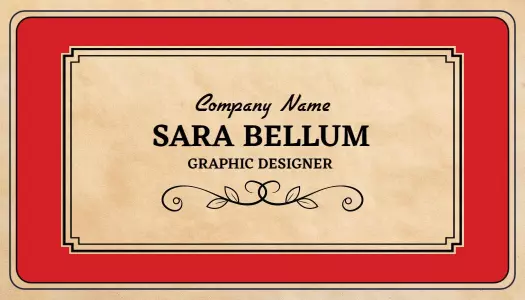
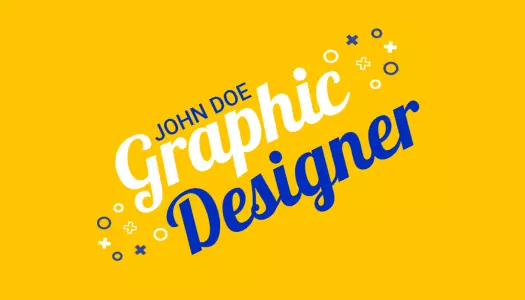
Your business card should communicate the kind of design work you want to attract. The Elegant Vintage Red Graphic Designer Business Card Template suits professionals whose work uses classic typography, detailed branding, or heritage-inspired aesthetics.
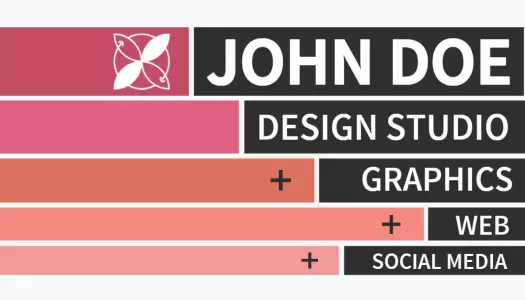
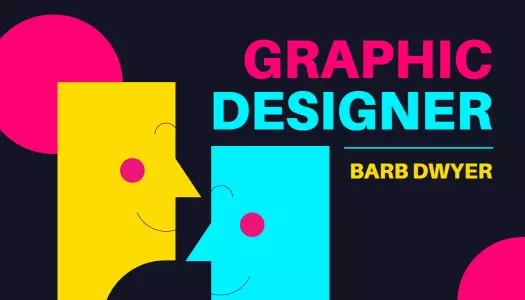
For portfolios built around energetic colors and experimental compositions, the Vibrant Abstract Shapes for Graphic Designer Business Card Template offers a more expressive direction while preserving space for essential details.
Make your contact and portfolio details easy to scan
Creative styling should support the information rather than compete with it. Keep your name, professional title, email address, phone number, portfolio URL, and preferred social profile clearly separated. A QR code can provide direct access to selected projects, but it should remain secondary to the main contact details.
Create a memorable card for meetings and referrals
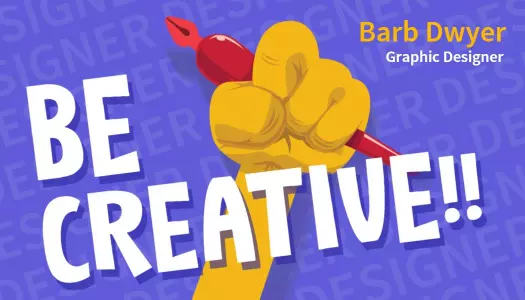
A distinctive card can help potential clients remember your specialty after a conversation. The Bold Colorful Graphic Designer Business Card Template works well for designers who want a confident visual introduction without relying on a long service description.
Use the reverse side for a concise service list, portfolio link, or short positioning statement. Limiting the message to one clear idea keeps the card useful instead of turning it into a miniature brochure.
Keep branding consistent across print and digital touchpoints
Match the card with the colors, logo, typefaces, and tone already used in your portfolio and client communication. Consistency helps prospects connect the printed card with your online work and makes future updates easier when your services or contact details change.