


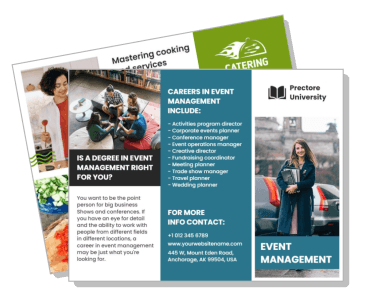
Event Brochure Templates
DesignWiz Event Brochure Templates help you promote your next event fast with ready made tri-fold layouts, plus simple editing for schedules, speakers, registration details, and venue information.


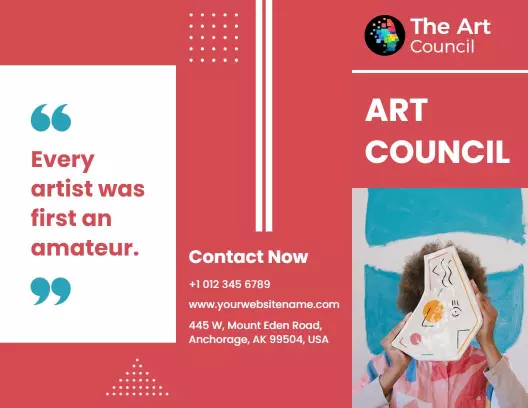
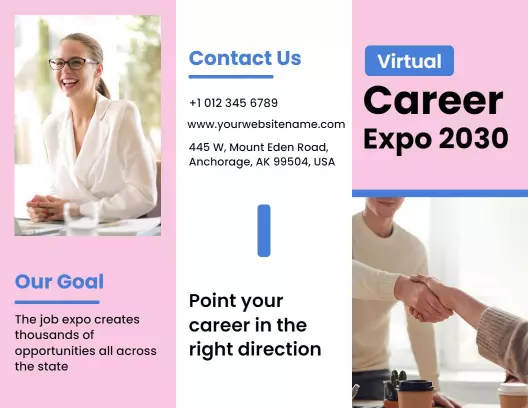
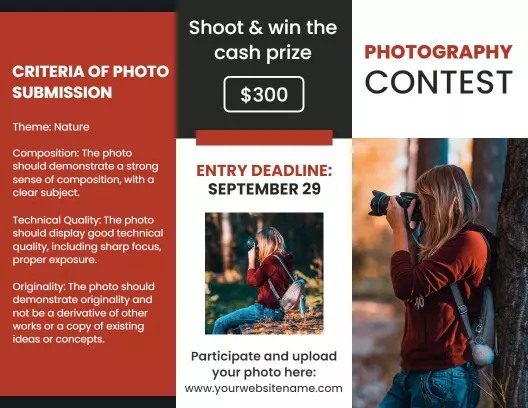
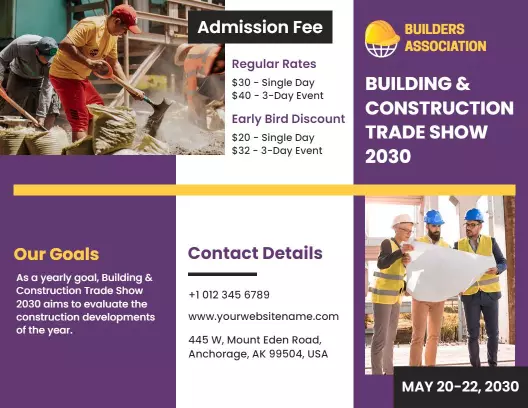


Trusted by Thousands
 Tata Consultancy Services
 Boston Consulting
 AT&T
AT&T
 Avelo Airlines
 Procter & Gamble
 Ministry Of Health, Malaysia
 Veterans Affairs
 Detroit Government
 New York University
 Texas A&M University
 Decathlon America
 Warby Parker
Tata Consultancy Services
Boston Consulting
AT&T
Avelo Airlines
Procter & Gamble
Ministry Of Health, Malaysia
Veterans Affairs
Detroit Government
New York University
Texas A&M University
Decathlon America
Warby Parker
Warby Parker
Tata Consultancy Services
Boston Consulting
AT&T
Avelo Airlines
Procter & Gamble
Ministry Of Health, Malaysia
Veterans Affairs
Detroit Government
New York University
Texas A&M University
Decathlon America
Warby Parker



Other Brochure templates
Create Engaging Event Brochures That Attract and Inform
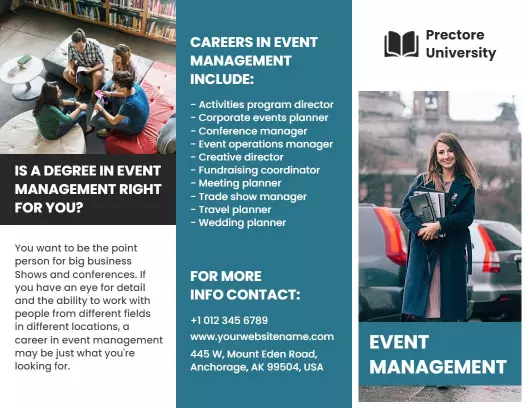
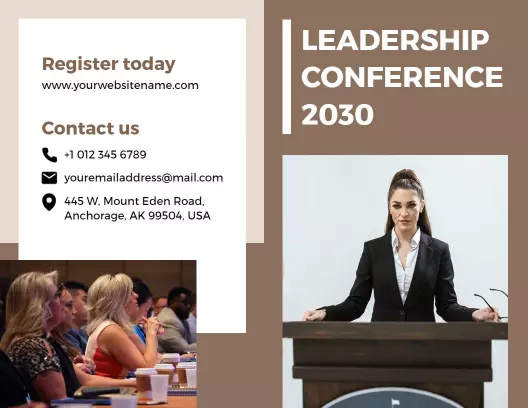
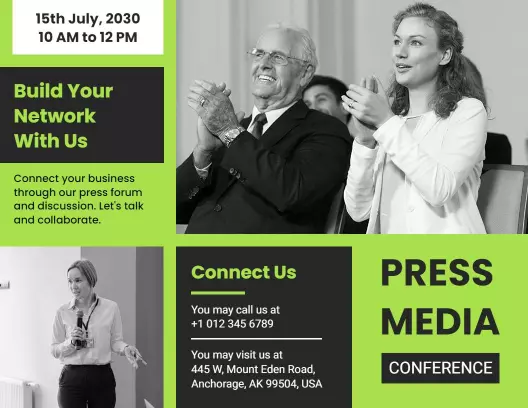
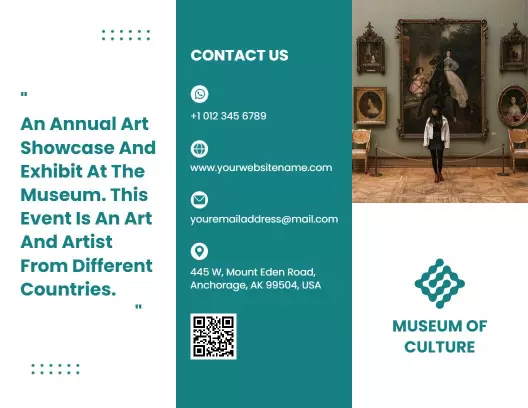
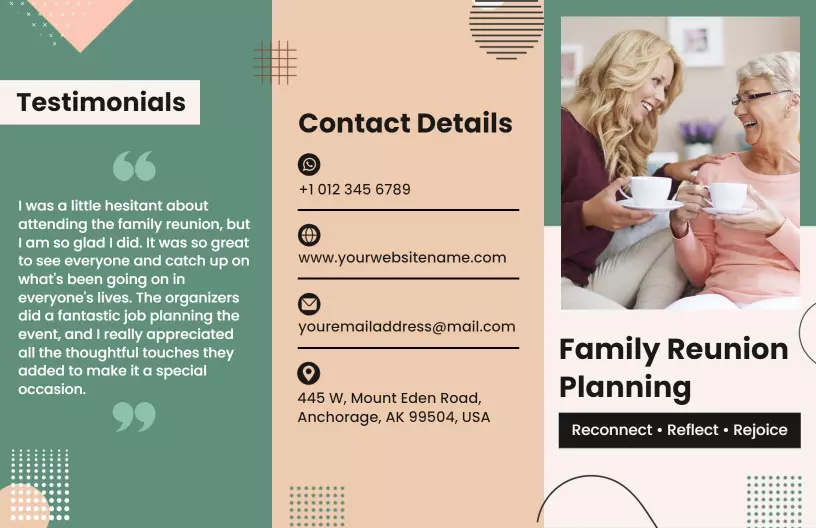
Event brochures serve as your best tool for building anticipation and providing critical details about what's to come. DesignWiz event brochure templates feature elegantly folded panel sections that perfectly balance storytelling with structured visuals. With vibrant color schemes and strategically placed imagery, these templates guide the reader's eye across essential information while maintaining a visually appealing layout.
Outline every necessary detail of your event to keep attendees informed and excited. Include a compelling event overview, speaker and performer bios, session schedules, venue maps, and sponsor acknowledgments. Remember to add direct contact information for inquiries and a QR code for easy mobile access to the event website or app.
Distribute these brochures in settings where your target audience gathers, such as trade show floors, reception areas, or distributed via mailings. Additionally, provide digital versions via email and on your website to maximize reach and ensure all potential attendees have access to every detail they need.