


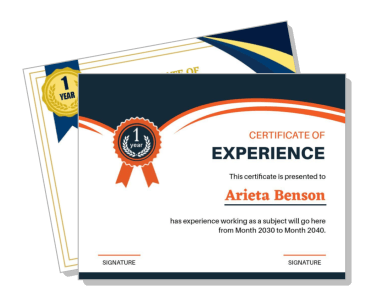
Work Experience Certificate Templates
Work Experience Certificate Templates help employers and HR teams document a person's role, employment period, responsibilities, and professional contribution in a clear, credible format.
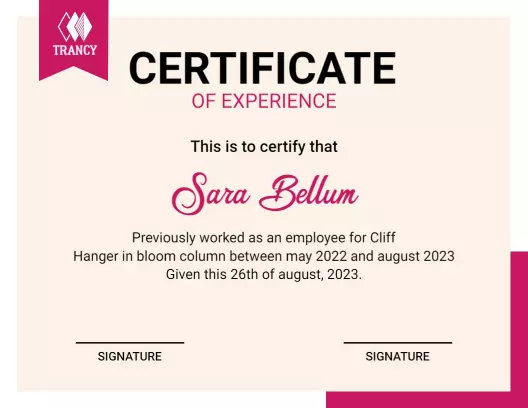
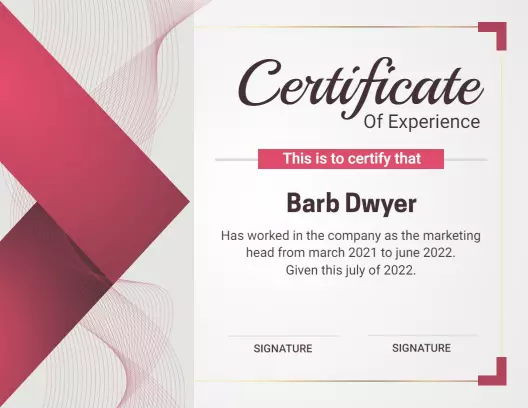

How to create a work experience certificate
Choose a professional structure, enter verified employment details, apply the organization's branding, and review the completed certificate before printing or sharing it.
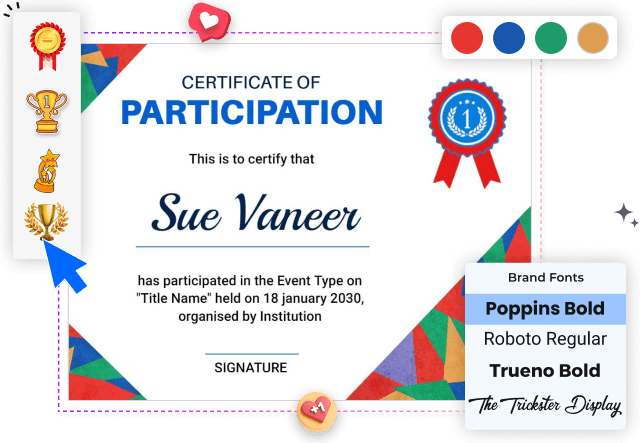
1. Choose the appropriate layout
Select a layout that matches the organization and recipient, whether the certificate documents corporate employment, teaching, IT work, an internship, or another professional role.
2. Enter verified employment details
Replace the sample text with the employee's full name, job title, department, employment dates, and a concise statement confirming the work completed during the stated period.
3. Apply official company branding
Add the company logo, official colors, authorized signatory names, and contact details. Keep branding restrained so the employment information remains the certificate's clear focus.
4. Check accuracy and authorization
Review spelling, dates, job titles, and signature lines against HR records before issuing the certificate. Consistent details reduce confusion during employment verification.
5. Export and retain a record
Download a print-ready copy and retain an editable version for company records. Use the same approved structure for future certificates while updating every recipient-specific field.
Trusted by Thousands
 Tata Consultancy Services
 Boston Consulting
 AT&T
AT&T
 Avelo Airlines
 Procter & Gamble
 Ministry Of Health, Malaysia
 Veterans Affairs
 Detroit Government
 New York University
 Texas A&M University
 Decathlon America
 Warby Parker
Tata Consultancy Services
Boston Consulting
AT&T
Avelo Airlines
Procter & Gamble
Ministry Of Health, Malaysia
Veterans Affairs
Detroit Government
New York University
Texas A&M University
Decathlon America
Warby Parker
Warby Parker
Tata Consultancy Services
Boston Consulting
AT&T
Avelo Airlines
Procter & Gamble
Ministry Of Health, Malaysia
Veterans Affairs
Detroit Government
New York University
Texas A&M University
Decathlon America
Warby Parker



Other Certificate templates
Document every role with a clear work experience certificate
A work experience certificate should make employment information easy to verify without reading like a generic award. A well-structured layout gives employers room to confirm the employee's name, job title, service period, responsibilities, company details, and authorized signatures while maintaining a professional appearance.
Formal certificates for corporate employment records
HR departments can use a consistent certificate format during offboarding, reference requests, and employment verification. The Navy Blue Elegant Work Experience Achievement Certificate Template provides a formal landscape layout for presenting employee details, company branding, and approval signatures.
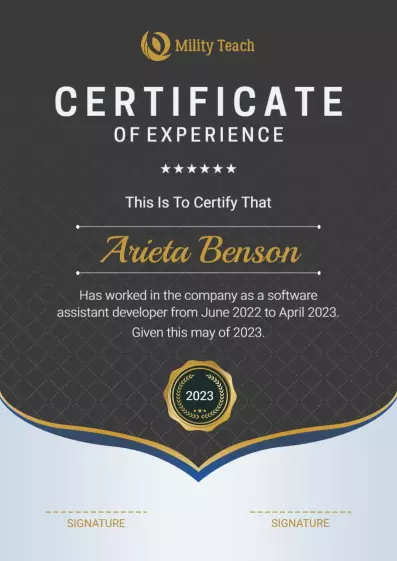
For organizations that prefer a restrained vertical format, the Elegant Gray Professional Work Experience Certificate Template keeps the recipient's name and employment statement prominent without excessive decorative elements.
Industry-specific certificates for teaching and technical roles
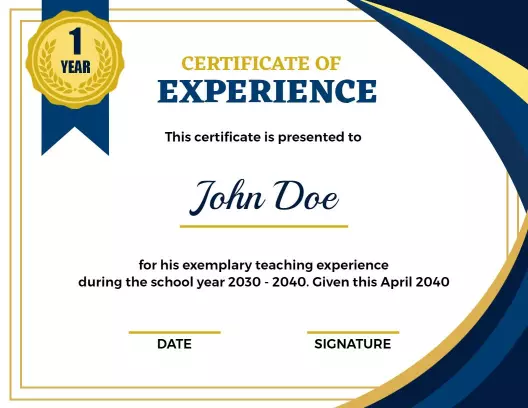
A role-specific certificate can provide more useful context than a general document. The Modern Blue Gold Design for Teaching Experience Certificate Template suits schools, training centers, and educational organizations documenting teaching service.
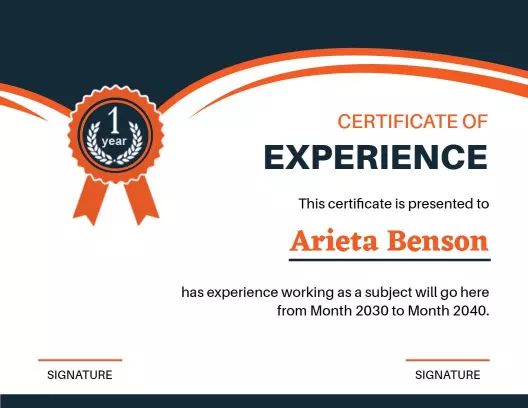
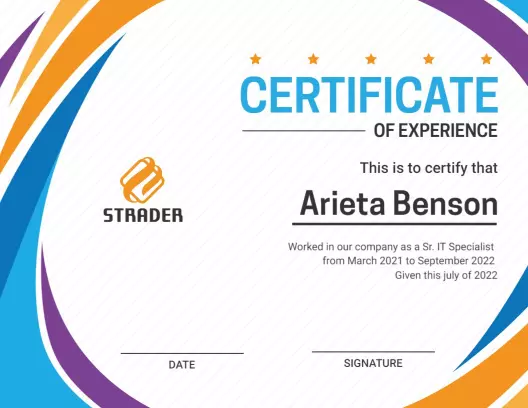
Technology companies and IT departments can use the Dynamic Blue and Orange Modern IT Experience Certificate Template to present technical employment details in a structured, contemporary layout.
Adaptable layouts for employees, interns, and specialists
Different recipients may need different levels of detail. The Modern Teal Geometric Work Experience Certificate Template offers a flexible portrait structure for employment, project, internship, or specialist experience records.
Whichever design you choose, keep the wording factual and confirm every date, title, and signatory against company records. Consistent formatting supports faster preparation, while accurate information makes the finished certificate more useful to employees and future reviewers.