


Corporate Brochure Templates
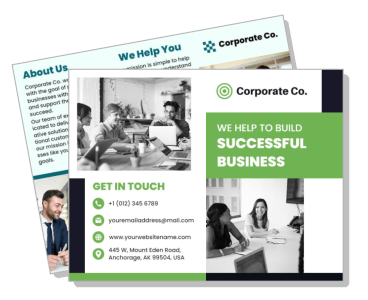
DesignWiz Corporate Brochure Templates help businesses present company profiles, service offerings, and team expertise using ready-made layouts. Edit service pages, case studies, and client testimonials without design experience.

Trusted by Thousands
 Tata Consultancy Services
 Boston Consulting
 AT&T
AT&T
 Avelo Airlines
 Procter & Gamble
 Ministry Of Health, Malaysia
 Veterans Affairs
 Detroit Government
 New York University
 Texas A&M University
 Decathlon America
 Warby Parker
Tata Consultancy Services
Boston Consulting
AT&T
Avelo Airlines
Procter & Gamble
Ministry Of Health, Malaysia
Veterans Affairs
Detroit Government
New York University
Texas A&M University
Decathlon America
Warby Parker
Warby Parker
Tata Consultancy Services
Boston Consulting
AT&T
Avelo Airlines
Procter & Gamble
Ministry Of Health, Malaysia
Veterans Affairs
Detroit Government
New York University
Texas A&M University
Decathlon America
Warby Parker



Other Brochure templates
Build Your Brand's Reputation with Professional Corporate Brochures
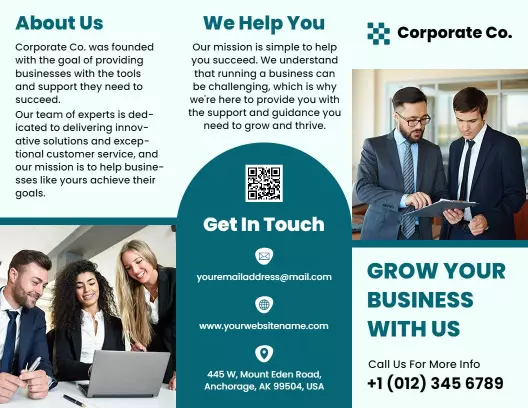
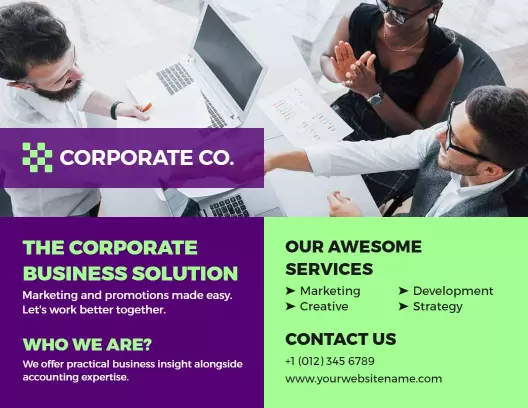
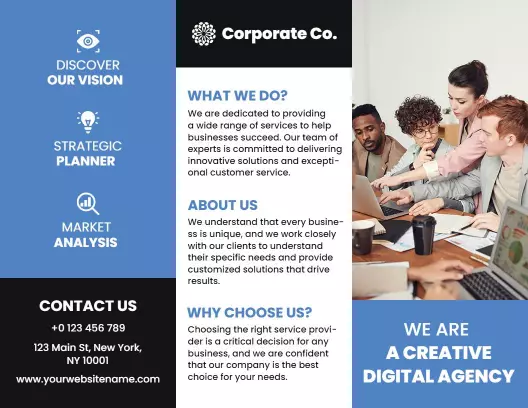
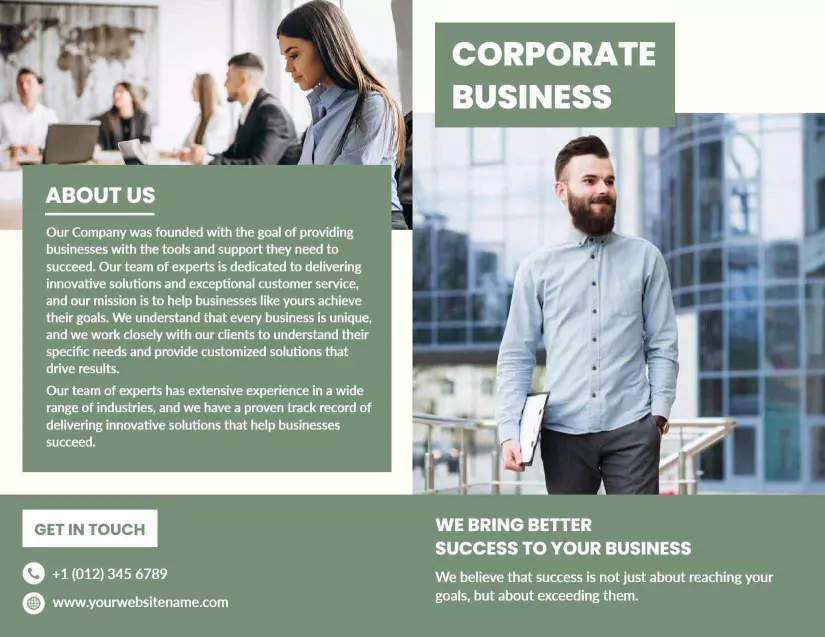
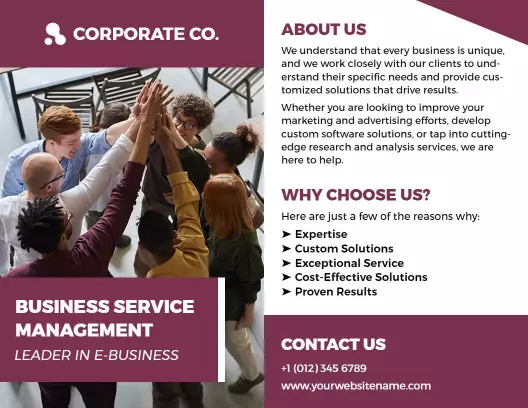
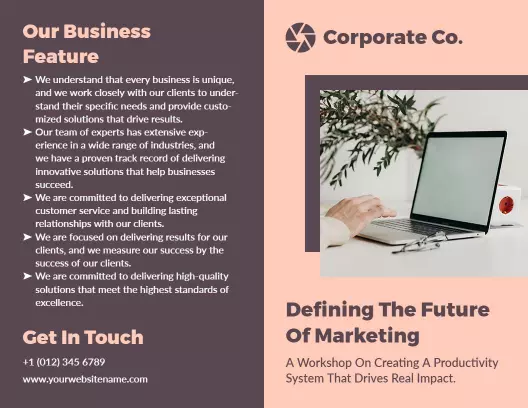
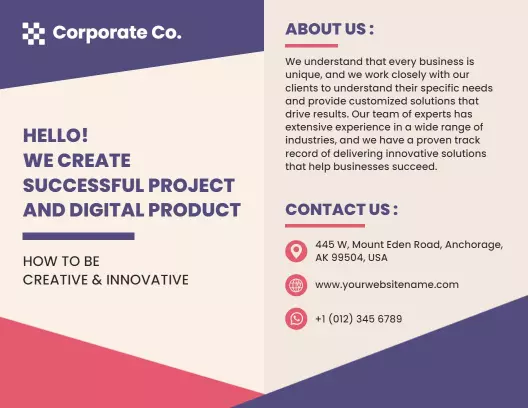
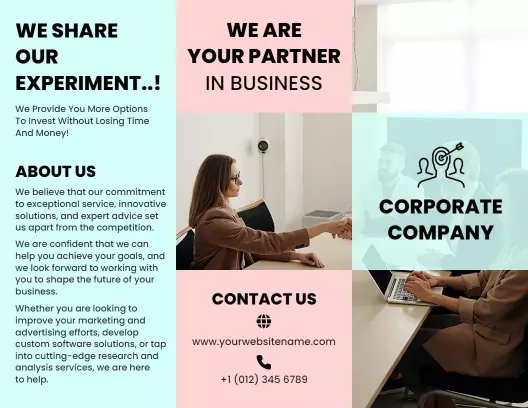
In the world of corporate communications, making a strong visual impact is essential. DesignWiz corporate brochure templates are crafted with elegant folded panel sections, clean typography, and sophisticated color palettes that mirror your organization's professionalism. The balanced use of imagery and text creates a refined look that enhances your brand's credibility in the eyes of stakeholders.
Ensure all your key business information is presented in a structured and engaging manner. Include sections for your company's history, detailed descriptions of your services or products, testimonials from satisfied clients, an overview of your team, unique selling propositions, and direct contact details. Each element is crucial in showcasing your company’s strengths and setting you apart from the competition.
Position these brochures in business reception areas, distribute them as part of conference takeaways, or send them in direct mail campaigns as part of your corporate outreach strategy. The brochures can also be converted into digital formats for easy sharing in emails or through your company’s website, allowing for a wider reach and increased engagement.