


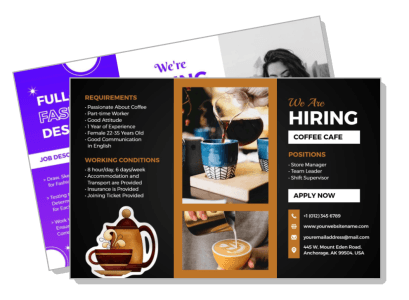
Hiring Brochure Templates
DesignWiz Hiring Brochure Templates help you attract qualified candidates with a trusted library of ready made layouts, plus simple editing for job descriptions, benefits, and application details.
Trusted by Thousands
 Tata Consultancy Services
 Boston Consulting
 AT&T
AT&T
 Avelo Airlines
 Procter & Gamble
 Ministry Of Health, Malaysia
 Veterans Affairs
 Detroit Government
 New York University
 Texas A&M University
 Decathlon America
 Warby Parker
Tata Consultancy Services
Boston Consulting
AT&T
Avelo Airlines
Procter & Gamble
Ministry Of Health, Malaysia
Veterans Affairs
Detroit Government
New York University
Texas A&M University
Decathlon America
Warby Parker
Warby Parker
Tata Consultancy Services
Boston Consulting
AT&T
Avelo Airlines
Procter & Gamble
Ministry Of Health, Malaysia
Veterans Affairs
Detroit Government
New York University
Texas A&M University
Decathlon America
Warby Parker



Other Brochure templates
Attract Top Talent with Powerful Hiring Brochures
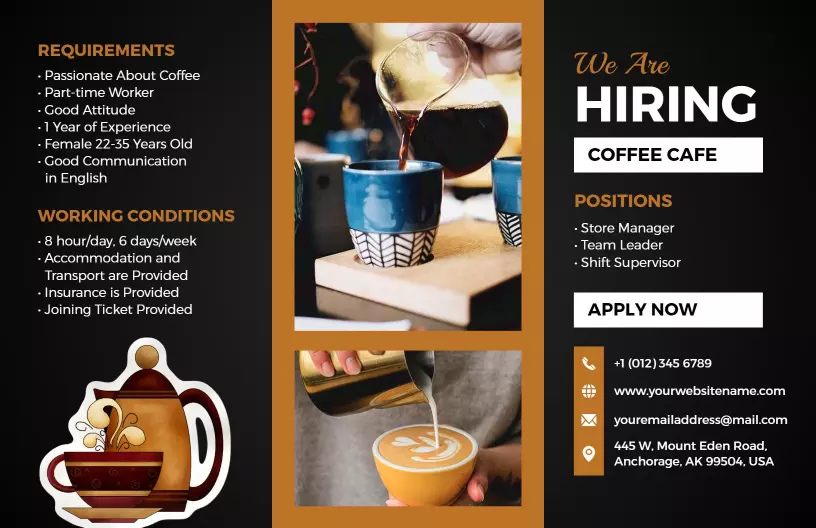
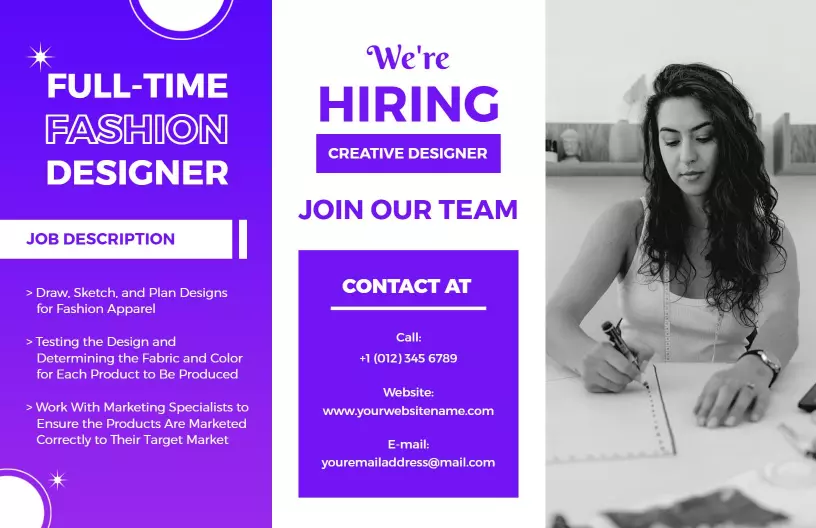
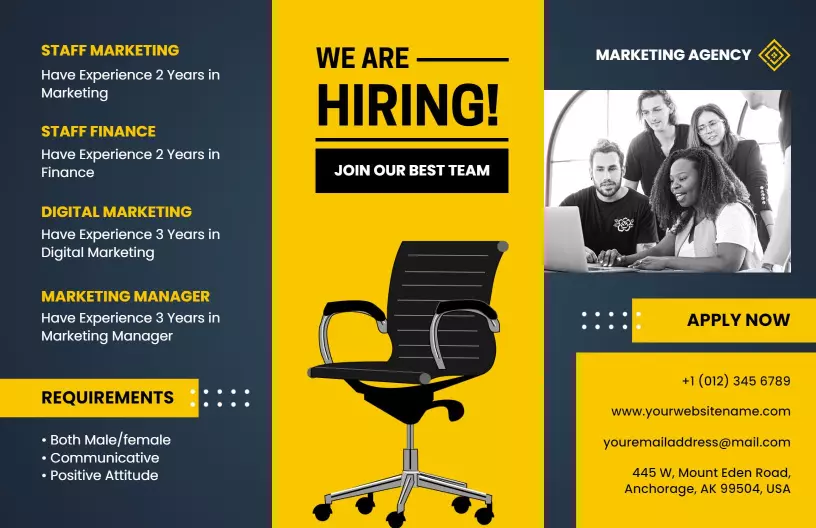
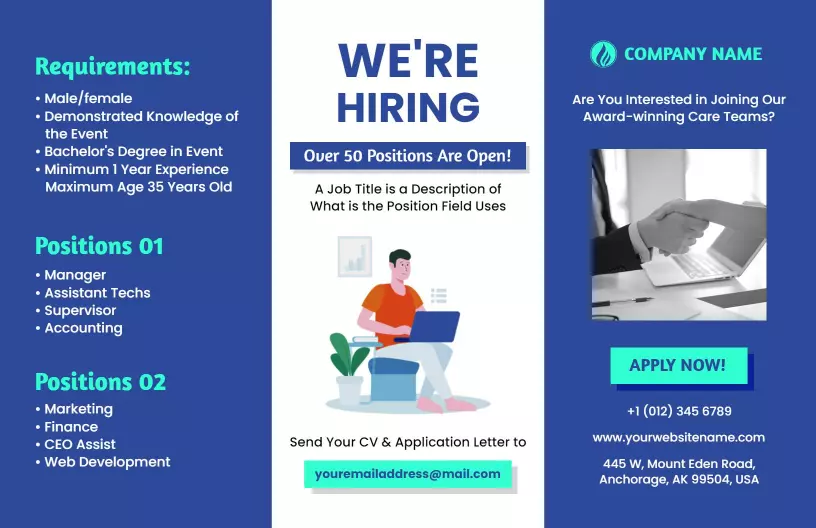
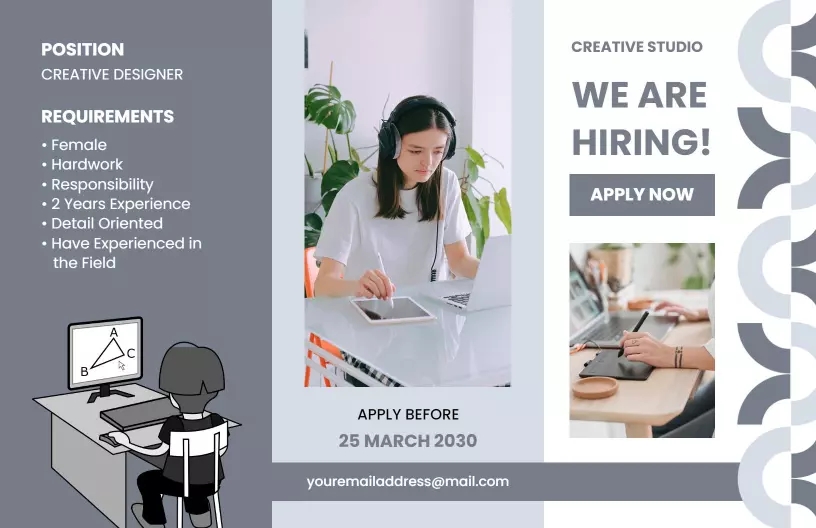
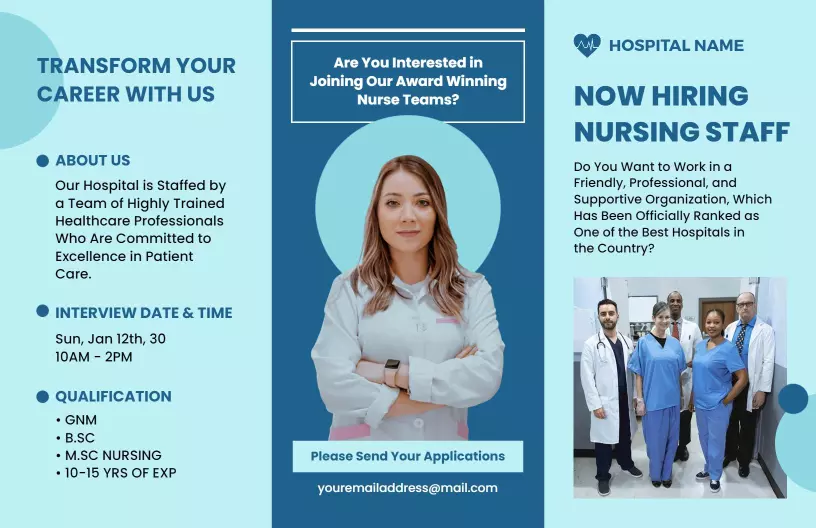
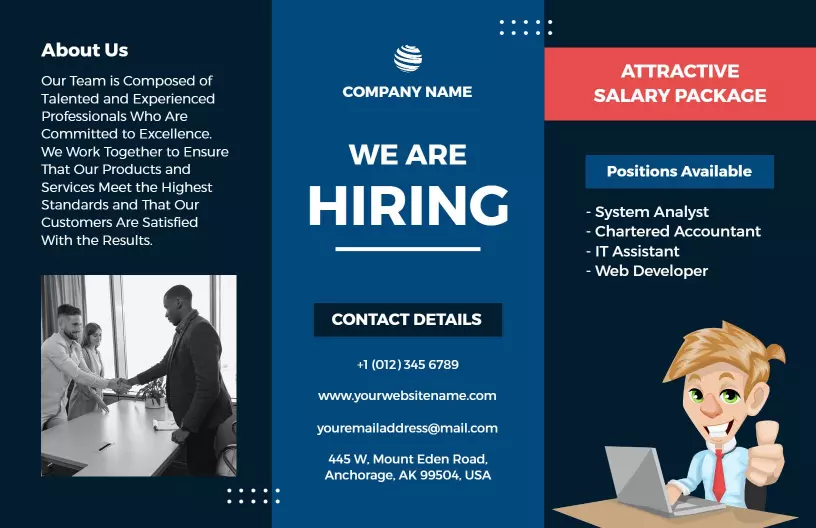
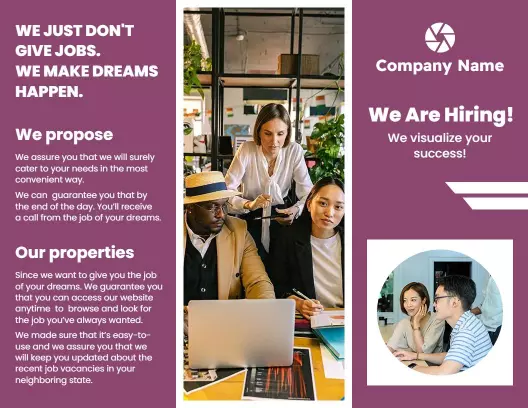
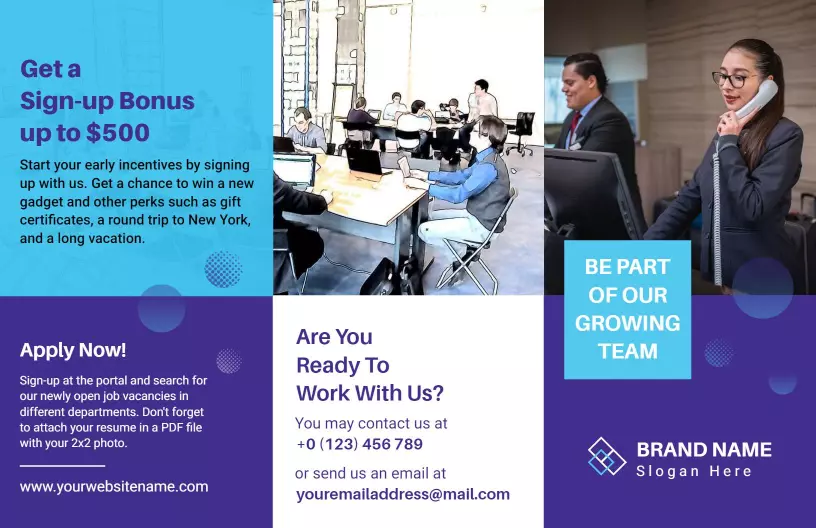
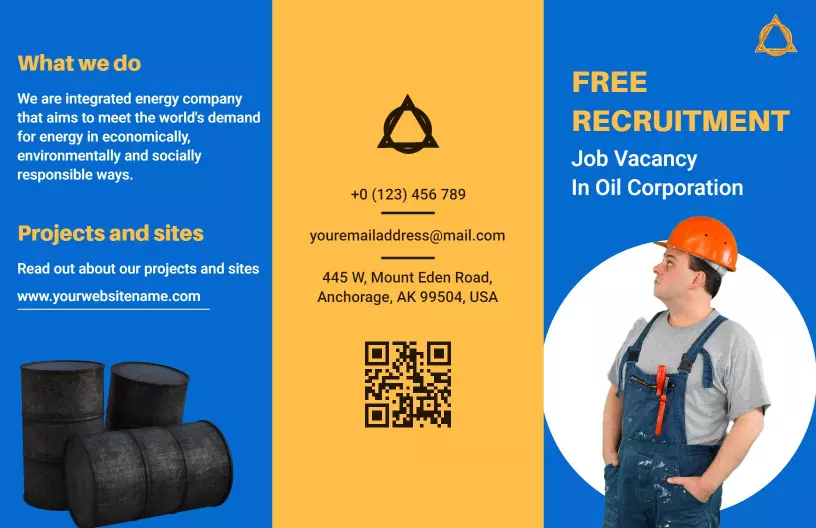
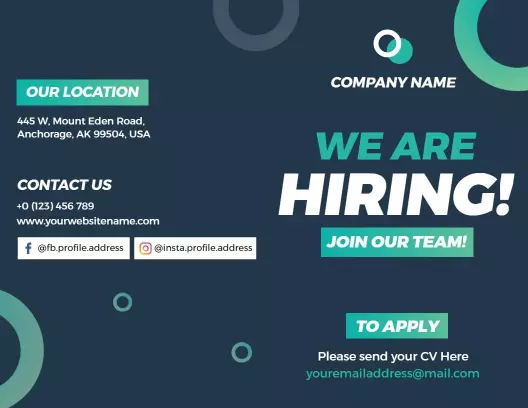
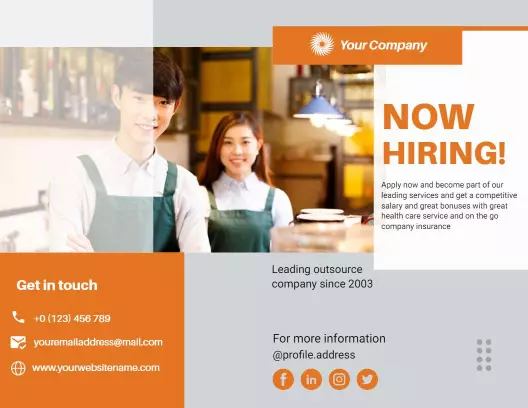
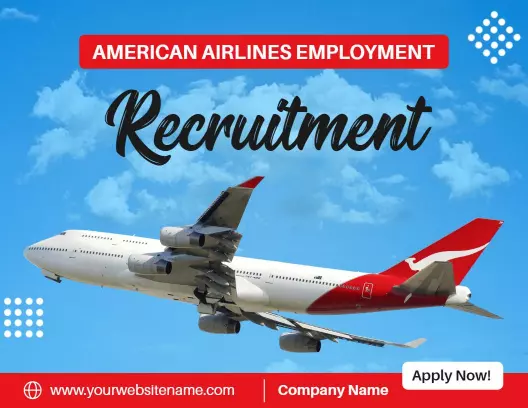
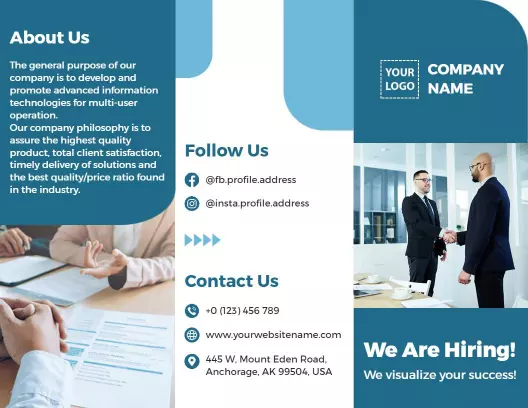
A visually impactful hiring brochure can capture the attention of the most sought-after professionals. DesignWiz hiring brochure templates utilize sophisticated layouts with professional blues, muted grays, and dynamic images that highlight your company culture and vision. These layouts ensure your recruitment effort stands out, resonating with industry-leading candidates.
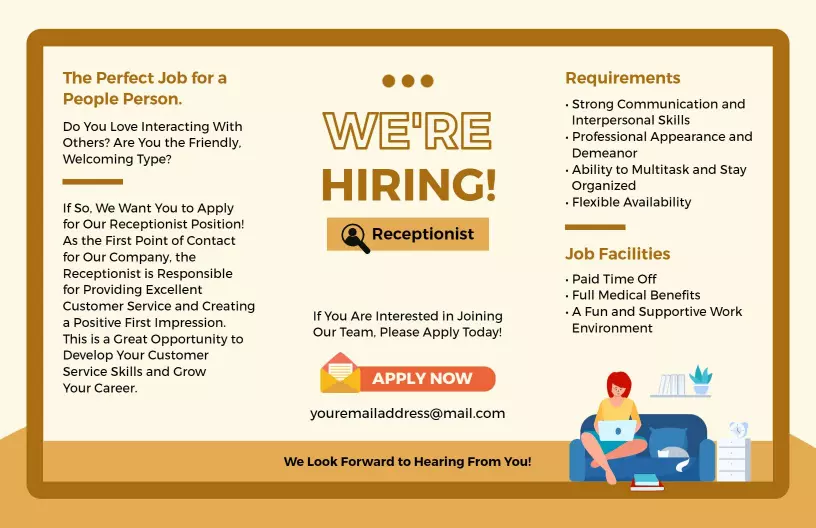
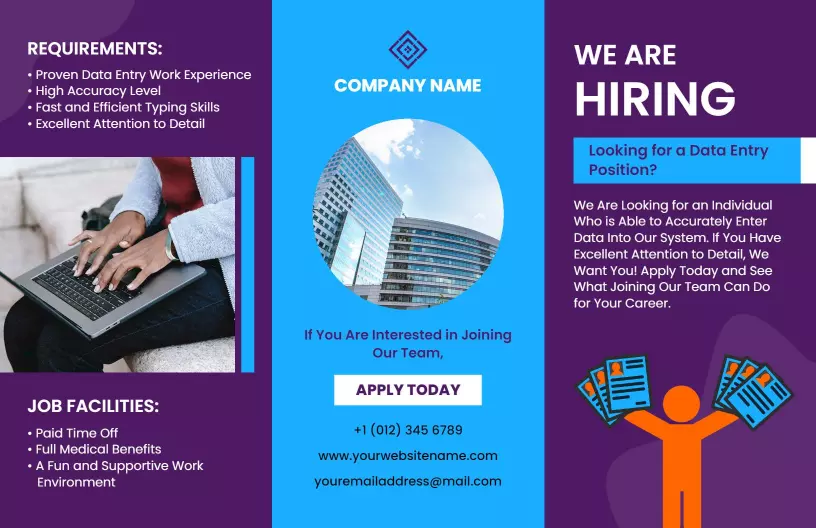
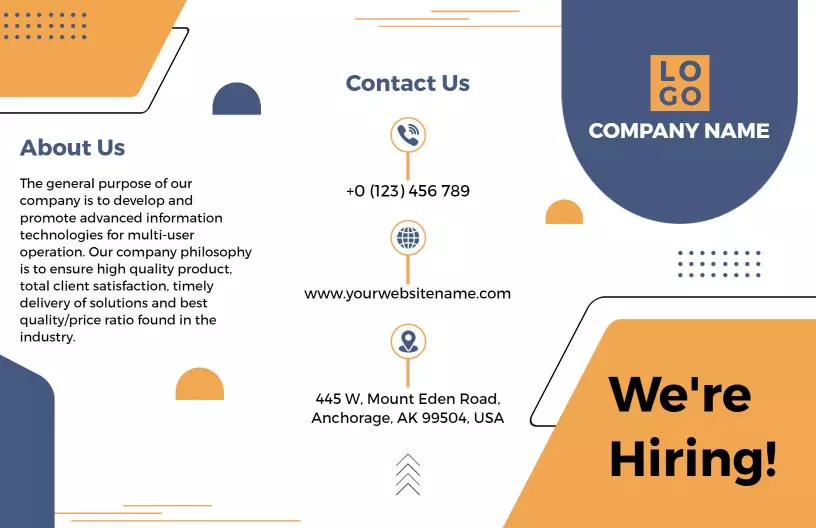
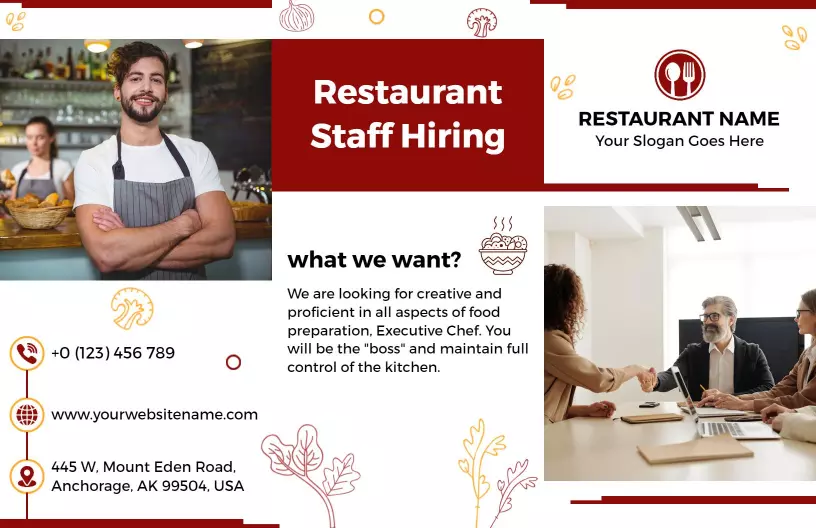
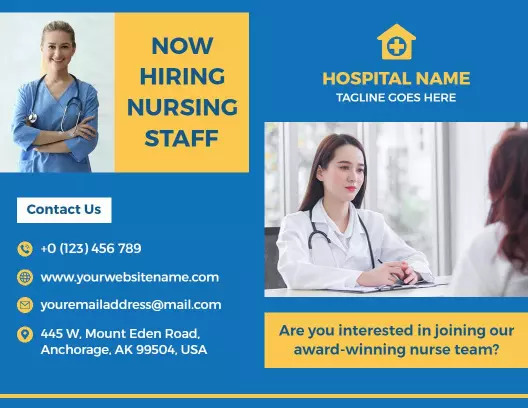
In your hiring brochures, provide essential details that attract quality applicants. Include an engaging company overview, core values, detailed position requirements, career growth opportunities, contact information for the recruitment team, and application deadlines. Present tangible benefits like health plans, professional development options, and modern work environments to ensure candidates see the full scope of joining your team.
Hand these brochures out during job fairs, place them in career centers at local universities, or send them digitally via professional networking sites and career-focused email campaigns. This approach ensures your opportunities are visible where top talent actively searches for new opportunities.