AI Business Card Generator
Create professional business cards with simple text prompts using our free AI business card generator. No design skills needed.
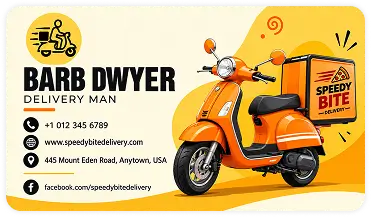









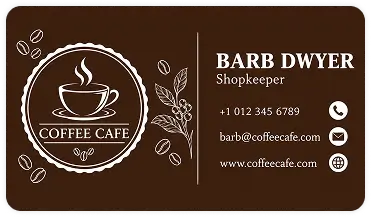
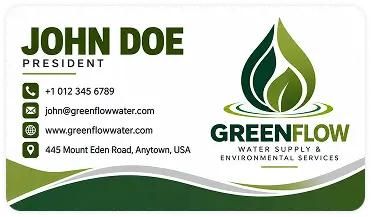

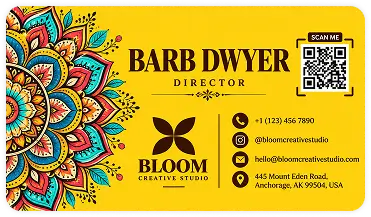


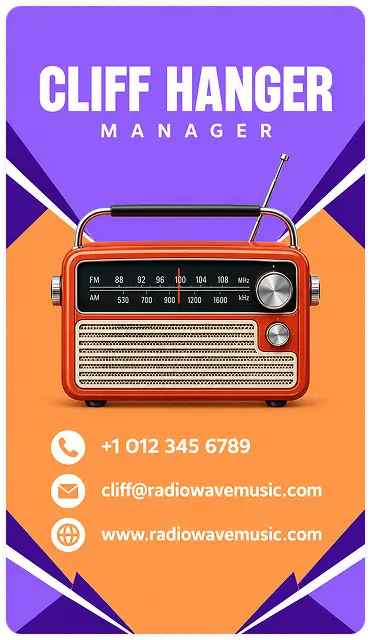

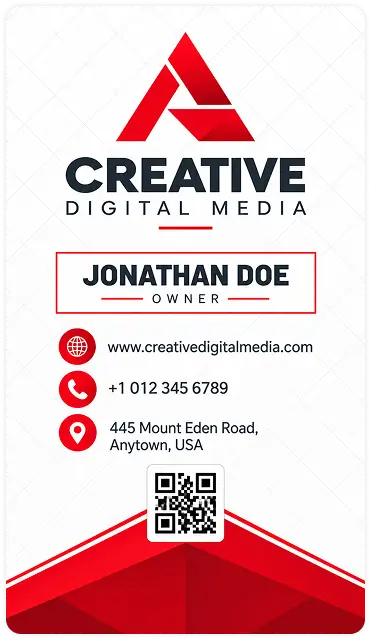
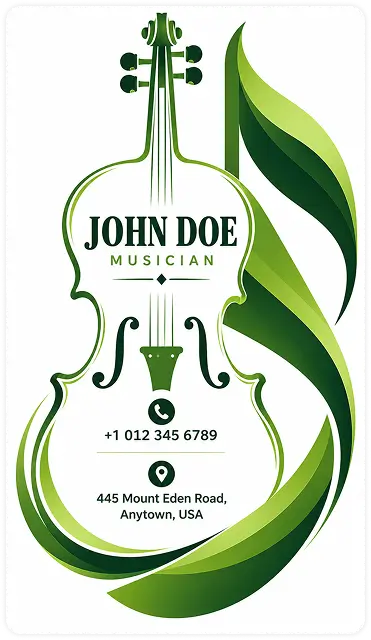




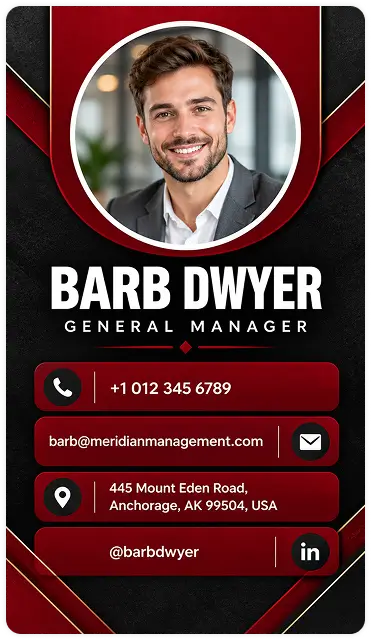






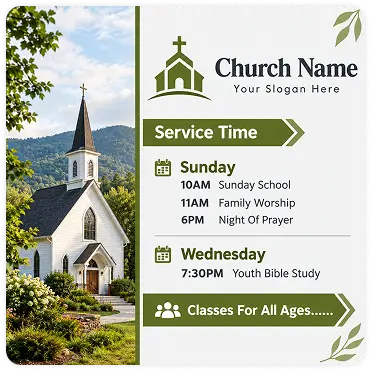
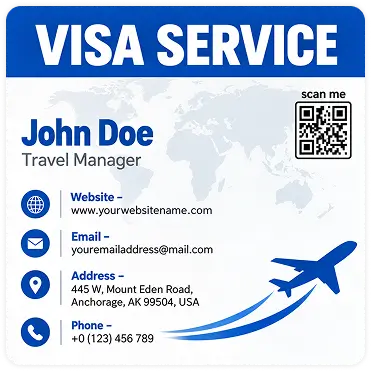

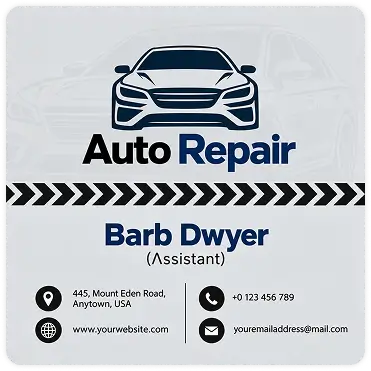



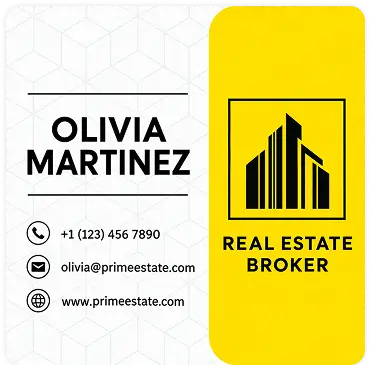
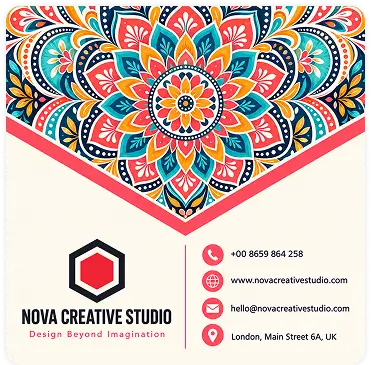
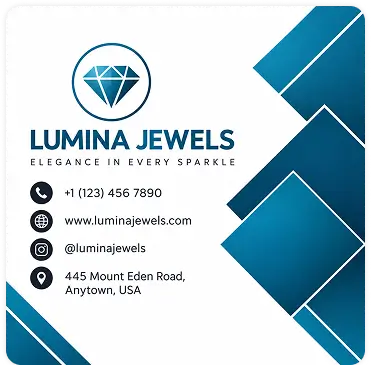



How to Use DesignWiz AI Business Card Generator
Provide your input
Have a good design idea in your mind? Just write it with key details like your name, job title, or corporate name, and what you do. The more details you share, the better your business card will look.
Let the AI Work
Wait for a few seconds until our cutting-edge AI model analyzes your prompt, and create business card designs with the same style and layout you imagined. Get AI-generated business cards instantly.
Review and Customize
Type what you want changed, like "make my name bigger", "use a darker blue" or "fix the email address", and the AI updates your card. Double-check every number and email before you download.
Export, Print, & Share
Download a print-ready file in multiple formats when your design gets done. You can directly share online via links, send for printing - all from one place.
Everything About the AI Business Card Generator
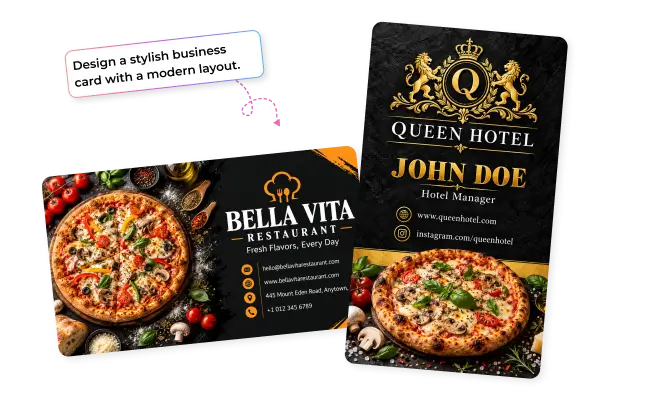
Make AI-Generated Business Cards that Inspire Action
Skip the guesswork. Just type what you do and watch DesignWiz's AI business card generator build a sharp, professional business card in seconds. Every card is built to make a strong first impression — combining clean design with your details, so people remember you long after the meeting ends. Perfect for job seekers, freelancers, and anyone who wants to network with confidence.
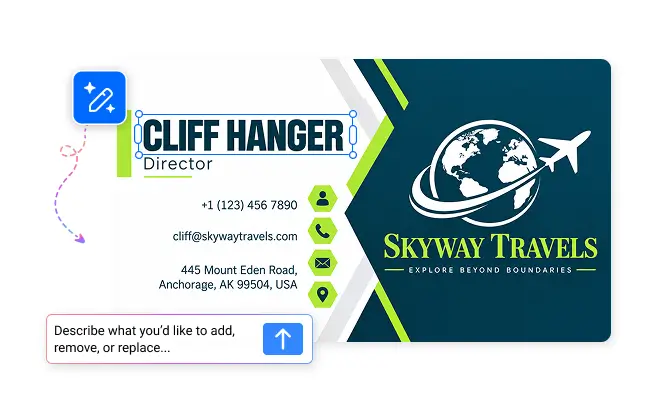
Personalized Business Cards with AI
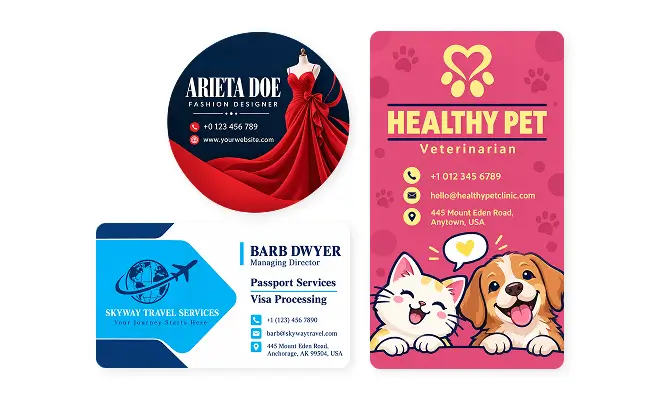
Create business cards that truly reflect your brand. Customize colors, fonts, logos, layouts, and contact details using simple prompts. Whether you prefer a clean, modern look or something bold and creative, easily refine your design until it feels right for your business.
How to Write Effective Prompts for AI Business Cards
A clear prompt helps AI create business cards that match your brand and style. Include these key details for better results.
Brand basics: Mention your logo, brand colors, and the overall impression you want your business card to create.
Design style: Describe your preferred style, such as modern, minimal, elegant, or bold, along with fonts and visuals.
Business details: Include your name, job title, company name, phone number, email, and website to complete your card.
Trusted by Thousands
 Tata Consultancy Services
 Boston Consulting
 AT&T
AT&T
 Avelo Airlines
 Procter & Gamble
 Ministry Of Health, Malaysia
 Veterans Affairs
 Detroit Government
 New York University
 Texas A&M University
 Decathlon America
 Warby Parker
Tata Consultancy Services
Boston Consulting
AT&T
Avelo Airlines
Procter & Gamble
Ministry Of Health, Malaysia
Veterans Affairs
Detroit Government
New York University
Texas A&M University
Decathlon America
Warby Parker
Warby Parker
Tata Consultancy Services
Boston Consulting
AT&T
Avelo Airlines
Procter & Gamble
Ministry Of Health, Malaysia
Veterans Affairs
Detroit Government
New York University
Texas A&M University
Decathlon America
Warby Parker
Benefits Of Creating with AI
Time Efficiency
Create polished designs in minutes with AI, saving time while helping you focus on what matters most.
Professional Quality
Create polished, professional designs with AI-powered layouts, colors, fonts, and visual suggestions.
Custom Tailoring
Get designs tailored to your ideas, style, and purpose so every creation feels relevant and unique.
Ease of Use
Turn your ideas into ready-to-use designs with simple AI tools that make creating quick and effortless.
Continuous Improvement
Get smarter design suggestions as AI helps refine layouts, visuals, and creative choices for better results.
Creative Inspiration
Explore fresh ideas, layouts, colors, and styles with AI to bring your creative vision to life even faster.
Do more in less time with smart AI tools
Generate, enhance, and transform design and promotion in fewer steps with AI.