Pre-made designs
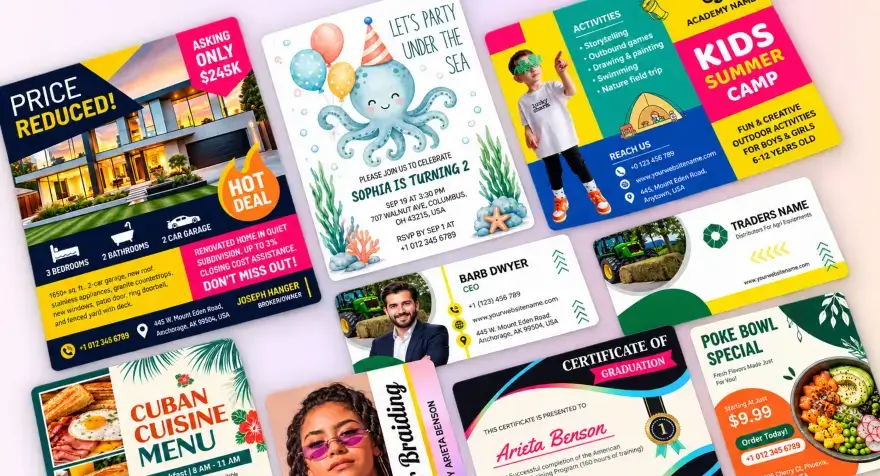
You do not have to start from a blank page. Our designer team has already made layouts that look clean and professional. Just pick one and change the text and photos to match your offer.



Create an invitation that tells guests what they need to know. Choose from 6,588 designs across 258 categories, add names, date, time, location and RSVP details, then download for digital sharing or printing.
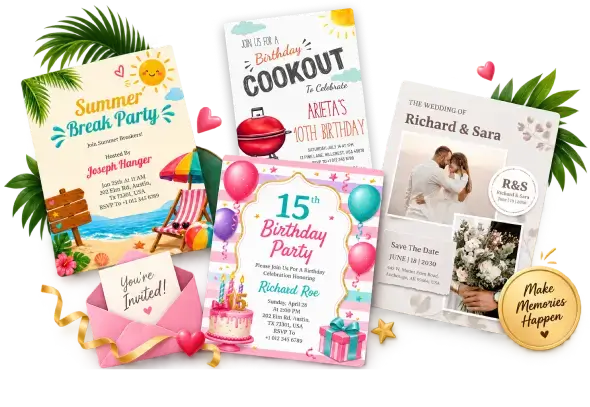
From weddings and birthdays to baby showers, parties, and holiday gatherings, and more. Browse professionally designed invitation templates across all celebration and party, including 414 free to start.
Stop retyping details across apps and hoping nothing is misspelled. DesignWiz keeps your invitation, print file, and social version in one place, with AI checks before you share.
Pick a template for your celebration, add your event details, and check the wording. Then download your invitation as a PDF or share it with a link.
Pick an invitation template that matches your event, occasion, or celebration.
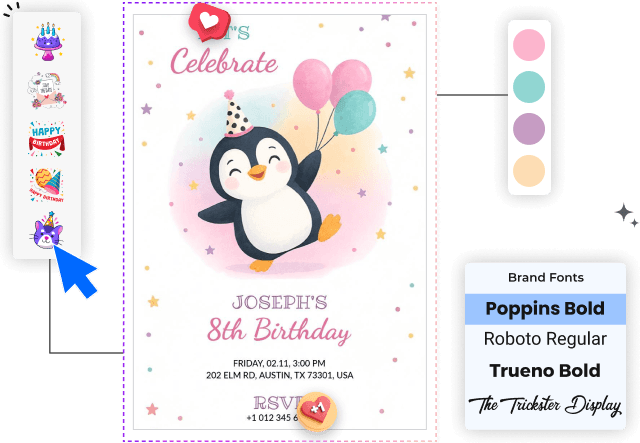
Edit the text, add photos, adjust colors, and personalize the design to suit your event.
Download your invitation as PNG, JPEG, or PDF to print or share digitally with your guests.
Create beautiful, personalized invitations that set the perfect tone and make your guests look forward to the event.
You do not have to start from a blank page. Our designer team has already made layouts that look clean and professional. Just pick one and change the text and photos to match your offer.
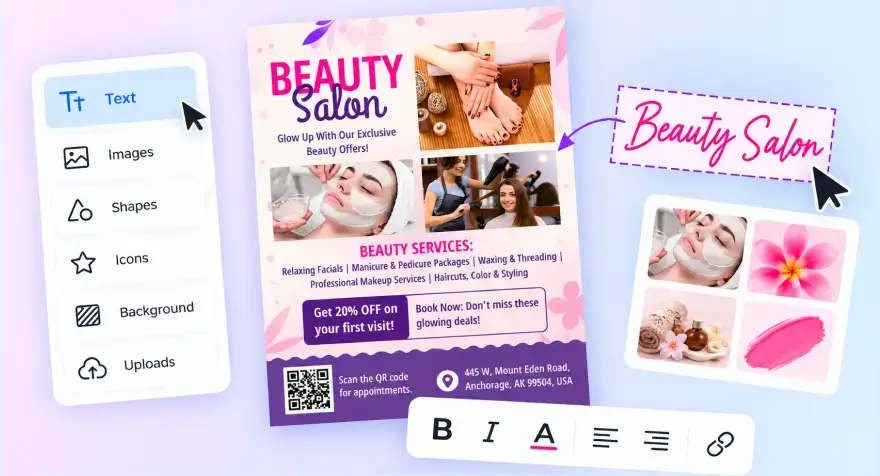
Move, resize, and edit anything by clicking and dragging. You do not need design skills or complicated tools. What you see on the screen is exactly what you get.
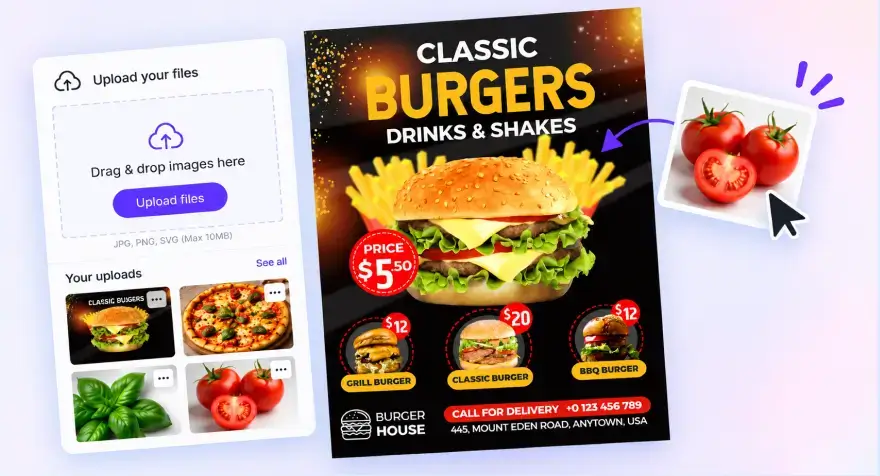
Add your logo, or any images you already have. They stay saved so you can use them again on the next invitation without uploading them every time.
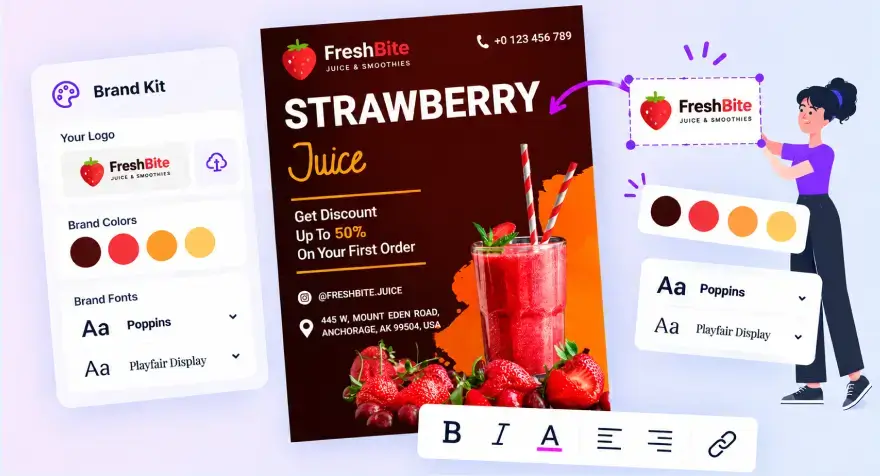
Save your logo, colors, and fonts one time. After that, every new invitation automatically uses the same look. Your designs stay consistent without extra work.
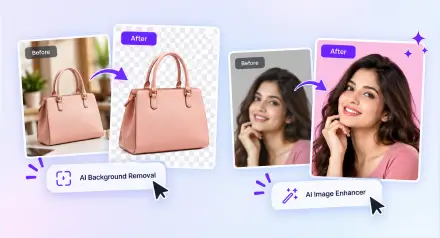
Got a photo with a busy background or soft quality? Use AI Background Removal and AI Image Enhancer to clean it up fast so invitation stands out clearly.
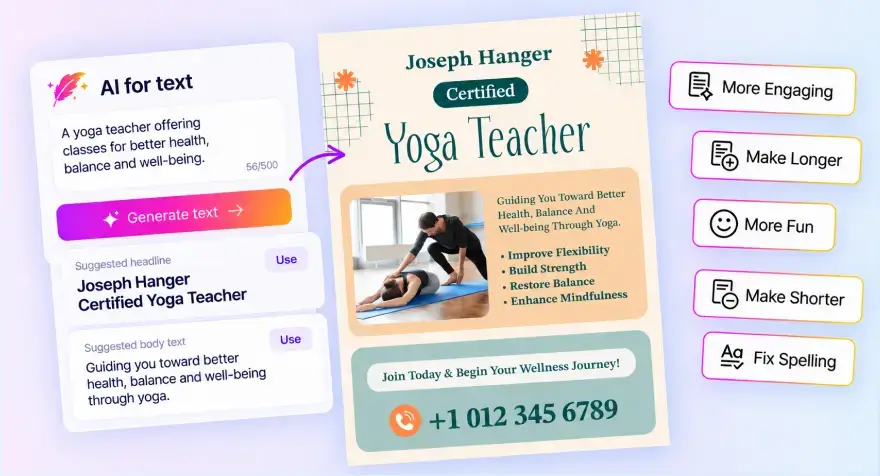
Not sure what to write for the headline or body text? Type a short description of what you are promoting and get ready text you can use or edit. The spellchecker also catches mistakes before you finish.
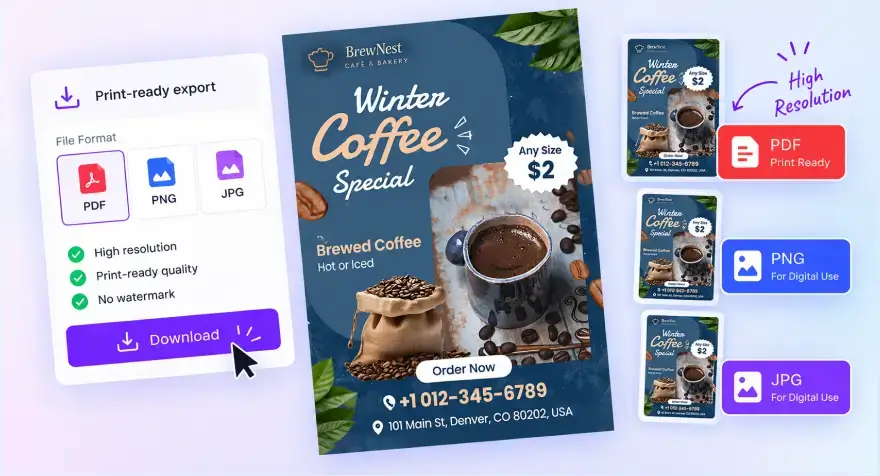
Download a high quality PDF that is ready for the print shop, or get PNG and JPG files for digital use. No extra steps needed to make the file print correctly.
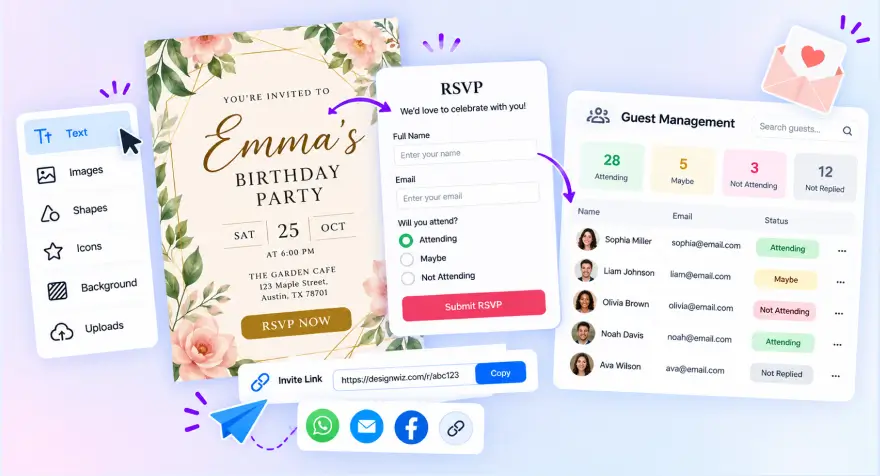
Set up your event, create an RSVP, and share the invitation link with guests. Collect responses, track who's attending, and manage your guest list in one place.
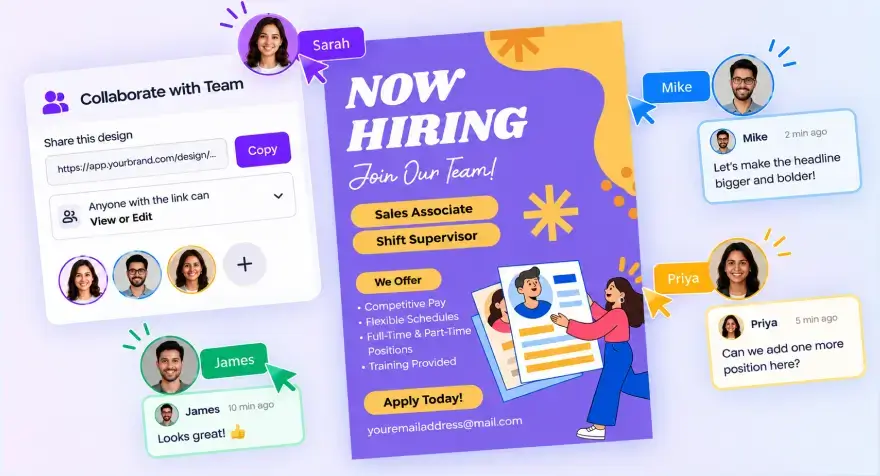
Share one link so a teammate or client can view or edit the same invitation. Everyone works on the latest version. No more sending files back and forth by email.
Once your invitation is ready, send it to guests in print and digital formats without extra tools.
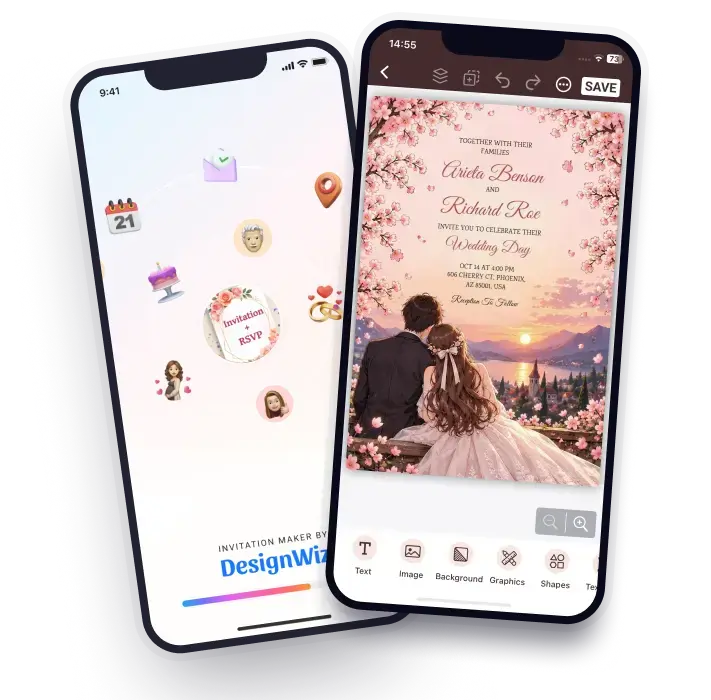
Prefer designing on your phone? Our mobile apps give you the same powerful editor on the go. Join millions of businesses already creating on mobile.

Design, edit, and download professional invitations directly from your phone whenever inspiration strikes.


Real DesignWiz users, in their own words - how they use DesignWiz for their business, and what changed after they switched.
Dutches has used the flyer maker for about five years. The freedom to change any design and add her own pictures is what keeps her coming back.
Read the story
Billy makes posters for the things he sells, for basketball, and for people who ask him - one design tool for every part of his life.
Read the storyReal feedback from business owners and professionals who use DesignWiz for their everyday marketing, from restaurants to real estate and events.


“What I like best about DesignWiz is how simple and efficient it is to create high-quality flyers. The platform is very user-friendly, even for someone without any design experience.”

“Once i inserted brand template it is easier to navigate and there are several options for re...”
“Designwiz always captures exactly what I want.”
“My experience today was a good one. This was my very first day using the software, but I came away with a printable, nice-looking flyer, so I am happy.”
“This is an excellent product! it makes me look like I am a top-notch design professional. No one will ever know that I did this at home in just minutes”
The most common printed size is 5 x 7 inches (127 x 178 mm), and A5 (148 x 210 mm) is a popular larger option. For sharing online, an Instagram Post is 1080 x 1080 px and a Story or WhatsApp Status is 1080 x 1920 px. For any other size, use Custom Size between 50 px and 3000 px, then use Copy & Resize to create up to 5 sizes at once.
Include the host names, event name, date, time, venue address, and any dress code or special instructions. Add a phone number, email, or link so guests know how to reply. Then check the wording with AI Review & Spellchecker before you print or share.
Yes. DesignWiz has 414 free templates out of 6,588 in total. Premium unlocks the other 6,174 templates, along with features such as 5X HD export, PDF export, Brand Kit, Background Remover, AI Writer, and AI Review & Spellchecker.
You can create wedding and RSVP card invitations, birthday invitations, baby shower and gender reveal invitations, party and bridal shower invitations, holiday invitations for Christmas, Thanksgiving, and Halloween, and flyer-style invitations for public events, workshops, openings, and more.
Yes. Background Remover removes the background from an uploaded image, so you can place a person, pet, or product on a design. AI Image Enhancer improves a low-resolution photo at 2x or 4x. AI Image Expand extends a photo to fit a wider layout.
Yes. Share on Social Media is free. Publish as a Website creates a shareable link, and Design to QR lets guests scan the design with a phone. You can also download a PDF file to send by message or email.
Yes. Collaborate Design shares a design by email with view or edit access, so a co-host or family member can work in the same file.
Yes, with DesignWiz RSVP tool you can tracking & manage your guest list. Add a phone number, email, or link on your invitation so guests know where to reply, and keep your guest list in the tools you already use.