


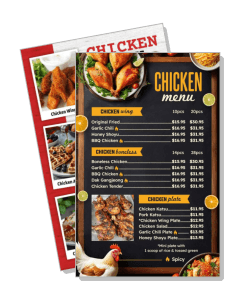
Chicken Menu Templates
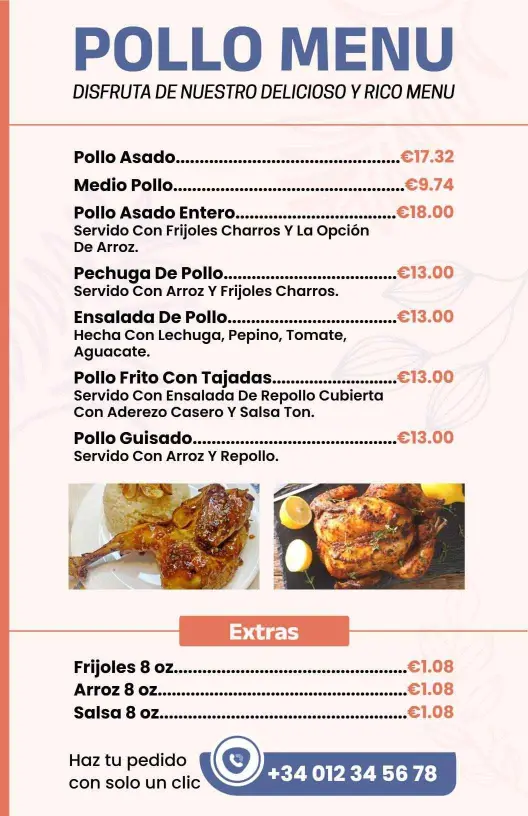
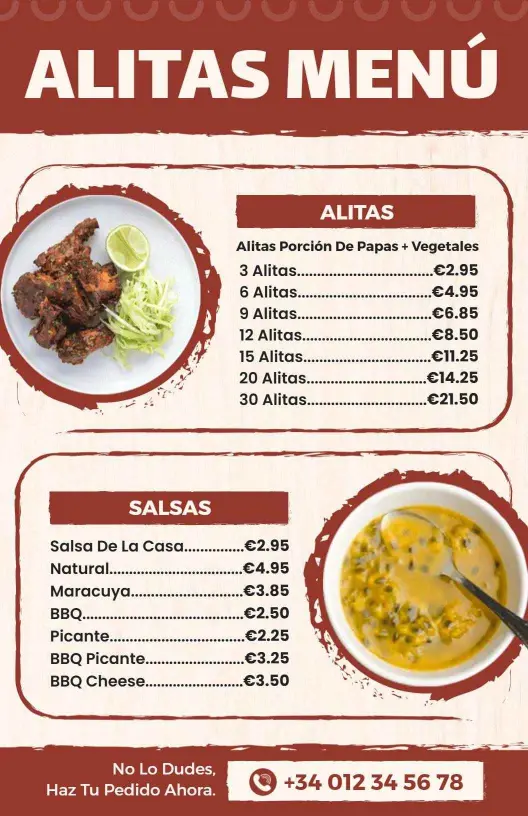
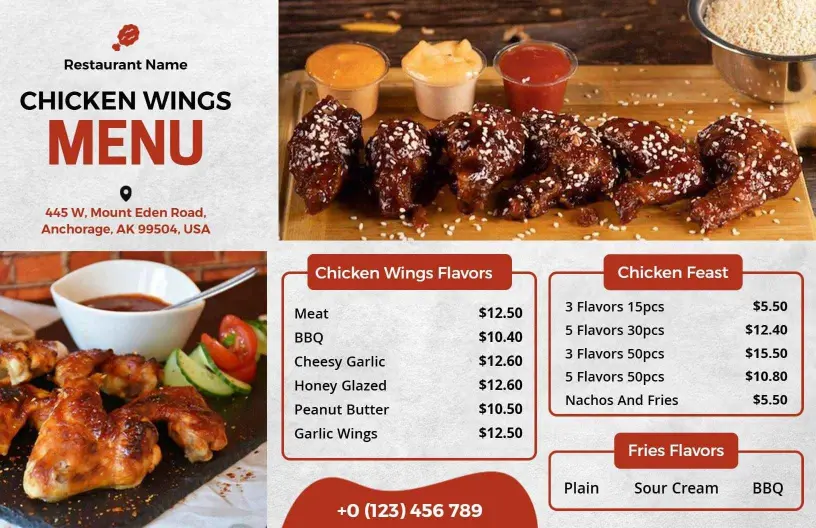
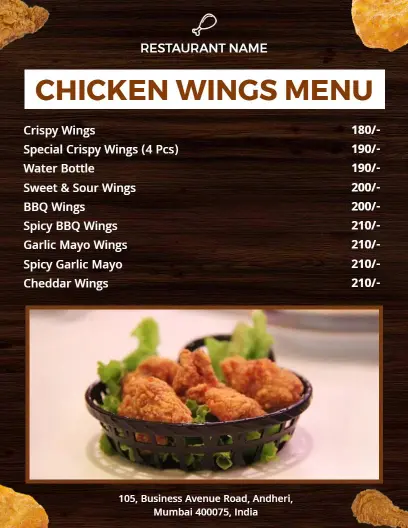
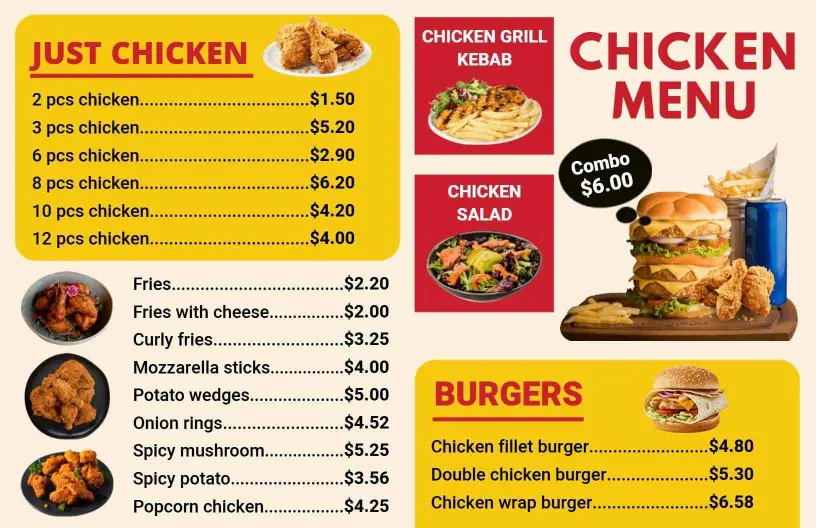
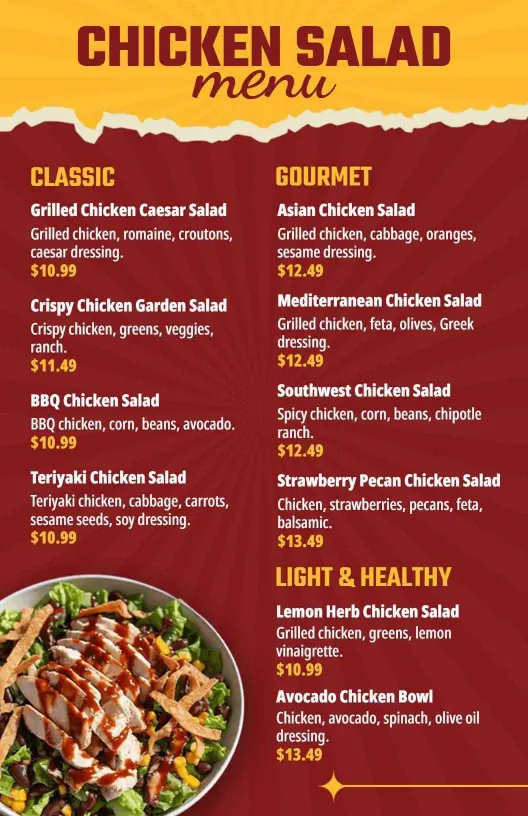
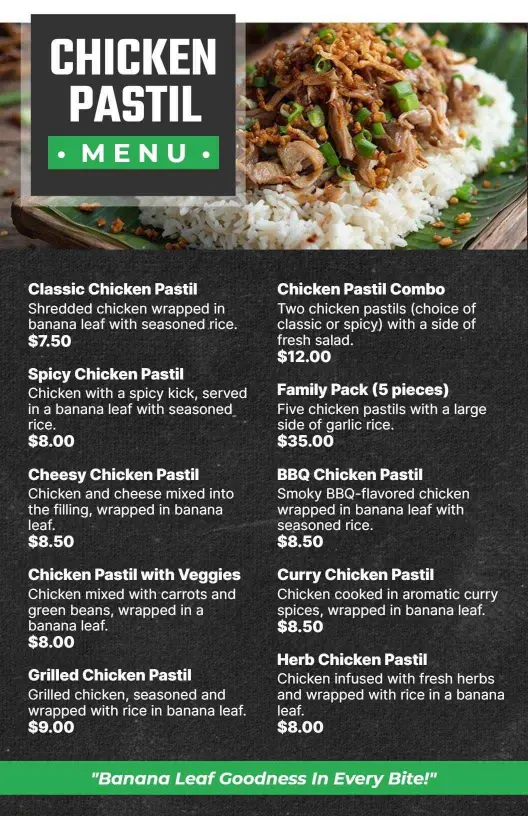
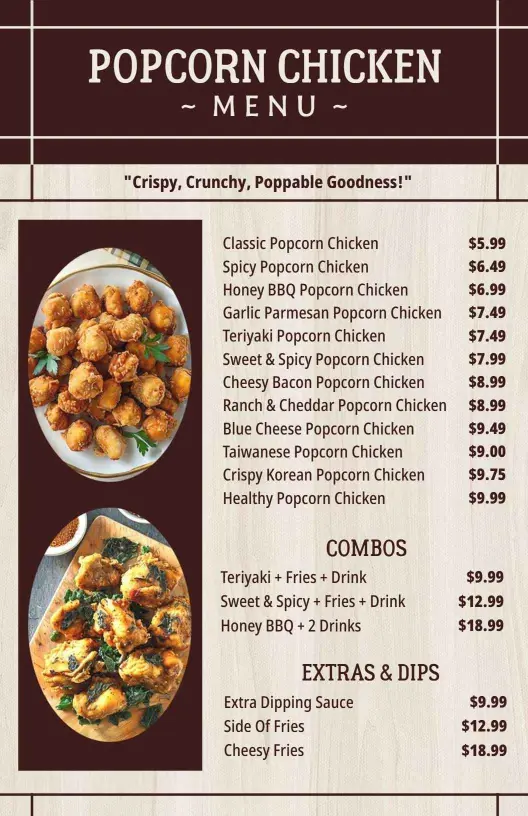
Chicken menu templates help restaurants present wings, fried chicken, sandwiches, sauces, and combo meals in a layout that is quick to scan and simple to update for dine-in, takeout, or QR ordering.
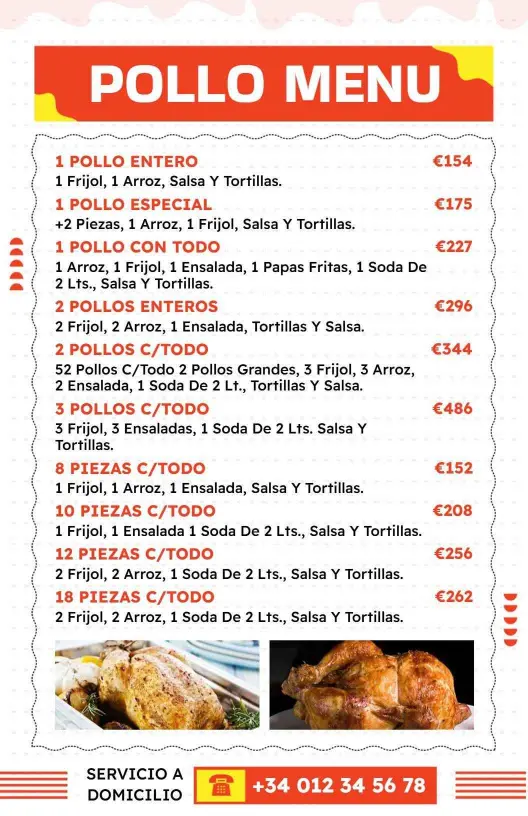
How to make a chicken menu
Start with a layout that matches your service style, then group dishes in a way customers can scan quickly on a phone or in print.

1. Choose the right layout
Choose a menu format that fits your order flow, then set the page size around it. A short list can work in one panel, while a larger chicken menu may need more room for sections and pricing.
2. Group dishes by section
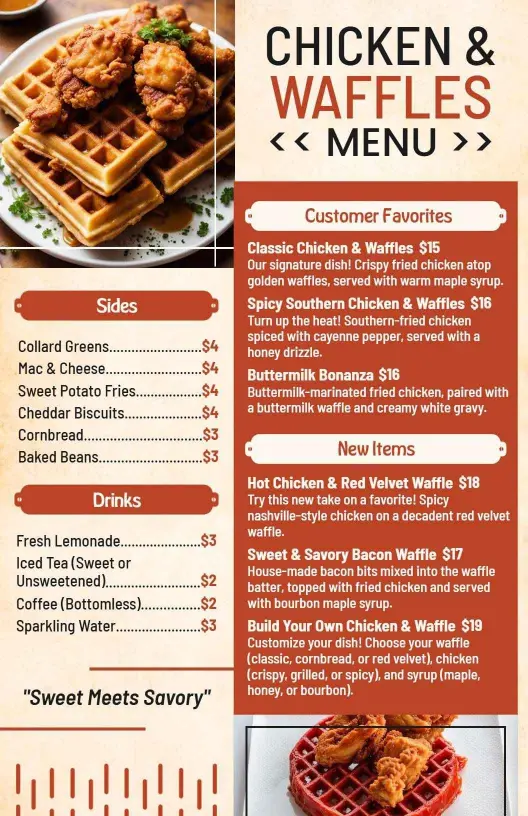
Group items by fried chicken, wings, sandwiches, combos, sides, sauces, and specials. Clear sections help guests scan faster and make it easier to update the menu when inventory or offers change.
3. Add prices and dish notes
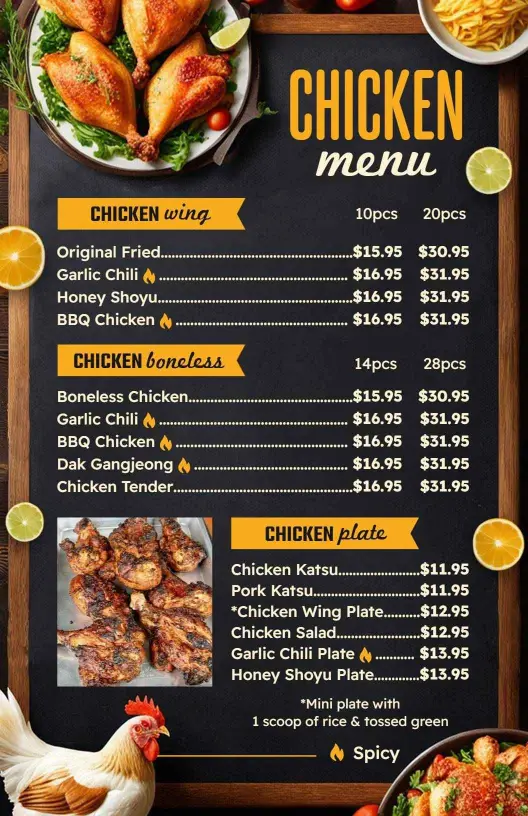
Place prices, portion notes, and spice labels beside each item so customers do not have to guess. If you serve add-ons or upgrades, keep those details close to the dish name for easy ordering.
4. Check readability on phone and in print
Check the layout on a phone and as a print copy to catch spacing, contrast, and font size issues. A chicken menu should still feel readable when it is viewed fast at the counter or on a QR page.
5. Export and reuse
Export both a print-ready file and a digital version, then reuse the same structure for specials and seasonal dishes. That keeps updates quick and helps the menu stay consistent across channels.
Trusted by Thousands
 Tata Consultancy Services
 Boston Consulting
 AT&T
AT&T
 Avelo Airlines
 Procter & Gamble
 Ministry Of Health, Malaysia
 Veterans Affairs
 Detroit Government
 New York University
 Texas A&M University
 Decathlon America
 Warby Parker
Tata Consultancy Services
Boston Consulting
AT&T
Avelo Airlines
Procter & Gamble
Ministry Of Health, Malaysia
Veterans Affairs
Detroit Government
New York University
Texas A&M University
Decathlon America
Warby Parker
Warby Parker
Tata Consultancy Services
Boston Consulting
AT&T
Avelo Airlines
Procter & Gamble
Ministry Of Health, Malaysia
Veterans Affairs
Detroit Government
New York University
Texas A&M University
Decathlon America
Warby Parker



Other Menu templates
Chicken menu templates for dine-in, takeout, and quick updates
DesignWiz chicken menu templates help you present wings, fried chicken, sandwiches, sauces, and combo meals in a layout that is quick to scan and simple to update. Use them for dine-in boards, takeout menus, QR ordering, or counter displays without crowding the page.
Fried chicken menus that stay readable
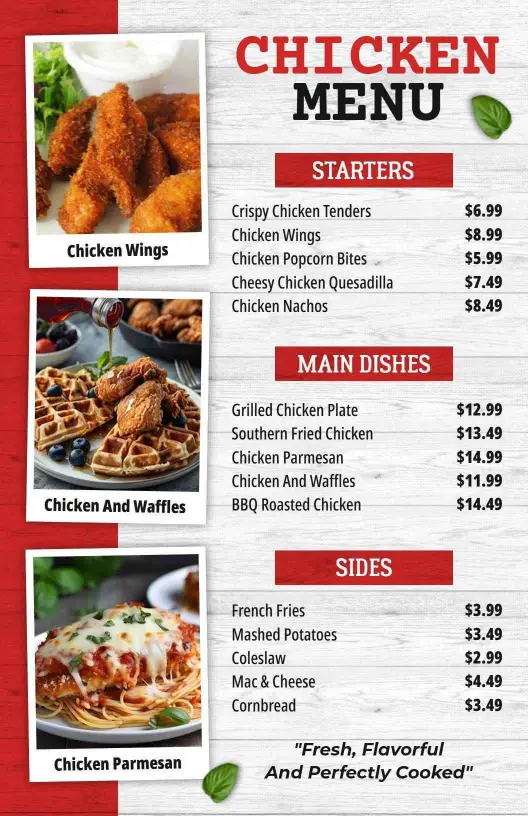
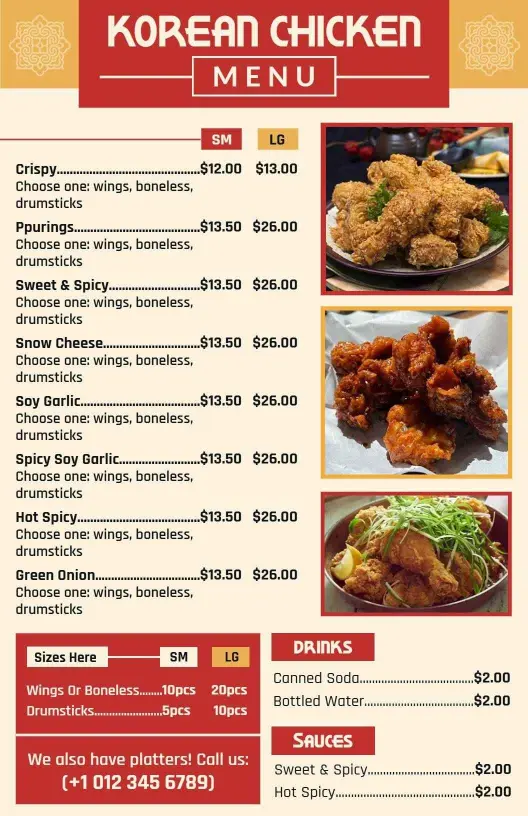
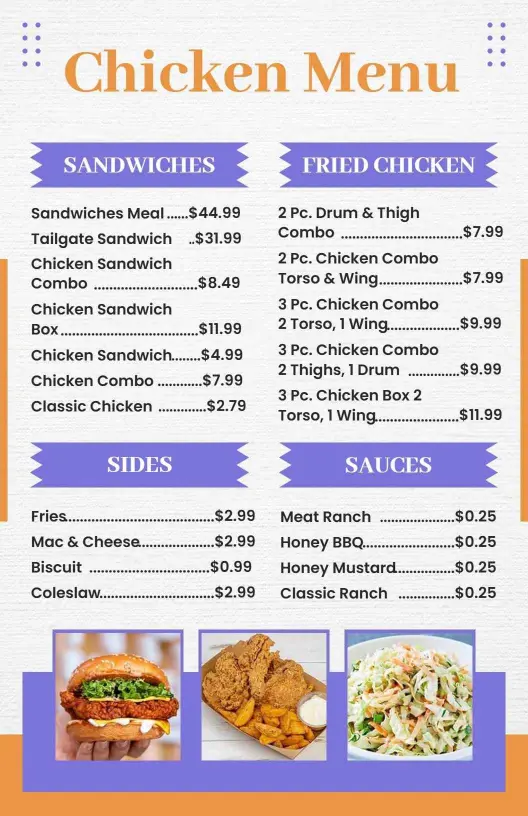
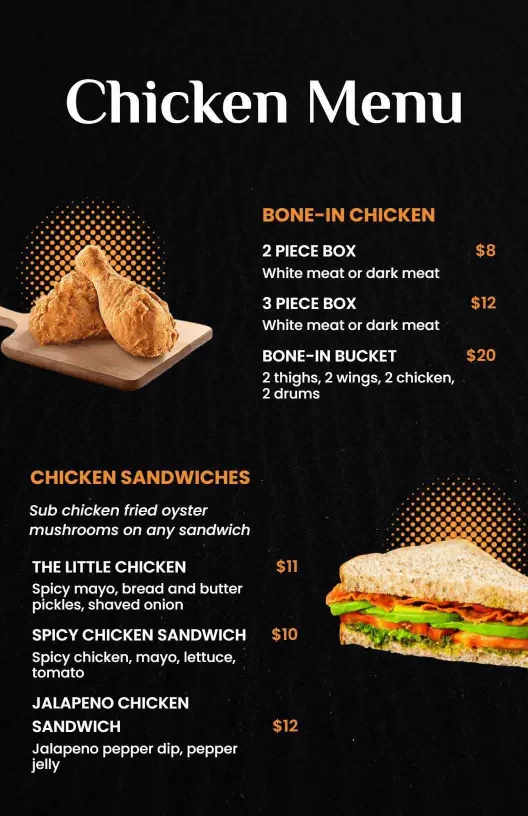
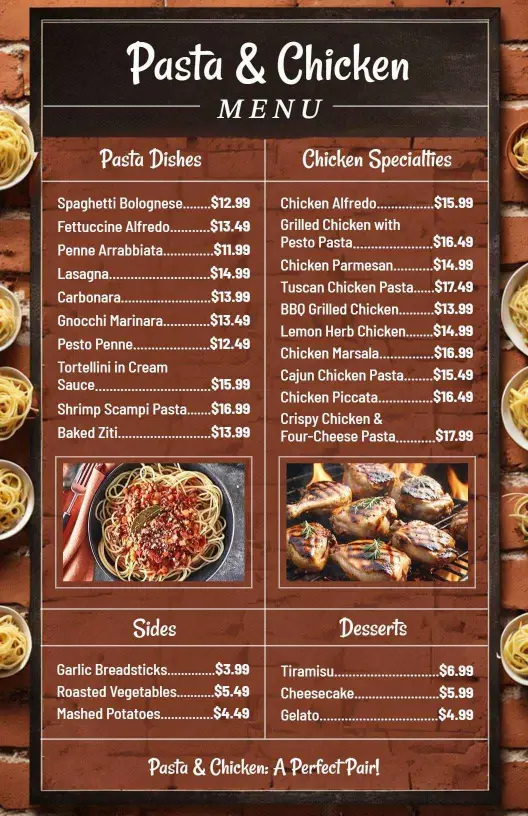
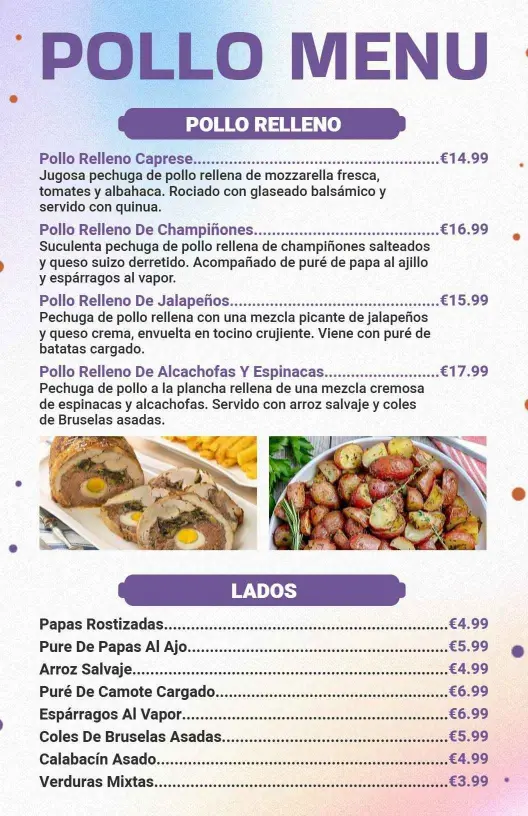
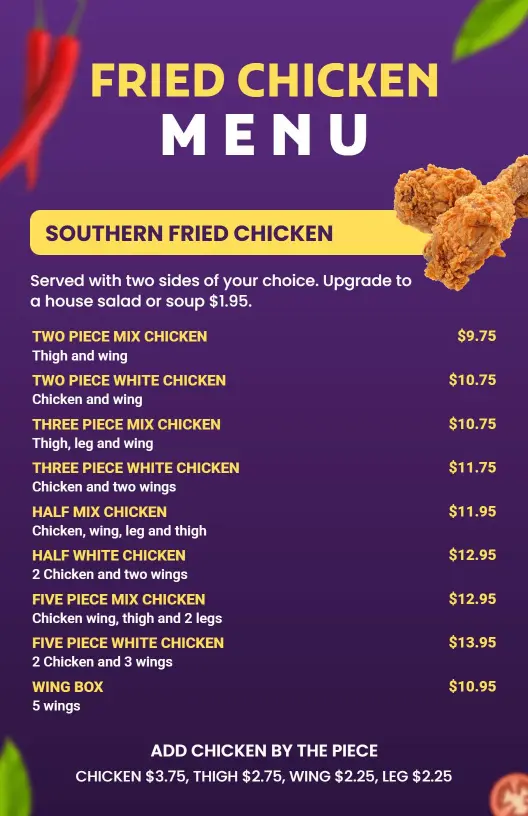
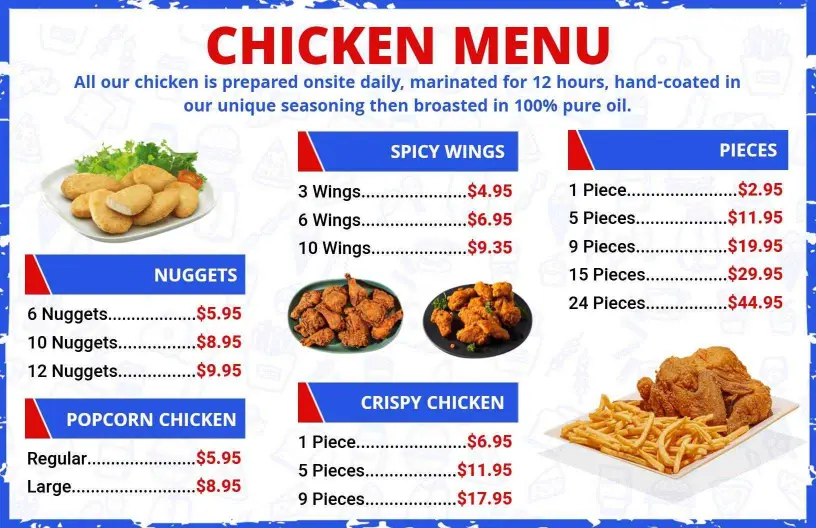
If your menu leans on buckets, sandwiches, and shareable plates, keep the most ordered items near the top and leave room for prices and short notes. A Savory Fried Chicken Selections and Sandwich Delights layout gives you a cleaner way to show combos, sides, and upgrades without making the page feel heavy.
Wing menus with bold sauces and spice levels
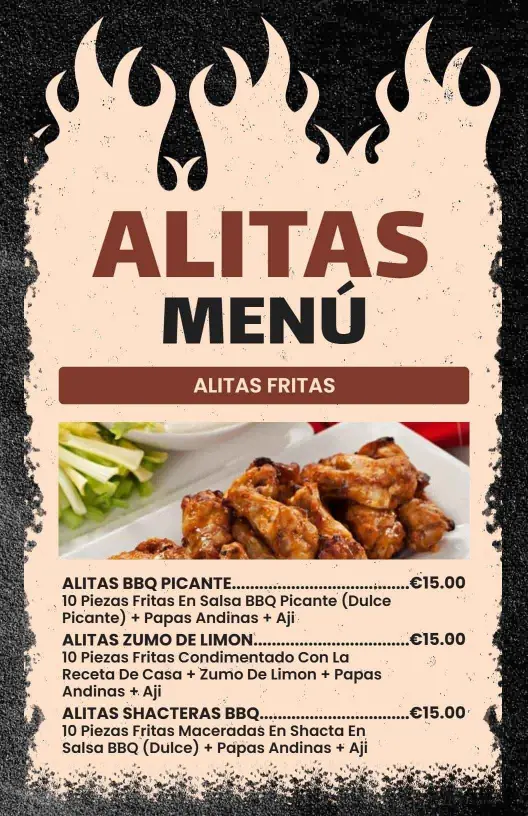
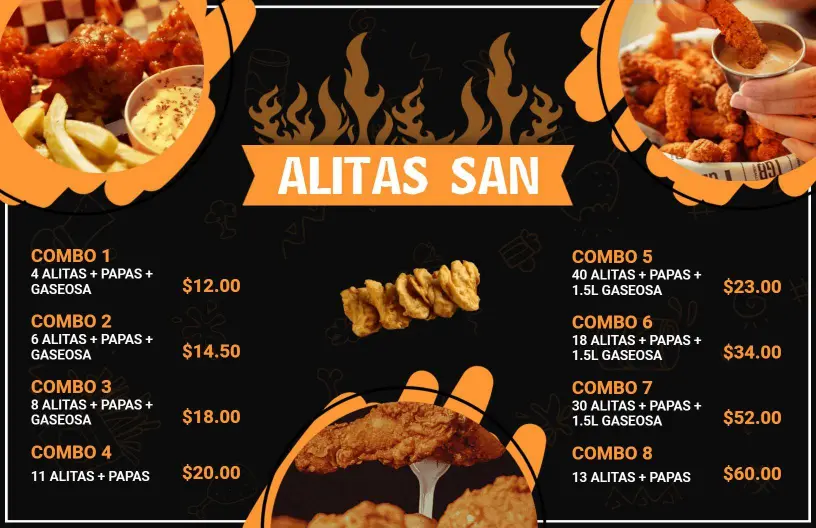
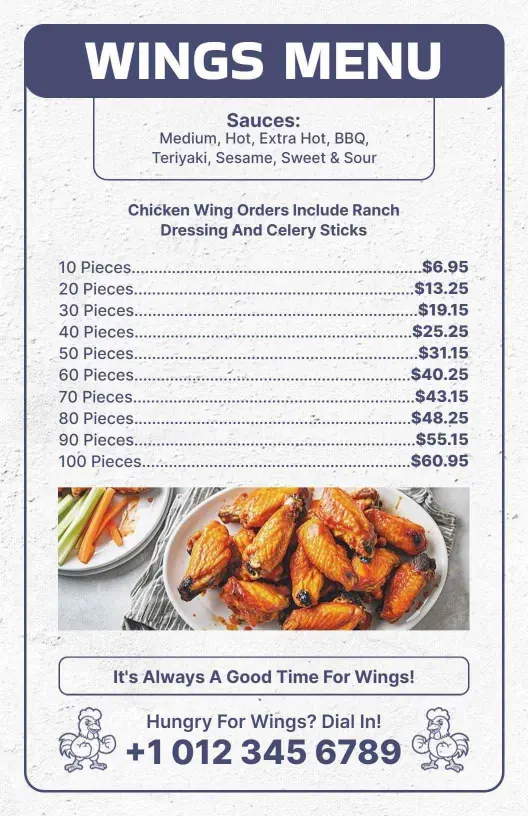
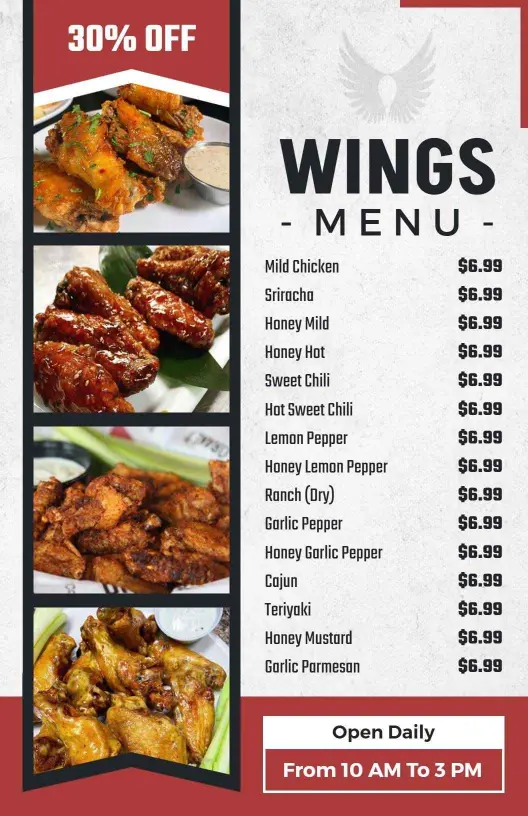
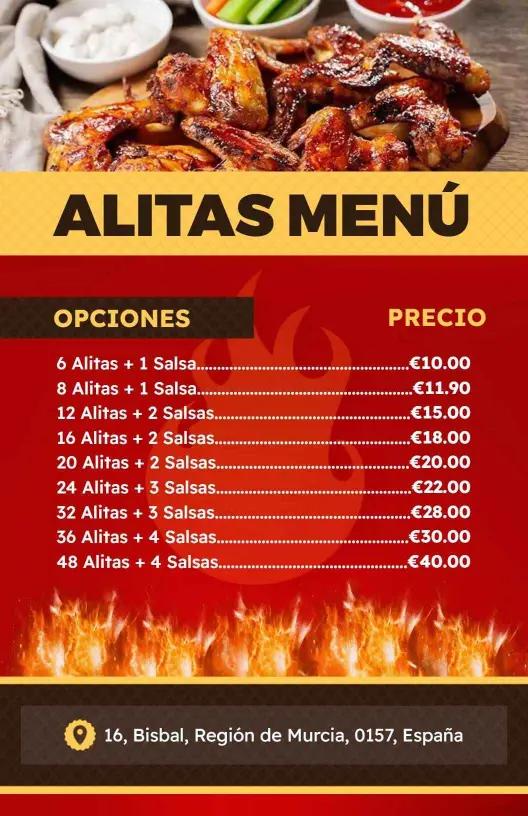
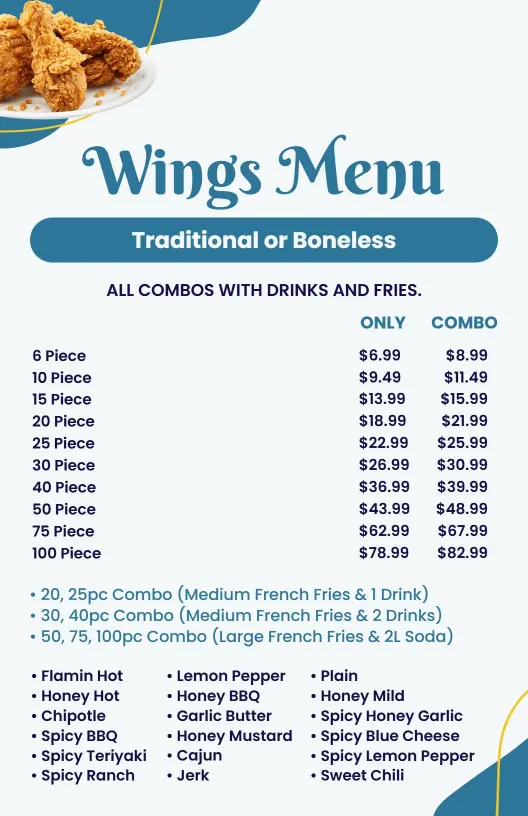
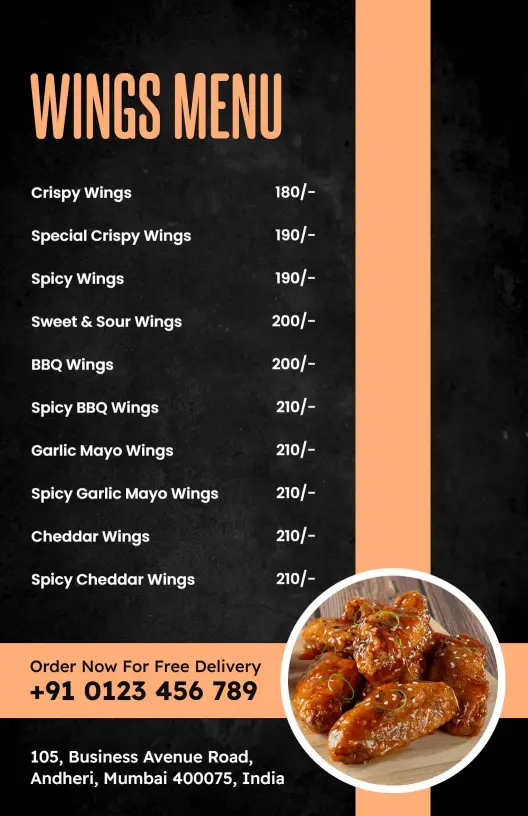
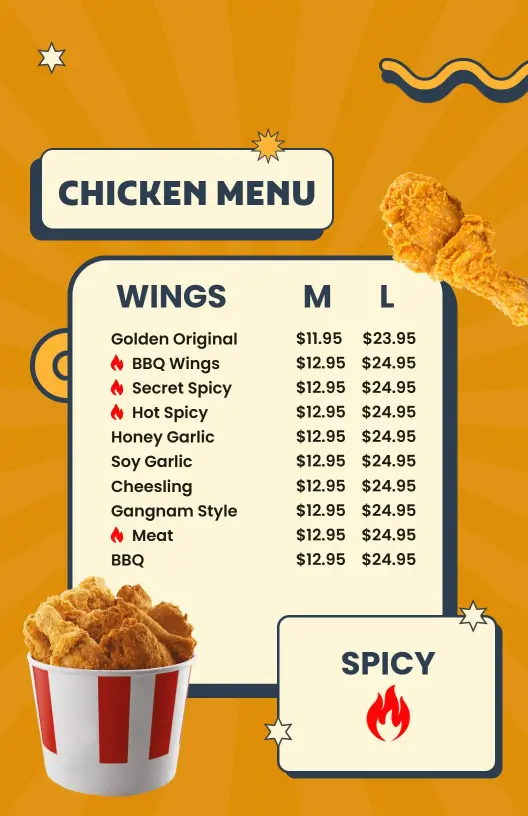
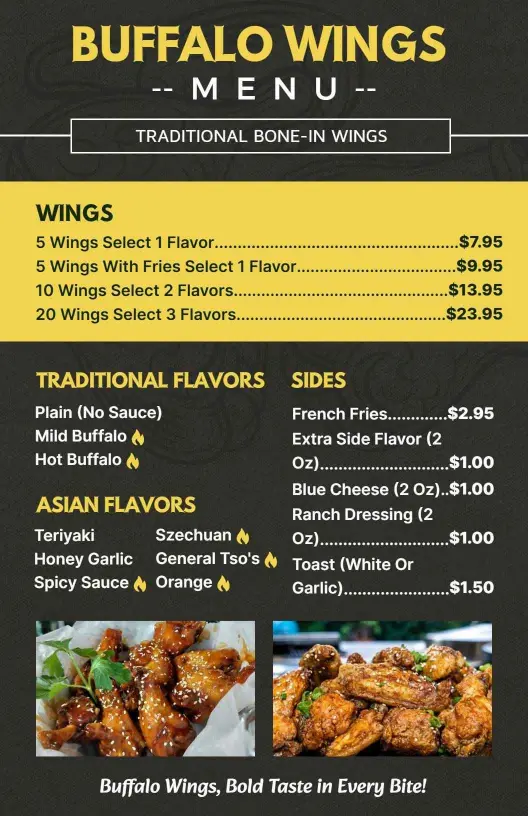
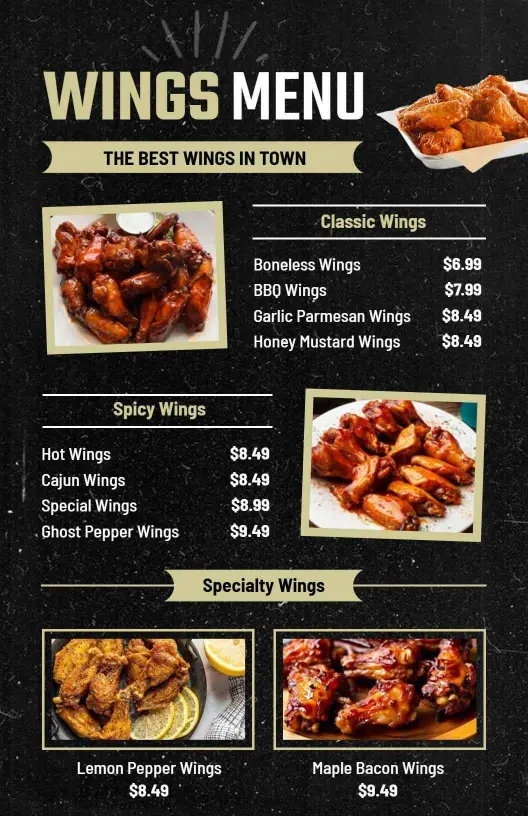
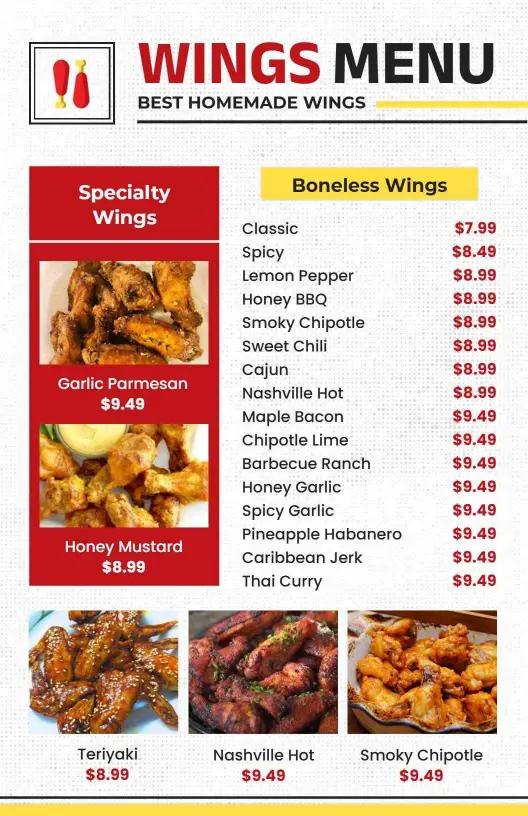
Wing shops need room for sauce options, heat levels, and side choices. A Savory Chicken Wings with Bold Sauces and Sides template keeps those details close to the item name so customers can compare flavors fast, and your staff can update specials without reworking the whole menu.
Combo plates and tenders that are easy to sell
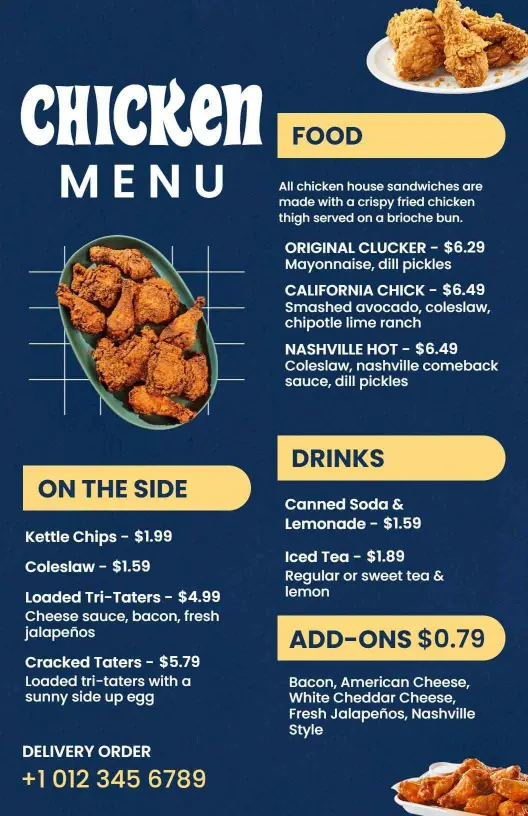
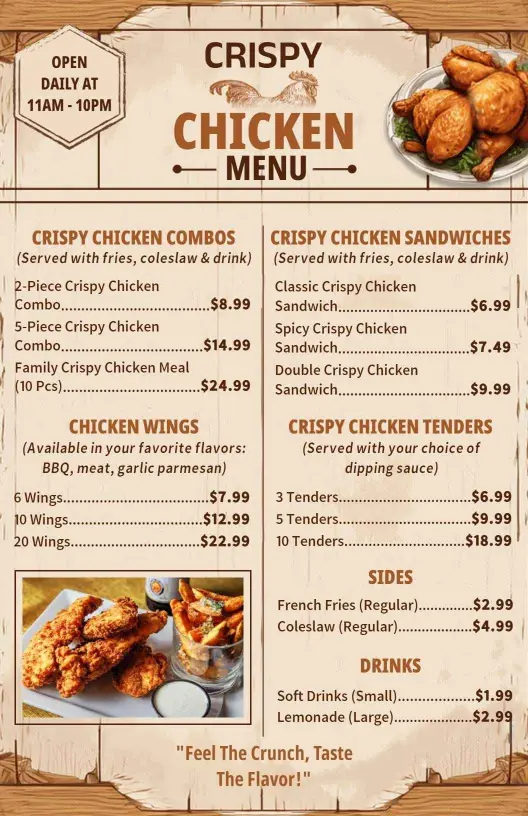
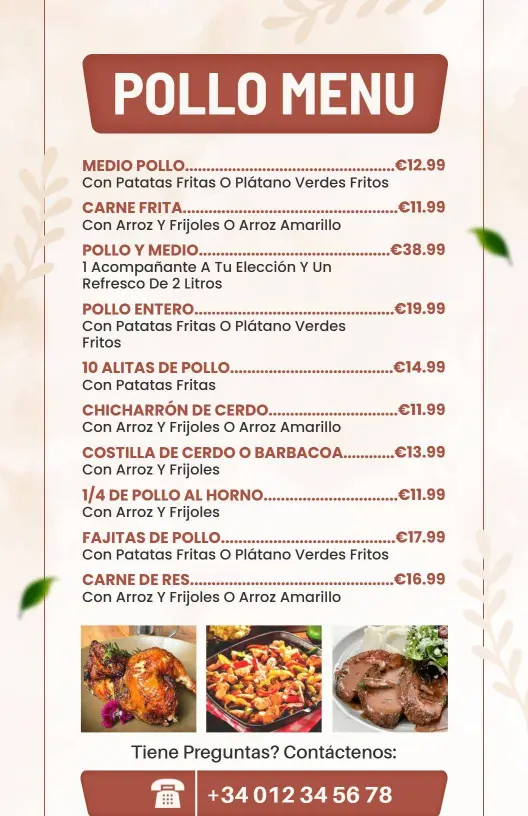
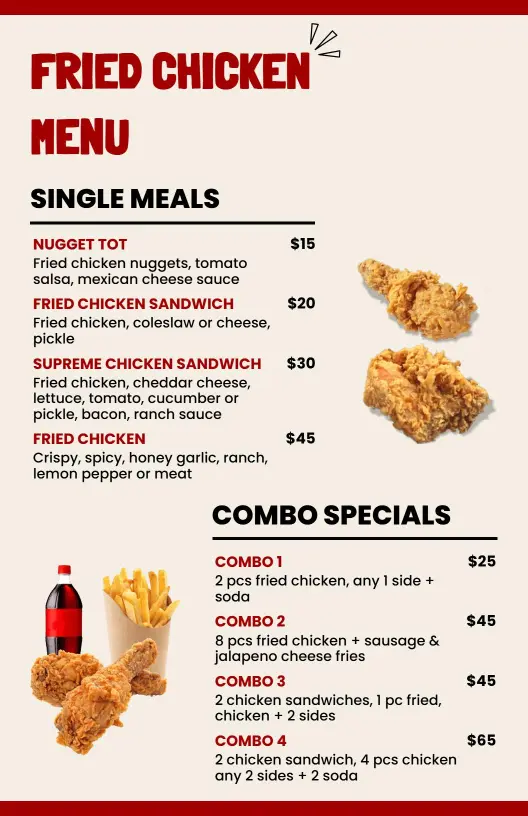
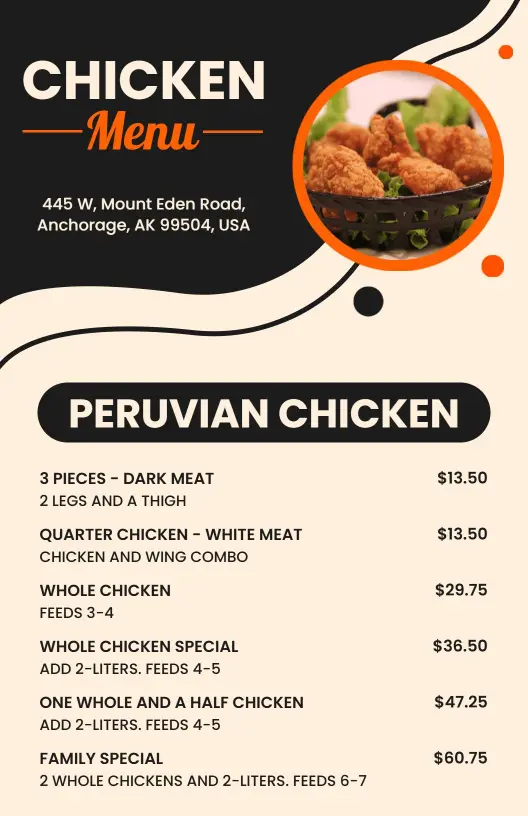
Combo-heavy menus work best when the meal price and side choice sit together. A Crispy Chicken Wing Combos and Tenders with Sides layout helps you present lunch deals, family meals, and upsells in one clear block, which is useful for both counter ordering and QR menus.
Specials and regional flavors without clutter
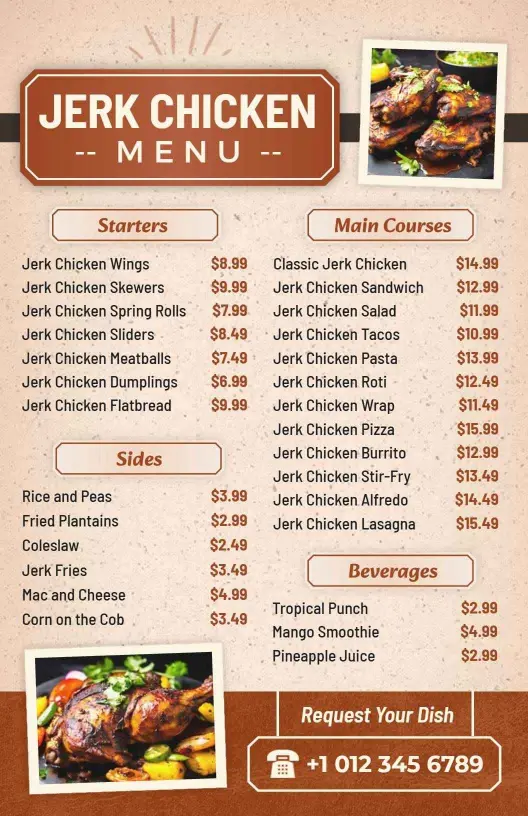
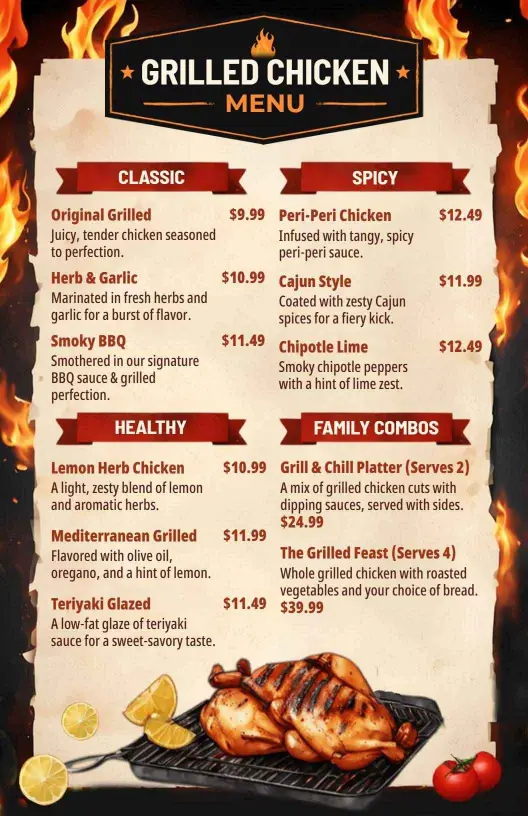
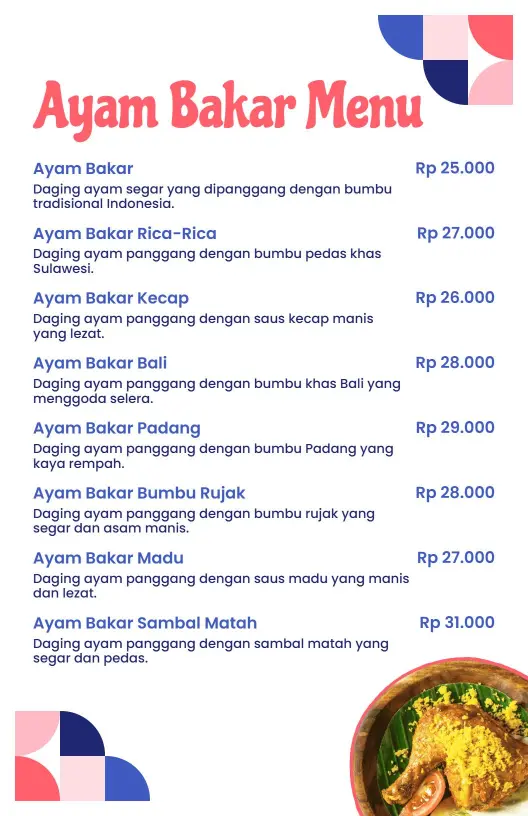
If you serve jerk chicken, grilled plates, or other flavor-forward items, the design should give those dishes room to stand out. A Flavorful Jerk Chicken Starters, Mains, and Sides template works well when you need distinct sections for starters, mains, and sides while keeping the page balanced on mobile and in print.