


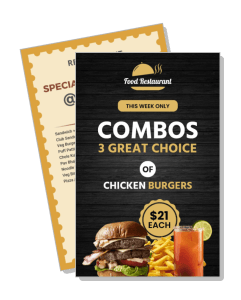
Combo Menu Templates
DesignWiz Combo Menu Templates help you present meal deals and drinks with a clear layout, quick editing, and polished styles for restaurants, cafes, food trucks, and fast food counters.

How to customize a combo menu
No design skills needed. Choose a layout, add the deals and prices, adjust the style, and export a menu you can print or share in minutes.

1. Pick the menu format
Start with the way customers will view it. Choose a counter friendly print layout or a vertical version for screens, then decide whether the design should feel bold, simple, or premium.
2. Add the deal list
List the meals, drinks, and any side choices in a simple order. Keep item names short and group related options together so the page stays easy to read during a busy rush.
3. Set the visual style
Adjust the colors, fonts, and spacing so the menu matches the venue. Use one accent style, keep contrast high, and leave enough room around each section for clean scanning.
4. Include pricing and notes
Place prices in a consistent spot and add special offer notes only when they help buyers decide. Keep those details close to the related item so the menu still feels organized.
5. Review and export
Check the final menu at actual size before you export it. Make sure the text is crisp, the sections stay aligned, and the design still works on a phone, on a wall, and at the counter.
Trusted by Thousands
 Tata Consultancy Services
 Boston Consulting
 AT&T
AT&T
 Avelo Airlines
 Procter & Gamble
 Ministry Of Health, Malaysia
 Veterans Affairs
 Detroit Government
 New York University
 Texas A&M University
 Decathlon America
 Warby Parker
Tata Consultancy Services
Boston Consulting
AT&T
Avelo Airlines
Procter & Gamble
Ministry Of Health, Malaysia
Veterans Affairs
Detroit Government
New York University
Texas A&M University
Decathlon America
Warby Parker
Warby Parker
Tata Consultancy Services
Boston Consulting
AT&T
Avelo Airlines
Procter & Gamble
Ministry Of Health, Malaysia
Veterans Affairs
Detroit Government
New York University
Texas A&M University
Decathlon America
Warby Parker



Other Menu templates
Why combo menu templates help guests understand deals faster
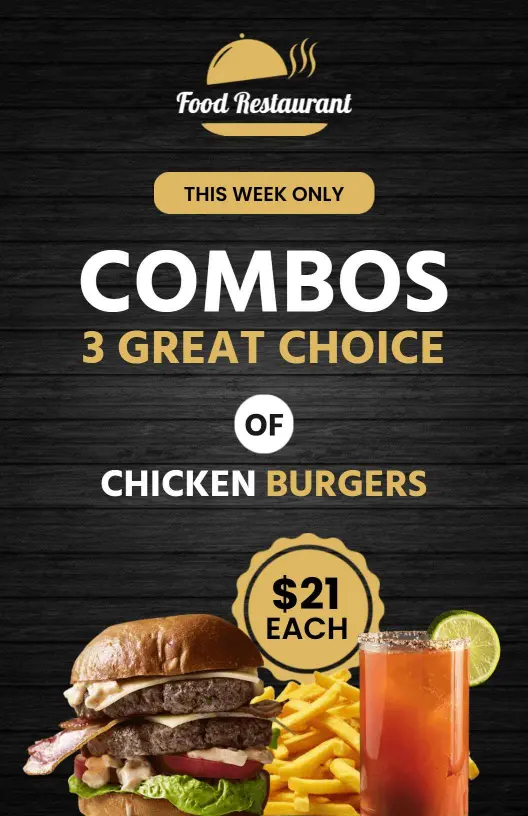
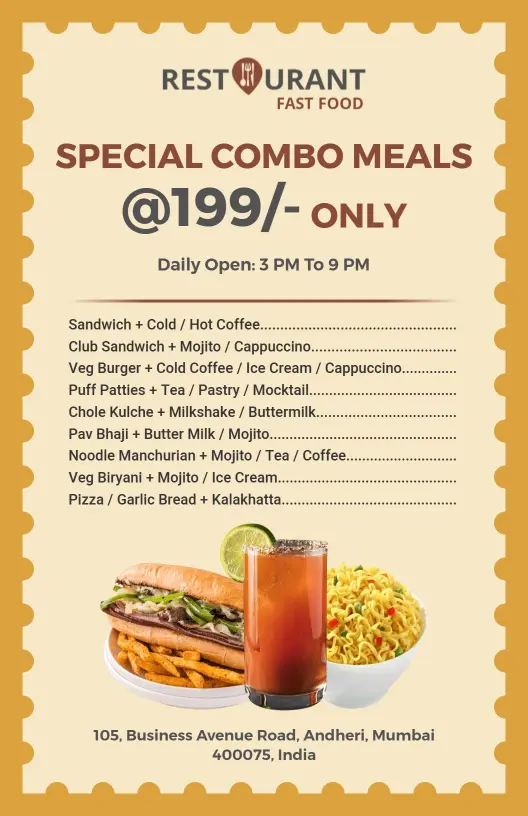
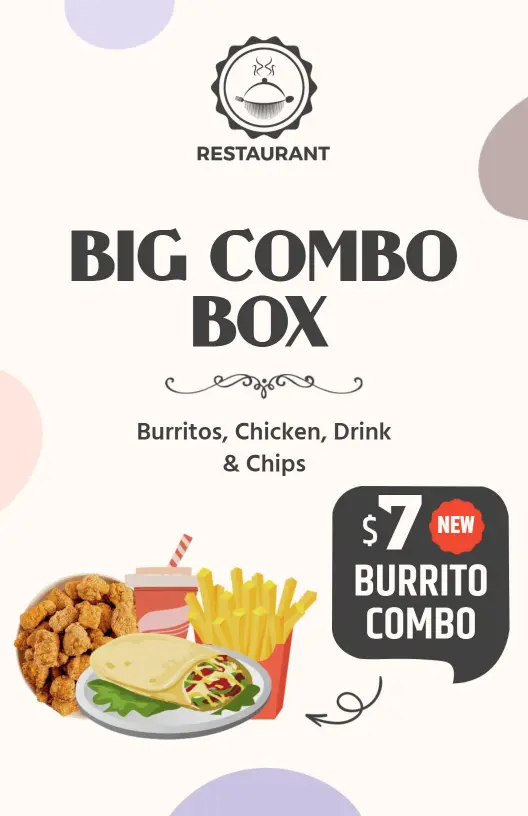
Combo menus work best when the deals are easy to compare and the page stays uncluttered. Use bold deal names, aligned pricing, and simple spacing so customers can decide quickly. Start with Affordable Combo Meal Menu Template when you want a straightforward promo style.
Value meal offers
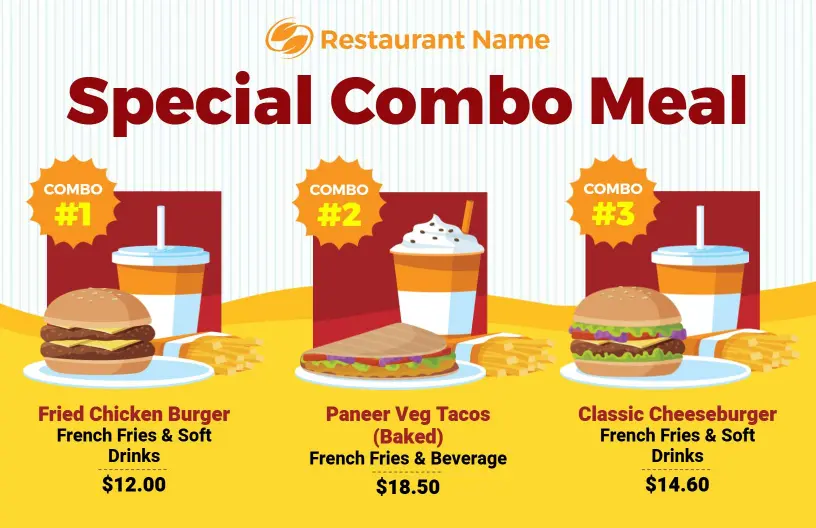
For restaurants and cafes, the menu should make the value obvious without crowding the page. Group the combo contents, keep the price structure easy to scan, and use enough contrast to help people compare options quickly. Classic Combo Meals with Soft Drinks Menu Template is a strong fit for that layout.
Burger and sandwich deals
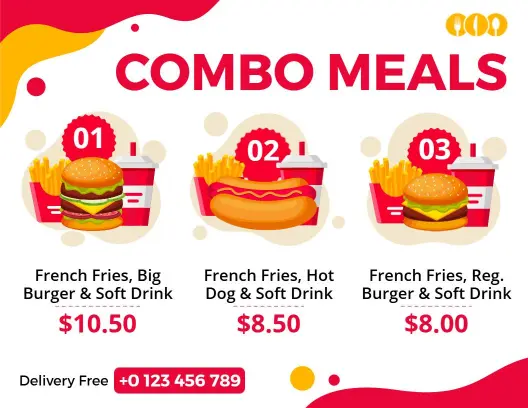
If the menu highlights burgers, hot dogs, or sides, keep the combination structure simple so guests can see what is included at a glance. That makes the deal feel easier to order and easier to update when specials change. Delicious Combo Burgers with Sides Menu Template supports that style well. For a bigger bundle presentation, Tasty Big Burger and Hot Dog with Drink Deals Combo Menu Template keeps the offer direct and readable.
Casual dining promotions
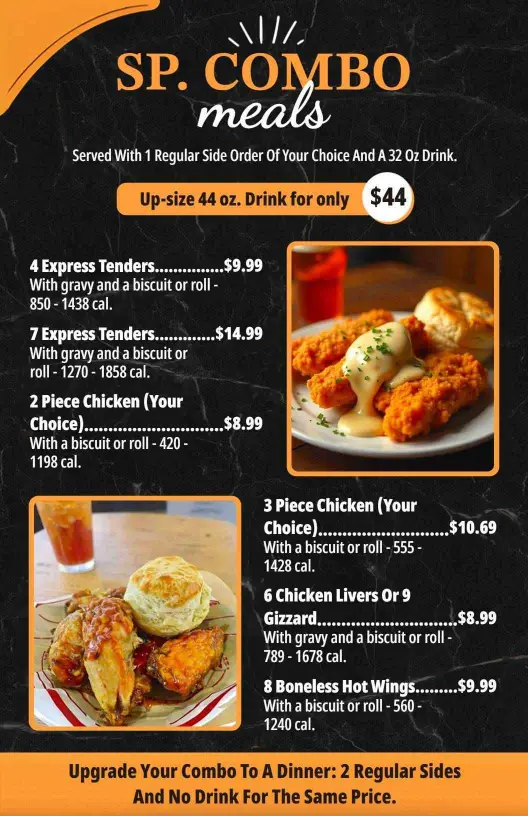
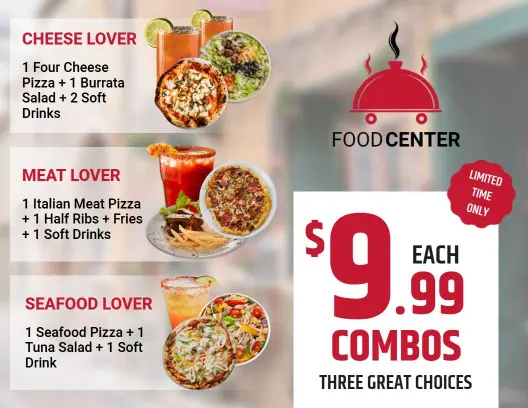
For limited time offers or discount promotions, a clean layout helps the deal stand out without making the menu feel crowded. Use the design to guide the eye from the headline to the included items and then to the price. Casual Dining Special Combo Offer Discount Menu Template is useful when the message is value first. Black and Orange Combo Meals Menu Template gives the offer a stronger visual contrast.