


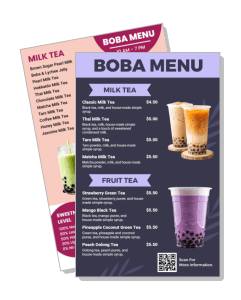
Boba Menu Templates
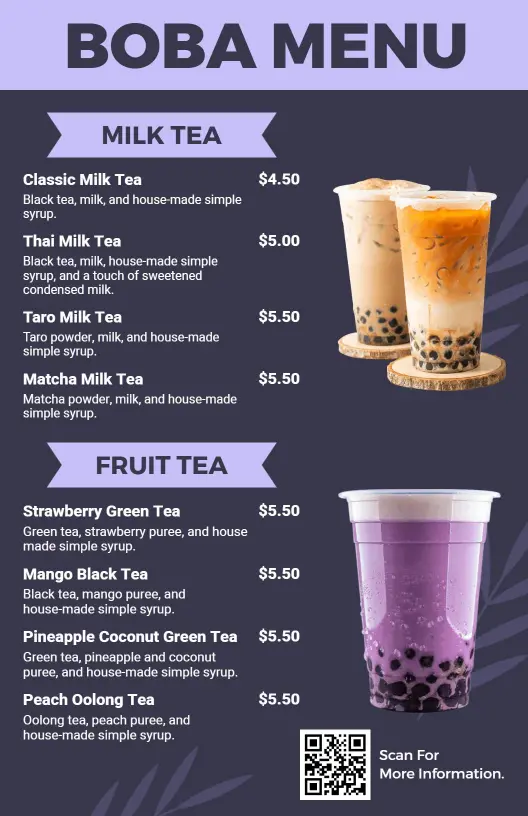
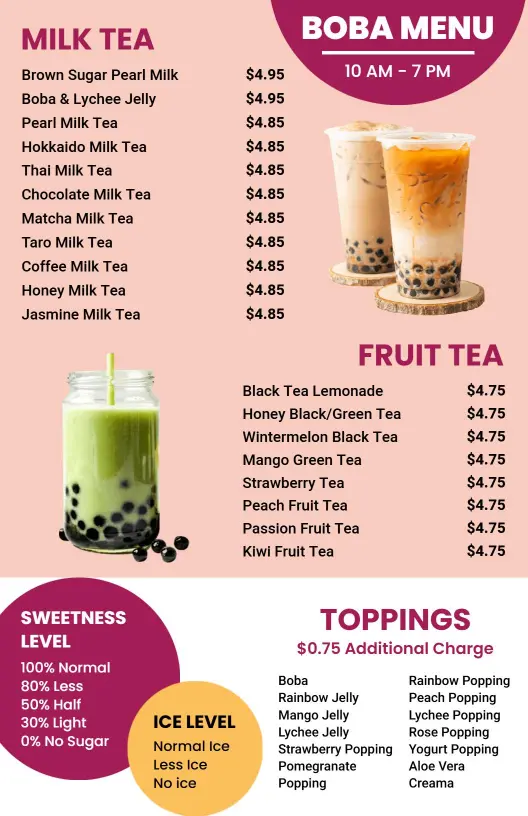
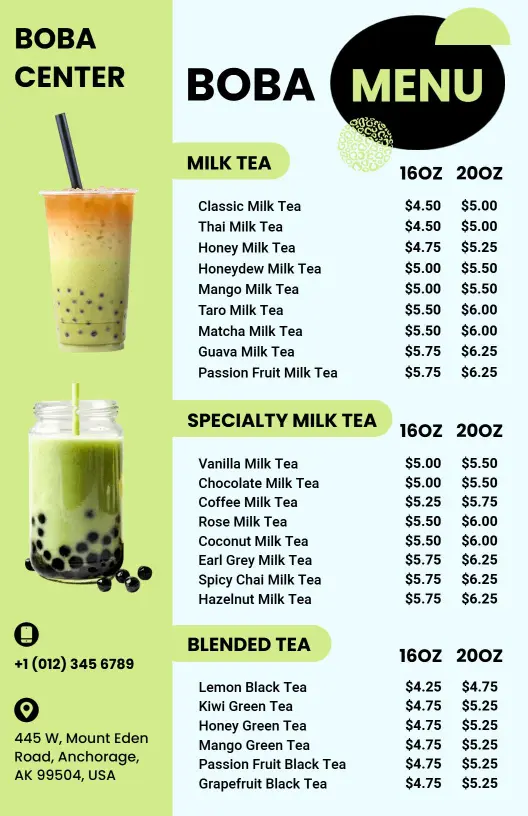
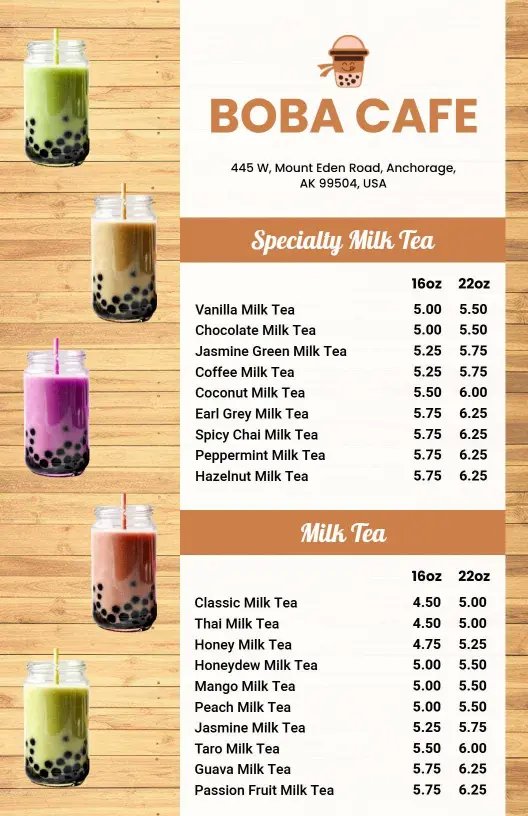
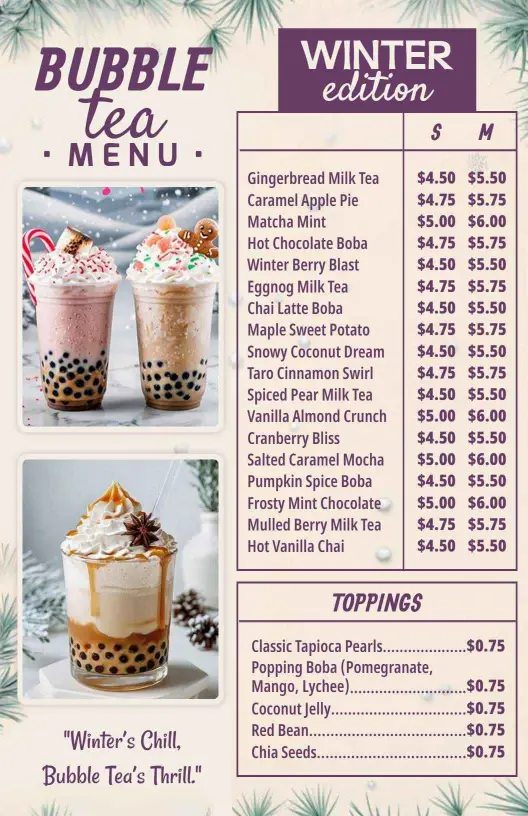
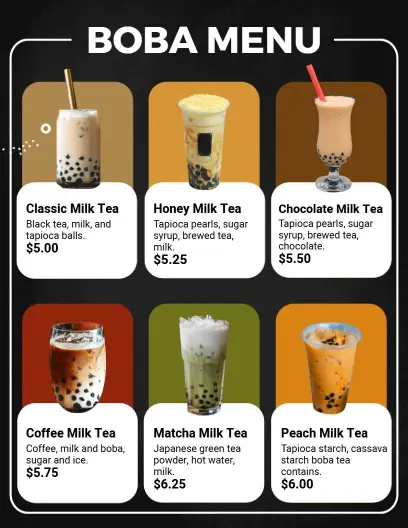
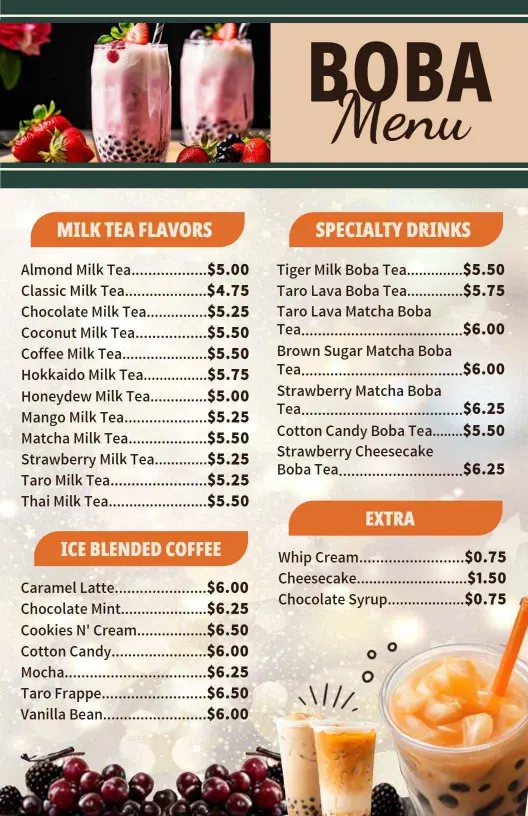
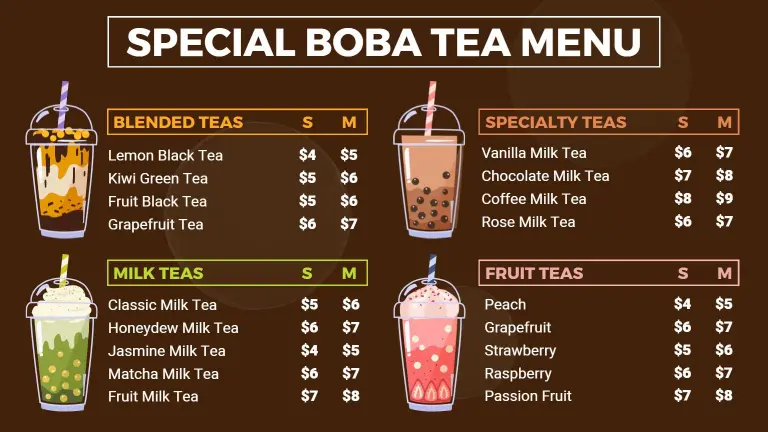
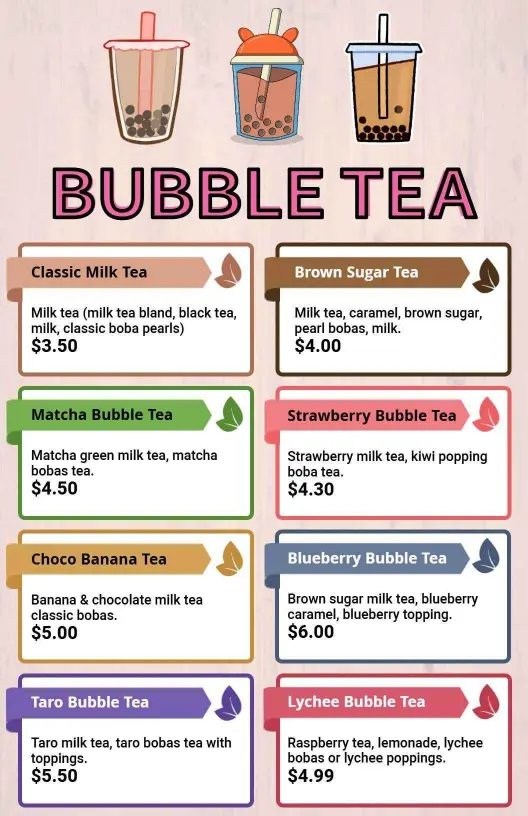
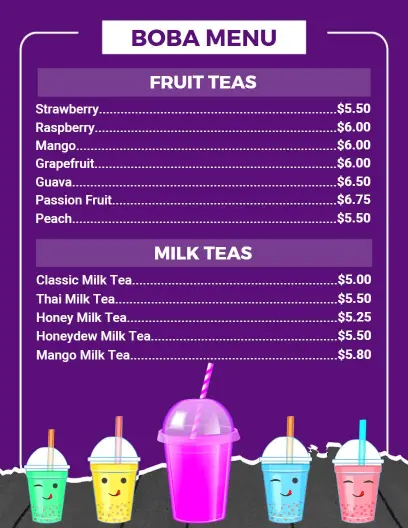
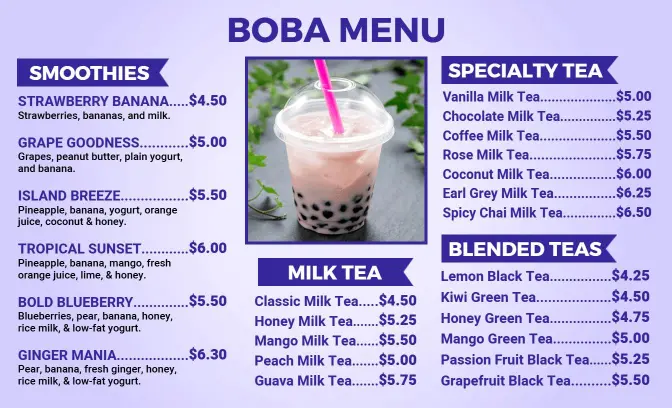
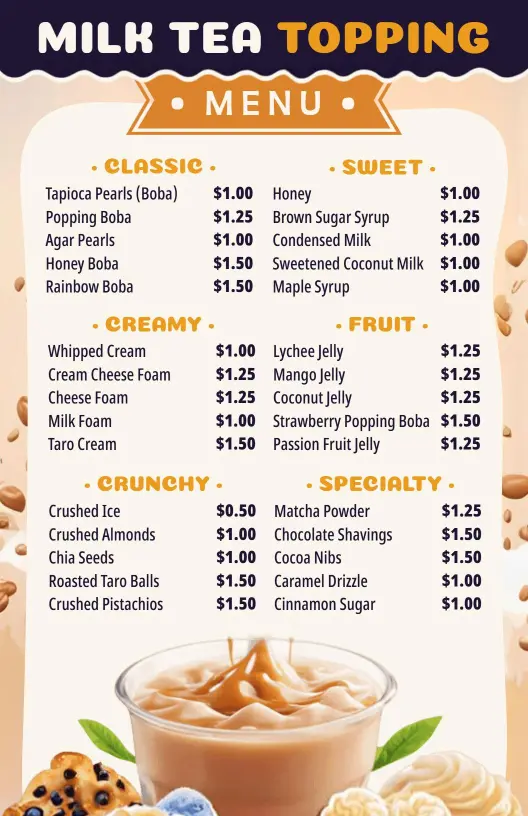
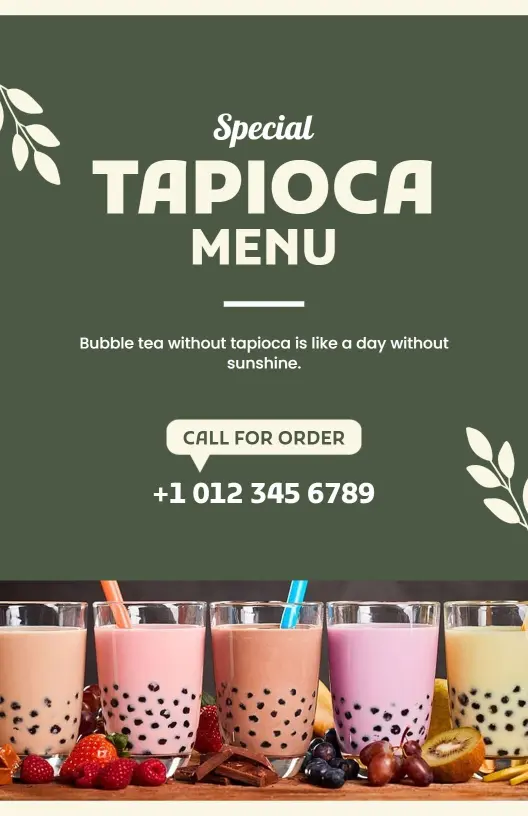
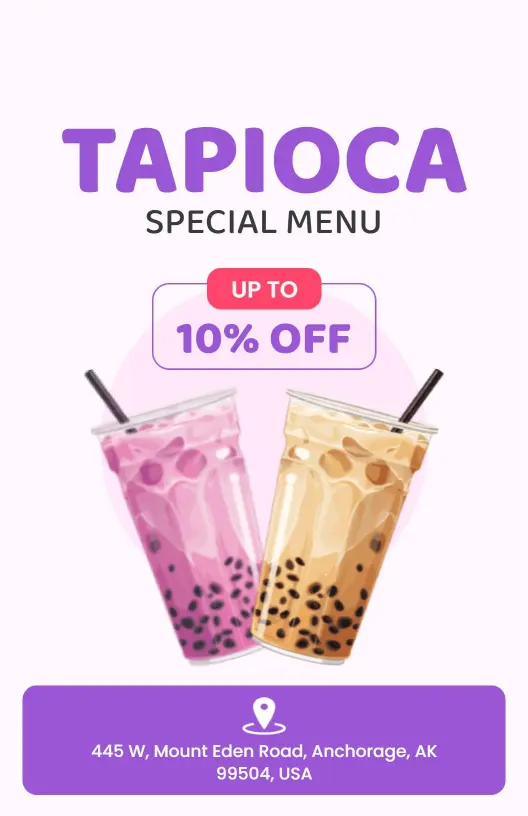
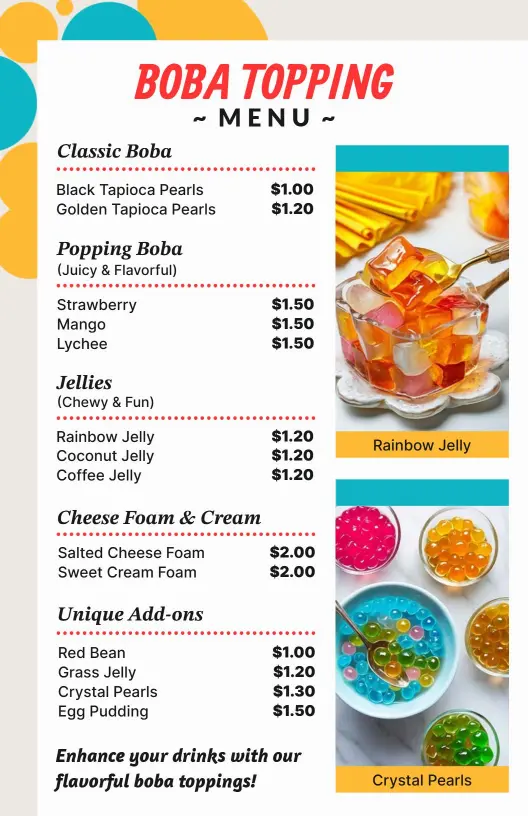
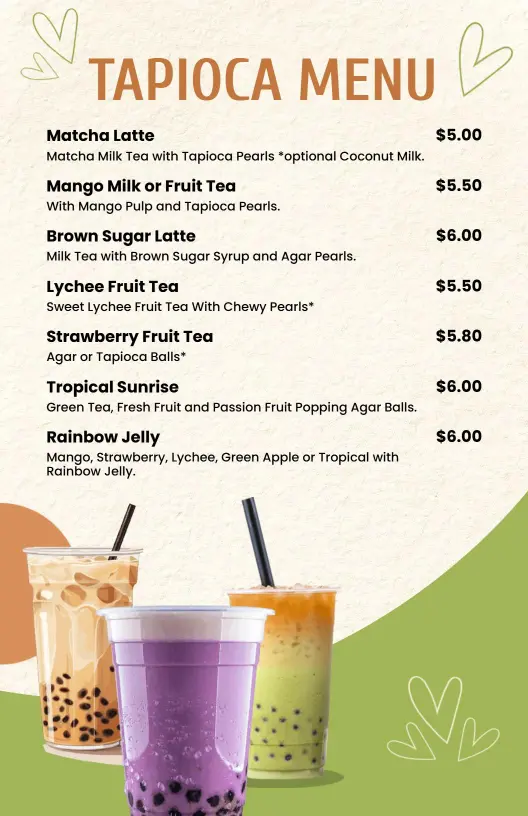
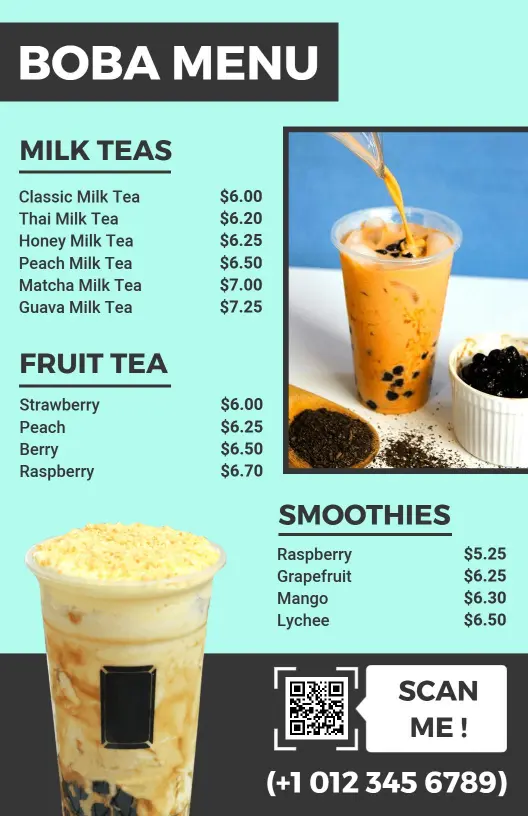
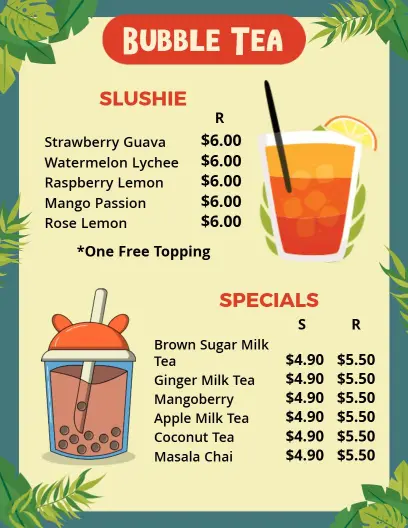
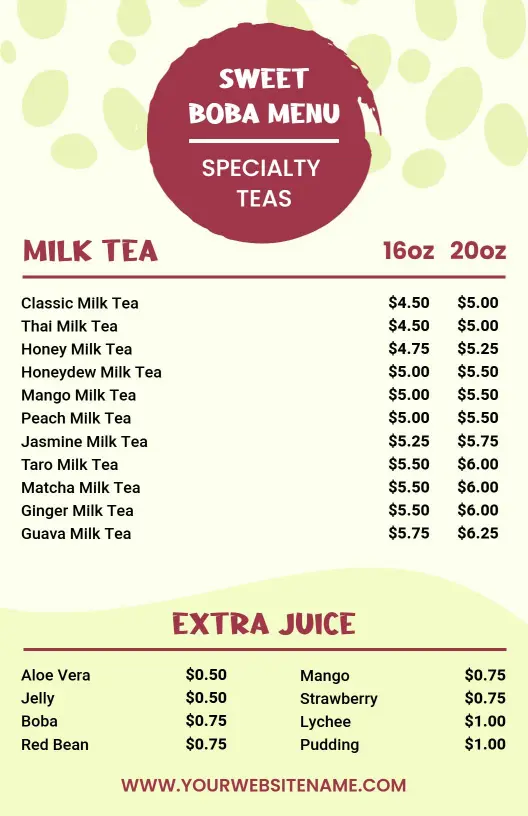
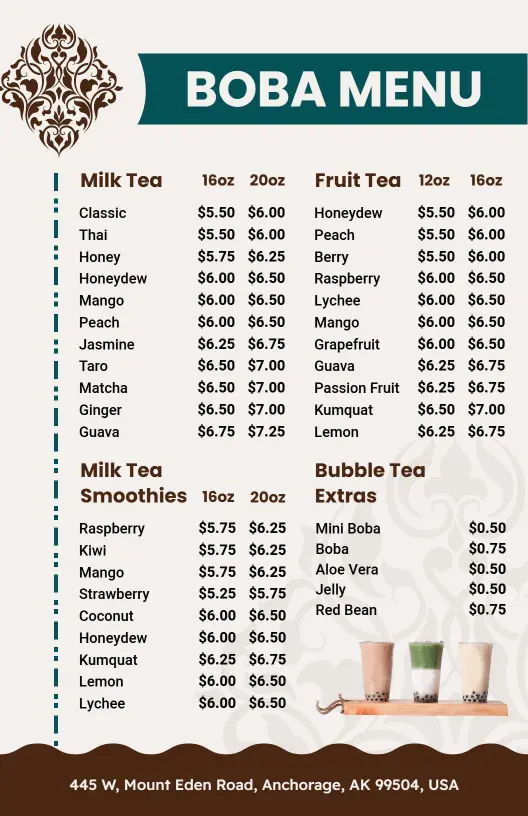
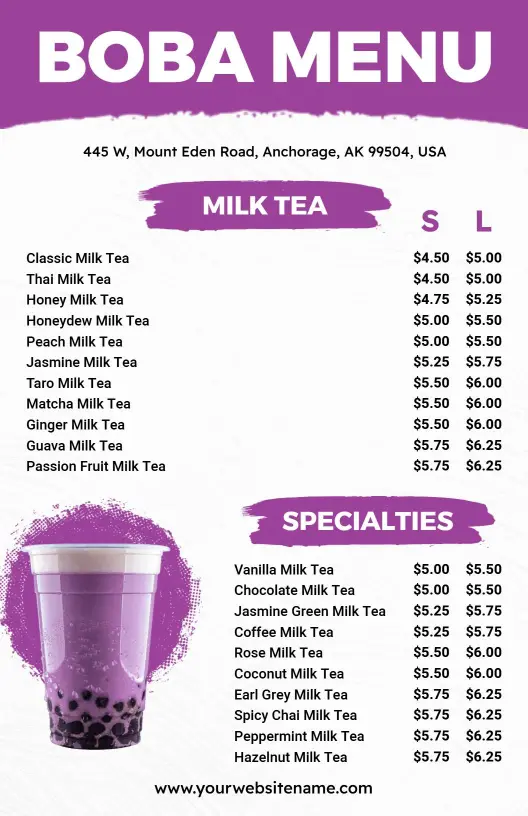
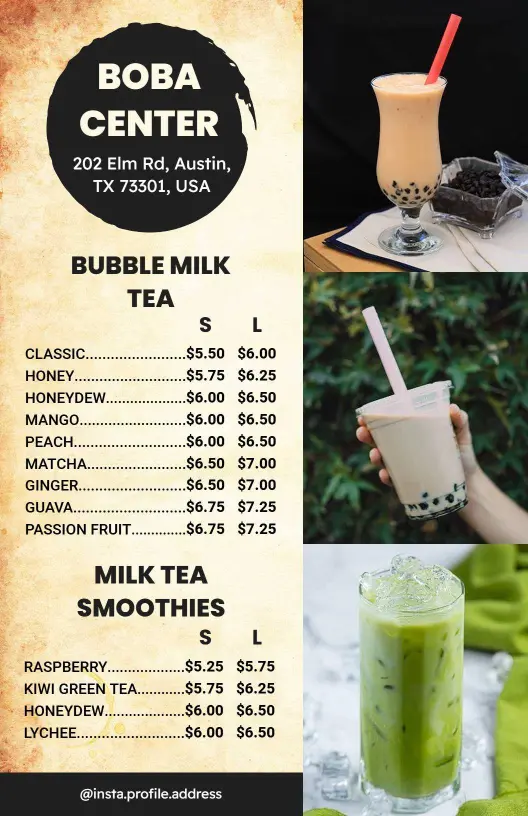
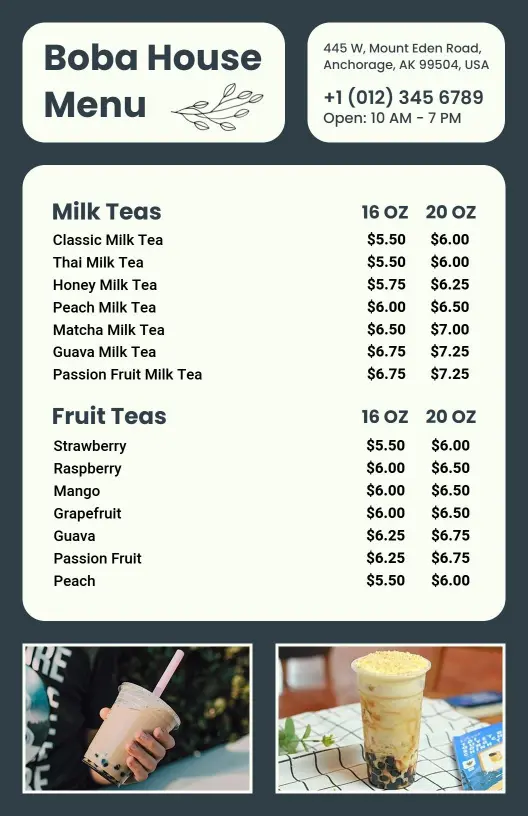
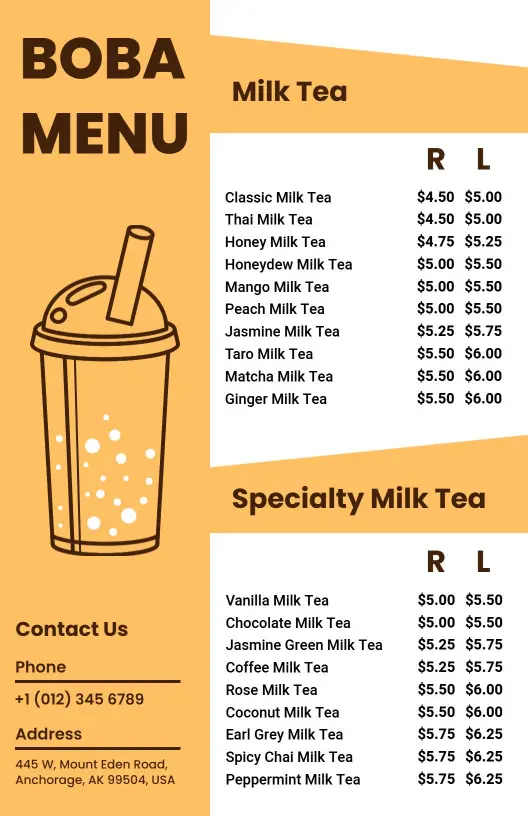
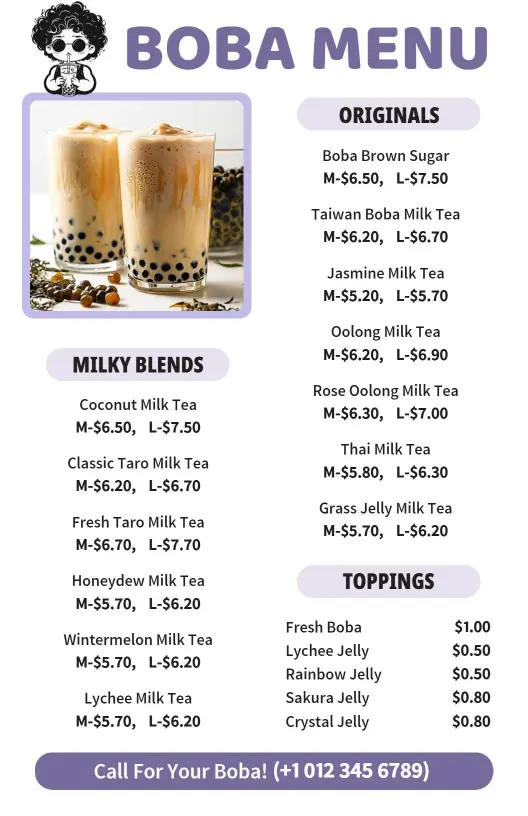
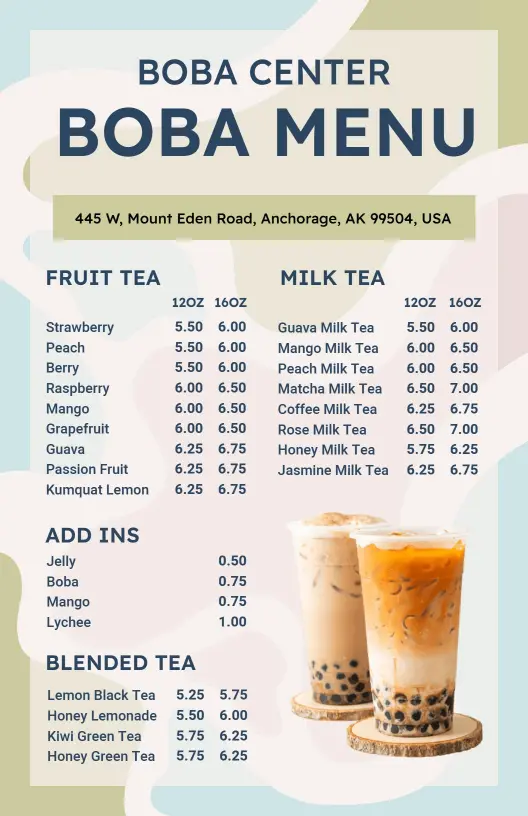
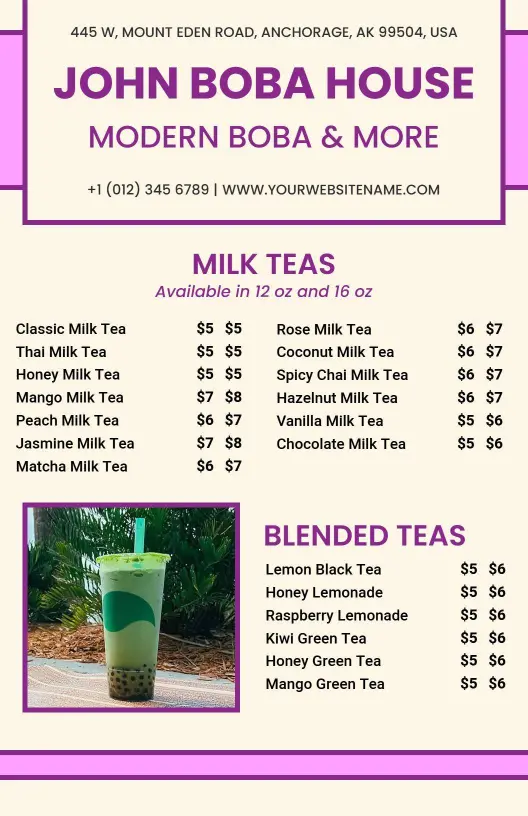
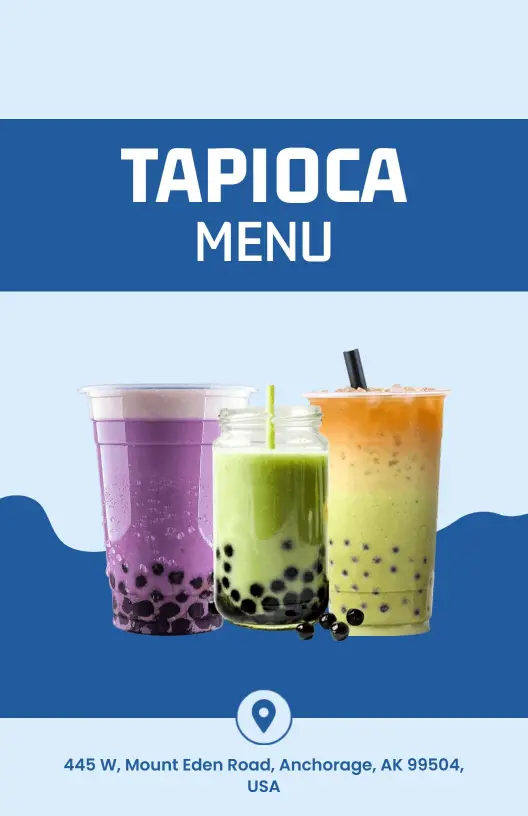
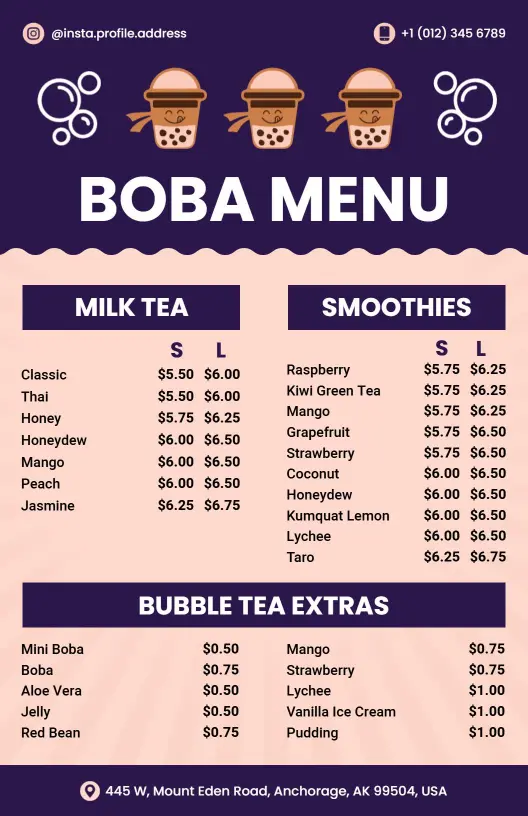
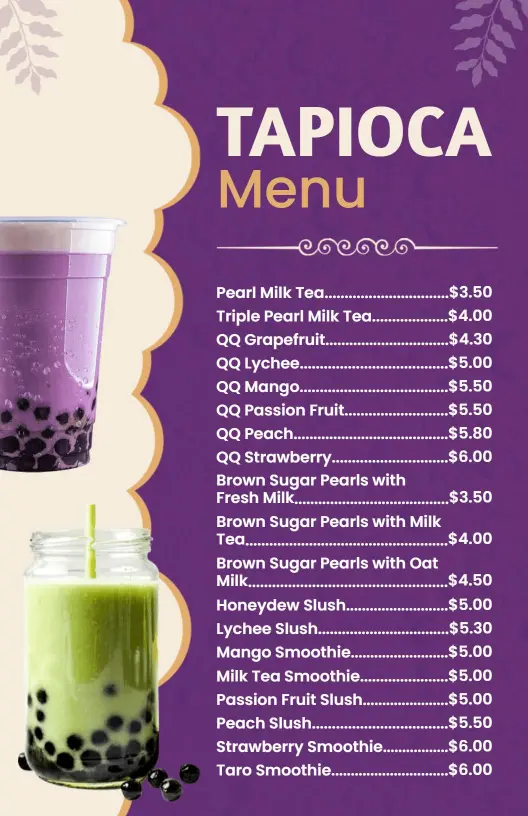
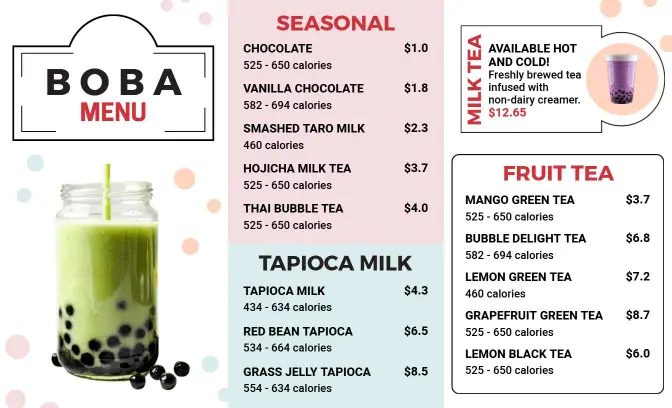
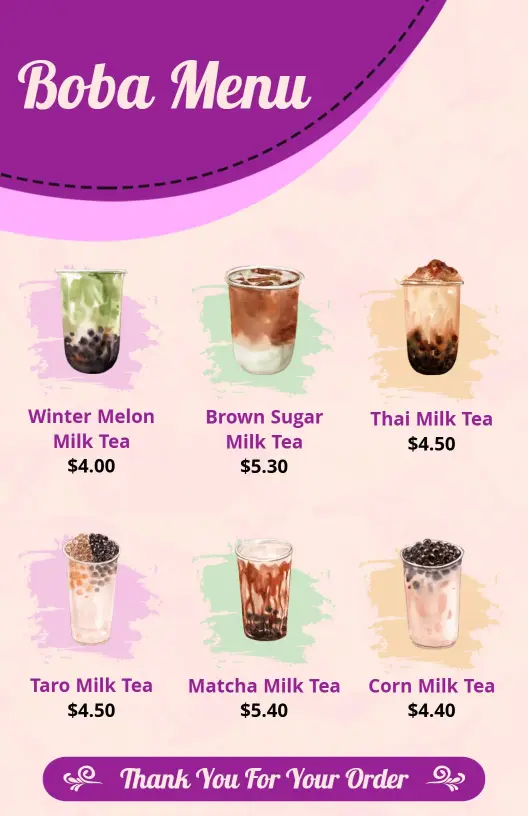
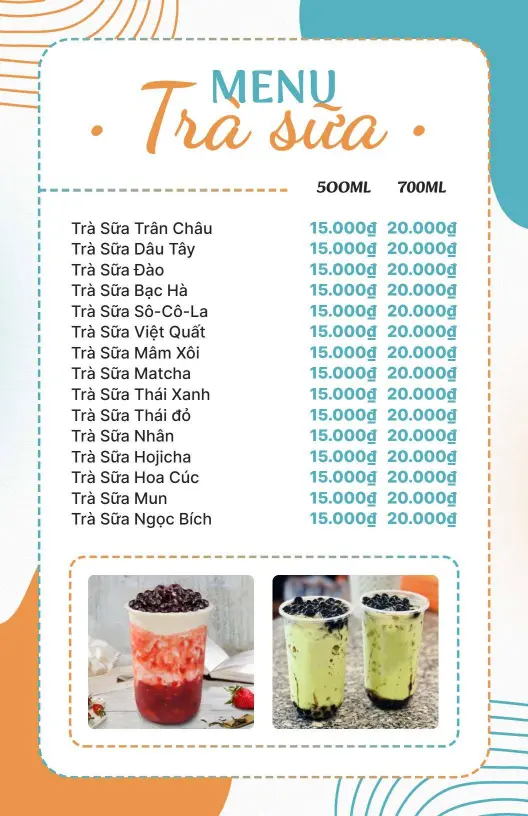
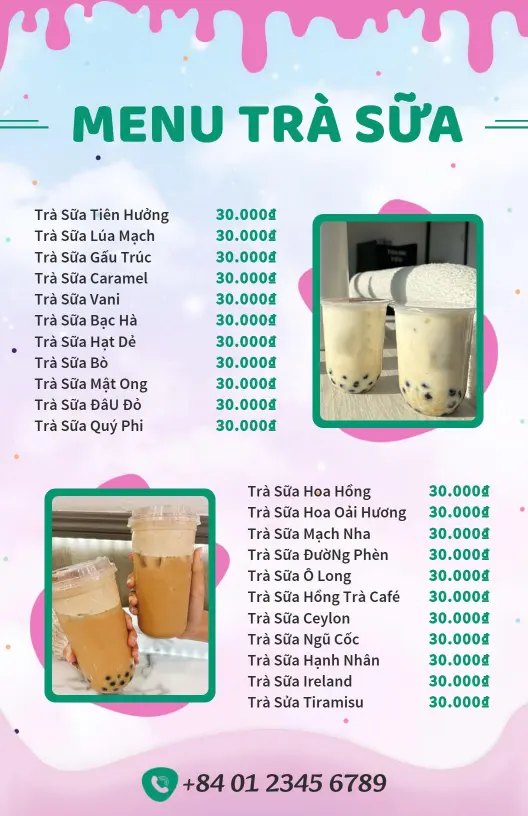
Boba menu templates for bubble tea shops, cafes, and tea bars. Build a clear drink menu for milk tea, fruit tea, toppings, and seasonal specials, then print or share a file that stays easy to scan at the counter or on mobile.
Trusted by Thousands
 Tata Consultancy Services
 Boston Consulting
 AT&T
AT&T
 Avelo Airlines
 Procter & Gamble
 Ministry Of Health, Malaysia
 Veterans Affairs
 Detroit Government
 New York University
 Texas A&M University
 Decathlon America
 Warby Parker
Tata Consultancy Services
Boston Consulting
AT&T
Avelo Airlines
Procter & Gamble
Ministry Of Health, Malaysia
Veterans Affairs
Detroit Government
New York University
Texas A&M University
Decathlon America
Warby Parker
Warby Parker
Tata Consultancy Services
Boston Consulting
AT&T
Avelo Airlines
Procter & Gamble
Ministry Of Health, Malaysia
Veterans Affairs
Detroit Government
New York University
Texas A&M University
Decathlon America
Warby Parker



Other Menu templates
Enhance Customer Choices with Visually Appealing Boba Menus
Attract customers with a visually irresistible menu that highlights your refreshing boba tea offerings. DesignWiz boba menu templates incorporate tantalizing shades of fruit-inspired pinks and greens, alongside perfectly positioned spaces for premium tea photos that stimulate customers' taste buds and imaginations.
Ensure your menu lists every detail that tea enthusiasts need. Highlight your variety of tea base options, include descriptions of sweet toppings like pearls and jellies, specify customization choices for sugar levels, offer seasonal specials, and mark items with dietary preferences such as vegan or dairy-free. Make sure prices are clear and ordering straightforward.
Present glossy menus at the counter for easy browsing, insert them into delivery bags for takeout orders, or upload digital versions to your café's website for customers to plan their visit or place orders online with ease.