


Course Certificate Templates
Course Certificate Templates help educators, trainers, and course creators recognize learning milestones with clear, professional certificates that are easy to personalize for each participant.


How to create a course certificate
Build a certificate that clearly records the learner’s achievement, reflects your course brand, and stays easy to review in print or digital form.
1. Choose the right certificate layout
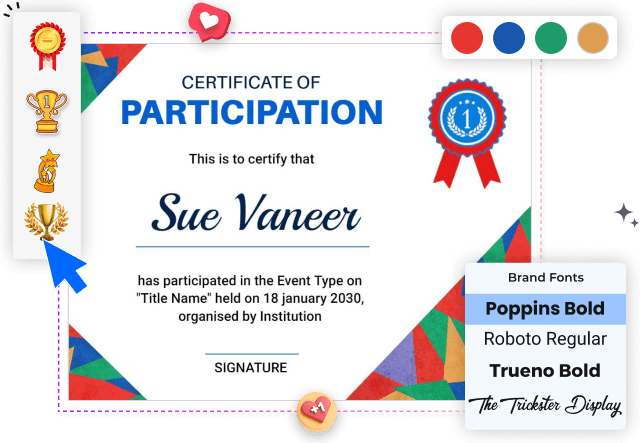
Select a layout that matches the course type, audience, and level of formality. A clear structure makes the recipient name, course title, date, and issuer easy to identify.
2. Enter the learner and course details
Replace the sample text with the learner's name, course title, completion date, instructor, and organization. Check spelling carefully because certificates are often shared publicly.
3. Apply consistent course branding
Apply your organization’s logo, brand colors, and preferred fonts while keeping strong contrast. Consistent branding helps the certificate feel connected to the learning program.
4. Add signatures and verification details
Add signature lines, instructor names, certificate numbers, or credential details only when they are relevant. Leave enough space so verification information remains easy to read.
5. Review and export the certificate
Review alignment, margins, names, dates, and signatures before export. Save a print-ready version and a digital copy that learners can email, download, or share online.
Trusted by Thousands
 Tata Consultancy Services
 Boston Consulting
 AT&T
AT&T
 Avelo Airlines
 Procter & Gamble
 Ministry Of Health, Malaysia
 Veterans Affairs
 Detroit Government
 New York University
 Texas A&M University
 Decathlon America
 Warby Parker
Tata Consultancy Services
Boston Consulting
AT&T
Avelo Airlines
Procter & Gamble
Ministry Of Health, Malaysia
Veterans Affairs
Detroit Government
New York University
Texas A&M University
Decathlon America
Warby Parker
Warby Parker
Tata Consultancy Services
Boston Consulting
AT&T
Avelo Airlines
Procter & Gamble
Ministry Of Health, Malaysia
Veterans Affairs
Detroit Government
New York University
Texas A&M University
Decathlon America
Warby Parker



Other Certificate templates
Course certificates that make every learning milestone credible
Course certificate templates give educators, training providers, and online course creators a consistent way to recognize completion, participation, or skill development. A well-structured certificate makes the recipient name, course title, completion date, issuing organization, and signatures easy to verify while reinforcing the identity of the program.
Certificates for technical and professional courses
Technical programs need a layout that feels credible without making the information difficult to scan. The Nautical Blue Elegant Python Course Completion Certificate Template suits coding and technology courses that need space for the course name, learner details, date, and instructor approval.
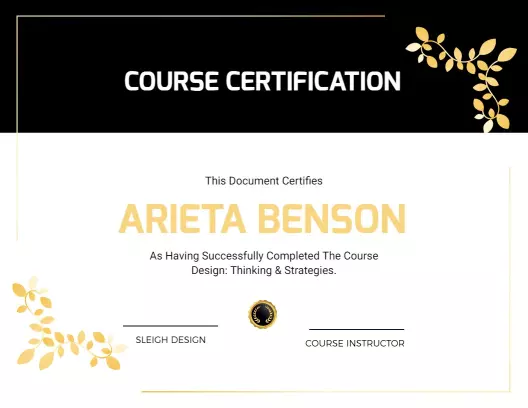
For workshops centered on strategy, innovation, or workplace learning, the Elegant Black and Gold Design Thinking Course Certificate Template provides a formal structure that can be aligned with a professional training brand.
Certificates for creative and practical learning
Creative courses benefit from certificates that reflect the subject while keeping the achievement clear. The Vibrant Orange Photography Course Completion Certificate Template supports photography classes, studio workshops, and practical programs with an energetic but organized presentation.
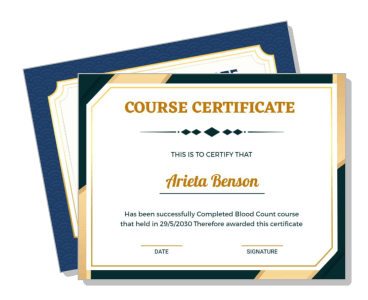
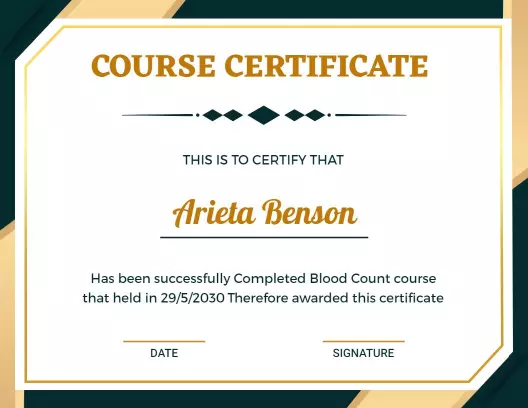
Specialized instruction can also use subject-relevant styling. The Geometric Dark Green Blood Count Course Completion Certificate Template offers a focused option for medical or laboratory learning where clear course and issuer details matter.
Certificates for online courses and repeat cohorts
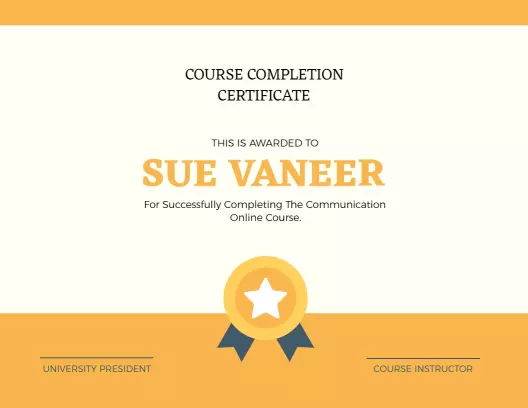
Online course creators often issue certificates to many learners across recurring cohorts. The Bright Yellow Modern Online Course Completion Certificate Template gives you a reusable layout for updating participant names, dates, instructors, and course titles without rebuilding the design.
Keep the logo, typography, signature placement, and credential wording consistent across each cohort. This makes certificates easier to produce, helps recipients understand what they completed, and creates a recognizable record of your learning program.
Details that make a certificate useful
Include only information your organization can verify, such as the recipient name, exact course title, completion date, instructor or issuer, and any relevant certificate number. Use balanced spacing and strong contrast so the document remains readable in both printed and digital formats.