Pre-made designs
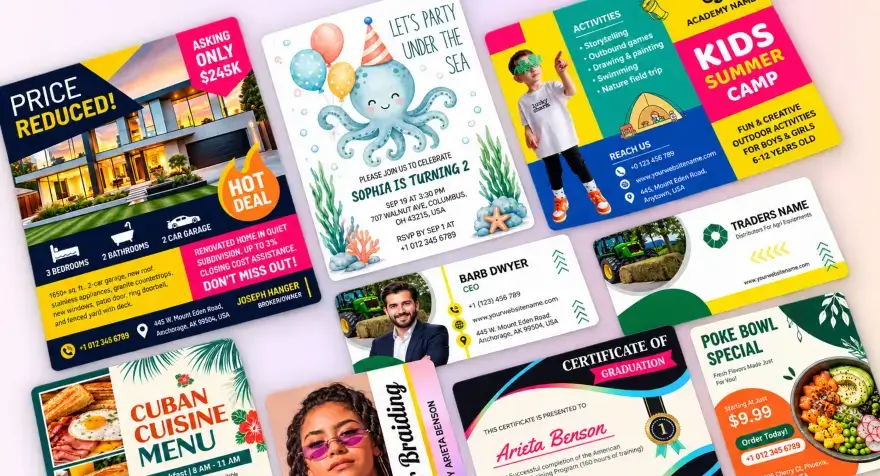
You do not have to start from a blank page. Our designer team has already made layouts that look clean and professional. Just pick one and change the text and photos to match your offer.


Create ads for your products, services, and special offers without starting from scratch. Choose from 1051 templates across 64 categories including 237 free template, add your product photos, prices, logo, and message, then download your design for digital or print advertising.
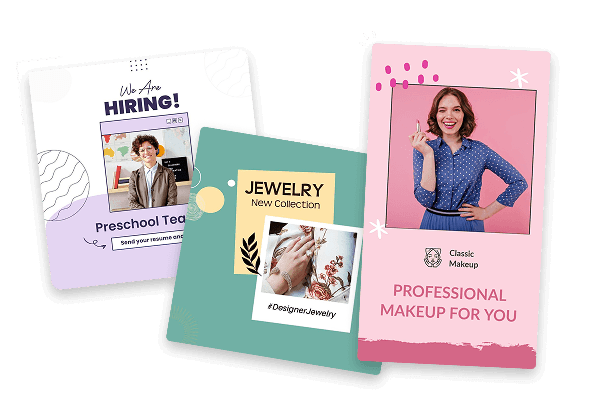
Browse ad templates for real estate listings, restaurant specials, skin care products, grocery offers, salon services, furniture sales, and more. Pick a layout that gives your product, offer, and message room to stand out.
Every ad you run is a chance to convert and DesignWiz makes sure you never waste it. From first idea to campaign-ready file, DesignWiz removes the busywork.
Make an ad in three steps: choose a design for your promotion, update the details your customers need, and download the finished creative.
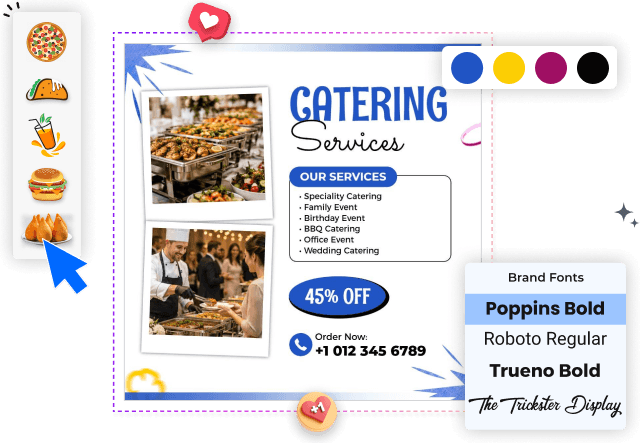
Pick an ad template that matches your campaign, product, or promotional goal.
Edit the headline, add images, adjust colors, and personalize the design with your brand.
Download your ad as PNG, JPEG, or PDF and use it across digital or print advertising.
Build high-converting ads quickly with AI-powered tools, proven templates, and easy editing features that turn views into real results.
You do not have to start from a blank page. Our designer team has already made layouts that look clean and professional. Just pick one and change the text and photos to match your offer.
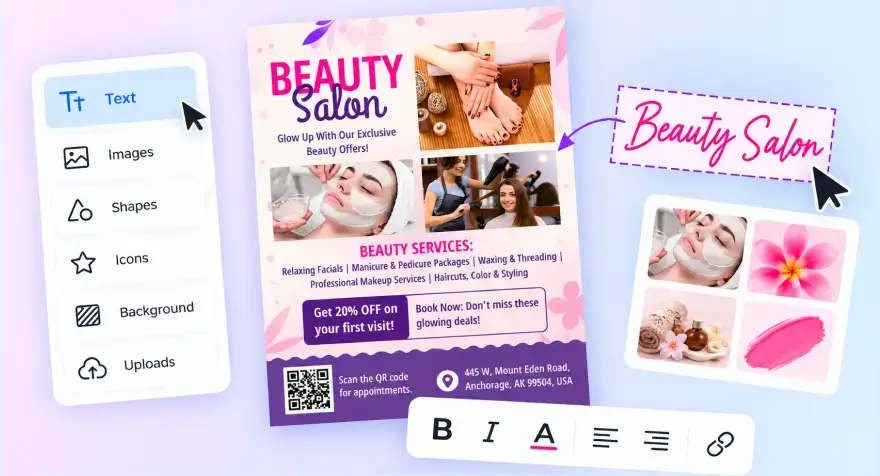
Move, resize, and edit anything by clicking and dragging. You do not need design skills or complicated tools. What you see on the screen is exactly what you get.
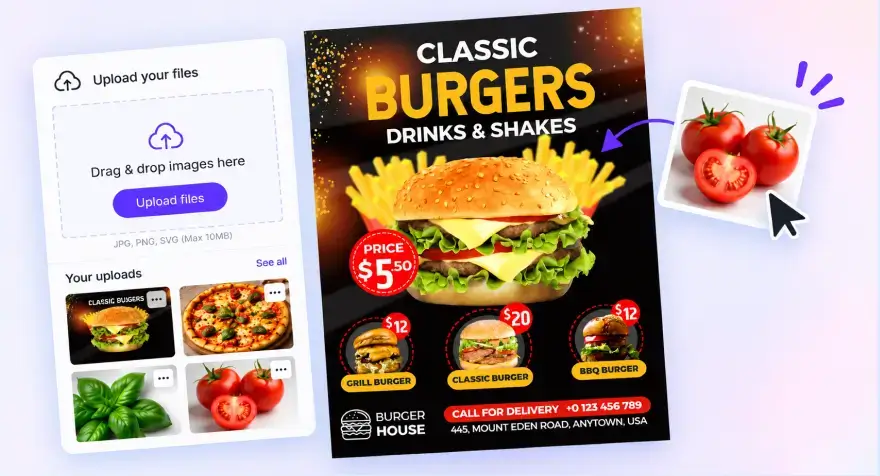
Upload photos of the product or service you actually offer, along with your business logo, to make the creative relevant and recognizable.
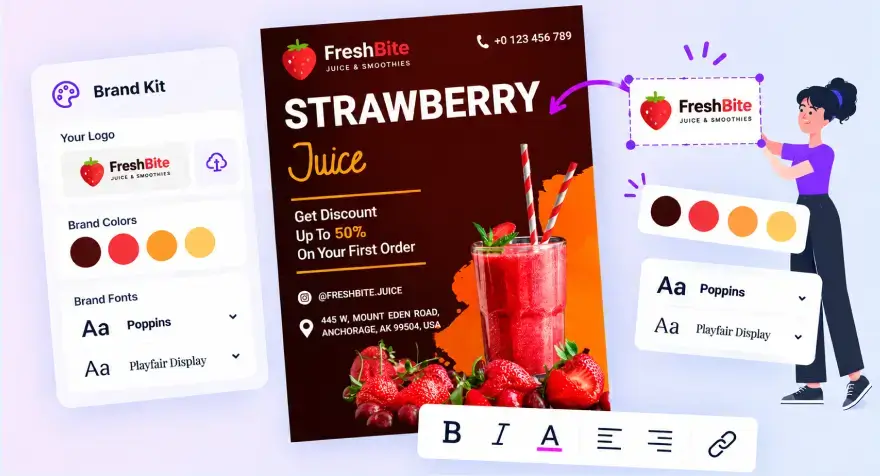
Save your logo, colors, and fonts one time. After that, every new Ad automatically uses the same look. Your designs stay consistent without extra work.
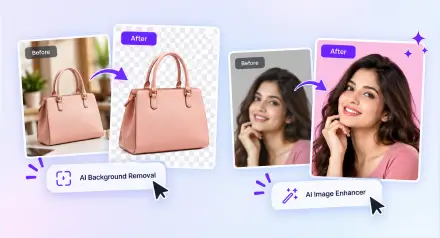
Got a photo with a busy background or soft quality? Use AI Background Removal and AI Image Enhancer to clean it up fast so your ad stands out clearly.
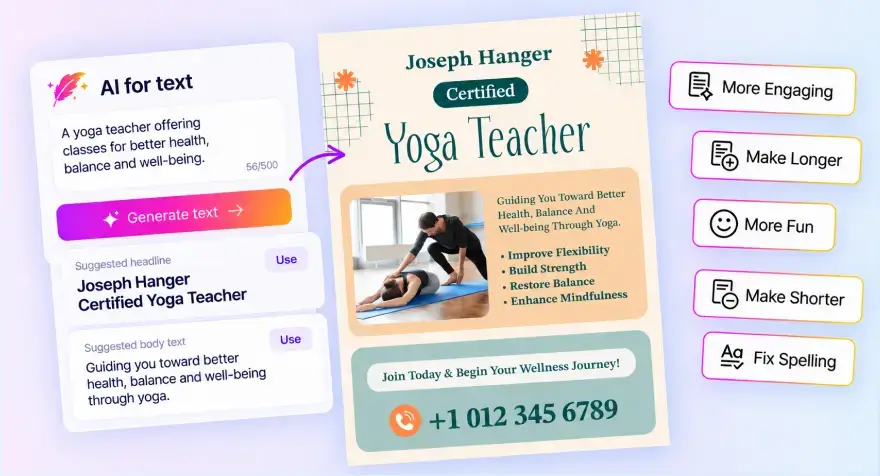
Use AI Writer for headline or description ideas and AI spellchecking to catch mistakes. Review all claims, prices, and terms before publishing.
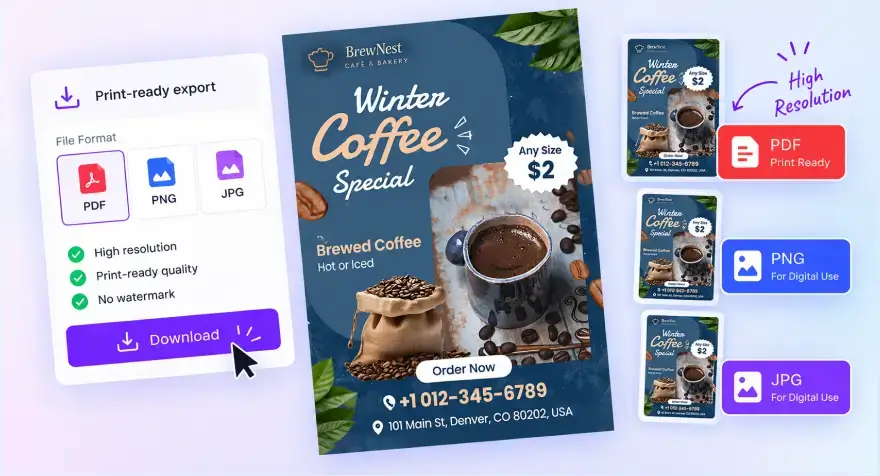
Download a high quality PDF that is ready for the print shop, or get PNG and JPG files for digital use. No extra steps needed to make the file print correctly.
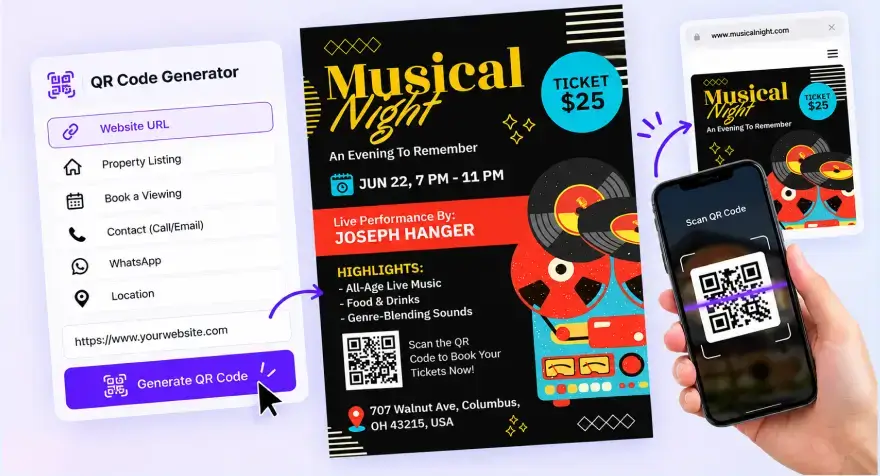
Add a scannable QR code to your Ad with the QR code generator. People can scan it and go straight to your website, or booking page.
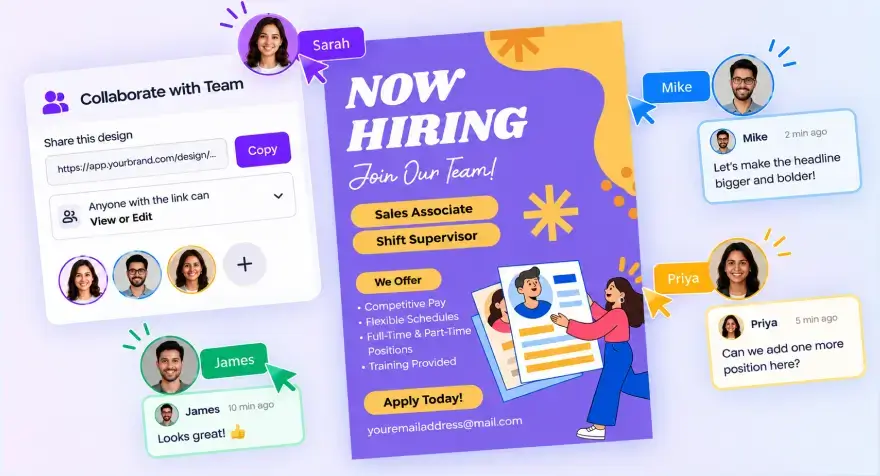
Share one link so a teammate or client can view or edit the same Ad. Everyone works on the latest version. No more sending files back and forth by email.
Once your Ad is ready, download share-ready files optimized for digital ads and print campaigns, and more.
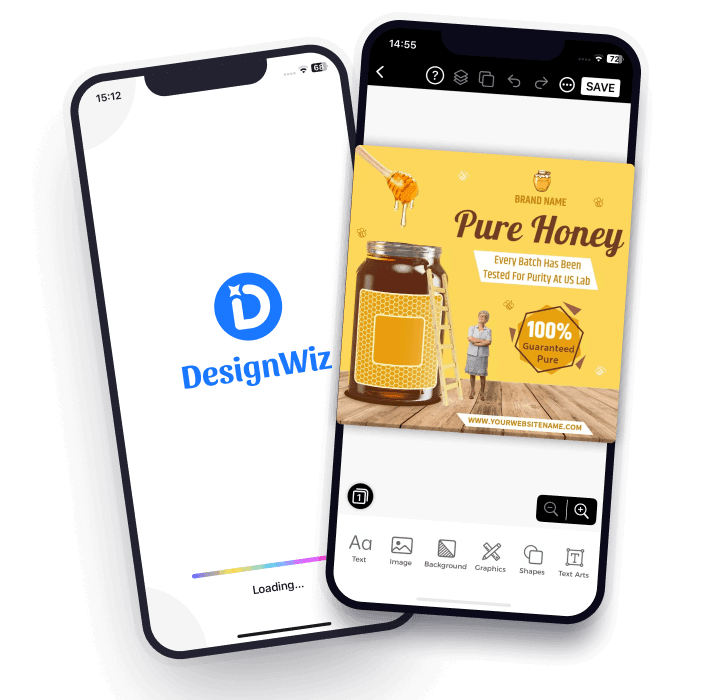
Prefer designing on your phone? Our mobile apps give you the same powerful editor on the go. Join millions of businesses already creating on mobile.

Great ideas don’t wait for an office. Design, edit, and download professional ads directly from your phone whenever inspiration strikes.


Real DesignWiz users, in their own words - how they use the DesignWiz for their business, and what changed after they switched.
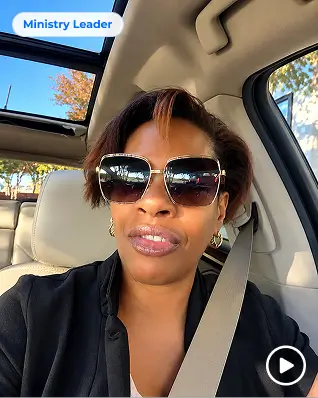
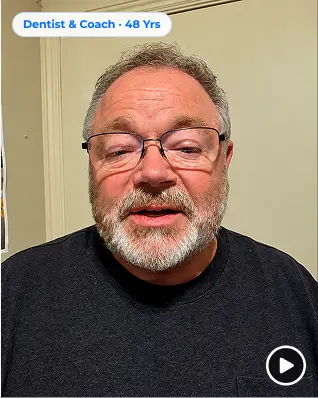
Dutches has used the flyer maker for about five years. The freedom to change any design and add her own pictures is what keeps her coming back.
Read the story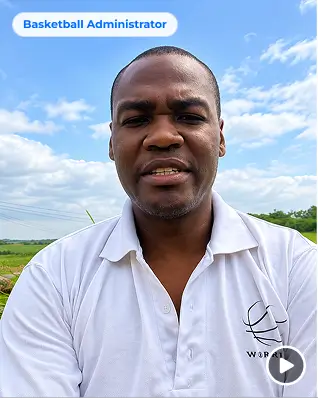
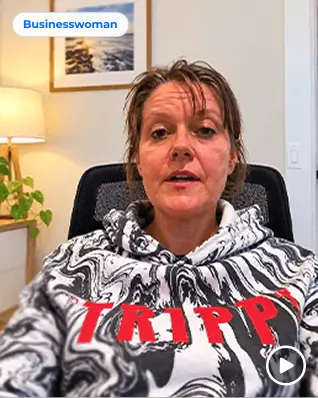
Billy makes posters for the things he sells, for basketball, and for people who ask him - one design tool for every part of his life.
Read the storyReal feedback from business owners and advertisers who use DesignWiz for Business, Festival, Real Estate, Restaurant, Skin Care, Grocery, Nail Salon, Furniture ads, and more.


“What I like best about DesignWiz is how simple and efficient it is to create high-quality flyers. The platform is very user-friendly, even for someone without any design experience.”

“Once i inserted brand template it is easier to navigate and there are several options for re...”
“Designwiz always captures exactly what I want.”
“My experience today was a good one. This was my very first day using the software, but I came away with a printable, nice-looking flyer, so I am happy.”
“This is an excellent product! it makes me look like I am a top-notch design professional. No one will ever know that I did this at home in just minutes”
Yes, you can use the ad maker for free using ready-made templates and simple editing tools. Just customize the design and download it in minutes. 1051 templates across 64 categories including 237 free including Business, Festival, Real Estate, Restaurant, Skin Care, Grocery, Nail Salon, Furniture, and more.
Yes, the ad maker lets you create ads for social media platforms like Facebook, Instagram, and other social media channels with the right sizes and layouts. Tailored ad designs for all social media platforms including Instagram, YouTube, Google Ads, Facebook, X, and even print platforms, and more.
You can download your ads in high-quality formats such as PNG, JPG, or PDF, making them suitable for both digital and print use. PDF HD, JPG, PNG up to 5X HD, custom size 50px-3000px, copy and resize up to 5 sizes at once, share-ready files optimized for Google Ads, Meta, Instagram, print, and more.
Ad sizes depend on the platform you are using. Most platforms have recommended dimensions, so choose the correct format to ensure your ad displays properly. Custom Size 50px-3000px, Custom Canvas width height entered, Copy and Resize up to 5 sizes at once, and more.
A good ad should include a clear headline, engaging visuals, brand colors, a short message, and a strong call-to-action to encourage users to take the next step. Logo, slogan, brand colors, borders, shapes, fonts, text effects, 560 fonts 212 text themes, and more.
Industries like E-commerce, SaaS, real estate, digital agencies, and DTC brands use an ad creative maker to speed up the design process and conversion rates, and more. 64 categories including Business, Festival, Real Estate, Restaurant, Skin Care, Grocery, Nail Salon, Furniture, and more.
Absolutely. Upload your logo in a few clicks and place it anywhere on your ad. Brand Kit saves logos, colors, fonts, palettes. Each kit allows 10 palettes, 10 colors per palette, 10 gradients per palette, Font Library 560 fonts, and more.
Yes. High-resolution print-ready PDF HD, JPG, PNG up to 5X HD, custom size 50px-3000px, paper size Fit Design or Fill Paper, ready for Google Ads, Meta, Instagram, Facebook, YouTube, LinkedIn, print billboards, and more.
Yes. You can easily update your saved design with new headline, product image, logo, and download an updated version without creating a new ad from scratch, and more.