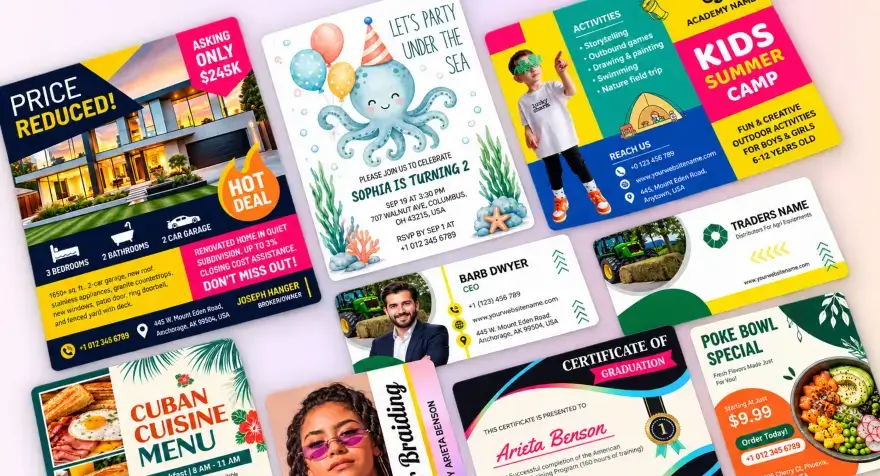
Pre-made designs
You do not have to start from a blank page. Our designer team has already made layouts that look clean and professional. Just pick one and change the text and photos to match your offer.


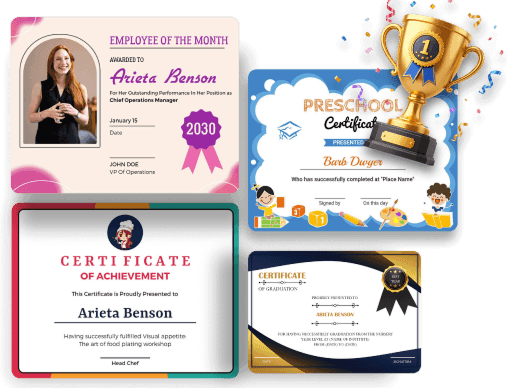
Recognize students, employees, volunteers, and course participants with a certificate made for the occasion. Choose from 422 templates across 24 categories, including 117 free designs. Add recipient names, award details, dates, your logo, and signatures, then download or share.
Browse certificate templates for award, achievement, appreciation, recognition, training, and completion certificates. Start with a design for a school, workplace, sports team, course, event, and more, then personalize it for your recipient.
Skip the designer, avoid the learning curve, and create professional certificates in a fraction of the time without sacrificing quality.
Design, customize, and download beautiful certificates in just a few minutes. No design experience, complicated tools, or steep learning curve required.
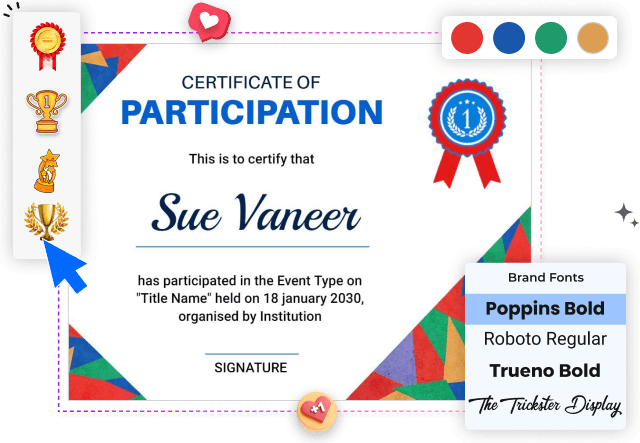
Pick a certificate template that suits your purpose, whether it's for an award, achievement, course, or appreciation.
Add names, titles, dates, and signatures, then adjust fonts, colors, and other design elements.
Once you are happy with your design, download your certificate as PNG, JPEG, or PDF for printing or digital distribution.
Design elegant, high-quality certificates for awards, achievements, and recognition that recipients will be proud to display.
You do not have to start from a blank page. Our designer team has already made layouts that look clean and professional. Just pick one and change the text and photos to match your offer.
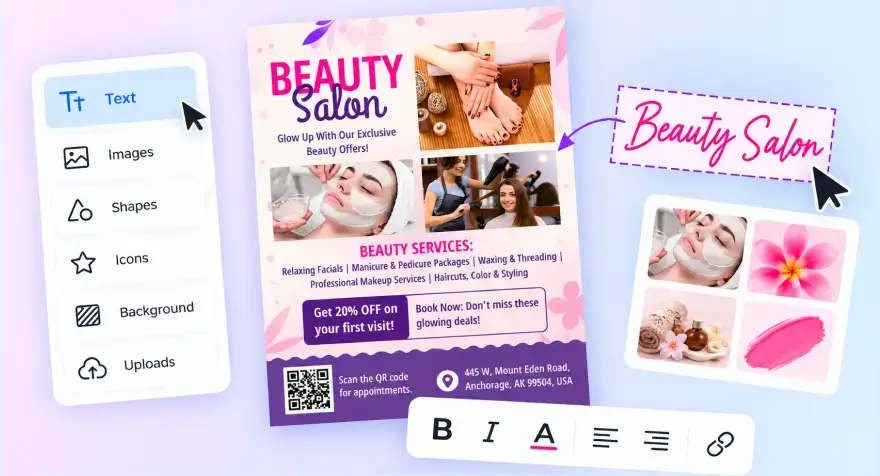
Move, resize, and edit anything by clicking and dragging. You do not need design skills or complicated tools. What you see on the screen is exactly what you get.
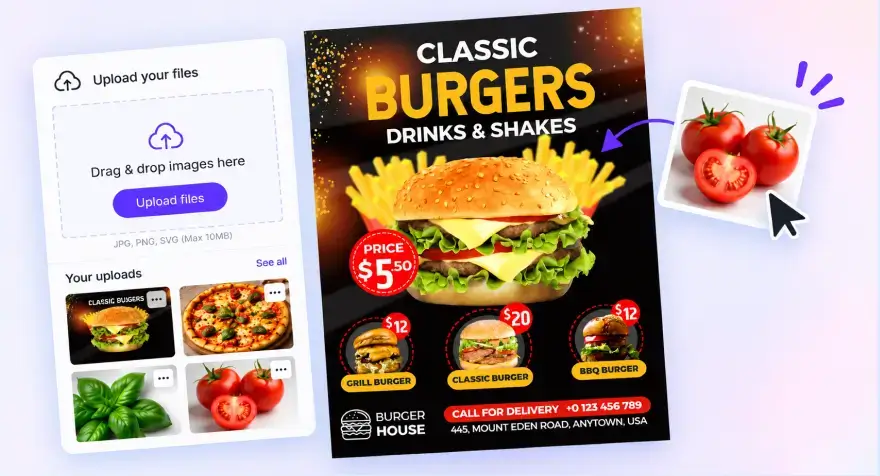
Upload your school or organization logo and an authorized signature image. Add decorative award graphics or a seal where appropriate.
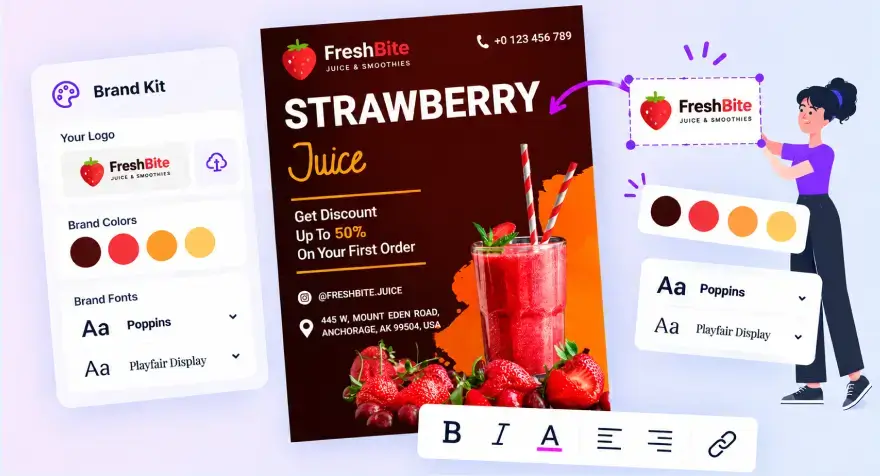
Save your logo, colors, and fonts one time. After that, every new design automatically uses the same look. Your designs stay consistent without extra work.
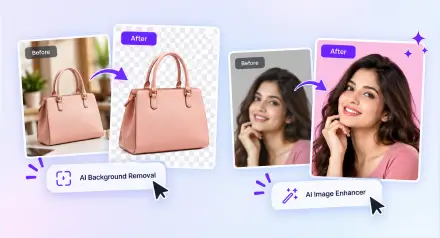
Got a photo with a busy background or soft quality? Use AI Background Removal and AI Image Enhancer to clean it up fast so certificate stands out clearly.
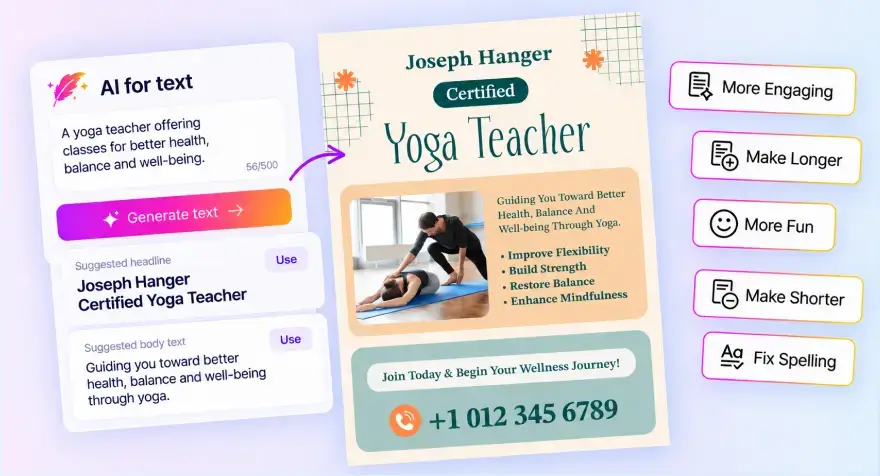
Not sure what to write for the headline or body text? Type a short description of what you are promoting and get ready text you can use or edit. The spellchecker also catches mistakes before you finish.
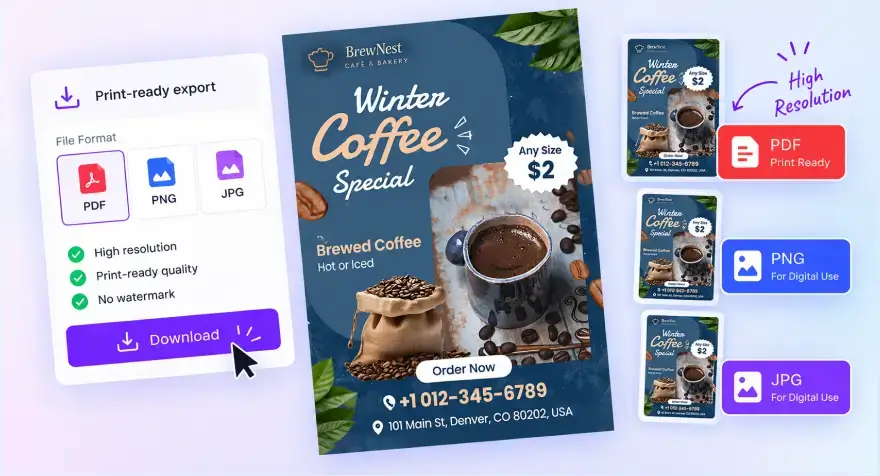
Download a high quality PDF that is ready for the print shop, or get PNG and JPG files for digital use. No extra steps needed to make the file print correctly.
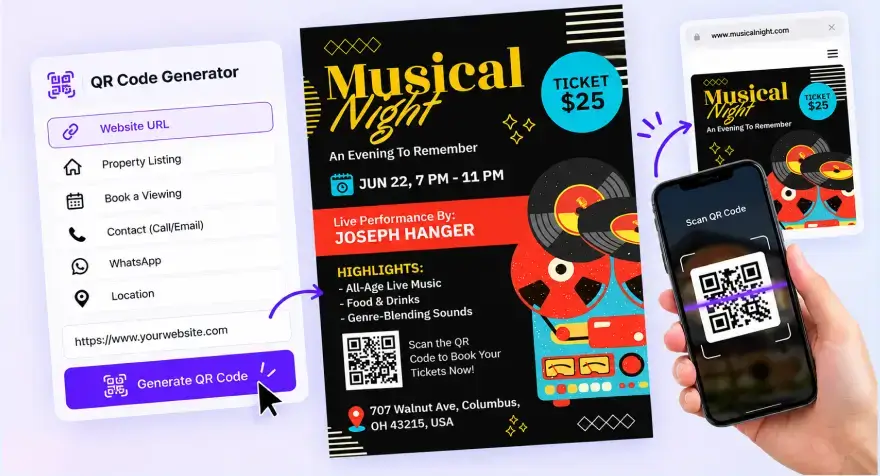
Add a scannable QR code to your certificate with the QR code generator.
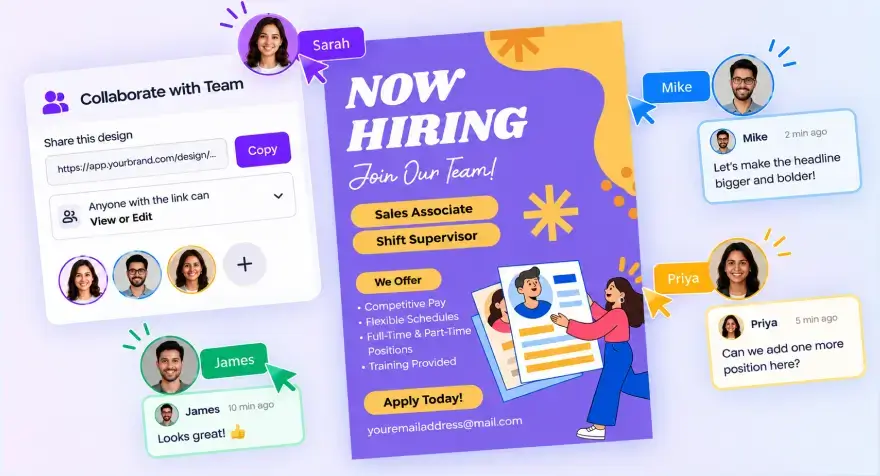
Share one link so a teammate or client can view or edit the same certificate. Everyone works on the latest version. No more sending files back and forth by email.
Once the certificate is complete, choose how to present it: as a printed award, an emailed file, or a link to the finished design.
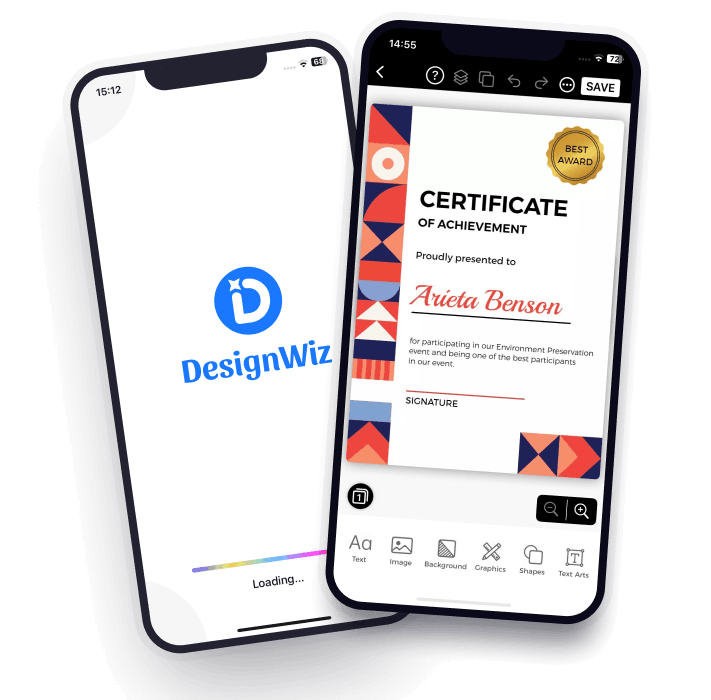
Prefer designing on your phone? Our mobile app give you the same powerful editor on the go. Join millions of businesses already creating on mobile.

Design, edit, and download professional certificates directly from your phone whenever inspiration strikes.


Real DesignWiz users, in their own words - how they use DesignWiz for their business, and what changed after they switched.

Dutches has used the flyer maker for about five years. The freedom to change any design and add her own pictures is what keeps her coming back.
Read the story
Billy makes posters for the things he sells, for basketball, and for people who ask him - one design tool for every part of his life.
Read the storyReal feedback from business owners and professionals who use DesignWiz for their everyday marketing, from restaurants to real estate and events.


“What I like best about DesignWiz is how simple and efficient it is to create high-quality flyers. The platform is very user-friendly, even for someone without any design experience.”

“Once i inserted brand template it is easier to navigate and there are several options for re...”
“Designwiz always captures exactly what I want.”
“My experience today was a good one. This was my very first day using the software, but I came away with a printable, nice-looking flyer, so I am happy.”
“This is an excellent product! it makes me look like I am a top-notch design professional. No one will ever know that I did this at home in just minutes”
Yes. You can create an account and start designing certificates for free no credit card required. It is the fastest way to explore templates and see how easy DesignWiz is to use. 422 templates across 24 categories including 117 free including Professional, Award, Employee Of The Month, Recognition, Completion, Appreciation, Achievement, Training, and more.
Absolutely. Upload your logo in a few clicks and place it anywhere on your certificate. It is a simple way to make every certificate match your brand or organization. Brand Kit saves logos, colors, fonts, palettes. Each kit allows 10 palettes, 10 colors per palette, 10 gradients per palette, and more.
Yes. You can easily change colors, fonts, text, and other design elements to fit your style or branding. No design experience is needed. Font Library 560 fonts, 212 text themes, document fonts, uploaded fonts premium, and more.
DesignWiz includes templates for completion, achievement, appreciation, participation, training, employee recognition, academic awards, and more. Simply choose a template and customize it to your needs. 24 categories including Professional, Award, Employee Of The Month, Recognition, Completion, Appreciation, Achievement, Training, and more.
Yes. Your certificates are created in high quality, making them ideal for both digital sharing and professional printing. Download and print whenever you are ready. PDF HD, JPG, PNG up to 5X HD, custom size 50px-3000px, copy and resize up to 5 sizes, paper size Fit Design or Fill Paper, and more.
Not at all. DesignWiz is built for beginners, with ready-made templates and easy editing tools that help anyone create professional certificates in minutes, and more.
Yes. Many teams use DesignWiz to create employee recognition, achievement, training, and appreciation certificates. Simply customize a template and download your finished certificate, and more.
You can download your finished certificates in high-quality, print-ready formats for sharing online or printing. This ensures your certificates always look crisp, professional, and ready to use. PDF HD, JPG, PNG up to 5X HD, custom size 50px-3000px, copy and resize up to 5, share-ready files optimized for printing and digital sharing via email, text, social, messaging, print, and more.
Yes. You can easily update your saved design with new names, titles, dates, logos, signatures, and download an updated version without creating a new certificate from scratch, and more.