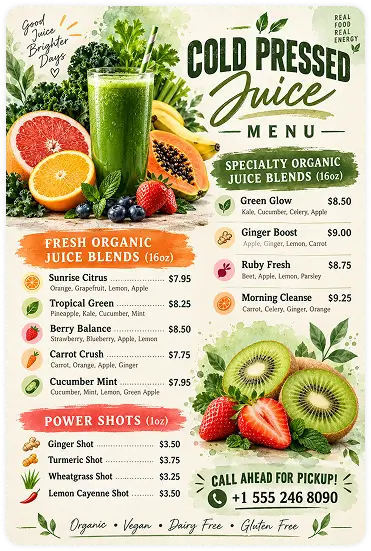
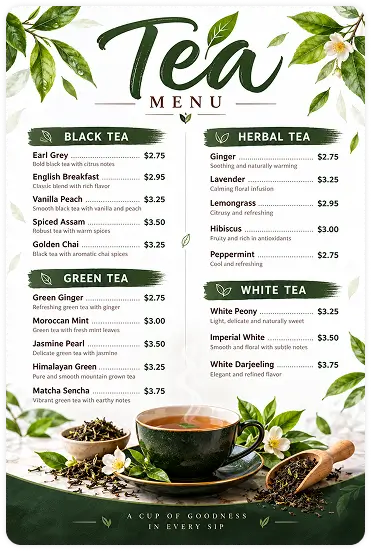
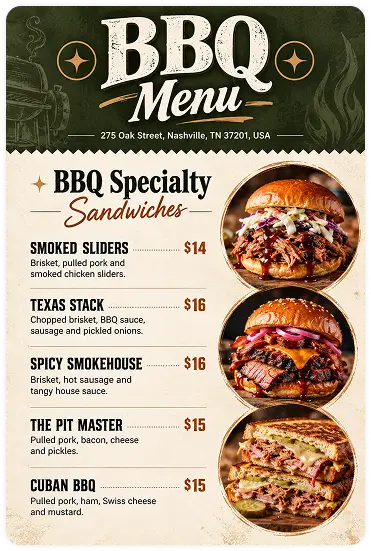
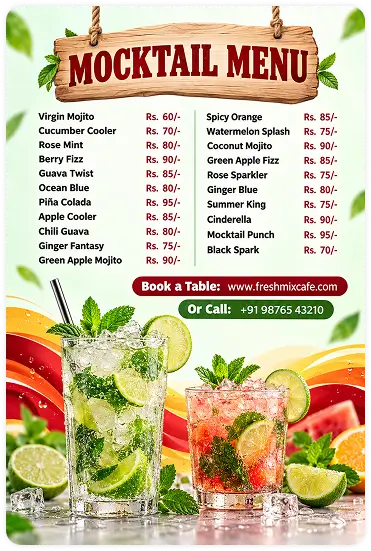
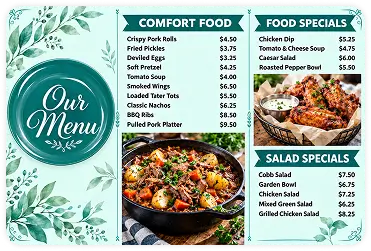
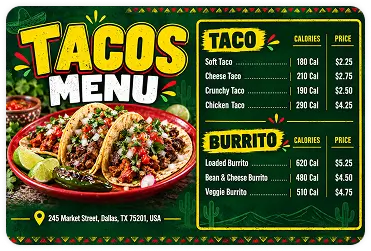
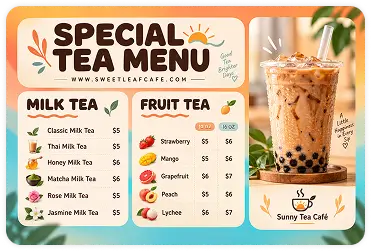
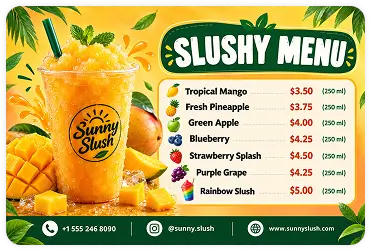
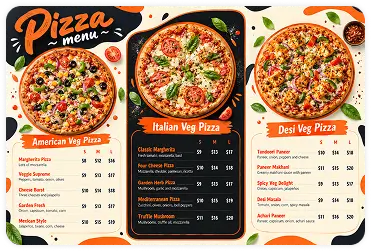
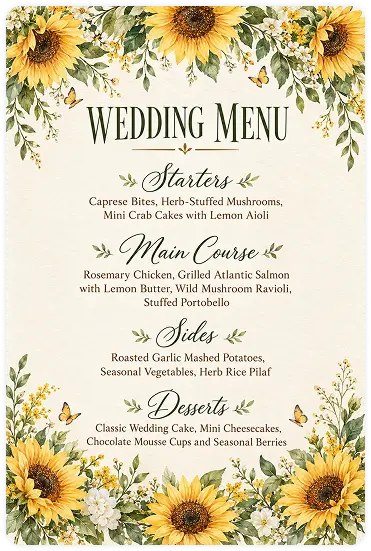
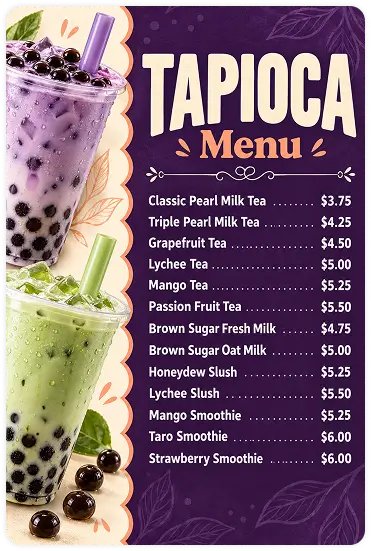
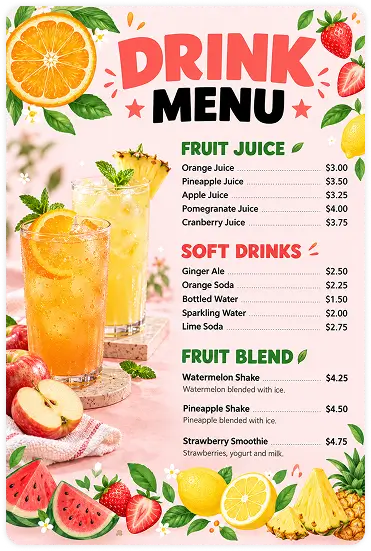
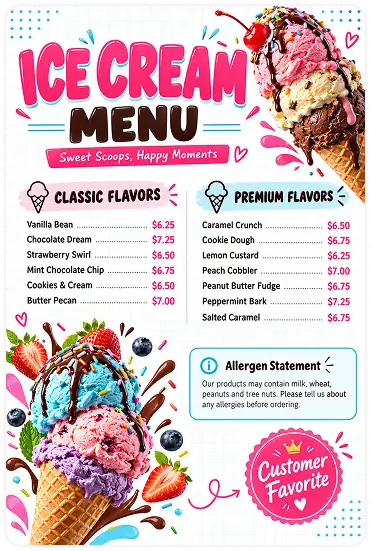
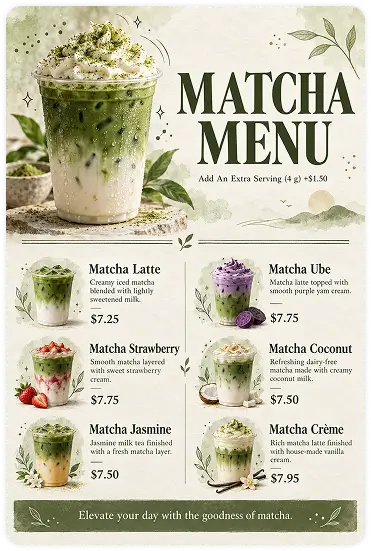
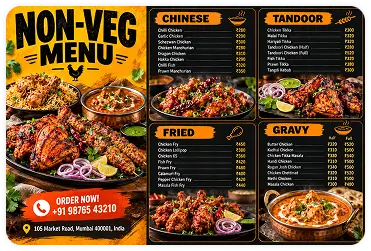
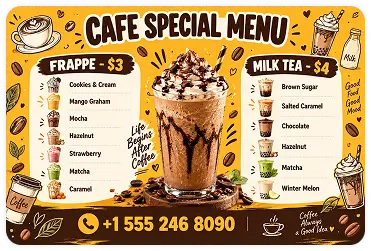
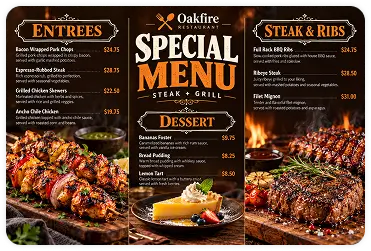
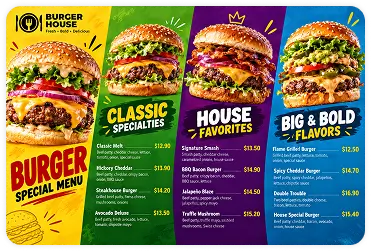
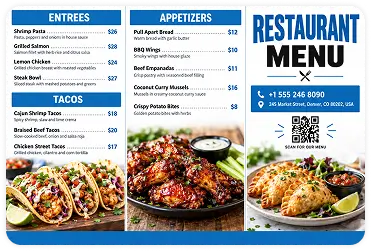
Fruit juice and kids menus Modern restaurant food menu design Cuban cuisine and juice menus Professional catering food menu design Kids and restaurant menu designs Italian pizza restaurant menu design Burger and school menu designs Catering menu with food photography Fruit juice and kids menus Modern restaurant food menu design Cuban cuisine and juice menus Professional catering food menu design Kids and restaurant menu designs Italian pizza restaurant menu design Burger and school menu designs Catering menu with food photography
AI-Powered Menu Generator

AI Menu Generator

Transform your simple text prompts into high-quality, print-ready menu cards with the AI menu maker in one click. Just describe your business type, select a menu style, customize the design, and get a menu that boosts orders effortlessly.

Inspire me
Please enter a prompt or pick one from 'Inspire Me'.
Upload
Please upload an image to remove the background.
15/15 credits available
Each generation will consumed 15 credit.
Upgrade to get more credits and exclusive PRO features.
Credit will reset every month
AI-powered
Hyper-realastic
Instant results
HD downloads

How to Generate a Menu with AI Using DesignWiz?

Skip complex design software. Designwiz uses an automated menu generation workflow that helps you create a menu with AI instantly.

Step 1: Sign up and Get Free Credits

Create your free account in seconds and unlock AI credits instantly without any complex process. Your first menu design starts the moment you sign up, not when you pay.

Step 2: Provide your input

Tell the AI your restaurant name, cuisine type, menu sections, and brand tone. The more specific your input, the sharper your menu — think of it as briefing a designer who never asks twice and delivers in seconds.

Step 3: Automated Menu Creation

Our AI menu generator automatically analyzes your input and creates well-balanced designs that are clear, readable, and visually appealing.

Step 4: Customize with Prompts

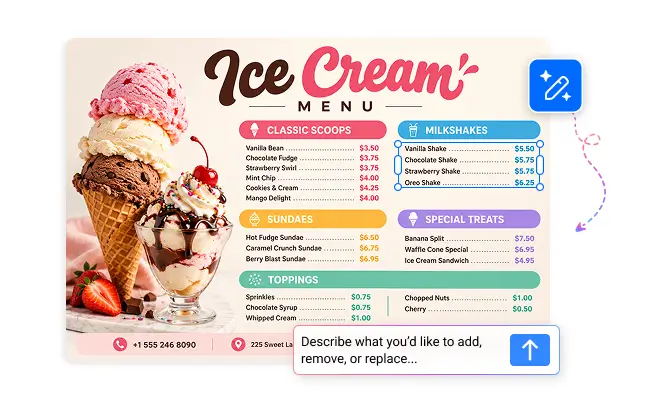
Instantly tweak your AI-generated menu. Change colors, highlight sections, or adjust layouts using easy text prompts.

Step 5: Export, Print, or Share

Download a print-ready PDF for physical menus, share a live digital link for QR code access, or post it directly online. One design that works on every table, every screen, and every platform.

Trusted by Thousands

Tata Consultancy Services
Boston Consulting
AT&T
Avelo Airlines
Procter & Gamble
Ministry Of Health, Malaysia
Veterans Affairs
Detroit Government
New York University
Texas A&M University
Decathlon America
Warby Parker
Tata Consultancy Services
Boston Consulting
AT&T
Avelo Airlines
Procter & Gamble
Ministry Of Health, Malaysia
Veterans Affairs
Detroit Government
New York University
Texas A&M University
Decathlon America
Warby Parker
Custom boba tea menu designs

Create Custom Menu Designs with Text-to-Menu Model

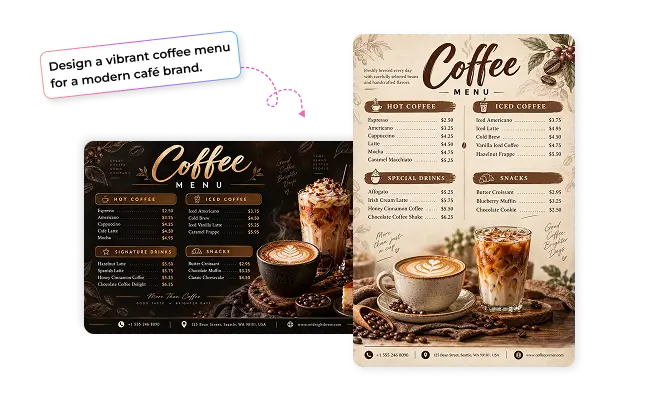
Just describe your offerings with descriptions and prices, our trained AI text-to-menu model will interpret brand tone, typography intent, colors, and layout needs from simple prompts and create a range of custom menu designs that match your needs. Simply, be more specific when describing what you want, as if you’re having a conversation. You don't need any design or editing skills to create a restaurant-ready menu.
AI restaurant menu design editor

Customize Every Detail with Interactive Editing

Your menu requires attention to small details like item names, pricing, ingredients, and notes. Our interactive editor lets you customize specific sections of your menu, update details, and modify only those areas while preserving the rest of the design. You can refine fonts, spacing, and background images with precision and control, making it a flexible way to edit and update menu cards online seamlessly for free.
Creative food menu design templates

How to Write Effective Prompts for AI Menu Cards

Think of the AI as your personal menu designer. The clearer your instructions, the better your menu looks. Structure your prompt like this:

Business type: Tell the AI what kind of business you run and what services or items you serve.
Brand personality: Describe the vibe you want. For example, "warm, rustic, and welcoming" or "modern, clean, and premium."
Menu sections: List the sections you need to organize your items clearly. AI structures the layout and presents your offerings in an easy-to-read format.
Visual direction: Mention your preferred colors, fonts, visuals, and style
Format and size: Say whether you need a single-page, bi-fold, or multi-page menu, and whether it is for print or digital sharing.

We can’t create this design as it violates our content policy.

freshchat icon chat icon loading icon

Why Use AI Menu Maker?

Designwiz combines cutting-edge technology with smart design tools to empower you to create AI menus effortlessly. Here’s why Designwiz is the ultimate choice for your menu design needs:

AI-Powered Menu Creation

Generate complete restaurant menus instantly using advanced AI tools that simplify menu planning, formatting, and content creation.

Smart Cost & Waste Optimization

Optimize menu structure with AI-driven suggestions that help reduce ingredient waste, control food costs, and improve efficiency.

AI-Driven Creative Inspiration

Discover fresh menu ideas, creative dish names, and unique category suggestions that make your restaurant stand out effortlessly.

Instant Menu Content Generation

Create engaging food descriptions, pricing sections, and organized menu layouts automatically without manual writing effort.

Modern Digital Menu Experience

Build mobile-friendly digital menus designed for QR codes, websites, tablets, and online ordering platforms with ease.

Save Time with Smart Automation

Automate repetitive menu tasks and create polished restaurant menus faster while focusing more on your customers and business.

Stunning Menus That Sell

Design visually appealing menus that enhance customer experience, strengthen branding, and make dishes more attractive instantly.

No Design Skills Needed

Create elegant, restaurant-ready menus using simple AI tools without needing graphic design knowledge or technical experience.

Frequently Asked Questions (FAQs)

A free AI menu creator is a tool that helps you generate menu designs automatically using artificial intelligence. It organizes your items, suggests layouts, and creates a professional-looking menu in minutes.
Designwiz’s AI technology analyzes your inputs and preferences to provide personalized menu suggestions. This tool helps you customize templates, color schemes, fonts, and layouts to ensure your business card looks professional and aligns with your brand identity.
Yes, you can fully customize your AI menu designs by editing text, changing colors, adjusting layouts, adding images, and uploading your brand logo.
Yes, you can create professional-looking menus for free using ready-made templates and AI-powered tools without needing any design experience.
Designing a menu with AI is faster and more affordable than hiring a designer. It allows you to create and update menus instantly without waiting for revisions.
Yes, AI-generated menu images can be used for commercial purposes such as restaurants, cafés, catering services, and other businesses to showcase their offerings.

Explore More Tools