


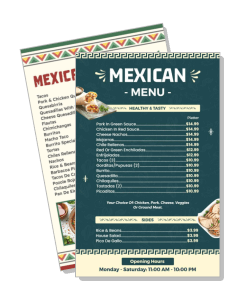
Mexican Menu Templates
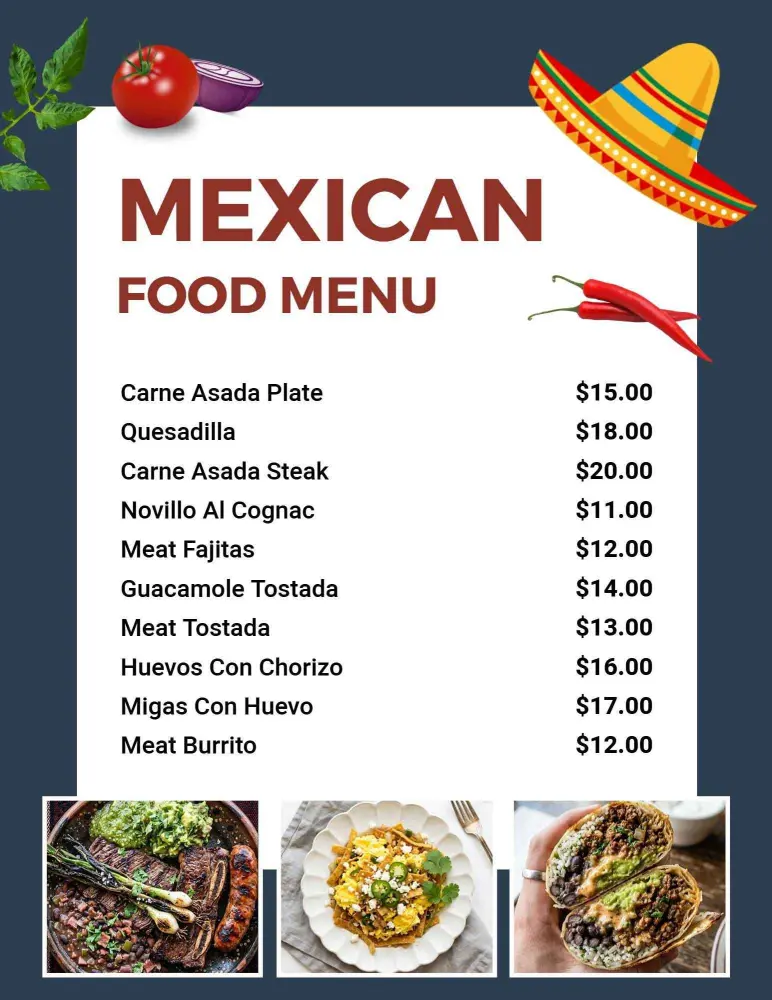
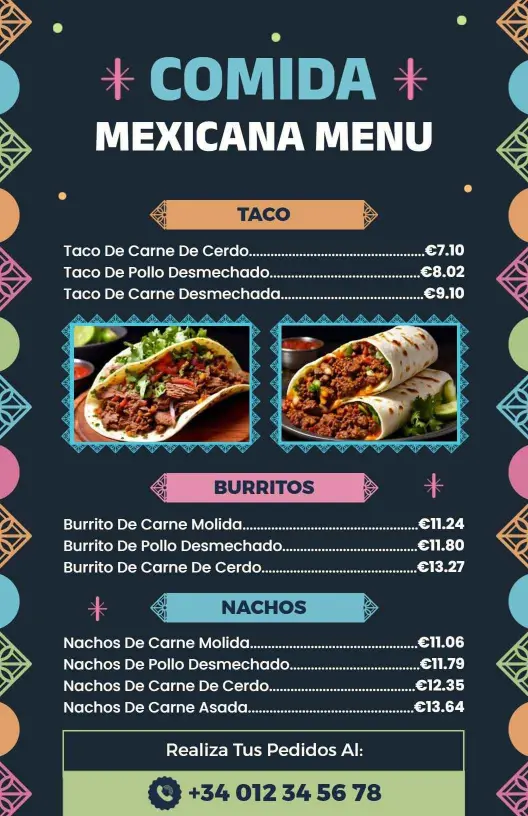
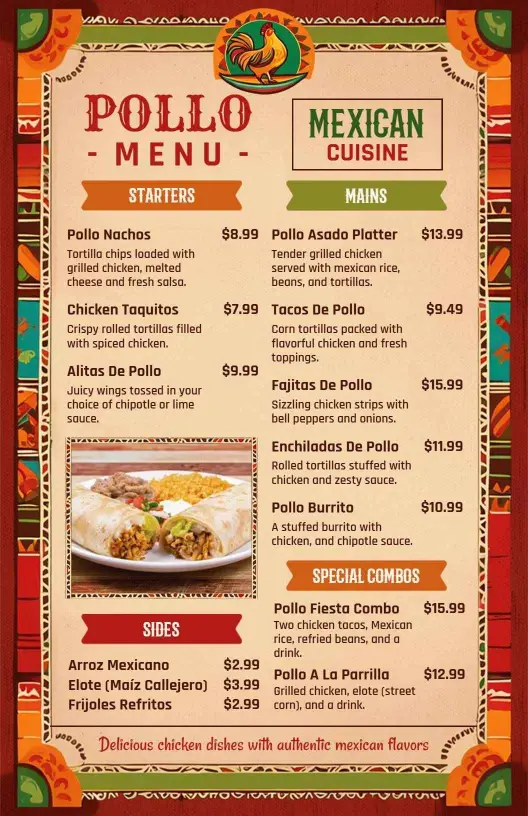
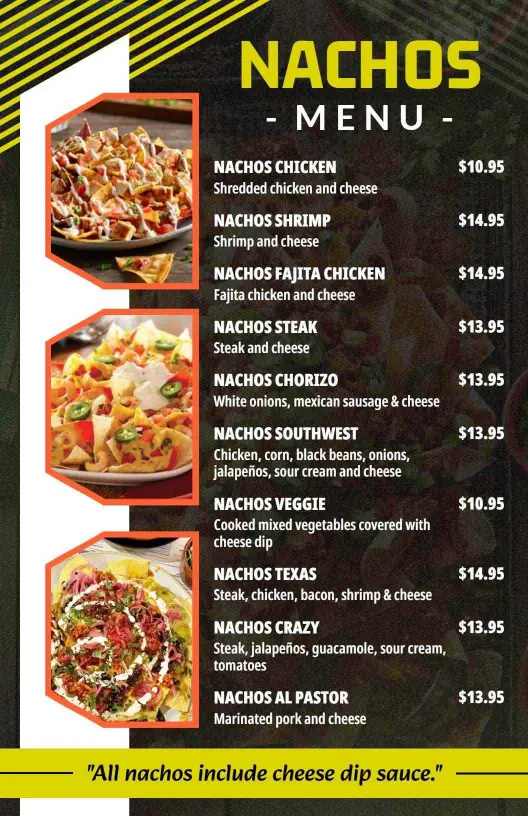
DesignWiz Mexican Menu Templates help restaurants present tacos, burritos, and house specials with clear pricing, quick editing, and polished layouts for daily service.
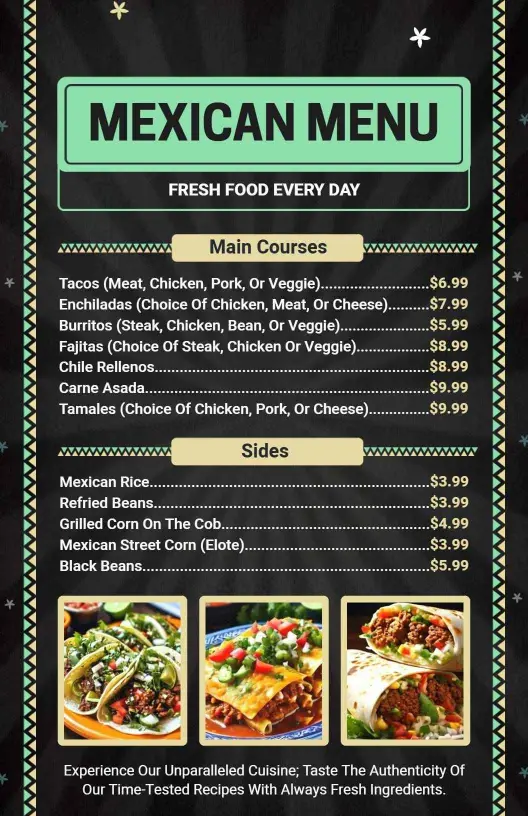
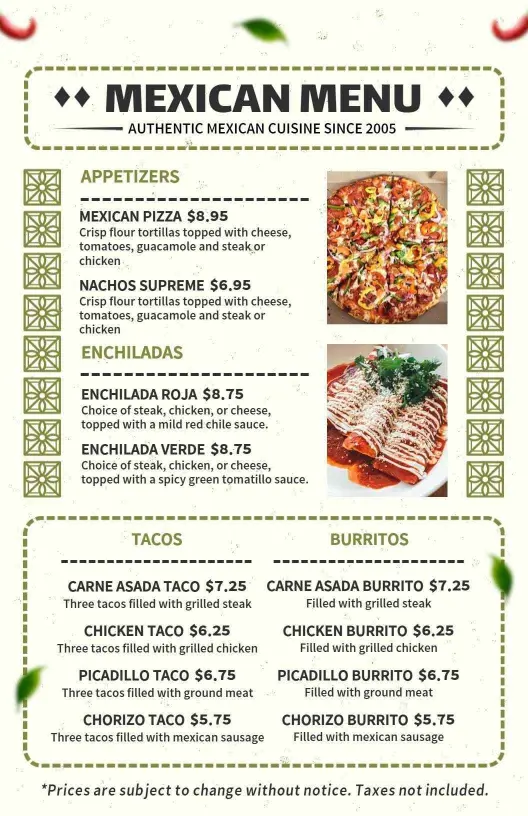
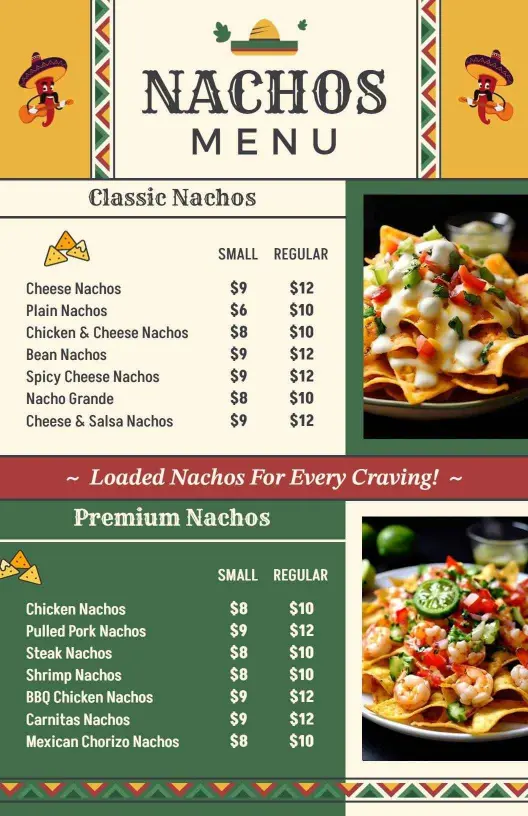
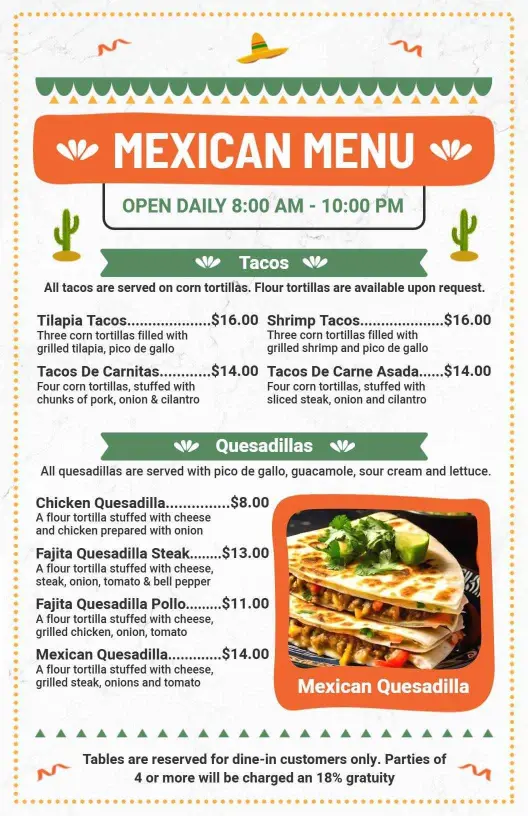
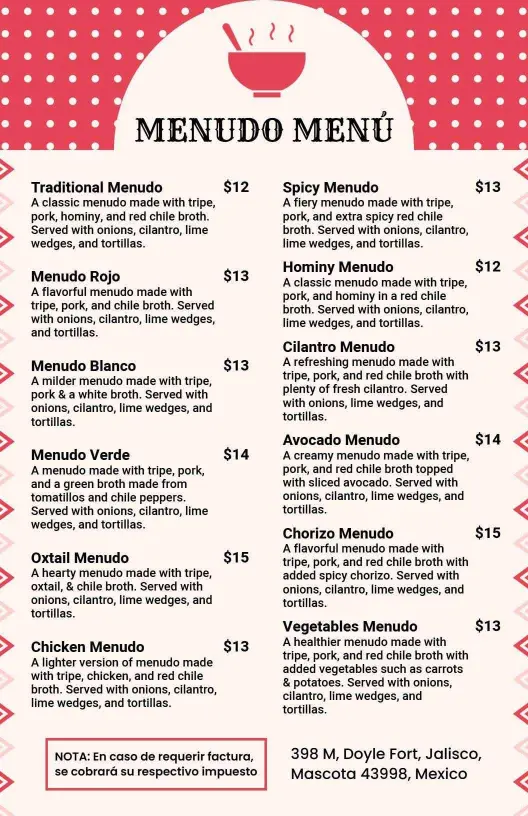
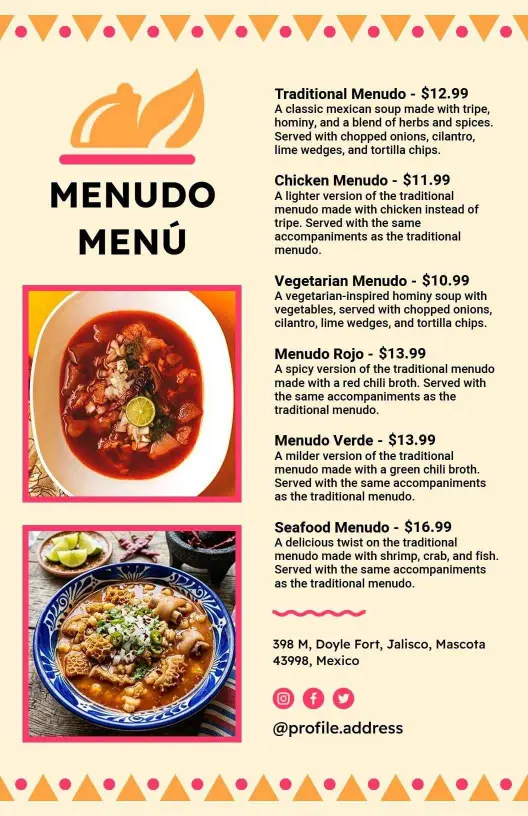
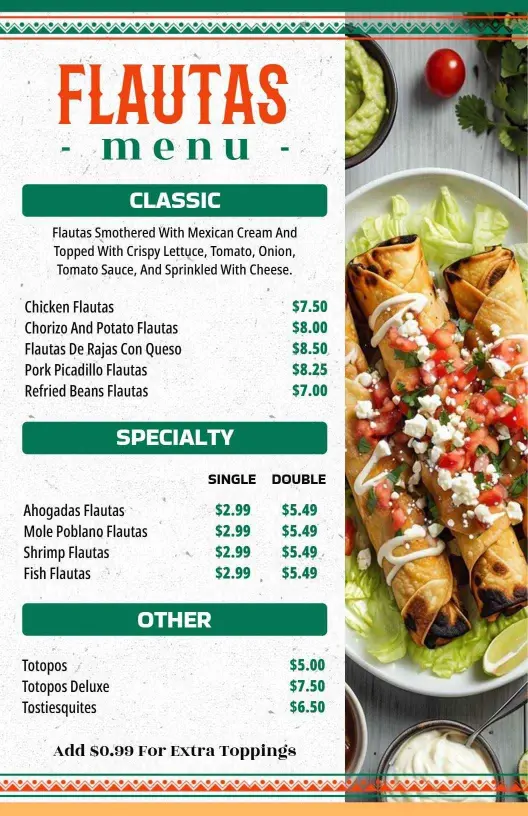
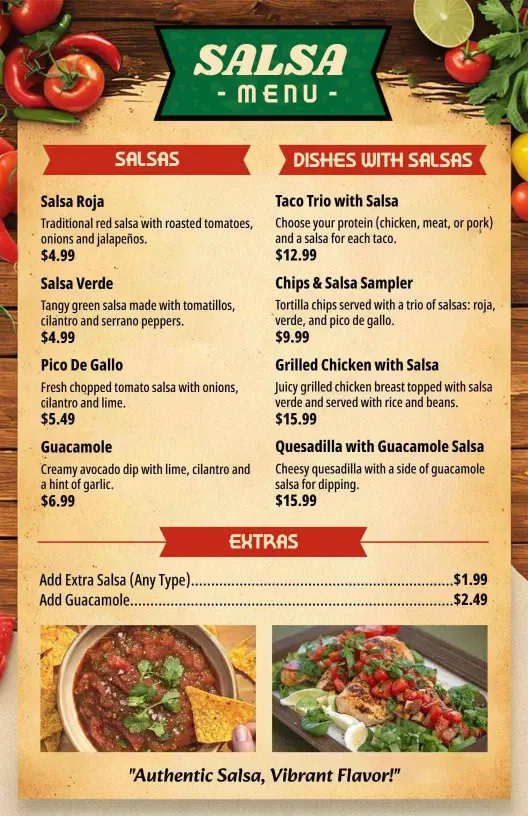
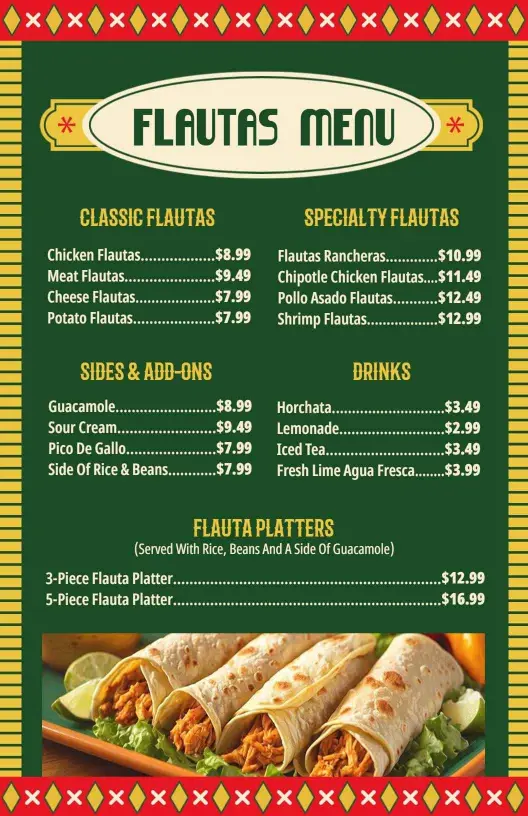
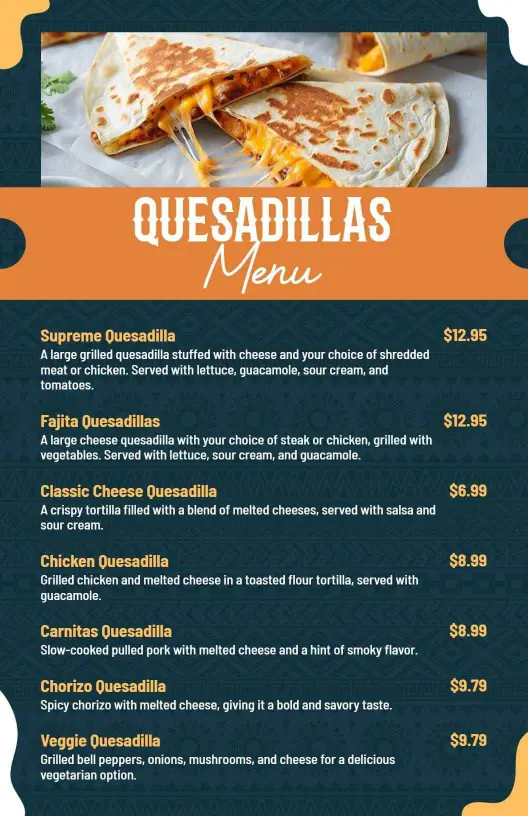
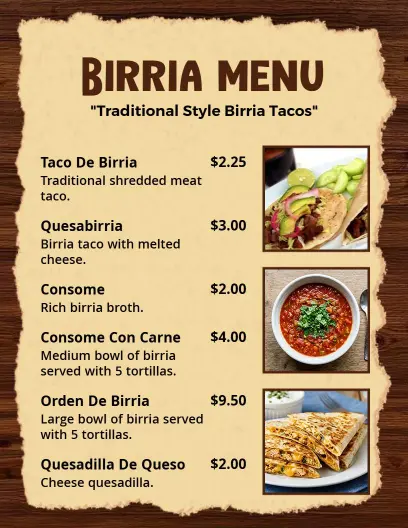
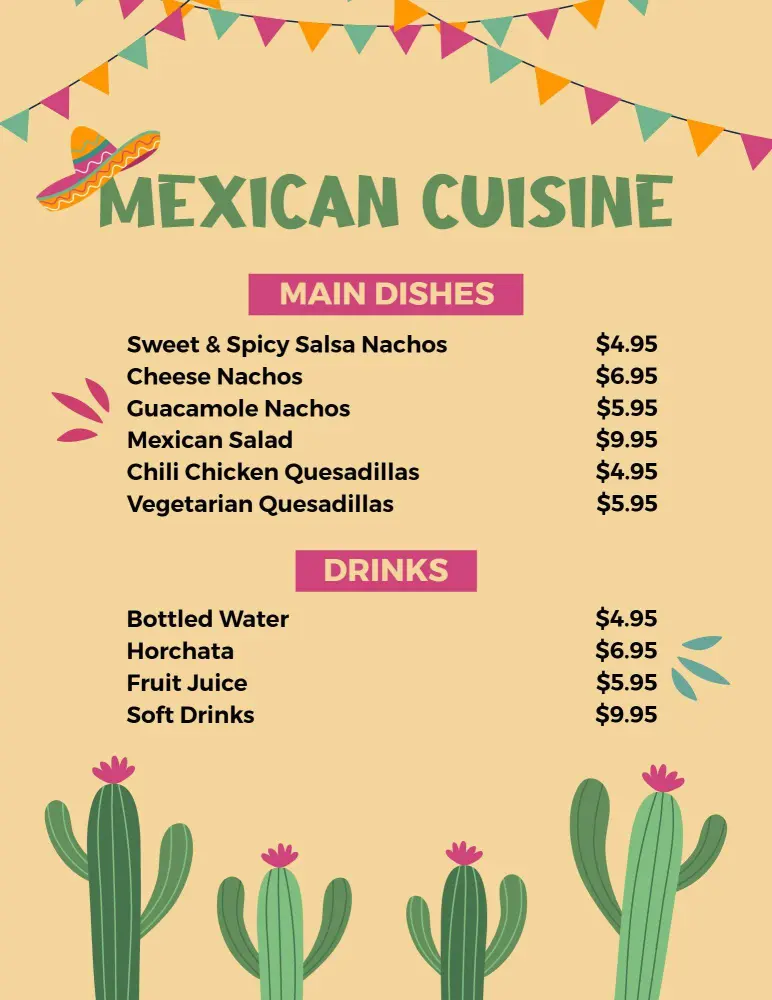
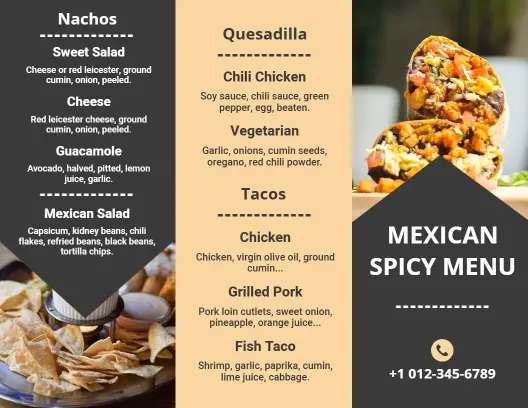
How to customize a Mexican menu
No design skills needed. Choose a layout, add dishes and prices, adjust the style, and export a menu for print or digital sharing.

1. Choose a layout
Start with the format your guests will see most often. Pick a table print, wall menu, or mobile layout so the hierarchy, spacing, and text size match the service setting.
2. Add the dish list
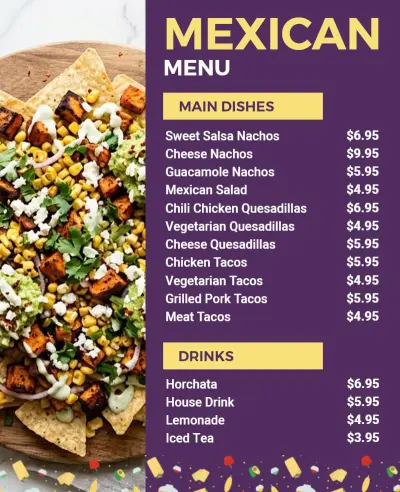
List tacos, burritos, sides, drinks, and specials in a simple order. Keep item names short, group similar dishes together, and leave enough room for fast reading.
3. Group sections clearly
Separate the menu into clear categories so guests can scan it without guessing. Put house specials, signature plates, and add-ons in their own blocks to make updates easier later.
4. Refine the styling
Adjust colors, fonts, and spacing until the menu feels balanced. Use contrast that stays readable in bright rooms, and keep decorative details from overpowering the food names.
5. Review and export
Check the finished menu at actual size before you export it. Make sure prices line up, sections stay consistent, and the file still reads cleanly on paper, on a screen, and at the counter.
Trusted by Thousands
 Tata Consultancy Services
 Boston Consulting
 AT&T
AT&T
 Avelo Airlines
 Procter & Gamble
 Ministry Of Health, Malaysia
 Veterans Affairs
 Detroit Government
 New York University
 Texas A&M University
 Decathlon America
 Warby Parker
Tata Consultancy Services
Boston Consulting
AT&T
Avelo Airlines
Procter & Gamble
Ministry Of Health, Malaysia
Veterans Affairs
Detroit Government
New York University
Texas A&M University
Decathlon America
Warby Parker
Warby Parker
Tata Consultancy Services
Boston Consulting
AT&T
Avelo Airlines
Procter & Gamble
Ministry Of Health, Malaysia
Veterans Affairs
Detroit Government
New York University
Texas A&M University
Decathlon America
Warby Parker



Other Menu templates
Why Mexican menu templates help guests order faster
Mexican menus work best when the layout makes tacos, burritos, sides, and daily specials easy to compare. Keep the hierarchy clear, use strong contrast, and leave enough space for quick ordering.
Taco and burrito lines
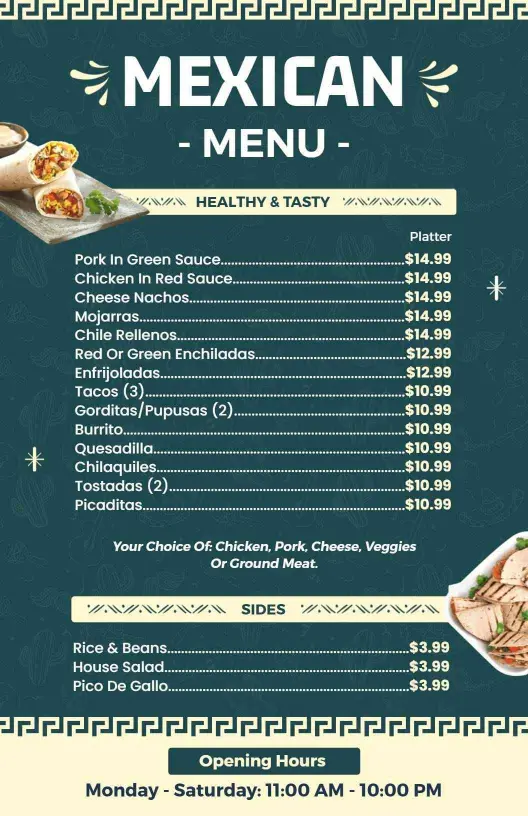
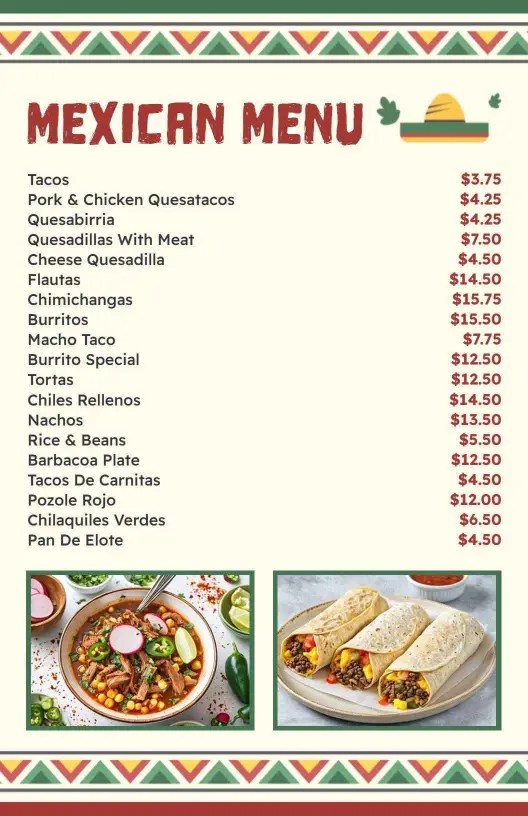
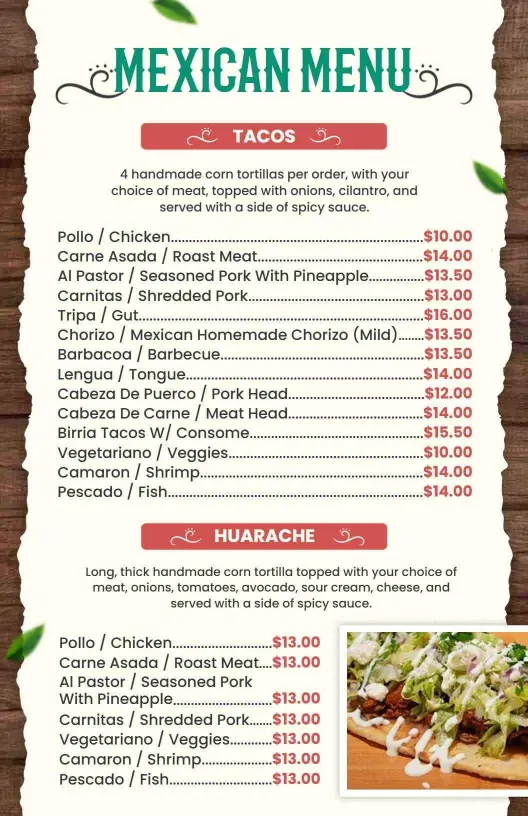
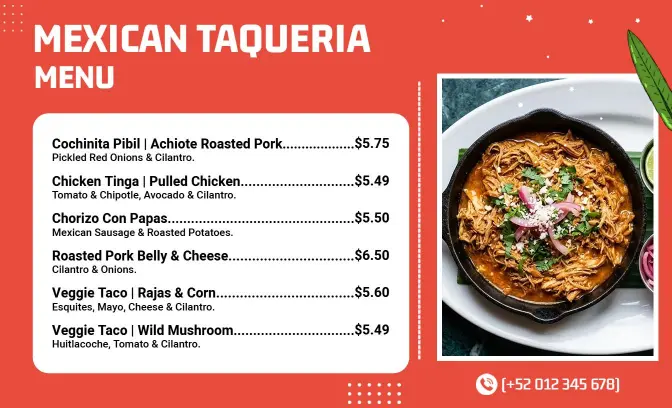
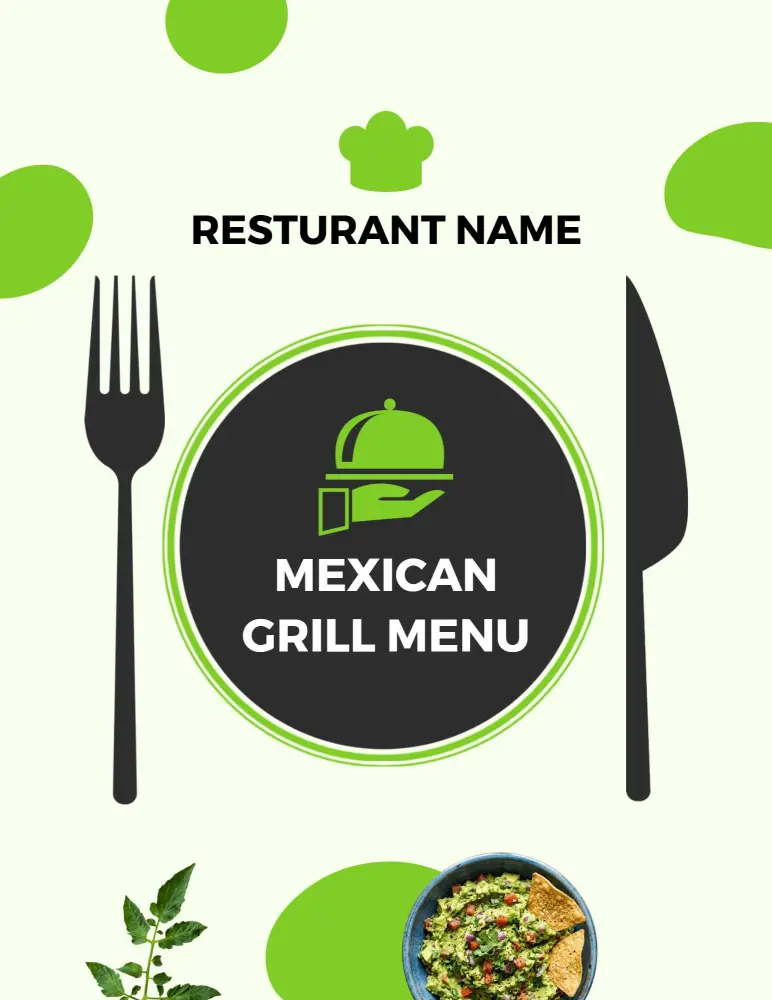
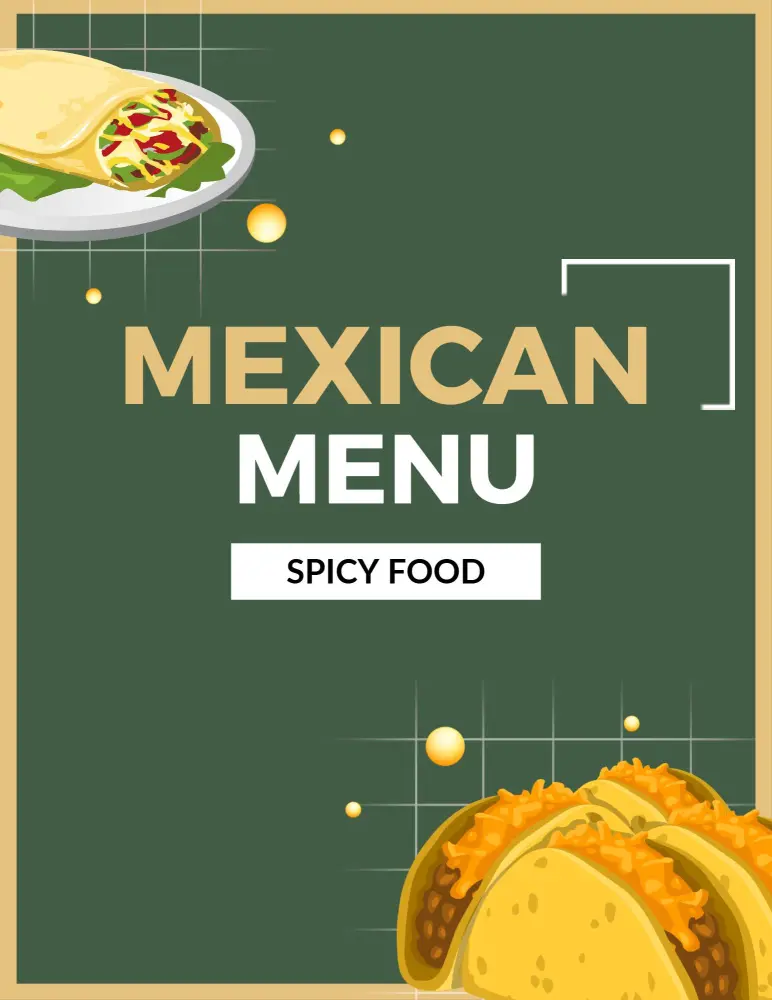
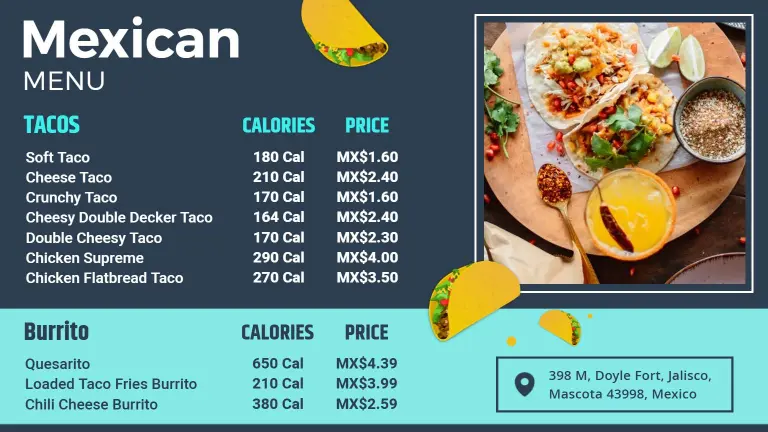
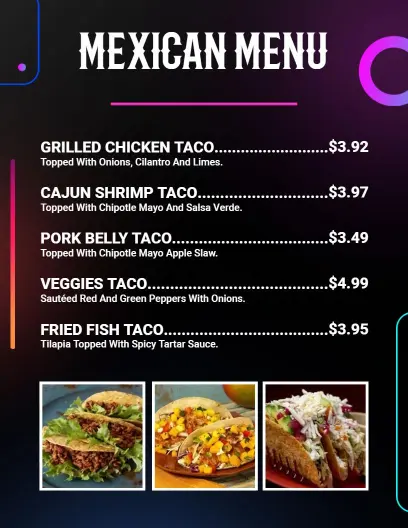
When your menu centers on taco and burrito choices, group the core items together and keep the copy short. That makes counter service faster and helps customers compare fillings without scanning a crowded page. Authentic Mexican Cuisine Taco Burrito Menu Template works well for that structure.
Traditional special boards
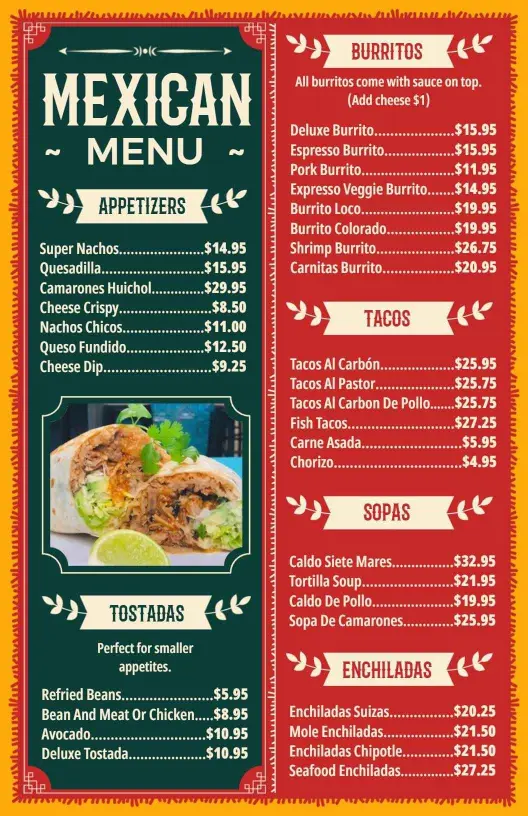
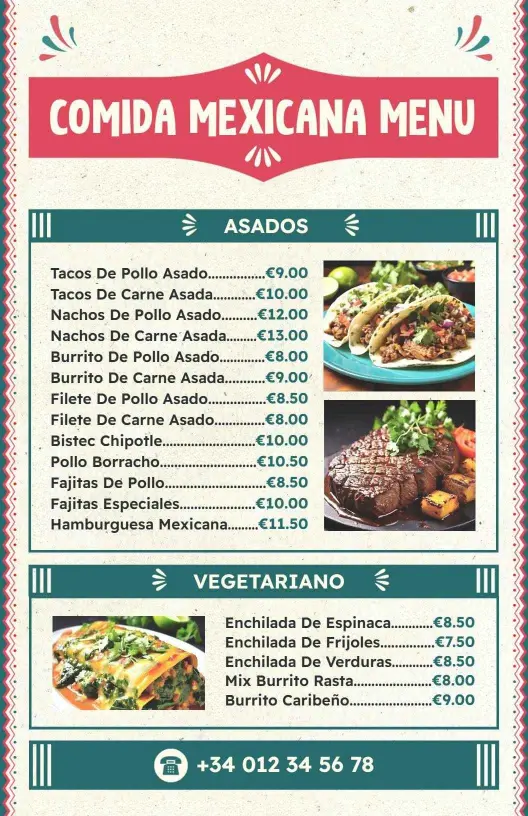
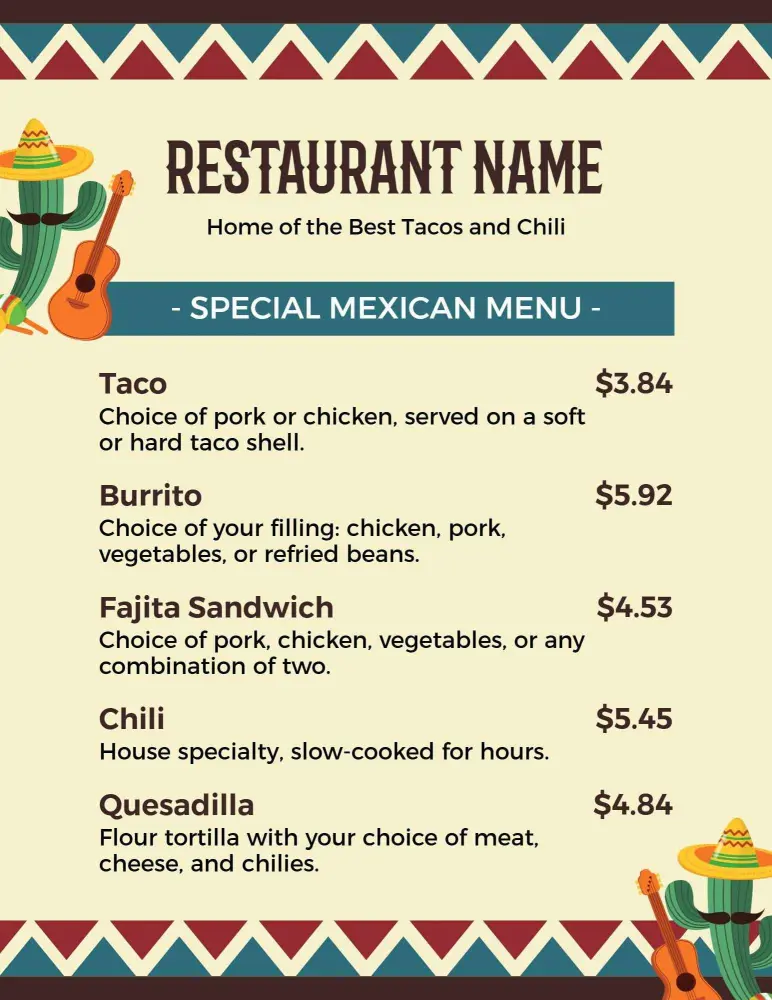
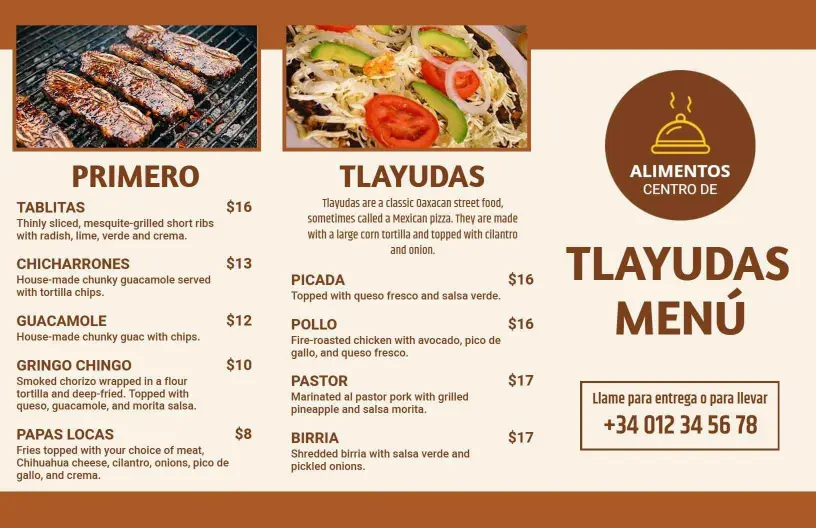
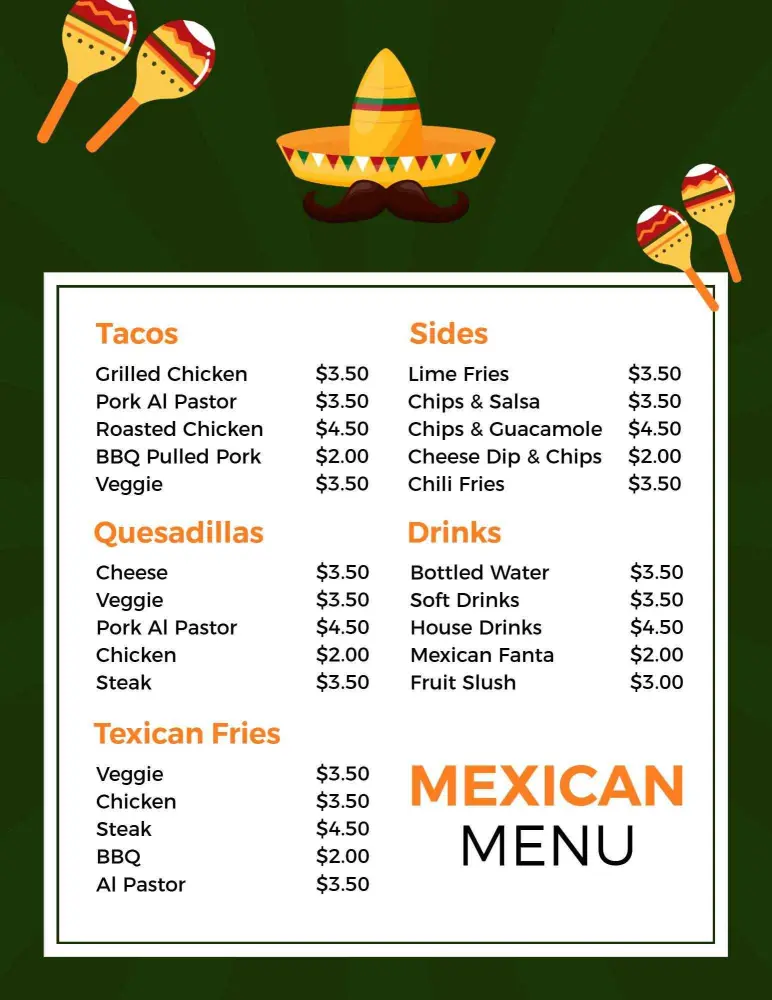
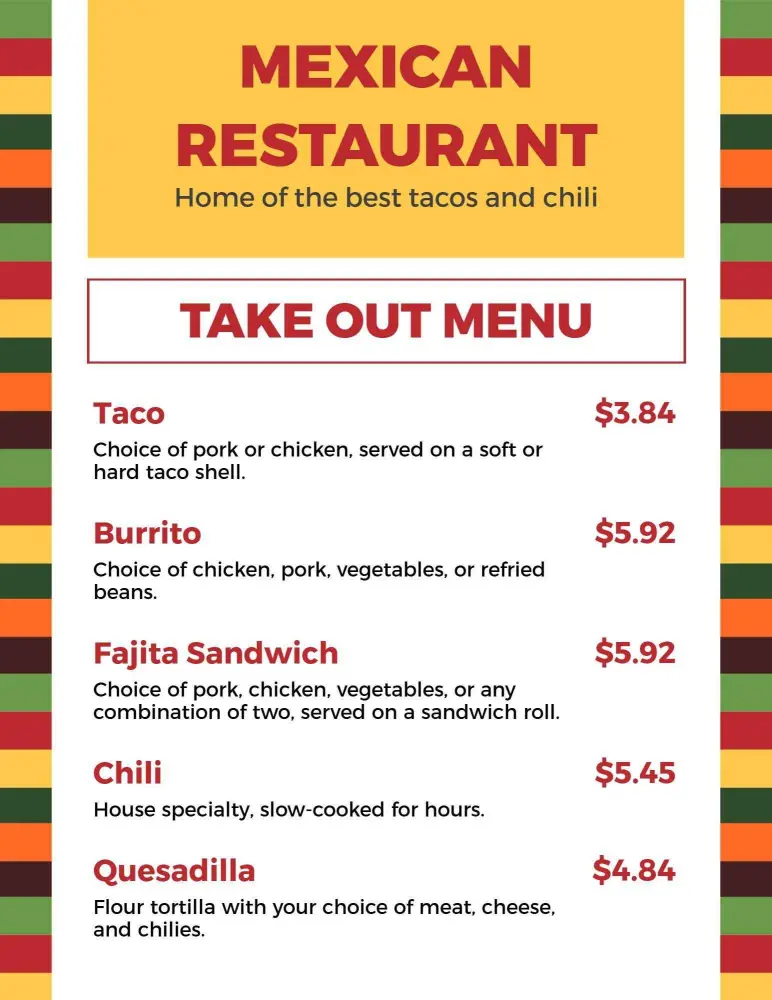
If your page highlights house specials or seasonal dishes, give those items more room so they stand out. A framed layout can add character without hurting readability, especially when you want the menu to feel organized and familiar. Authentic Mexican Dish Selection with Traditional Border Menu Template is a strong fit.
Fresh ingredient layouts
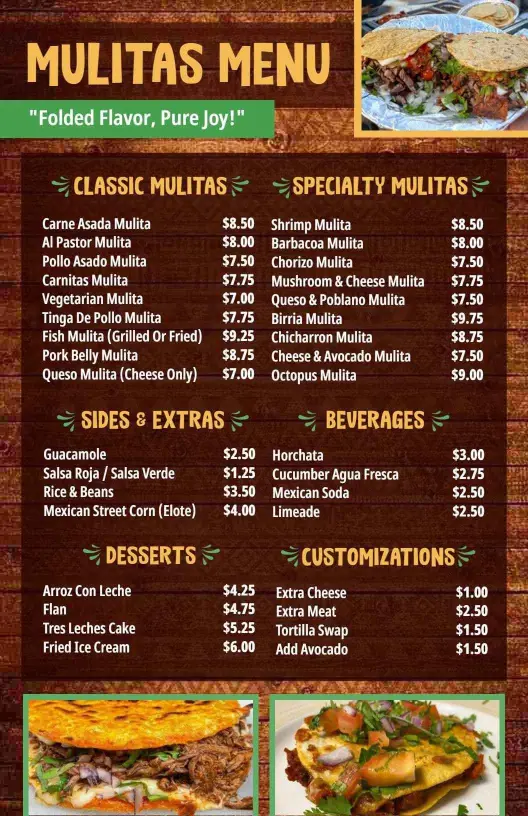
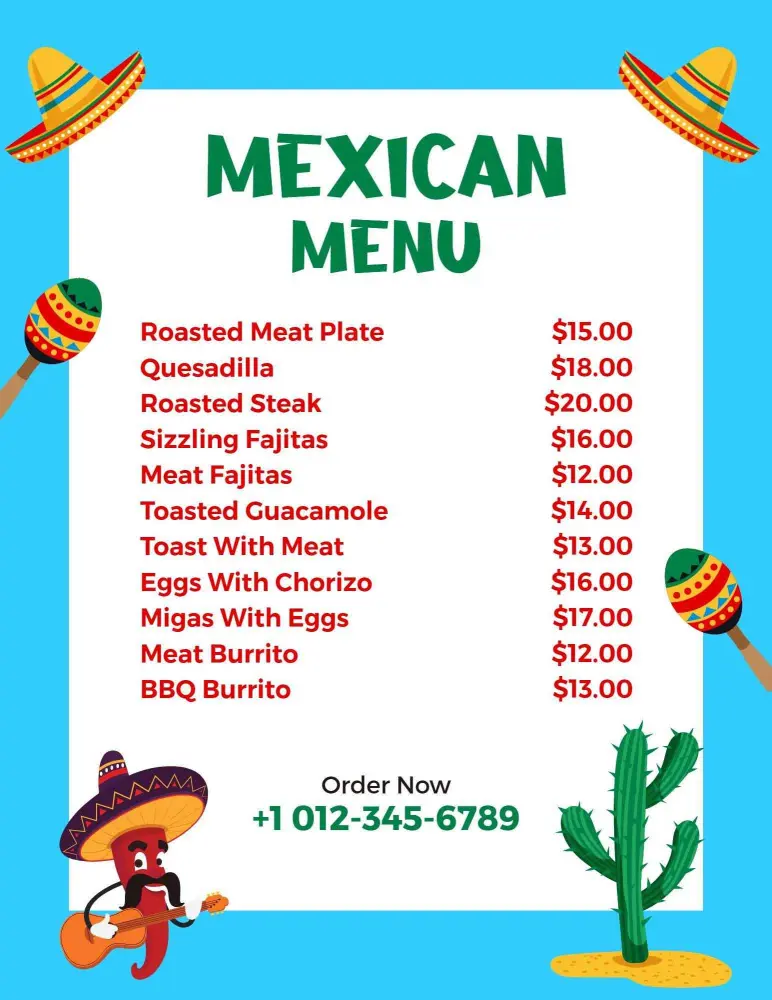
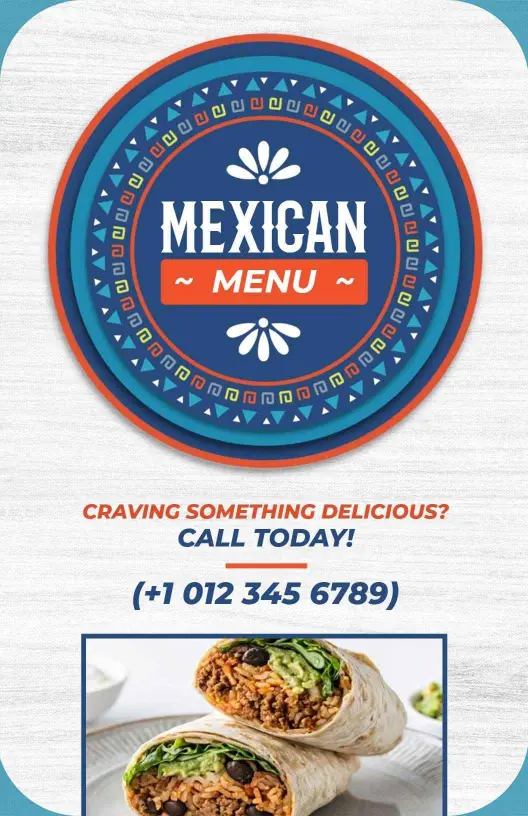
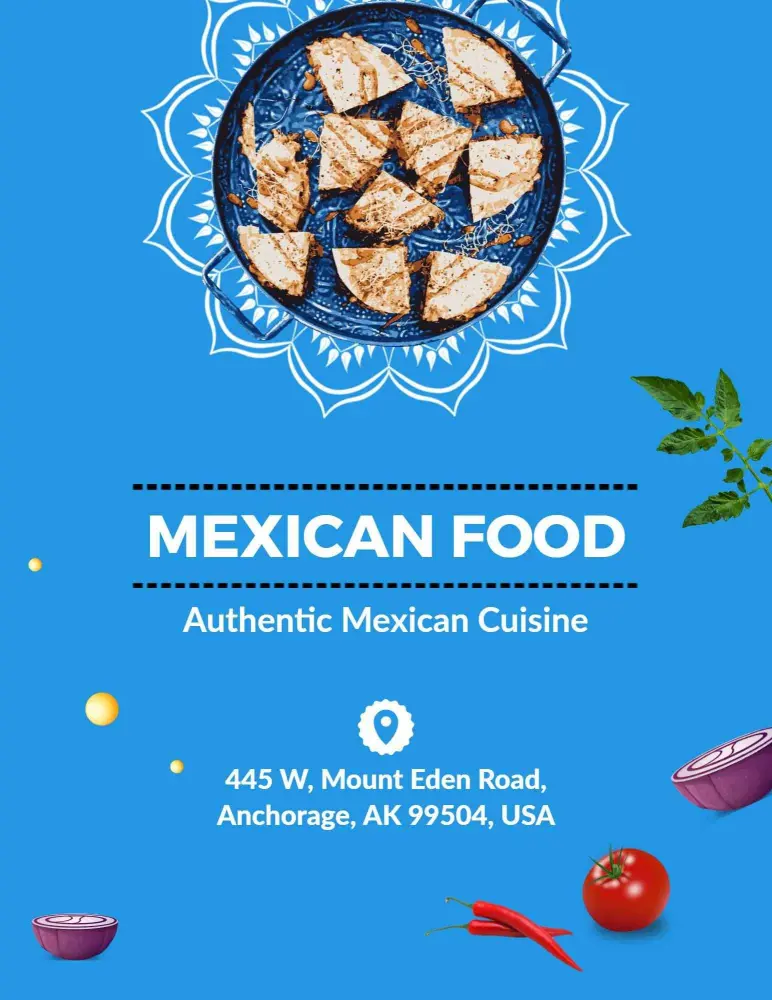
Use color and spacing to signal freshness, but keep the text easy to read from a distance. That matters in restaurants, food trucks, and takeout counters where customers decide quickly. Authentic Blue Mexican Cuisine with Fresh Ingredients Menu Template adds a cleaner modern look.
Balanced dining menus
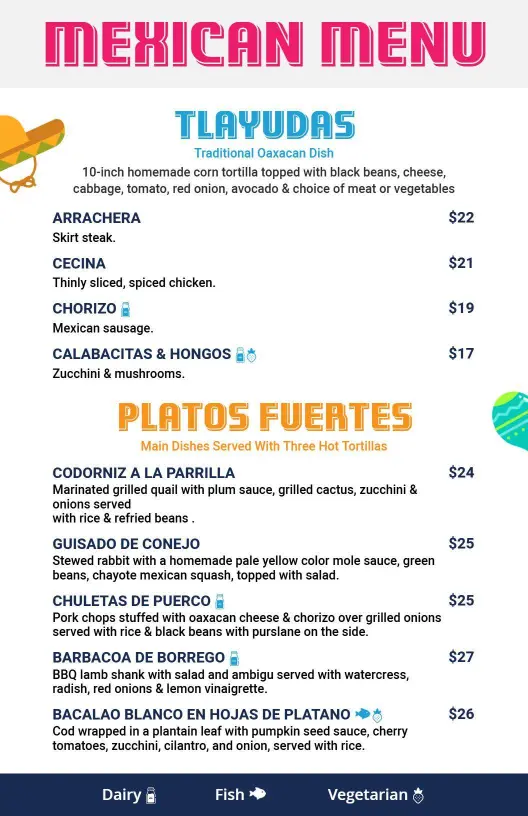
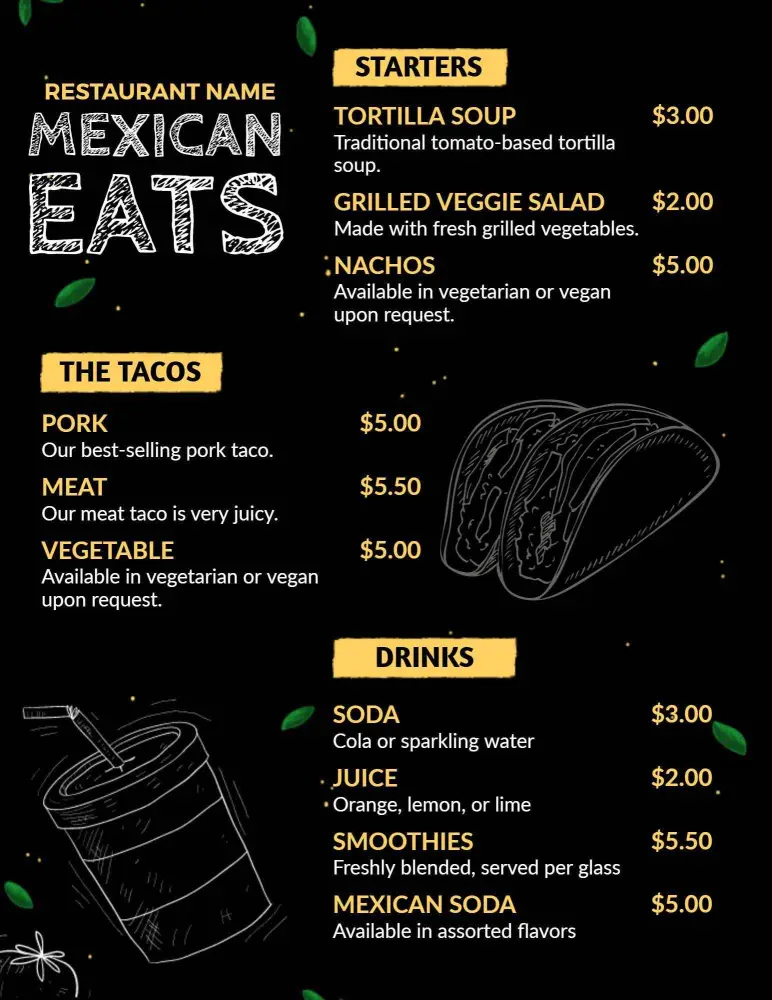
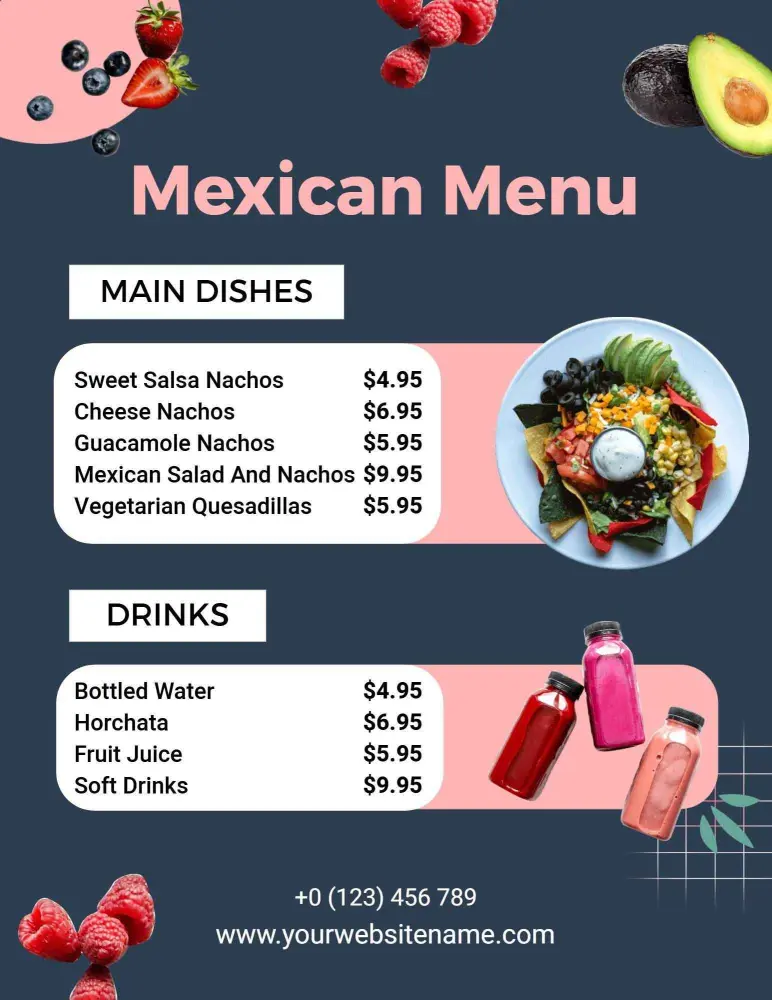
For dining rooms and printouts, a balanced layout keeps the menu readable while still giving the food room to stand out. Softer colors and clear sections help the page feel polished without becoming decorative clutter. Blue and Pink Mexican Dining Menu Template keeps that style easy to use.