


Halloween Menu Templates
DesignWiz Halloween Menu Templates help you present spooky food and drink options with a clean layout, fast editing, and themed styles for parties, dinners, buffets, and community events.
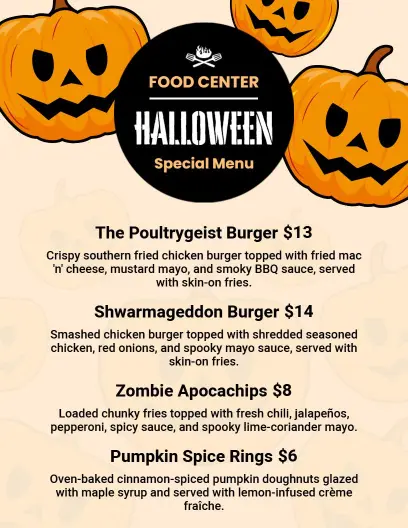
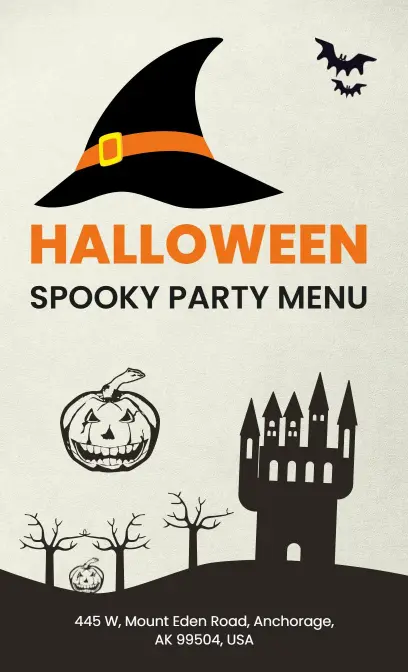
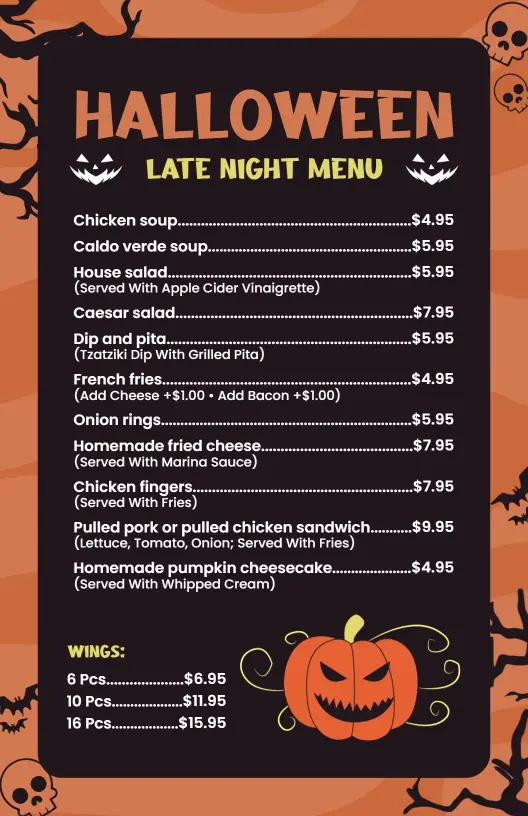
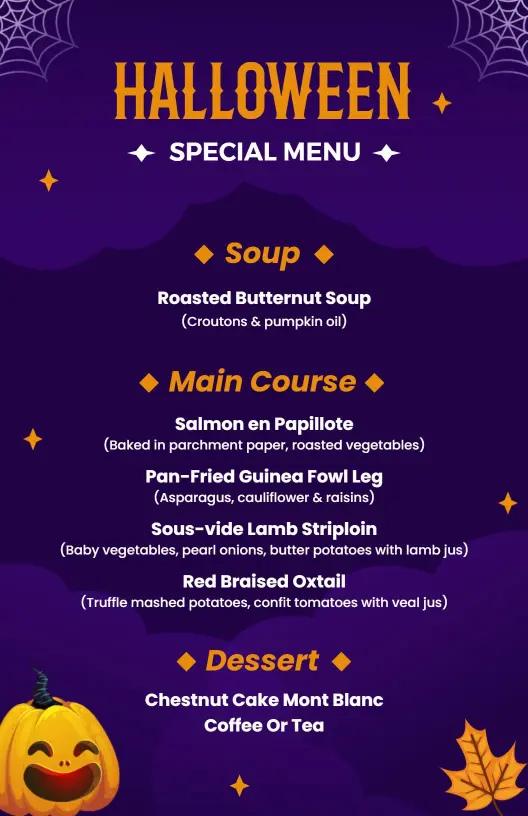
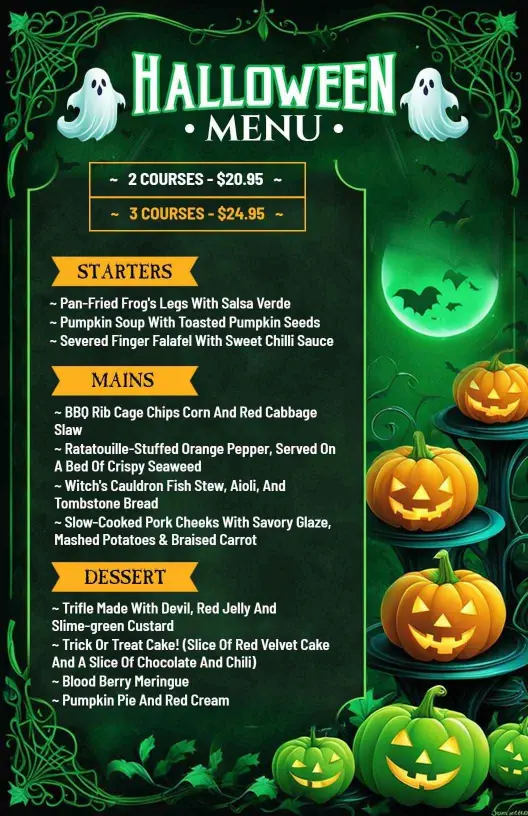
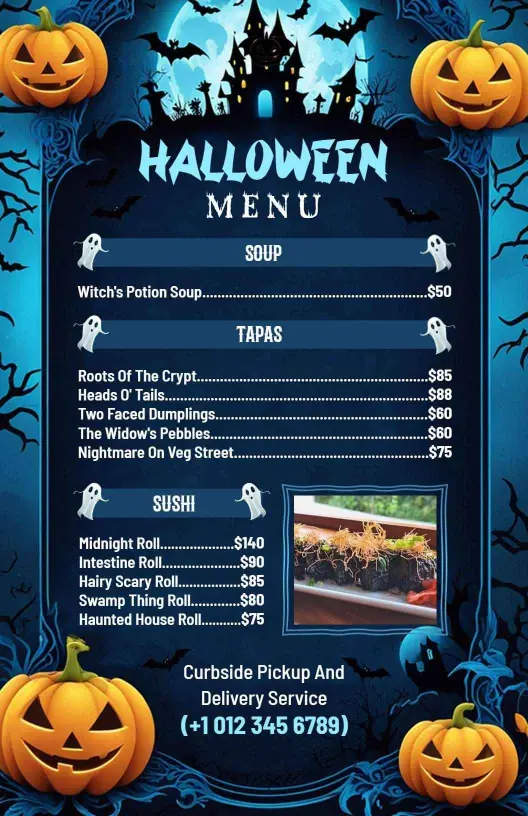
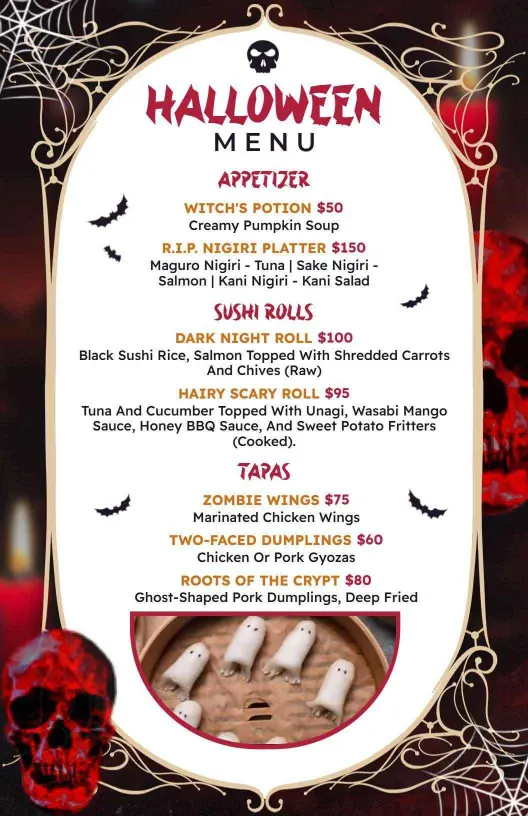
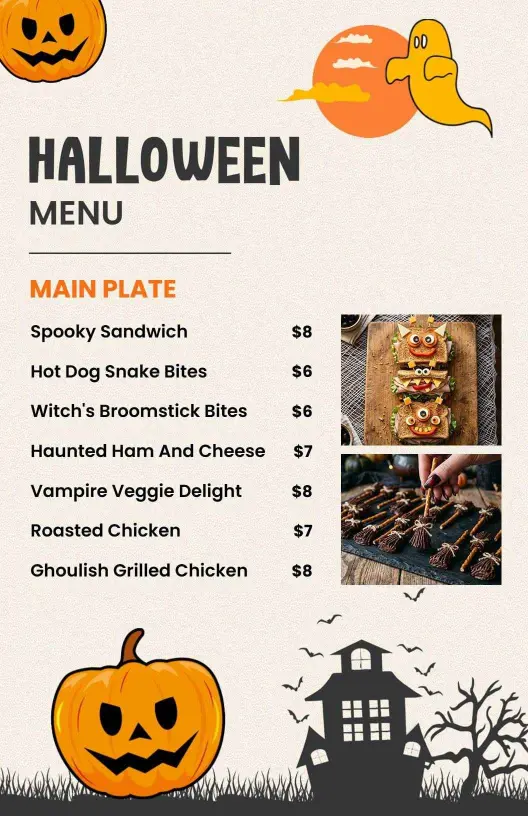
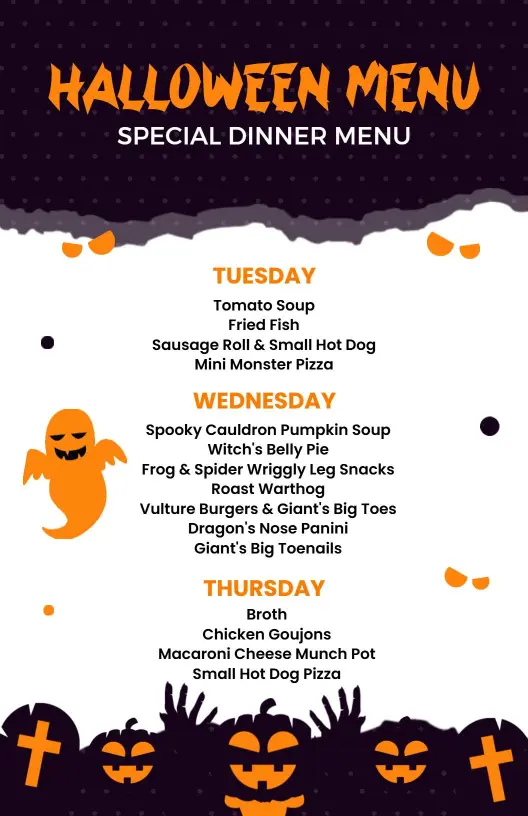
How to customize a Halloween menu
No design skills needed. Choose a layout, add the food and drinks, adjust the spooky style, and export a menu you can print or share in minutes.

1. Choose the layout
Start with the format guests will actually use. Pick a print friendly menu for the table or a vertical version for screens, then decide how bold or playful the theme should feel.
2. Add the menu items
List snacks, mains, drinks, and desserts in a simple order. Keep names short and group similar items together so the page stays easy to scan at a glance during the event.
3. Set the Halloween style
Adjust the colors, fonts, and spacing to match the event. Use one or two theme accents, keep contrast strong, and leave room around each section so the layout stays readable.
4. Include helpful notes
Add allergy notes, serving details, or special event labels only when they help guests. Put those notes near the right section so they support the menu instead of making it harder to read.
5. Review and export
Check the final menu at actual size before you export it. Make sure the text is sharp, the sections stay aligned, and the design still works well on a phone, on screen, and in print.
Trusted by Thousands
 Tata Consultancy Services
 Boston Consulting
 AT&T
AT&T
 Avelo Airlines
 Procter & Gamble
 Ministry Of Health, Malaysia
 Veterans Affairs
 Detroit Government
 New York University
 Texas A&M University
 Decathlon America
 Warby Parker
Tata Consultancy Services
Boston Consulting
AT&T
Avelo Airlines
Procter & Gamble
Ministry Of Health, Malaysia
Veterans Affairs
Detroit Government
New York University
Texas A&M University
Decathlon America
Warby Parker
Warby Parker
Tata Consultancy Services
Boston Consulting
AT&T
Avelo Airlines
Procter & Gamble
Ministry Of Health, Malaysia
Veterans Affairs
Detroit Government
New York University
Texas A&M University
Decathlon America
Warby Parker



Other Menu templates
Why Halloween menu templates make themed events easier to follow
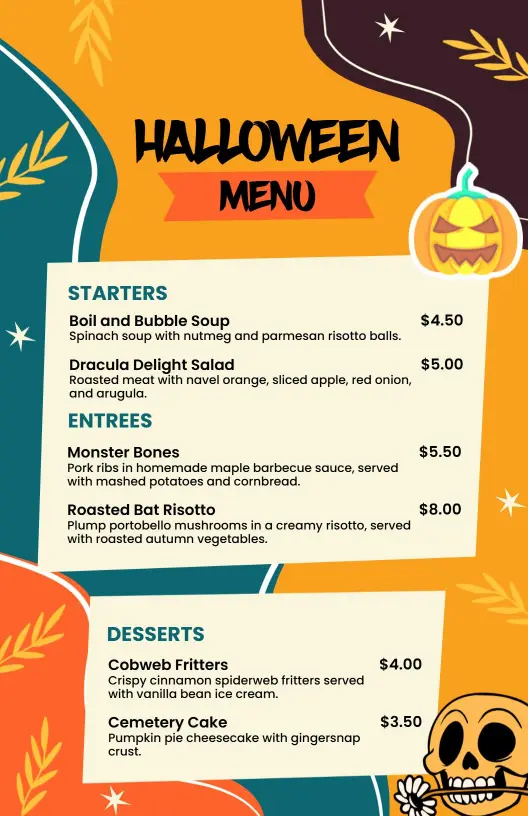
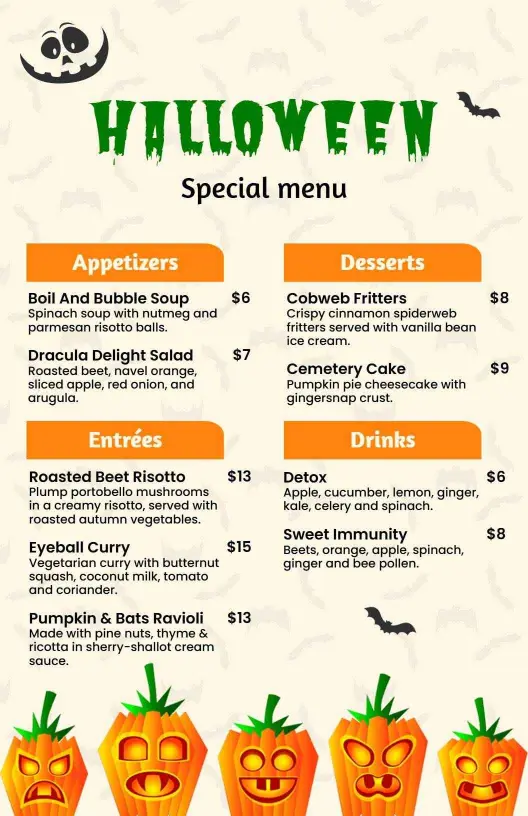
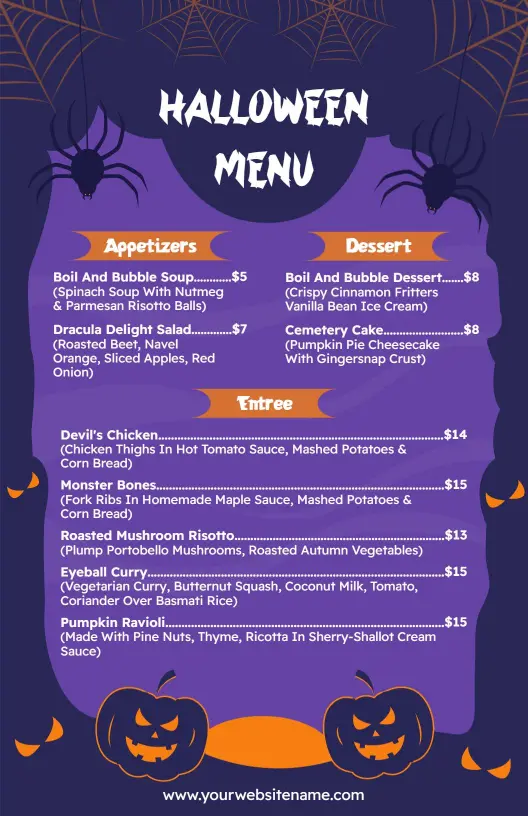
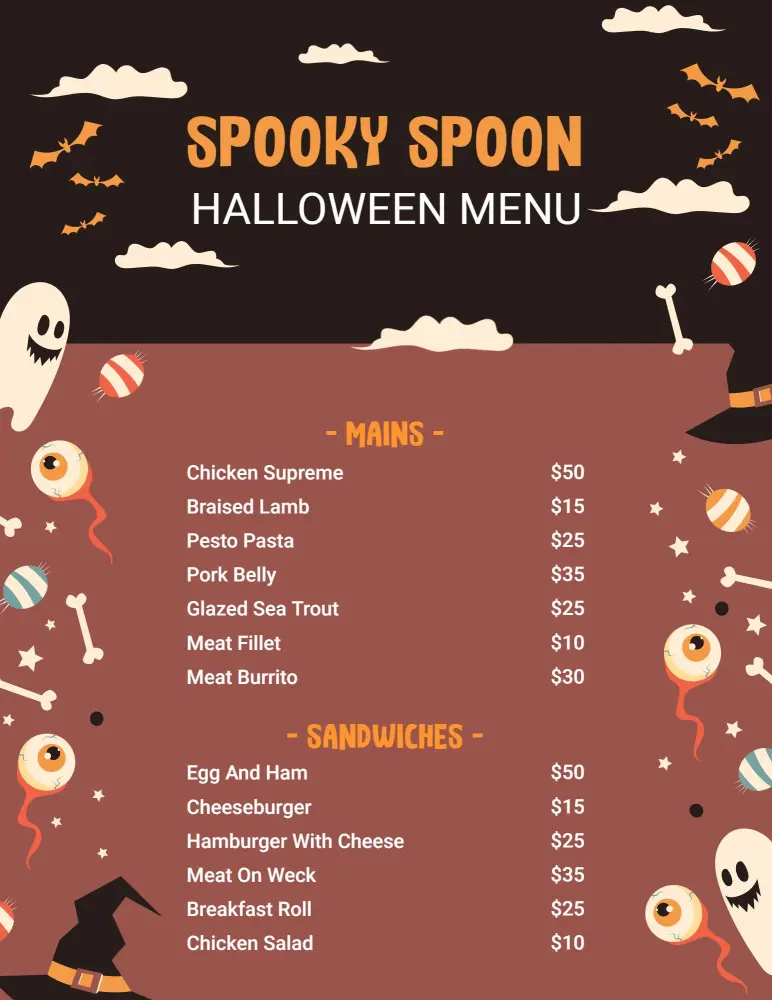
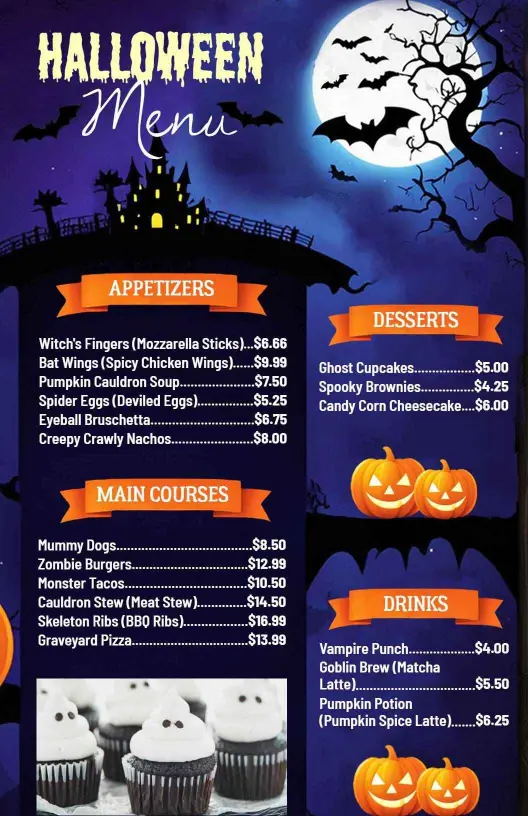
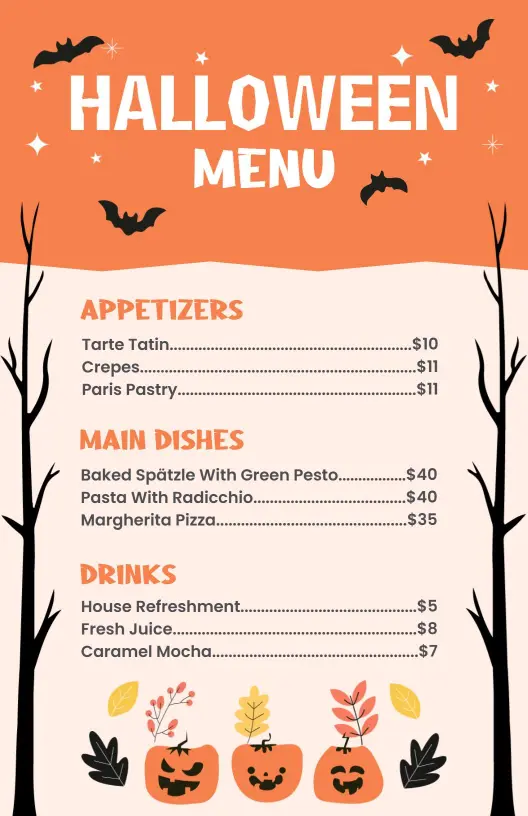
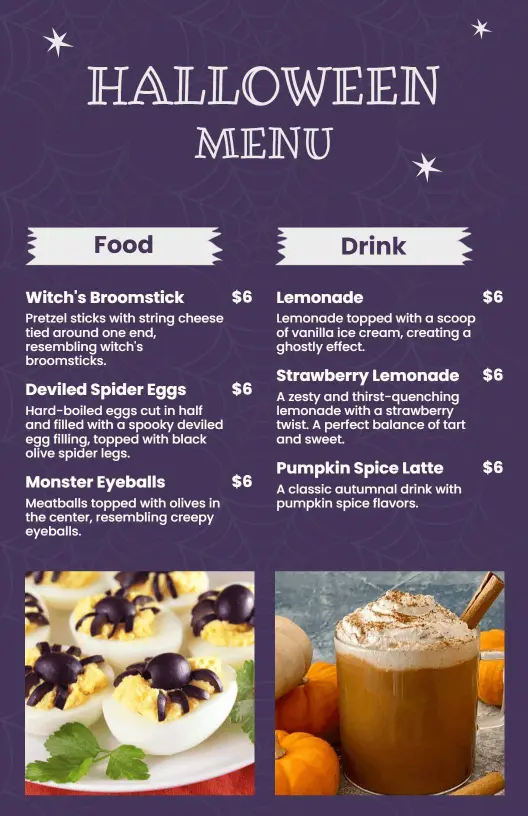
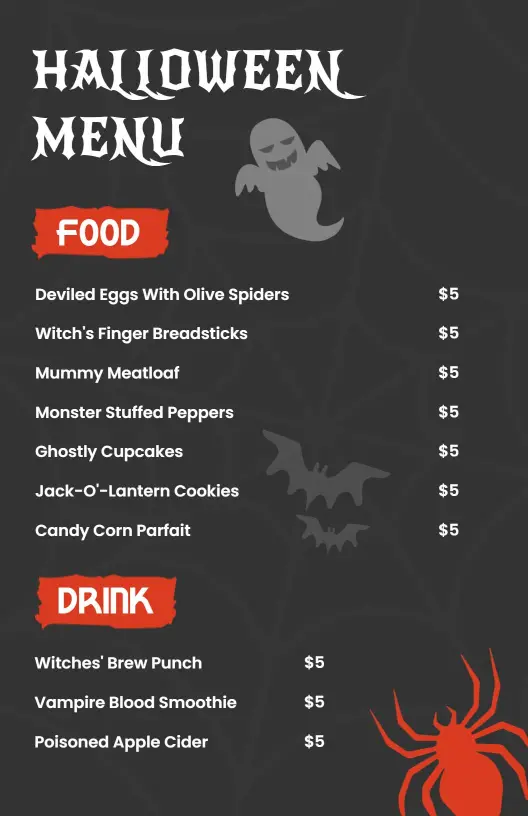
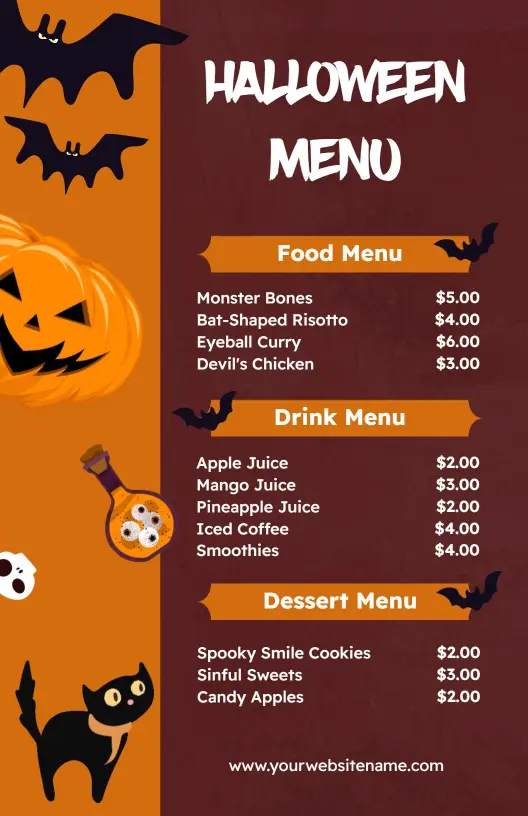
Halloween menus work best when the design feels festive but still reads fast. Use strong contrast, simple section breaks, and clear item names so guests can scan the food without losing the spooky mood. Start with Creative Halloween Orange and Purple Festive Menu Template when you want a bright seasonal palette that stays easy to read.
Party tables
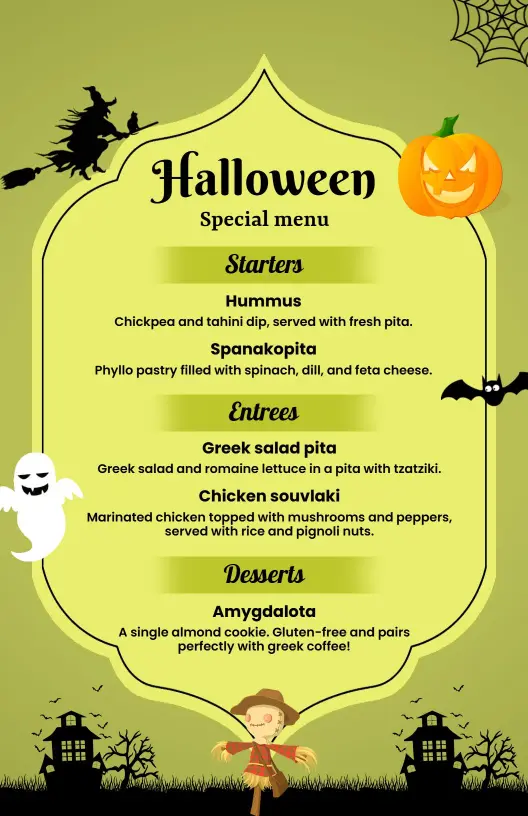
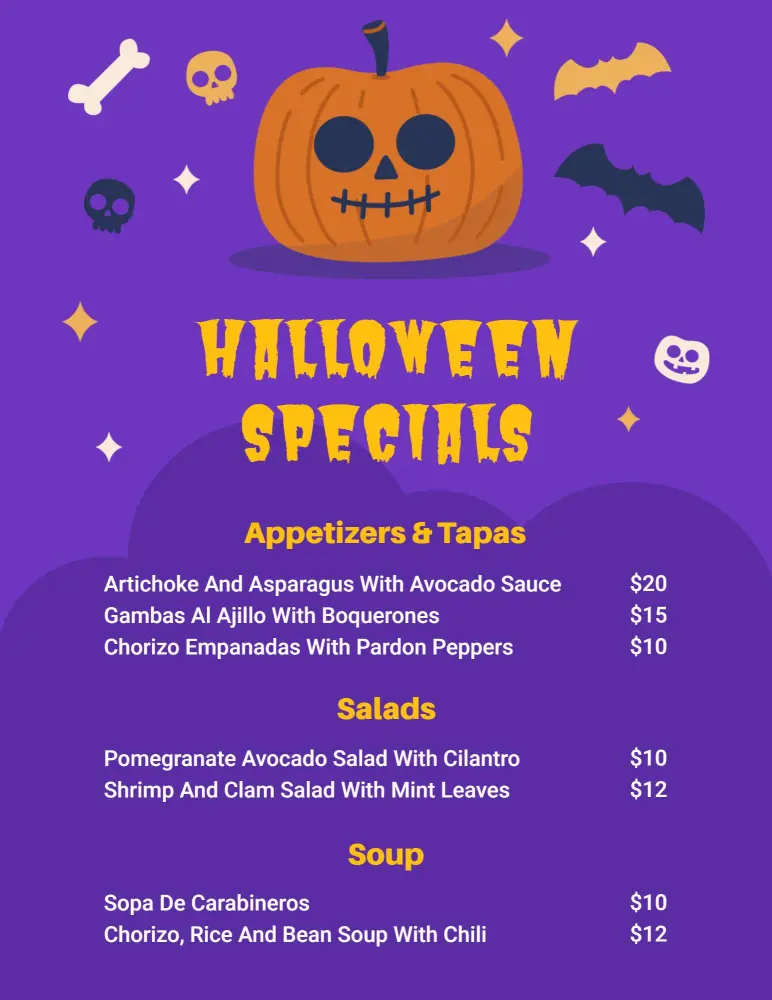
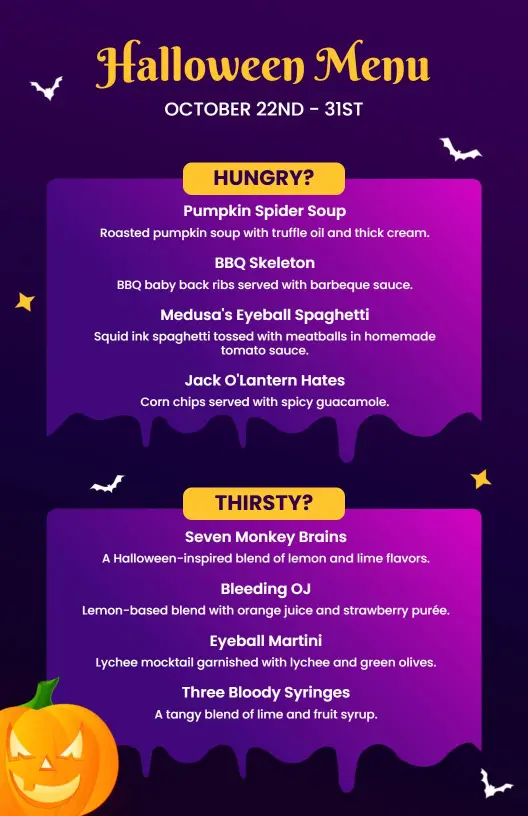
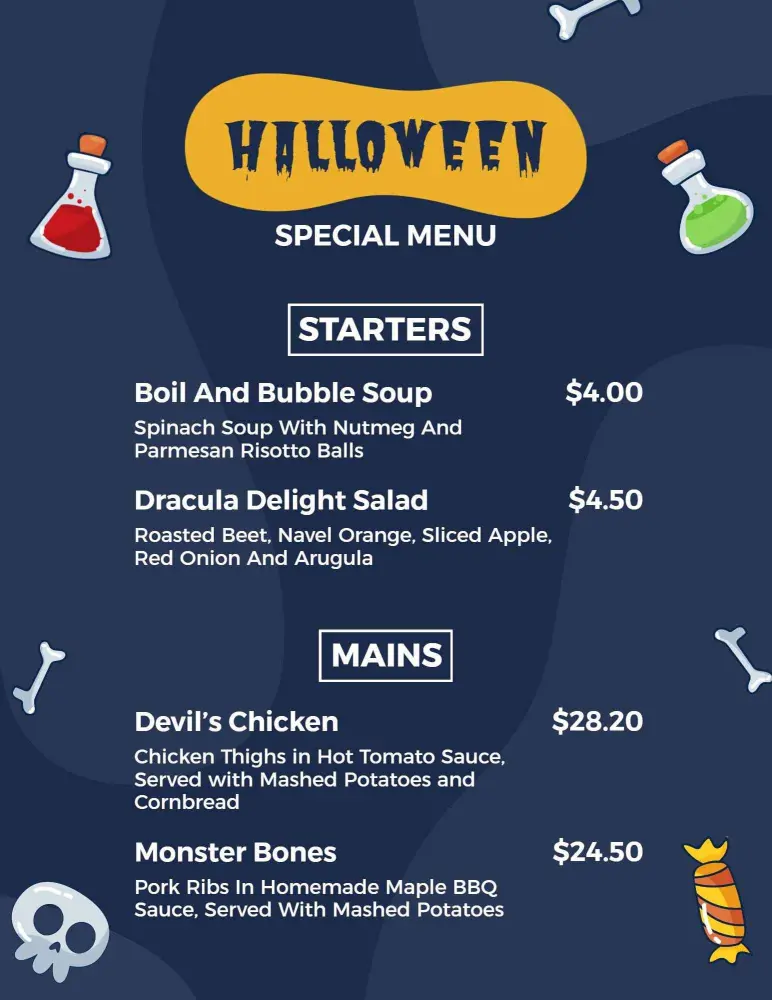
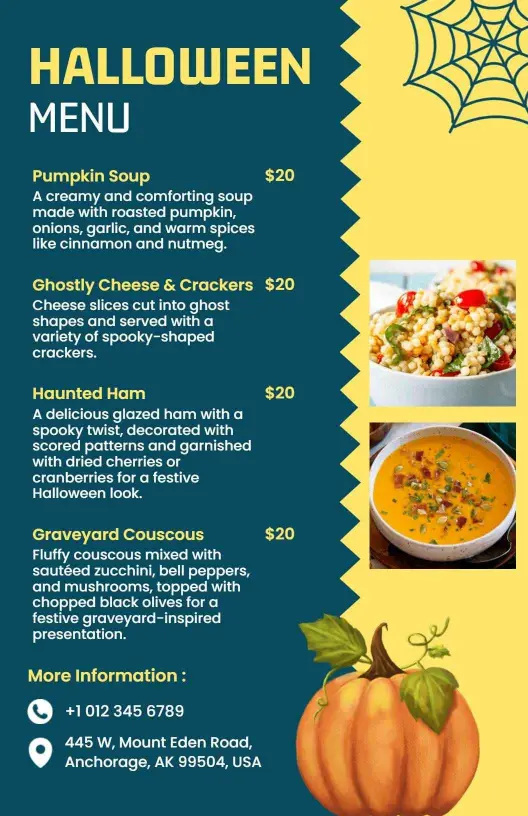
For trick or treat parties, school events, and casual gatherings, keep the menu short and grouped by snack, drink, or dessert. That makes it easier for guests to see what is available without reading long blocks of text. Ghoulish Halloween Appetizers and Savory Soup Selections Menu Template is a good fit when the event needs a playful but organized food list.
Moody dinner setups
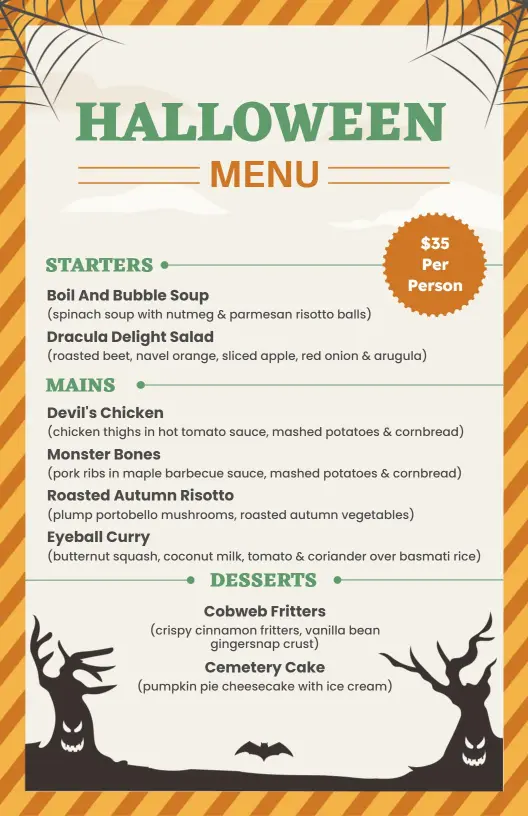
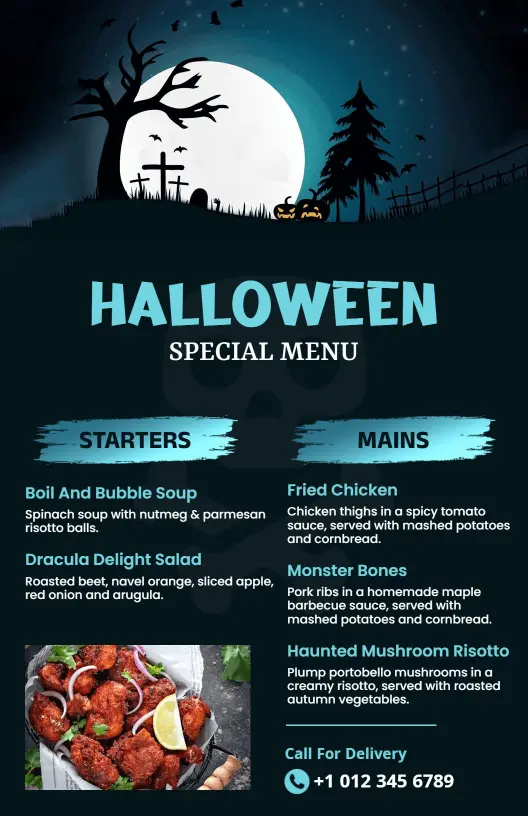
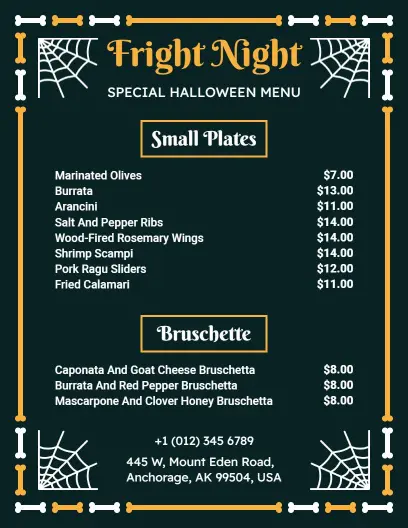
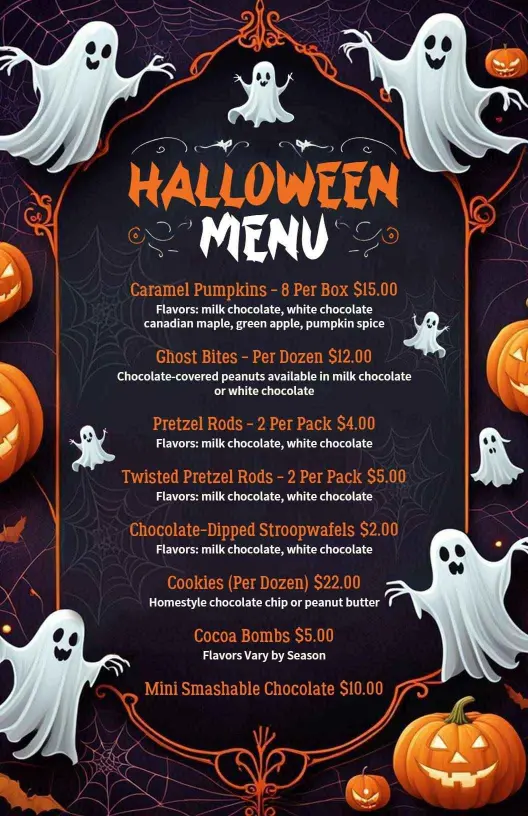
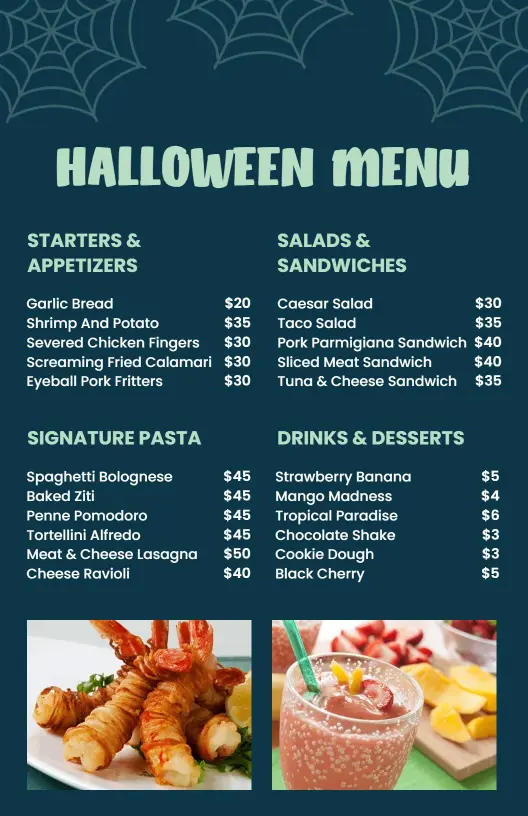
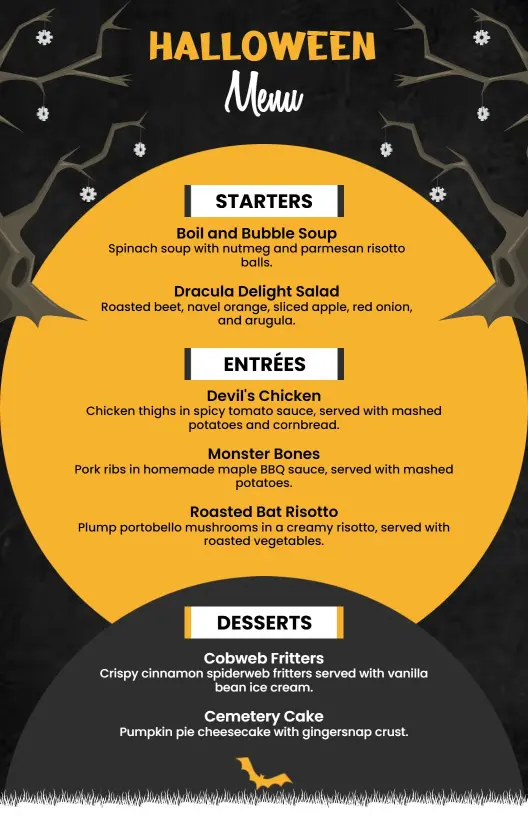
If the event is a sit down dinner or cocktail night, use a darker base, bold headings, and enough spacing to make each dish stand out. A more restrained layout can still feel seasonal when the typography and accents stay on theme. Gothic Silhouettes and Orange Tones Halloween Menu Template gives that balance well.
Buffets and group meals
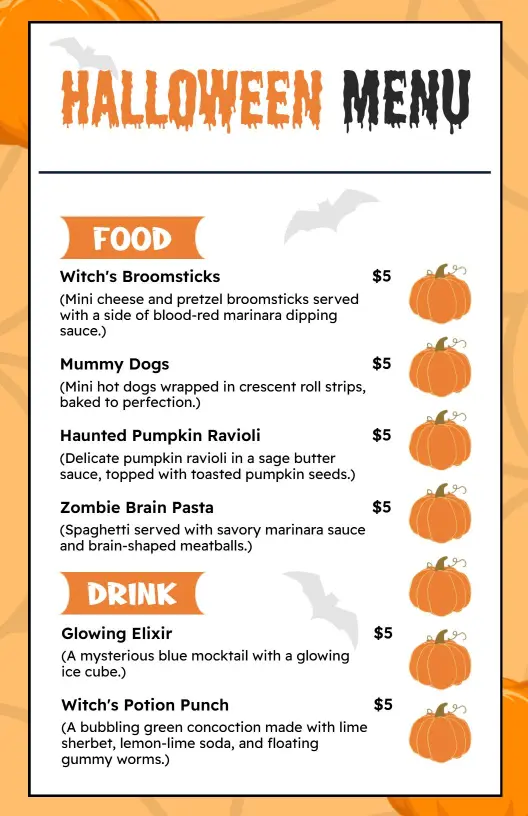
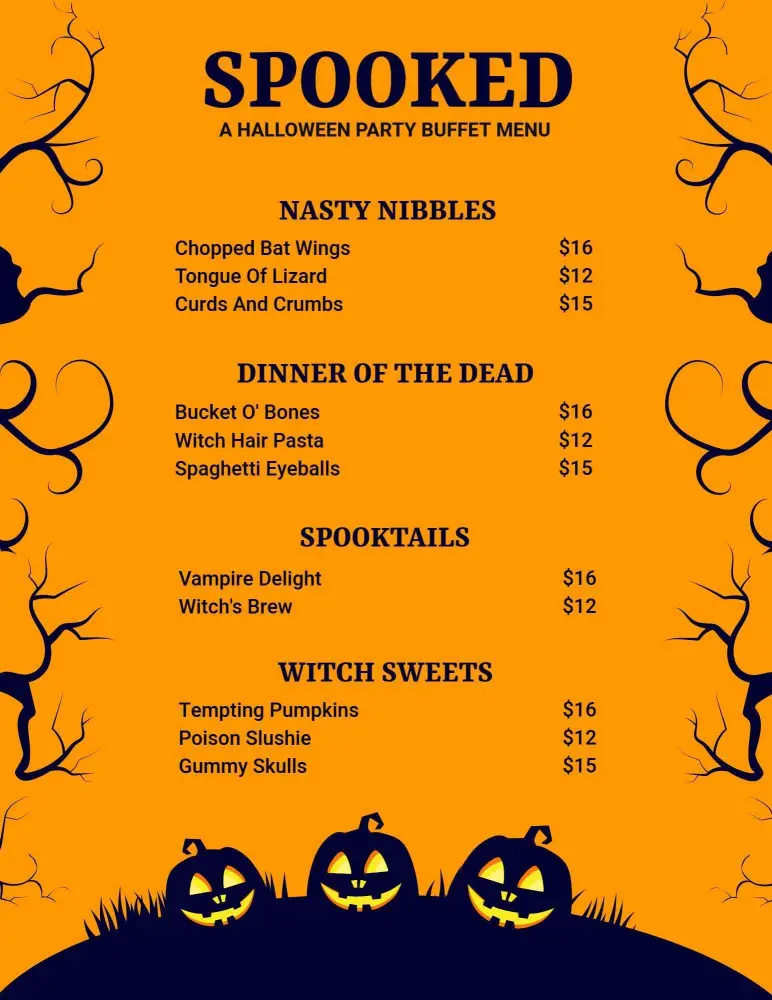
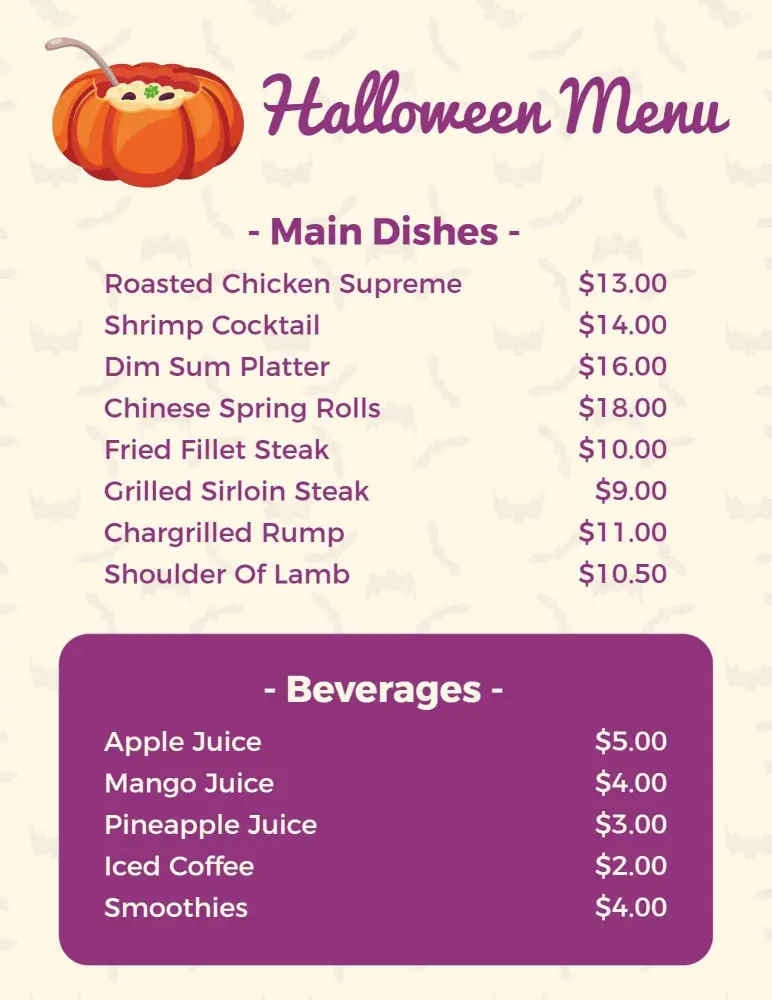
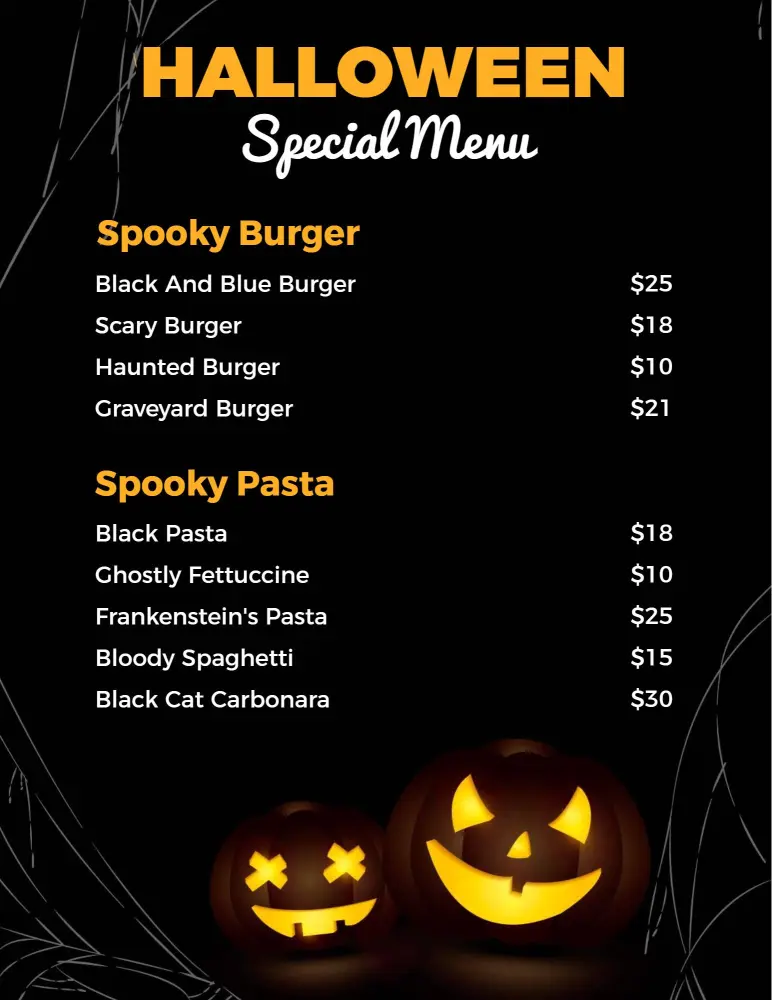
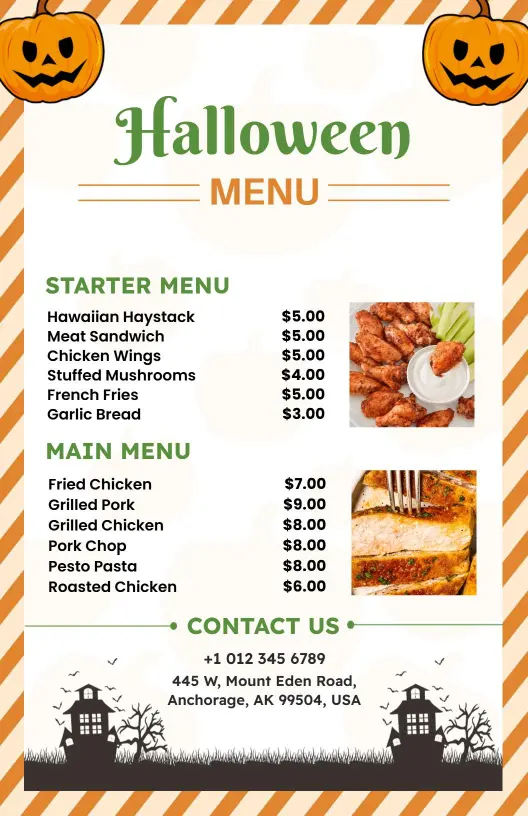
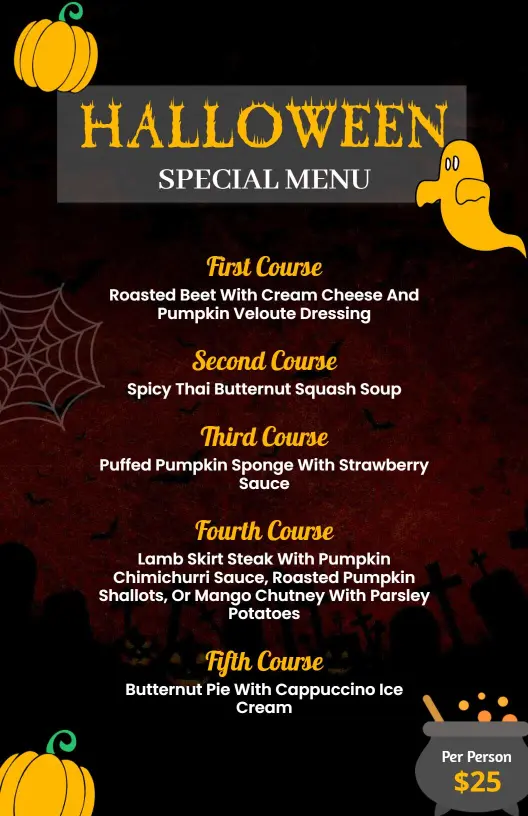
Buffets need menus that are easy to scan from a distance. Keep course labels large, break the list into clear sections, and avoid overdecorating the layout so guests can move through the line quickly. Halloween Pumpkin-Themed Black and Orange Menu Template works well for a classic seasonal look, while Spooky Black and Orange Themed Halloween Buffet Menu Template gives the menu a stronger buffet focus.
Family friendly themes
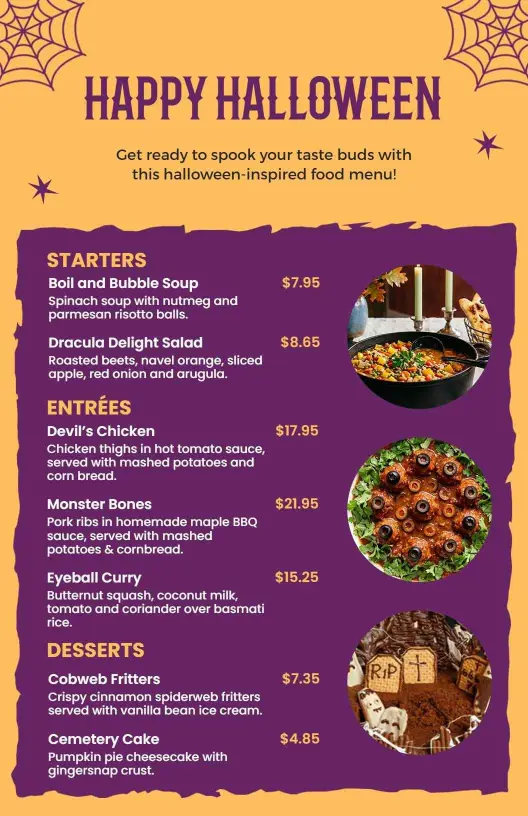
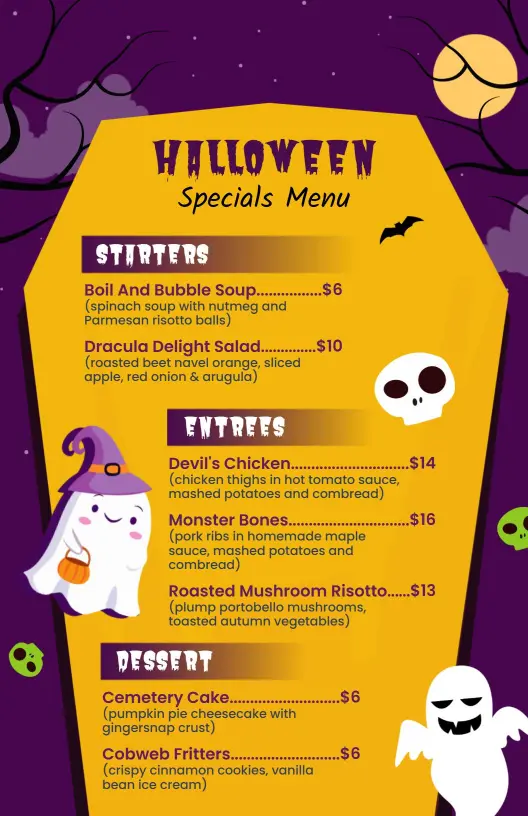
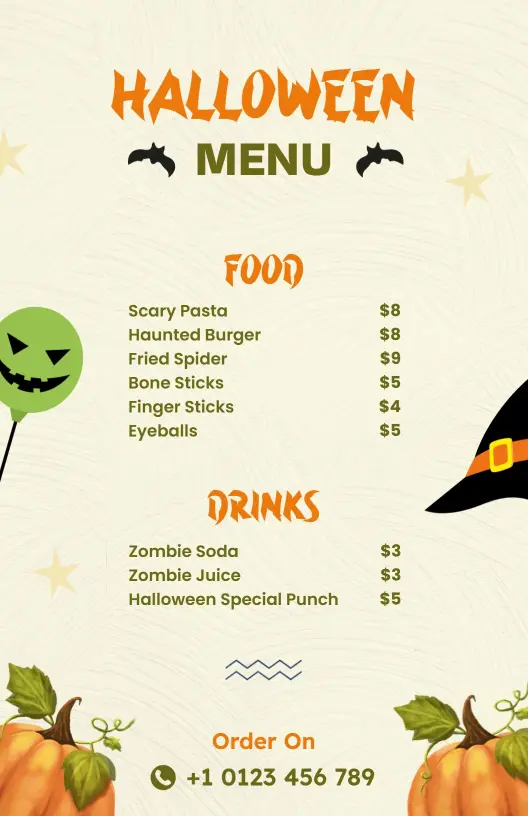
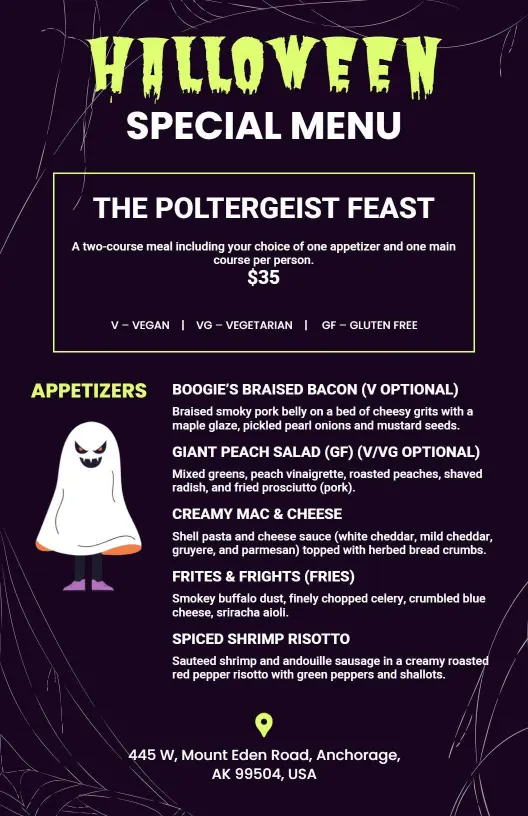
When the menu needs to stay fun for mixed ages, use friendly illustrations, clear labels, and a layout that leaves room for simple notes. The goal is to keep the page festive without making the meal details hard to follow. Playful Ghost and Witch Illustration Halloween Menu Template keeps the mood light, and Vibrant Halloween Themed Seasonal Delights Menu Template helps the layout feel lively and seasonal.