freshchat icon chat icon loading icon
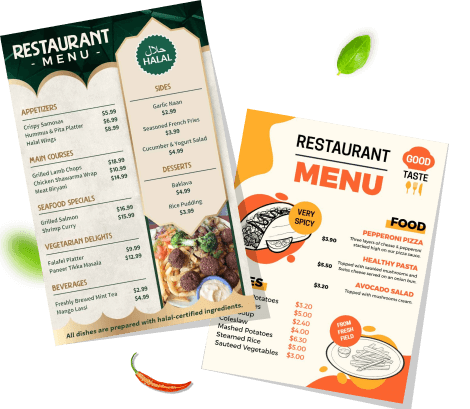
restaurant-and-pizza-menu-templates

What is a Menu?

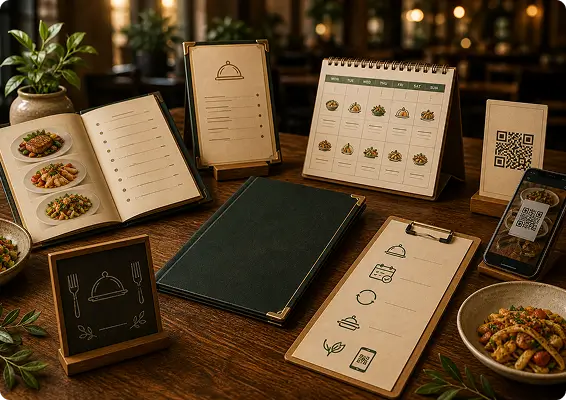
A menu card is a physical or digital document that lists food, beverage items, and specific services along with their prices and descriptions. They are designed to organize offerings clearly, improve the customer experience, and visually represent the brand.
Create Your Own Menu
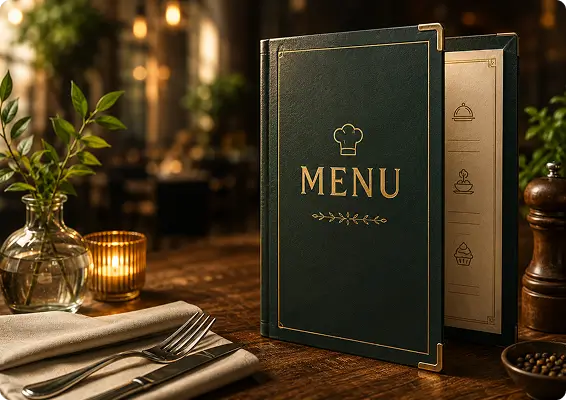
luxury-restaurant-menu-book-mockup

Purpose of a Menu

  • Guide Customer Choices: A menu helps customers quickly explore available items, compare options, and decide what to order with clear names, descriptions, and prices.
  • Showcase Signature Offerings: Highlight your best dishes, popular items, or special packages to attract attention and increase sales.
  • Improve Ordering Experience: A well-organized menu structure makes it easy for customers to find what they want without confusion.
elegant-dining-menu-branding-mockup

Types of Menu

  • À la Carte Menu: Each item is listed separately with its own price. Customers can choose individual dishes based on their preference.
  • Static Menu: A menu that stays the same for a long period. Most restaurants use this format for their regular offerings.
  • Cycle Menu: Items repeat after a specific period, such as weekly or monthly. This type is common in cafeterias, schools, and hospitals.
  • Prix Fixe Menu: A set meal with a fixed price, often including multiple courses like an appetizer, entree, and dessert.
  • Seasonal Menu: Features dishes made from ingredients that are available during certain seasons.
  • QR Code Menu: Accessed via smartphone by scanning a QR code, allowing easy updates, reduced printing costs, and faster menu navigation for customers.

Why Use Menu Design?

There are many benefits of using a menu as an effective marketing tool, because they can:

Help in Fast Decision:

Clear sections and structured layouts help customers quickly find what they want and place orders faster.

Highlight Key Items:

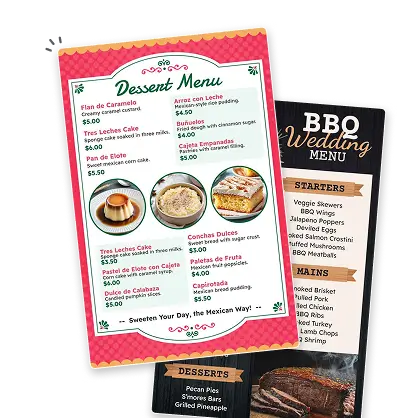
Menu design helps you showcase popular dishes, combos, or special offers to attract more attention.
why-use-poster-img

Present Clearly:

A well-designed menu organizes your items clearly & makes it easier for customers to explore your offerings.

Strengthen Brand Image:

Consistent colors, fonts, and layout help your menu reflect your brand style and create a professional impression.
Who Uses Menu?

poster-restaurant

Restaurants:

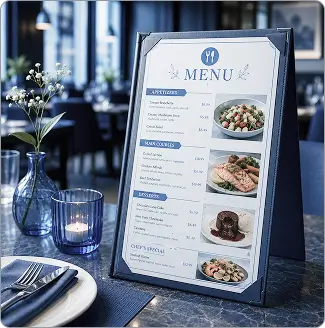
Use menu cards to present food items, prices, and special dishes in an organized way for dine-in customers.
poster-menu-hotels-and-resorts

Hotels & Resorts:

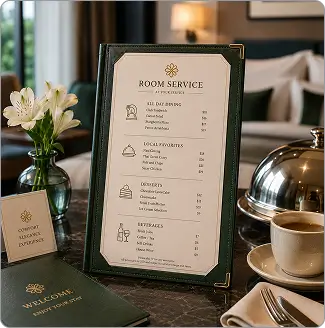
Provide menus for restaurants, room service, and specialty dining experiences.
poster-bakeries-and-dessert-shops

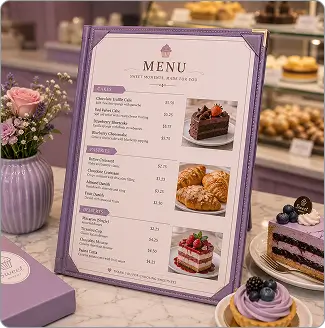
Bakeries & Dessert Shops:

Showcase cakes, pastries, and sweet items with descriptions and pricing, making ordering smoother.
poster-catering-and-food-services

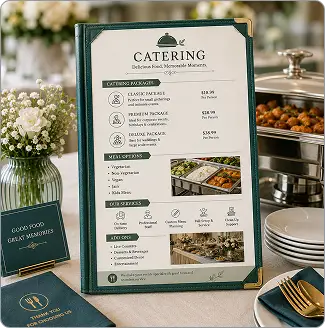
Catering & Food Services:

Present catering packages, meal options, service offerings, and add ones for events and gatherings.
poster-salons

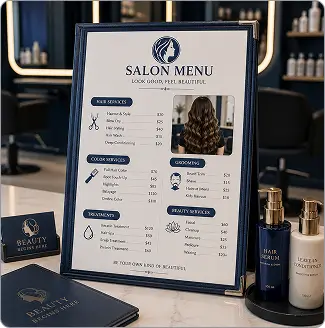
Salons:

Display service menus for haircuts, styling, coloring, grooming, and beauty treatments with clear pricing, helping clients choose services easily.
poster-spas-and-wellness-centers

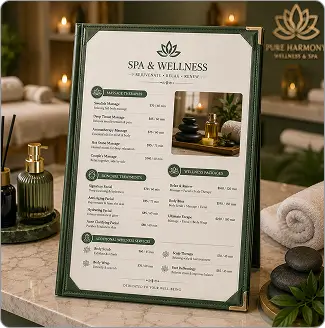
Spas & Wellness Centers:

Showcase massage therapies, skincare treatments, relaxation packages, and wellness services with detailed descriptions and pricing for a premium experience.
poster-cafes-and-coffee-shops

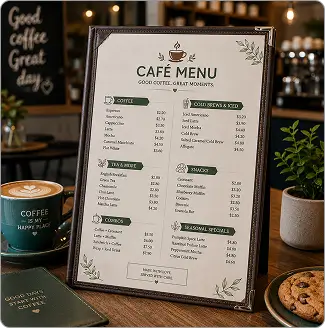
Cafés & Coffee Shops:

Display beverage menus, snacks, combos, and seasonal specials with pricing, helping customers quickly decide what to order
poster-bars-and-lounges

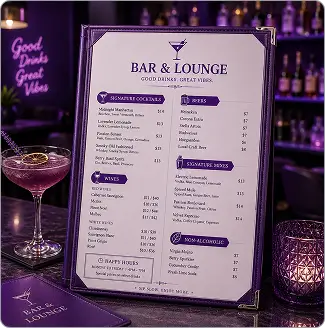
Bars & Lounges:

Showcase drink menus including cocktails, wines, beers, and signature mixes with pricing and descriptions for a better guest experience.
Menu Size Guide

menu-size-guide

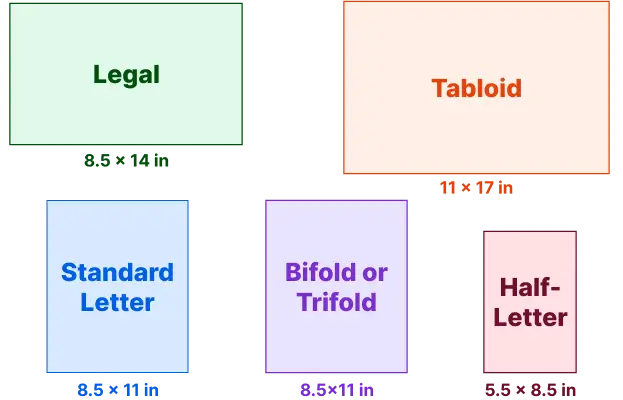
Common Menu Sizes

  • Standard Letter (8.5 x 11 inches): Versatile for casual dining, lunch menus.
  • Half-Letter (5.5 x 8.5 inches): Good for focused selections, bars, and coffee shops.
  • Legal (8.5 x 14 inches): Offers more space for extensive menus.
  • Tabloid (11 x 17 inches): Popular for elegant, spacious designs in fine dining or as placemats.
  • Bifold or Trifold (8.5x11 inches): offer sections for different categories.
choosing-the-right-restaurant-menu-poster

Tips for Choosing the Right Size

  • Viewing Comfort: Select a size that allows customers to read items and prices easily.
  • Menu Content: Choose a larger size if your menu contains many categories or detailed descriptions.
  • Usage Type: Compact sizes work well for quick ordering, while larger formats suit dine-in experiences.
design-considerations-poster

Design Considerations

  • Readable Layout: Ensure fonts, spacing, and sections remain clear and easy to scan.
  • Balanced Content: Avoid overcrowding the menu with too many items in a small space.
  • Visual Hierarchy: Highlight popular dishes, specials, or combos so customers can notice them quickly.

How to Design a Menu?

1. Define Goal & Target Users

First, define your business concept and the audience you want to attract. Ensure that a menu reflects the style of dining and aligns with the expectations of your customers.

2. Choose Menu Format & Size

Pick the format that fits your service style. A4 for full sit-down menus, DL for bar cards, A5 for compact café menus.

3. Plan Content Structure

A well-structured menu speeds up decisions and reduces order confusion at the table. Group each item you offer logically, and sequence naturally.

4. Design layout & sections

Use clear section headers, consistent spacing, and a visual hierarchy that draws the eye to your best-sellers first.

5. Choose Colors & Typography

Choose the color and typography that reflect your brand identity, grab attention, and set the mood.

6. Descriptions with Prices

Keep descriptions short but sensory - one or two lines that make the item sound irresistible. Place prices consistently without using currency symbols that draw too much attention.

7. Add Photos of Items

A single great photo of an item increases orders for that item by up to 30%. Use high-resolution images and keep them consistent in style.

8. Proofread and test

Proofread each detail twice, and check the real-time preview before publishing or sending it to the printing services.

Start Creating Professional Menus

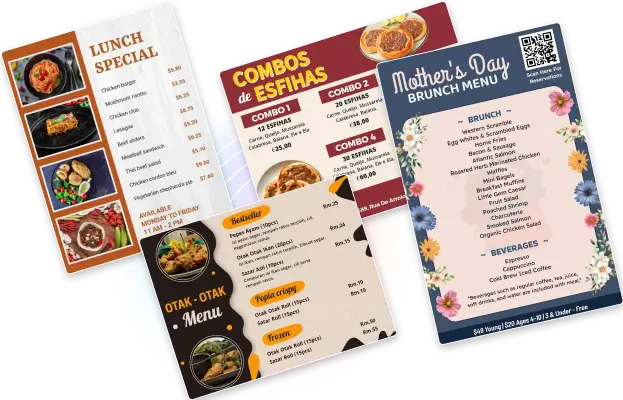
Create a clear and well-structured menu using professionally designed templates tailored to your needs. Easily customize layouts, colors, and content to present your offerings in a polished and visually appealing way.

Menu Card Design Tips & Trends

Stay updated with menu card design trends, tips, and practical guidance.