Pre-made designs
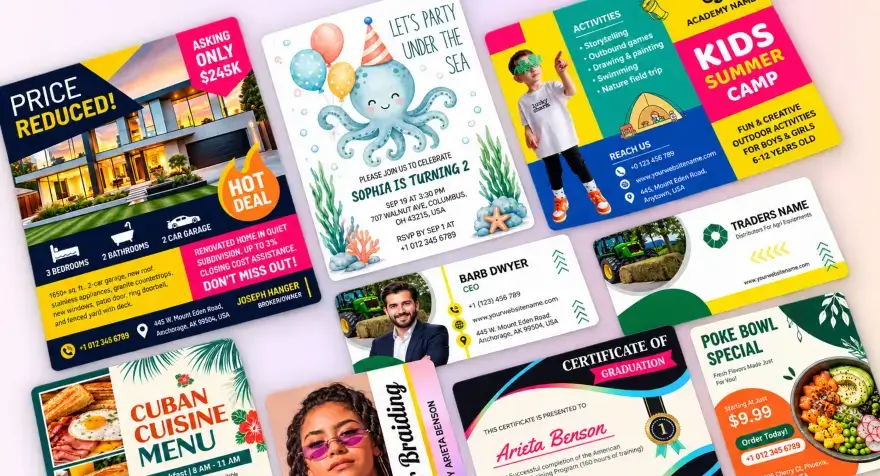
You do not have to start from a blank page. Our designer team has already made layouts that look clean and professional. Just pick one and change the text and photos to match your offer.


Create announcements for life's biggest milestones and business updates. Choose from 120 templates across 11 categories including birth, engagement, graduation, retirement, pregnancy, funeral, save the date, baptism, wedding, and more, customize in minutes, and download.
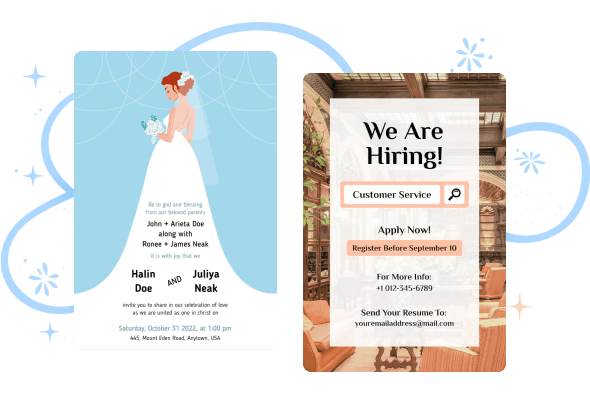
Find a design that suits your message, from a joyful birth or graduation announcement to a respectful memorial notice. Browse professionally designed announcement templates, choose a layout and make it personal.
Stop wrestling with complicated software and premium price tags of traditional printing services. DesignWiz helps you create polished announcements in minutes without design skills.
Create your professional announcement in 3 quick steps and get a finished design ready to print and share.
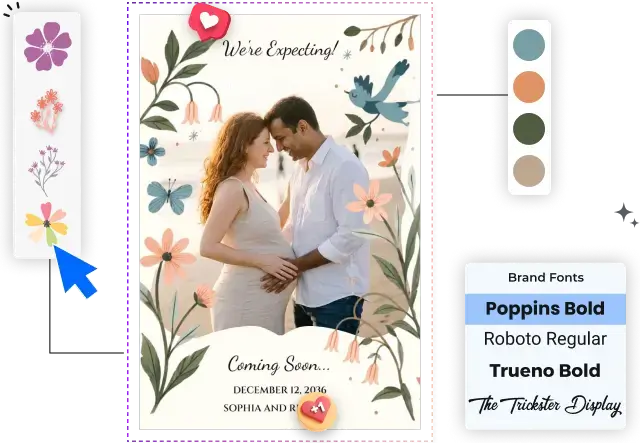
Pick an announcement template that fits your occasion, event, or message.
Add your text and photos, then adjust fonts, colors, and other design elements.
Download your announcement in high quality for printing or share it digitally.
Craft clear, professional announcements that cut through the noise and deliver your message with impact, online or in print.
You do not have to start from a blank page. Our designer team has already made layouts that look clean and professional. Just pick one and change the text and photos to match your offer.
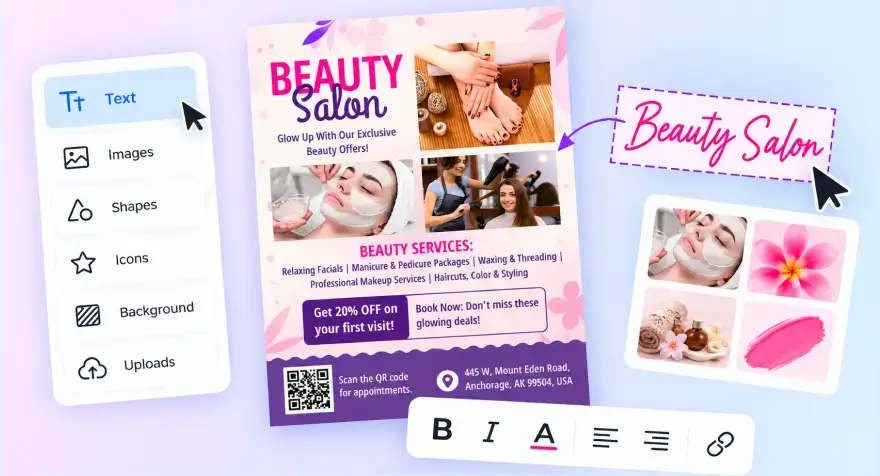
Move, resize, and edit anything by clicking and dragging. You do not need design skills or complicated tools. What you see on the screen is exactly what you get.
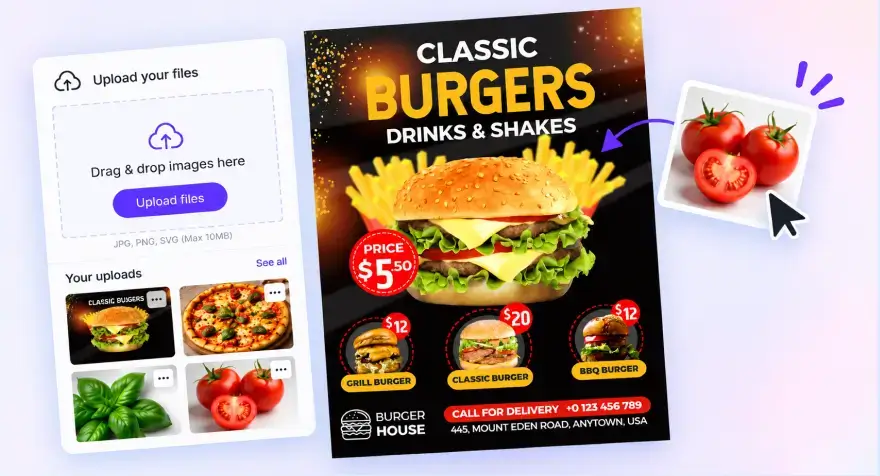
Upload your logo, photos, or graphics once. They stay in your library so you can quickly reuse them on new announcements.
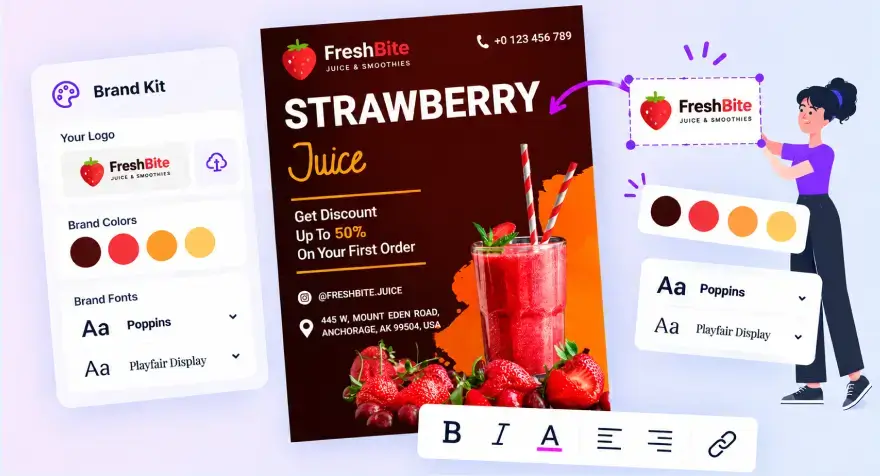
Save your logo, colors, and fonts one time. After that, every new announcement automatically uses the same look. Your designs stay consistent without extra work.
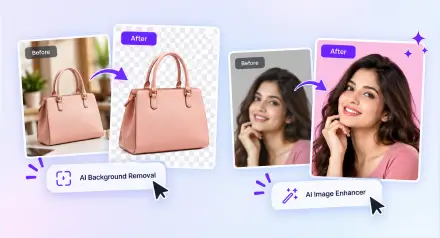
Got a photo with a busy background or soft quality? Use AI Background Removal and AI Image Enhancer to clean it up fast so your announcement stands out clearly.
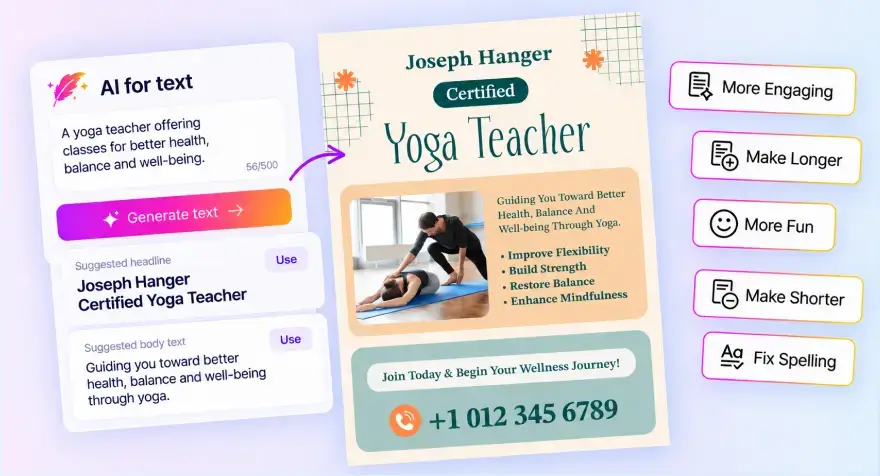
Not sure what to write for the headline or body text? Type a short description of what you are promoting and get ready text you can use or edit. The spellchecker also catches mistakes before you finish.
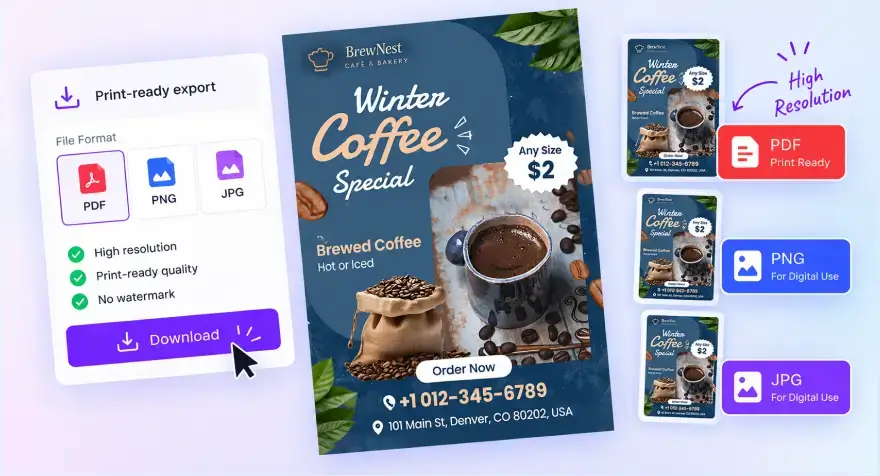
Download a high quality PDF that is ready for the print shop, or get PNG and JPG files for digital use. No extra steps needed to make the file print correctly.
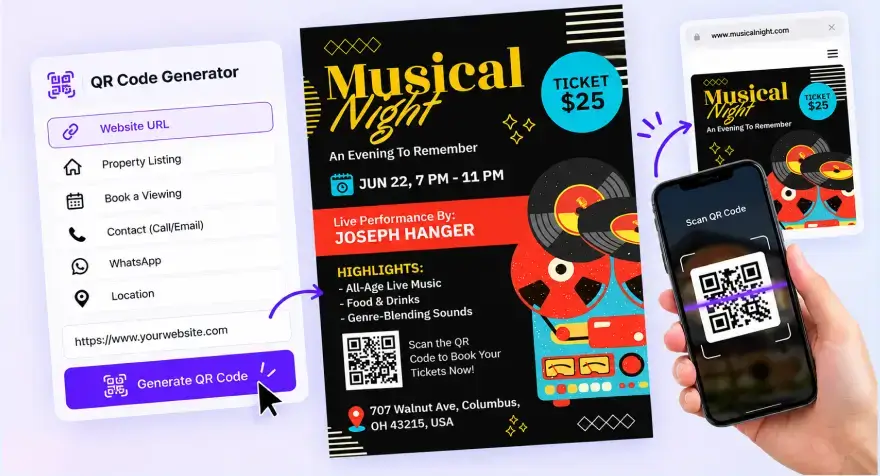
Add a scannable QR code to your announcement with the QR code generator. People can scan it and go straight to your website.
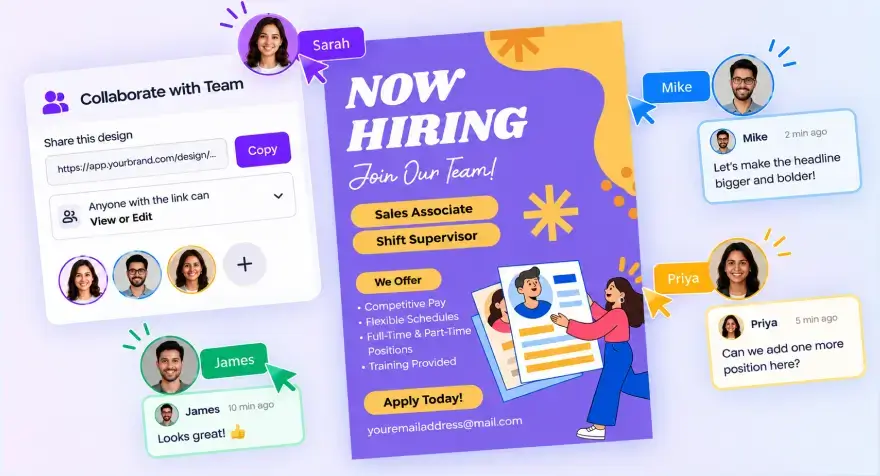
Share one link so a teammate or client can view or edit the same announcement. Everyone works on the latest version. No more sending files back and forth by email.
Once your announcement is ready, share it across all your family, friends, and business channels without extra tools.
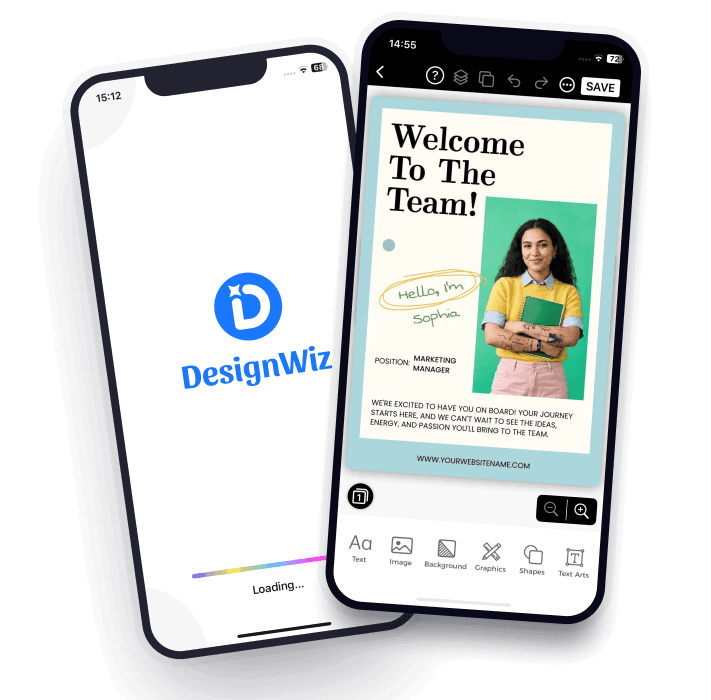
Prefer designing on your phone? Our mobile apps give you the same powerful editor on the go. Join millions of businesses already creating on mobile.

Great ideas don’t wait for an office. Design, edit, and download professional announcements directly from your phone whenever inspiration strikes.


Real DesignWiz users, in their own words - how they use DesignWiz for their business, and what changed after they switched.
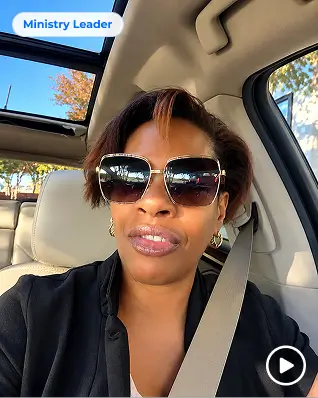
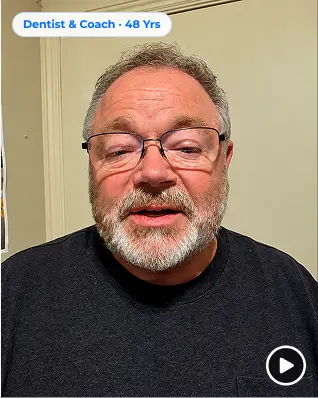
Dutches has used the flyer maker for about five years. The freedom to change any design and add her own pictures is what keeps her coming back.
Read the story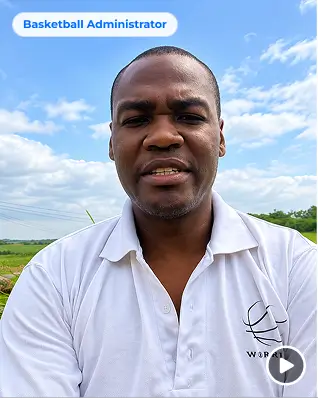
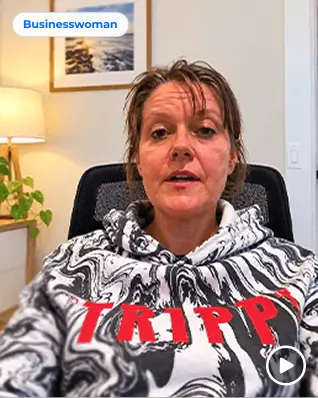
Billy makes posters for the things he sells, for basketball, and for people who ask him - one design tool for every part of his life.
Read the storyReal feedback from families, students, and businesses who use DesignWiz for graduations, pregnancies, births, weddings, business updates and more.


“What I like best about DesignWiz is how simple and efficient it is to create high-quality flyers. The platform is very user-friendly, even for someone without any design experience.”

“Once i inserted brand template it is easier to navigate and there are several options for re...”
“Designwiz always captures exactly what I want.”
“My experience today was a good one. This was my very first day using the software, but I came away with a printable, nice-looking flyer, so I am happy.”
“This is an excellent product! it makes me look like I am a top-notch design professional. No one will ever know that I did this at home in just minutes”
An announcement maker is an online design tool that helps you create professional announcements without graphic design experience. You can customize templates for graduations, pregnancies, births, weddings, business updates, events, and more. 120 templates across 11 categories.
Simply choose a template, add your text and photos, customize the design, and download or share your finished announcement. Most users can create an announcement online in just a few minutes. Drag-drop editor, no design skills needed.
Yes, you can create graduation announcements for free using our collection of customizable templates. Personalize photos, school details, and graduation year to create a design that celebrates your achievement. 120 templates across 11 categories including graduation.
Yes, our pregnancy announcement templates makes it easy to design beautiful pregnancy reveals for social media, email, messaging apps, or print. Add ultrasound photos, personal messages, and custom design elements in minutes.
Yes, high-resolution PDF downloads are fully supported. Your files are optimized for professional printing and digital sharing. PDF HD, JPG, PNG, print-ready, high-resolution up to 5X HD, custom size 50px-3000px, copy and resize up to 5 sizes at once.
Yes, you can print your announcement at home or through a professional printing service. Our print-ready downloads are designed to maintain excellent quality and clarity. PDF HD, JPG, PNG, custom size 50px-3000px, print-worthy keepsakes.
Yes, you can upload your own photos and add them to any compatible template. This makes it easy to create personalized graduation, birth, pregnancy, wedding, and event announcements. Photo uploads and editing, upload baby photos, ultrasound photos, graduation photos, wedding photos in seconds, drag-drop.
Yes, every template is fully customizable. Change text, fonts, colors, layouts, photos, and design elements to create an announcement that matches your style and occasion.
Yes. Brand Kit saves logos, colors, fonts, palettes for later designs, each kit allows 10 palettes, 10 colors per palette, 10 gradients per palette. Font Library 560 fonts, 212 text themes. Background Remover, AI Image Enhancer 2x/4x, AI Image Expand, AI Writer, AI Translator, AI Review & Spellchecker, real-time preview, autosave, mobile friendly.