


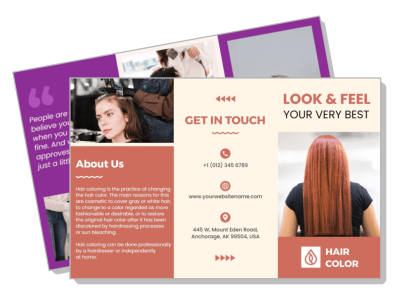
Beauty Salon Brochure Templates
DesignWiz Beauty Salon Brochure Templates help you showcase your services fast with ready made tri-fold layouts, plus simple editing for service menus, pricing, staff profiles, and contact details.


Trusted by Thousands
 Tata Consultancy Services
 Boston Consulting
 AT&T
AT&T
 Avelo Airlines
 Procter & Gamble
 Ministry Of Health, Malaysia
 Veterans Affairs
 Detroit Government
 New York University
 Texas A&M University
 Decathlon America
 Warby Parker
Tata Consultancy Services
Boston Consulting
AT&T
Avelo Airlines
Procter & Gamble
Ministry Of Health, Malaysia
Veterans Affairs
Detroit Government
New York University
Texas A&M University
Decathlon America
Warby Parker
Warby Parker
Tata Consultancy Services
Boston Consulting
AT&T
Avelo Airlines
Procter & Gamble
Ministry Of Health, Malaysia
Veterans Affairs
Detroit Government
New York University
Texas A&M University
Decathlon America
Warby Parker



Other Brochure templates
Attract New Clients with Stunning Beauty Salon Brochures
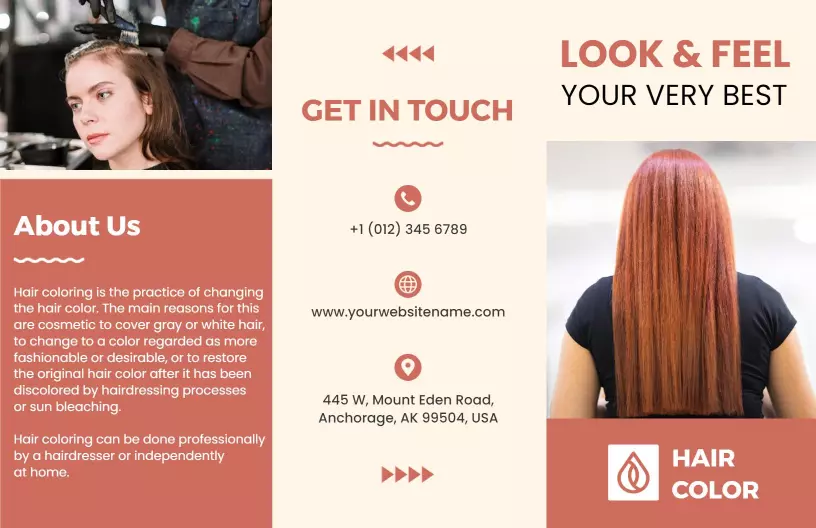
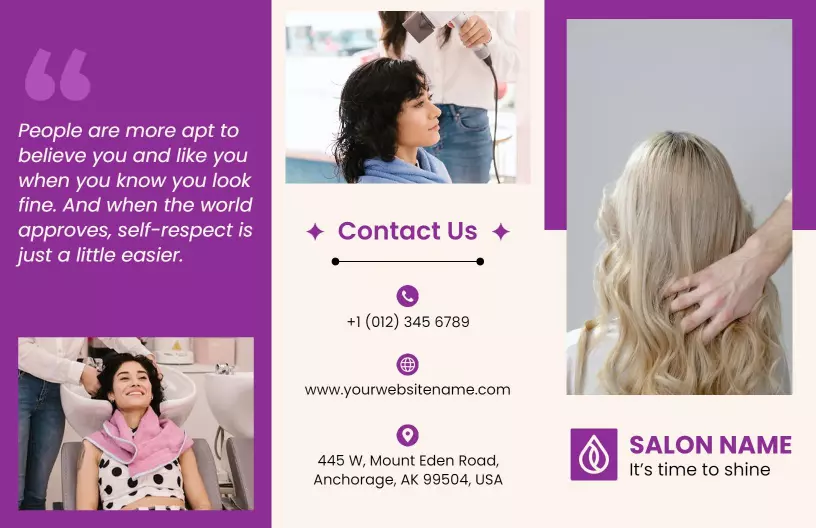
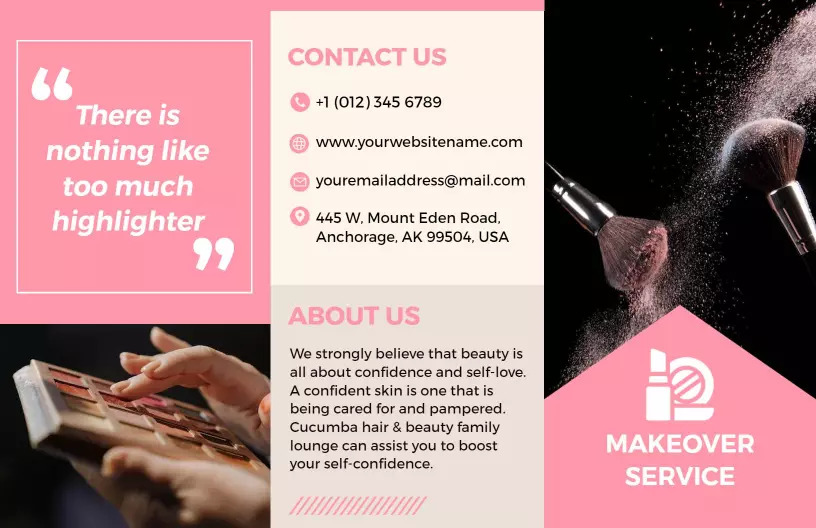
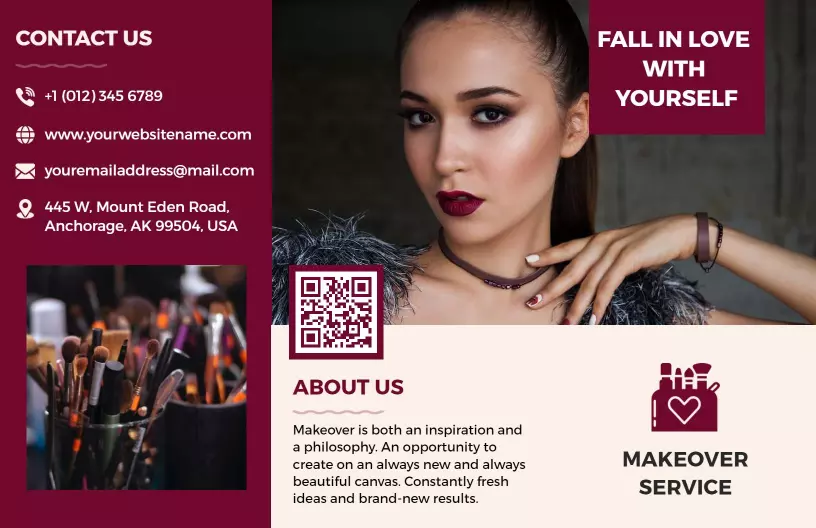
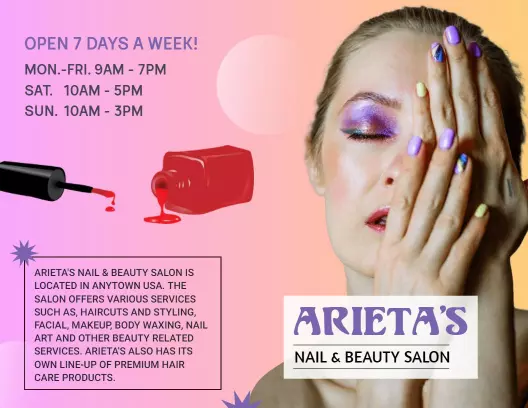
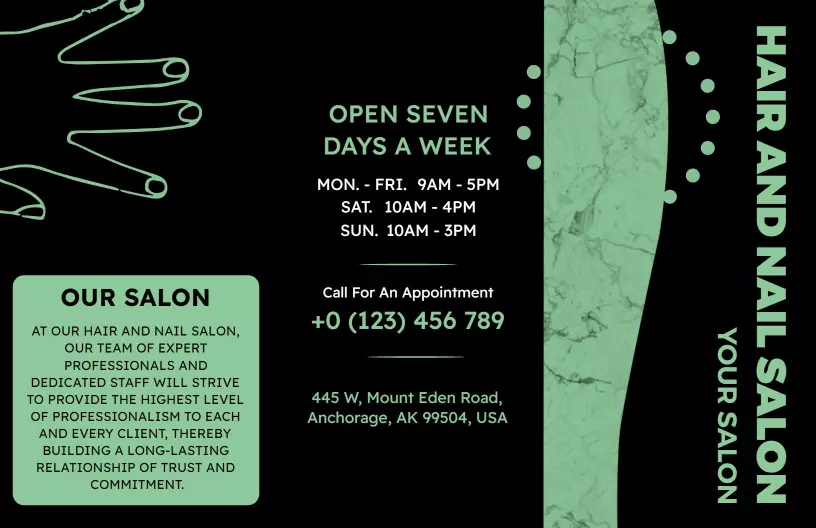
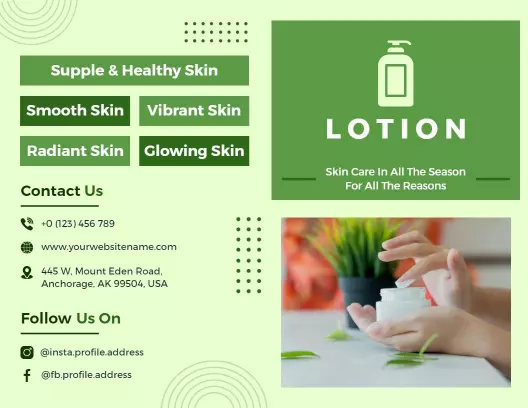
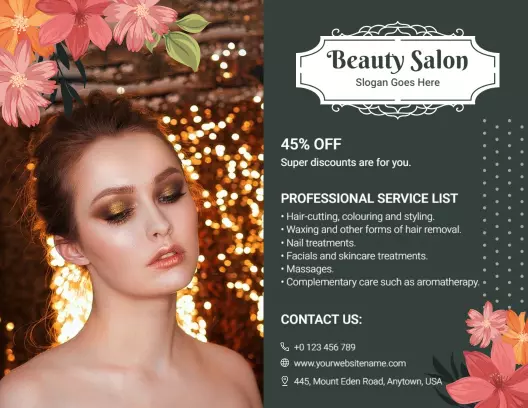
Beauty salon brochures need to radiate elegance and style to captivate potential clients. DesignWiz beauty salon brochure templates feature sleek layout designs, soft pastel color schemes, and chic font pairings to perfectly reflect your salon's sophistication. They are ideal for showcasing the unique ambiance and services your salon provides.
Use these brochures to present every essential detail clients need to know. Include your salon's range of services such as haircuts, coloring techniques, massages, and skincare treatments. Highlight pricing for different packages, introduce your talented stylists with short bios, and offer special promotions or loyalty programs prominently within the brochure.
Distribute these compelling brochures in high foot traffic areas, like local cafes or malls, and within your reception area to engage walk-in clients. They are also perfect for inclusion in mail-out campaigns, or as downloadable PDFs on your website for potential clients to review your offerings at their convenience.