


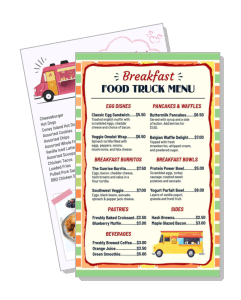
Food Truck Menu Templates
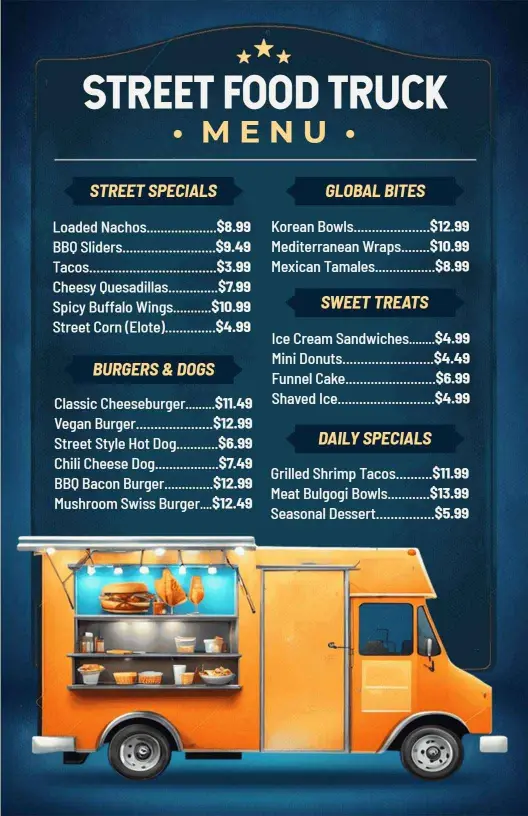
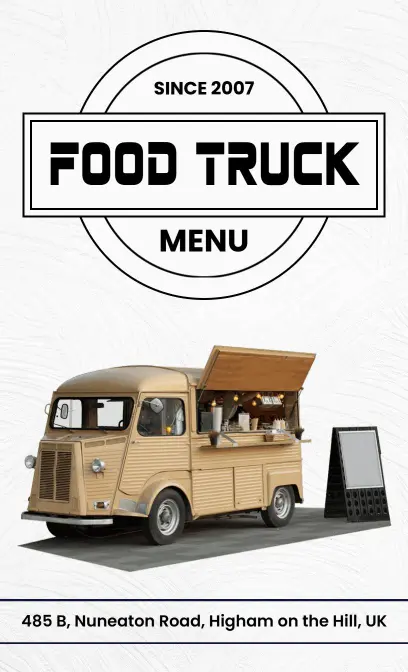
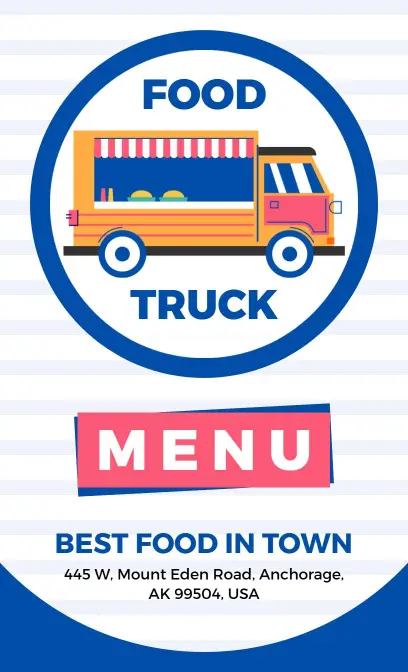
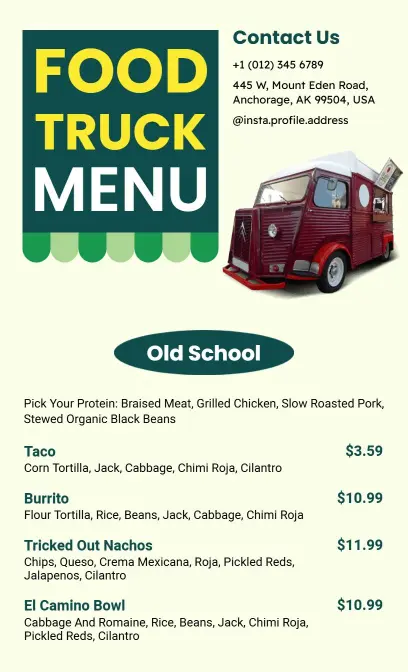
Create a clear food truck menu for window service, festival lines, and QR viewing. Edit the layout for daily specials, then print or share a version customers can read quickly.
Trusted by Thousands
 Tata Consultancy Services
 Boston Consulting
 AT&T
AT&T
 Avelo Airlines
 Procter & Gamble
 Ministry Of Health, Malaysia
 Veterans Affairs
 Detroit Government
 New York University
 Texas A&M University
 Decathlon America
 Warby Parker
Tata Consultancy Services
Boston Consulting
AT&T
Avelo Airlines
Procter & Gamble
Ministry Of Health, Malaysia
Veterans Affairs
Detroit Government
New York University
Texas A&M University
Decathlon America
Warby Parker
Warby Parker
Tata Consultancy Services
Boston Consulting
AT&T
Avelo Airlines
Procter & Gamble
Ministry Of Health, Malaysia
Veterans Affairs
Detroit Government
New York University
Texas A&M University
Decathlon America
Warby Parker



Other Menu templates
Engage Customers with Vibrant Food Truck Menus
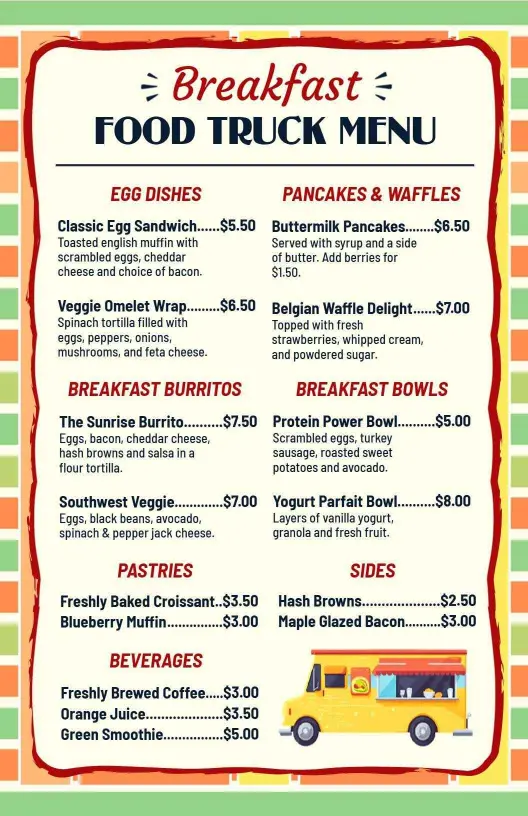
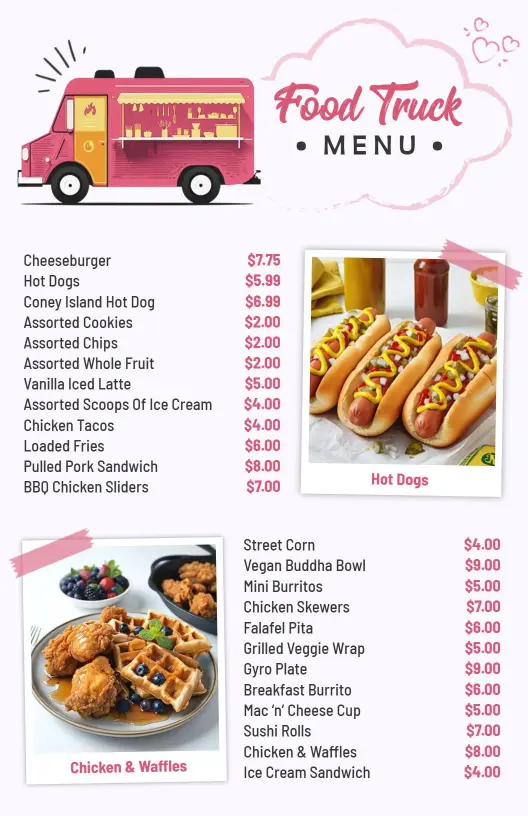
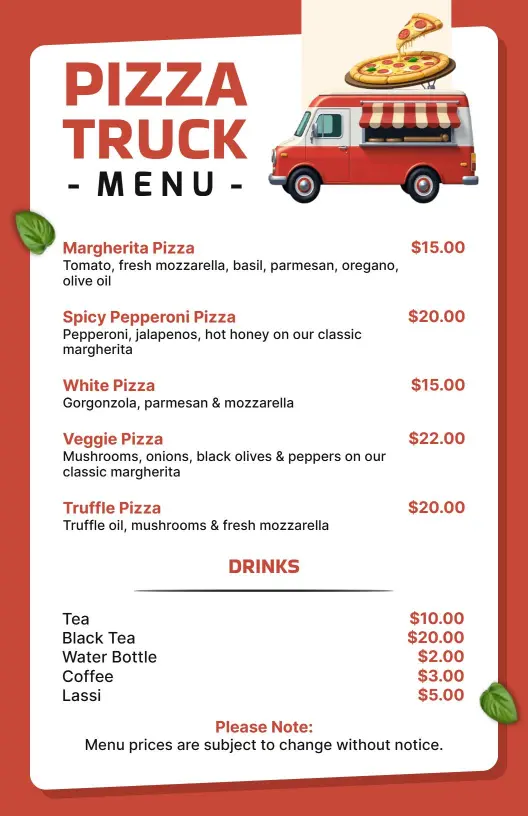
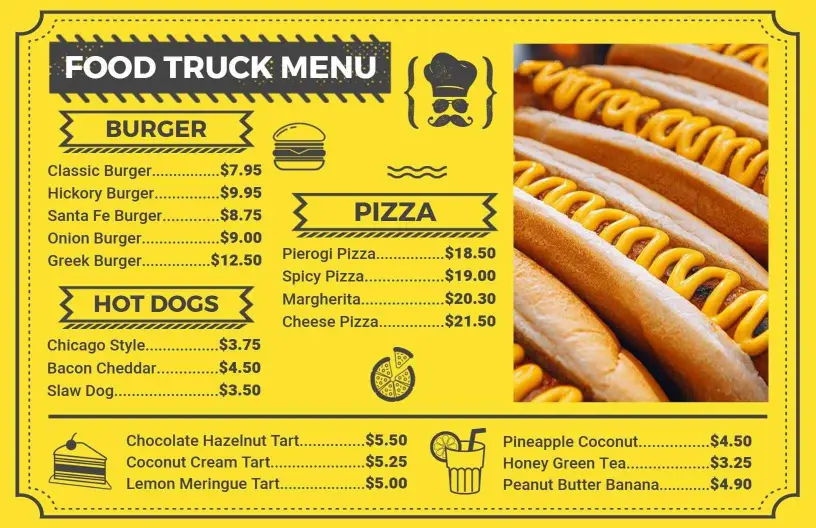
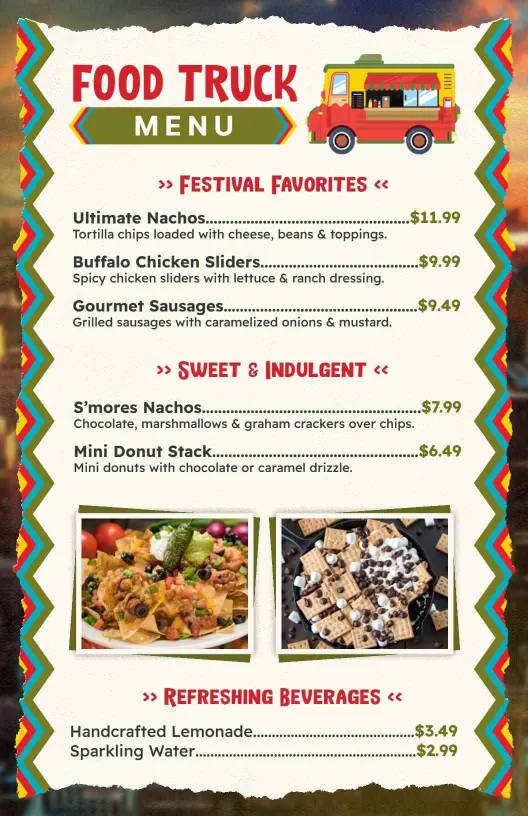
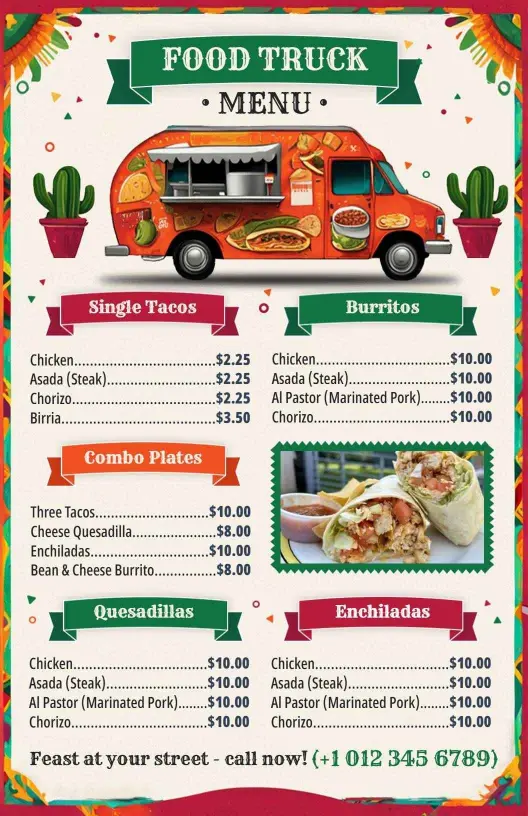
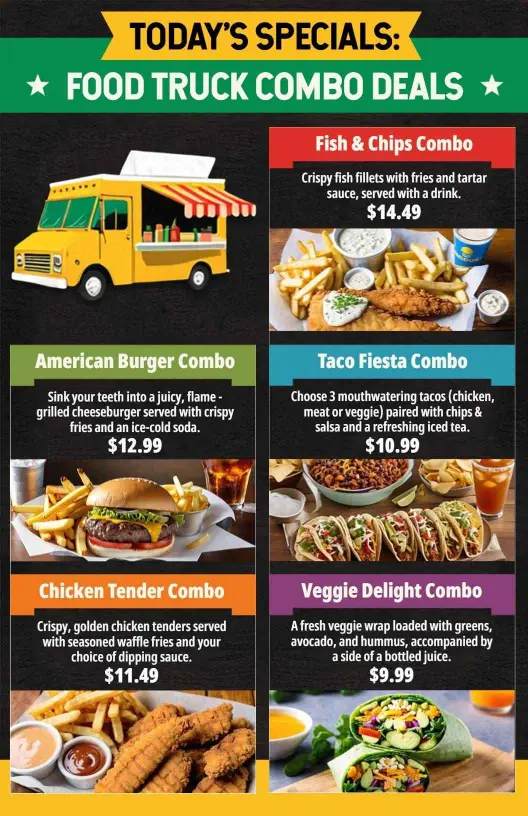
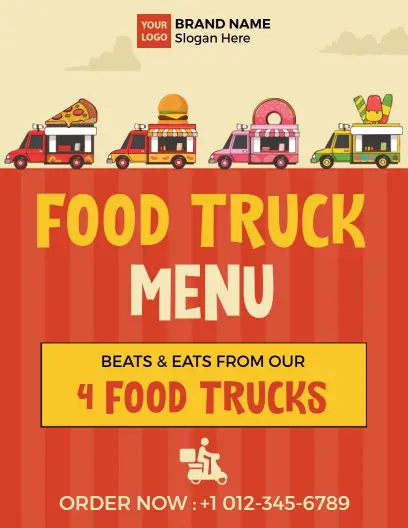
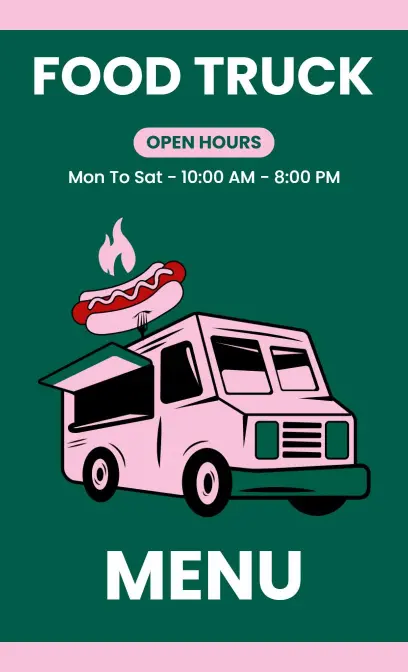
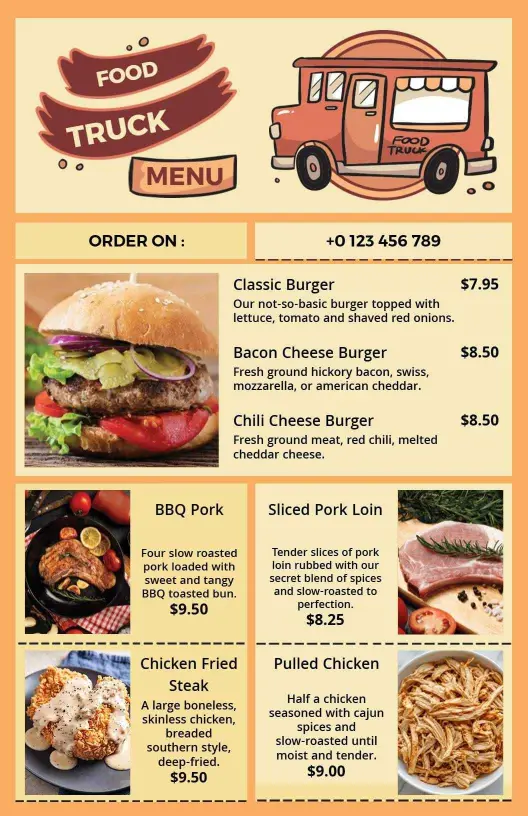
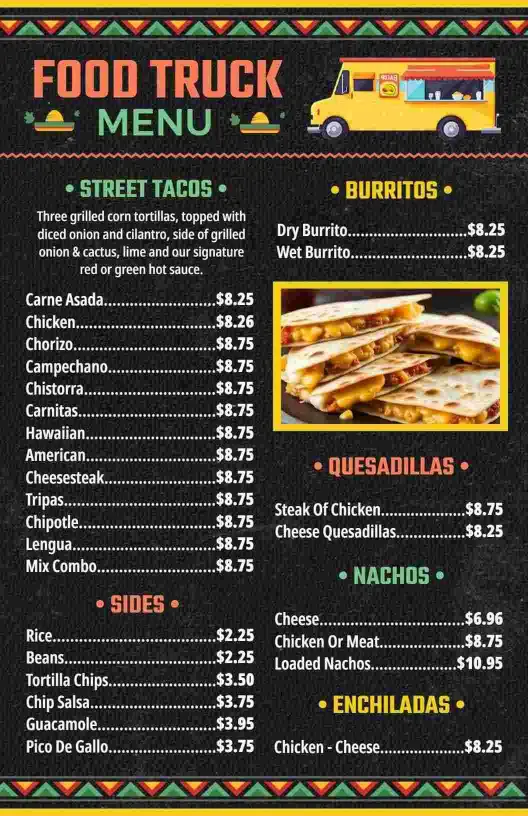
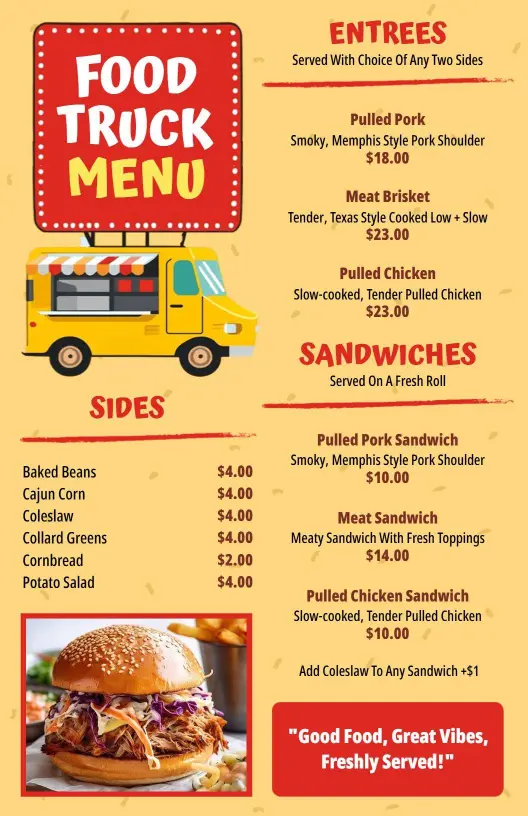
Food trucks attract attention with flavorsome offerings and lively designs that draw in passersby. DesignWiz food truck menu templates utilize bright, bold colors and playful typography to showcase your delicious meals and give off a fun, inviting vibe that makes customers eager to see what’s cooking.
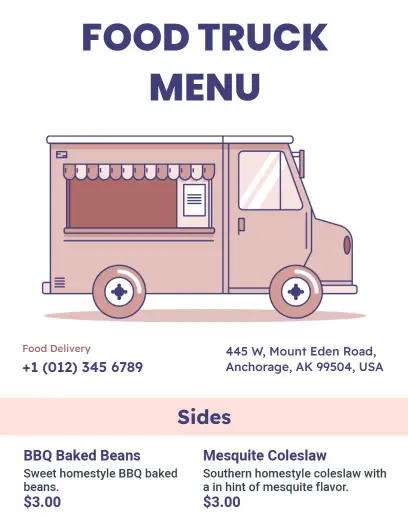
Ensure your menu includes all essential details so customers can make the best choices. List your food truck’s signature dishes, side selections, drink options, and daily specials. Clearly indicate dietary information such as gluten-free, vegan, or spicy levels, and showcase combo deals and prices to entice larger orders.
Display these visually appealing menus prominently on your food truck counters or windows to invite hungry patrons. Print crisp versions to hand out at street festivals, or share digital menus on social media and food delivery apps to reach a broader audience eager to taste your offerings.