


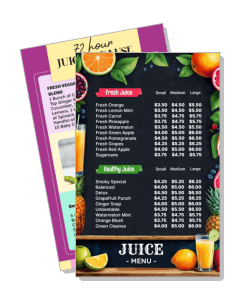
Juice Menu Templates
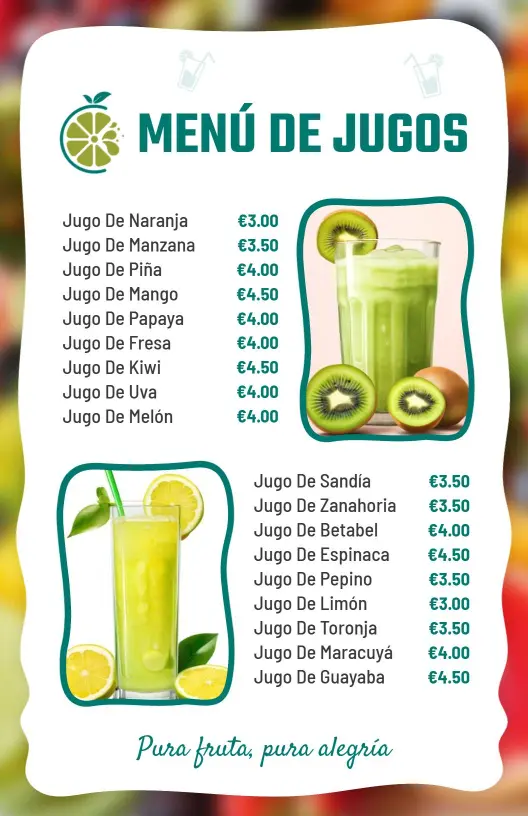
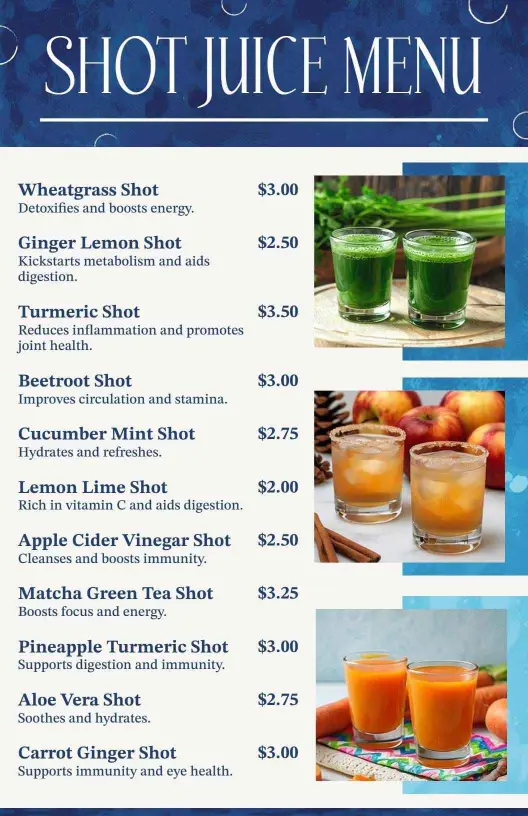
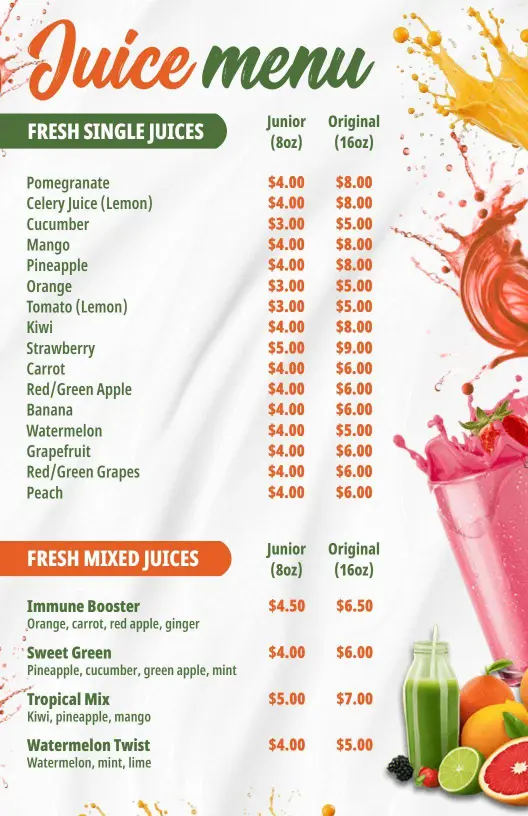
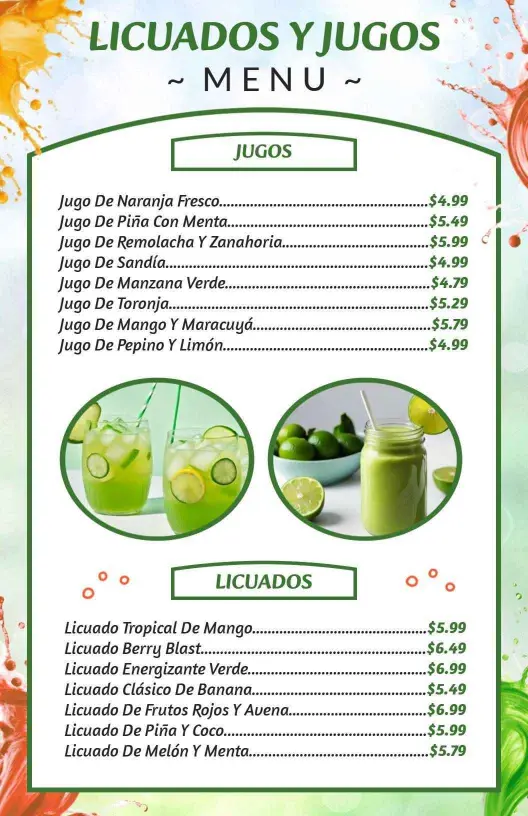
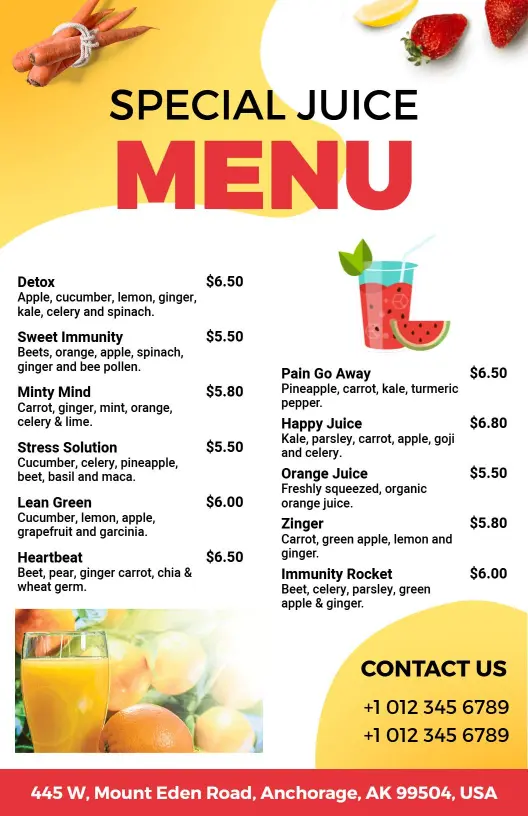
Build a juice menu that keeps fresh blends, size options, and seasonal specials easy to read. Edit the layout for tabletop, wall, or digital use, then update it as your drink list changes.
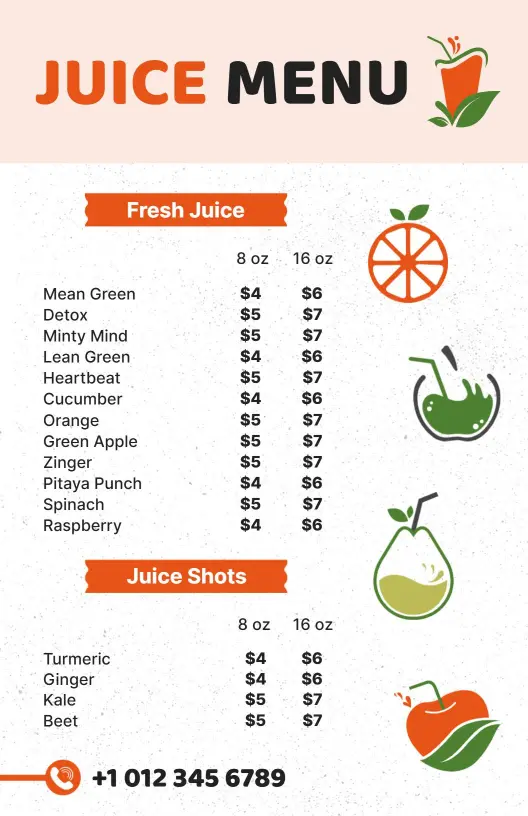
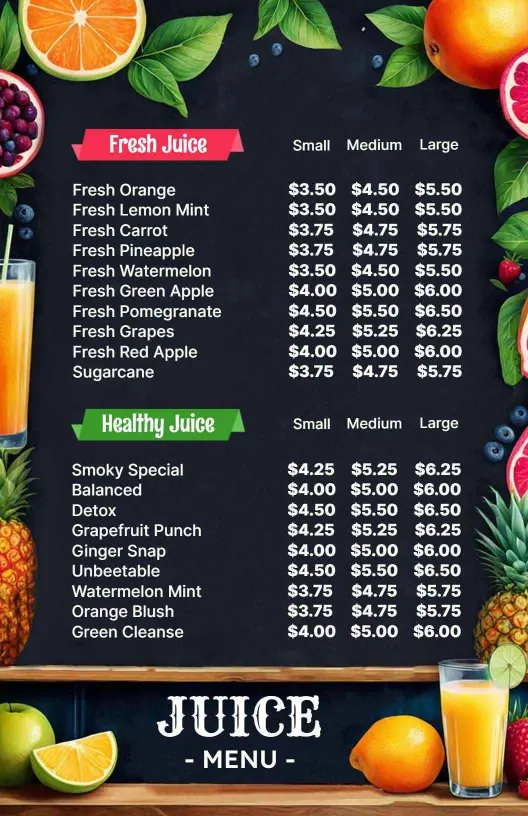
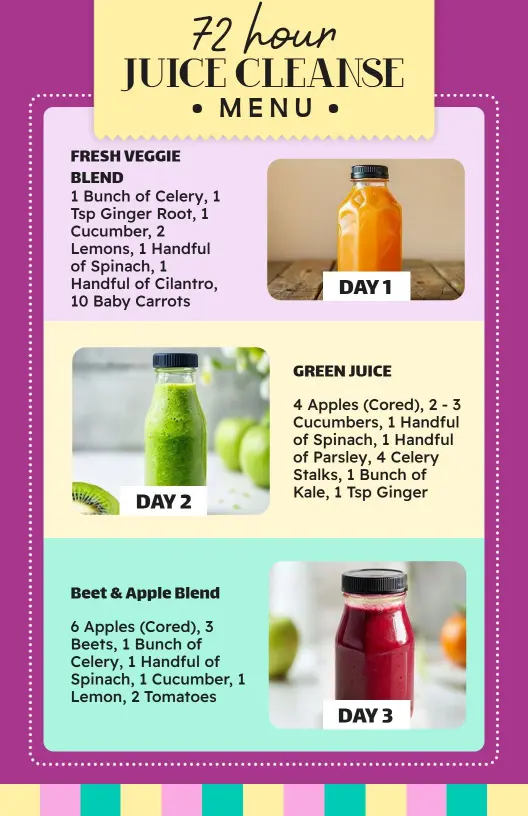
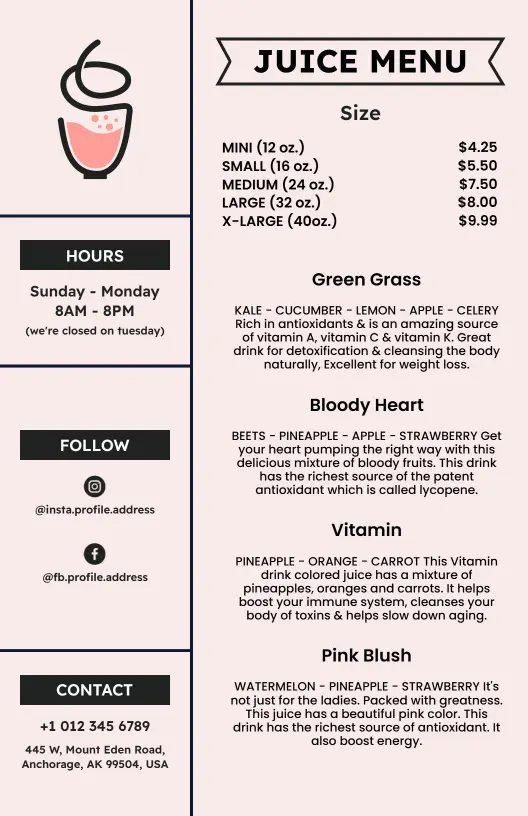
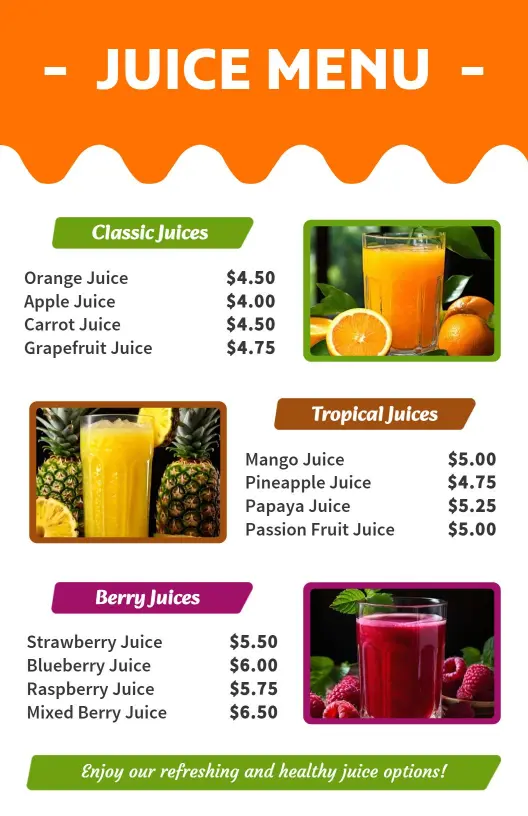
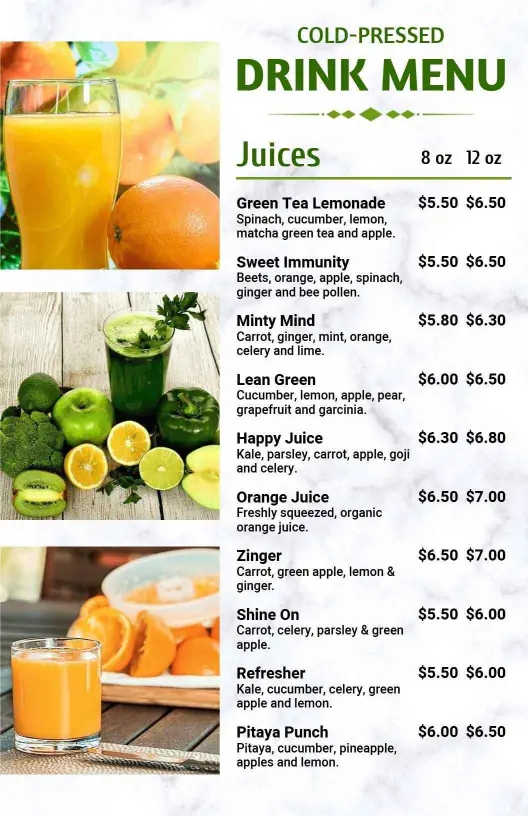
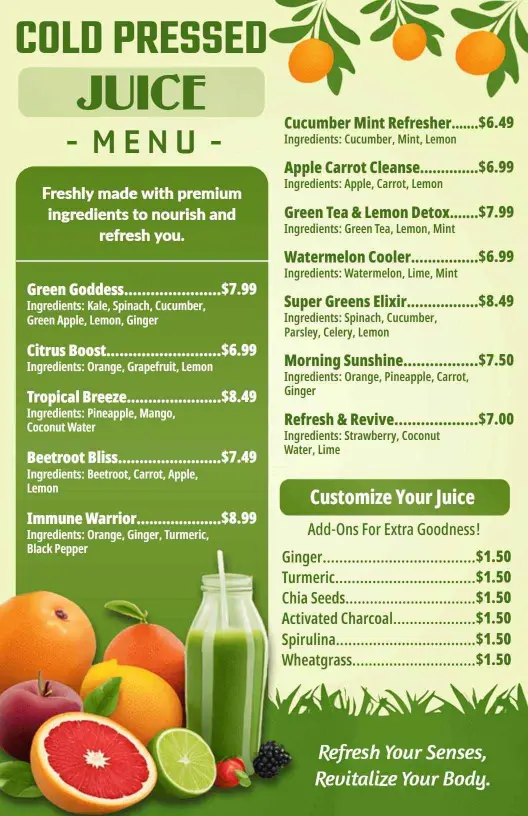
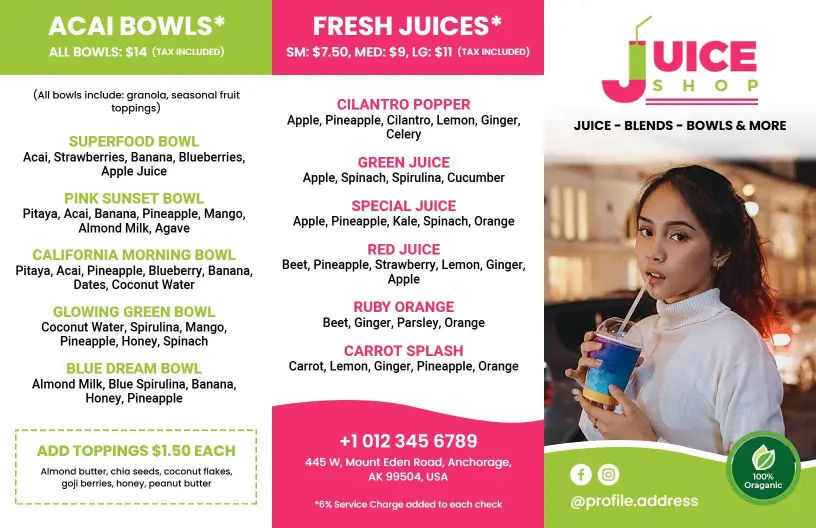
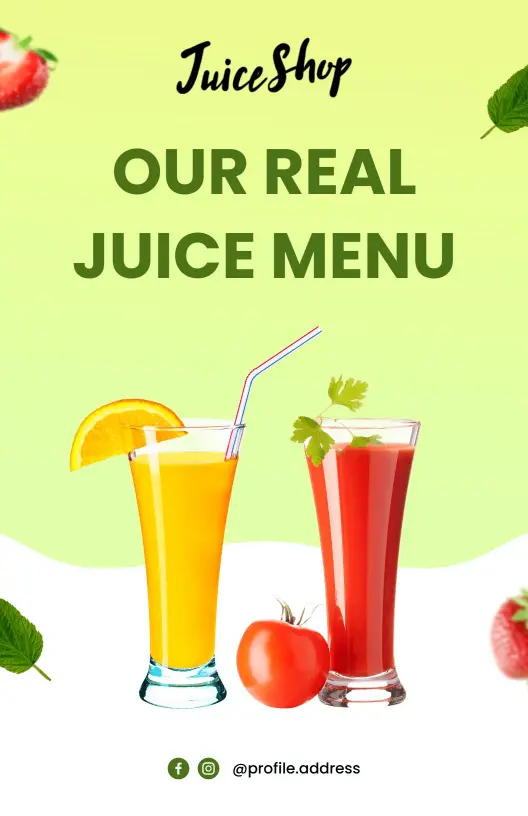
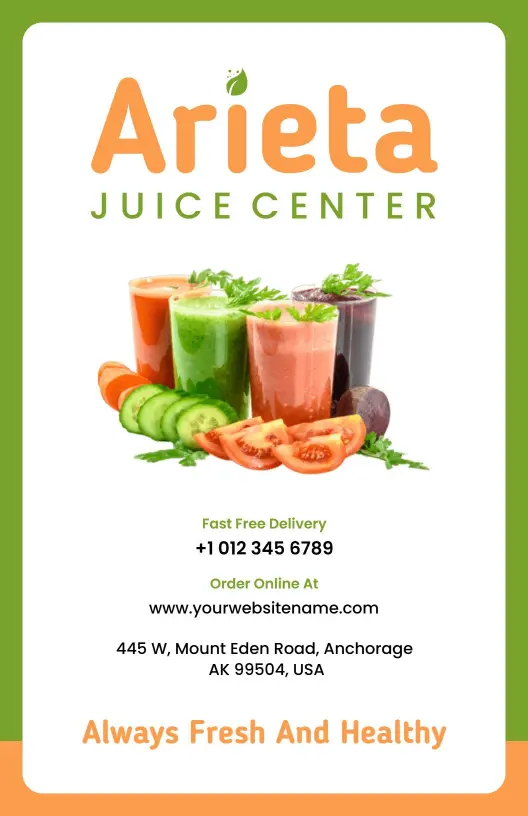
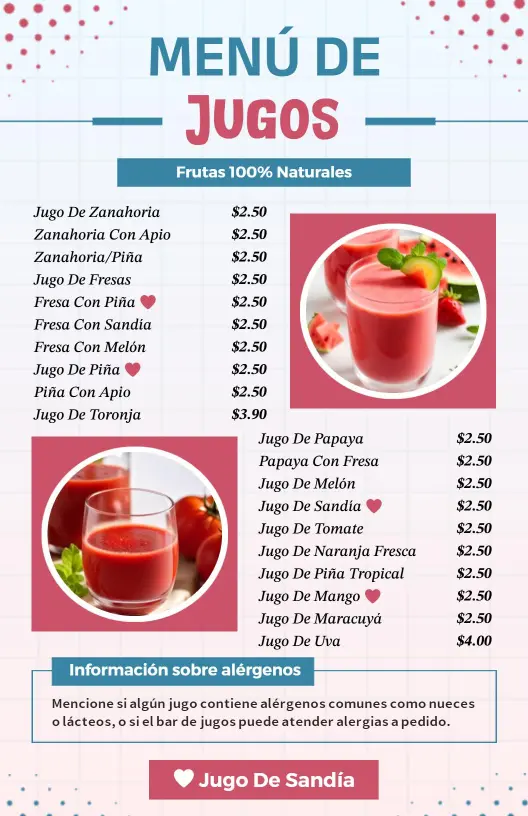
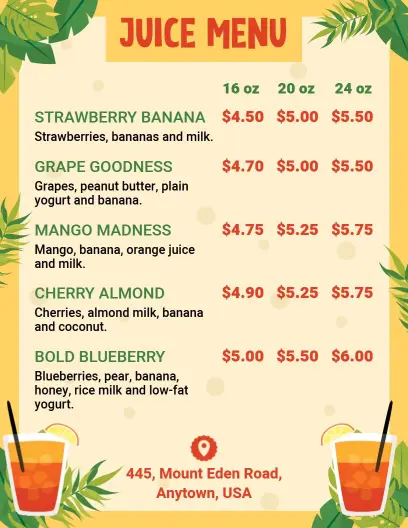

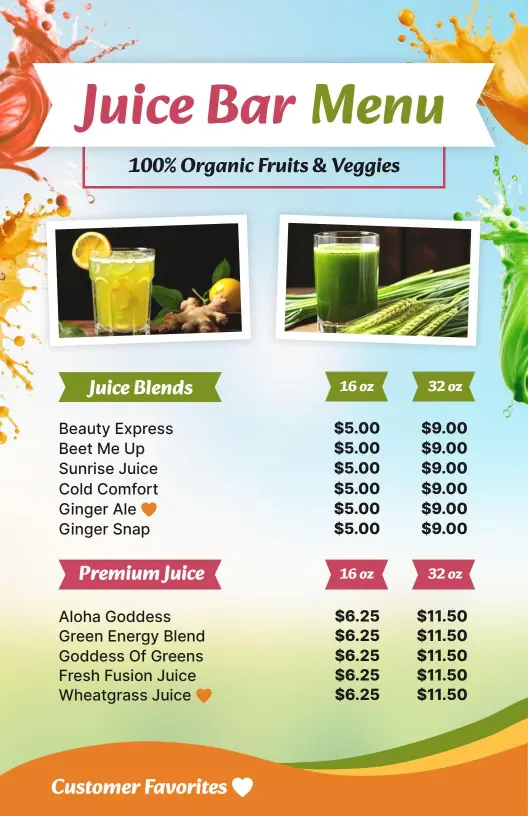
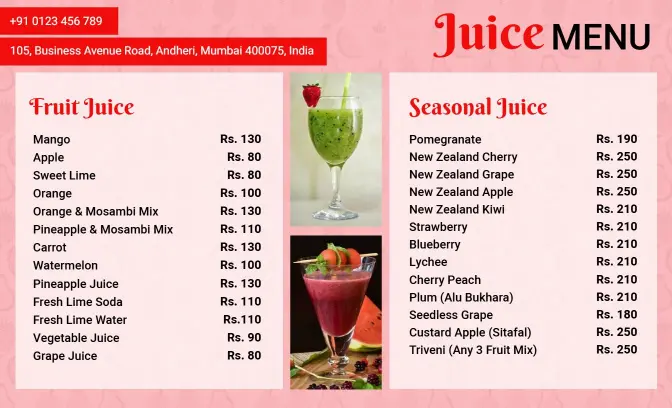
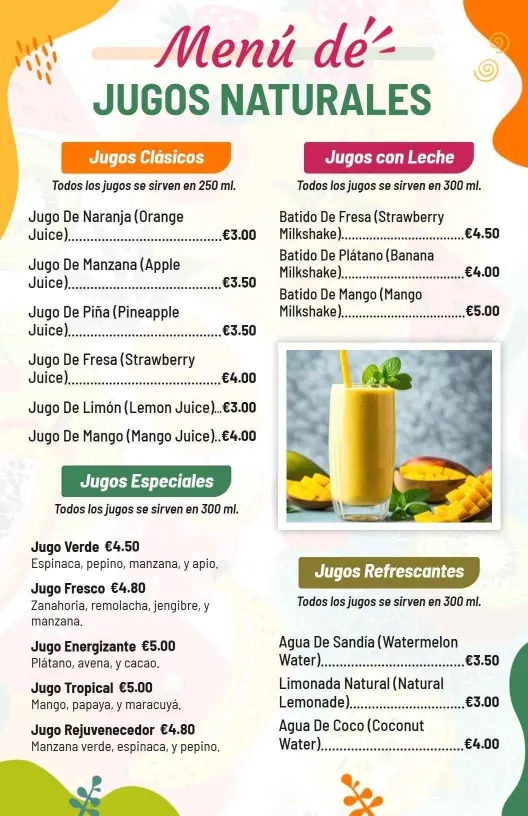
How to make a juice menu in 5 steps
Start with a layout that fits your juice list, then organize the drinks so guests can scan the menu quickly and choose without slowing the line.

1. Choose a layout that fits service
Choose a layout that fits your service flow, whether you need a compact one-page menu or a larger board for the counter. Keep the headline easy to spot, then place the most ordered blends first.
2. Group juices by style
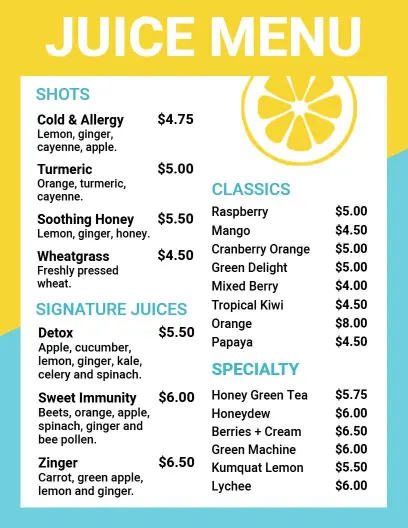
Group juices by style, such as fruit, green, cold-pressed, organic, or seasonal specials, so guests can scan the list quickly. Put add-ons and size options close to the drinks they support.
3. Add useful details
Add short flavor notes, size options, and limited-time labels where needed. Keep the copy brief so guests can choose fast and staff can update the menu without rebuilding the design.
4. Check readability before printing
Check contrast, spacing, and font size on a phone before you print the menu for wall, tabletop, or QR use. Juice menus need to stay readable in bright cafes and across a crowded counter.
5. Export and reuse it
Export a print version and a digital version from the same layout so your menu stays consistent at the counter, social posts, and online ordering. One flexible template makes seasonal swaps simple.
Trusted by Thousands
 Tata Consultancy Services
 Boston Consulting
 AT&T
AT&T
 Avelo Airlines
 Procter & Gamble
 Ministry Of Health, Malaysia
 Veterans Affairs
 Detroit Government
 New York University
 Texas A&M University
 Decathlon America
 Warby Parker
Tata Consultancy Services
Boston Consulting
AT&T
Avelo Airlines
Procter & Gamble
Ministry Of Health, Malaysia
Veterans Affairs
Detroit Government
New York University
Texas A&M University
Decathlon America
Warby Parker
Warby Parker
Tata Consultancy Services
Boston Consulting
AT&T
Avelo Airlines
Procter & Gamble
Ministry Of Health, Malaysia
Veterans Affairs
Detroit Government
New York University
Texas A&M University
Decathlon America
Warby Parker



Other Menu templates
Juice menu templates that keep fresh blends easy to scan and easy to update
Juice menus work best when guests can compare blends quickly and understand what makes each drink different. DesignWiz keeps the layout practical for juice bars, cafes, and wellness counters so you can present fruit, green, and cold-pressed options without cluttering the page or slowing service.
Fruit blends and everyday favorites
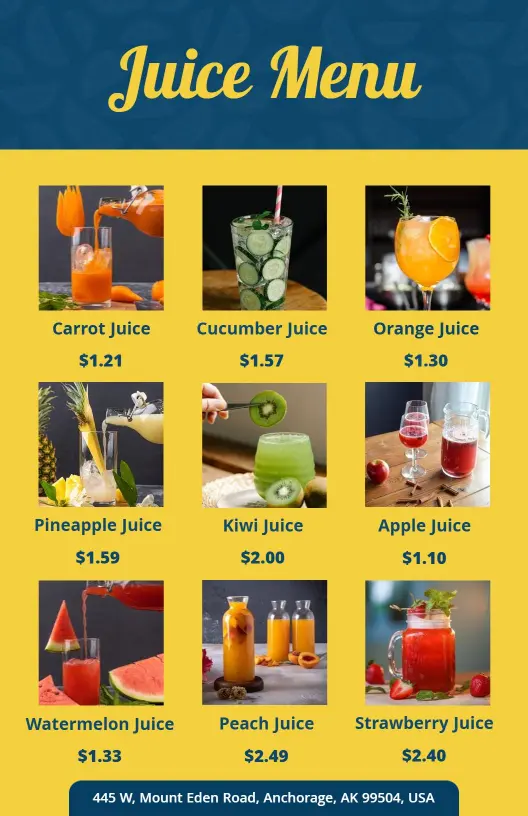
Fruit-forward menus need a clean layout that makes popular blends easy to spot. The Delicious Fruit Blends and Refreshing Flavors Juice Menu Template helps you keep bright, familiar options organized for fast ordering at the counter.Organic and wellness-focused juices
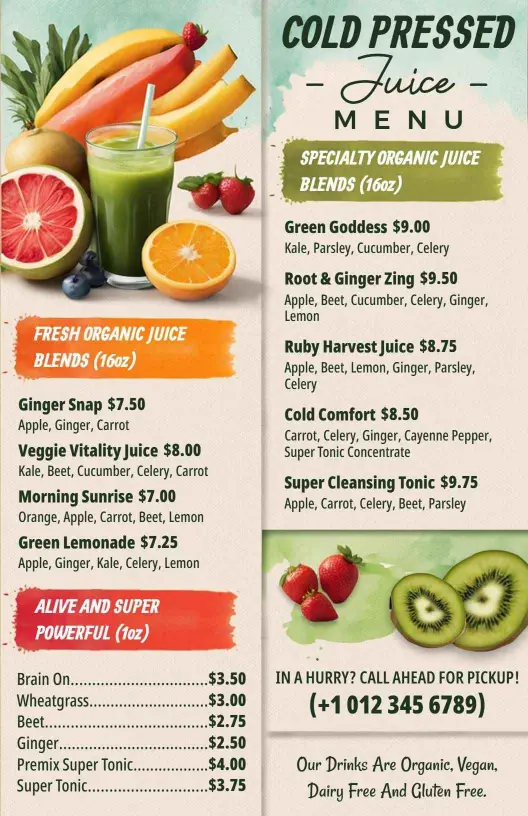
Organic juice menus often need more room for ingredient cues and health-minded positioning. The Fresh and Vibrant Organic Juice Blends for Health Juice Menu Template works well when you want the page to feel clean, simple, and easy to trust.Cold-pressed blends with natural ingredients
Cold-pressed drinks usually sell better when the menu makes freshness and ingredients easy to read. The Fresh Cold Pressed Juice Blends with Natural Ingredients Juice Menu Template gives you space to present premium blends without making the layout feel crowded.Fruit and vegetable combinations
If your menu mixes fruit, vegetables, and seasonal specials, the layout has to separate options without feeling heavy. The Refreshing Fruit and Vegetable Blends for Every Taste Juice Menu Template works well for broader menus that need clear structure and quick updates.A useful juice menu is not about adding more copy. It gives guests a faster way to compare drinks, helps staff update specials with less effort, and keeps the menu readable in real service conditions.