


Fruit Menu Templates
Fruit Menu Templates help cafes, juice bars, restaurants, caterers, and event hosts present fresh fruit dishes, drinks, desserts, and prices in a clear, appetizing layout.
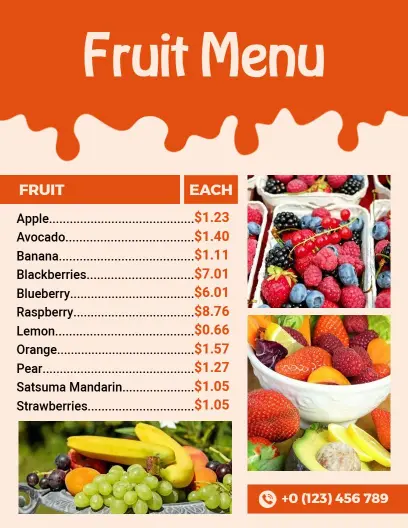
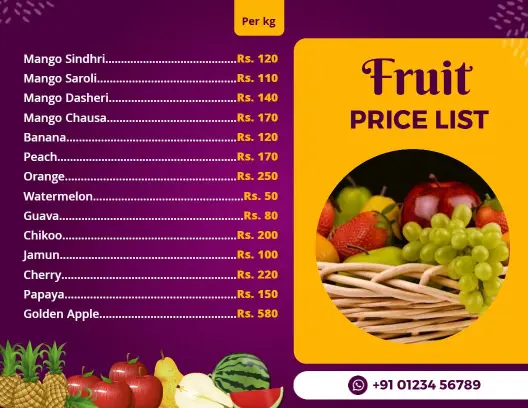
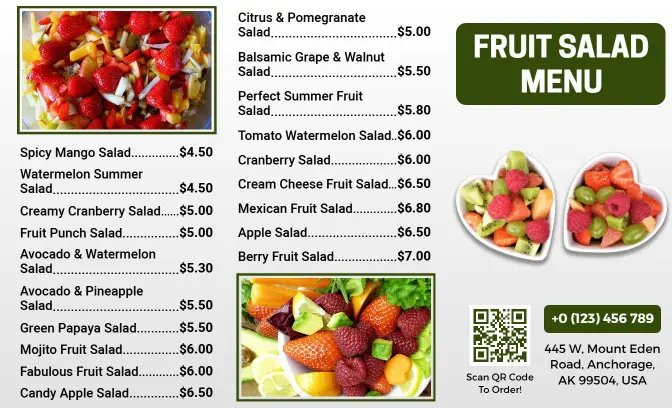
How to make a clear and appetizing fruit menu
Plan the menu around what you sell, then arrange the content so customers can compare fruit dishes, drinks, sizes, and prices quickly.

1. Define your menu categories
List the fruit items you sell, then group them into useful sections such as fresh cuts, salads, bowls, juices, smoothies, desserts, and seasonal specials.
2. Choose a suitable layout
Select a layout that fits your item count and service style. Use portrait formats for detailed lists or wider designs for grouped drinks, combos, and visual offers.
3. Add names, details, and prices
Write short item names and descriptions, then place prices consistently beside each choice. Include sizes, ingredients, add-ons, or dietary notes only when useful.
4. Match visuals to fresh ingredients
Use fruit imagery, color accents, and readable type that support the menu theme. Maintain strong contrast so bright photographs never compete with names or prices.
5. Check, export, and update
Review spelling, pricing, spacing, and ingredient details before exporting. Save an editable version so seasonal availability and daily offers are easy to change.
Trusted by Thousands
 Tata Consultancy Services
 Boston Consulting
 AT&T
AT&T
 Avelo Airlines
 Procter & Gamble
 Ministry Of Health, Malaysia
 Veterans Affairs
 Detroit Government
 New York University
 Texas A&M University
 Decathlon America
 Warby Parker
Tata Consultancy Services
Boston Consulting
AT&T
Avelo Airlines
Procter & Gamble
Ministry Of Health, Malaysia
Veterans Affairs
Detroit Government
New York University
Texas A&M University
Decathlon America
Warby Parker
Warby Parker
Tata Consultancy Services
Boston Consulting
AT&T
Avelo Airlines
Procter & Gamble
Ministry Of Health, Malaysia
Veterans Affairs
Detroit Government
New York University
Texas A&M University
Decathlon America
Warby Parker



Other Menu templates
Build a fruit menu customers can scan, understand, and order from
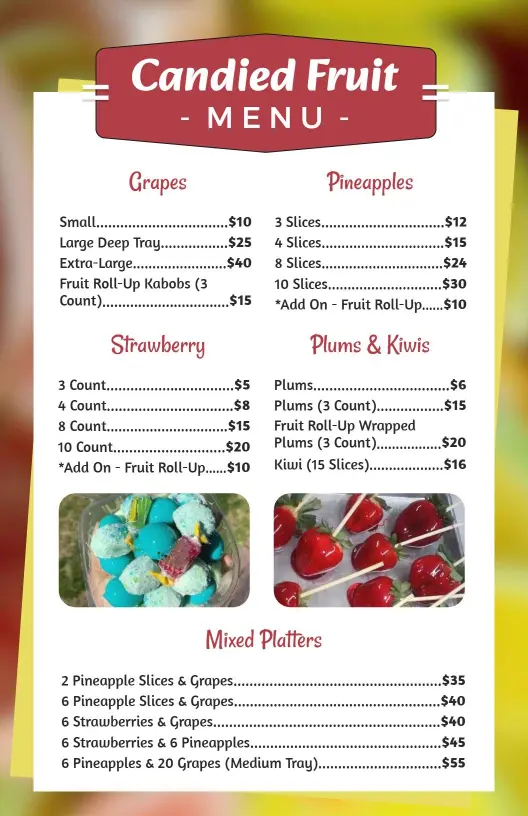
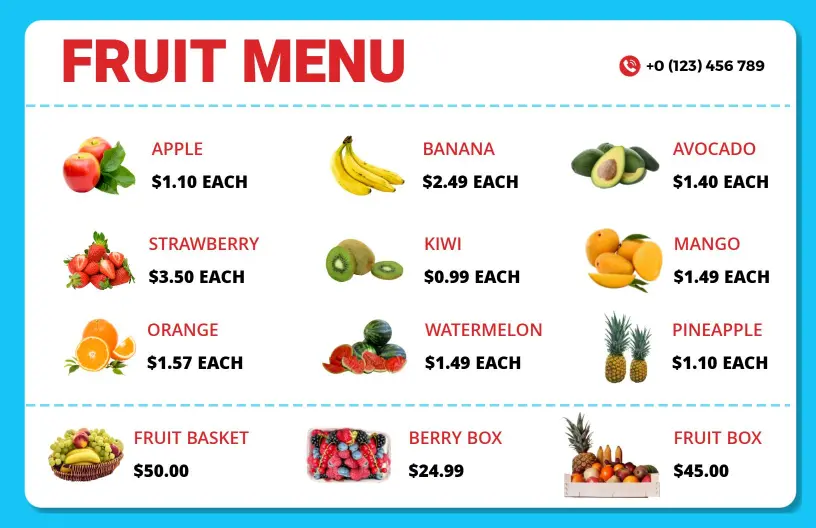
A well-structured fruit menu helps customers compare flavors, portions, combinations, and prices without searching through crowded text. Use clear sections for fresh fruit, salads, juices, smoothies, desserts, or seasonal specials, then keep item names and pricing aligned for quick decisions.
Highlight tropical dishes and signature fruit flavors
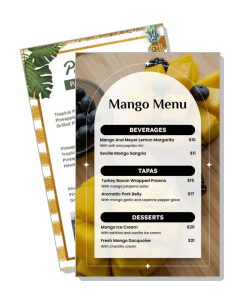
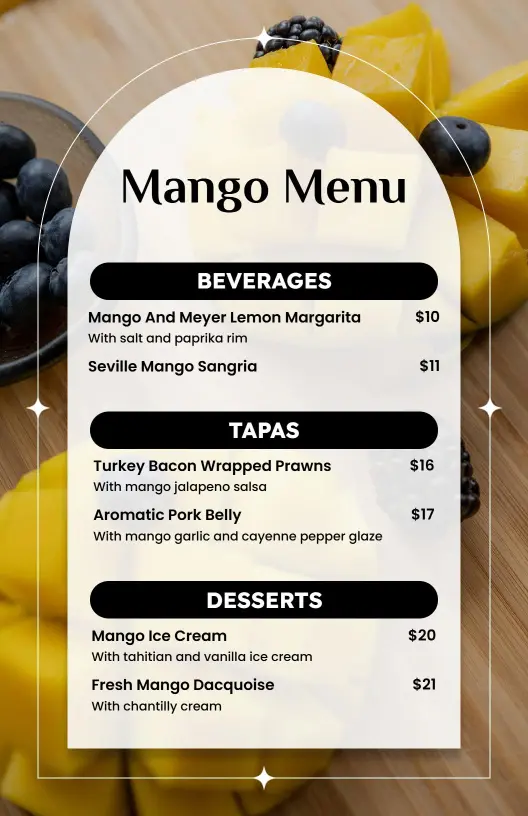
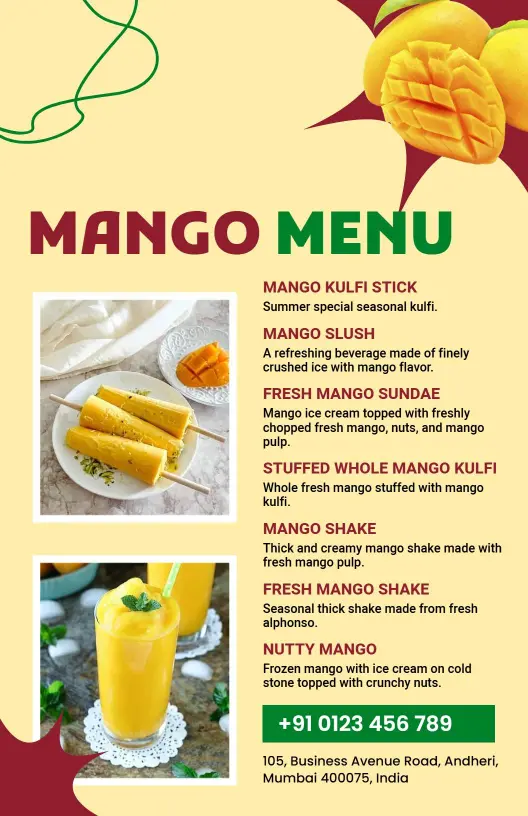
Restaurants and themed events can lead with one recognizable flavor and build supporting dishes around it. An Elegant Fruit Background Tropical Mango Menu Template suits mango drinks, desserts, tapas, and seasonal specials that need a polished tropical presentation.
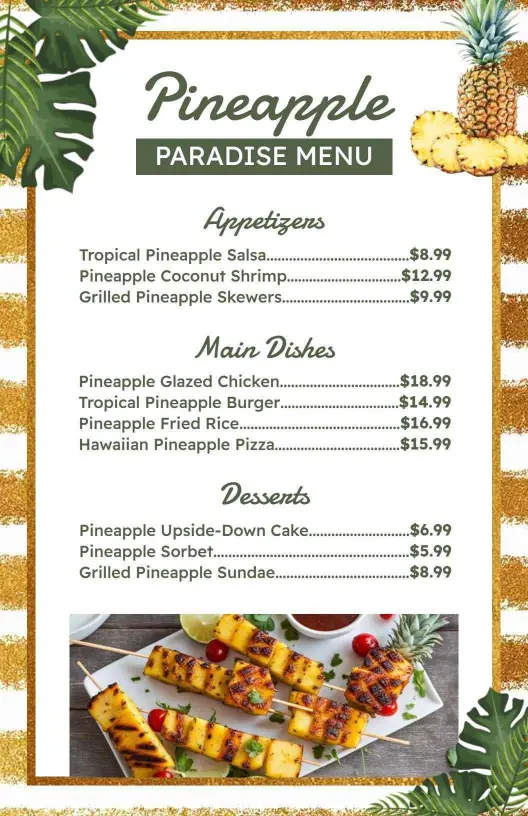
For a richer dining theme, the Exotic Green and Gold Pineapple Dining Menu Template provides a strong visual direction for appetizers, mains, desserts, and pineapple-inspired offers.
Organize fruit salads, bowls, and healthy selections
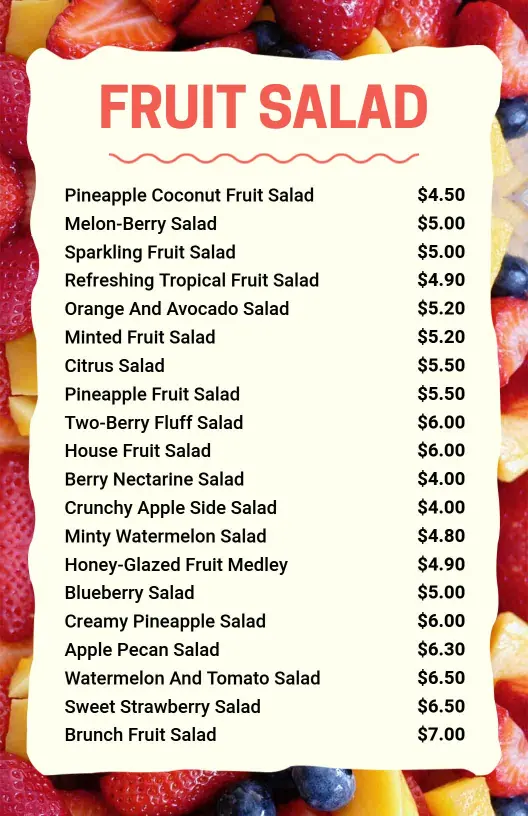
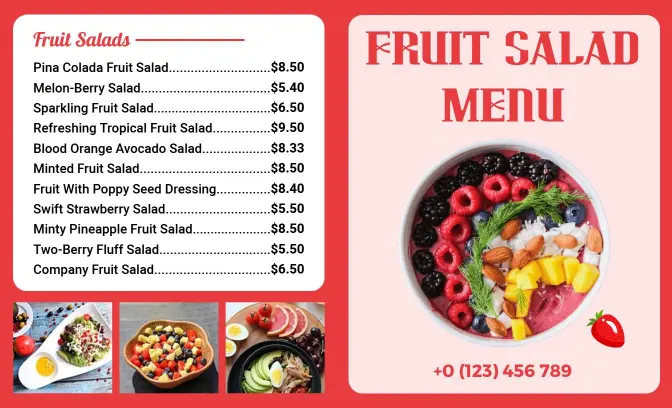
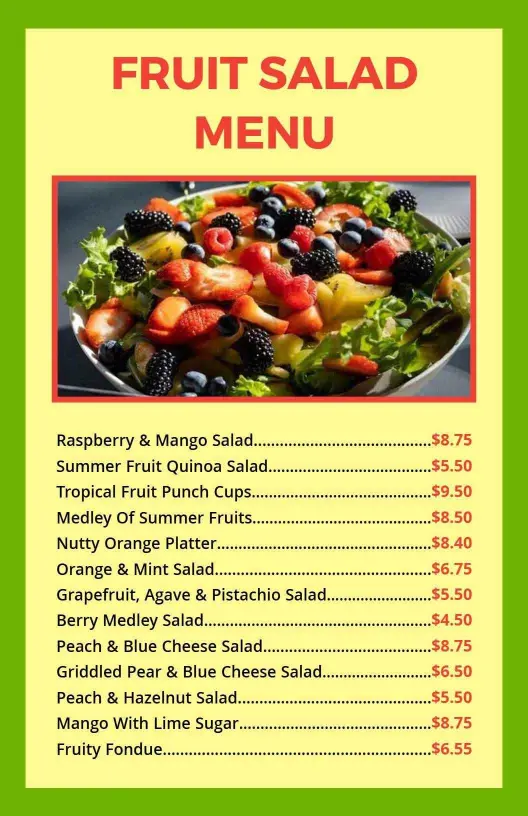
Fruit salad menus work best when customers can quickly identify ingredients, serving sizes, add-ons, and dietary notes. The Refreshing Summertime Treats Featuring Diverse Fruit Salad Menu Template gives seasonal bowls and mixed-fruit options room to stay readable.
Present juices, smoothies, and refreshing drinks clearly
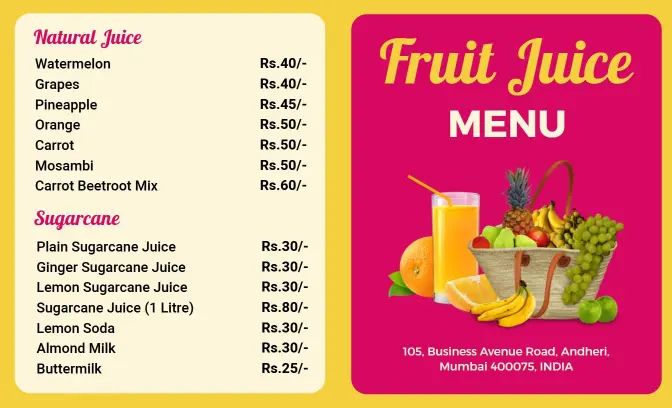
Juice bars and cafes can group drinks by base fruit, size, blend, or wellness goal while keeping prices easy to compare. The Playful Yellow and Pink Fruit Juice Menu Template supports colorful juice, sugarcane, milkshake, and salad selections across a wider layout.
Promote coconut desserts and event-ready fruit menus
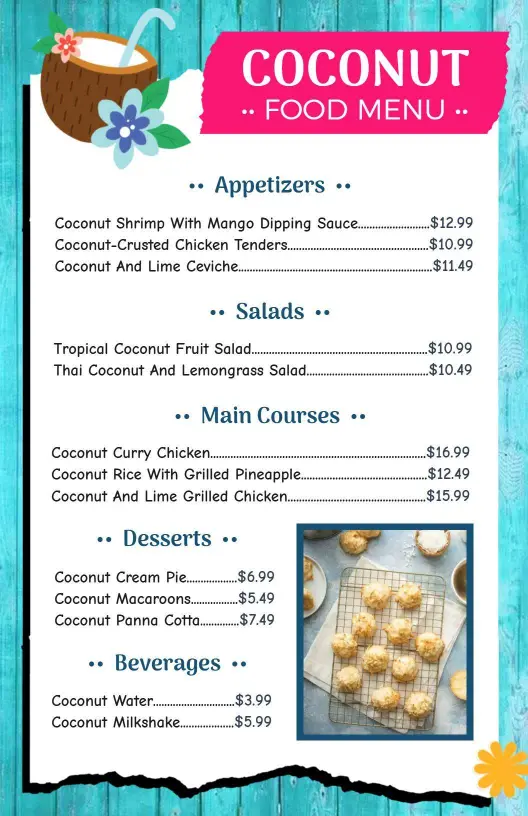
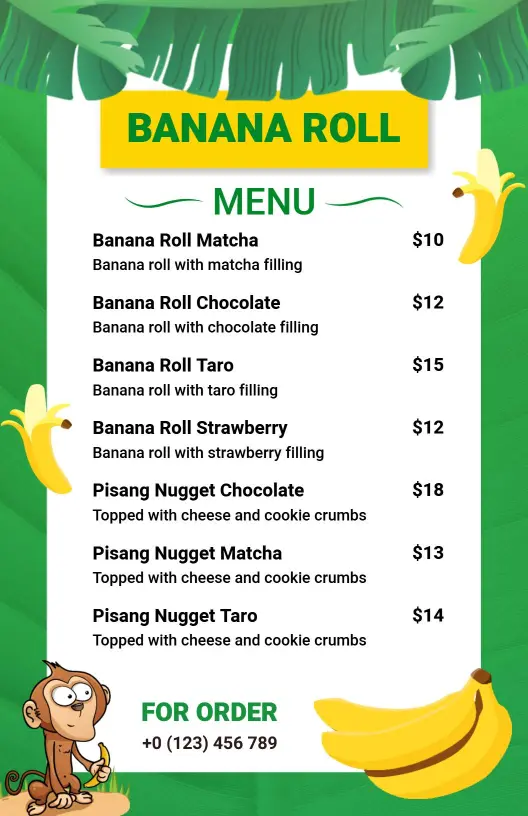
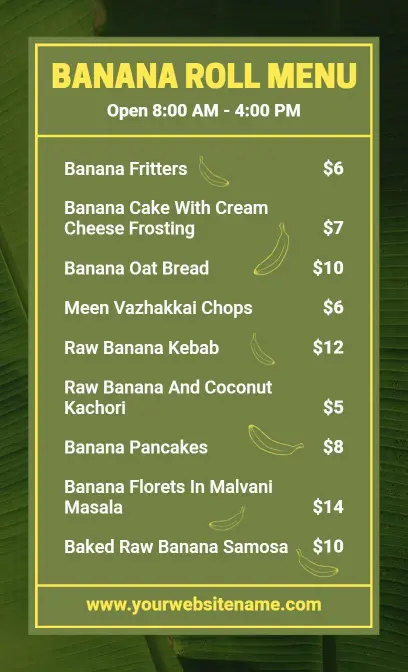
Caterers and event hosts may need one menu that covers savory dishes, fruit desserts, and refreshing choices. The Tropical Coconut Dishes and Refreshing Desserts Fruit Menu Template creates a coordinated format for themed meals and dessert-focused occasions.