


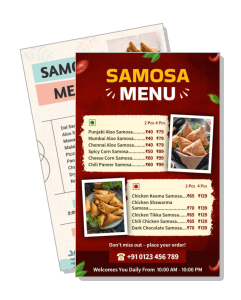
Samosa Menu Templates
Samosa Menu Templates help restaurants, cafés, caterers, and food stalls organize flavors, serving sizes, combos, prices, and ordering details in a clear, appetizing format.
How to create a samosa menu
Start with the way your business sells samosas, then arrange the items, prices, descriptions, and ordering details so customers can make decisions quickly.

1. Select the right layout
Select a layout that matches how you sell samosas, whether by piece, plate, combo, or catering order. A suitable structure makes later edits faster and keeps choices easy to compare.
2. Arrange the menu sections
Group items by filling, spice level, serving size, or meal type. Add short descriptions only where they help customers understand ingredients, portions, or what comes with each combo.
3. Add prices and order details
Enter each item name and price carefully, then add contact, ordering, delivery, or pickup details in a visible area. Keep currency formatting and portion labels consistent throughout.
4. Improve visual readability
Use clear food photos, readable type, and enough contrast between text and background. Leave breathing room around sections so the menu remains legible on phones and printed sheets.
5. Review and export
Proofread names, prices, dietary notes, and phone numbers before exporting. Save versions for print and digital sharing so the same menu can support counters, chats, and social posts.
Trusted by Thousands
 Tata Consultancy Services
 Boston Consulting
 AT&T
AT&T
 Avelo Airlines
 Procter & Gamble
 Ministry Of Health, Malaysia
 Veterans Affairs
 Detroit Government
 New York University
 Texas A&M University
 Decathlon America
 Warby Parker
Tata Consultancy Services
Boston Consulting
AT&T
Avelo Airlines
Procter & Gamble
Ministry Of Health, Malaysia
Veterans Affairs
Detroit Government
New York University
Texas A&M University
Decathlon America
Warby Parker
Warby Parker
Tata Consultancy Services
Boston Consulting
AT&T
Avelo Airlines
Procter & Gamble
Ministry Of Health, Malaysia
Veterans Affairs
Detroit Government
New York University
Texas A&M University
Decathlon America
Warby Parker



Other Menu templates
Present every samosa variety, combo, and price clearly
A well-structured samosa menu helps customers compare fillings, portion sizes, spice levels, combos, and prices without having to ask for every detail. DesignWiz templates are created for practical food-business use, giving restaurants, cafés, caterers, and snack stalls a focused starting point for print and digital menus.
Organize classic and specialty samosa varieties
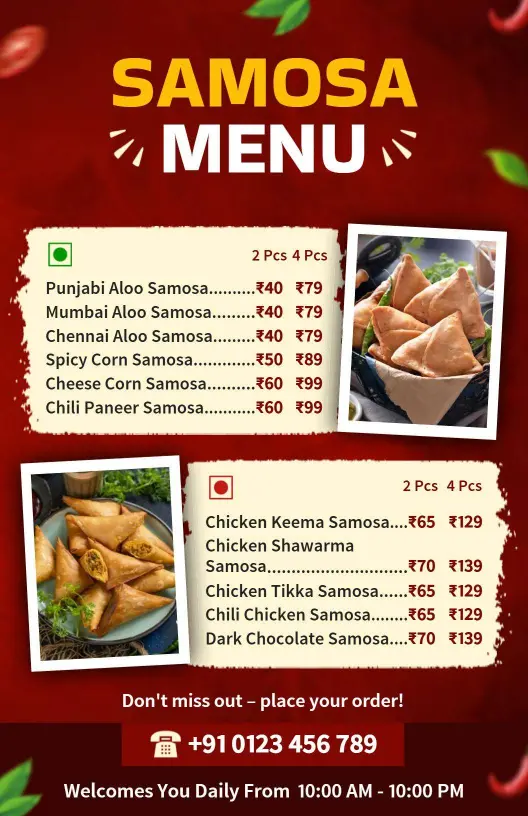
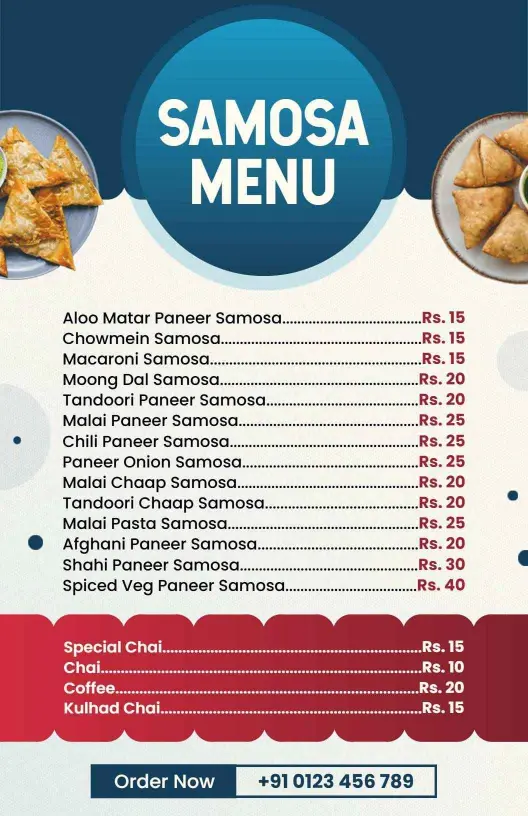
Separate potato, paneer, chicken, vegetable, cheese, sweet, or fusion options into clear sections. A design such as the Rich Red Themed Savory Samosa Variety Menu Template works well when you want bold headings and strong visual separation between categories.
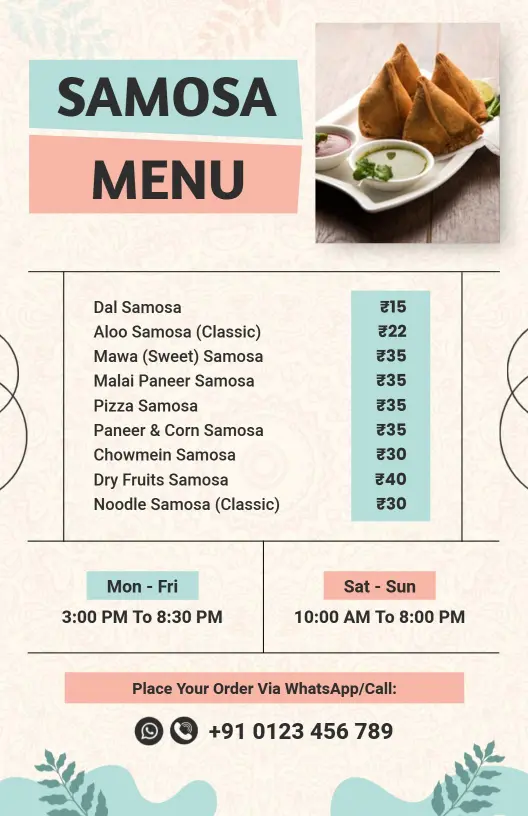
For a lighter and more welcoming presentation, the Soft Pastel Colored Indian Delights Samosa Menu Template provides room for item names, short descriptions, and prices without making the menu feel crowded.
Highlight combos, portions, and add-ons
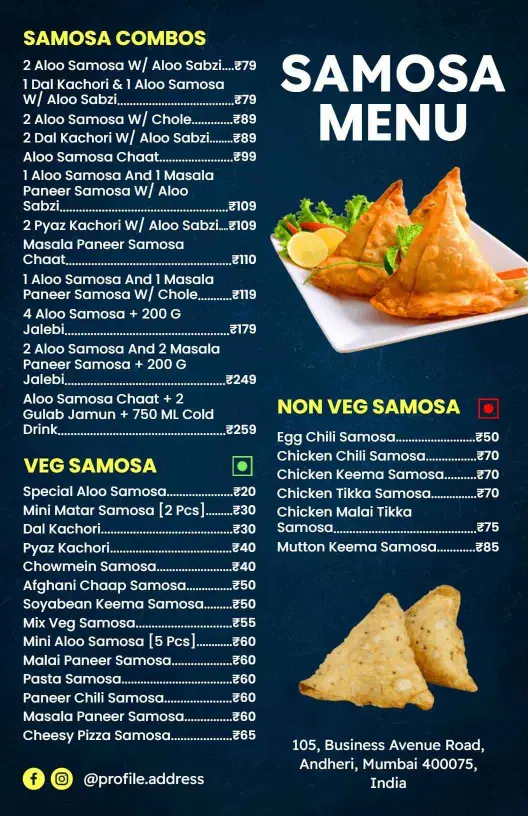
Customers should be able to tell whether an item is sold individually, by plate, as a meal, or as part of a catering package. The Traditional Indian Samosa Combo Selection Menu Template can help you group samosas with chutneys, drinks, sides, or value meals in one easy-to-scan layout.
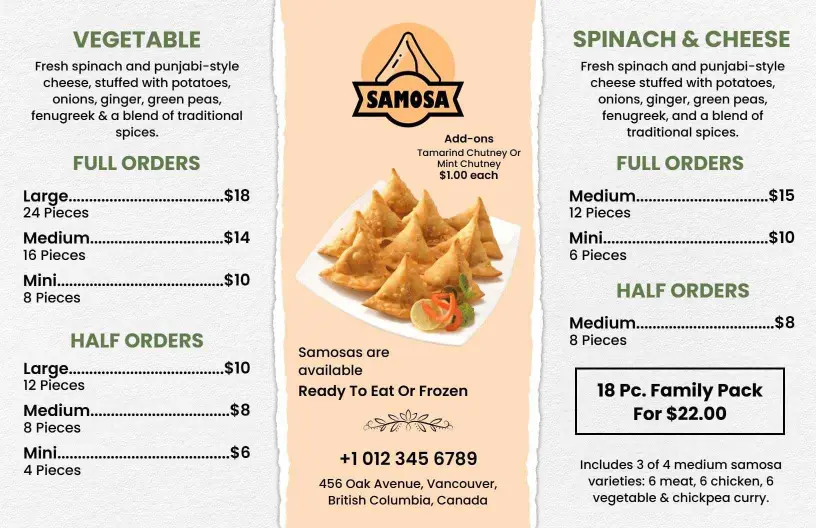
When your menu focuses on regional flavors or spice-led selections, the Traditional Punjabi Samosa Selection with Spices Menu Template offers a suitable structure for showcasing fillings, accompaniments, and serving options.
Choose a style that matches your food business
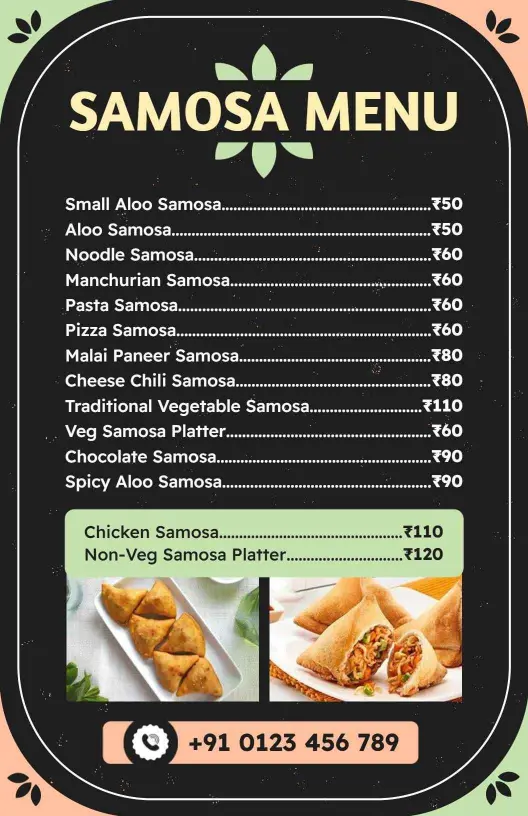
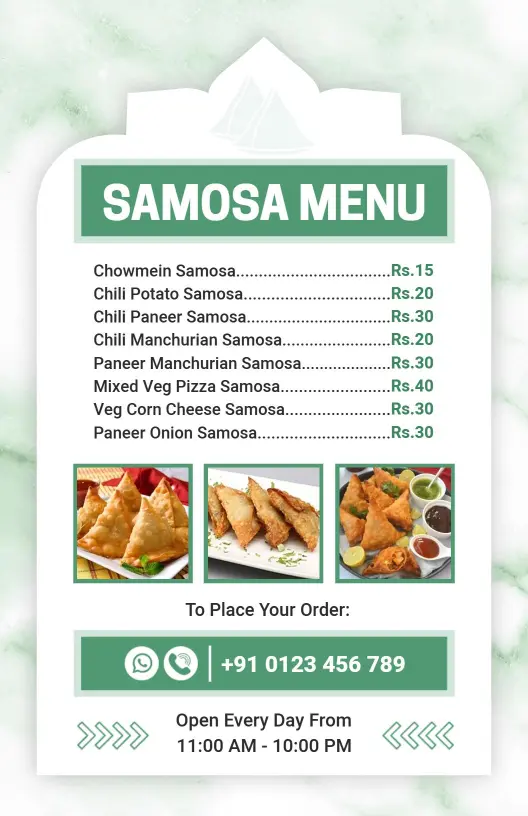
A takeaway counter may need large prices and short descriptions, while a restaurant or caterer may need space for ingredients, dietary notes, and larger-order information. The Minimalist Green Samosa Snack Selection Menu Template supports a clean presentation when readability matters more than decorative detail.
Keep prices and ordering information easy to update
Use consistent currency formatting, portion labels, and item naming throughout the menu. Place pickup, delivery, catering, contact, or QR-code information in a visible area so customers know exactly how to order after choosing their preferred samosas.