


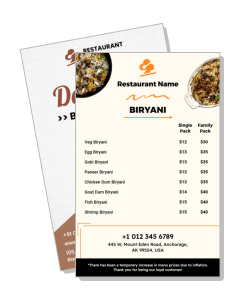
Biryani Menu Templates
Biryani Menu Templates help restaurants, cloud kitchens, caterers, and takeaway businesses present biryani varieties, prices, portions, sides, and special offers in a clear, appetizing layout.
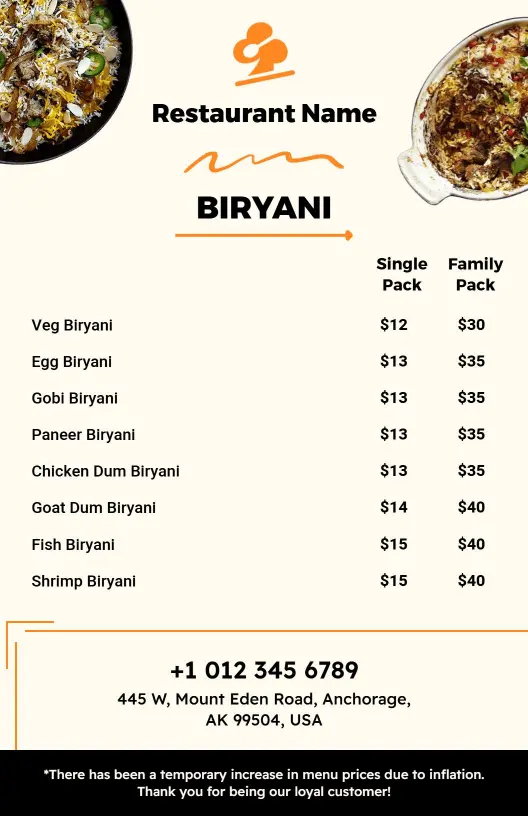
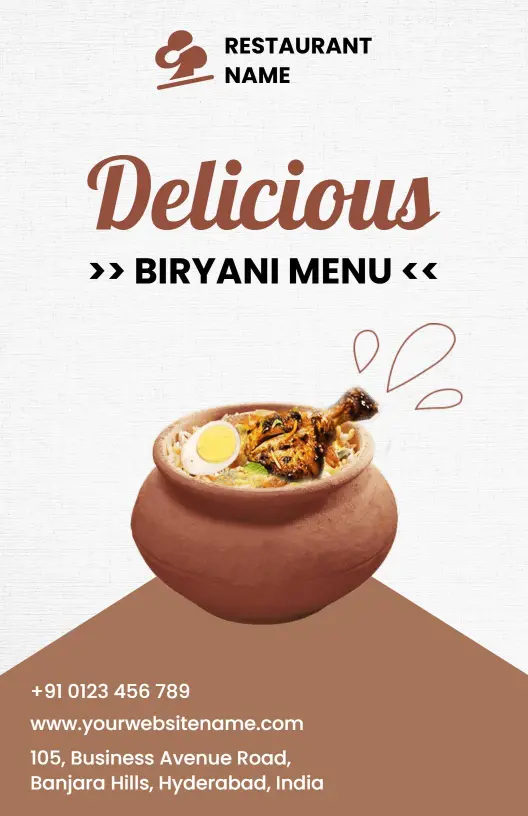
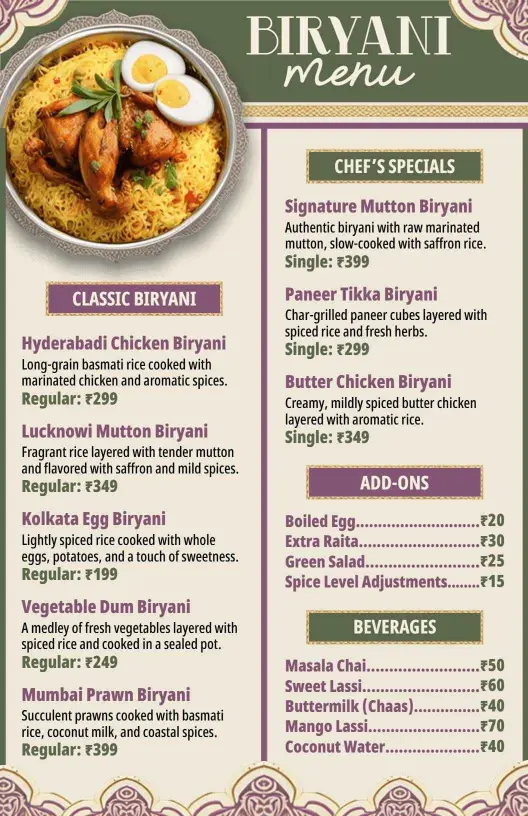
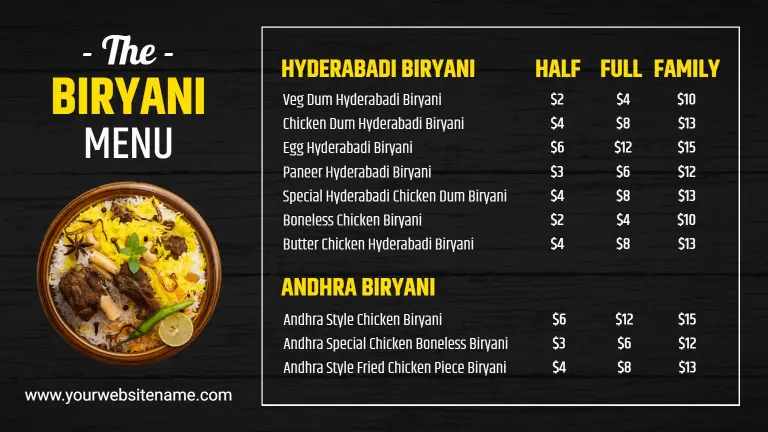
How to create a clear biryani menu
Choose a suitable restaurant layout, arrange the dishes logically, add accurate ordering information, and prepare versions for both printed and digital use.

1. Select the right layout
Start with a layout that matches your service model, whether you run a dine-in restaurant, cloud kitchen, takeaway counter, or weekend special menu today.
2. Arrange the dish categories
Group chicken, mutton, vegetarian, family packs, and sides into clear sections so customers can compare choices without searching through a crowded list.
3. Enter accurate menu details
Add accurate dish names, short descriptions, portion details, prices, and spice or dietary labels. Keep wording consistent so ordering feels simple and reliable.
4. Apply your restaurant branding
Use your restaurant colors, logo, and food photography while preserving strong contrast. Make signature biryanis and profitable combinations easy to notice.
5. Review and export each version
Proofread prices, phone numbers, ordering links, and availability before export. Save versions for print, QR menus, delivery listings, and social promotion.
Trusted by Thousands
 Tata Consultancy Services
 Boston Consulting
 AT&T
AT&T
 Avelo Airlines
 Procter & Gamble
 Ministry Of Health, Malaysia
 Veterans Affairs
 Detroit Government
 New York University
 Texas A&M University
 Decathlon America
 Warby Parker
Tata Consultancy Services
Boston Consulting
AT&T
Avelo Airlines
Procter & Gamble
Ministry Of Health, Malaysia
Veterans Affairs
Detroit Government
New York University
Texas A&M University
Decathlon America
Warby Parker
Warby Parker
Tata Consultancy Services
Boston Consulting
AT&T
Avelo Airlines
Procter & Gamble
Ministry Of Health, Malaysia
Veterans Affairs
Detroit Government
New York University
Texas A&M University
Decathlon America
Warby Parker



Other Menu templates
Build a biryani menu that makes every variety easy to order
A well-structured biryani menu helps customers compare flavors, portion sizes, prices, and meal combinations without feeling overwhelmed. DesignWiz templates are created and reviewed by an in-house design team with practical restaurant use cases in mind, including dine-in service, takeaway counters, cloud kitchens, catering, and digital ordering.
Organize classic and regional biryani varieties
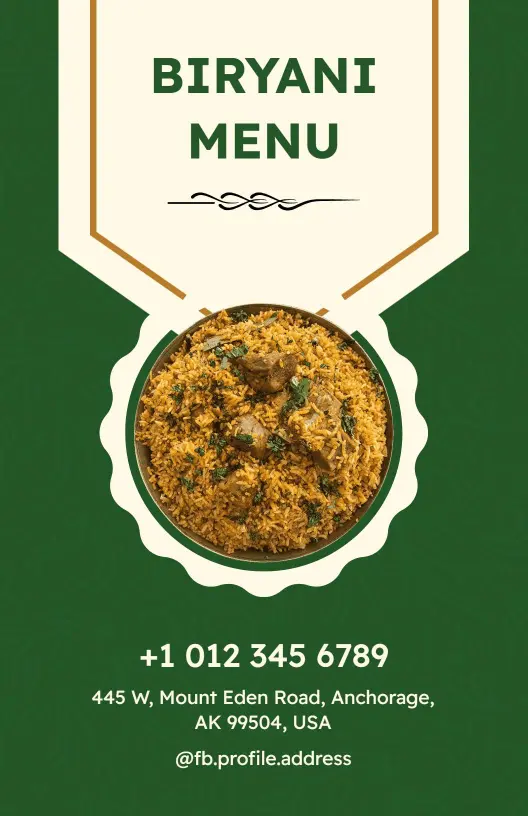
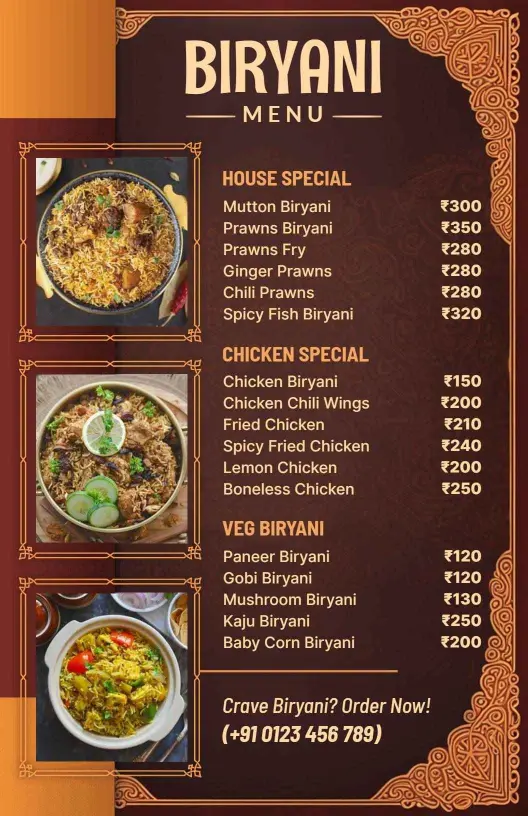
Separate chicken, mutton, vegetarian, paneer, seafood, and regional recipes into clear sections. The Classic Indian Cuisine Biryani Selection Menu Template provides a practical structure for presenting familiar choices with readable names, descriptions, and prices.
Restaurants with a broader selection can use the Classic Indian Flavors with Diverse Biryani Menu Template to arrange multiple dishes while keeping the page easy to scan.
Make vegetarian and non-vegetarian options clear
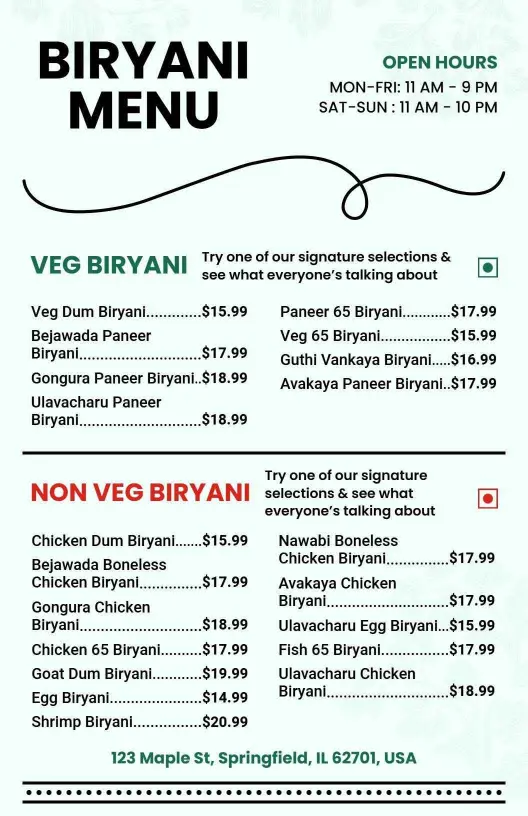
Clear category labels help diners quickly identify suitable dishes and reduce confusion during ordering. The Spicy Paneer and Butter Chicken Selections Biryani Menu Template supports menus that combine vegetarian specialties with popular chicken dishes.
For a wider split between meat-free and meat-based choices, the Delicious Signature Veg and Non-Veg Biryani Selections Menu Template makes both sections visible without overcrowding the layout.
Promote signature dishes and weekend specials
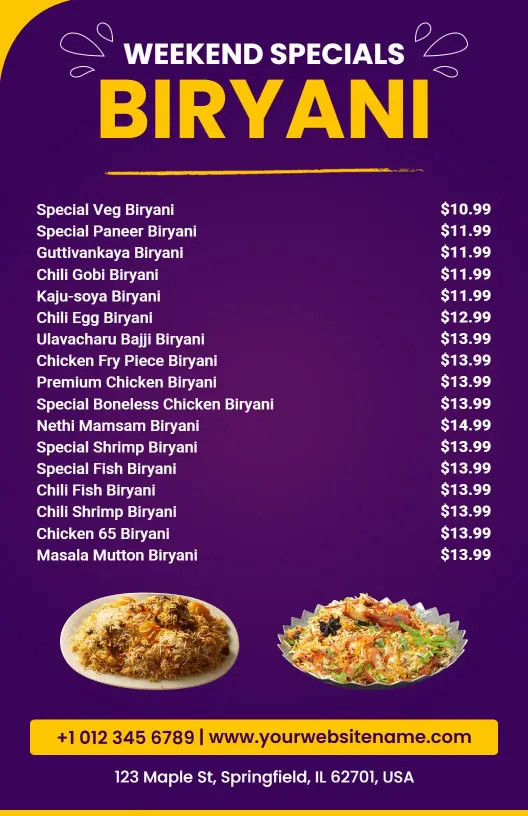
Use a featured area for chef specials, family packs, limited-time recipes, or high-value combinations. The Weekend Specials Featuring Flavorful Biryani Varieties Menu Template helps seasonal or time-sensitive offers stand apart from the regular menu.
Keep pricing, portions, and add-ons easy to compare
Place prices close to dish names and use consistent labels for single portions, family packs, half trays, and full trays. Add sides such as raita, salan, kebabs, desserts, and drinks in a separate section so customers can build a complete order without searching across the page.