


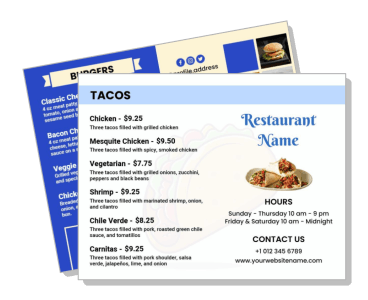
Bi-Fold Menu Templates
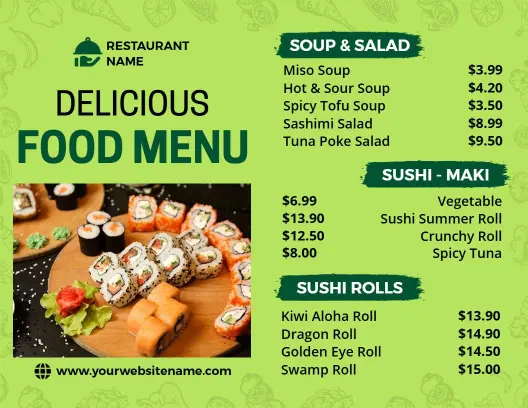
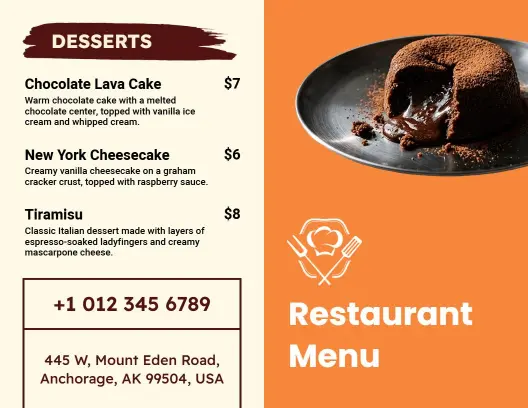
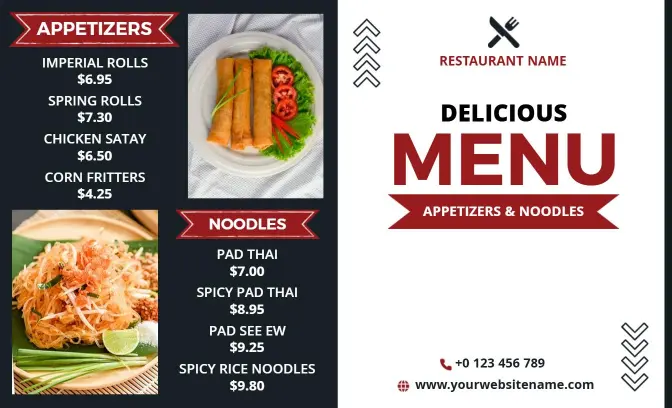
Bi-Fold Menu Templates help restaurants, cafes, bakeries, and food businesses organize dishes, prices, descriptions, and branding across a compact four-panel layout.
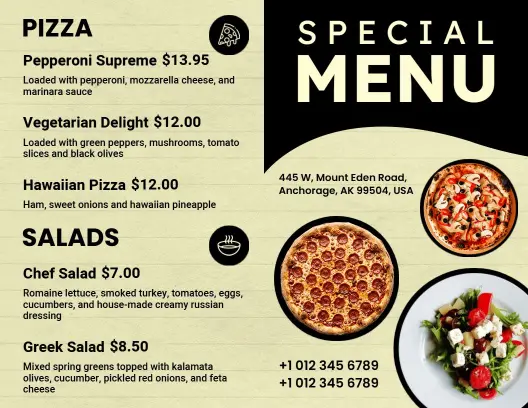

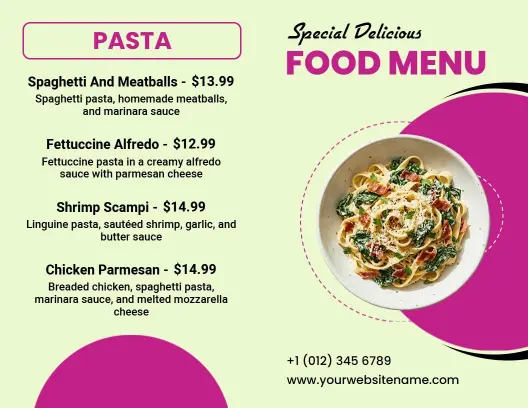
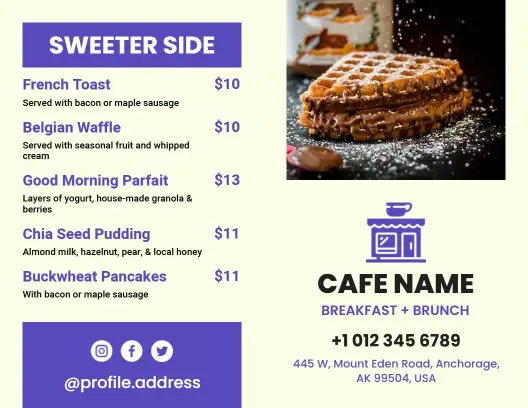
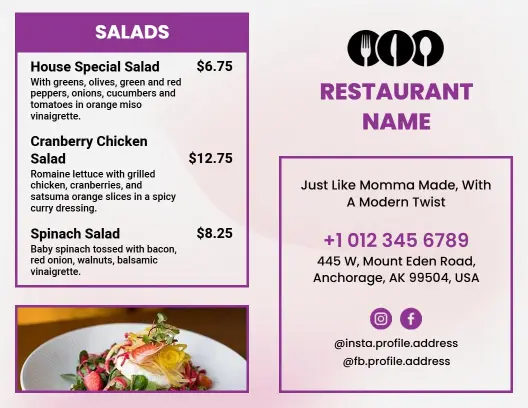
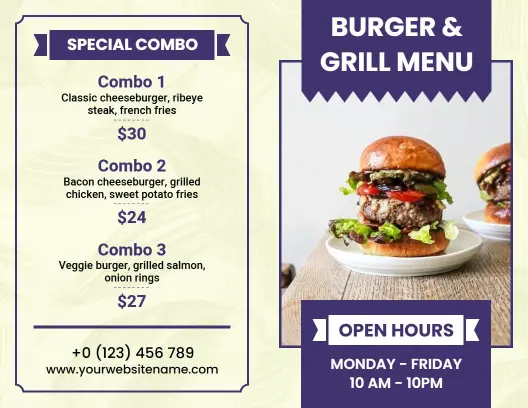
How to create an effective bi-fold menu
Follow these steps to organize your restaurant information, customize the folded layout, and prepare the finished menu for customers and printing.

1. Choose a suitable layout
Start with a layout that matches your menu length, restaurant style, and available panels so every category has enough space without crowding prices or descriptions.
2. Plan the four panels
Place your restaurant name, logo, and a clear cover message on the front panel, then reserve the inside panels for food sections arranged in a natural reading order.
3. Organize dishes and prices
Group dishes into clear categories, keep item names easy to scan, and align prices consistently so customers can compare choices without searching across the page.
4. Apply your restaurant branding
Use brand colors, readable type, and only a few strong food images. Leave enough spacing near the fold so text and visuals do not feel cramped when printed.
5. Check and export the menu
Review spelling, prices, dietary notes, panel order, and fold alignment. Export a print-ready file, then test one physical copy before ordering a larger quantity.
Trusted by Thousands
 Tata Consultancy Services
 Boston Consulting
 AT&T
AT&T
 Avelo Airlines
 Procter & Gamble
 Ministry Of Health, Malaysia
 Veterans Affairs
 Detroit Government
 New York University
 Texas A&M University
 Decathlon America
 Warby Parker
Tata Consultancy Services
Boston Consulting
AT&T
Avelo Airlines
Procter & Gamble
Ministry Of Health, Malaysia
Veterans Affairs
Detroit Government
New York University
Texas A&M University
Decathlon America
Warby Parker
Warby Parker
Tata Consultancy Services
Boston Consulting
AT&T
Avelo Airlines
Procter & Gamble
Ministry Of Health, Malaysia
Veterans Affairs
Detroit Government
New York University
Texas A&M University
Decathlon America
Warby Parker



Other Menu templates
Bi-fold menu layouts that turn limited space into an organized dining guide
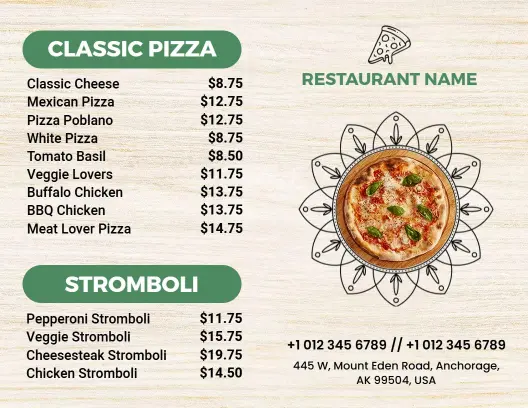
Bi-fold menu templates give food businesses four structured panels for presenting their brand, menu categories, prices, specials, and contact details. The folded format is compact enough for tables and counters while still providing room for customers to browse dishes comfortably.
Build a clear path from the cover to the final course
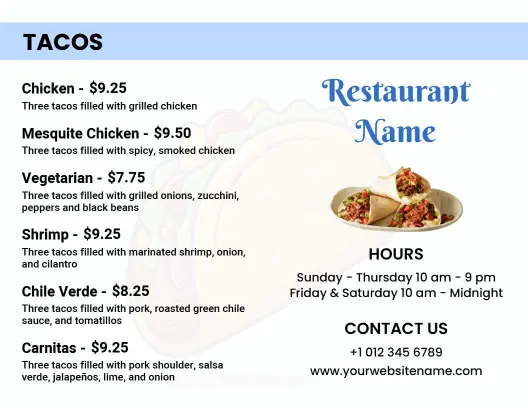
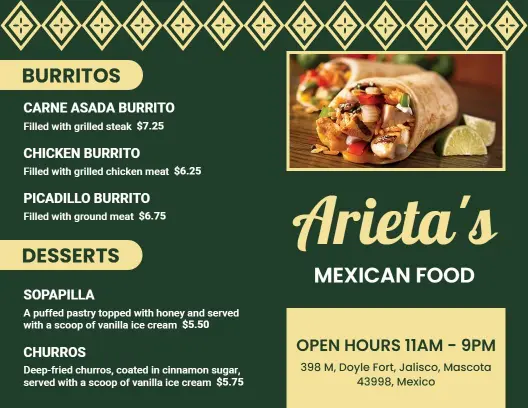
Use the front panel for your restaurant name, logo, cuisine, or signature offer. Inside, arrange sections in the order customers naturally browse, such as starters, main courses, sides, drinks, and desserts. A design such as the Classic Mexican Cuisine with Tacos and Platos Bi-Fold Menu Template shows how a cuisine-led menu can separate food groups without losing its visual identity.
Keep long food lists readable across every panel
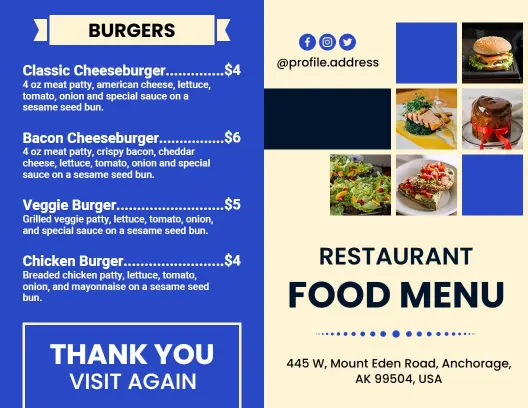
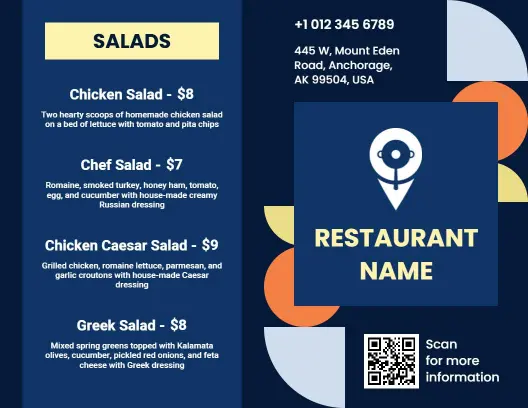
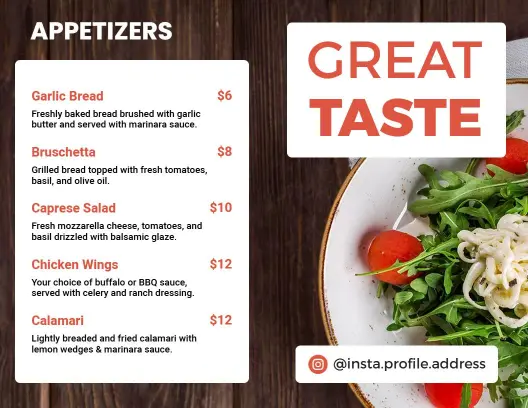
A folded menu can become difficult to scan when every available space is filled. Group related dishes together, keep descriptions concise, align prices consistently, and leave enough space around headings. The Blue Themed Restaurant Bi-Fold Menu Template provides a practical structure for organizing appetizers, entrees, salads, burgers, and desserts within one coordinated design.
Match the menu style to the dining experience
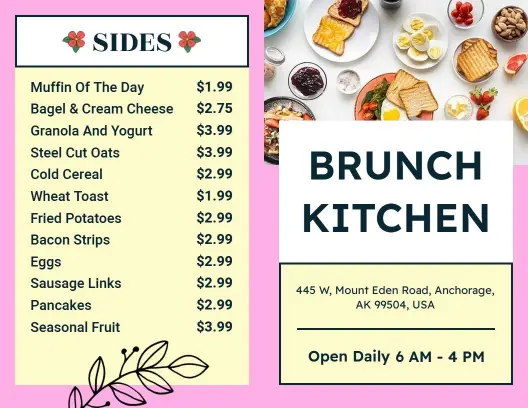
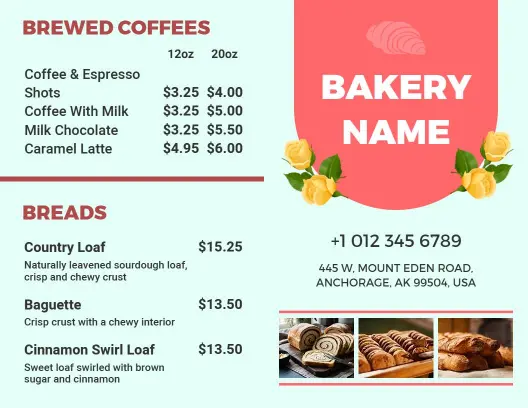
Typography, imagery, and color should reflect the kind of meal customers can expect. Soft colors and open spacing can suit daytime dining, while deeper tones and restrained typography can support an upscale restaurant presentation. The Chic Pastel Themed Brunch Dining Options Bi-Fold Menu Template works well for a relaxed brunch concept, while the Elegant Navy Theme Restaurant Bi-Fold Menu Template offers a more refined direction for formal dining.
Prepare the design for folding and printing
Keep important text, prices, and logos away from the center fold and outer trim edges. Check that panels appear in the correct order on both sides, use readable text at the intended print size, and test one folded copy before producing more. This final check helps prevent misplaced sections, difficult-to-read descriptions, and content disappearing into the crease.