Bi Fold Brochure Templates
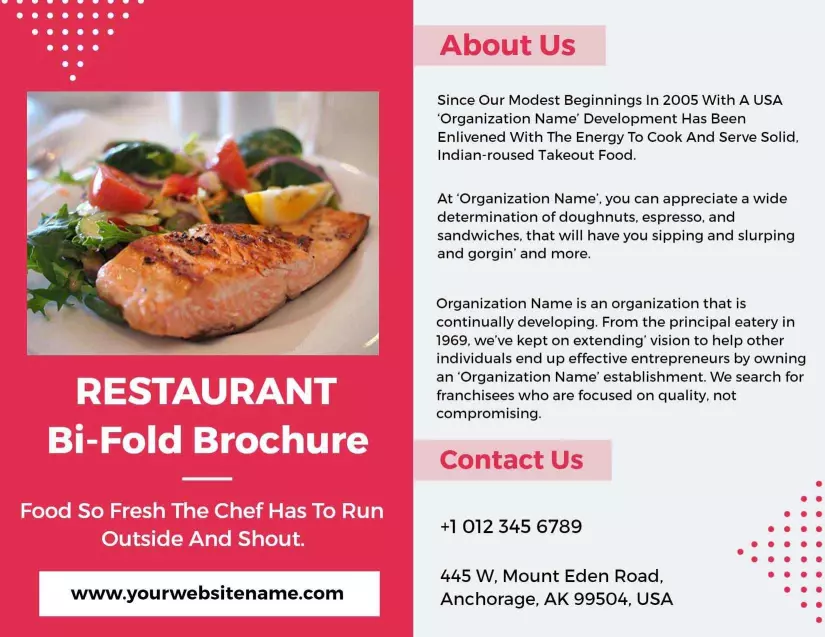
Bi fold brochure templates — used by 7,000+ teams in design, healthcare, education, and hospitality. Each layout covers two panels with structured sections for service details, pricing, and contact.
How to make a bi-fold brochure
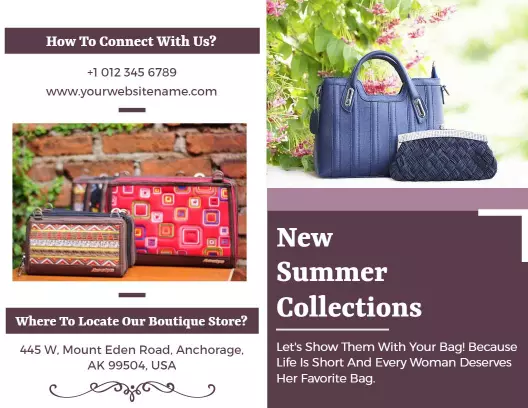
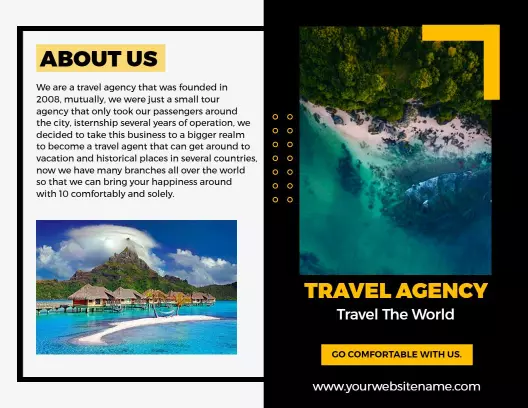
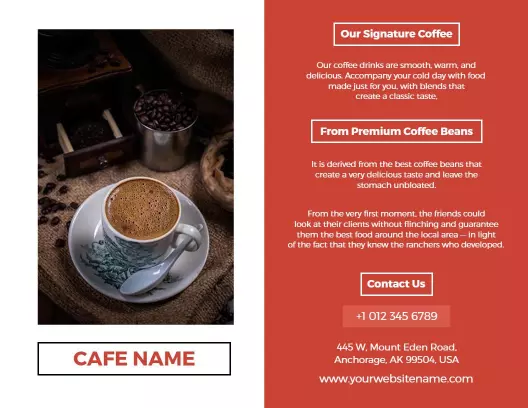
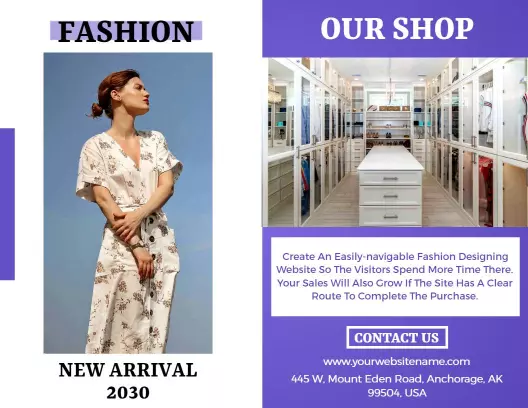
No design skills needed — open a bi-fold brochure template, plan your four panels, fill each zone with your service details, and export a print-ready PDF in minutes.
1. Open a template
Open a bi-fold brochure template that matches your industry — service menu, healthcare overview, or corporate profile — and review all four content zones before editing any text or images.
2. Write your cover
Write your cover headline and tagline first — the cover is the only panel visible before the brochure opens, so it must clearly communicate who you are and what you offer in one line.
3. Fill the inside spread
Fill the inside spread in sequence — use the left panel for your main services, features, or treatment options, and the right panel for supporting details, staff bios, or a pricing summary.
4. Export and print
Export as a PDF with bleed marks included, sized at 11 by 8.5 inches for standard bi-fold, ready for upload to a commercial print service or output at 300dpi on a desktop laser printer.
Trusted by Thousands

Tata Consultancy Services
Boston Consulting
AT&T
Avelo Airlines
Procter & Gamble
Ministry Of Health, Malaysia
Veterans Affairs
Detroit Government
New York University
Texas A&M University
Decathlon America
Warby Parker
Tata Consultancy Services
Boston Consulting
AT&T
Avelo Airlines
Procter & Gamble
Ministry Of Health, Malaysia
Veterans Affairs
Detroit Government
New York University
Texas A&M University
Decathlon America
Warby Parker
Other Brochure templates
Who uses bi-fold brochure templates?
Bi-fold brochure templates serve service businesses, healthcare providers, and corporate teams that need to organize detailed information across two facing panels in a single print piece. Unlike a single-page handout, a bi-fold layout opens to reveal four content zones — cover, inside left, inside right, and back — giving enough space for service listings, staff credentials, and pricing without crowding the design. Most users download a print-ready PDF with bleeds included and send the file directly to a commercial print shop or their office printer.
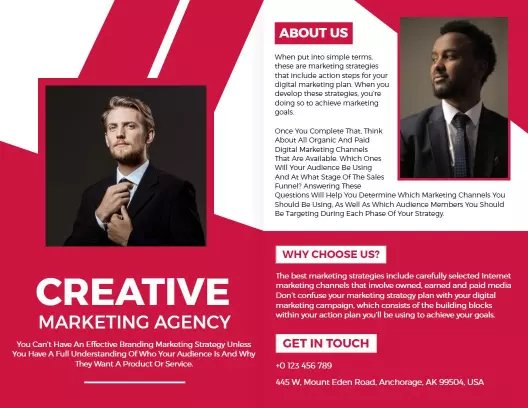
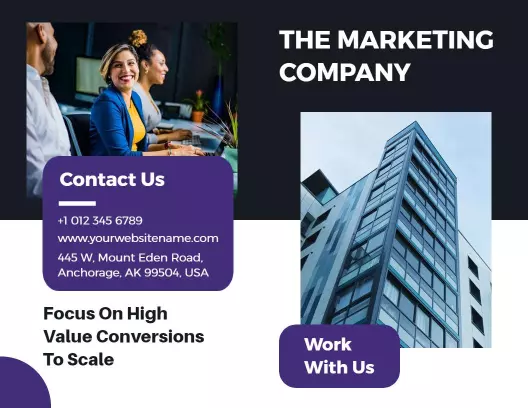
Marketing agencies — use bi-fold brochures as client pitch packets, filling the inside spread with campaign case studies, service tier breakdowns, and agency credentials. Teams update the template with client-facing copy and export a PDF for presentation or email delivery. Use the Bold Red Creative Marketing Agency Bi Fold Brochure Template to get started.
Healthcare clinics and medical offices — distribute bi-fold brochures in waiting rooms and at reception desks, covering treatment options, practitioner bios, insurance details, and appointment booking steps. The four-panel layout prevents information overload while keeping all essential clinic details in one folded piece. Use the Modern Green Medical Beauty Treatments Bi Fold Brochure Template to get started.
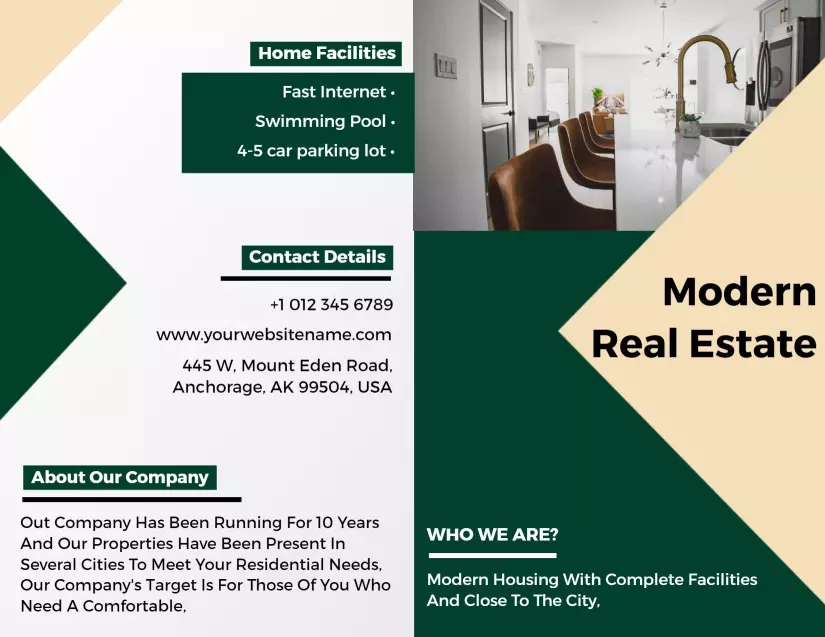
Real estate professionals — create property listing packets using bi-fold brochure templates, placing exterior and interior photos on the cover and inside panels, and reserving the back panel for agent contact details, property specs, and a QR code linking to the full listing. Use the Modern Apartment Rental Guide and Booking Information Brochure Template to get started.
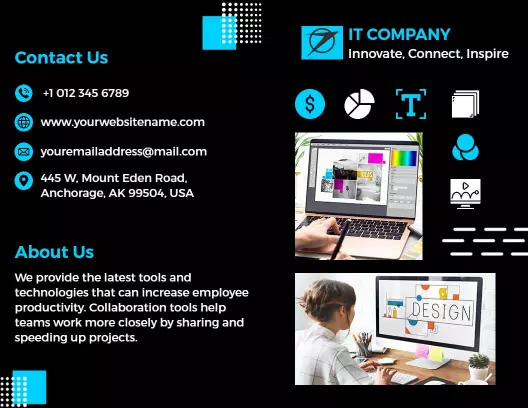
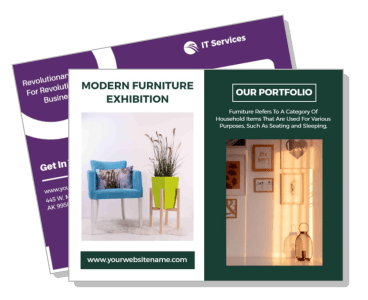
IT and technology service companies — use bi-fold brochures at trade shows and client meetings to explain software packages, support tiers, and onboarding steps across the inside spread, with pricing comparison charts on the right panel and a contact CTA on the back. Use the Purple IT Services Digital Solutions and Support Bi Fold Brochure Template to get started.
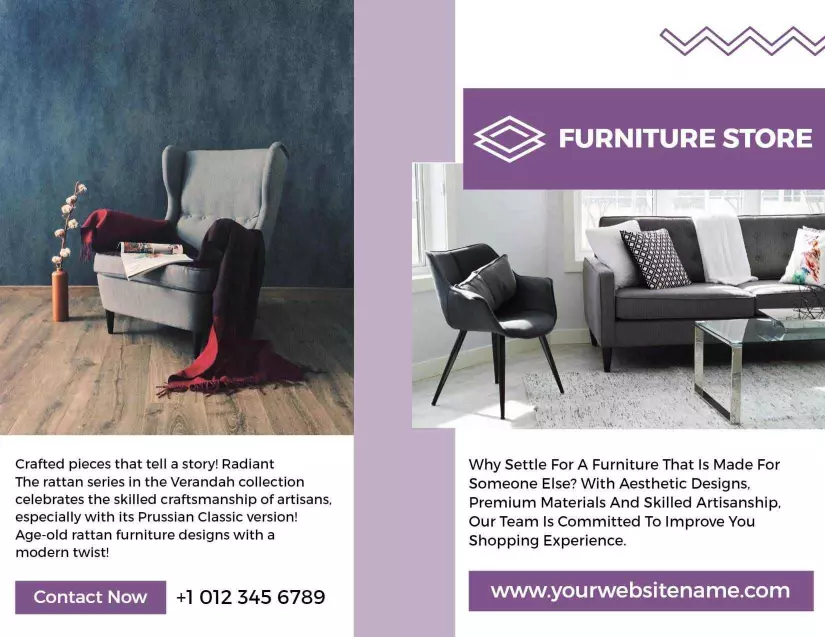
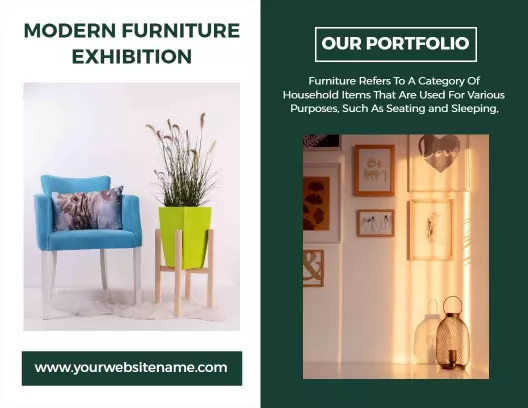
Furniture stores and interior design businesses — hand out bi-fold brochures at showroom entrances featuring product collections on the inside spread, brand story on the cover, and a current promotion or store address on the back panel for customers to take home. Use the Modern Green Furniture Exhibition and Portfolio Bi Fold Brochure Template to get started.
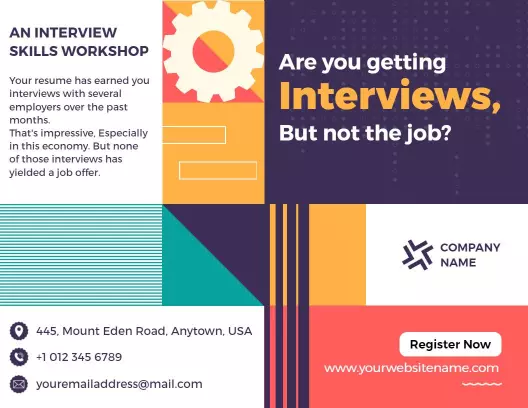
Corporate training and HR teams — produce bi-fold brochures for onboarding programs and skills workshops, structuring the inside left panel for course objectives and the inside right panel for schedule, trainer bios, and registration details, then printing batches for distribution at training events. Use the Vibrant Interview Skills Workshop and Training Bi Fold Brochure Template to get started.
Over 7,853 businesses and service teams have used DesignWiz to create bi-fold brochures.
Free vs paid — what's included
Free plan
Access to all bi-fold brochure template designs with no payment required — sign up and start editing immediately.
Download your completed bi-fold brochure as a PDF, PNG, or JPG — DesignWiz watermark included on exported files.
No download limit — export as many bi-fold brochure variations as needed for different services or clients.
Commercial use permitted — free-plan brochures can be printed and distributed for business purposes.
Paid plan — under 5 dollars per month
Remove the DesignWiz watermark from all exported bi-fold brochures — clean, professional files ready for print shops or client delivery.
Export print-shop-ready PDFs with no watermark — required when submitting files to commercial printers or sharing with end clients.
If your bi-fold brochure is for internal use or testing layouts, the free plan covers everything. Upgrade to paid when you need a watermark-free file for print production or client-facing delivery.