



Real Estate Business Card Templates
Create professional real estate business cards for agents, brokers, property managers, and realty teams. Personalize your branding, contact details, headshot, and services in minutes.



How to create a real estate business card
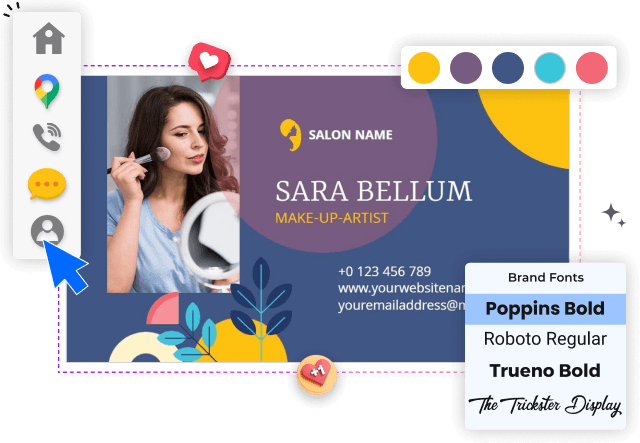
Build a professional card by choosing a role-appropriate layout, organizing essential contact information, applying your branding, and checking every detail before export.
1. Select a role-appropriate layout
Start with a layout that suits your role, whether you are an agent, broker, property manager, or realty team. Choose enough space for your brand and contact details.
2. Organize your contact information
Add your name, title, phone number, email, website, office address, and license details where required. Keep the most important contact route easy to spot.
3. Apply your professional branding
Upload a clear headshot and brokerage logo, then apply your brand colors and fonts. Use strong contrast so the card stays readable at its final printed size.
4. Connect prospects to your services
Include a short service line or QR code that directs prospects to listings, booking pages, or your website. Leave enough white space so the card does not feel crowded.
5. Proof and export the finished card
Review spelling, alignment, margins, and QR-code function before exporting. Save a print-ready version and a digital copy for email signatures and mobile sharing.
Trusted by Thousands
 Tata Consultancy Services
 Boston Consulting
 AT&T
AT&T
 Avelo Airlines
 Procter & Gamble
 Ministry Of Health, Malaysia
 Veterans Affairs
 Detroit Government
 New York University
 Texas A&M University
 Decathlon America
 Warby Parker
Tata Consultancy Services
Boston Consulting
AT&T
Avelo Airlines
Procter & Gamble
Ministry Of Health, Malaysia
Veterans Affairs
Detroit Government
New York University
Texas A&M University
Decathlon America
Warby Parker
Warby Parker
Tata Consultancy Services
Boston Consulting
AT&T
Avelo Airlines
Procter & Gamble
Ministry Of Health, Malaysia
Veterans Affairs
Detroit Government
New York University
Texas A&M University
Decathlon America
Warby Parker



Other Business Card templates
Business cards designed for real estate networking and referrals
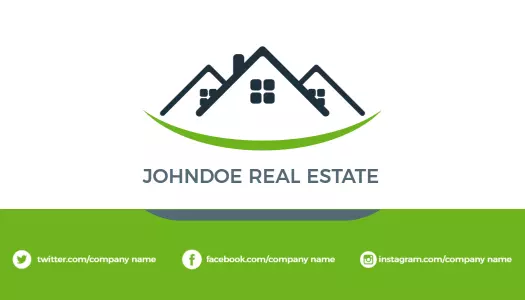
Real estate business card templates help agents and property professionals share essential contact information while reinforcing a recognizable personal brand. A well-organized card can support conversations at open houses, property viewings, community events, client meetings, and referral opportunities.
Every DesignWiz template is created and reviewed by an in-house design team. Each layout is carefully crafted to support real-world business needs, clear information hierarchy, professional branding, and practical print or digital use.
Professional cards for agents and independent realtors
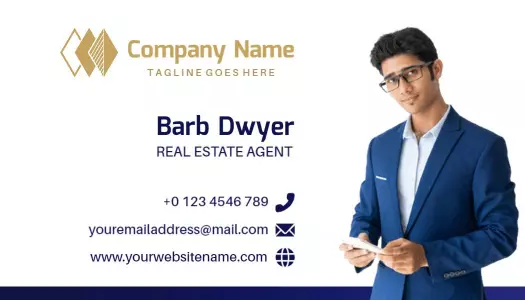
Independent agents need a card that makes their name, role, phone number, email, and brokerage details easy to find. A layout such as the Sleek Black Modern Realtor Professional Business Card Template provides a polished structure for building a confident personal identity.
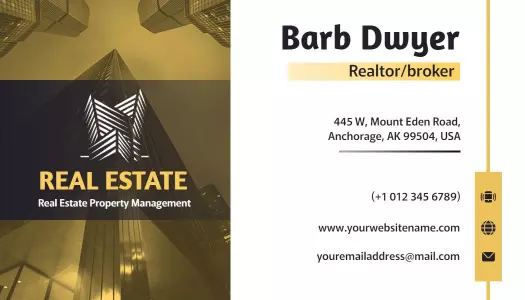
Agents who prefer a stronger visual accent can use the Modern Gold Geometric Real Estate Agent Business Card Template to highlight their contact information without making the card difficult to scan.
Clear branding for brokerages and property companies
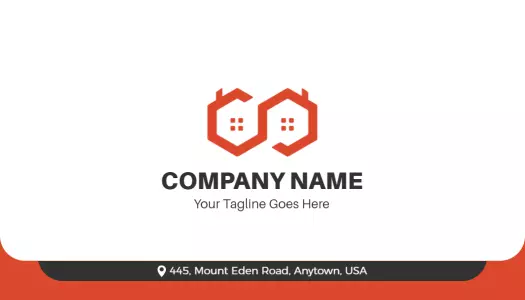
Brokerages and real estate companies often need consistent cards across several team members. The Modern Minimalist Real Estate Company Business Card Template offers a clean layout that can accommodate a company logo, agent information, and a concise service message.
Use the same font, colors, logo placement, and contact hierarchy across your team. This makes individual cards easier to update while keeping the brokerage identity consistent during property tours, networking events, and client appointments.
Layouts for property services and management professionals
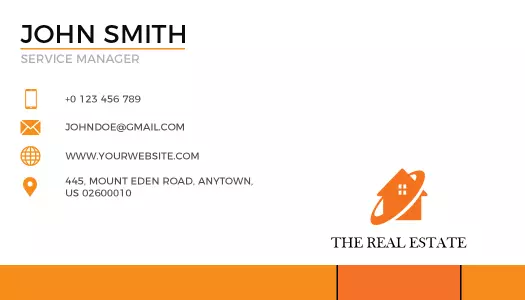
Property managers, service coordinators, and real estate consultants may need to communicate a specific role alongside their contact details. The Modern Orange Real Estate Service Manager Business Card Template provides room for a professional title and service-focused information.
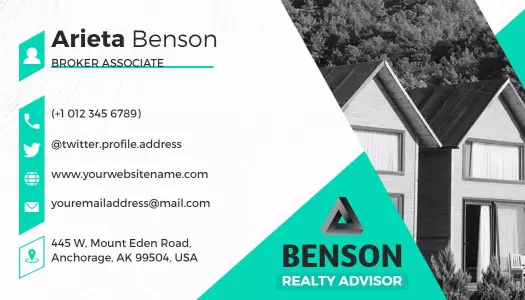
For a more structured corporate look, the Modern Blue Geometric Real Estate Business Card Template can help separate branding, contact details, and supporting information through a clear visual hierarchy.
Print and digital details that help prospects respond
Prioritize the contact method you want prospects to use, such as a phone number, email address, website, or booking page. A QR code can connect the printed card to property listings, a digital profile, or a lead form, but it should not replace readable contact information.
Before sharing or printing the card, confirm that the text remains legible at its final size, the QR code scans correctly, and important details are not placed too close to the edges.