


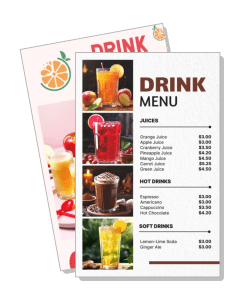
Drink Menu Templates
DesignWiz Drink Menu Templates help you present beverage options with a clear layout, fast editing, and polished styles for bars, cafes, smoothie shops, and restaurant drink menus.
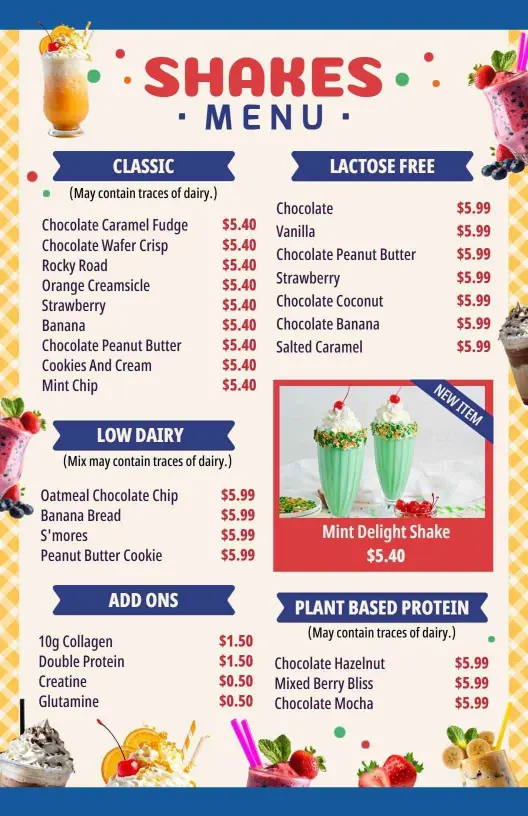
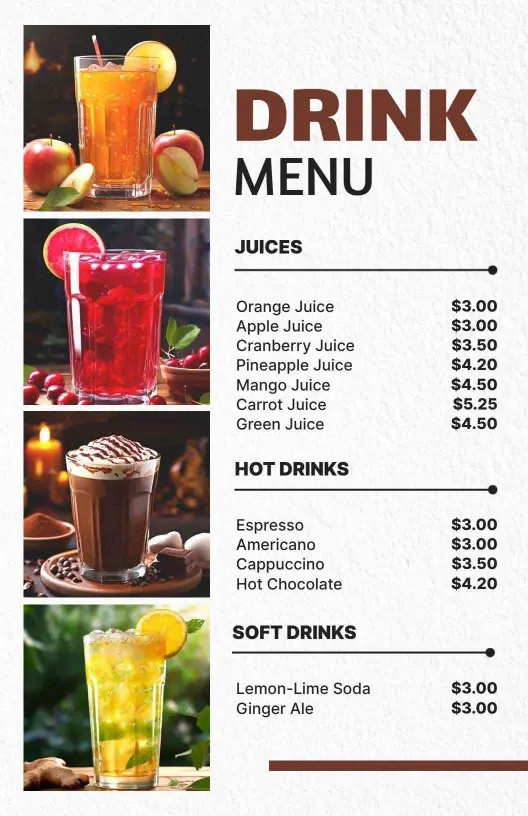
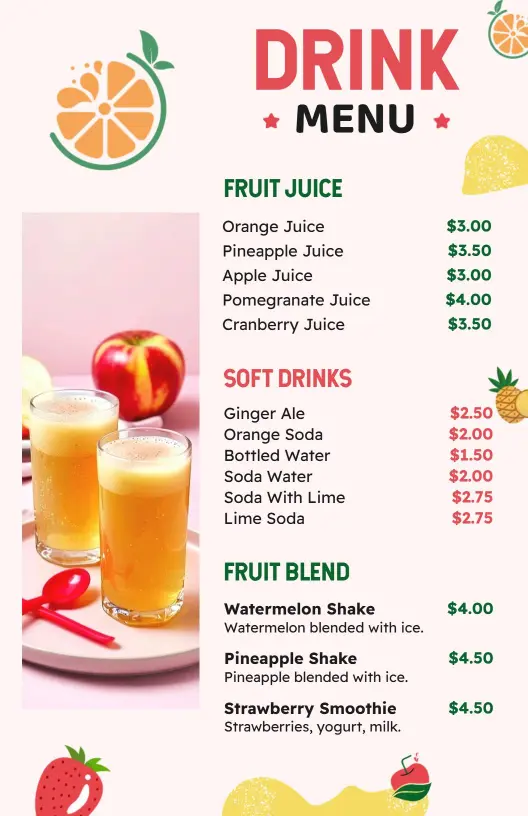
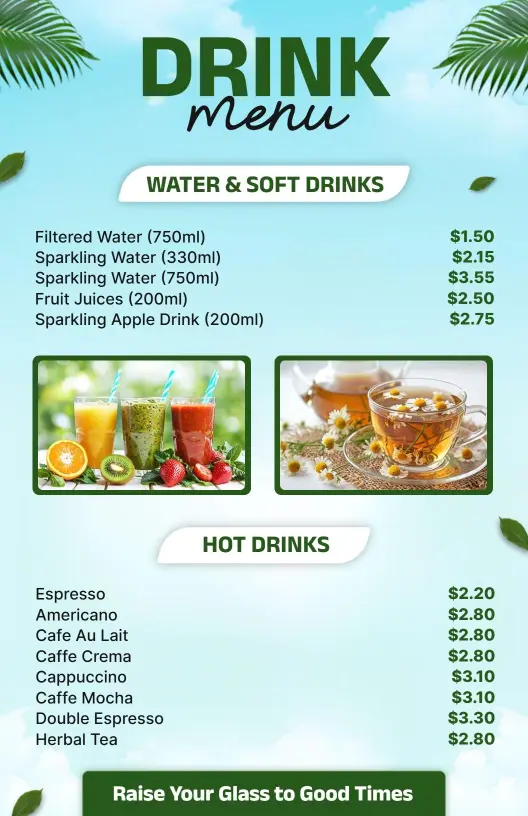
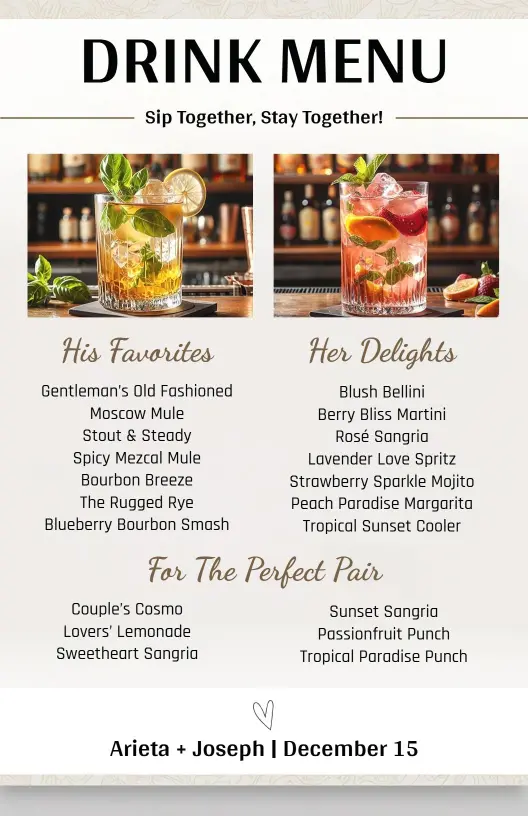
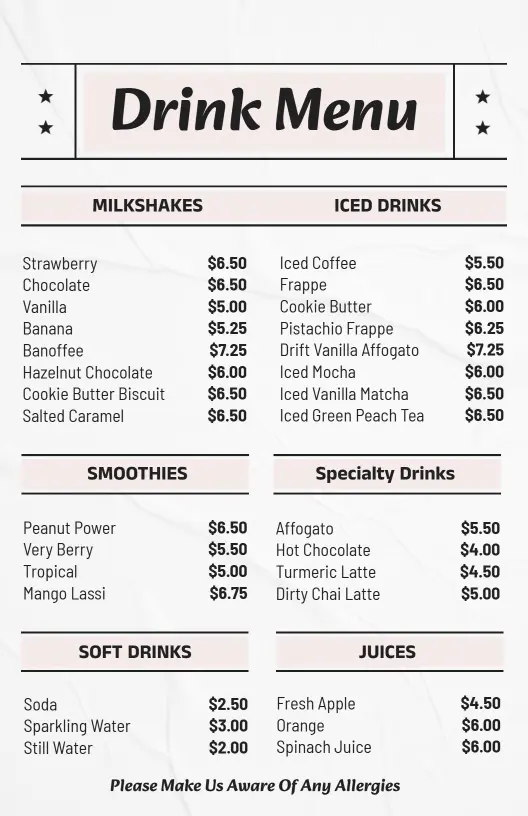
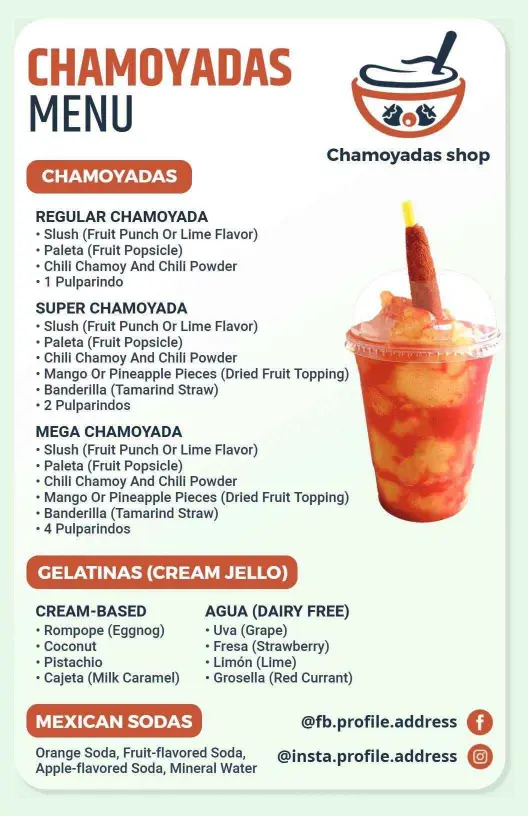
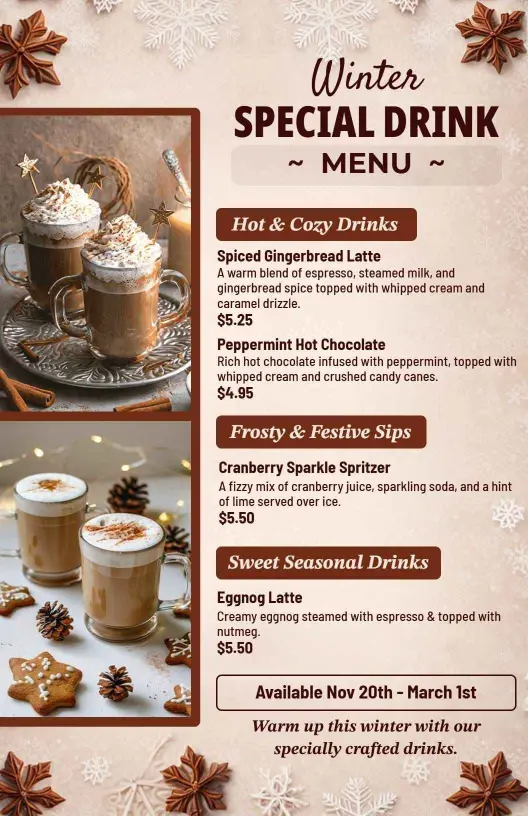
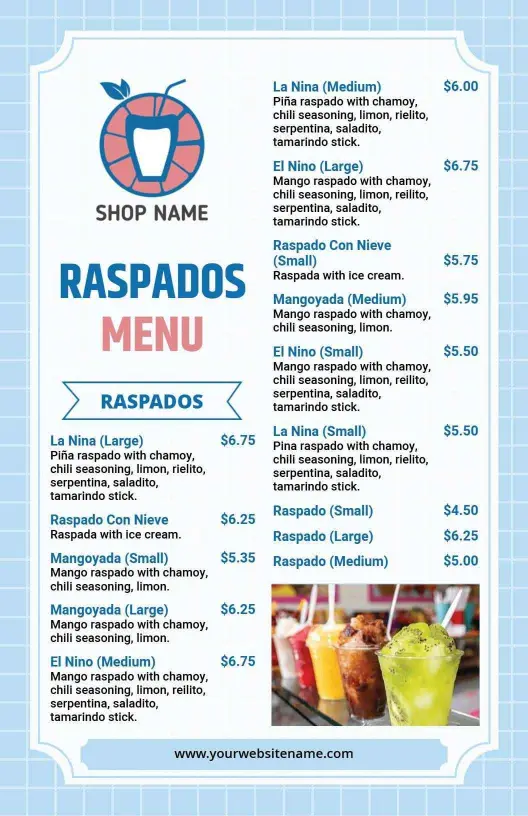
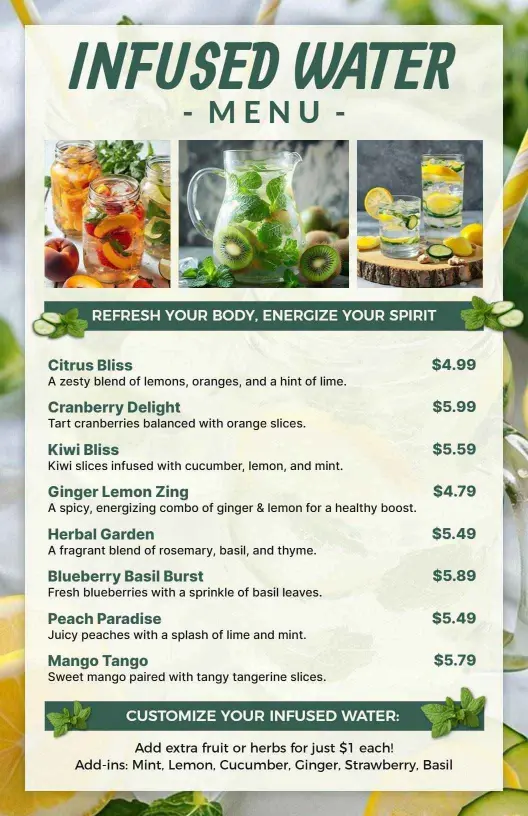
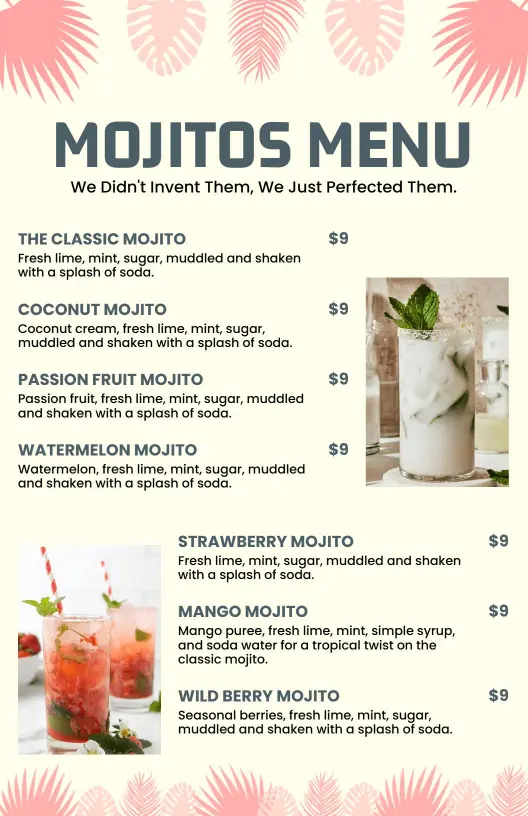
How to customize a drink menu
No design skills needed. Choose a layout, add the beverages and prices, adjust the style, and export a menu you can print or share in minutes.

1. Pick the menu format
Start with the way customers will view it. Choose a counter friendly print layout or a vertical version for screens, then decide whether the design should feel bold, clean, or premium.
2. Add the beverage list
List the drinks, sizes, and any flavor choices in a simple order. Keep item names short and group related options together so the page stays easy to read during busy service hours.
3. Set the visual style
Adjust the colors, fonts, and spacing so the menu matches the cafe or restaurant. Use one accent style, keep contrast high, and leave enough room around each section for clean scanning.
4. Include pricing and notes
Place prices in a consistent spot and add special note labels only when they help buyers decide. Keep those details close to the related item so the menu still feels organized.
5. Review and export
Check the final menu at actual size before you export it. Make sure the text is crisp, the sections stay aligned, and the design still works on a phone, on a wall, and at the counter.
Trusted by Thousands
 Tata Consultancy Services
 Boston Consulting
 AT&T
AT&T
 Avelo Airlines
 Procter & Gamble
 Ministry Of Health, Malaysia
 Veterans Affairs
 Detroit Government
 New York University
 Texas A&M University
 Decathlon America
 Warby Parker
Tata Consultancy Services
Boston Consulting
AT&T
Avelo Airlines
Procter & Gamble
Ministry Of Health, Malaysia
Veterans Affairs
Detroit Government
New York University
Texas A&M University
Decathlon America
Warby Parker
Warby Parker
Tata Consultancy Services
Boston Consulting
AT&T
Avelo Airlines
Procter & Gamble
Ministry Of Health, Malaysia
Veterans Affairs
Detroit Government
New York University
Texas A&M University
Decathlon America
Warby Parker



Other Menu templates
Why drink menu templates help guests choose beverages faster
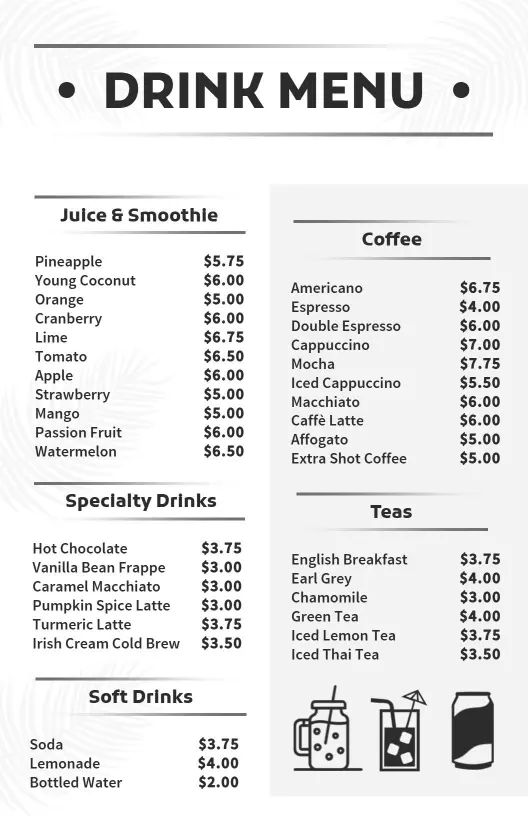
Drink menus work best when the layout makes flavors, sizes, and prices easy to compare. Use bold names, clear sections, and enough spacing so guests can scan the options quickly. Start with Classic Black and White Tea and Coffee Drink Menu Template when you want a clean beverage layout that stays readable.
Coffee and tea boards
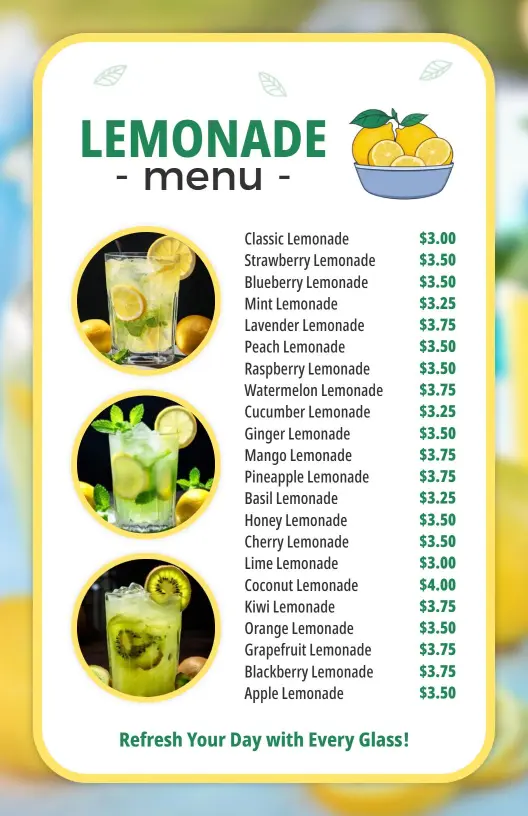
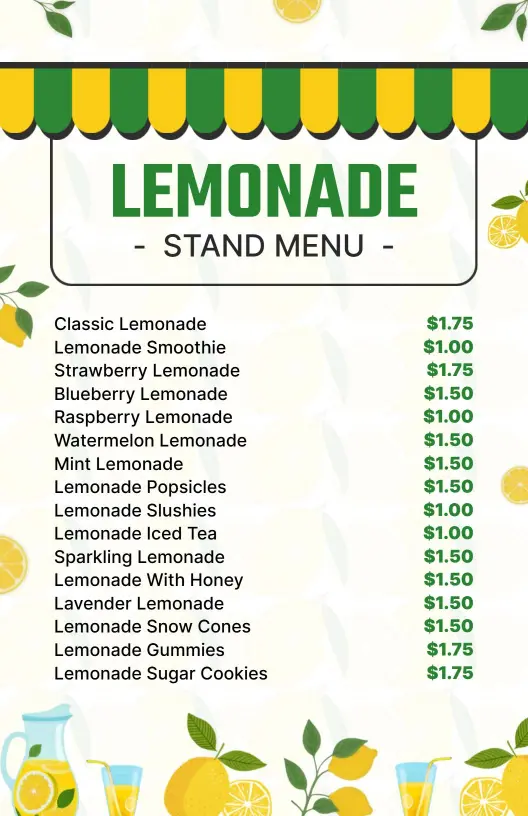
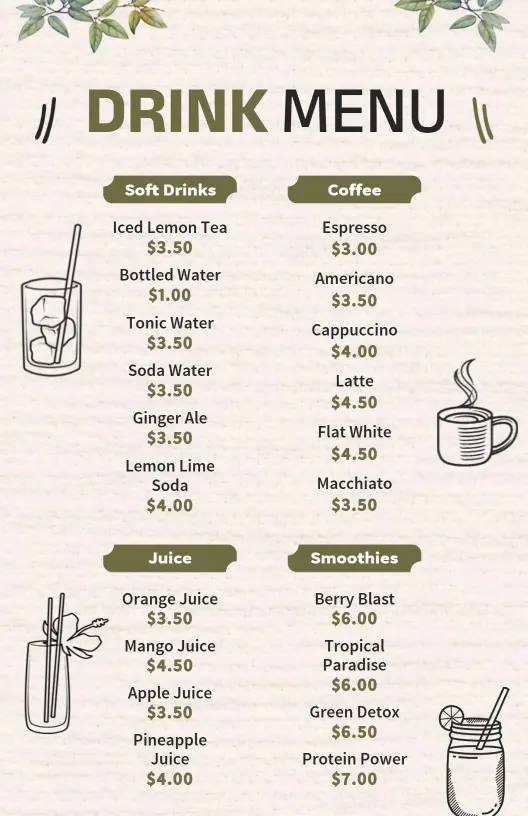
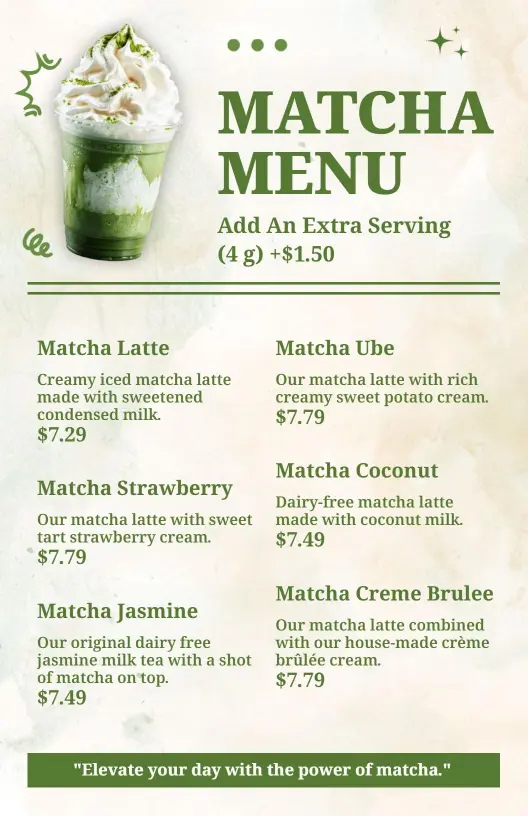
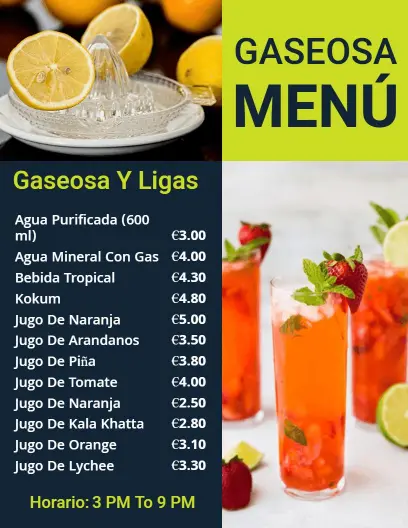
For cafes and tea counters, keep the menu grouped by drink type so customers can compare hot and cold options without slowing down the line. A neat layout makes the board easier to read from a short distance. Variety of Soft Drinks and Fresh Juices Drink Menu Template is a strong fit for that style. For a more specialty look, Artistic Green and Cream Matcha Beverage Menu Template works well.
Smoothies and blended drinks
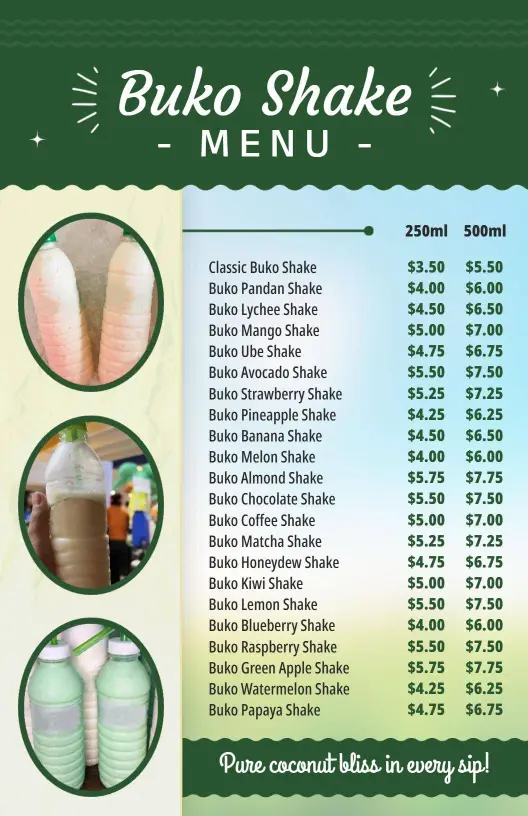
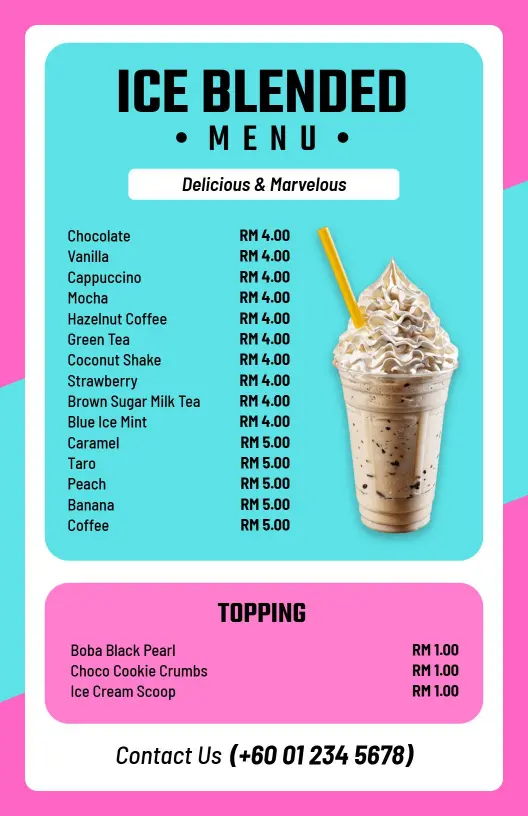
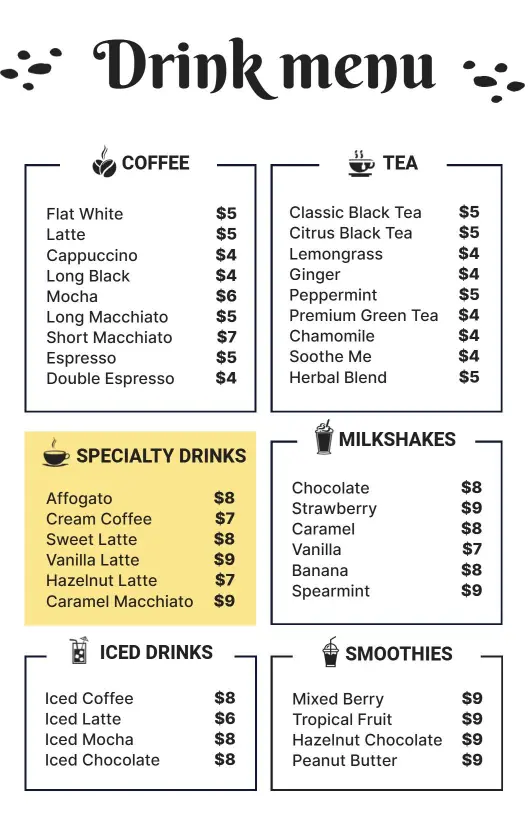
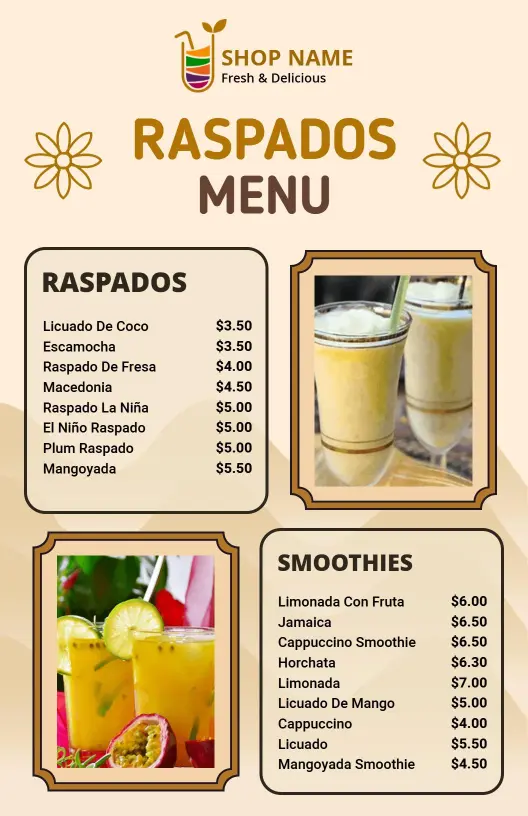
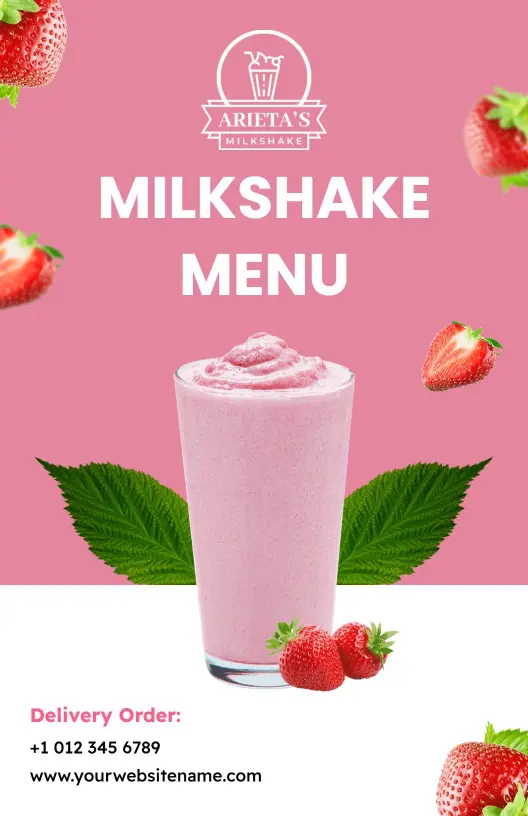
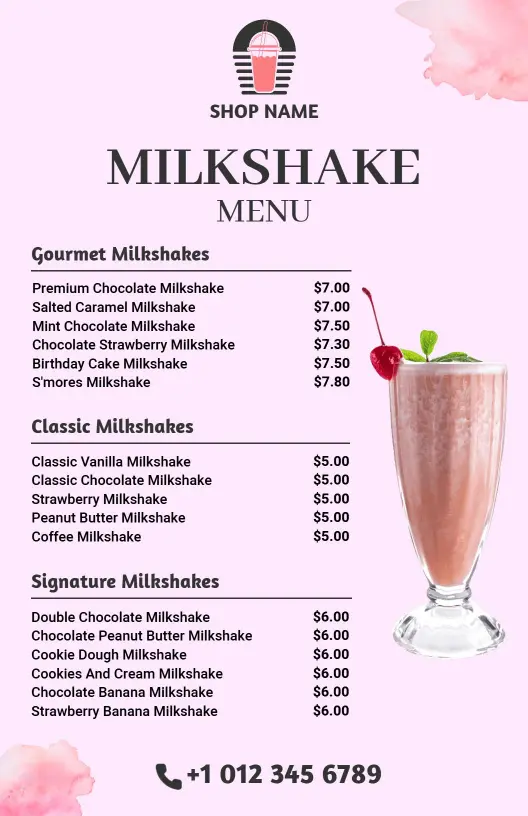
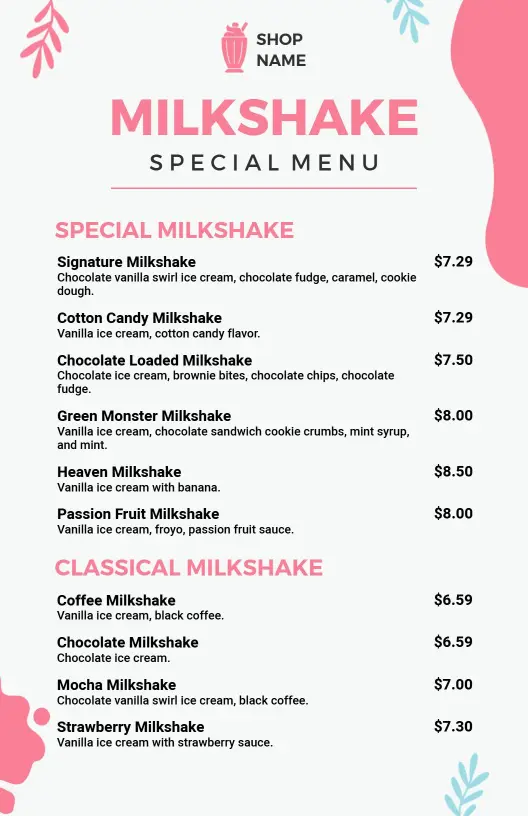
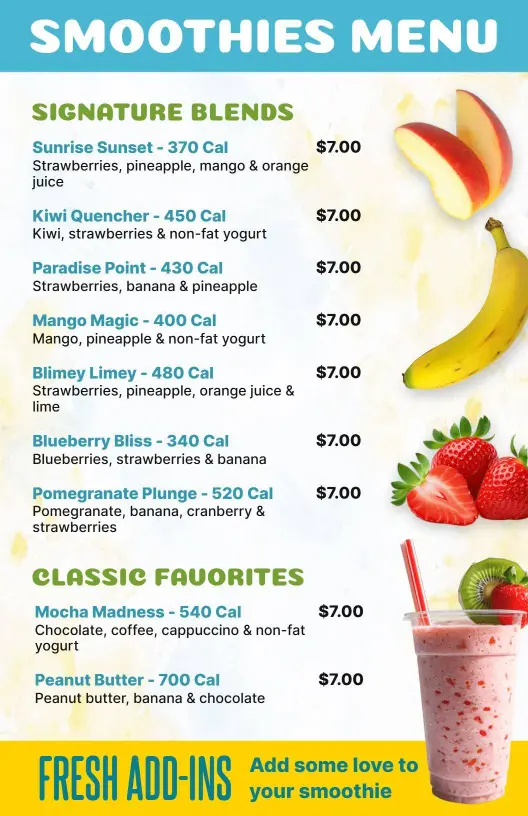
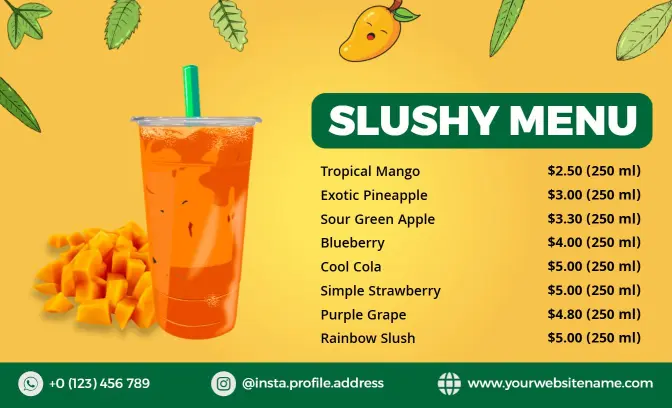
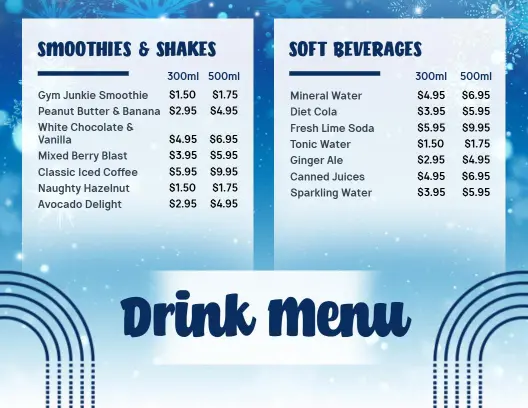
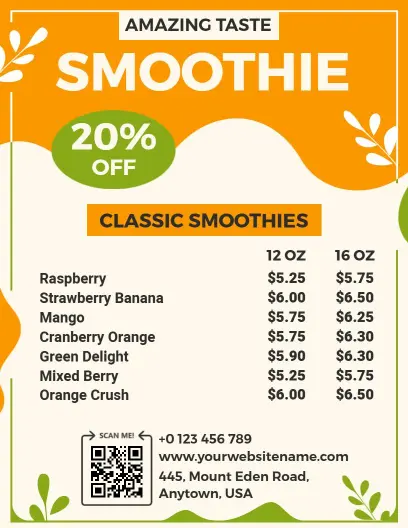
If the menu features smoothies, shakes, or blended drinks, use short section names and clear pricing so guests can make a choice quickly. That keeps the page organized even when the flavor list is long. Colorful Signature Blends and Classics Smoothie Menu Template is a good option for that layout. For a brighter presentation, Vibrant Orange Mango Theme Slushy Drink Menu Template gives the menu a lively feel.
Seasonal and specialty drinks
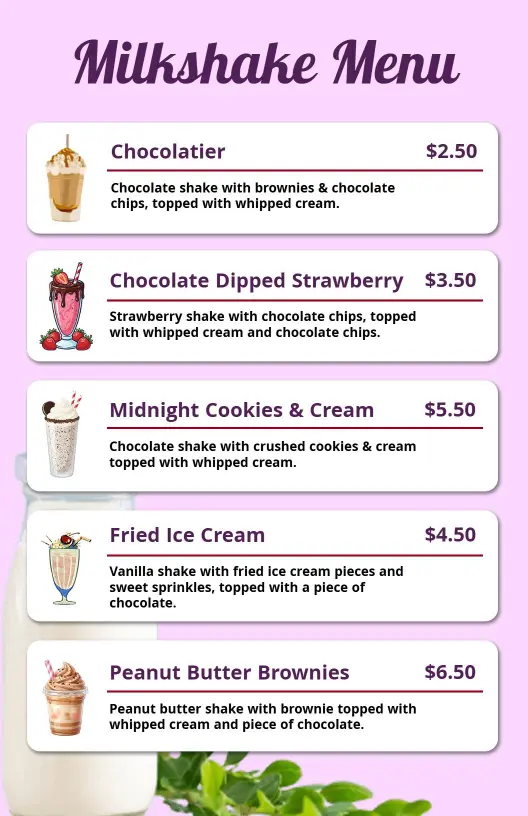
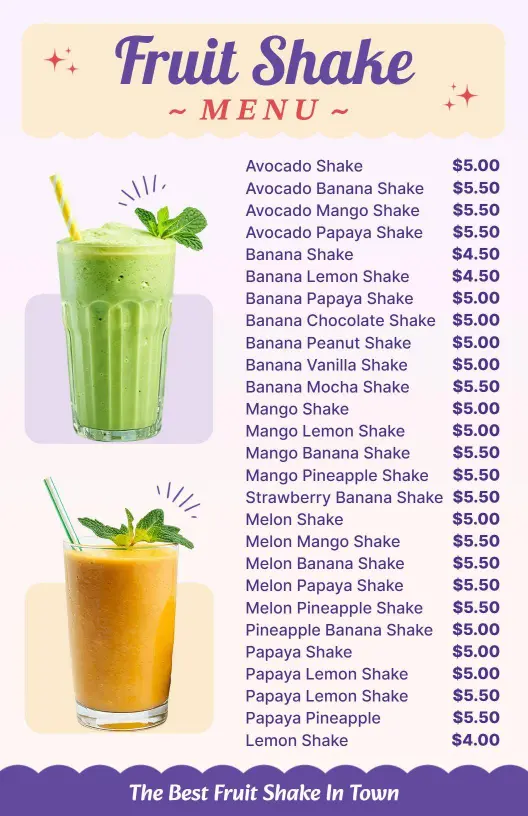
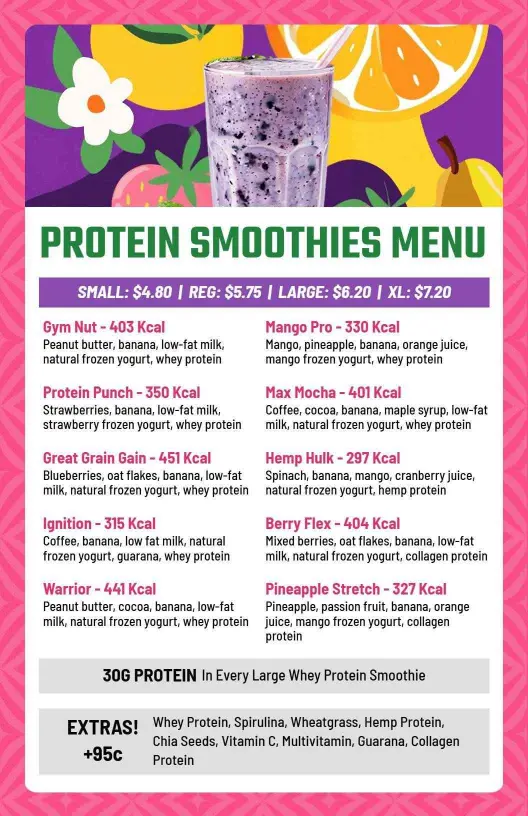
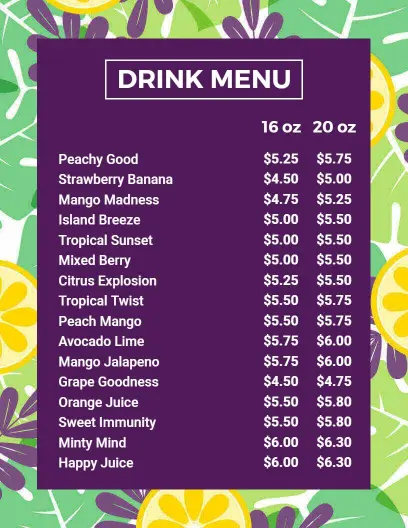
When the menu includes seasonal drinks or limited time specials, a strong visual hierarchy helps those offers stand out without crowding the page. That makes the menu easier to update and easier for guests to follow. Bold Purple Themed Refreshing Drink Menu Template gives the board a vibrant tone. Indulgent Chocolate and Mocha Varieties Fruit Shake Drink Menu Template is useful for richer drink options.
Mocktails and mixed beverages
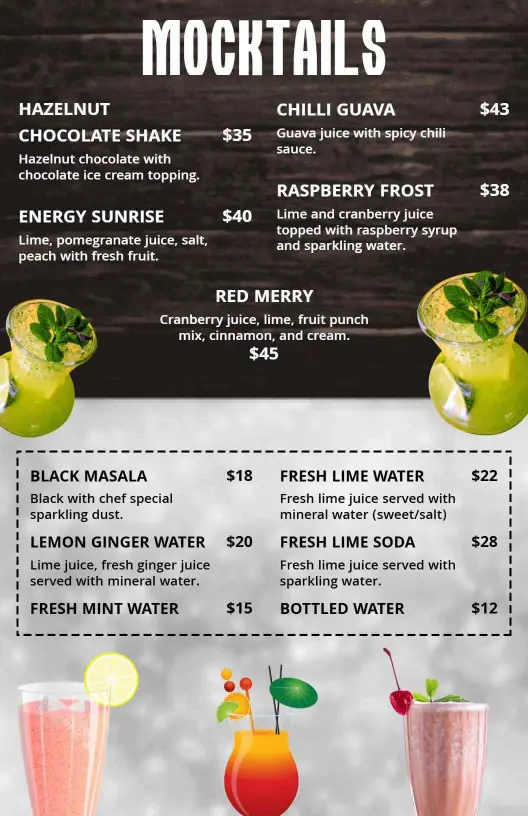
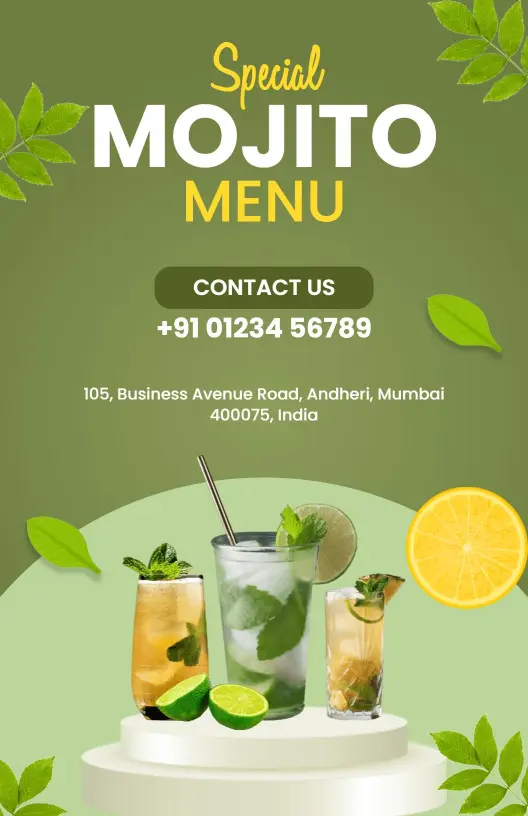
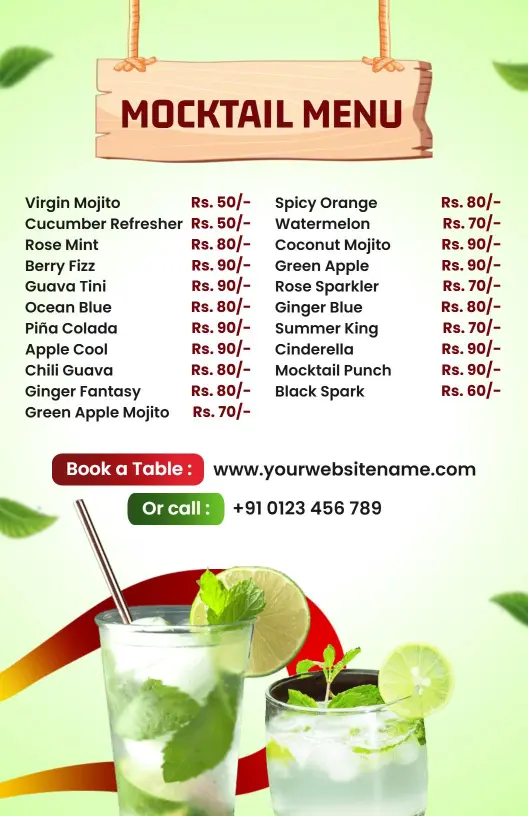
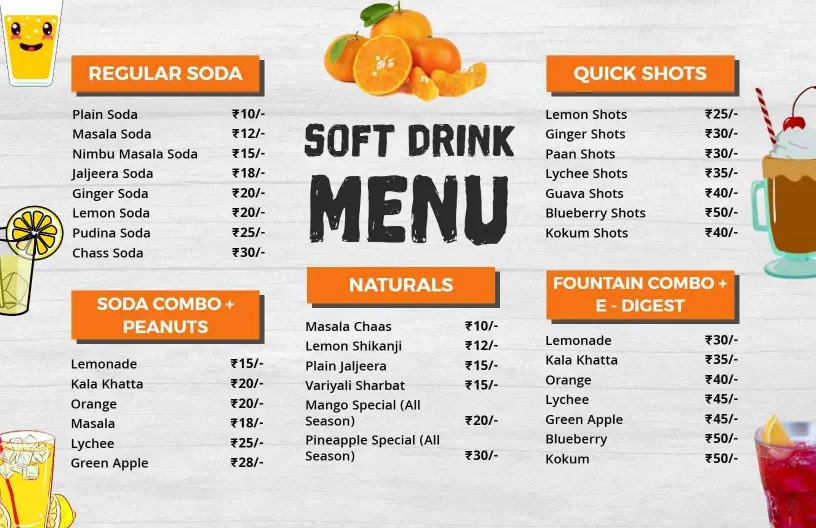
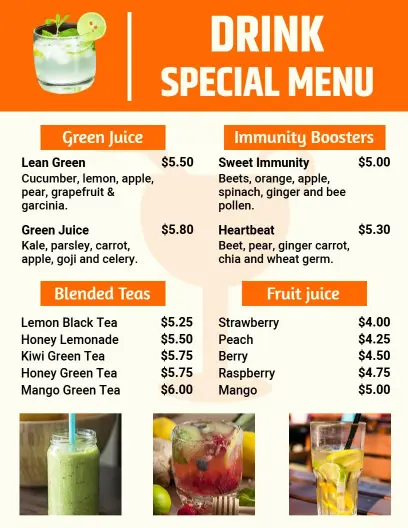
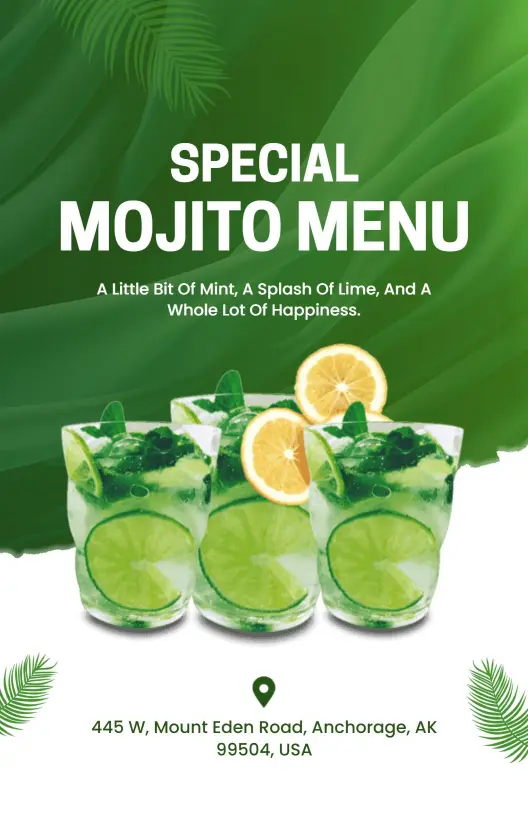
For mocktails, soft drinks, and mixed beverages, keep the menu flexible so it can support both restaurant service and event style offerings. The goal is to make the drinks feel appealing while still being easy to order. Bold Red Mocktail and Beverage Drink Menu Template works well for a more energetic presentation. Orange and White Refreshing Soft Drink Variety Menu Template keeps the layout approachable and clear.