


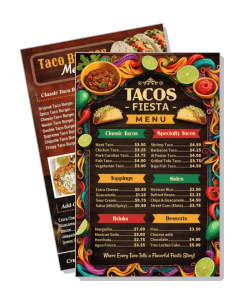
Tacos Menu Templates
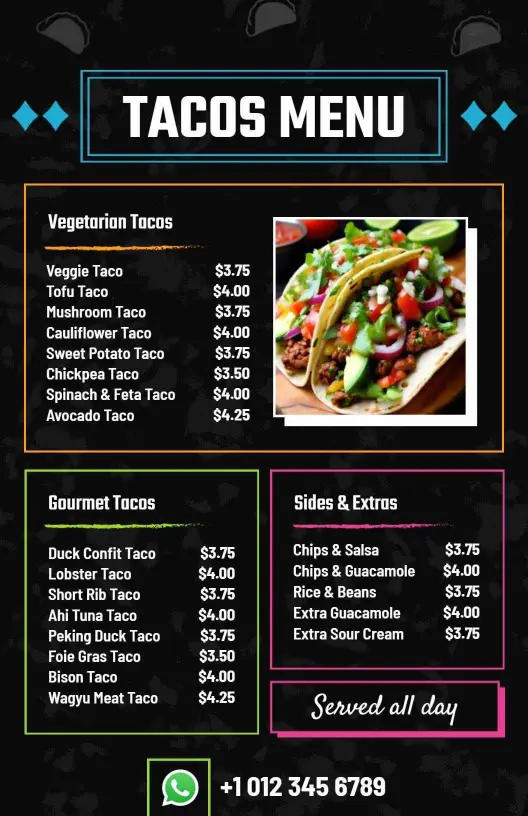
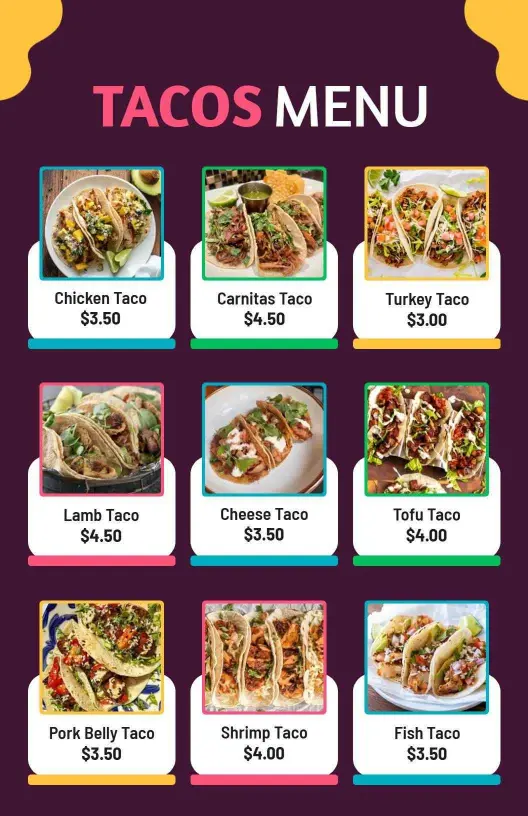
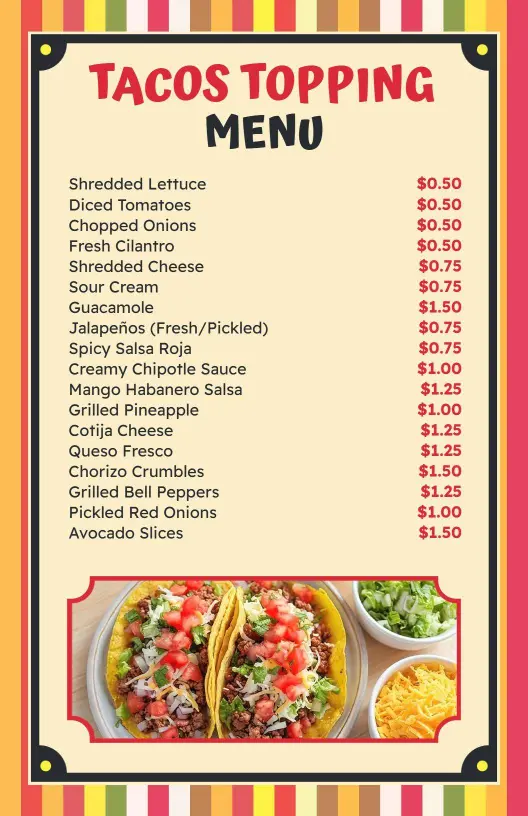
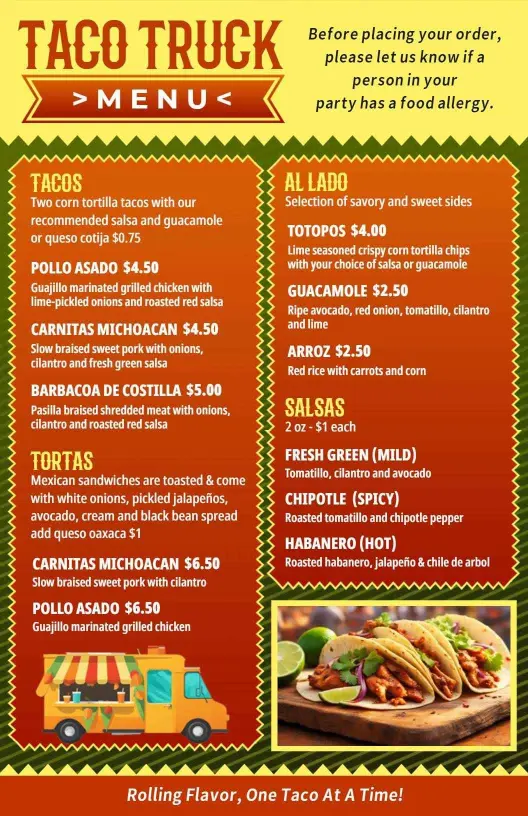
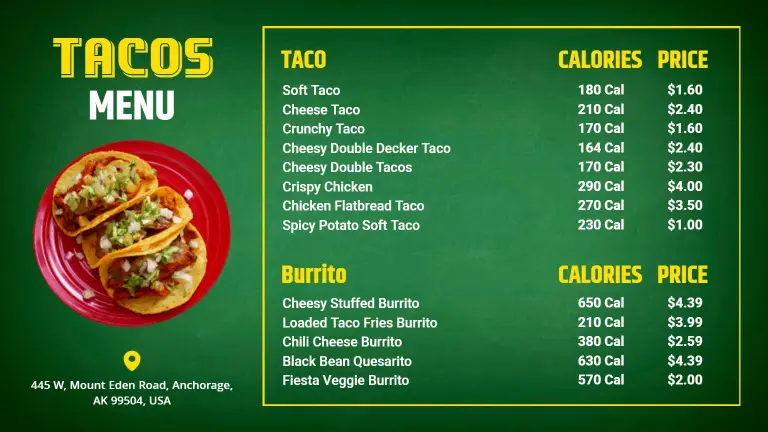
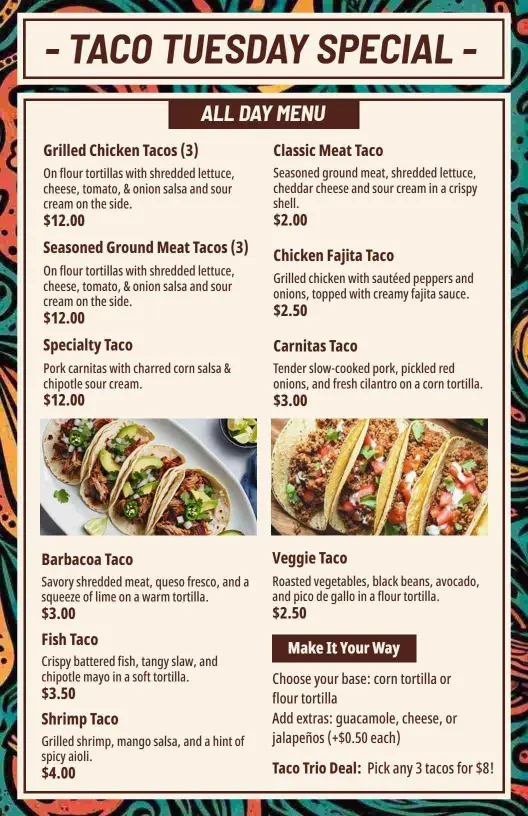
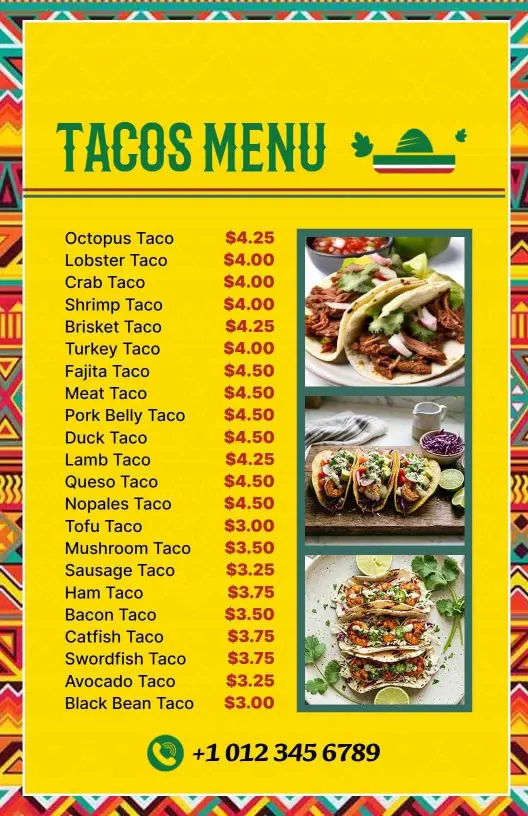
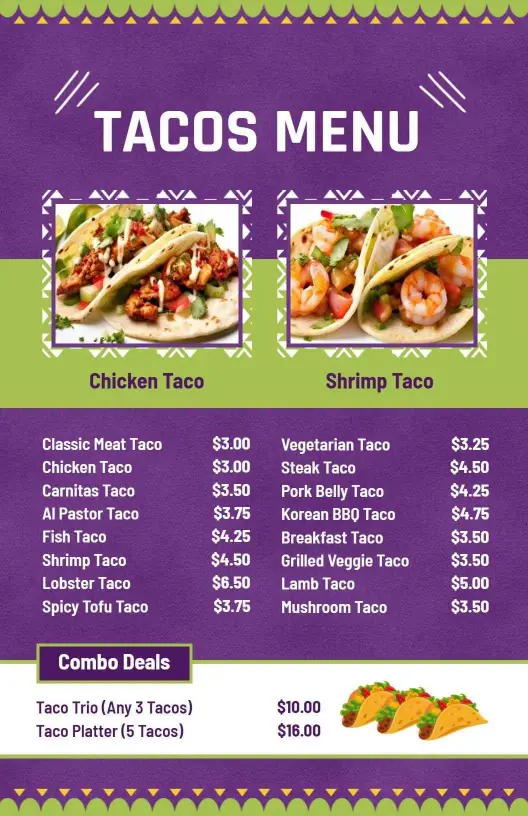
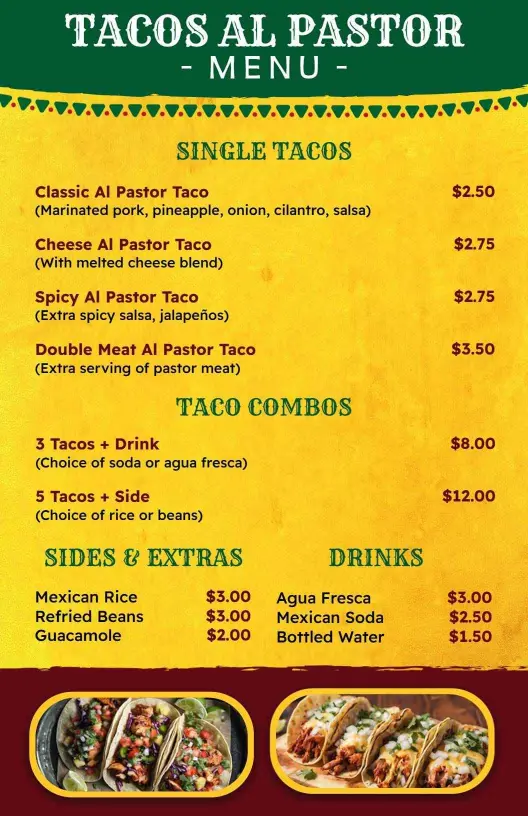
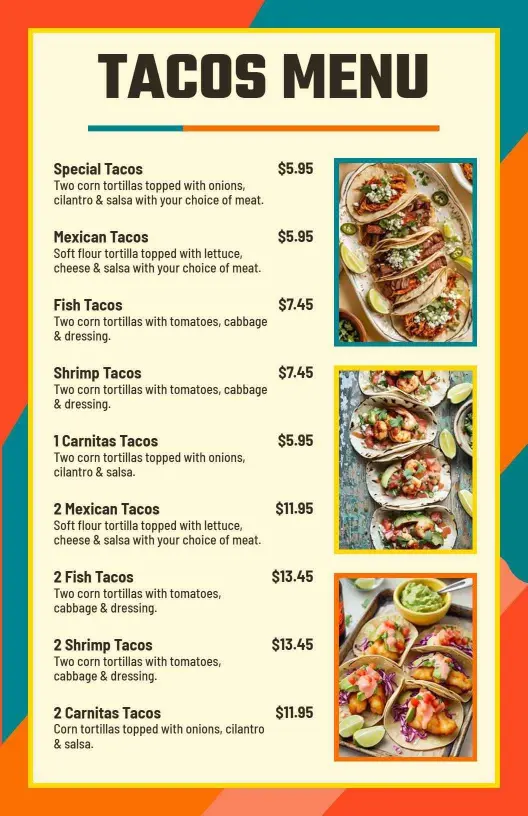
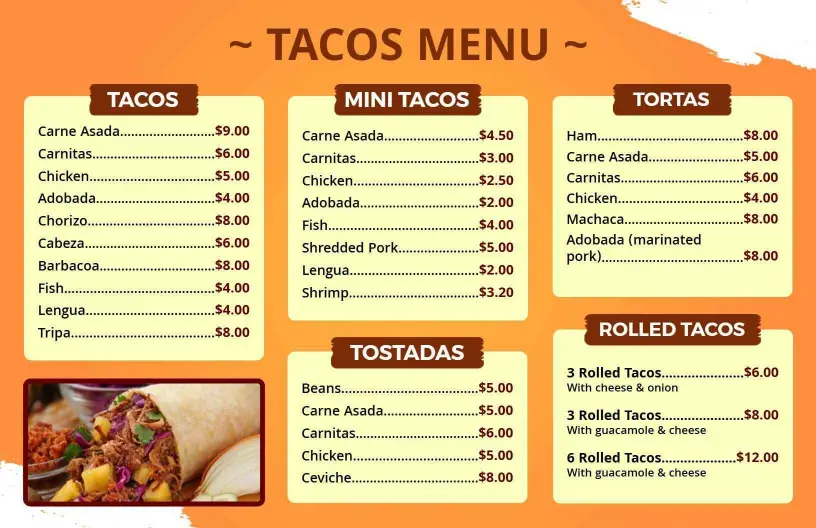
DesignWiz Tacos Menu Templates help you present taco options with a clear layout, fast editing, and polished styles for restaurants, taquerias, food trucks, and casual dining counters.
Trusted by Thousands
 Tata Consultancy Services
 Boston Consulting
 AT&T
AT&T
 Avelo Airlines
 Procter & Gamble
 Ministry Of Health, Malaysia
 Veterans Affairs
 Detroit Government
 New York University
 Texas A&M University
 Decathlon America
 Warby Parker
Tata Consultancy Services
Boston Consulting
AT&T
Avelo Airlines
Procter & Gamble
Ministry Of Health, Malaysia
Veterans Affairs
Detroit Government
New York University
Texas A&M University
Decathlon America
Warby Parker
Warby Parker
Tata Consultancy Services
Boston Consulting
AT&T
Avelo Airlines
Procter & Gamble
Ministry Of Health, Malaysia
Veterans Affairs
Detroit Government
New York University
Texas A&M University
Decathlon America
Warby Parker



Other Menu templates
Drive Tacos Sales with Flavorful Menu Designs
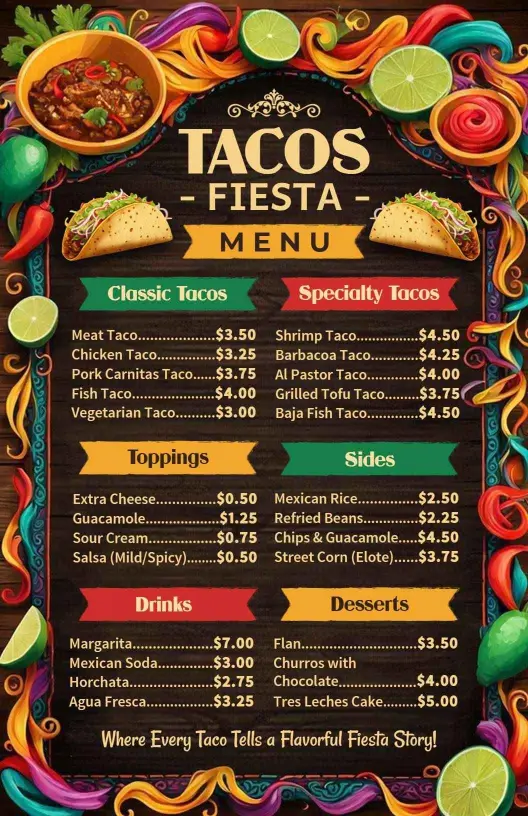
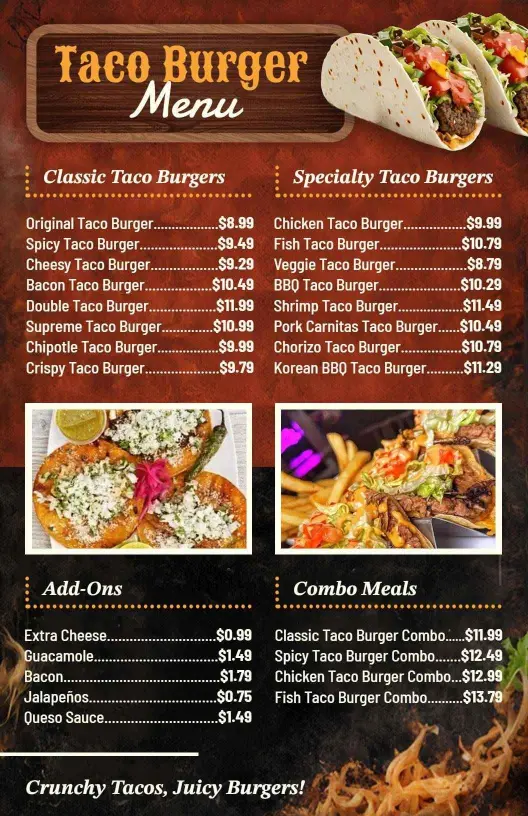
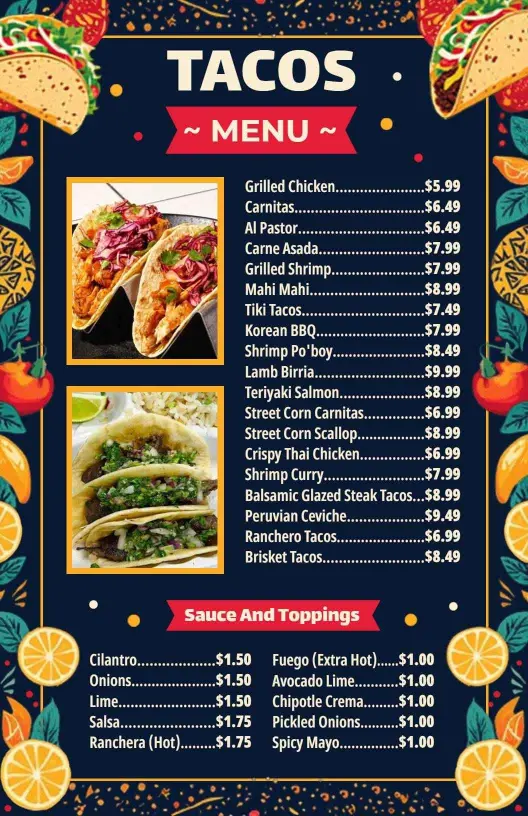
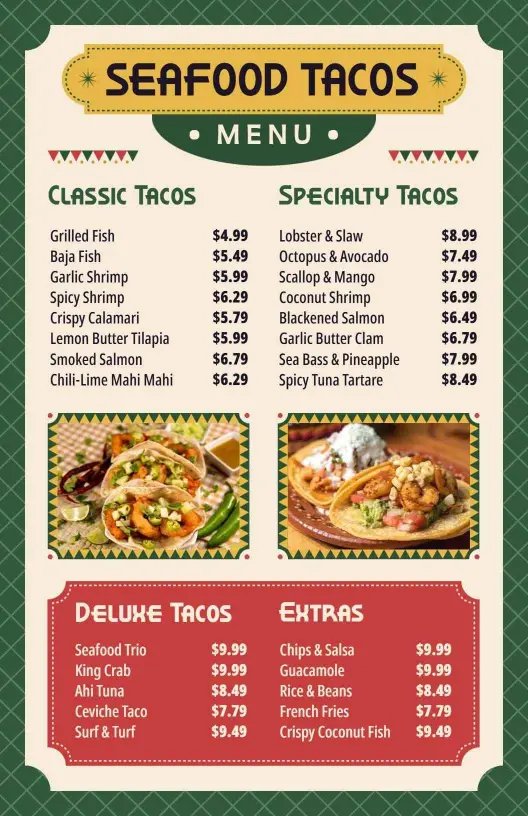
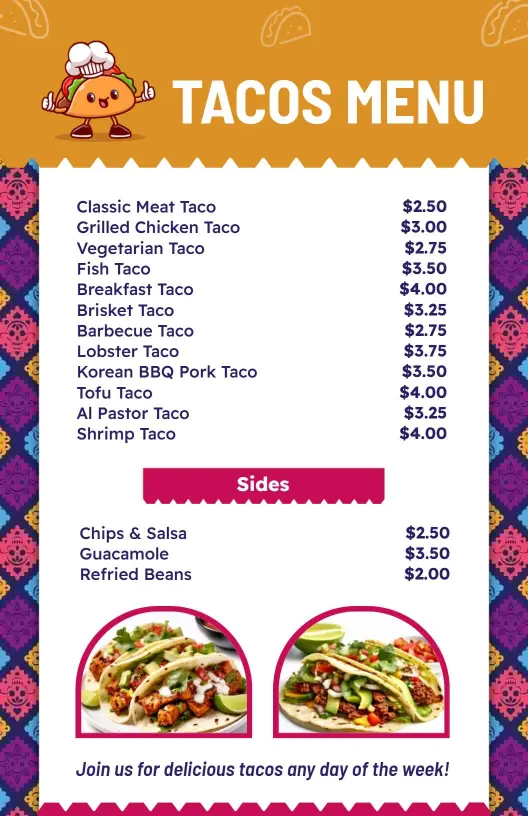
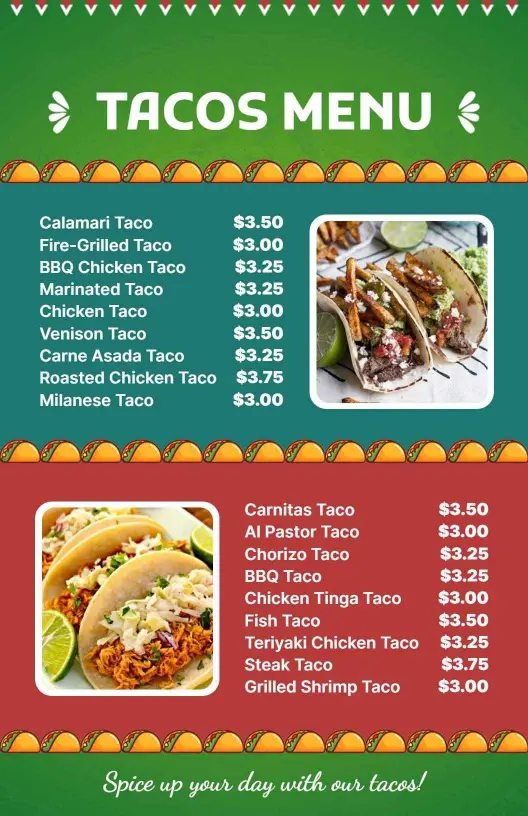
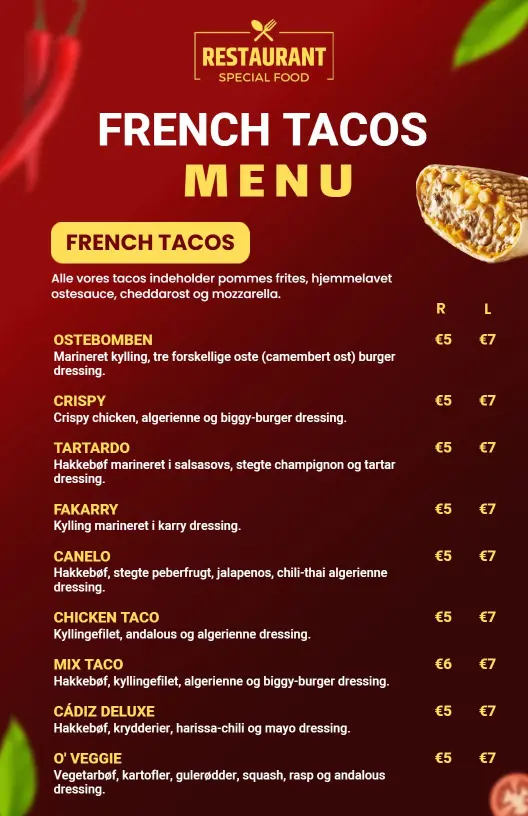
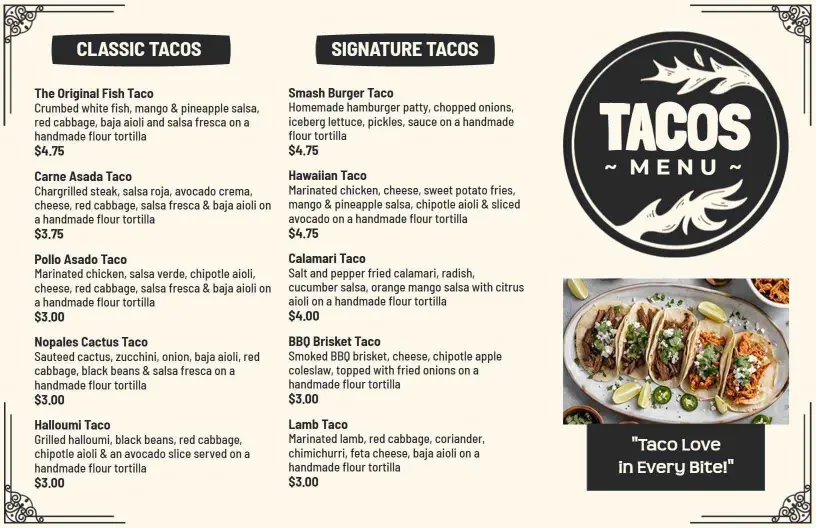
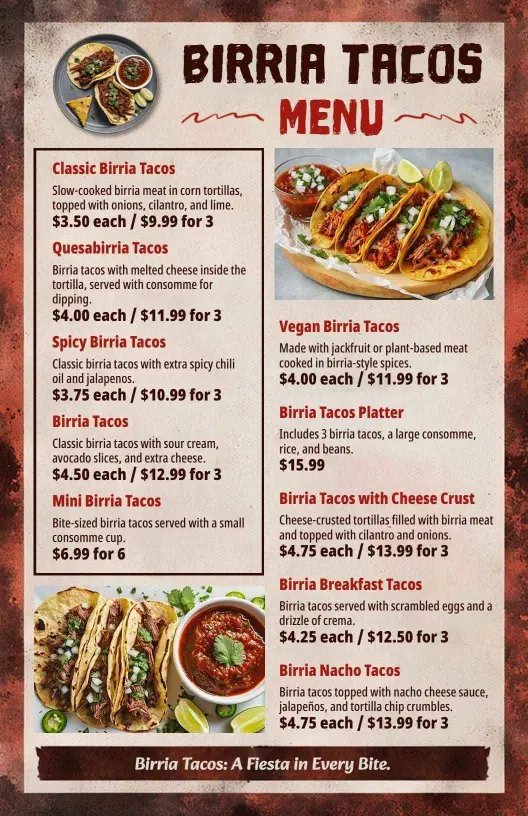
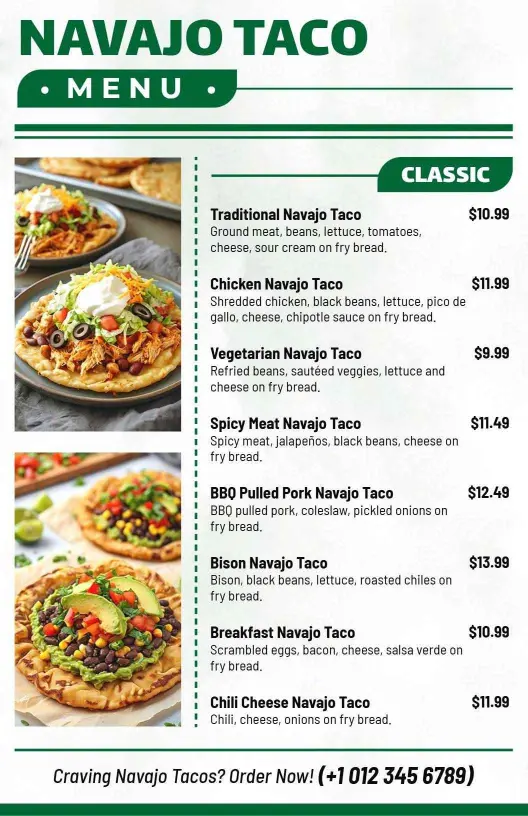
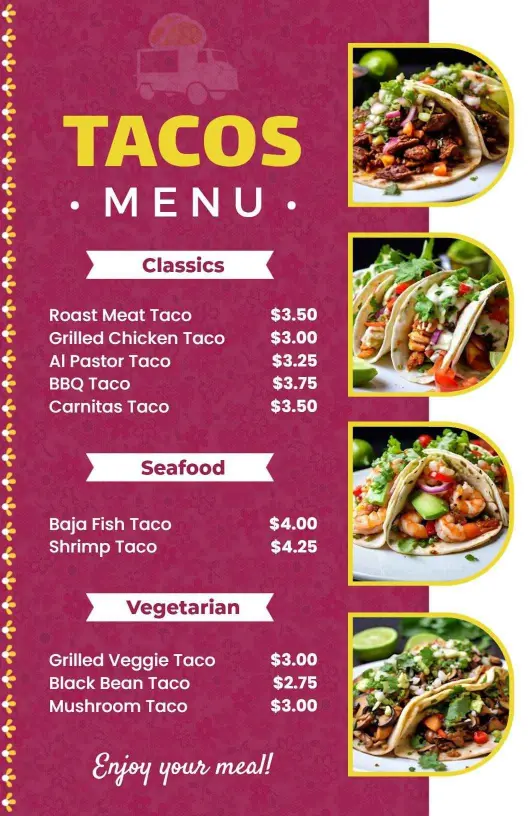
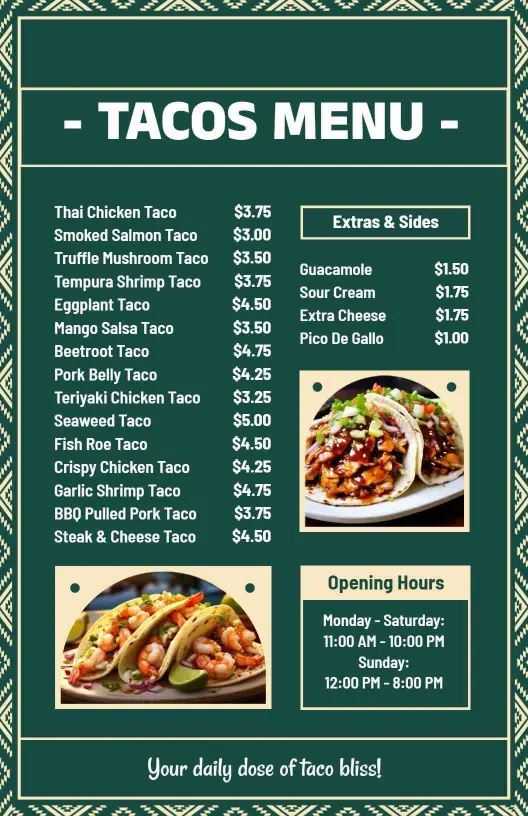
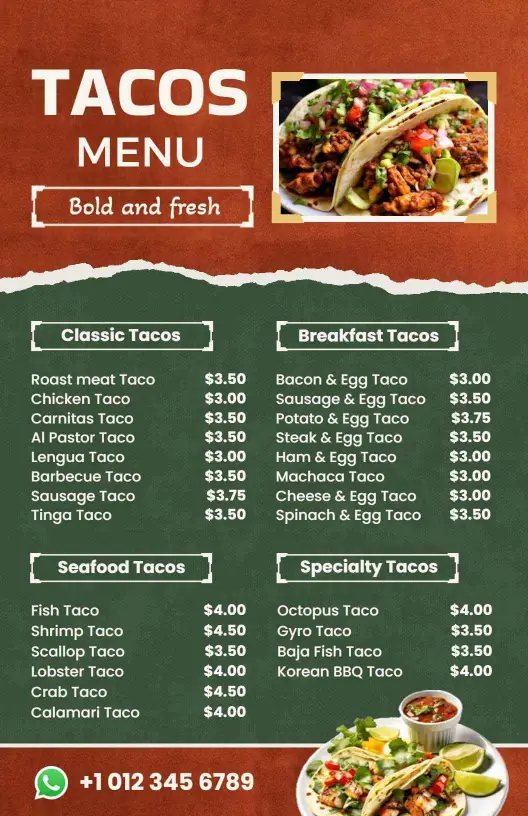
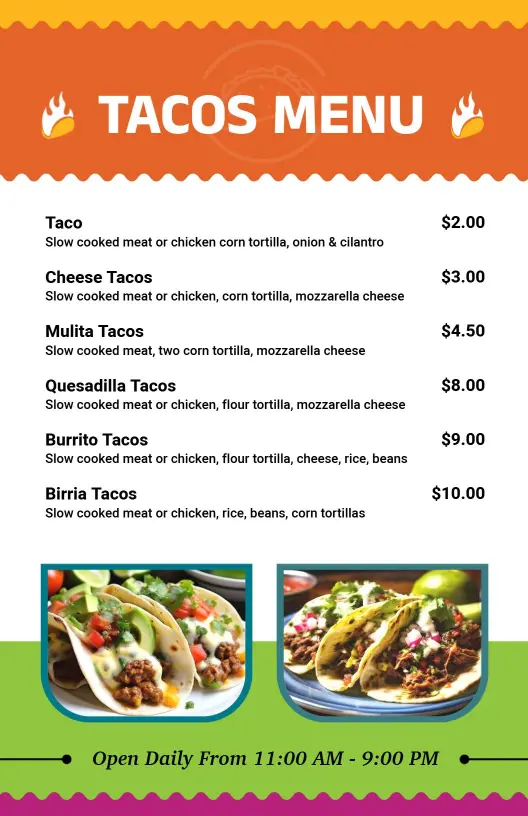
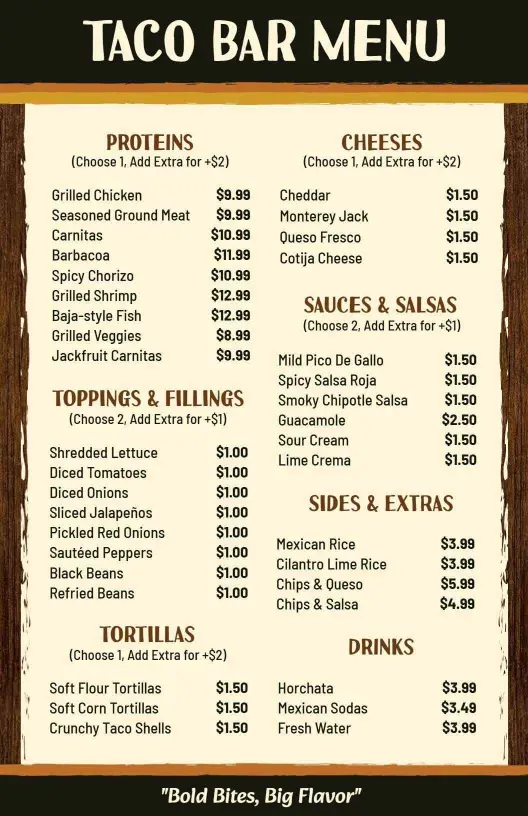
Eager diners crave the vibrant and colorful presentation that mirrors the excitement of their favorite street tacos and gourmet creations. DesignWiz tacos menu templates use fiery reds, fresh greens, and earthy browns, showcasing tantalizing images and vivid descriptions that draw customers into your cuisine's delight.
Your menu should clearly reflect the variety of options customers expect. List classic and specialty tacos, detailing protein choices like carnitas, al pastor, and blackened fish, alongside traditional garnish options, heat level indicators, sides such as elote or guacamole, and beverage pairings, clearly detailing prices and combo deals.
Present printed menus in-store on dining tables, offer them alongside takeout orders, or share digital versions across your restaurant's social media pages and food delivery apps for seamless online ordering and increased accessibility to your delectable offerings.