


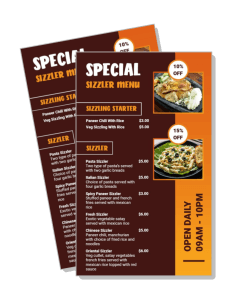
Sizzler Menu Templates
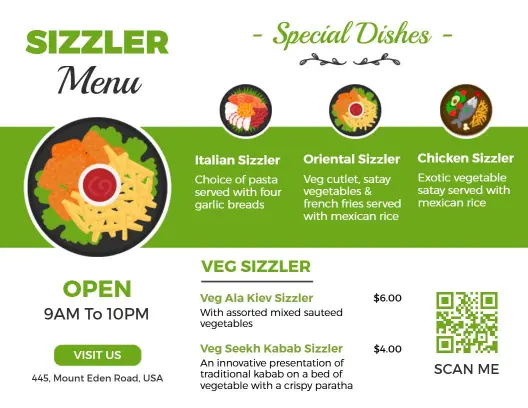
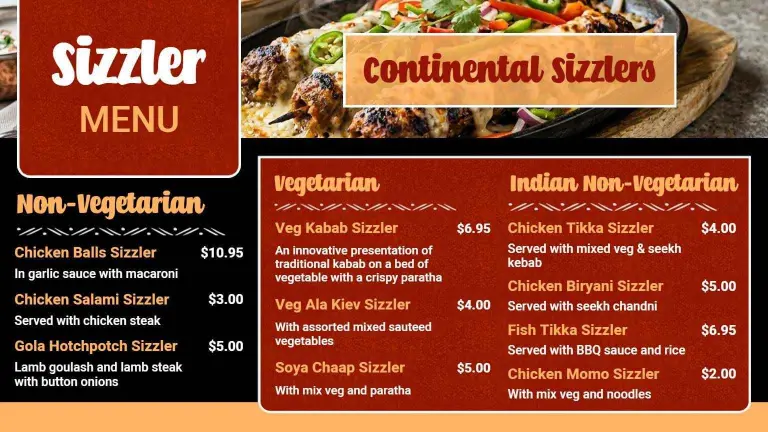
DesignWiz Sizzler Menu Templates help restaurants present grilled platters, veg and non-veg options, and signature specials in a clean layout that is simple to edit for dine-in, takeaway, or showcase menus.
Trusted by Thousands
 Tata Consultancy Services
 Boston Consulting
 AT&T
AT&T
 Avelo Airlines
 Procter & Gamble
 Ministry Of Health, Malaysia
 Veterans Affairs
 Detroit Government
 New York University
 Texas A&M University
 Decathlon America
 Warby Parker
Tata Consultancy Services
Boston Consulting
AT&T
Avelo Airlines
Procter & Gamble
Ministry Of Health, Malaysia
Veterans Affairs
Detroit Government
New York University
Texas A&M University
Decathlon America
Warby Parker
Warby Parker
Tata Consultancy Services
Boston Consulting
AT&T
Avelo Airlines
Procter & Gamble
Ministry Of Health, Malaysia
Veterans Affairs
Detroit Government
New York University
Texas A&M University
Decathlon America
Warby Parker



Other Menu templates
Entice Diners with Delectable Sizzler Menu Designs
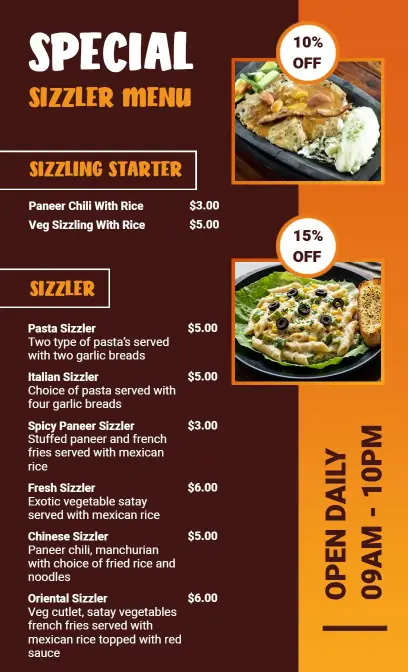
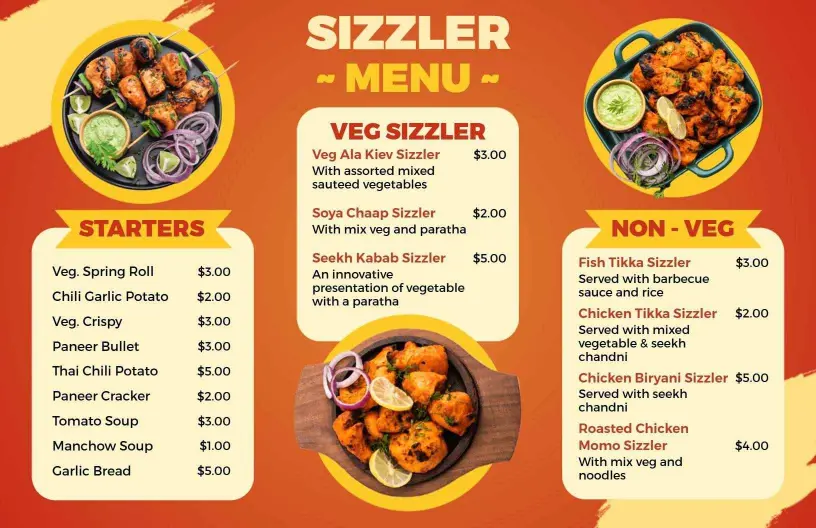
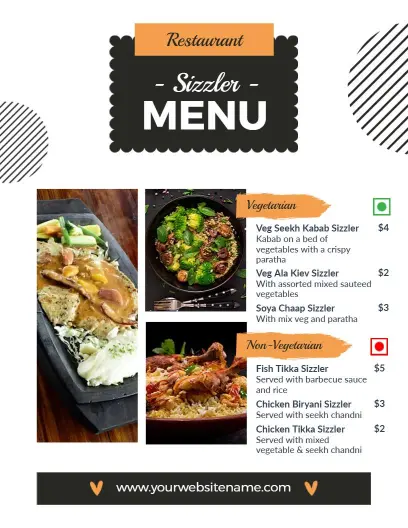
Create a visual feast that captures the appetite with vibrant sizzler menu templates. These templates use warm, fiery colors, dynamic photo spaces, and elegant script fonts that reflect the sizzling excitement your dishes bring to the table, enticing customers from the start.
Organize your offerings clearly with detailed sections showcasing your sizzler varieties. Include dish names, tempting descriptions of the sizzling sauces and sides, spice levels, dietary options like vegan or keto, and clear pricing. Highlight any mealtime specials that might attract more frequent visits from diners.
Place these menus directly on dining tables for customers to browse while deciding, incorporate them into takeout packaging so customers can plan their next visit, or upload them as attractive digital menus on your website and delivery apps to ensure your offerings are just a click away.