


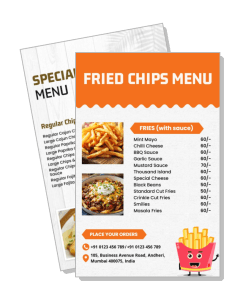
Chips Menu Templates
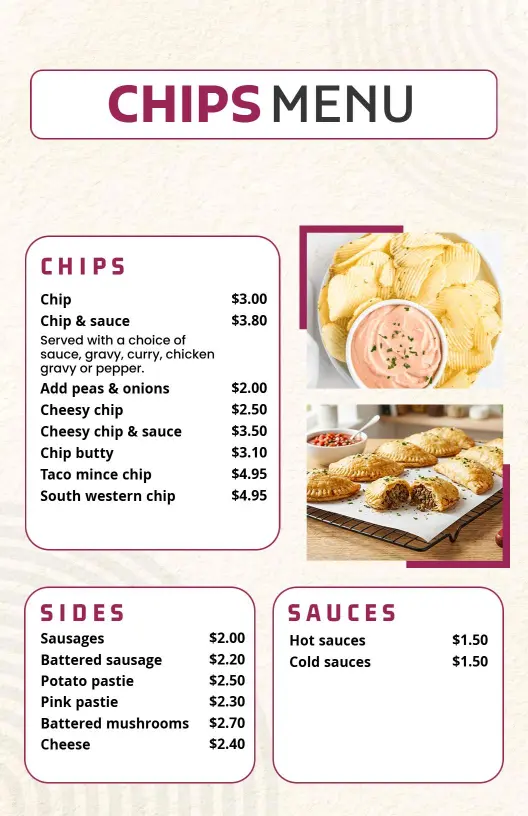
DesignWiz Chips Menu Templates help you present fried chips, banana chips, chip-and-dip specials, and simple pricing in a clean layout that is easy to edit for snack bars, cafes, and food trucks.
How to customize a chips menu
Choose a layout, add the snack options, refine the style, and export a menu that works for print, counter use, and digital sharing.

1. Choose the menu format
Start with the way customers will view it. Pick a format that fits a counter card, wall sign, or digital screen, then decide how bold or compact the design should feel.
2. Organize the snack sections
List fried chips, banana chips, dips, and specialty snacks in a clear order. Group related items together so the menu stays easy to scan during busy service.
3. Adjust the visual style
Match the colors, fonts, and spacing to the snack counter or cafe without overloading the page. Keep contrast strong and leave room around each section so the design reads cleanly.
4. Add prices and notes
Place prices in one consistent spot and add brief notes only when they help shoppers decide. Keep those details close to each item so the menu remains neat and practical.
5. Review and export
Check the final menu at actual size before exporting it. Make sure the text stays crisp, the sections line up well, and the layout still works on a phone, at a counter, and on a wall.
Trusted by Thousands
 Tata Consultancy Services
 Boston Consulting
 AT&T
AT&T
 Avelo Airlines
 Procter & Gamble
 Ministry Of Health, Malaysia
 Veterans Affairs
 Detroit Government
 New York University
 Texas A&M University
 Decathlon America
 Warby Parker
Tata Consultancy Services
Boston Consulting
AT&T
Avelo Airlines
Procter & Gamble
Ministry Of Health, Malaysia
Veterans Affairs
Detroit Government
New York University
Texas A&M University
Decathlon America
Warby Parker
Warby Parker
Tata Consultancy Services
Boston Consulting
AT&T
Avelo Airlines
Procter & Gamble
Ministry Of Health, Malaysia
Veterans Affairs
Detroit Government
New York University
Texas A&M University
Decathlon America
Warby Parker



Other Menu templates
Why chips menu templates help snack counters stay easy to scan
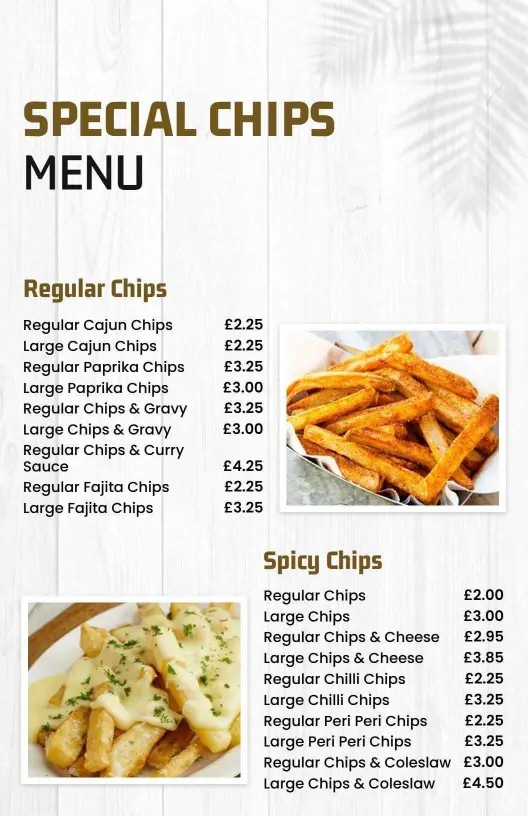
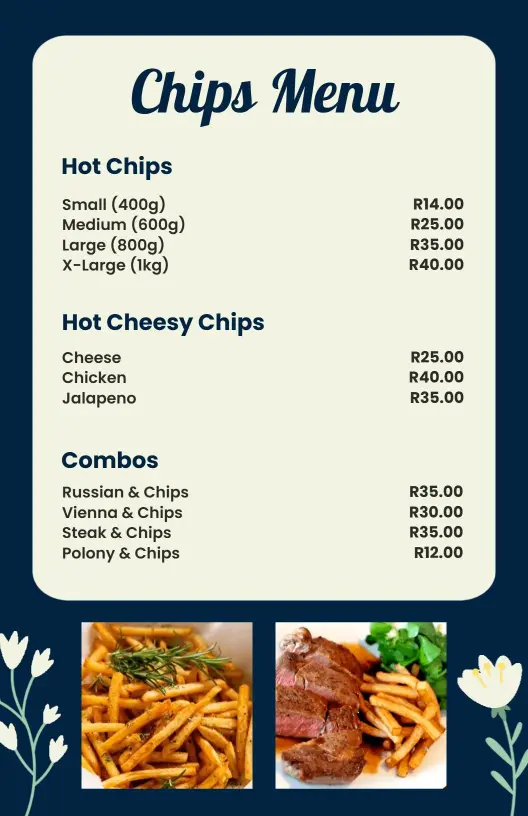
A chips menu works best when customers can compare flavors, dips, and prices without reading a crowded page. Keep the sections open, use short item names, and leave enough white space so the menu feels easy to use at the counter. Start with Modern Minimalist Special Chips Menu Template when you want a simple layout that still looks polished.
Fried chips and snack favorites
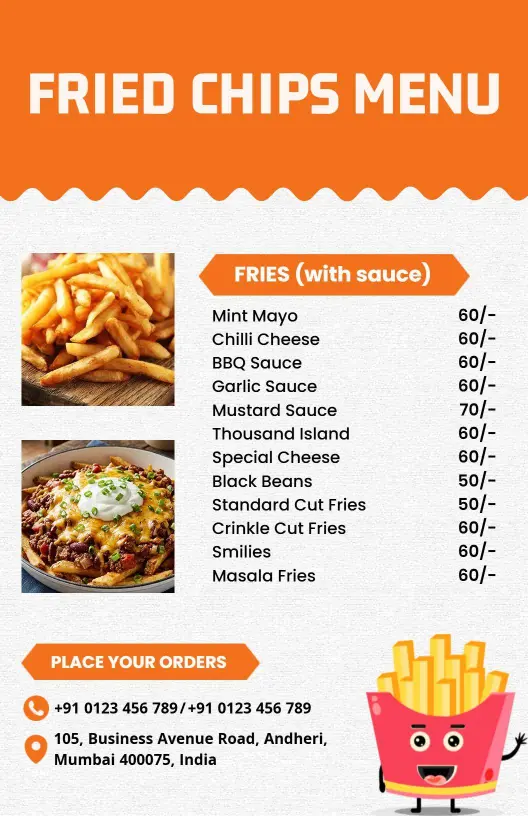
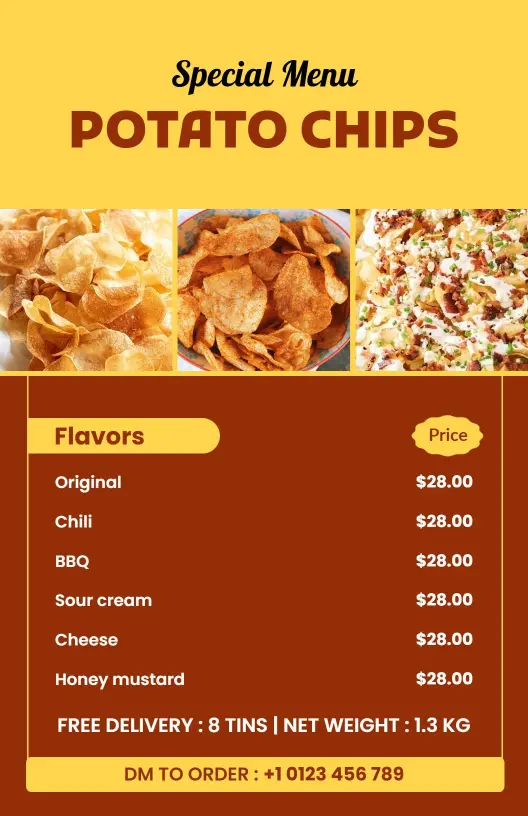
For menus built around potato chips, fried chips, or other familiar snack items, group the core choices together so customers can spot the best sellers quickly. That keeps the page readable in a snack bar, cafe, or takeaway display. Playful Orange Fried Chips Menu Template works well when you want the menu to feel lively but still easy to read.
Chip-and-dip combinations
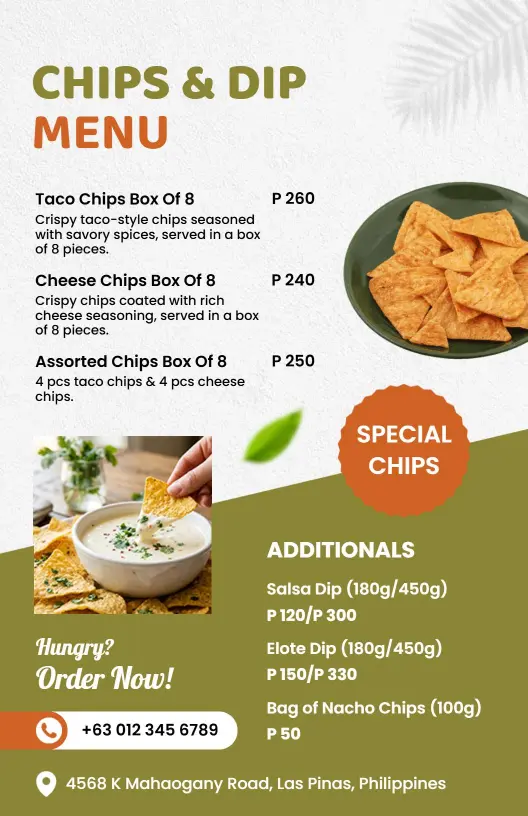
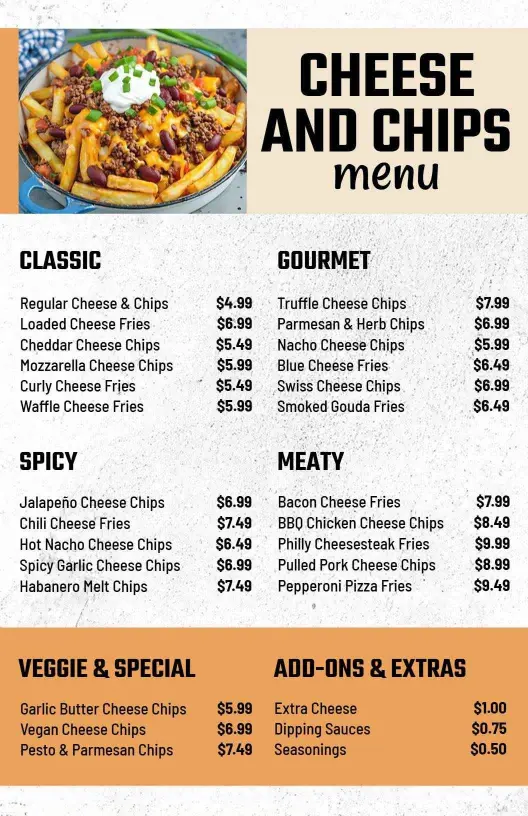
If your menu sells chips with dip pairings, keep those items in one visible section so customers can compare combinations quickly. That structure makes the menu more useful for upsells and helps the options feel more intentional. Modern Green and Orange Chips and Dip Menu Template is a strong fit for that layout.
Banana chips and specialty snack items
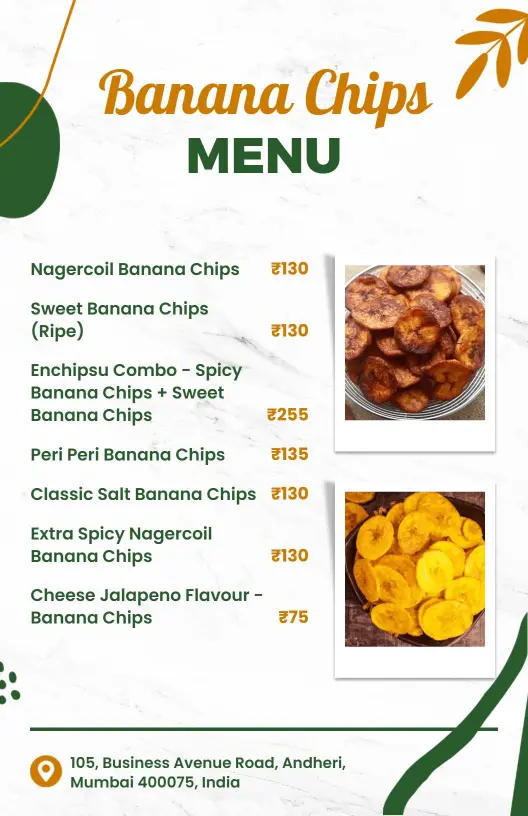
Specialty snack lines work better when they have their own section, especially if you sell banana chips or regional favorites. Clear grouping helps customers understand the range without scanning the whole page. Organic Green Banana Chips Menu Template is useful when the menu needs a clean specialty focus.
Simple boards for fast updates
A chips menu often changes when a flavor sells out or a new snack gets added. Keep the layout flexible, keep price placement consistent, and leave room for edits so the template can be refreshed without rebuilding the whole board. That makes the design practical for busy counters and seasonal offers.