


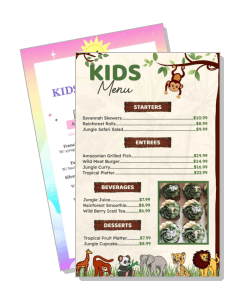
Kids Menu Templates
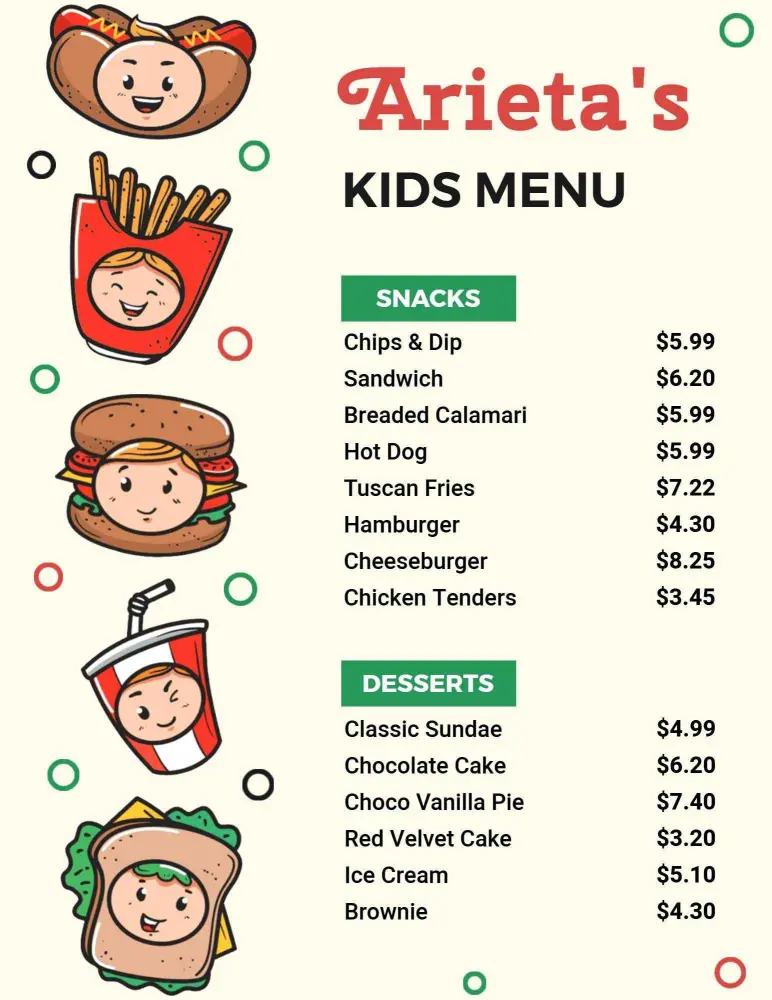
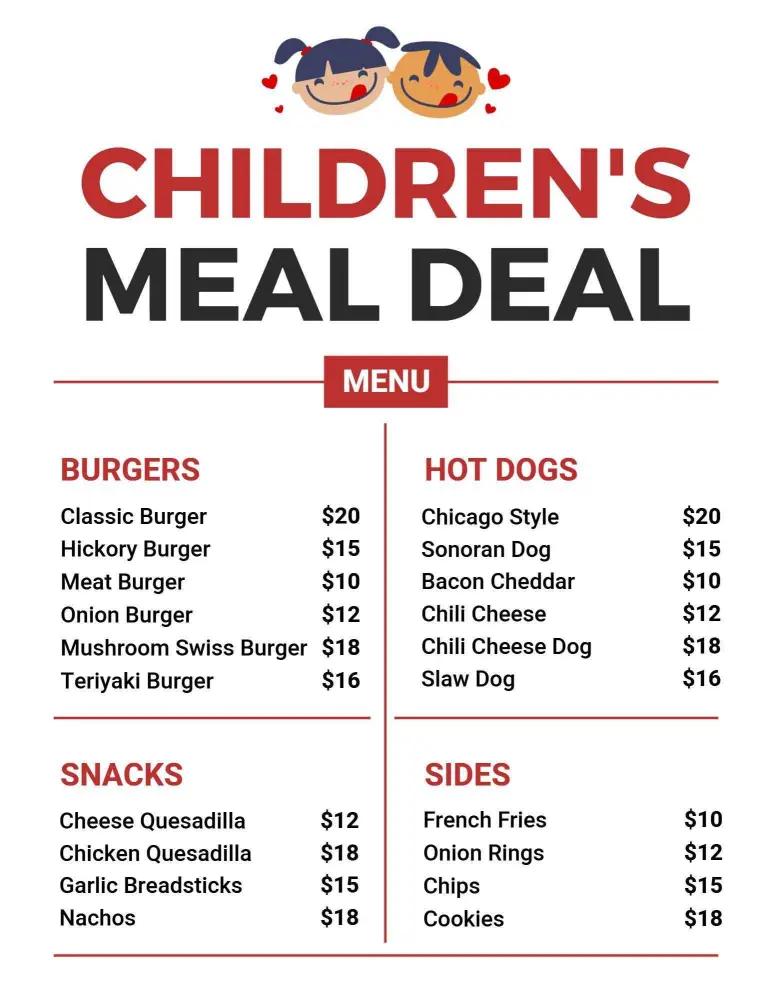
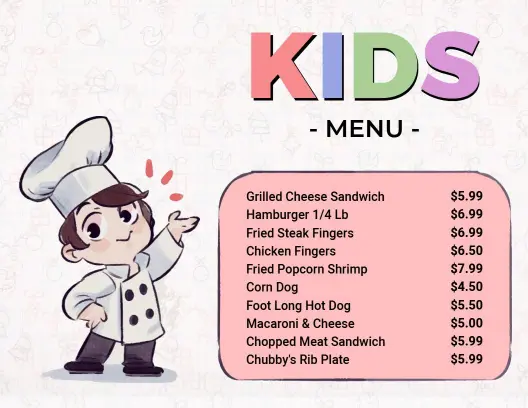
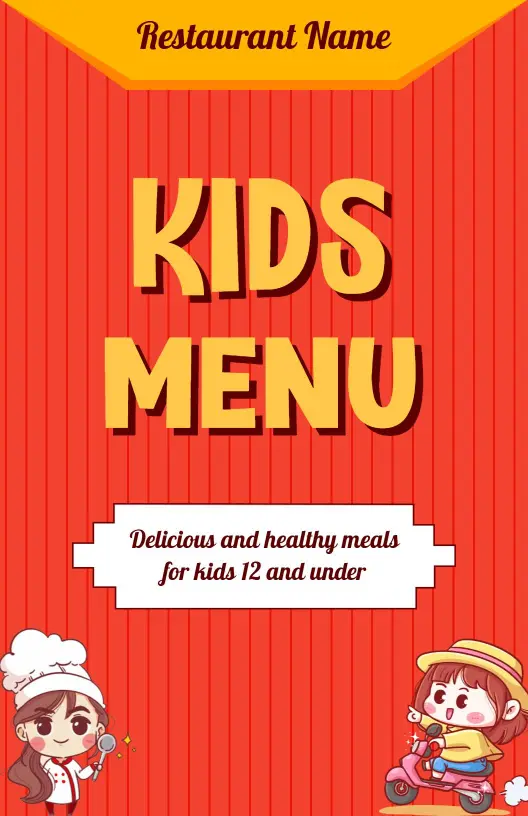
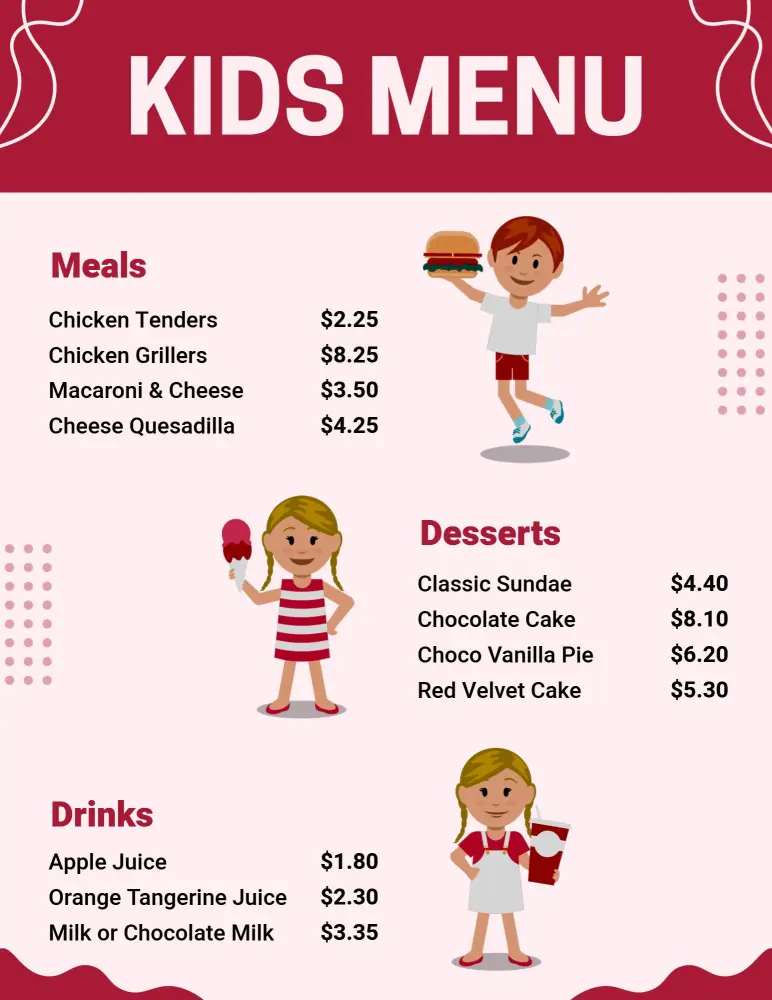
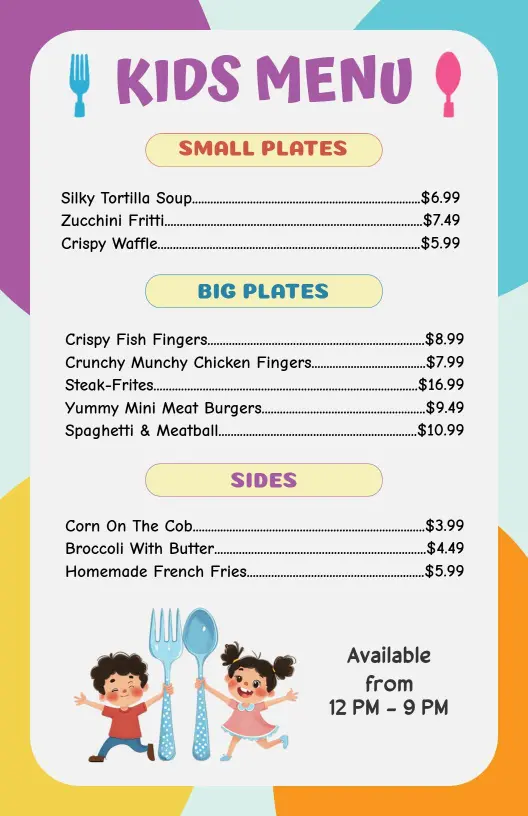
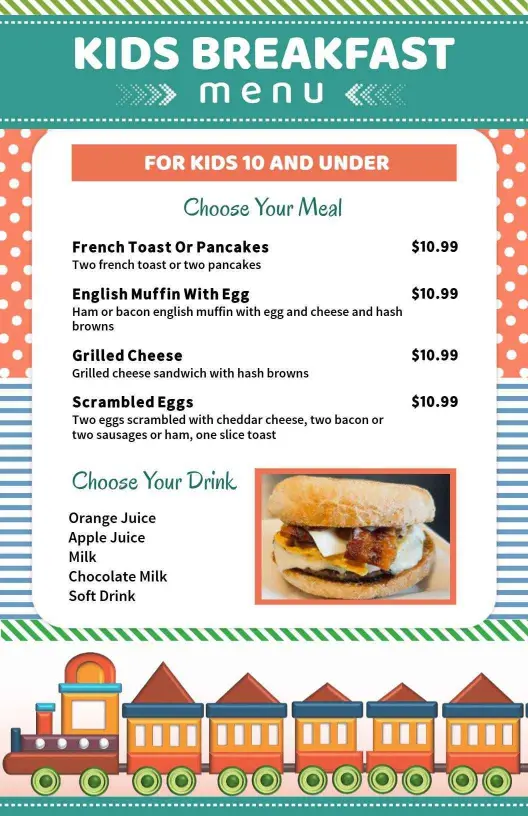
DesignWiz Kids Menu Templates help you present child friendly meals with a clear layout, quick editing, and polished styles for family restaurants, cafes, and playful dining spaces.

Trusted by Thousands
 Tata Consultancy Services
 Boston Consulting
 AT&T
AT&T
 Avelo Airlines
 Procter & Gamble
 Ministry Of Health, Malaysia
 Veterans Affairs
 Detroit Government
 New York University
 Texas A&M University
 Decathlon America
 Warby Parker
Tata Consultancy Services
Boston Consulting
AT&T
Avelo Airlines
Procter & Gamble
Ministry Of Health, Malaysia
Veterans Affairs
Detroit Government
New York University
Texas A&M University
Decathlon America
Warby Parker
Warby Parker
Tata Consultancy Services
Boston Consulting
AT&T
Avelo Airlines
Procter & Gamble
Ministry Of Health, Malaysia
Veterans Affairs
Detroit Government
New York University
Texas A&M University
Decathlon America
Warby Parker



Other Menu templates
Attract Young Diners with Fun and Colorful Kids Menus
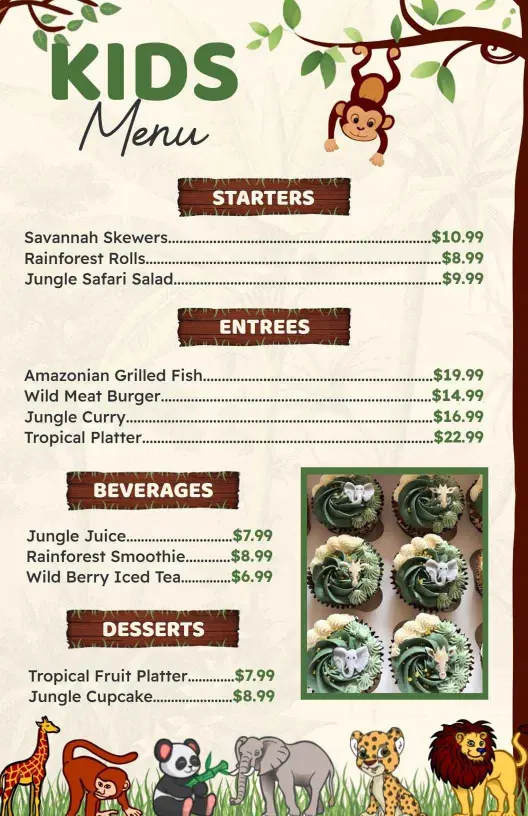
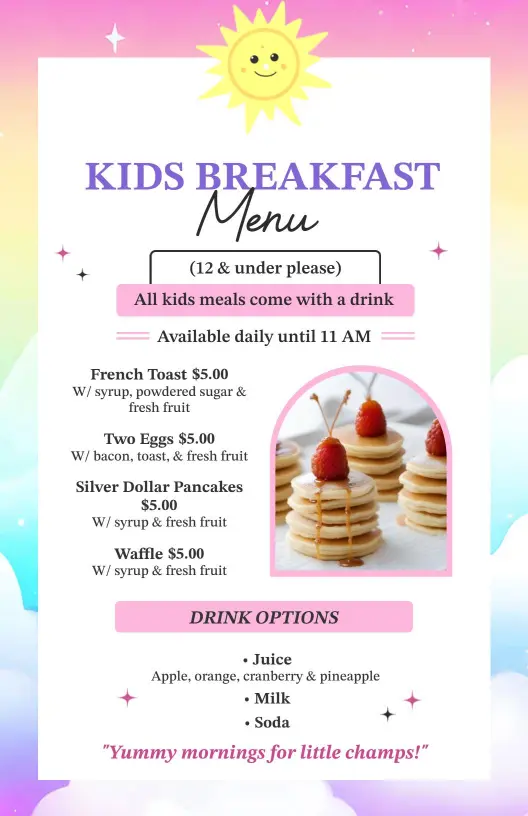
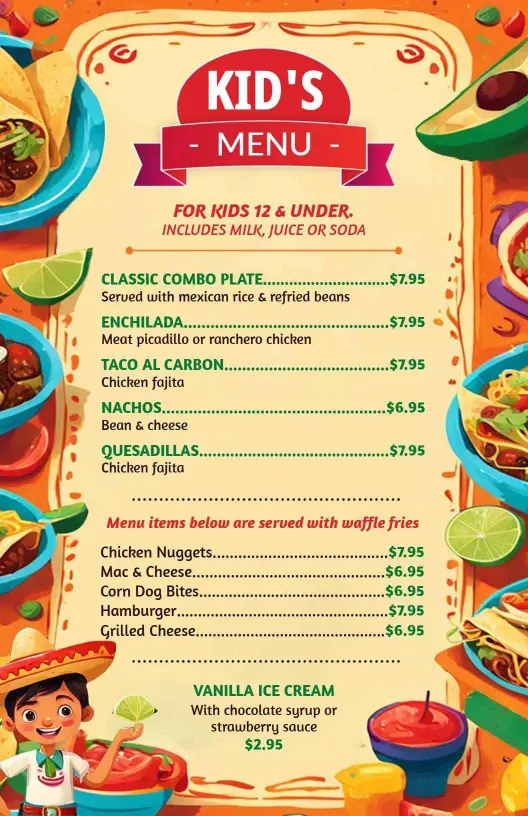
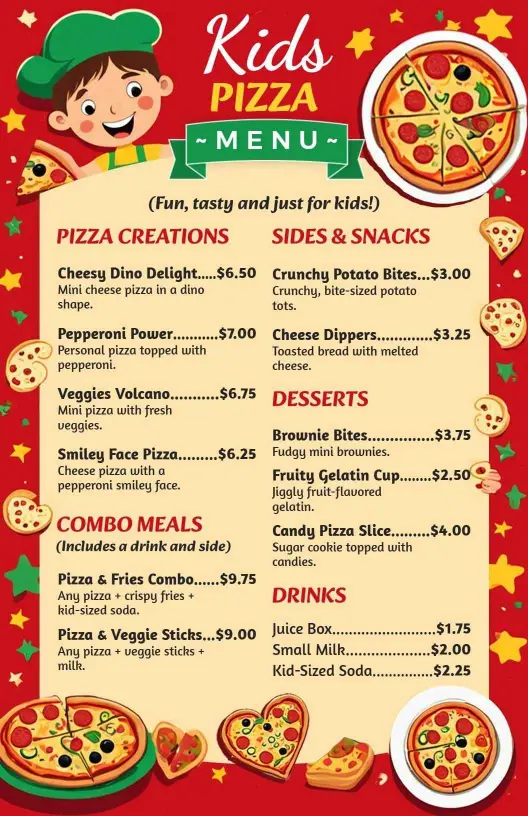
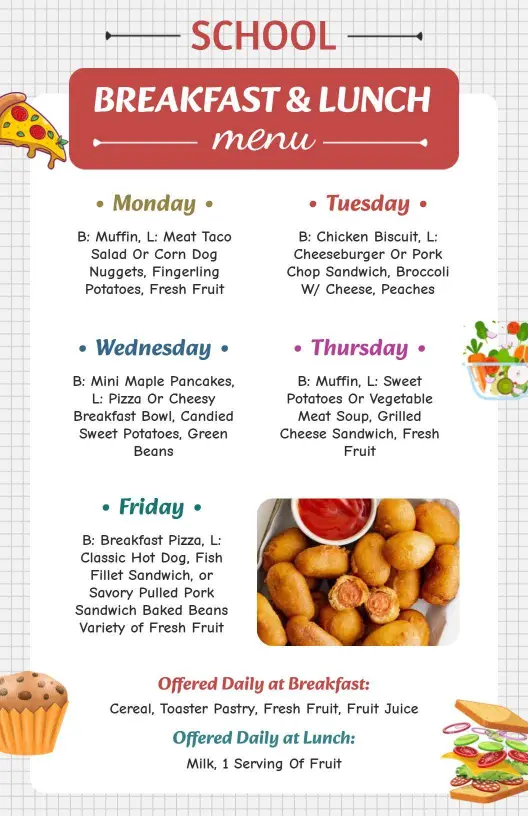
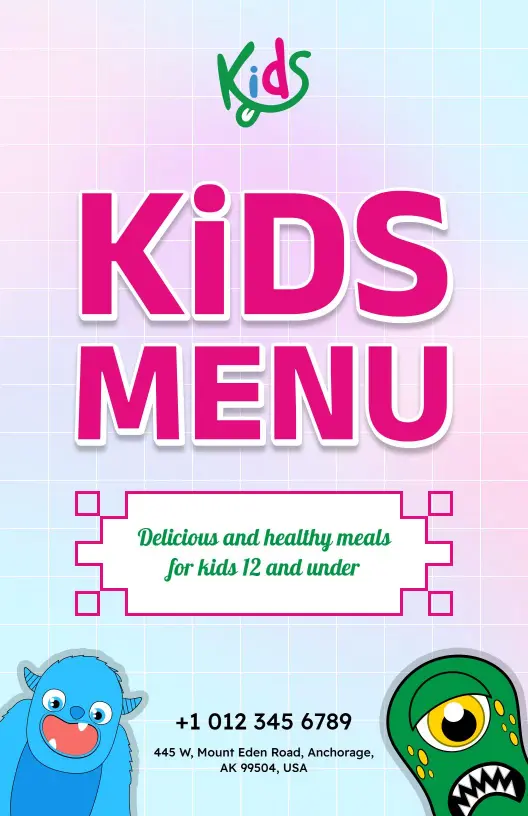
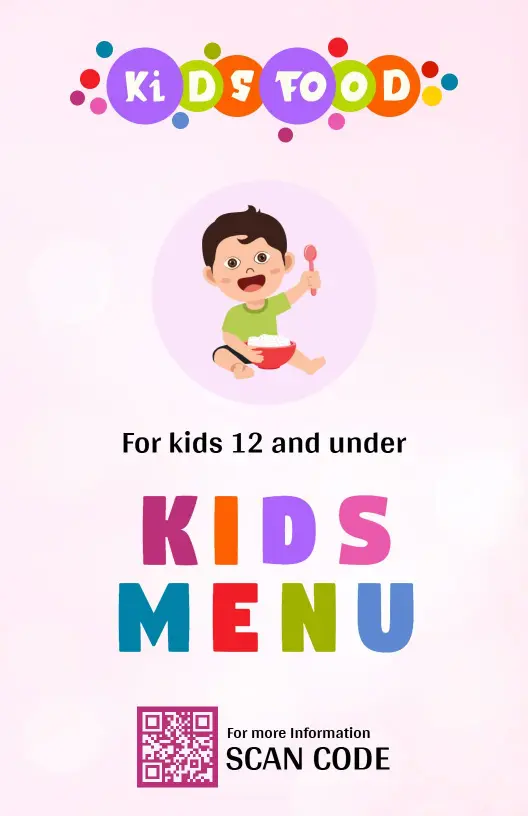
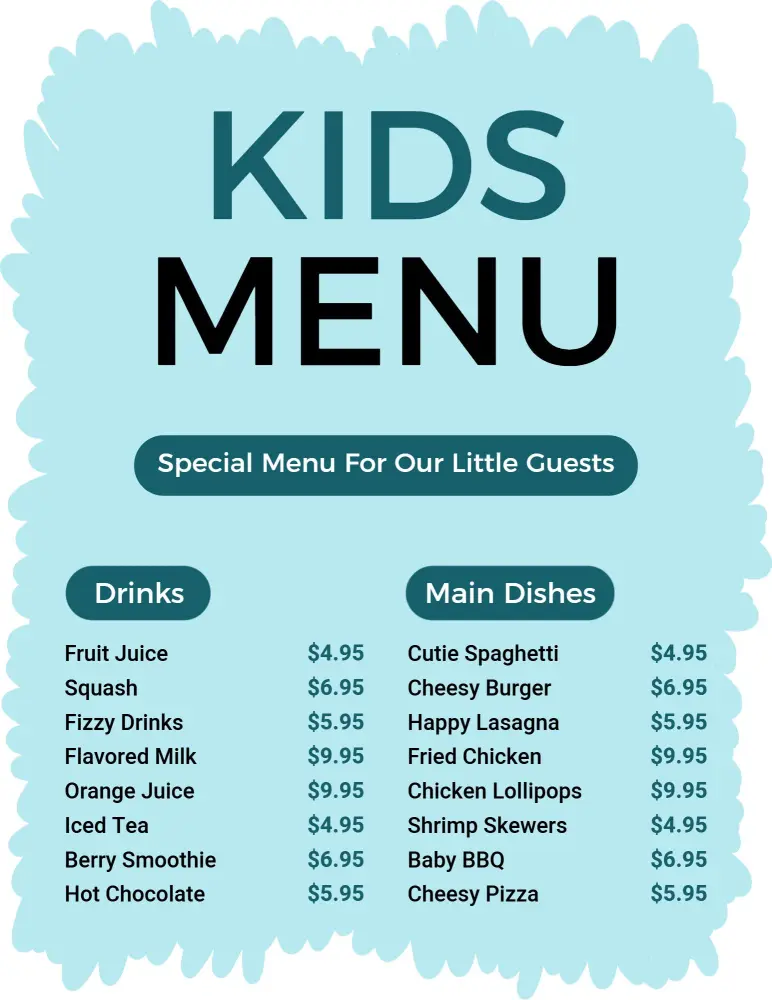
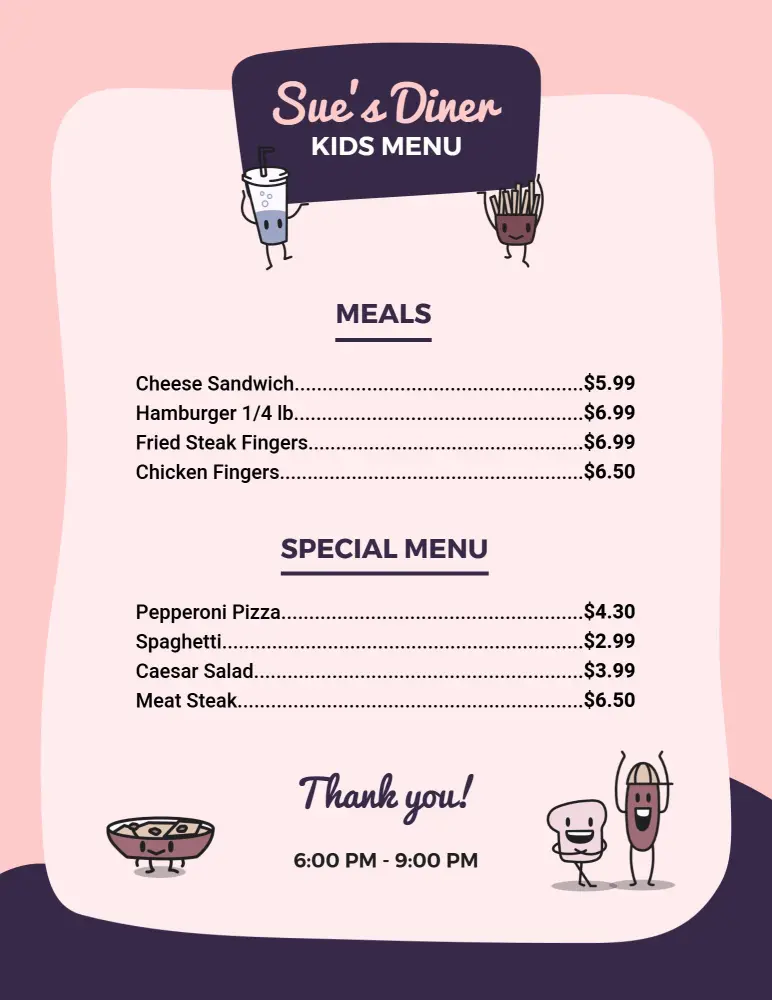
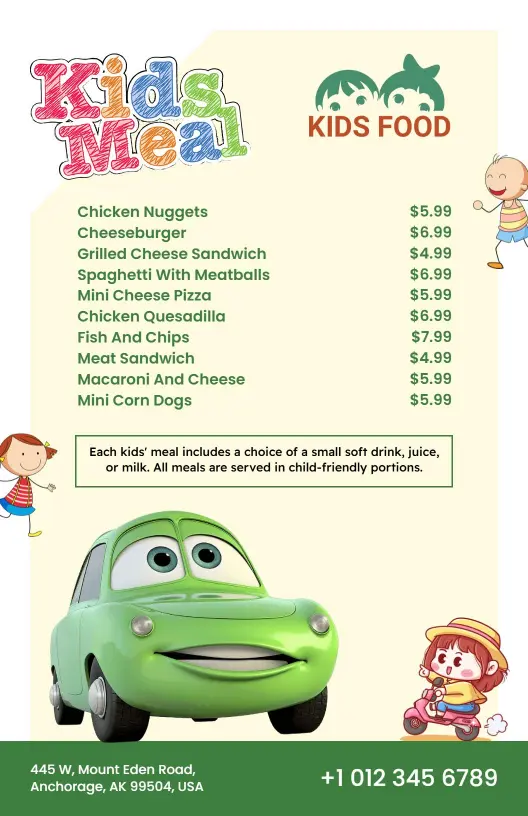
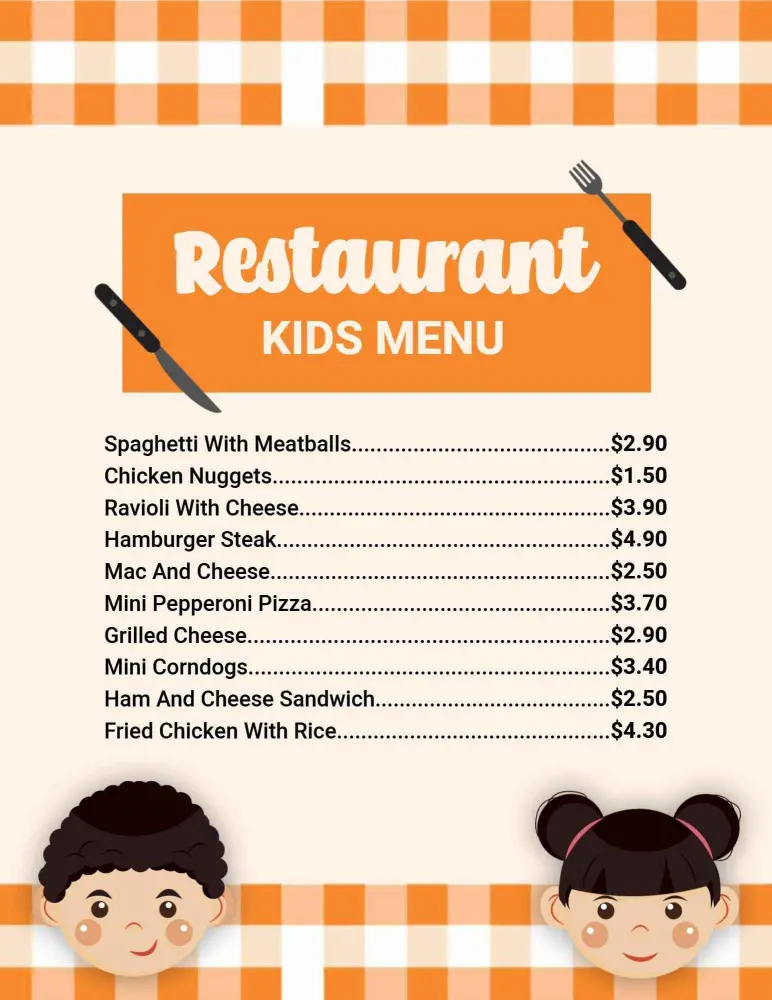
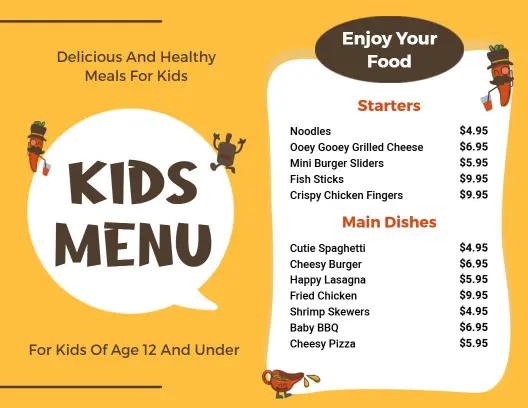
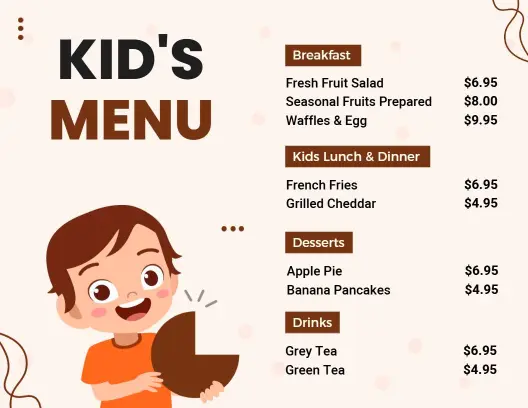
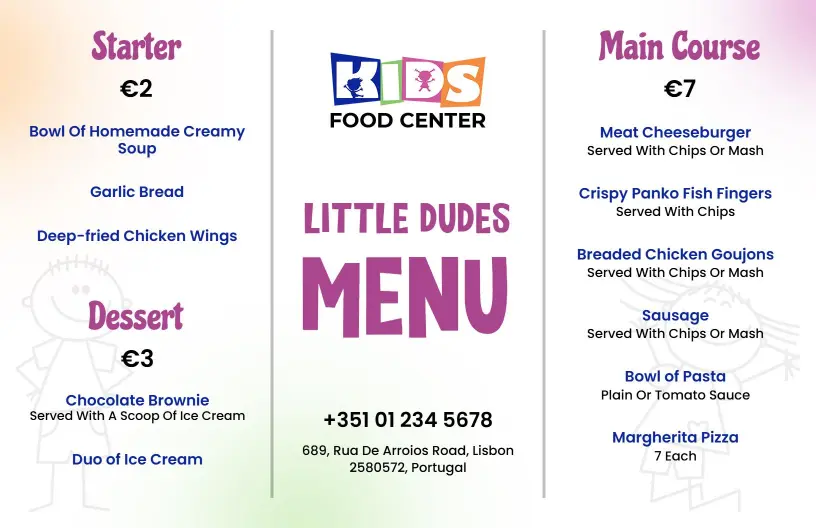
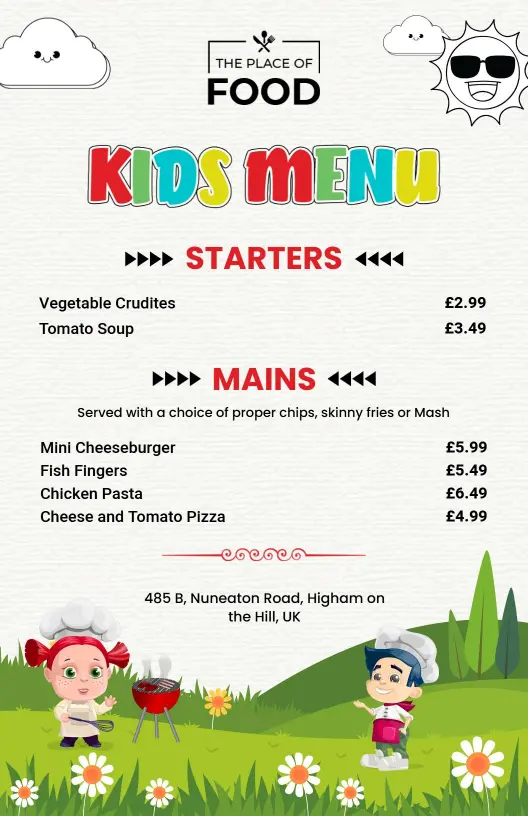
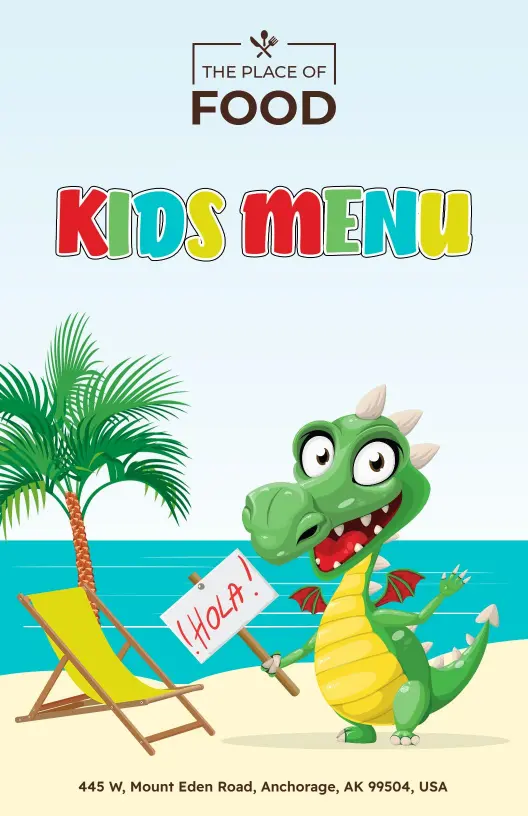
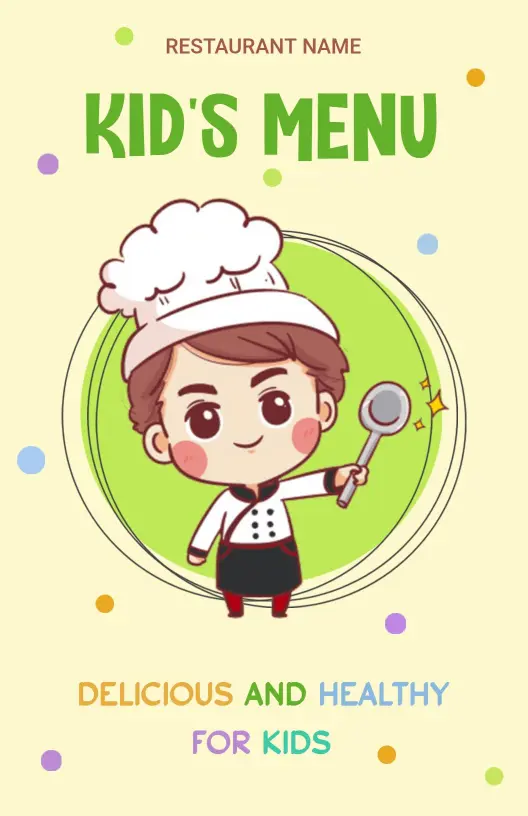
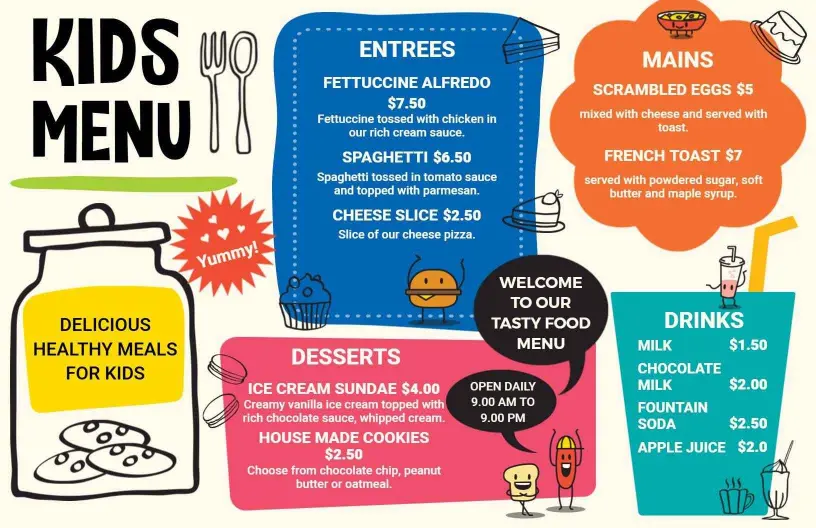
Capturing the attention of young diners requires bright colors and playful design. DesignWiz kids menu templates feature cheerful illustrations, friendly fonts, and delightful color palettes, turning the dining experience into an enjoyable adventure that keeps children excited and engaged.
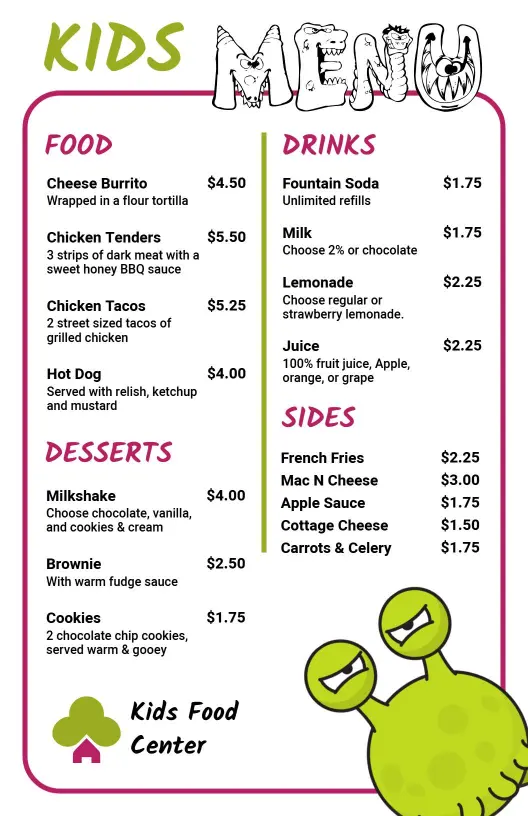
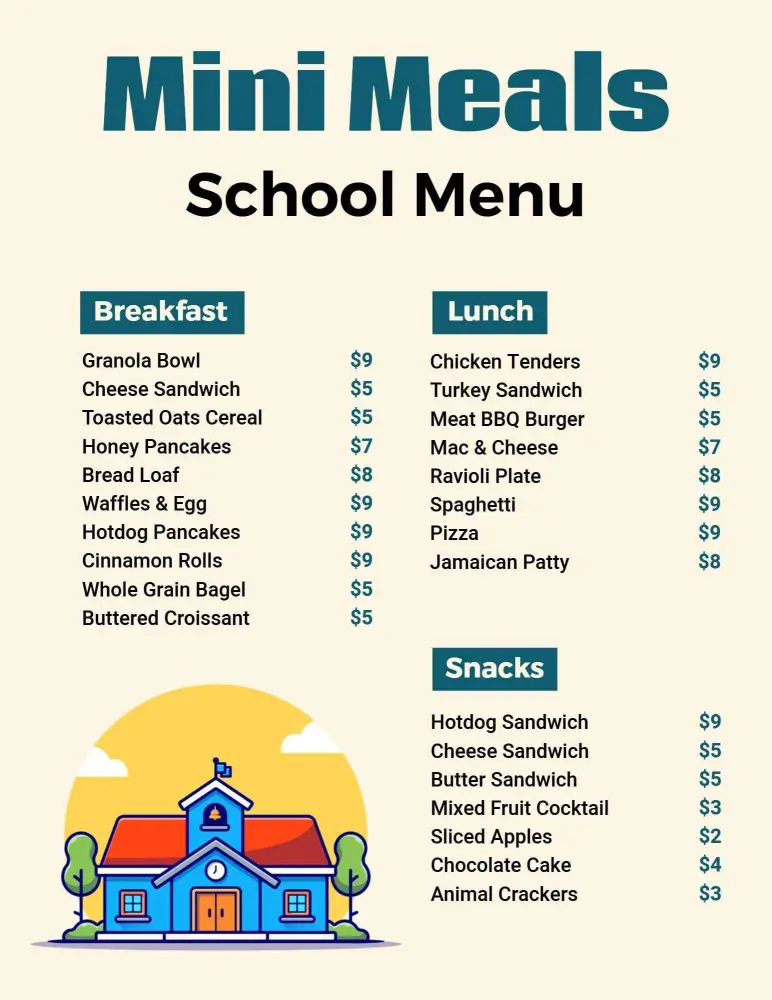
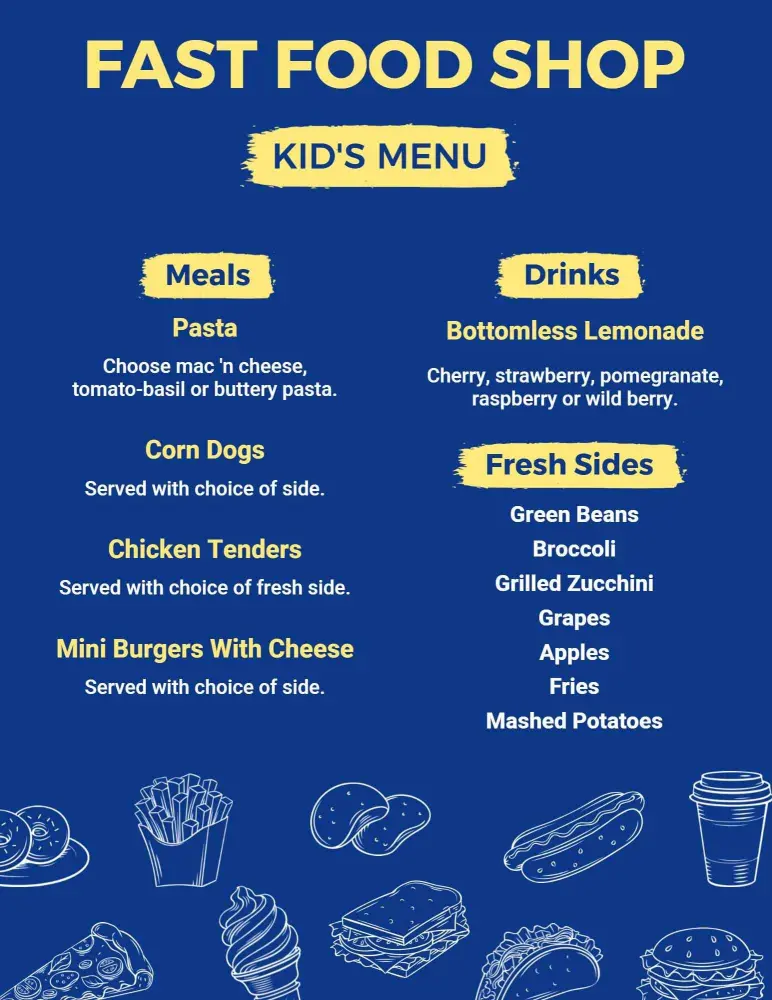
Ensure clarity and engagement with distinct sections for main dishes, sides, and drinks. Include all-time favorites like mini burgers, chicken nuggets, and pasta, accompanied by fun icons for each item. Add alphanumeric codes for allergy information, combo boxes for kids meal deals, and sections for fun puzzles or drawing activities to keep them entertained.
Place laminated kids menus at family restaurant tables, slip them into takeout kits for family orders, or provide digital versions on your restaurant's website, making it easy for parents to explore your kid-friendly offerings beforehand.