


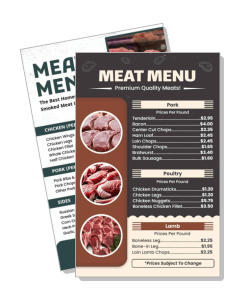
Meat Menu Templates
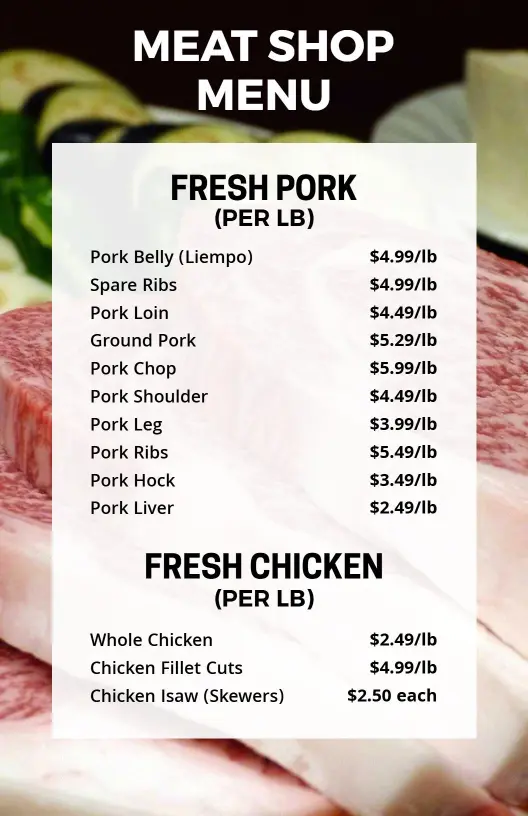
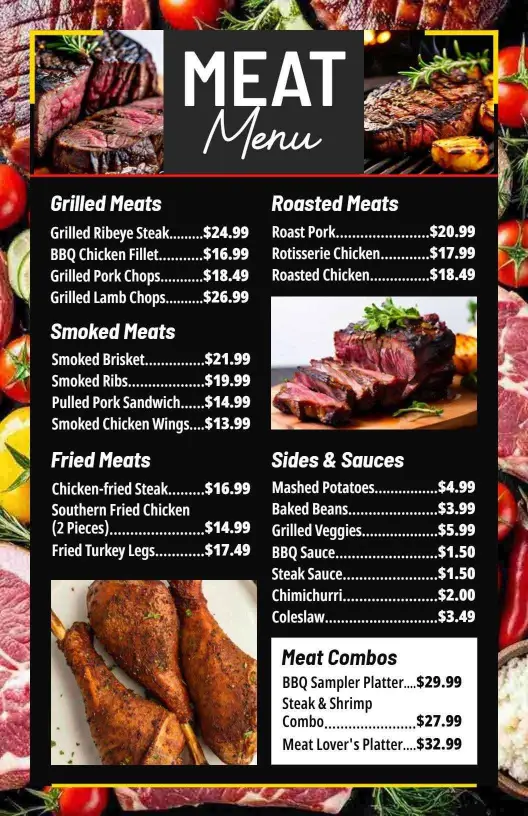
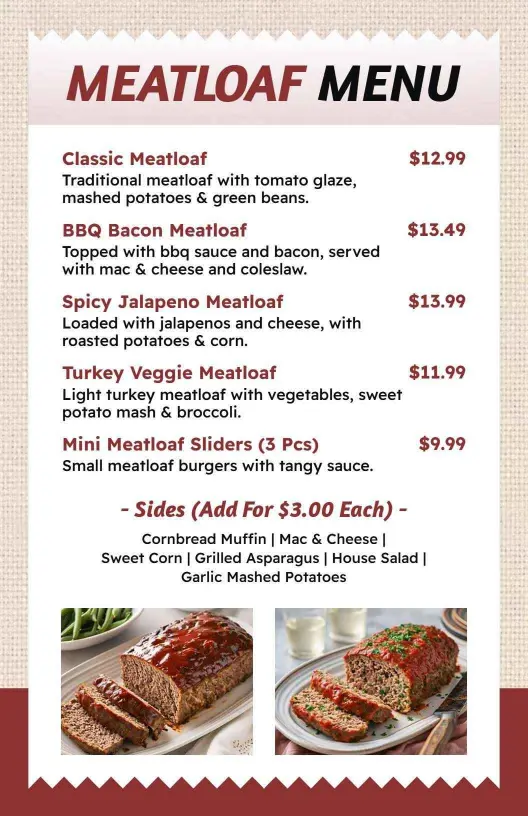
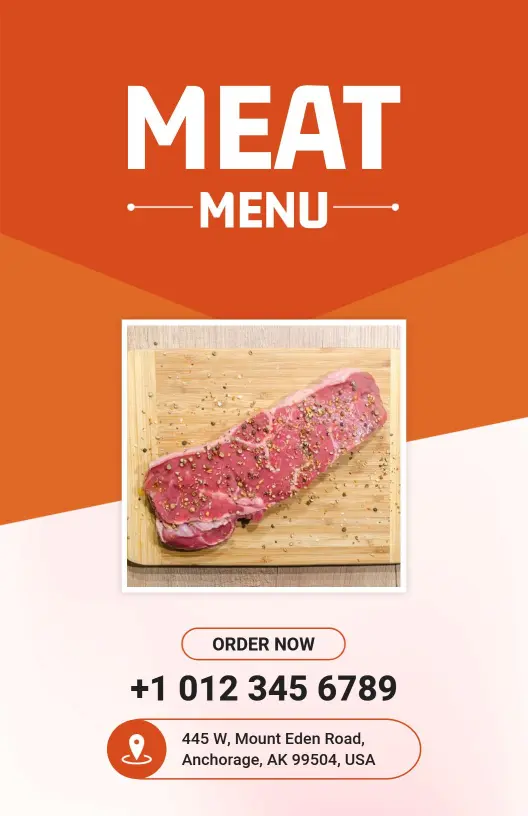
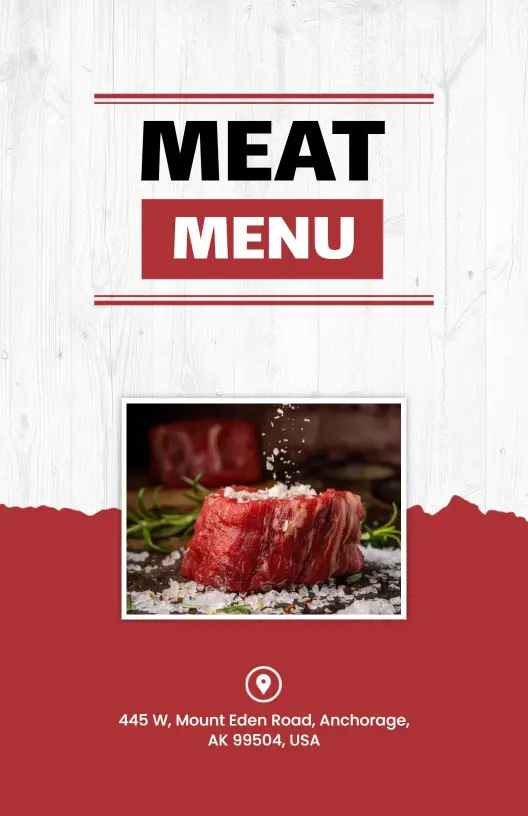
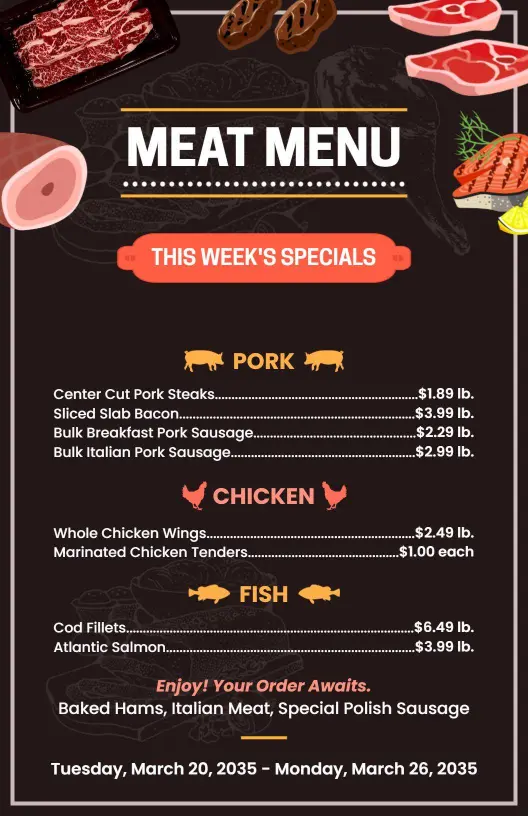
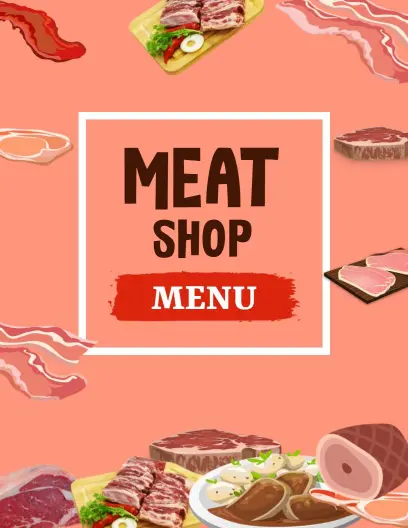
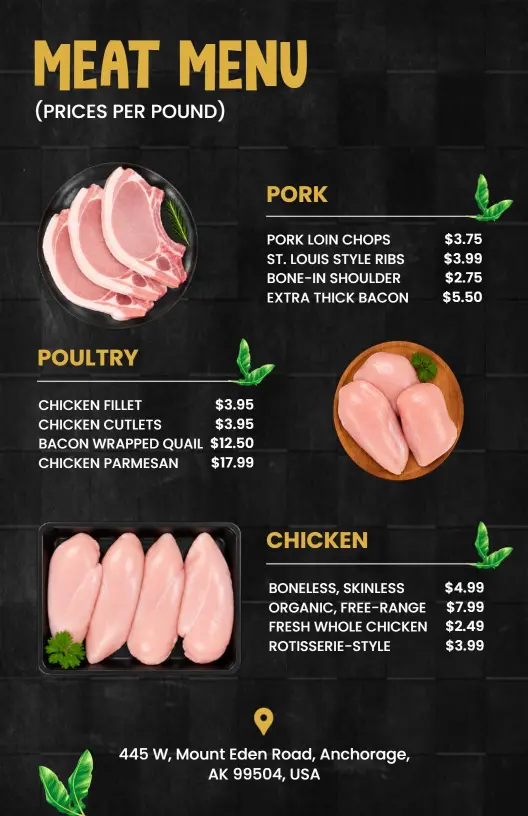
DesignWiz Meat Menu Templates help you present cuts and prices with a clean layout, fast editing, and polished styles for restaurants, butcher shops, catering services, and takeout counters.
Trusted by Thousands
 Tata Consultancy Services
 Boston Consulting
 AT&T
AT&T
 Avelo Airlines
 Procter & Gamble
 Ministry Of Health, Malaysia
 Veterans Affairs
 Detroit Government
 New York University
 Texas A&M University
 Decathlon America
 Warby Parker
Tata Consultancy Services
Boston Consulting
AT&T
Avelo Airlines
Procter & Gamble
Ministry Of Health, Malaysia
Veterans Affairs
Detroit Government
New York University
Texas A&M University
Decathlon America
Warby Parker
Warby Parker
Tata Consultancy Services
Boston Consulting
AT&T
Avelo Airlines
Procter & Gamble
Ministry Of Health, Malaysia
Veterans Affairs
Detroit Government
New York University
Texas A&M University
Decathlon America
Warby Parker



Other Menu templates
Entice Diners with Flavorful Meat Menu Designs
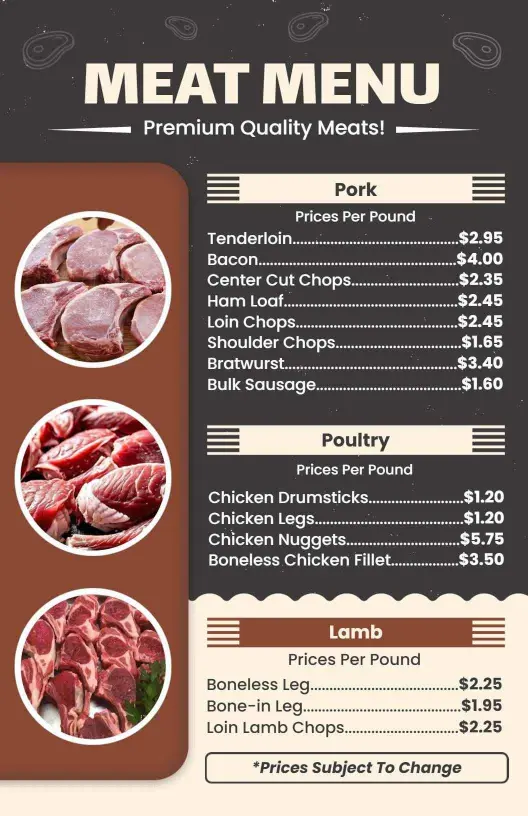
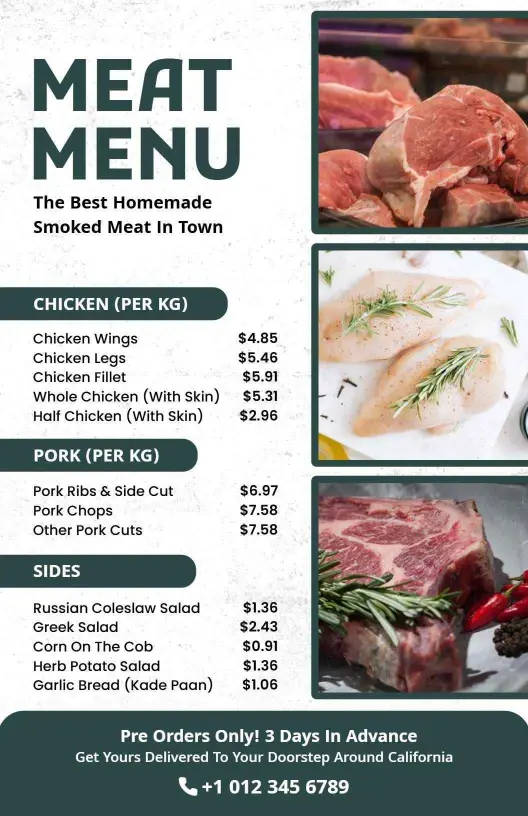
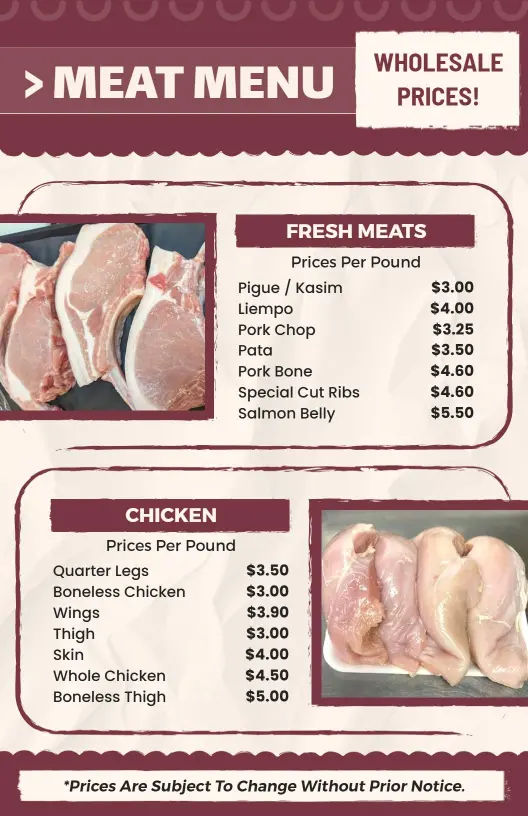
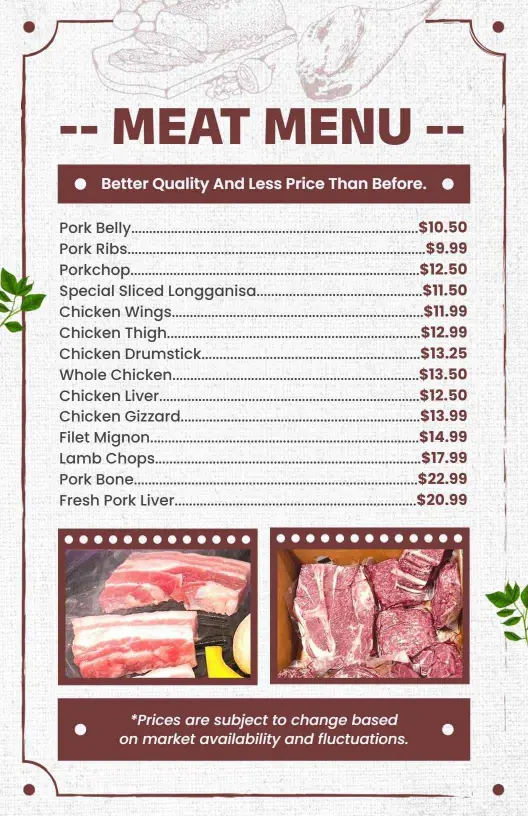
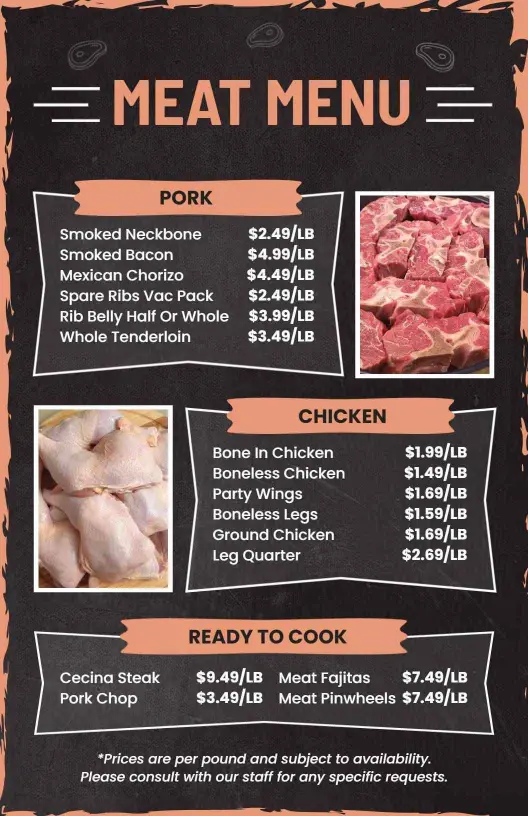
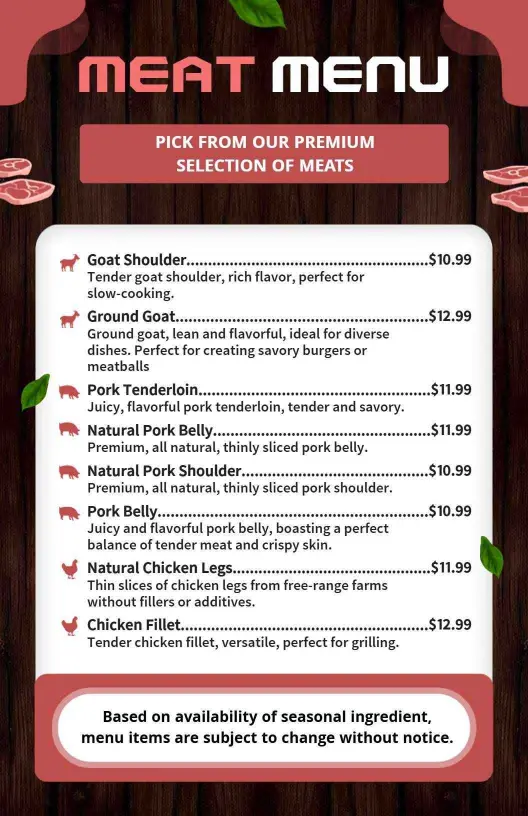
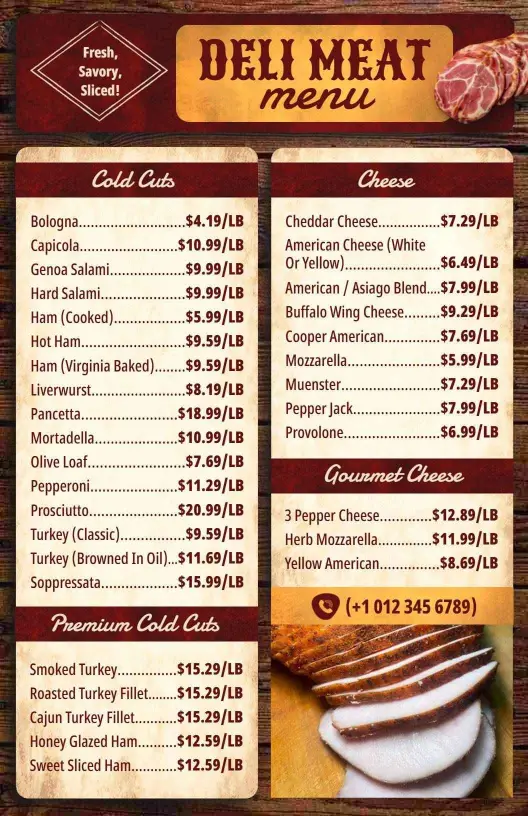
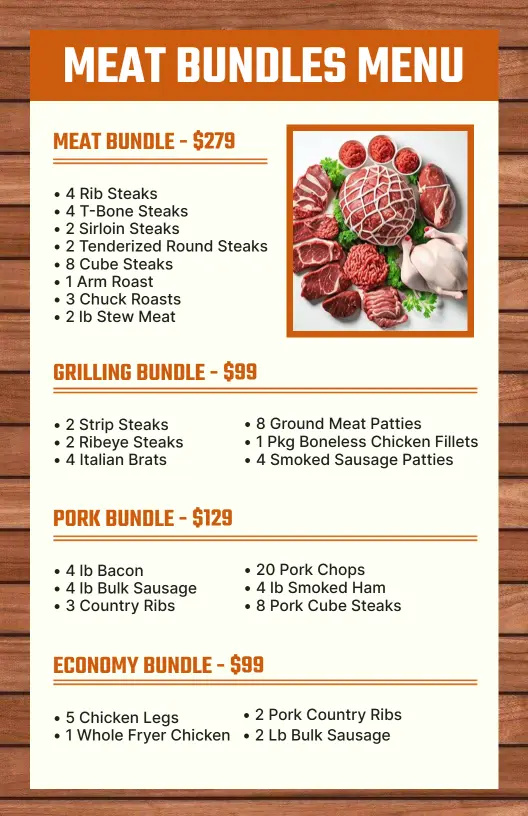
Customers are drawn to menus that vividly present their meaty options with a delicious zest. DesignWiz meat menu templates incorporate bold, savory colors like deep reds and rich browns, with spaces for succulent food photography that captures the attention and appetite of your patrons.
Ensure all details are correctly organized to leave diners easily choosing their meals. List your signature steaks, barbecue selections, spice rub details, country of origin for specialty cuts, and recommended wine or beer pairings. Make sure to clearly mark gluten-free and halal options to cater to diverse dietary needs.
Place these appetizing menus prominently on dining tables for easy access or include them in takeout orders for a consistent brand presentation. Additionally, share interactive digital menus on your restaurant’s website and social media pages to engage potential customers browsing for dinner options.