


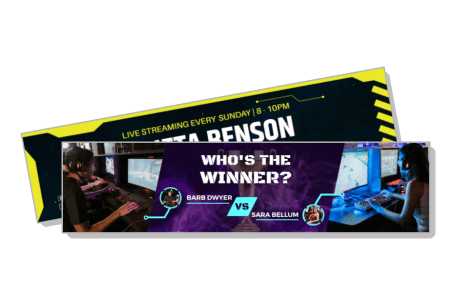
Twitch Banner Templates
Twitch banner templates for gaming channels, live streamers, and content creators — 100+ layouts to customize with your channel name, streaming schedule, and color scheme. Download as PNG in minutes.




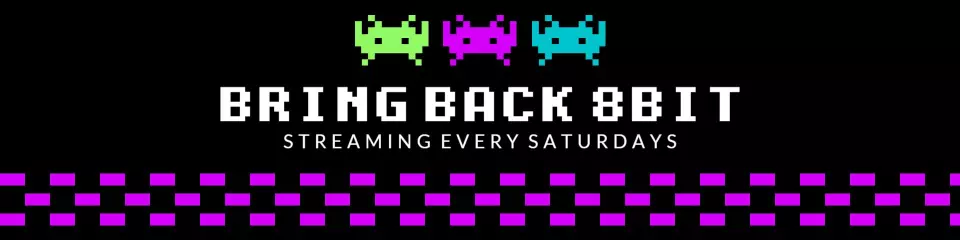

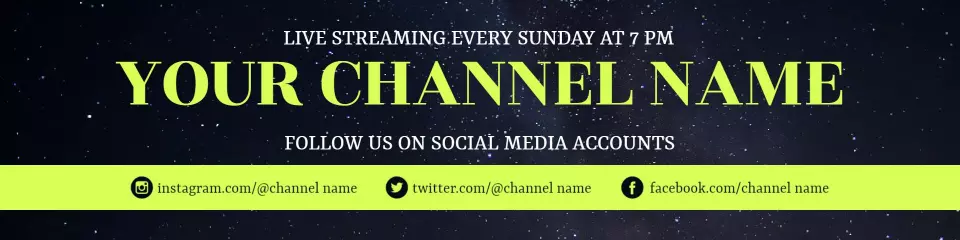

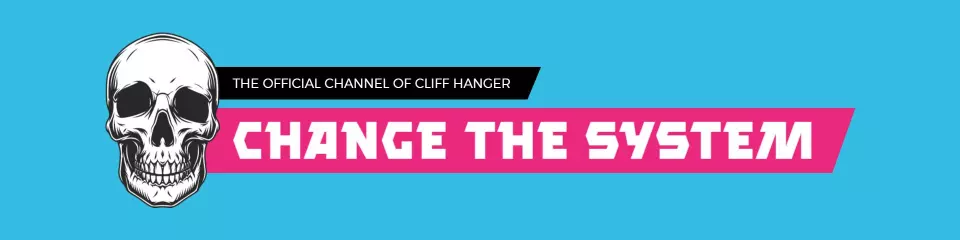

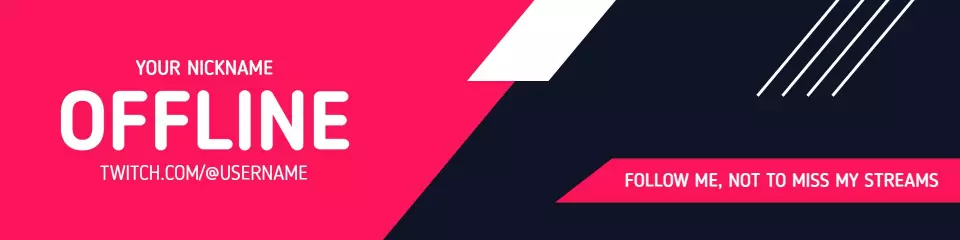

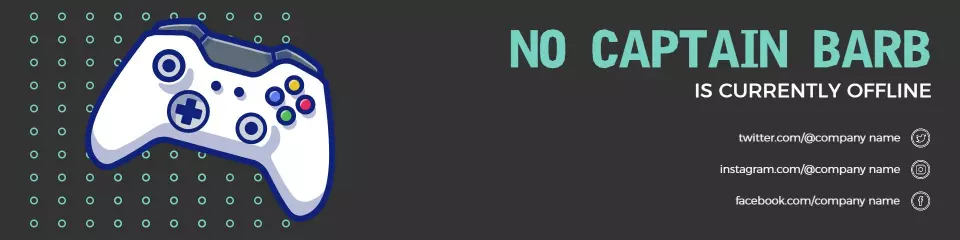
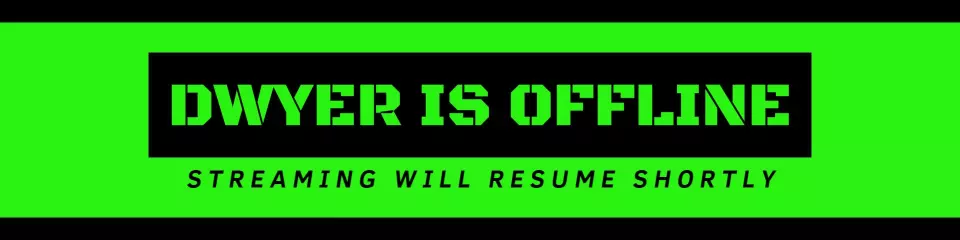


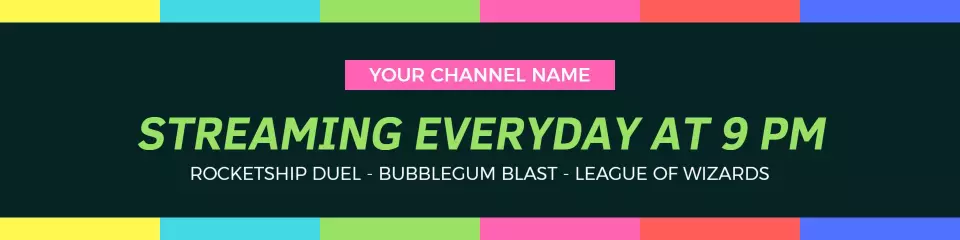
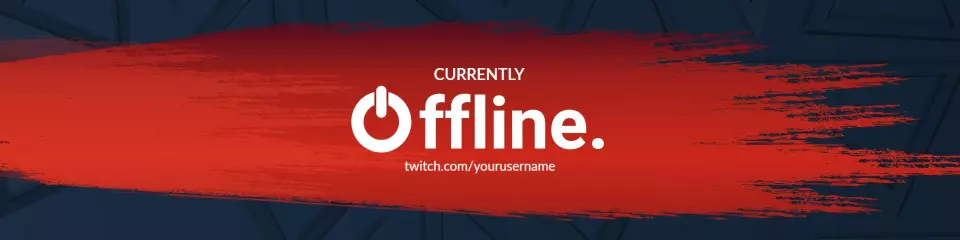




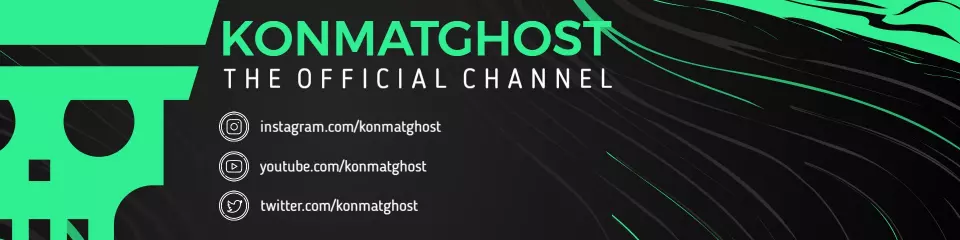
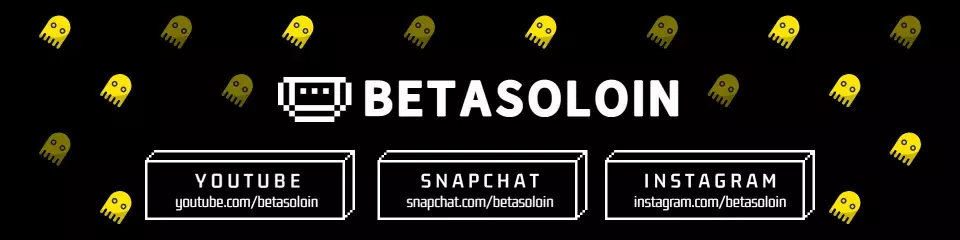
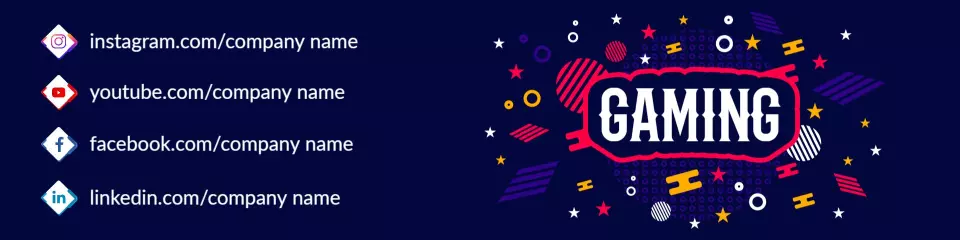
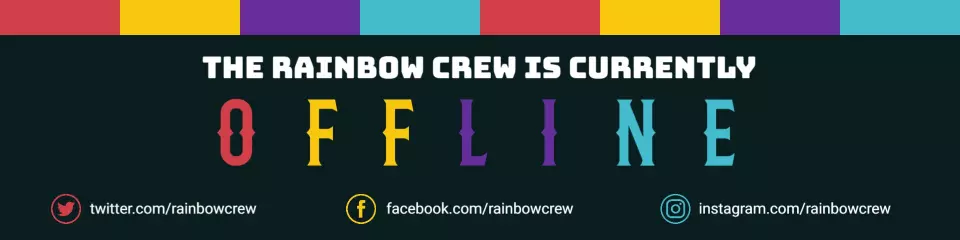
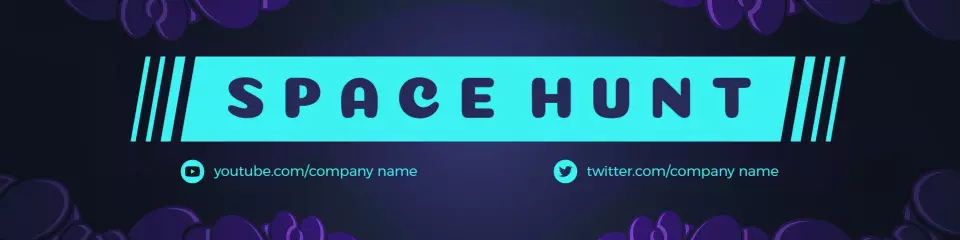
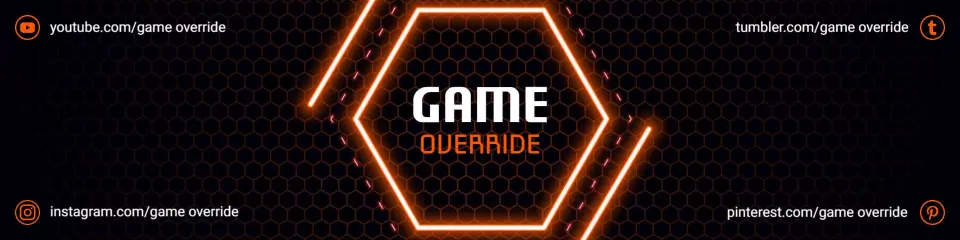
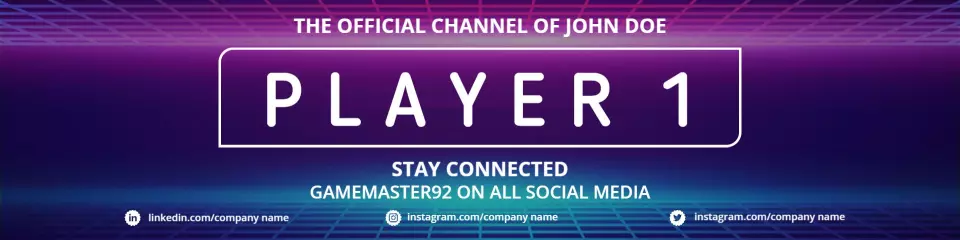
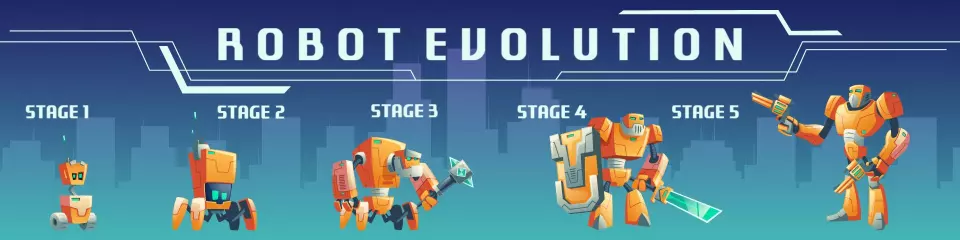
How to make a Twitch banner
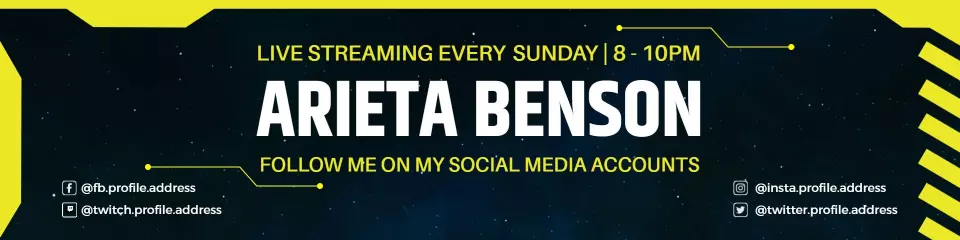
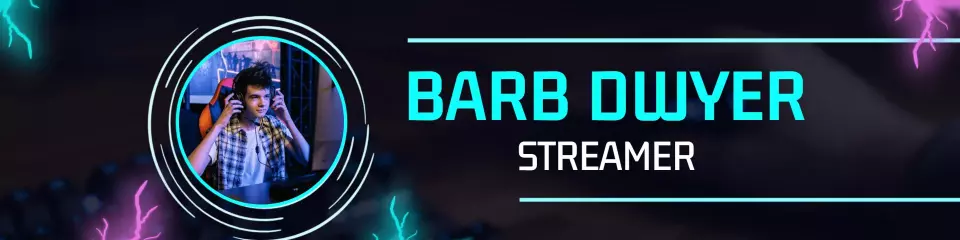
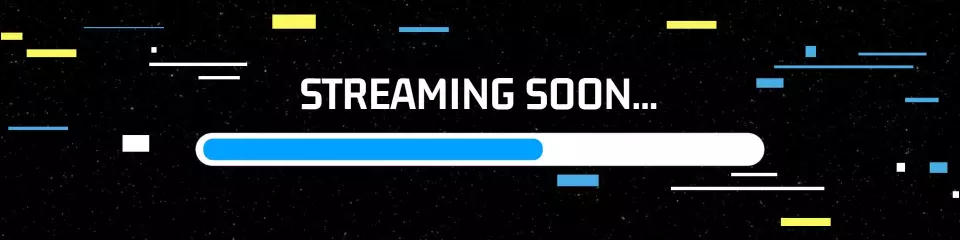
No design skills needed. Pick a gaming-themed layout at the correct Twitch size, add your channel name and schedule, match your stream overlay colors, then export a PNG and upload in minutes.

1. Choose a layout
Choose a layout built for Twitch — select a dark-themed or gaming-aesthetic banner at 1200x480px with placeholder text for your channel name, streaming schedule, and brand colors.
2. Update channel details
Replace the channel name placeholder, update your streaming days and start times, and add a social handle or tagline so your offline Twitch banner gives viewers a way to follow you off-platform.
3. Match your overlay colors
Swap the background color or accent neons to match your stream overlay palette — limit typography to two font styles so the banner reads clearly on a Twitch profile at any screen size.
4. Export and upload
Export your finished design as a high-resolution PNG file and upload it to your Twitch channel art settings via the Creator Dashboard on desktop — changes go live immediately after saving.
Trusted by Thousands
 Tata Consultancy Services
 Boston Consulting
 AT&T
AT&T
 Avelo Airlines
 Procter & Gamble
 Ministry Of Health, Malaysia
 Veterans Affairs
 Detroit Government
 New York University
 Texas A&M University
 Decathlon America
 Warby Parker
Tata Consultancy Services
Boston Consulting
AT&T
Avelo Airlines
Procter & Gamble
Ministry Of Health, Malaysia
Veterans Affairs
Detroit Government
New York University
Texas A&M University
Decathlon America
Warby Parker
Warby Parker
Tata Consultancy Services
Boston Consulting
AT&T
Avelo Airlines
Procter & Gamble
Ministry Of Health, Malaysia
Veterans Affairs
Detroit Government
New York University
Texas A&M University
Decathlon America
Warby Parker



Other Banner templates
Who uses Twitch banner templates?
Twitch banner templates are used by live streamers, gaming creators, and broadcasters who need a professional channel without commissioning custom art. Most need a layout sized at 1200x480px that matches their overlay colors and shows offline status or schedule.
New streamers launching their channel — Drop in your channel name, pick a genre-matched color palette, and go live the same day with no design experience. Use the Purple Gaming Matchup Banner to get started.
Gaming content creators — FPS, RPG, and battle royale streamers need banners that signal their genre visually and match overlay panels in one color theme. Use the Electric Blue Streamer Banner to get started.
Variety streamers — Streamers covering multiple genres need flexible layouts that highlight their schedule rather than one game title. Bold abstract designs let them update stream days without redesigning. Use the Yellow Highlights Streaming Schedule Banner to get started.
Affiliate and Partner streamers building a brand — Use templates to set a channel color palette and typography style, then export matching assets across all channel sections without hiring a designer. Use the Modern Gray Channel Name Banner to get started.
Offline-screen streamers — Customize offline banner templates with your next-stream date, social handles, and a tagline so the channel stays active-looking when the stream is down. Use the Blue Gradient Offline Notification Banner to get started.
Esports teams and competitive players — High-contrast Twitch banners display team logos, match schedules, and rosters — signaling professionalism to potential sponsors. Use the Blue Progress Bar Esports Banner to get started.
Casual and hobby streamers — Pixel art styles, cute characters, and pastel themes give a hobby channel a distinct look without complex design work. Use the Cute Pink Character Offline Banner to get started.
Over 613 people have used DesignWiz to create Twitch banners.
Free vs paid — Twitch banner templates
Free Twitch banner templates
Access Twitch banner templates at no cost after a free account signup.
Customize channel name, schedule text, colors, and fonts with drag-and-drop editing.
Download as PNG for direct upload to Twitch channel art settings.
Commercial use allowed on the free plan — suitable for affiliate and Partner channels.
Paid plan — watermark-free Twitch files
Remove the DesignWiz watermark for under 5 dollars per month.
Download clean, watermark-free PNG files ready for Twitch channel art upload.
Access the full library including premium dark-theme and esports layouts.
Paid plan covers unlimited Twitch banner downloads in a single subscription.
For a personal hobby channel, the free plan is sufficient. Upgrade to paid when your Twitch channel represents a brand, esports team, or sponsorship-facing presence that requires a clean, watermark-free banner.