


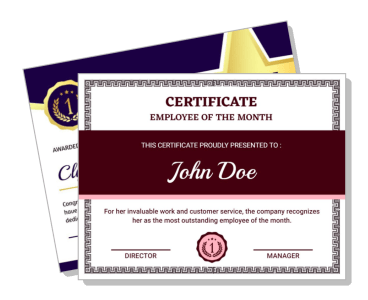
Employee Of The Month Certificate Templates
Employee Of The Month Certificate Templates help managers and HR teams recognize strong performance with polished awards that can be branded, personalized, printed, or shared digitally.








How to create an Employee Of The Month certificate
Choose a professional recognition layout, personalize the award details, and review the certificate carefully before presenting, printing, or sharing it.
1. Select the recognition style
Choose a layout that fits your workplace culture, from formal and traditional to modern and energetic. Confirm that the name, award title, and signatures have enough space.
2. Add the recipient details
Enter the employee's full name, recognition month, job title if needed, and presentation date. Check spelling and capitalization before adjusting any visual elements.
3. Write a specific achievement statement
Describe why the employee earned recognition in one concise sentence. Mention a measurable result, service quality, teamwork, leadership, or another clear contribution.
4. Apply your company branding
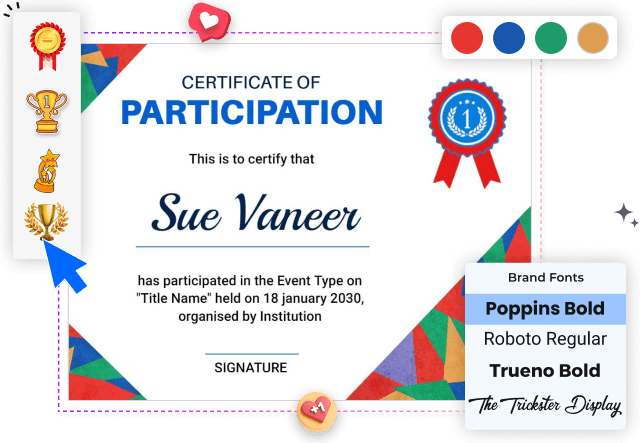
Add the company logo and adjust colors and fonts to match your brand. Keep contrast strong and avoid decorative choices that compete with the recipient's name.
5. Review, export, and present
Verify names, dates, award wording, and signatory titles, then export for print or digital sharing. Present the certificate in a way that makes the recognition feel personal.
Trusted by Thousands
 Tata Consultancy Services
 Boston Consulting
 AT&T
AT&T
 Avelo Airlines
 Procter & Gamble
 Ministry Of Health, Malaysia
 Veterans Affairs
 Detroit Government
 New York University
 Texas A&M University
 Decathlon America
 Warby Parker
Tata Consultancy Services
Boston Consulting
AT&T
Avelo Airlines
Procter & Gamble
Ministry Of Health, Malaysia
Veterans Affairs
Detroit Government
New York University
Texas A&M University
Decathlon America
Warby Parker
Warby Parker
Tata Consultancy Services
Boston Consulting
AT&T
Avelo Airlines
Procter & Gamble
Ministry Of Health, Malaysia
Veterans Affairs
Detroit Government
New York University
Texas A&M University
Decathlon America
Warby Parker



Other Certificate templates
Recognize monthly achievements with certificates employees value
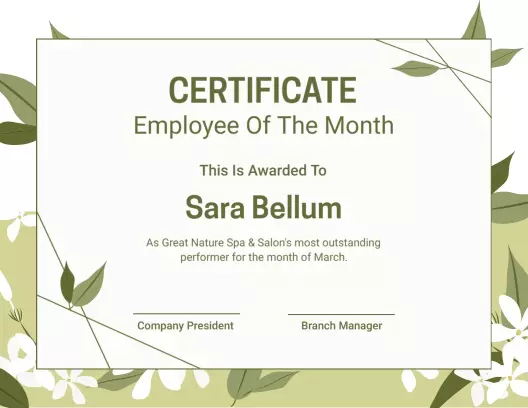
Employee Of The Month Certificate Templates give managers, HR teams, and small business owners a consistent way to acknowledge reliable work, measurable improvement, leadership, customer service, and team contribution. Start with an in-house curated layout, then replace the recipient name, award month, achievement statement, date, and signature details to create recognition that feels specific rather than routine.
Formal awards for company recognition programs
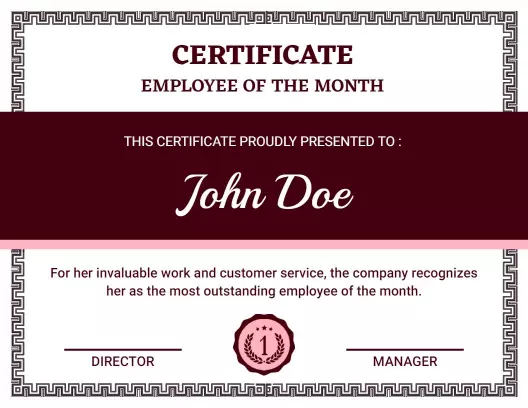
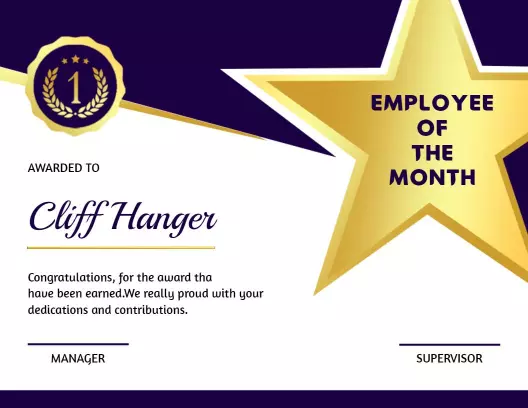
For structured recognition programs, use a design that gives the employee name and award title immediate priority. The Classic Burgundy Employee Of The Month Recognition Certificate Template supports a traditional presentation, while the Prestigious Gold Star Employee of the Month Award Certificate Template adds a more celebratory award style.
Recognition that explains why the employee was selected
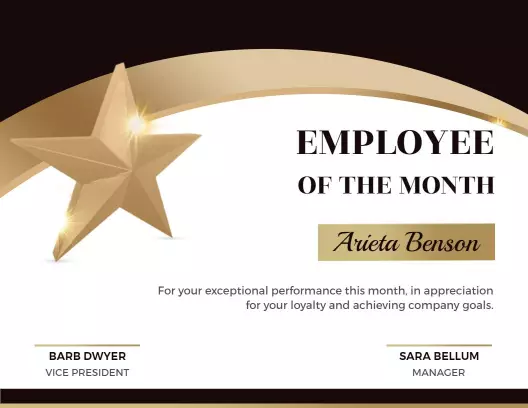
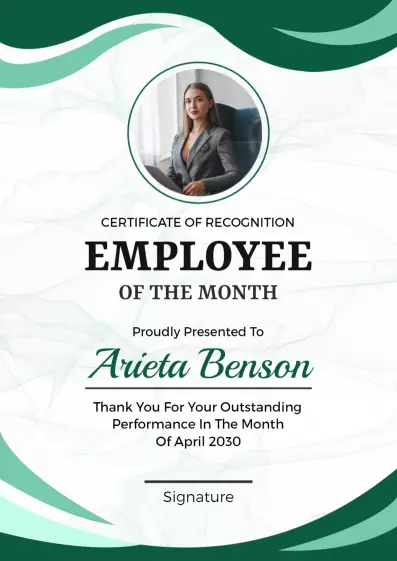
A useful certificate should do more than display a name. Add one short statement describing the contribution, such as improving customer satisfaction, supporting a difficult project, meeting a sales goal, or helping the team work more effectively. The Gold Star Design Employee of the Month Recognition Certificate Template provides a clear recognition-focused structure for this message.
Modern certificates that match workplace branding
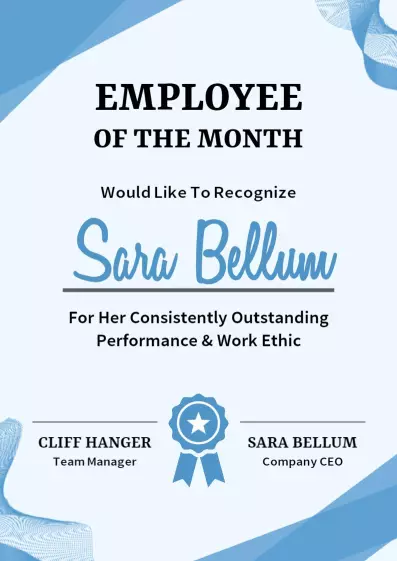
Match the certificate colors, logo, typography, and tone to your workplace so the award feels connected to the company. The Colorful Modern Geometric Employee Of The Month Certificate Template suits energetic teams, while the Modern Blue Award for Best Employee of the Month Certificate Template offers a clean corporate direction.
Certificates prepared for print and digital sharing
Before presenting the award, confirm the spelling of the recipient's name, the month, the achievement wording, and every signatory title. Keep important text away from the trim area, check contrast at full size, and prepare a clean version for printing, email, internal announcements, or employee records.