We can’t create this design as it violates our content policy.

AI Image Expander

Need more space in your image? DesignWiz AI image expander helps you extend photos, uncrop visuals, and adjust dimensions without losing quality. Expand images online using AI and get natural-looking results in seconds.

Upload Your Image

or drop an image file (PNG, JPG, or JPEG)
(Max size 5Mb)

By uploading an image you hereby agree to our Terms of Service. This site is protected by reCAPTCHA and the Google Privacy Policy and Terms of Service apply.
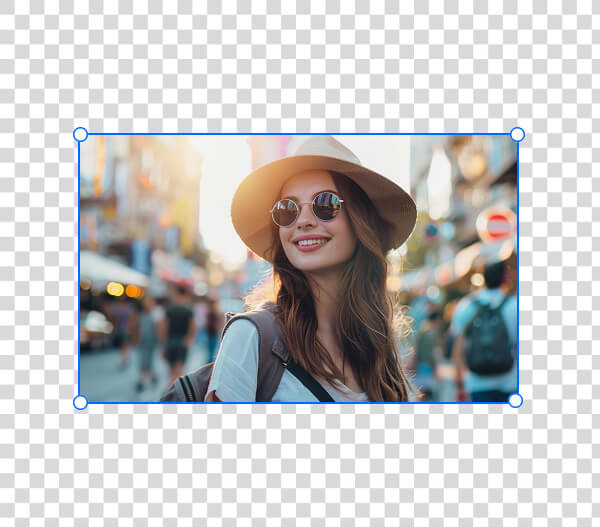
After Before Before
Before
After
Upload Your Image

By uploading an image you hereby agree to our Terms of Service. This site is protected by reCAPTCHA and the Google Privacy Policy and Terms of Service apply.
How To Use DesignWiz AI Image Expander

1

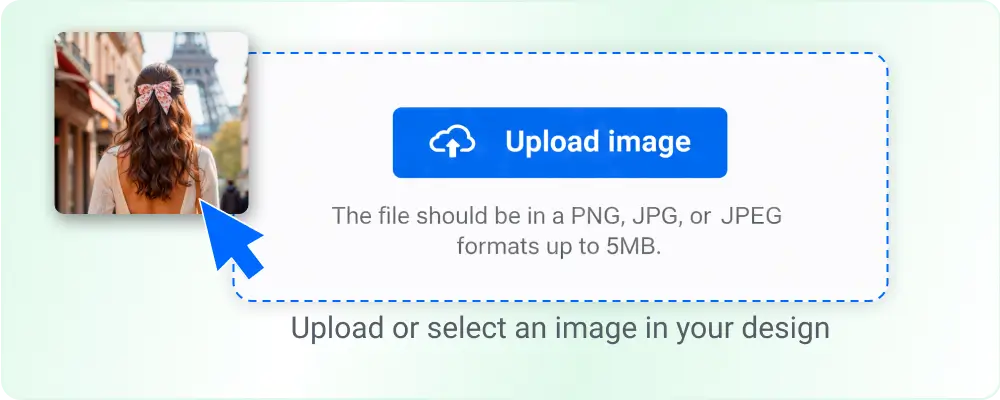
Upload Your Image

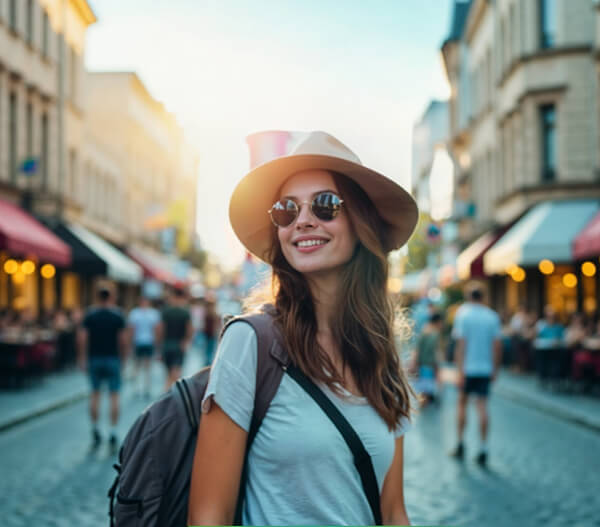
Start by uploading a JPG, PNG, or JPEG image up to 5 MB to expand. Whether it’s a cropped photo, product shot, or social media post, the tool accepts it instantly.
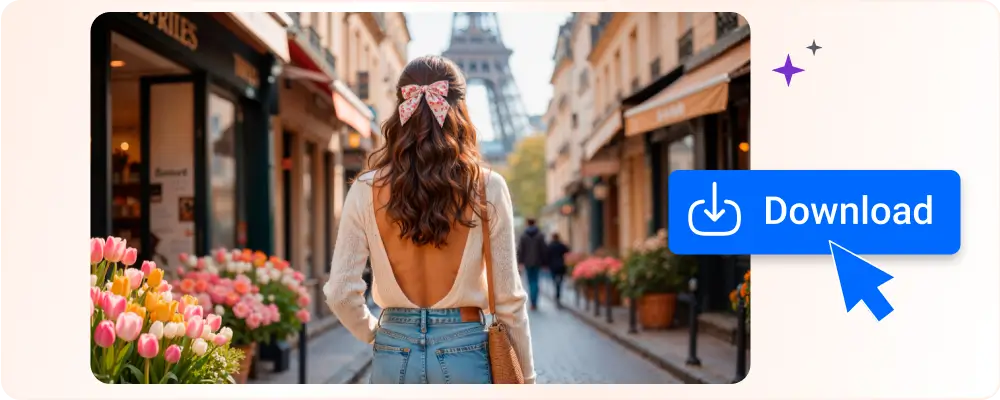
Traveler exploring Paris generated using AI image expander

1

2

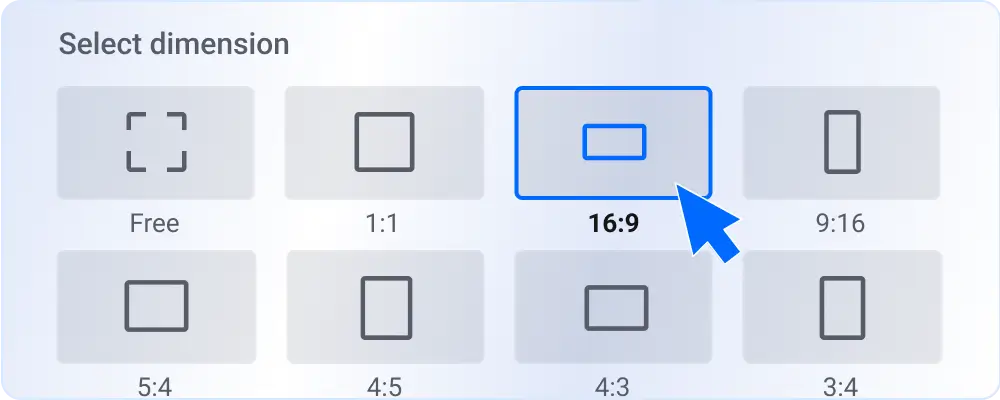
Select Dimension

Choose how you want to expand the image. Choose from preset dimensions like 1:1, 16:9, or 9:16, or expand images freely based on your needs.
Select Dimension aspect ratio

2

3

Let AI Expand Image

The image expansion AI analyzes your image and intelligently fills the extended areas. It matches textures, patterns, and backgrounds so the expansion looks natural.
Ai Chatbot Assistant Banner

3

4

Download Your Expanded Image

Preview the result and download your high-quality expanded image. Use it for social media, ads, websites, or print without any loss in clarity.
French summer fashion

4

Trusted by Thousands

Tata Consultancy Services
Boston Consulting
AT&T
Avelo Airlines
Procter & Gamble
Ministry Of Health, Malaysia
Veterans Affairs
Detroit Government
New York University
Texas A&M University
Decathlon America
Warby Parker
Tata Consultancy Services
Boston Consulting
AT&T
Avelo Airlines
Procter & Gamble
Ministry Of Health, Malaysia
Veterans Affairs
Detroit Government
New York University
Texas A&M University
Decathlon America
Warby Parker

Expand Any Images with AI Image Extender

Ai image expand

Expand Photos for Social Media Content

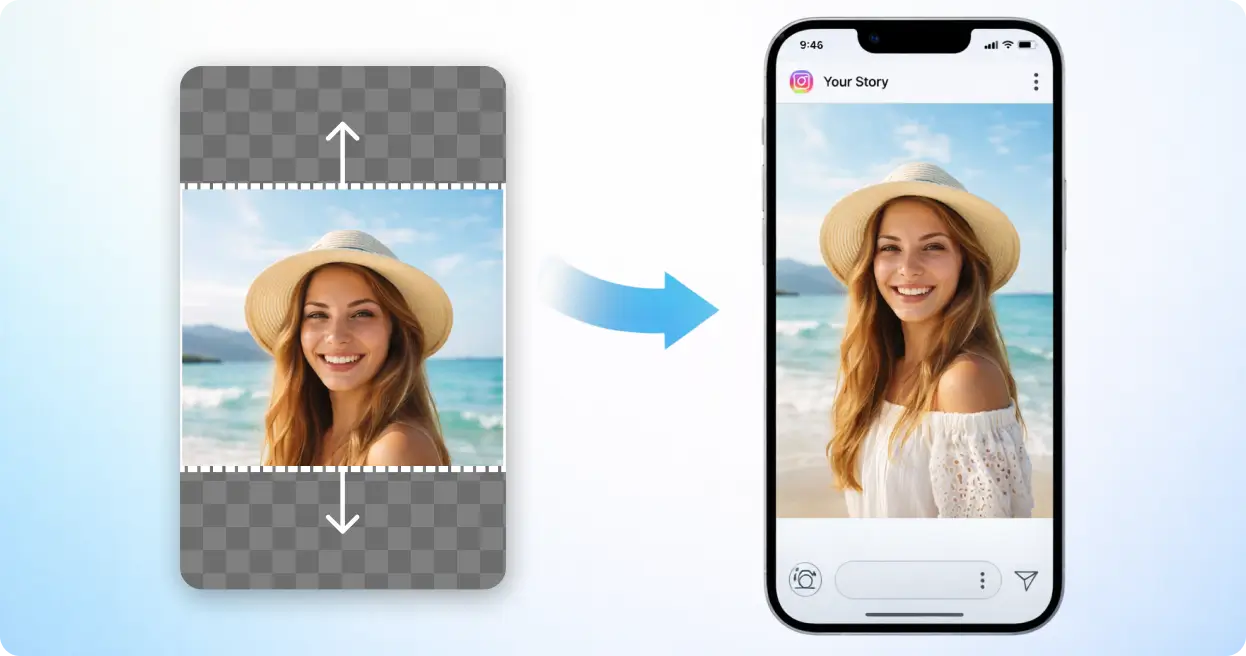
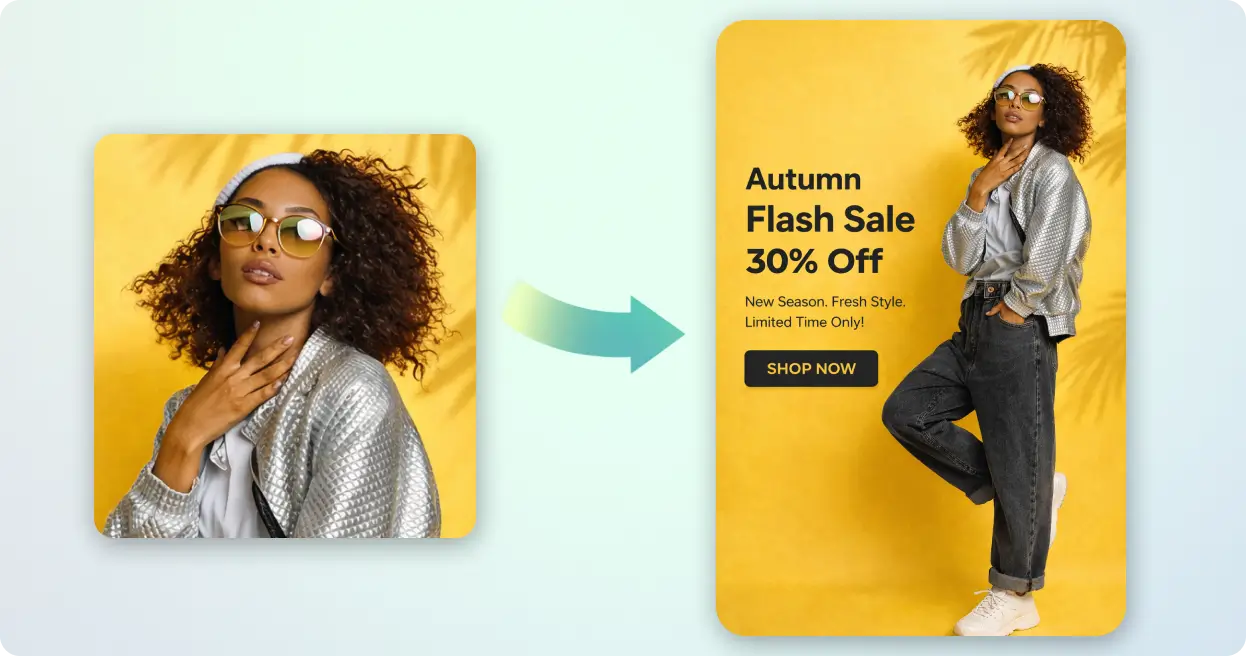
Use this AI image expander to turn cropped or tight visuals into perfectly sized posts, stories, and thumbnails. Expand images AI-style to fit formats like 1:1, 9:16, or 16:9 - without cutting out the elements that matter most.
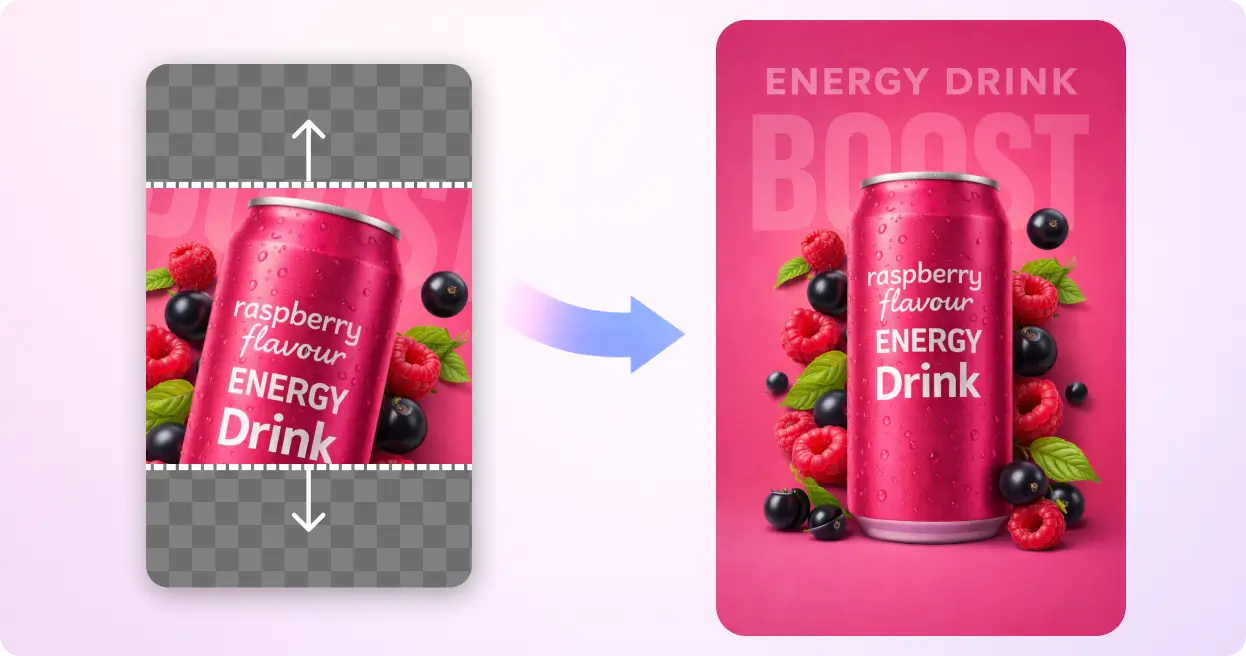
Raspberry energy drink outpainting

Improve Product Visuals for Better Showcase

Give your product shots more breathing room with AI image expansion. Expand photos to create clean, professional backgrounds that fit marketplaces and ad placements - no redesigning from scratch, no quality loss.
Ai fashion uncrop

Create Better Ads and Marketing Visuals

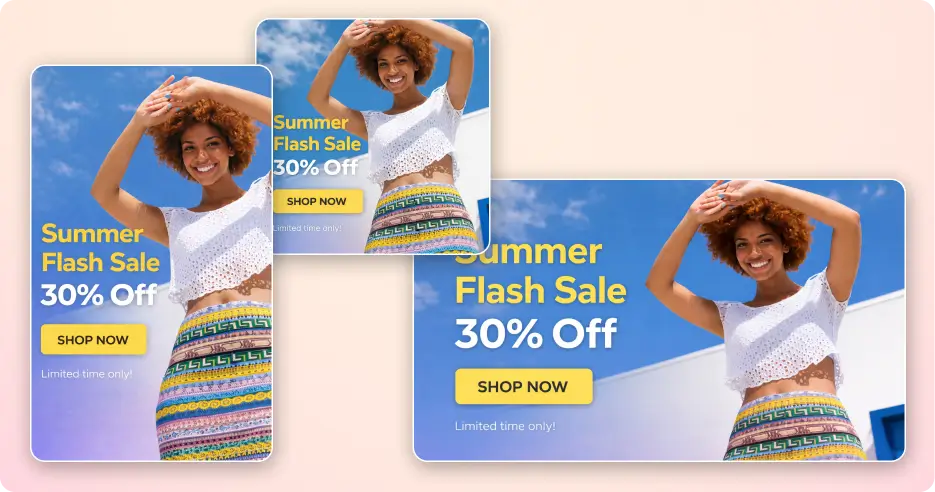
Adjust and expand picture size across banners, campaigns, and multi-platform promotions. With AI expanding image capabilities, one visual can be adapted to every dimension you need - instantly.
Outdoor picnic expansion

Fix Cropped Photos and Enhance Composition

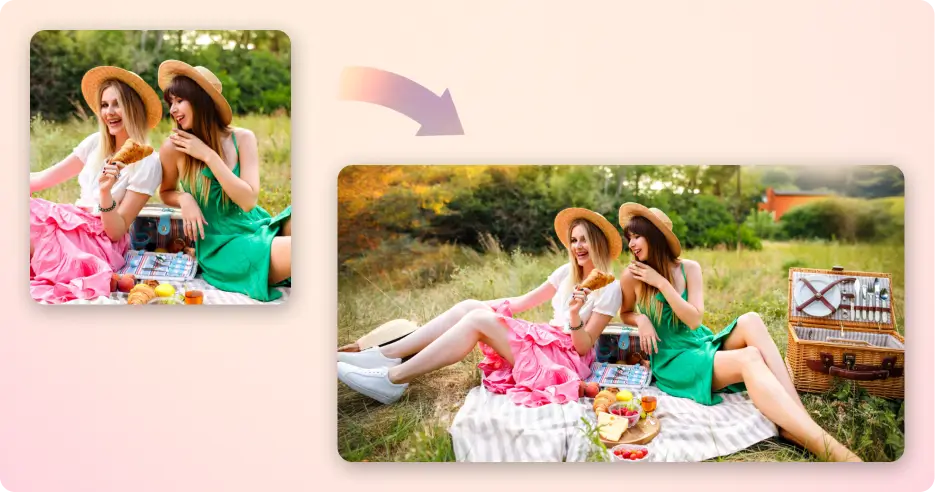
Expanding image AI can recover missing edges and restore natural framing. Whether you need to expand the image slightly or extend it significantly, results stay sharp and balanced - expand picture without losing quality, every time.
Summer flash sale banner

Design Flexible Layouts Without Starting Over

Use this online image extender to fit visuals into new layouts, presentations, or creative formats. Extend images online and reuse existing assets instead of rebuilding them for every project.
Aspect ratio selector

Use It for Anything, Anytime

From quick fixes to complex projects, this free AI expand image tool handles it all. Expand photo online in seconds - simple enough for beginners, powerful enough for daily professional use. Whether you need an online photo expander for one image or want to expand images with AI at scale, it works exactly when you need it.

Benefits Of Expanding Images With AI

Step into a new way of working with visuals, where expanding, fixing, and improving images happens instantly without limits.

Expand images without quality loss

Bigger doesn’t mean blurry. When you expand image size with AI, textures, colors, and edges stay sharp and consistent. No pixelation or distortion, just clean, high-resolution results that look natural at any size.

100% quality retained after expansion

No pixelation, ever

Save time on editing

Skip complex tools and manual work. What usually takes minutes can be done in seconds with AI. No masking, cloning, or rebuilding backgrounds, just upload, set dimensions, and you’re done.

20x Faster results with minimal effort

Quick expansion

Works across every format

Expand images once and use them everywhere. From Instagram and YouTube to presentations and ads, your visuals fit perfectly. No need to recreate designs for different sizes.

Ready for every platform

Natural-looking results

AI fills new areas with context-aware details that match your image. Backgrounds extend smoothly, edges stay clean, and nothing looks artificial or patched.

Seamless blend

Beginner-friendly tool

No learning curve or design experience needed. Upload your image, expand it, and download it in just a few clicks. Simple enough for first-time users.

3 easy steps to expand any image

Upload → Expand → Download

Flexible expansion options

Decide how your image expands. Extend one side or all sides, and choose exact dimensions for portrait, landscape, or custom layouts. You stay in control while AI handles the heavy work.

Full Control
freshchat icon chat icon loading icon

Explore AI Design Tips to Improve Your Visuals

Browse downloadable images, discover creative ideas for your projects, and learn practical ways to improve visuals, design better content, and make your images work across different use cases.

Explore More Tools

Frequently Asked Questions (FAQs)

An AI image expander is a tool that increases image size by intelligently filling in missing areas. Instead of stretching pixels, it generates new content that matches the original image’s style, texture, and background.
The AI analyzes patterns like colors, edges, and textures in your image, then creates new pixels that blend naturally. This process of AI expand pictures to avoid pixelation and keeps the expanded image sharp and realistic.
Yes, you can expand images using preset ratios like 1:1, 16:9, or 9:16, or choose custom dimensions. You can also extend specific sides depending on your layout needs.
In most cases, yes. The AI generates context-aware content that blends with the original image. The process of our AI image expand is especially accurate for backgrounds, skies, textures, and simple environments.
No, our image expander AI maintains or even improves perceived quality. It adds new content instead of stretching existing pixels, so the final image remains clear.
Images with clear backgrounds, patterns, or open spaces work best. Photos with complex subjects can still be expanded, but results may vary depending on the scene.
Yes, expanded images can typically be used for marketing, ads, e-commerce, and social media. Always ensure you have the rights to the original image before using it commercially.
Yes, the AI image expander on DesignWiz is free to use. When you sign up, you get free credits to expand images online. You can upload, expand, and download images easily, with options to upgrade for higher limits or advanced features if needed.
Image expansion usually takes just a few seconds. You can upload images up to 5MB with the free plan. Processing time may vary slightly depending on image size and selected dimensions, but results are generated quickly.
No, the AI image expander works completely online. You can expand images directly in your browser without downloading or installing any software.