


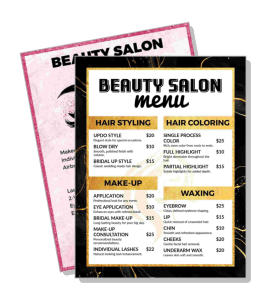
Salon Price List Templates
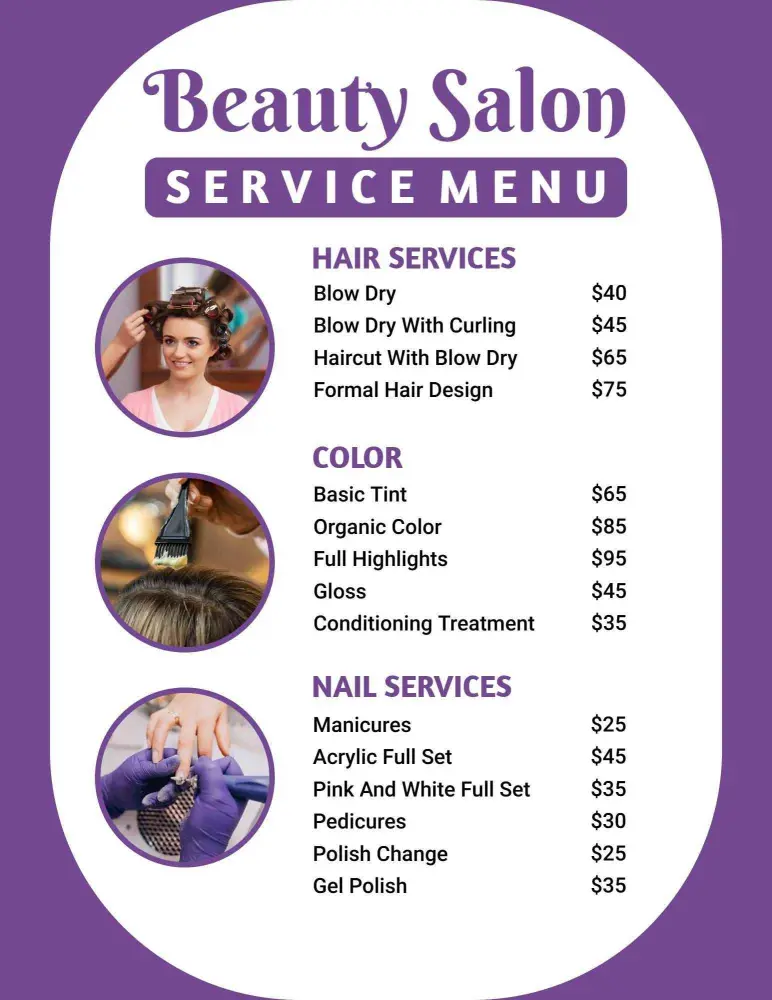
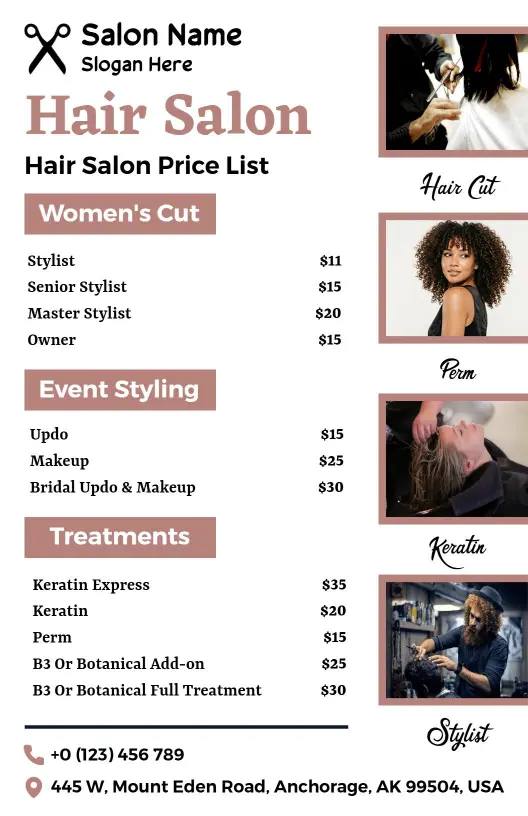
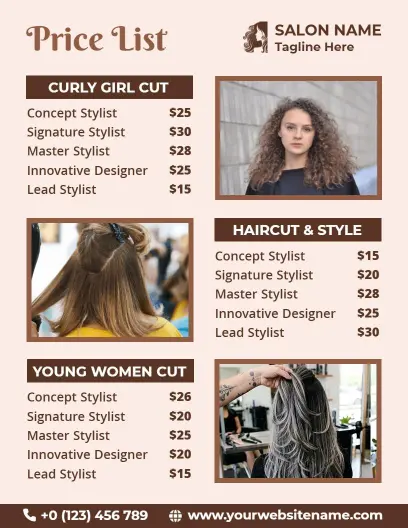
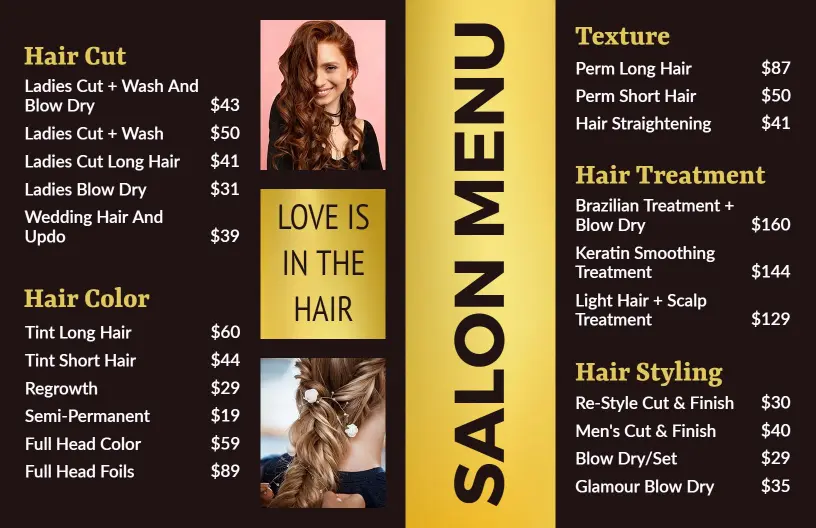
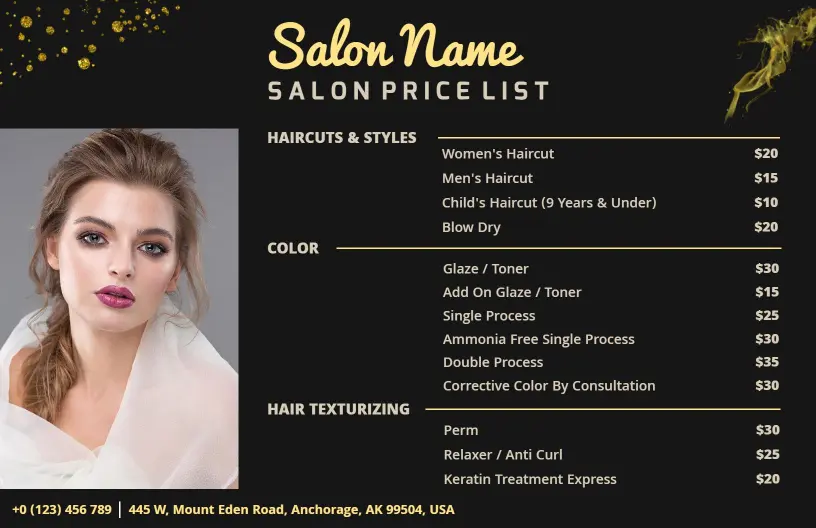
Salon Price List Templates help hair salons, beauty studios, nail bars, and independent stylists present services, prices, packages, and add-ons in a format clients can scan quickly.
Trusted by Thousands
 Tata Consultancy Services
 Boston Consulting
 AT&T
AT&T
 Avelo Airlines
 Procter & Gamble
 Ministry Of Health, Malaysia
 Veterans Affairs
 Detroit Government
 New York University
 Texas A&M University
 Decathlon America
 Warby Parker
Tata Consultancy Services
Boston Consulting
AT&T
Avelo Airlines
Procter & Gamble
Ministry Of Health, Malaysia
Veterans Affairs
Detroit Government
New York University
Texas A&M University
Decathlon America
Warby Parker
Warby Parker
Tata Consultancy Services
Boston Consulting
AT&T
Avelo Airlines
Procter & Gamble
Ministry Of Health, Malaysia
Veterans Affairs
Detroit Government
New York University
Texas A&M University
Decathlon America
Warby Parker



Other Menu templates
Attract Stylish Clients with Elegant Salon Menus
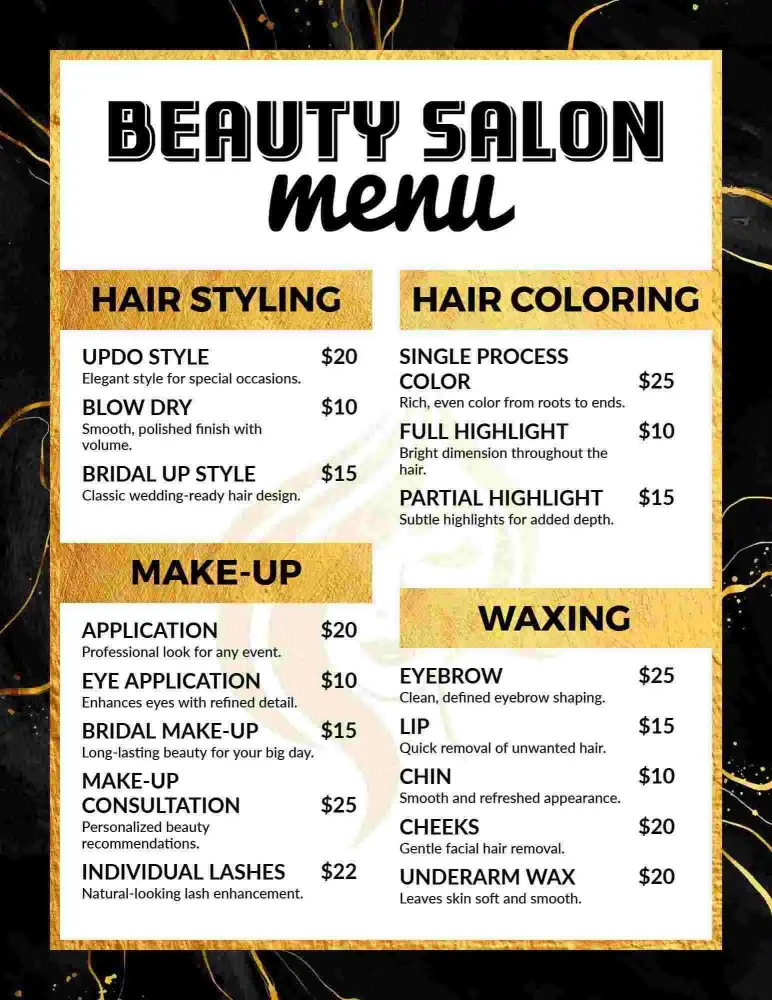
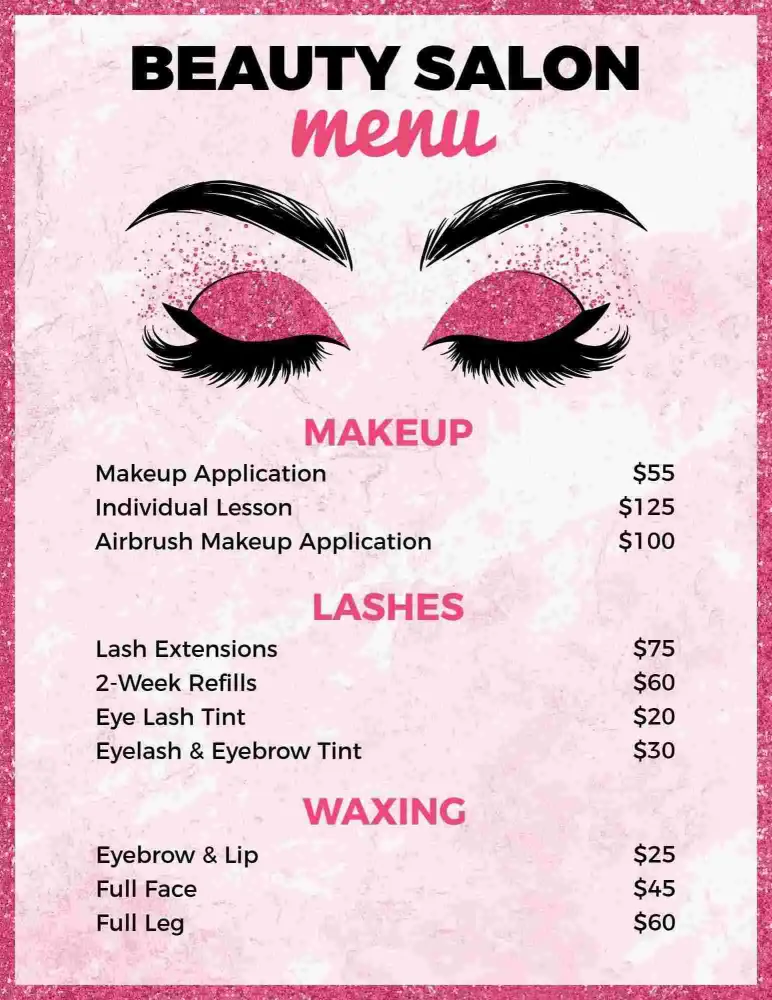
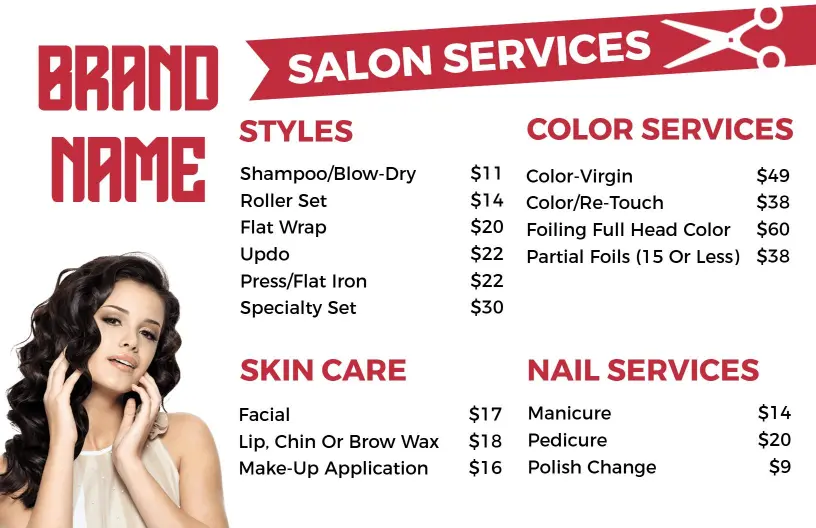
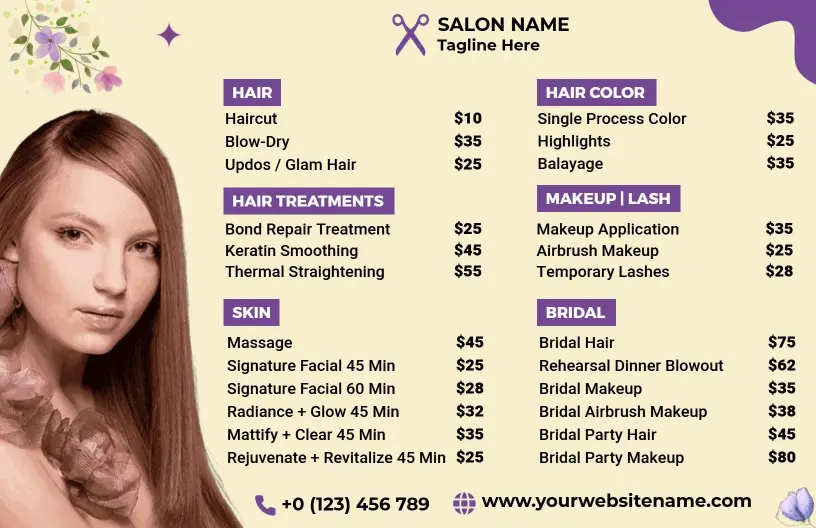
Clients stepping into your salon should immediately feel they are in the right hands for beauty, style, and care. DesignWiz salon menu templates use soothing pastel colors, chic script accents, and organized sections that make your list of services inviting and professional.
Detail every service your salon offers with clarity and sophistication. Include hair styling options, coloring services, spa treatments, skincare routines, manicure and pedicure packages, special offers, and pricing tiers. Highlight important details such as booking requirements, cancellation policies, and any special seasonal packages.
Place these printed menus on your reception desk, elegantly insert them into collateral gift bags, or share digital versions on your salon’s website and social media profiles to entice potential clients and keep regulars informed and excited about your latest offerings.