



Spa Price List Templates
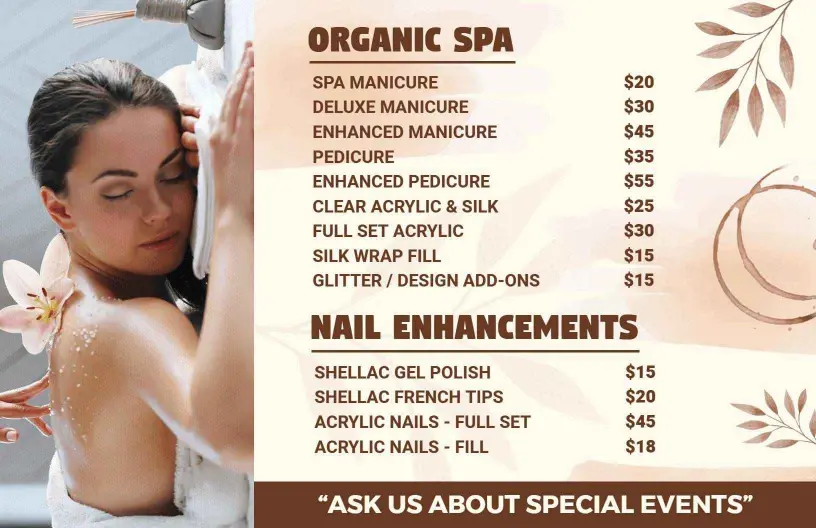
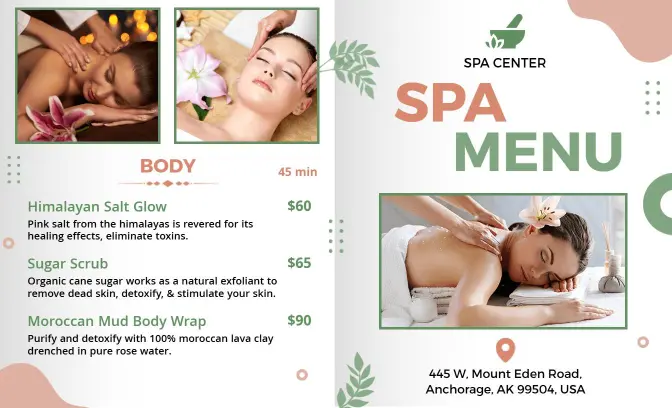
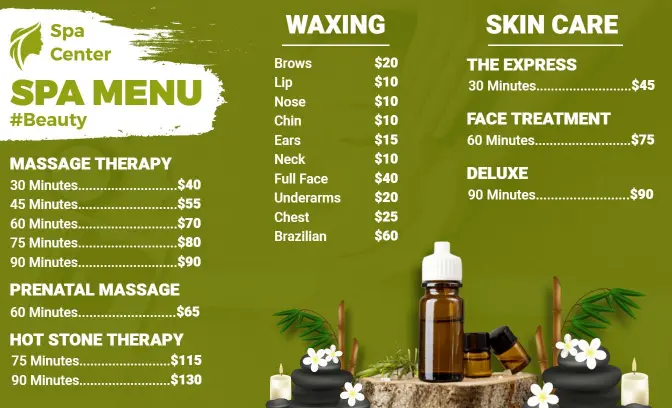
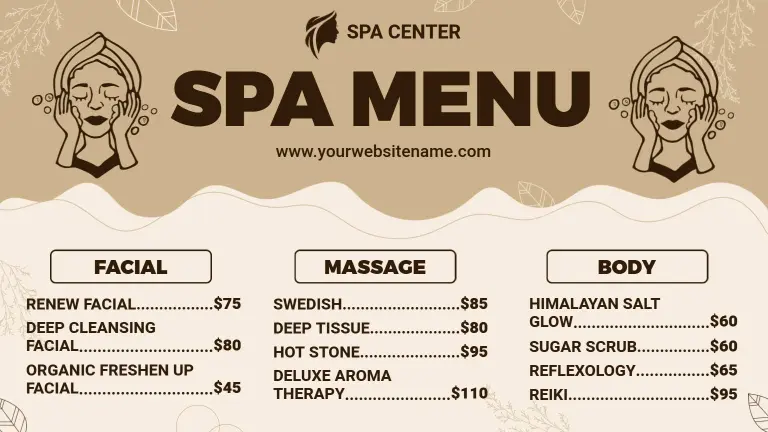
Spa Price List Templates help spas, wellness centers, massage therapists, and beauty professionals organize treatments, durations, packages, and prices in a clear, client-friendly layout.


Trusted by Thousands
 Tata Consultancy Services
 Boston Consulting
 AT&T
AT&T
 Avelo Airlines
 Procter & Gamble
 Ministry Of Health, Malaysia
 Veterans Affairs
 Detroit Government
 New York University
 Texas A&M University
 Decathlon America
 Warby Parker
Tata Consultancy Services
Boston Consulting
AT&T
Avelo Airlines
Procter & Gamble
Ministry Of Health, Malaysia
Veterans Affairs
Detroit Government
New York University
Texas A&M University
Decathlon America
Warby Parker
Warby Parker
Tata Consultancy Services
Boston Consulting
AT&T
Avelo Airlines
Procter & Gamble
Ministry Of Health, Malaysia
Veterans Affairs
Detroit Government
New York University
Texas A&M University
Decathlon America
Warby Parker



Other Menu templates
Entice Clients with Alluring Spa Menu Designs
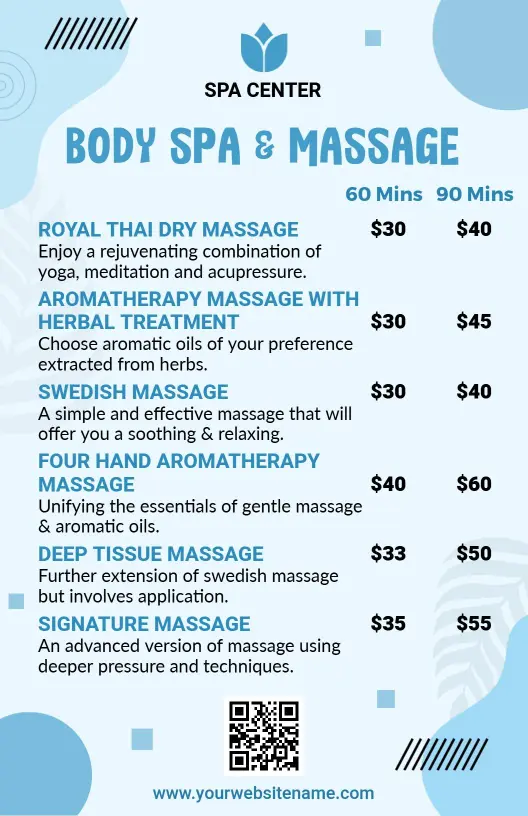
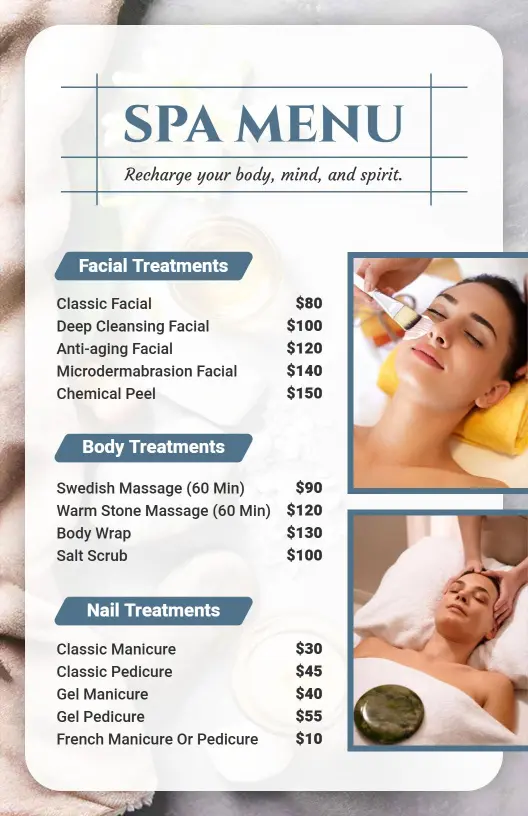
Captivate spa clientele with soothing, serene visual presentations that reflect tranquility and rejuvenation. DesignWiz spa menu templates utilize calming aqua blues, soft lavender hues, and elegant serif typography that create an inviting atmosphere and set the mood for relaxation right from the first glance.
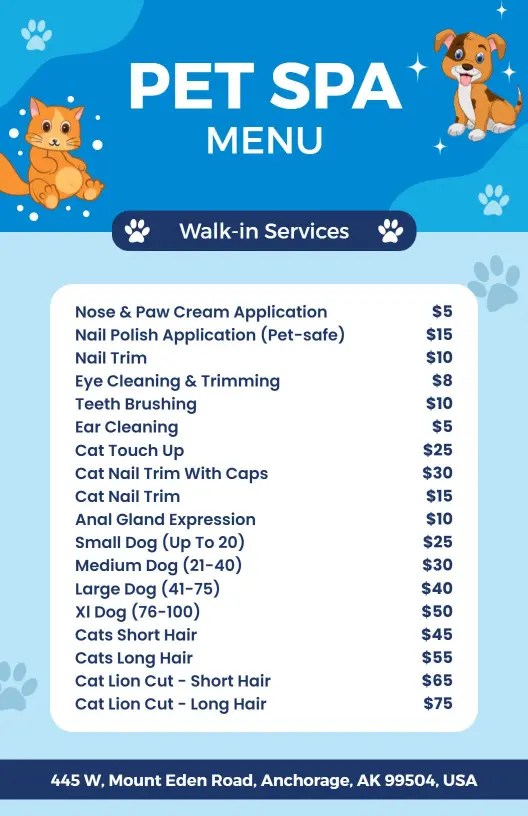
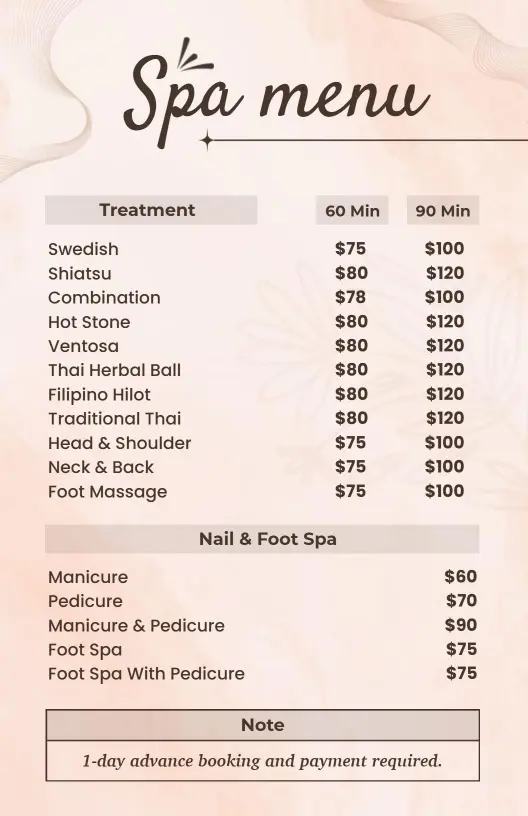
Clearly list all your luxurious offerings so guests can choose their treatments easily. Include detailed descriptions for massages, facials, inviting body wraps, indulgent pedicures, pricing for individual and package deals, special add-ons like aromatherapy, and any wellness certifications held by the spa.
Present crisp, clean print versions in reception areas, enclose them with appointment reminders, or share beautifully formatted digital copies on your spa's website and social media profiles to reach beauty enthusiasts everywhere.