


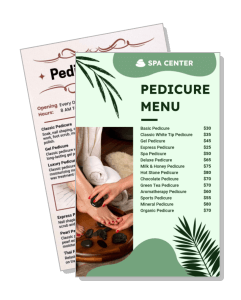
Pedicure Price List Templates
Pedicure Price List Templates help salons, spas, and nail technicians present treatments, upgrades, and prices in a clear menu clients can scan before booking.
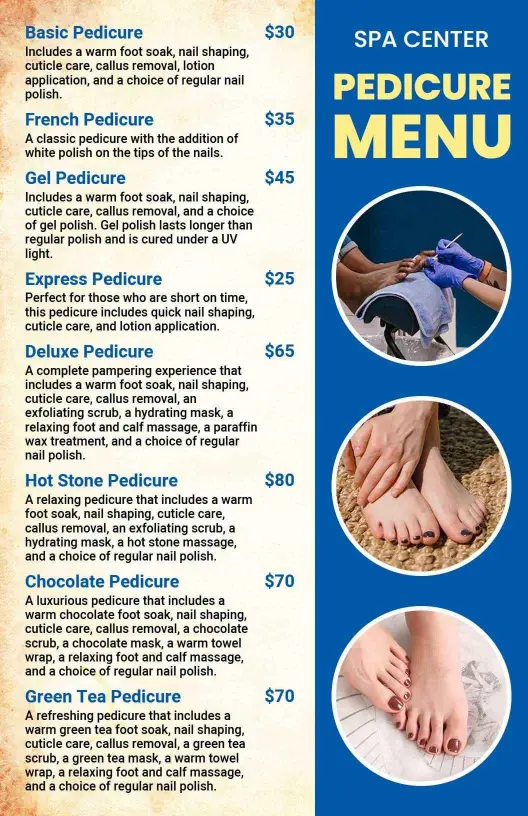
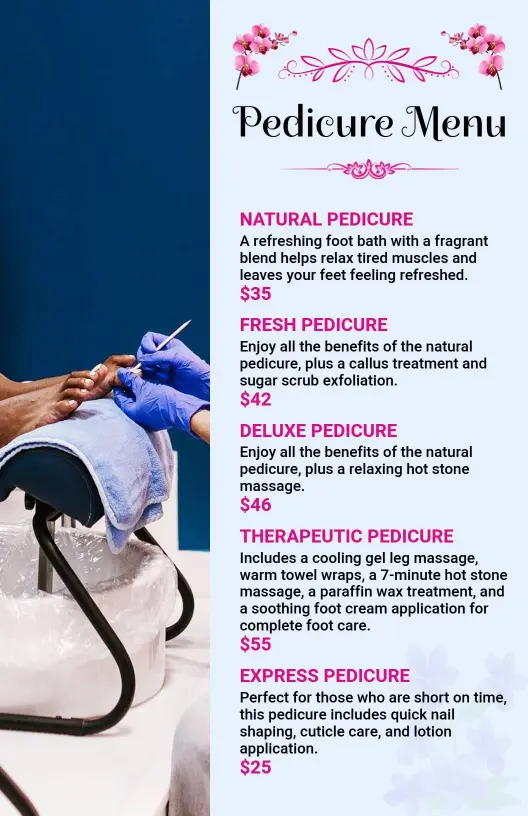
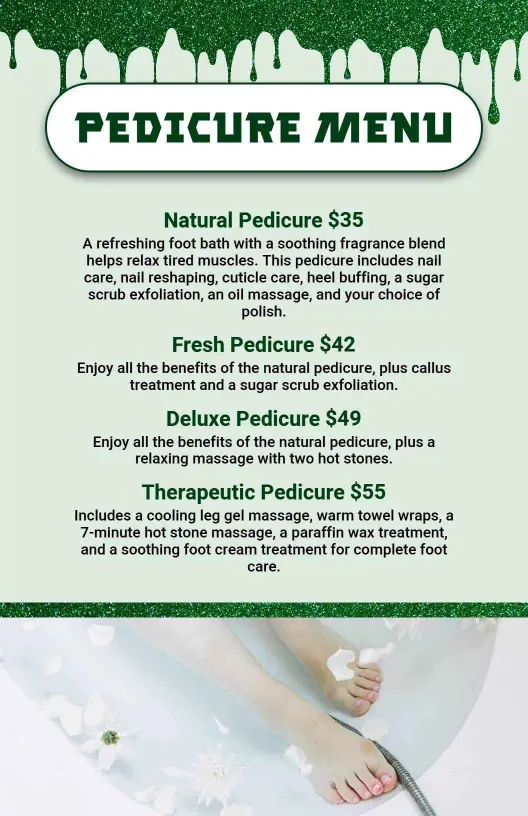
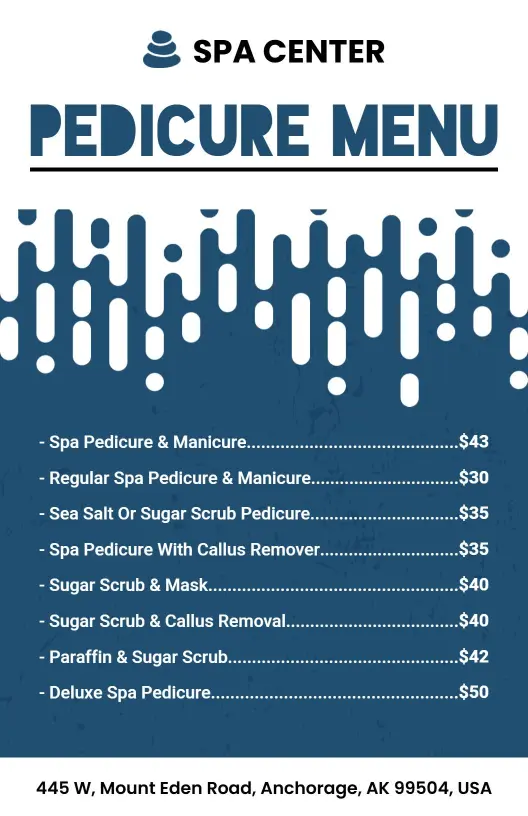
How to create a pedicure price list
Plan the service structure first, then customize the layout so clients can compare treatments, prices, and upgrades quickly in print or digital form.

1. Define your service groups
List every pedicure service, then group similar options under clear labels such as express, classic, spa, deluxe, and add-ons. This creates an easy scanning order for clients.
2. Write concise treatment details
Describe the main benefit or included steps in one short line for each service. Mention meaningful differences such as massage time, gel polish, masks, scrubs, or paraffin.
3. Arrange names and prices clearly
Place service names and prices in consistent positions so clients can compare choices quickly. Use spacing, alignment, and category headings instead of decorative clutter.
4. Apply your salon branding
Customize the colors, fonts, logo, and supporting graphics to match your salon identity. Keep strong contrast between the background, service text, and listed prices.
5. Check accuracy and export
Proofread service names, prices, durations, and contact details before exporting. Save a print-ready version and a digital version that remains readable on mobile screens.
Trusted by Thousands
 Tata Consultancy Services
 Boston Consulting
 AT&T
AT&T
 Avelo Airlines
 Procter & Gamble
 Ministry Of Health, Malaysia
 Veterans Affairs
 Detroit Government
 New York University
 Texas A&M University
 Decathlon America
 Warby Parker
Tata Consultancy Services
Boston Consulting
AT&T
Avelo Airlines
Procter & Gamble
Ministry Of Health, Malaysia
Veterans Affairs
Detroit Government
New York University
Texas A&M University
Decathlon America
Warby Parker
Warby Parker
Tata Consultancy Services
Boston Consulting
AT&T
Avelo Airlines
Procter & Gamble
Ministry Of Health, Malaysia
Veterans Affairs
Detroit Government
New York University
Texas A&M University
Decathlon America
Warby Parker



Other Menu templates
Make pedicure services easier to compare and book
A well-structured pedicure price list helps clients understand what each treatment includes, how services differ, and which upgrades fit their needs. Use clear categories for essential care, spa treatments, gel options, massage upgrades, and seasonal packages so the menu supports faster decisions at the front desk, online, or on social media.
Organize essential and signature pedicure services
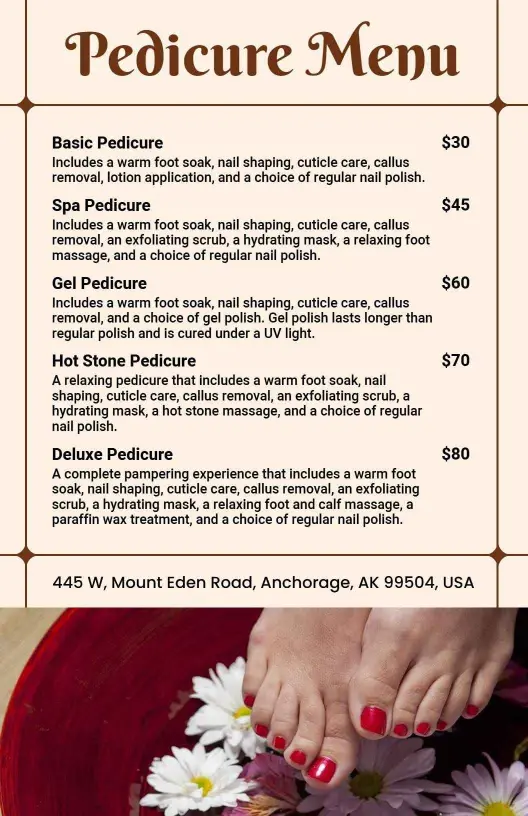
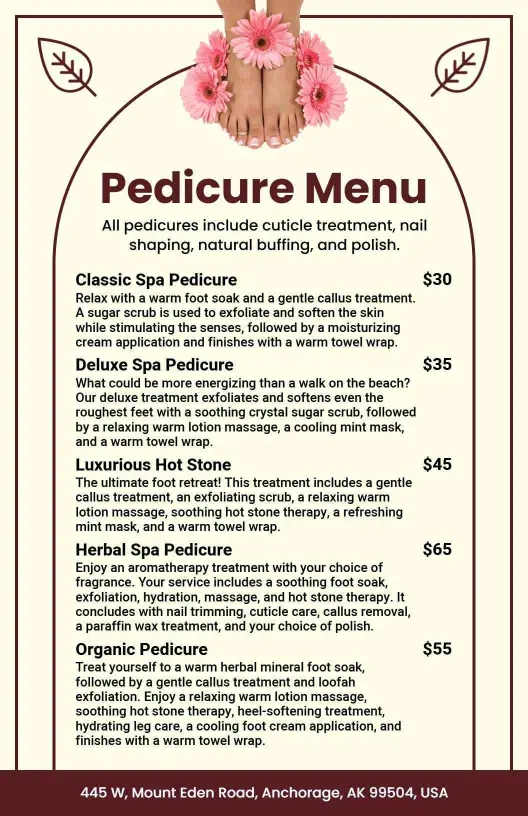
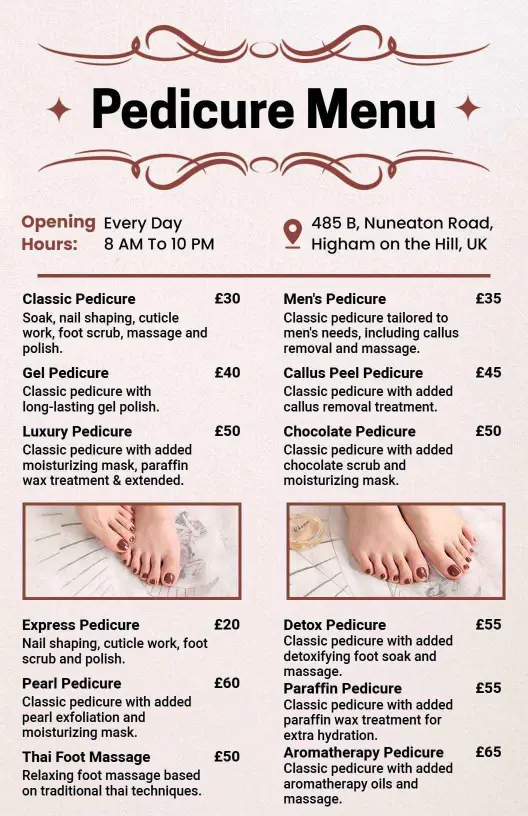
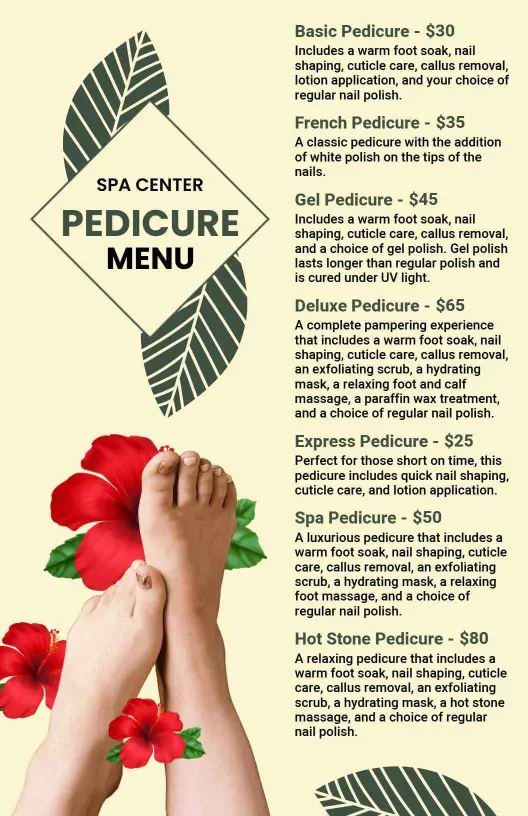
Separate basic maintenance from premium experiences so clients can compare value without reading dense descriptions. The Chic Cream Pedicure Treatment List Menu Template offers a refined structure for displaying classic, gel, luxury, and specialty treatments with their prices.
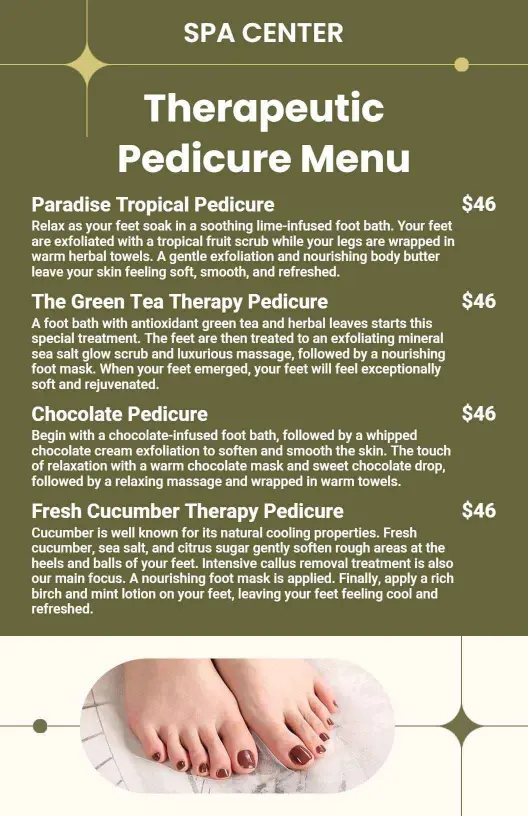
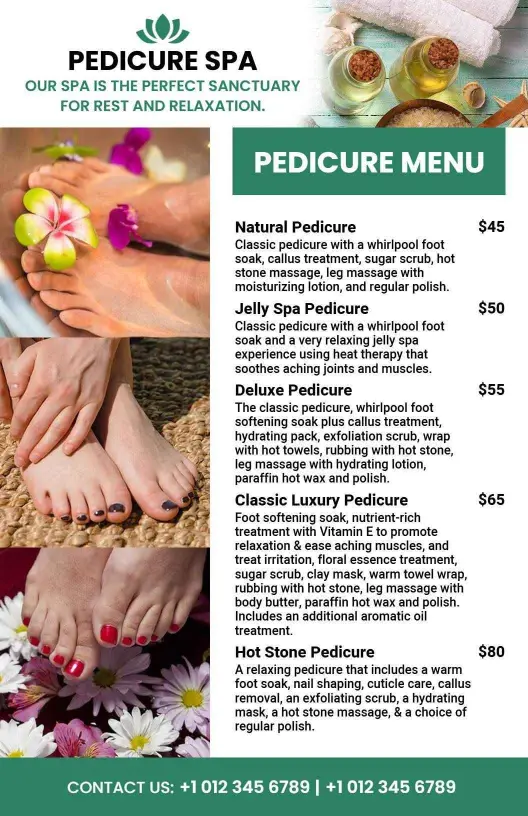
For spas that want a calm, natural presentation, the Minimalist Leaf Design Spa Pedicure Treatment Menu Template gives treatment names and pricing room to breathe while supporting a relaxing brand style.
Match the menu style to your salon brand
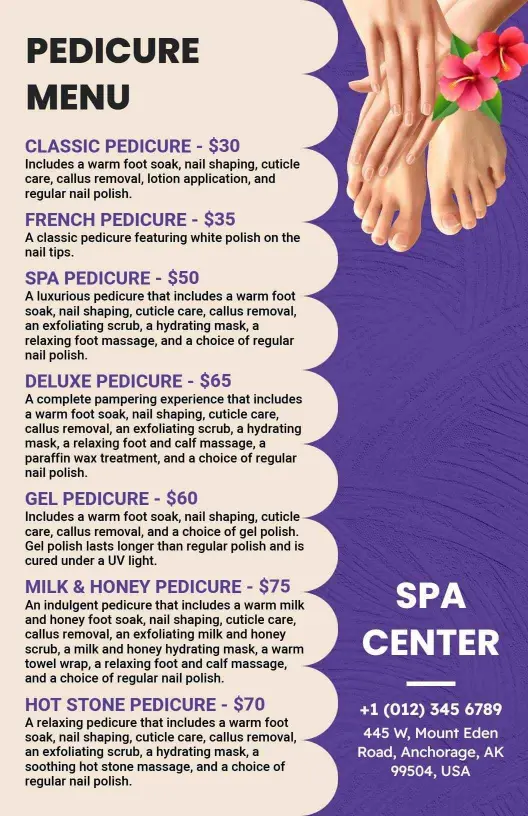
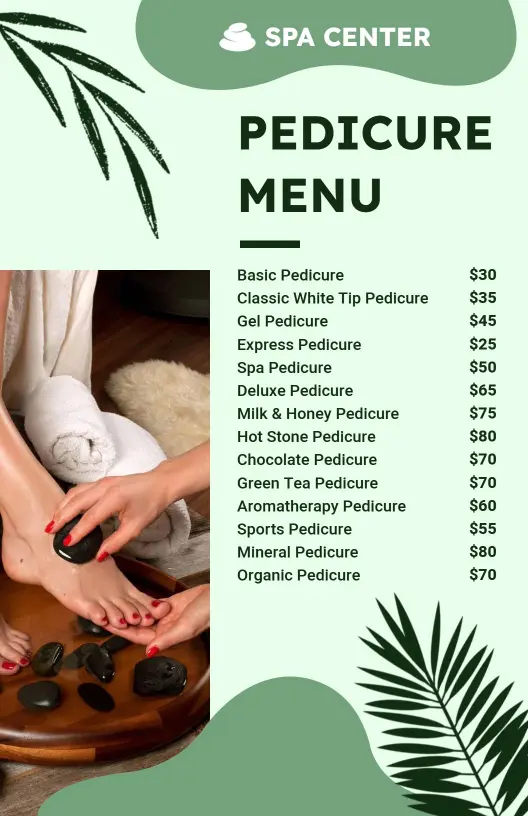
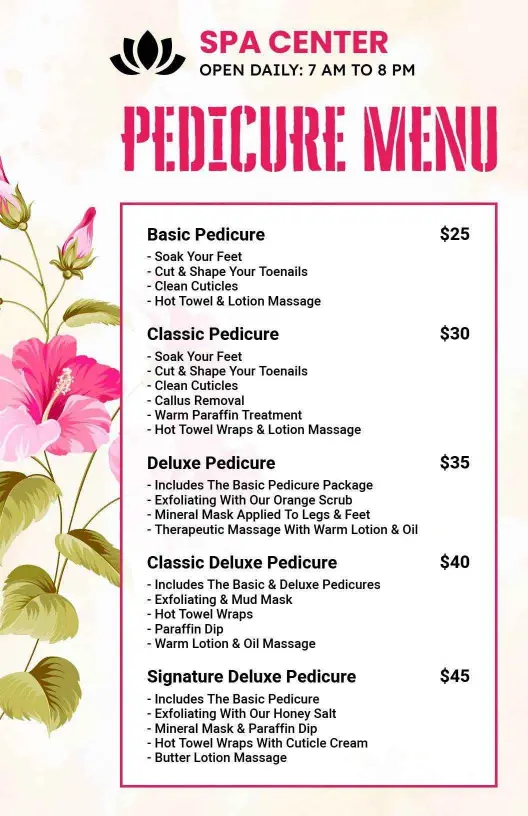
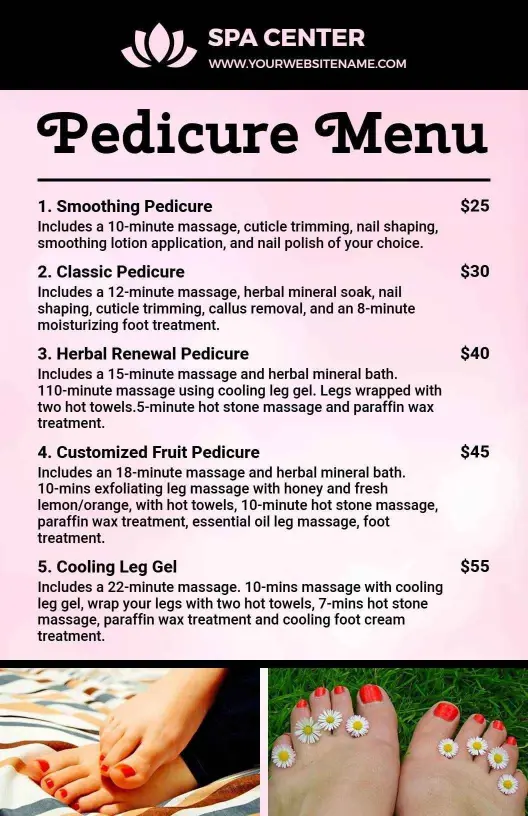
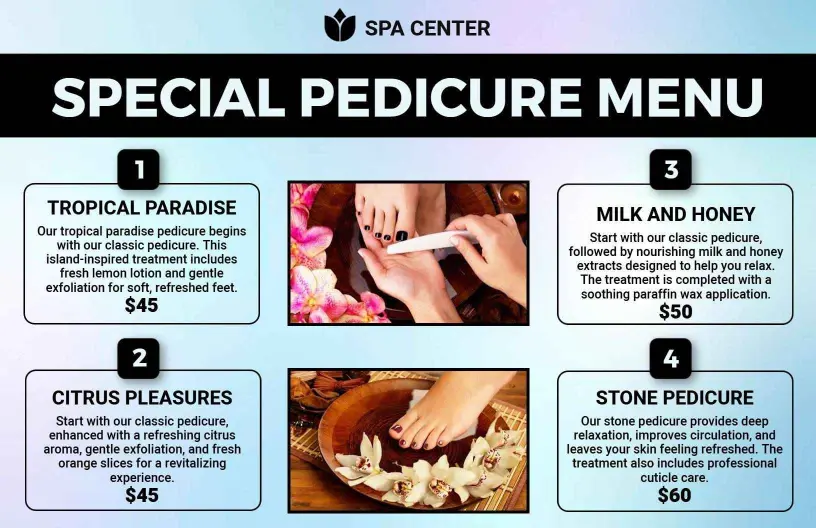
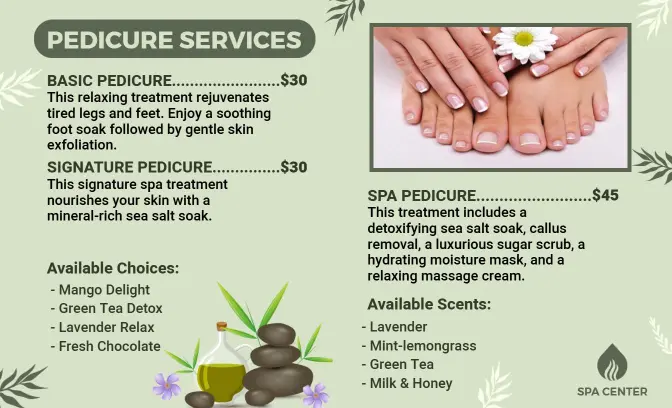
Color and typography should reinforce the experience clients expect. The Floral Elegance Green Pedicure Service Menu Template suits wellness-led salons, while the Simple Black and Pink Pedicure Menu Template supports a bolder nail studio identity without making the service list difficult to scan.
Highlight deluxe treatments and profitable add-ons
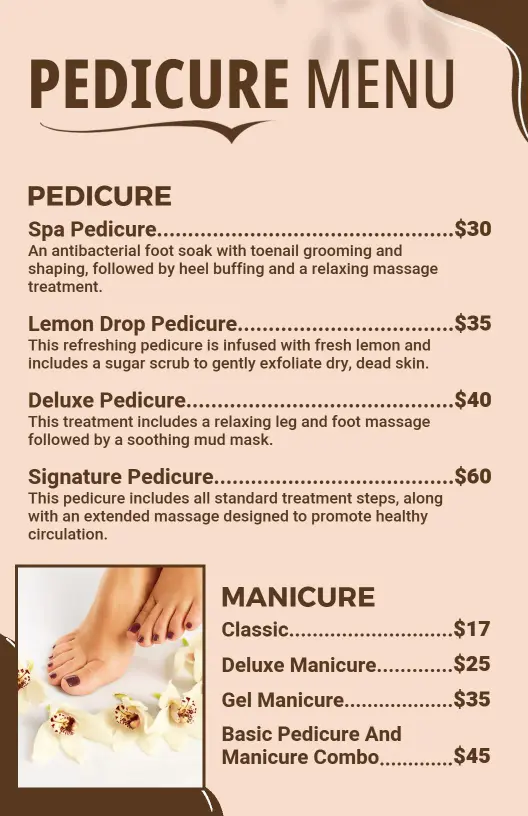
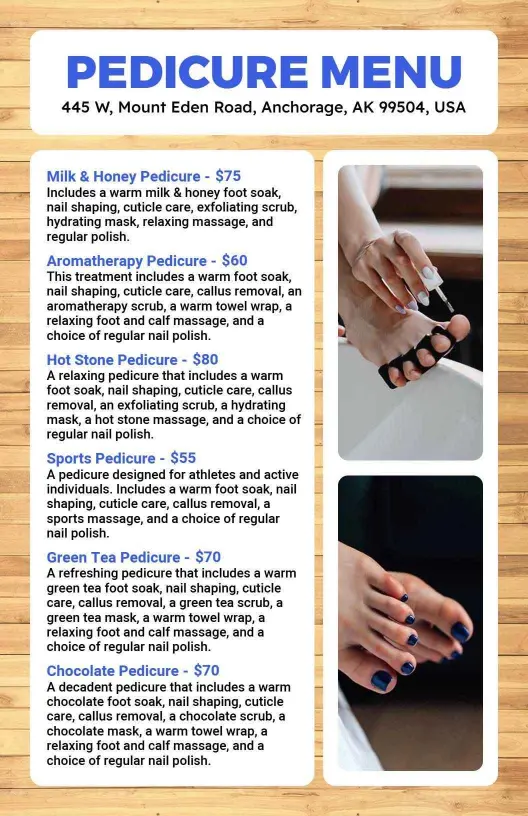
Use short descriptions to explain what makes premium services different, such as extended massage, masks, scrubs, paraffin, gel polish, or aromatherapy. The Warm Brown Deluxe Pedicure Treatment Menu Template works well for elevated packages that need a warm, spa-focused presentation.
Keep prices readable across print and digital formats
Align service names and prices consistently, leave enough spacing between categories, and avoid long paragraphs. A clean portrait layout can be printed for the reception area or shared digitally while keeping treatment details easy to read on smaller screens.