


Museum Brochure Templates
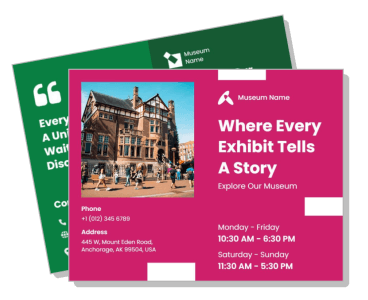
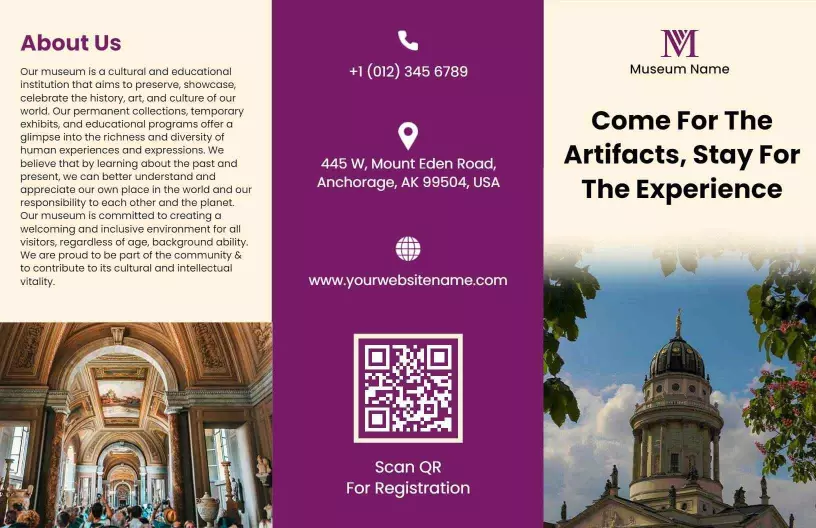
DesignWiz Museum Brochure Templates help you promote exhibits and events with a trusted library of ready made layouts, plus simple editing for artifact details, visitor information, and cultural programming.


Trusted by Thousands
 Tata Consultancy Services
 Boston Consulting
 AT&T
AT&T
 Avelo Airlines
 Procter & Gamble
 Ministry Of Health, Malaysia
 Veterans Affairs
 Detroit Government
 New York University
 Texas A&M University
 Decathlon America
 Warby Parker
Tata Consultancy Services
Boston Consulting
AT&T
Avelo Airlines
Procter & Gamble
Ministry Of Health, Malaysia
Veterans Affairs
Detroit Government
New York University
Texas A&M University
Decathlon America
Warby Parker
Warby Parker
Tata Consultancy Services
Boston Consulting
AT&T
Avelo Airlines
Procter & Gamble
Ministry Of Health, Malaysia
Veterans Affairs
Detroit Government
New York University
Texas A&M University
Decathlon America
Warby Parker



Other Brochure templates
Showcase Exciting Exhibits with Elegant Museum Brochures
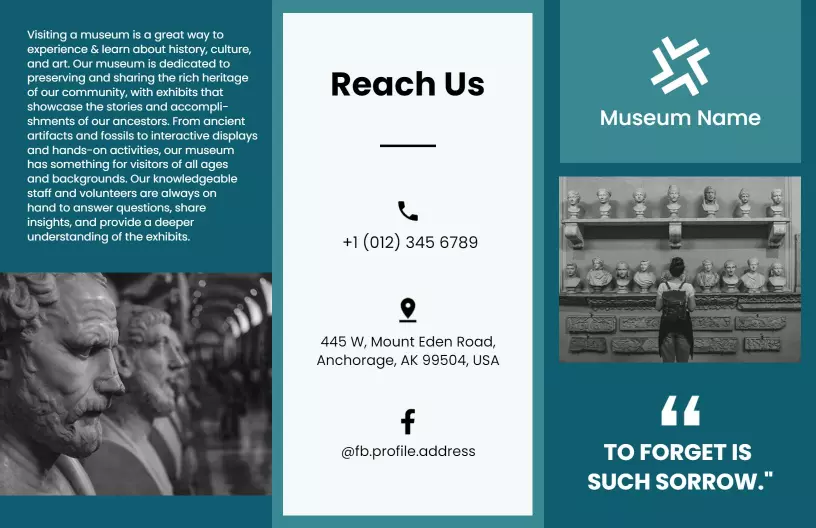
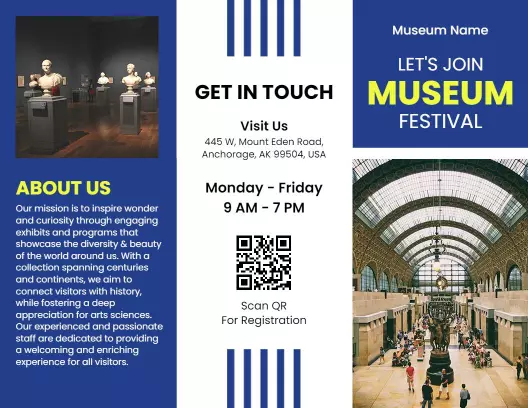
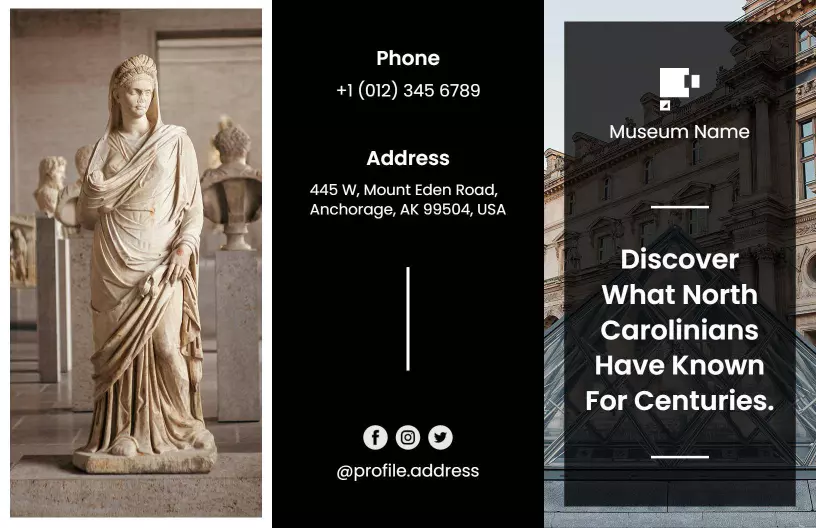
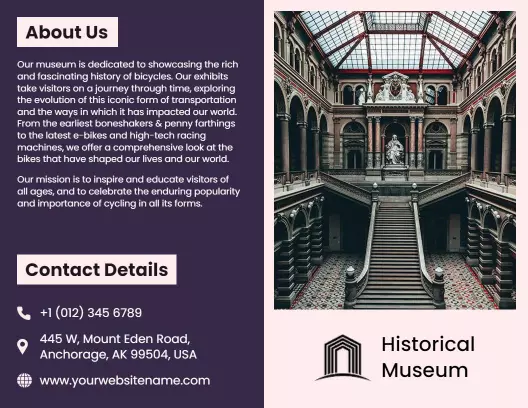
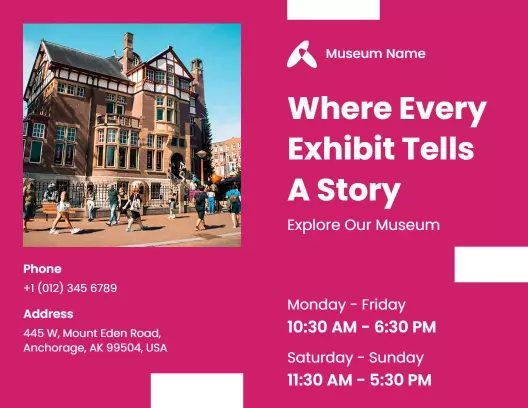
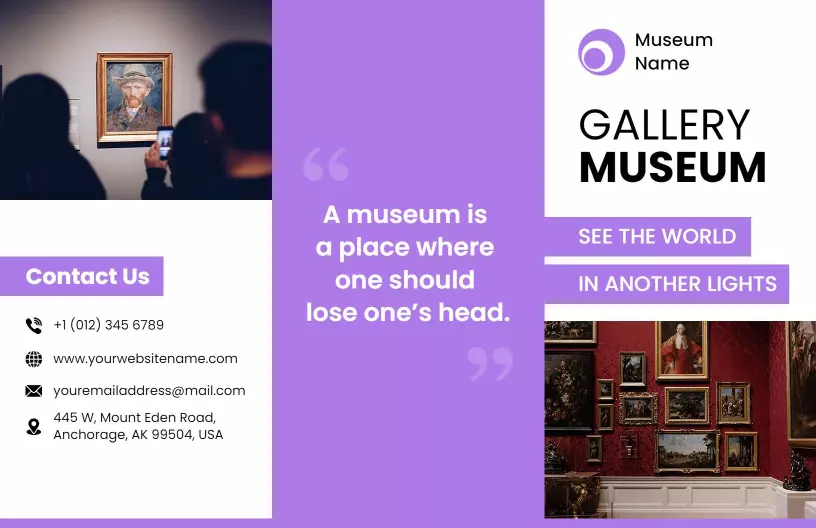
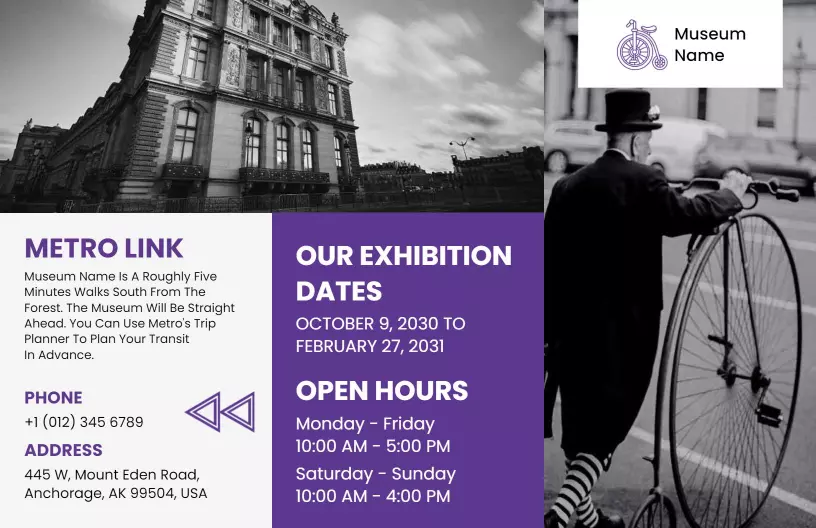
Museum visitors are drawn to exhibitions that promise knowledge and intrigue through elegant visuals. DesignWiz museum brochure templates utilize sophisticated folded layouts, classic serif typefaces, and striking artistic imagery spaces that invite exploration and curiosity about your museum's collections.
Ensure your visitors have all essential information for an enriching experience. Include details about current and upcoming exhibits, ticket prices, membership benefits, gallery maps, curator notes, special program schedules, and prominent visitor quotes or reviews. These elements give a complete preview of what guests can discover.
Place these brochures in museum lobbies, offer them at gift shops, mail them to members, or include digital versions on your website for potential visitors planning their cultural excursions. This distribution makes it easy for people to engage with your museum both on-site and online.