


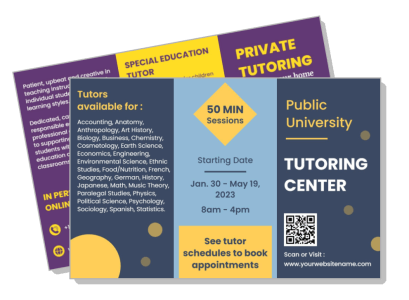
Tutoring Brochure Templates
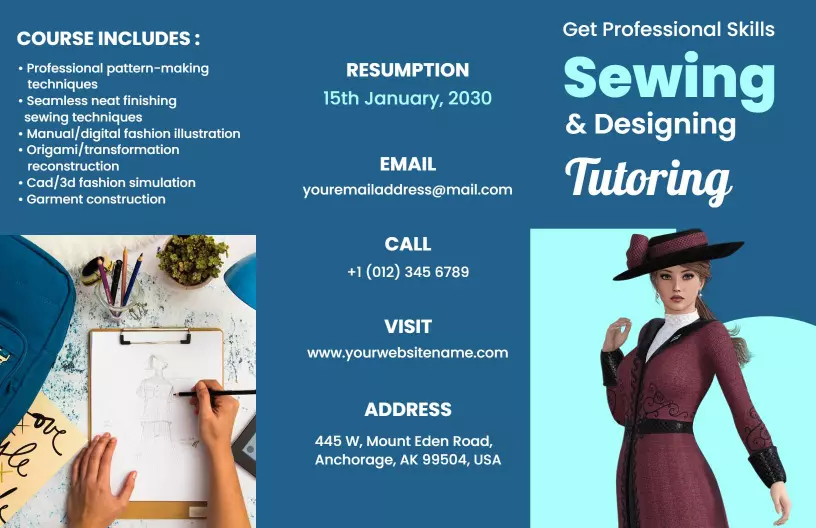
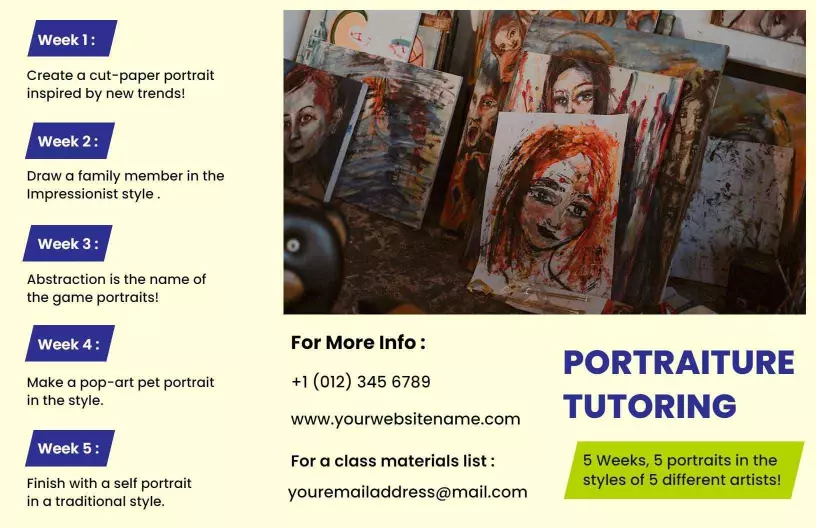
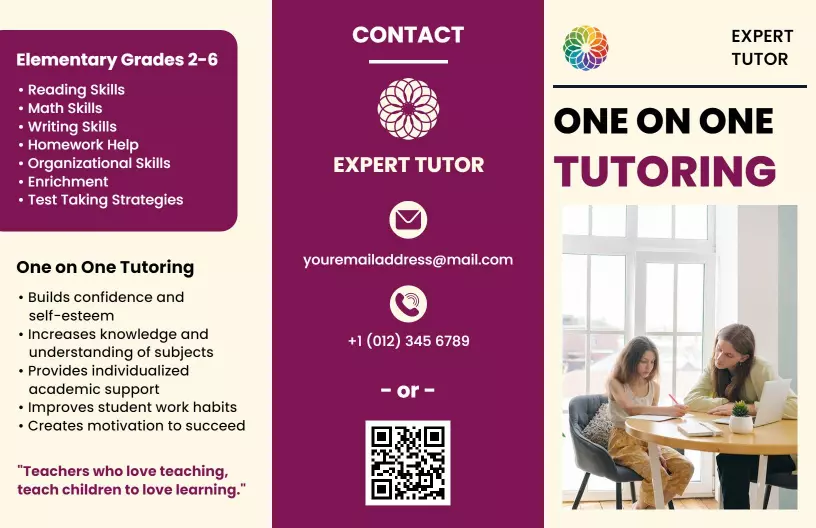
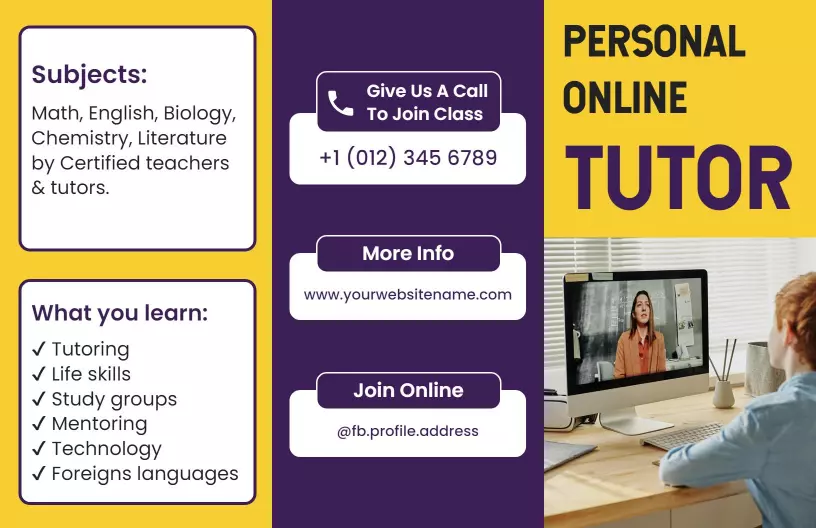
DesignWiz Tutoring Brochure Templates help you promote programs and services with a trusted library of ready made layouts, plus simple editing for subject details, tutor profiles, and schedule information.


Trusted by Thousands
 Tata Consultancy Services
 Boston Consulting
 AT&T
AT&T
 Avelo Airlines
 Procter & Gamble
 Ministry Of Health, Malaysia
 Veterans Affairs
 Detroit Government
 New York University
 Texas A&M University
 Decathlon America
 Warby Parker
Tata Consultancy Services
Boston Consulting
AT&T
Avelo Airlines
Procter & Gamble
Ministry Of Health, Malaysia
Veterans Affairs
Detroit Government
New York University
Texas A&M University
Decathlon America
Warby Parker
Warby Parker
Tata Consultancy Services
Boston Consulting
AT&T
Avelo Airlines
Procter & Gamble
Ministry Of Health, Malaysia
Veterans Affairs
Detroit Government
New York University
Texas A&M University
Decathlon America
Warby Parker



Other Brochure templates
Attract More Students With Engaging Tutoring Brochures
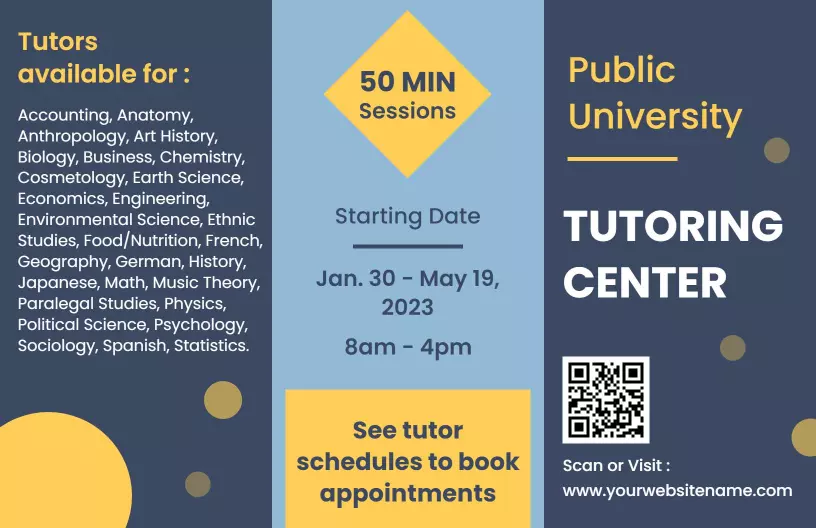
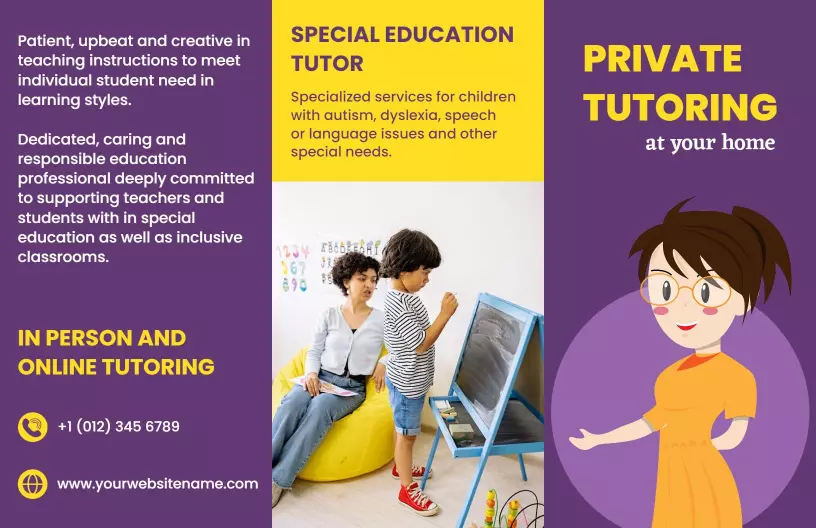
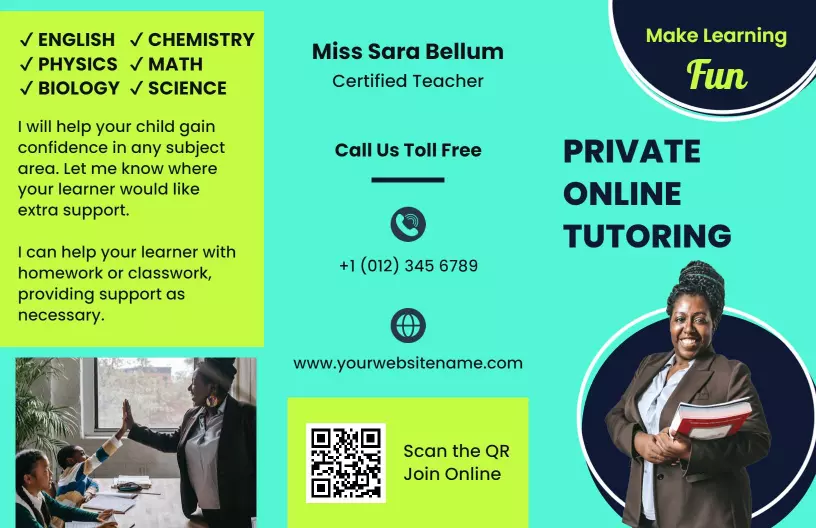
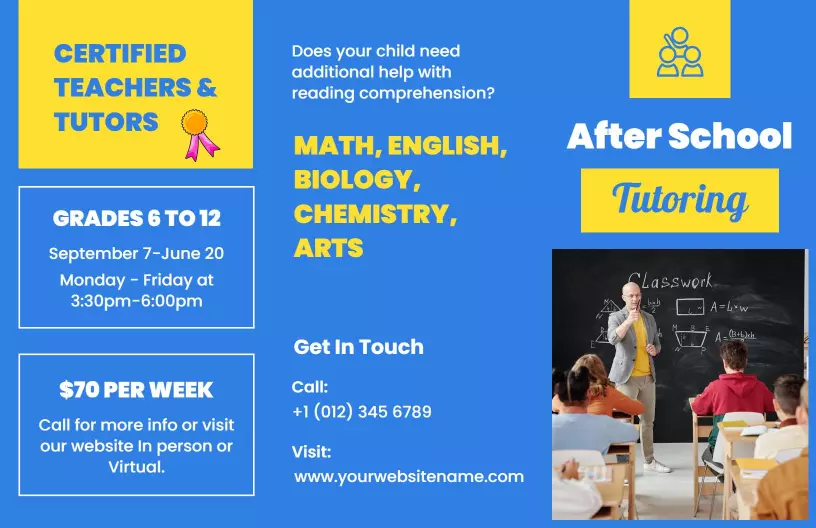
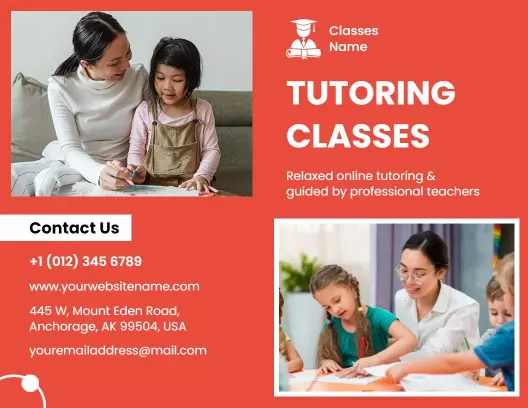
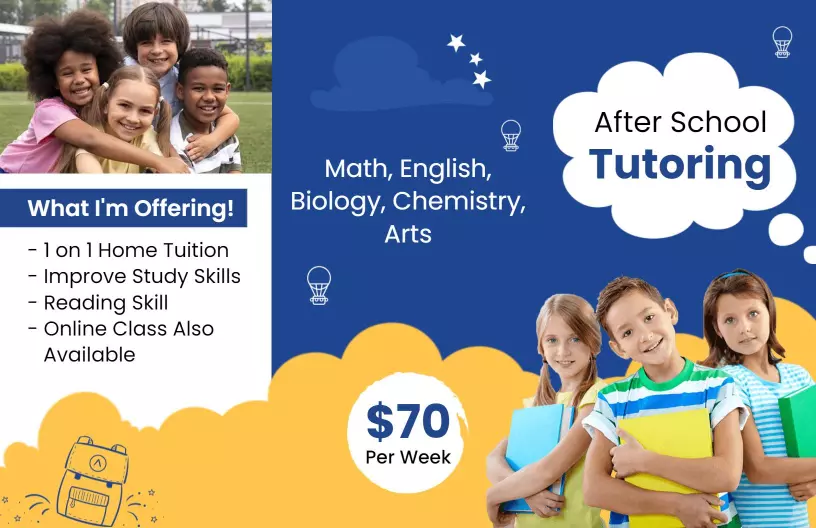
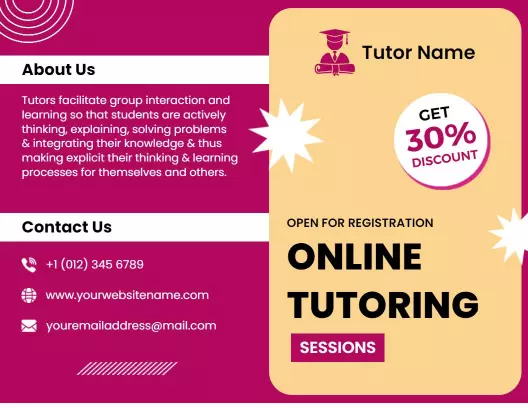
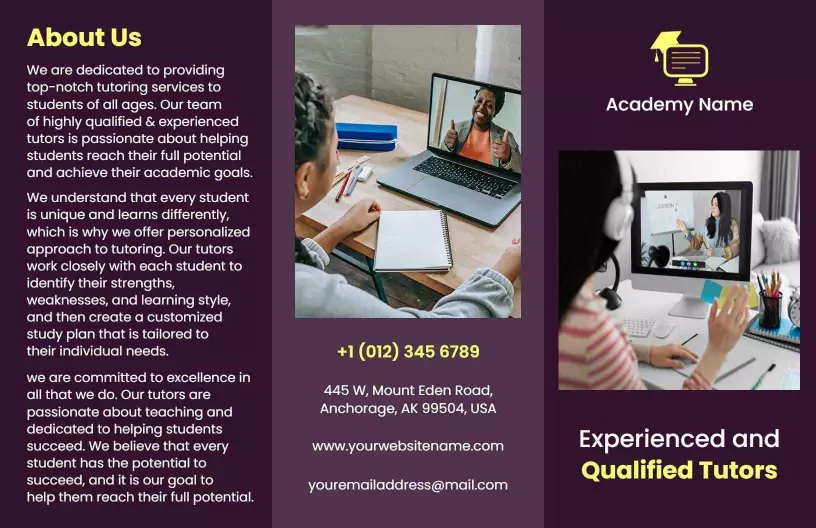
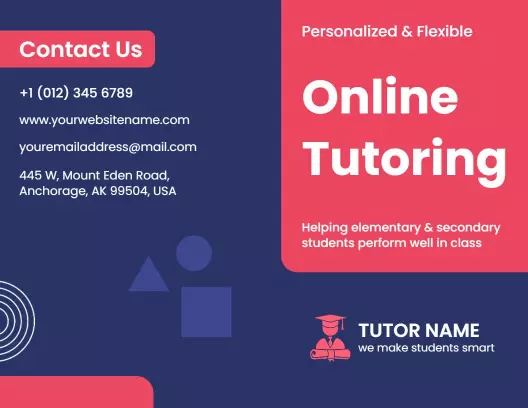
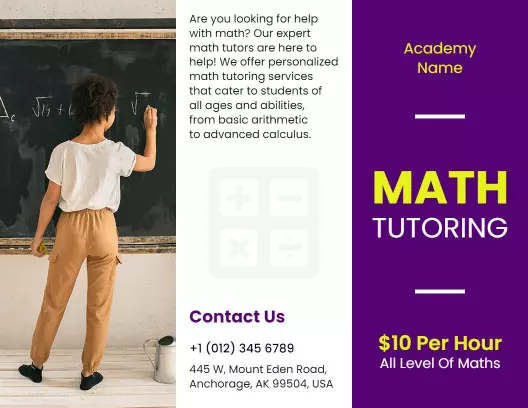
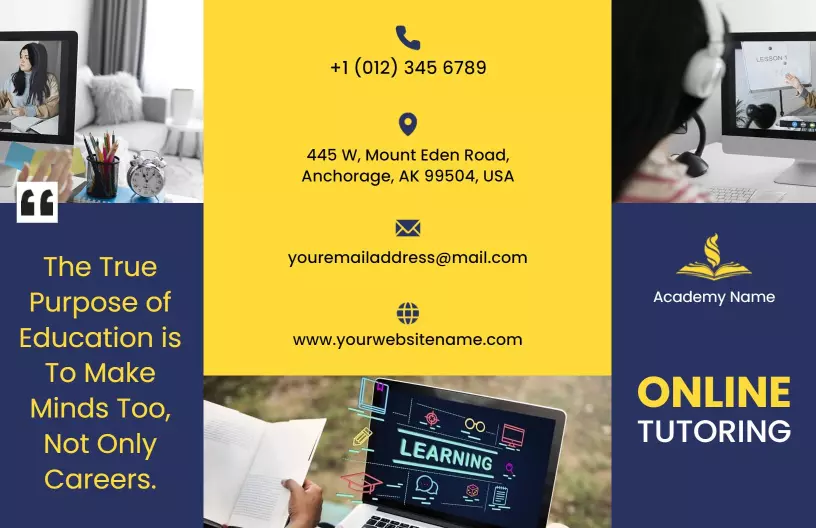
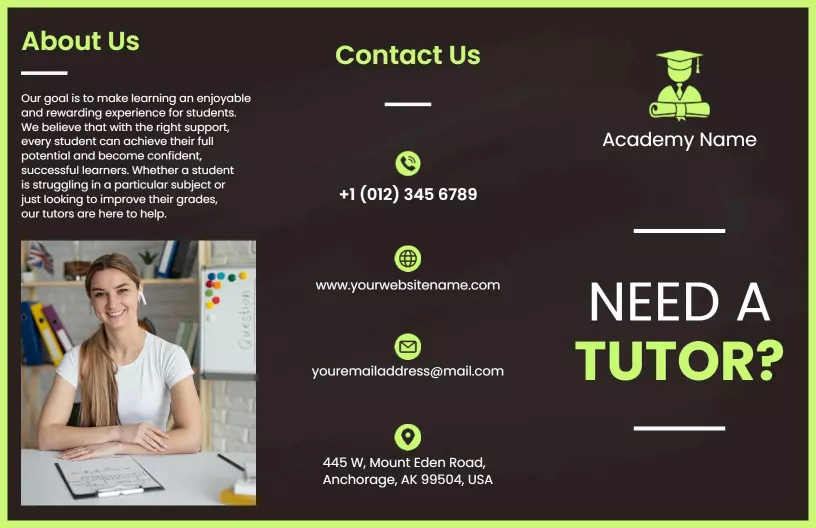
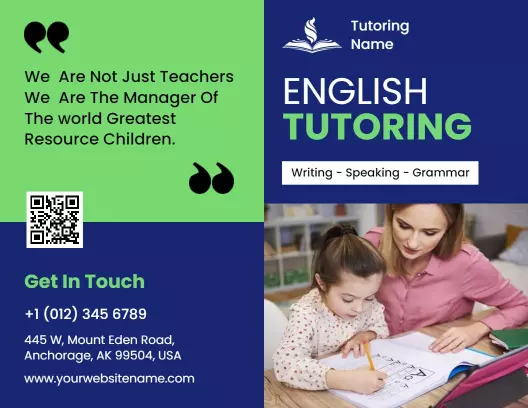
When it comes to attracting new students and parents, the visual presentation of your services is vital. DesignWiz tutoring brochure templates employ a range of friendly pastels, professional blue hues, and balanced image sections to present your qualifications and teaching style in a welcoming and trustworthy manner. Incorporating clear sectioning, these brochures ensure key information is visible at first glance.
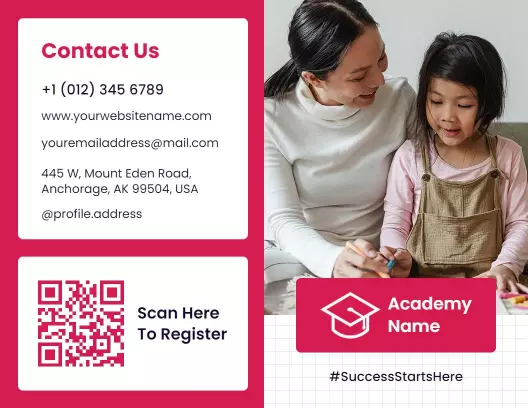
Include all necessary details that prospective students and their parents need to make informed decisions. Clearly list your tutoring specialties, academic qualifications, services offered (such as one-on-one sessions or group classes), pricing structures, testimonials from other students, and accreditation or membership in professional organizations. Add contact details like your phone number, email address, and a scannable QR code linking to your website or online scheduling platform.
Distribute your brochures in local schools' notice boards, community centers, and libraries where parents often look for educational resources. They can also be handed out at education fairs, included in school mailings, or digitally shared as PDFs through community email newsletters and social media channels.