freshchat icon chat icon loading icon

Share this template anywhere.

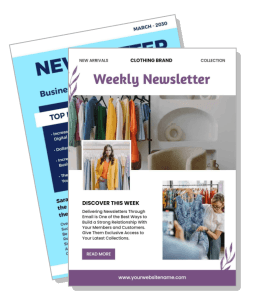
clothing brand weekly newsletter template with new arrivals and discover this week

Newsletter Brochure Templates

DesignWiz Newsletter Brochure Templates help you share company updates with a trusted library of ready made layouts, plus simple editing for news highlights, announcements, and feature stories.
Create your own

{"322953":{"name":"colorful-clothing-brand-weekly-newsletter-update-template-e9qj7a1811926b.jpg","webp_name":"colorful-clothing-brand-weekly-newsletter-update-template-e9qj7a1811926b.webp","height":1754,"width":1240}} 322953
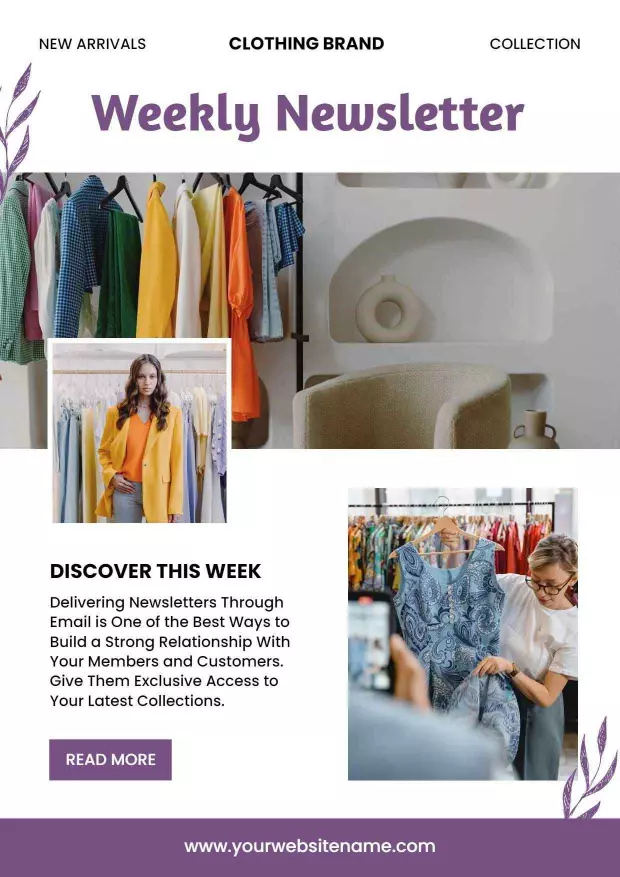
Colorful Clothing Brand Weekly Newsletter Update Template
1240 x 1754 px

newsletter
fashion
Show all keywords
Colorful Clothing Brand Weekly Newsletter Update Template
{"322953":{"name":"modern-business-newsletter-with-top-news-highlights-brochure-template-k7cpju1830a753.jpg","webp_name":"modern-business-newsletter-with-top-news-highlights-brochure-template-k7cpju1830a753.webp","height":1754,"width":1240}} 322953
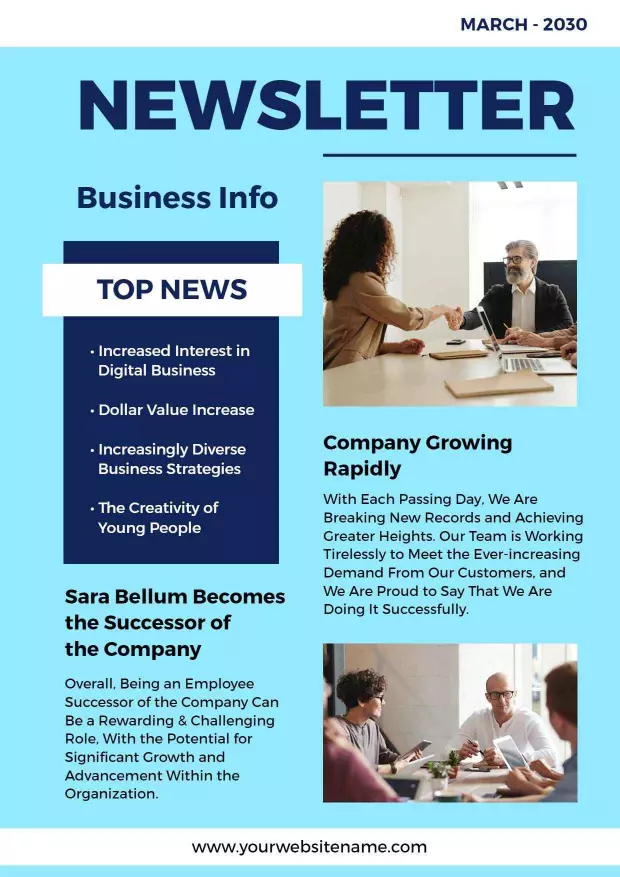
Modern Business Newsletter with Top News Highlights Brochure Template
1240 x 1754 px

newsletter
business
Show all keywords
Modern Business Newsletter with Top News Highlights Brochure Template
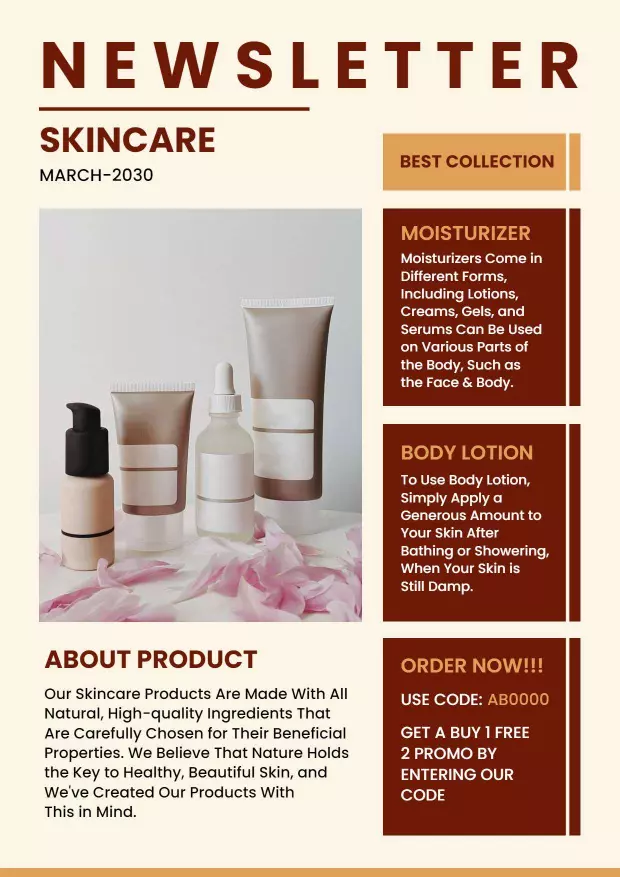
{"322953":{"name":"elegant-beige-skincare-product-newsletter-template-kr2aas18564fdc.jpg","webp_name":"elegant-beige-skincare-product-newsletter-template-kr2aas18564fdc.webp","height":1754,"width":1240}} 322953
Elegant Beige Skincare Product Newsletter Template
1240 x 1754 px

newsletter
skincare
Show all keywords
Elegant Beige Skincare Product Newsletter Template
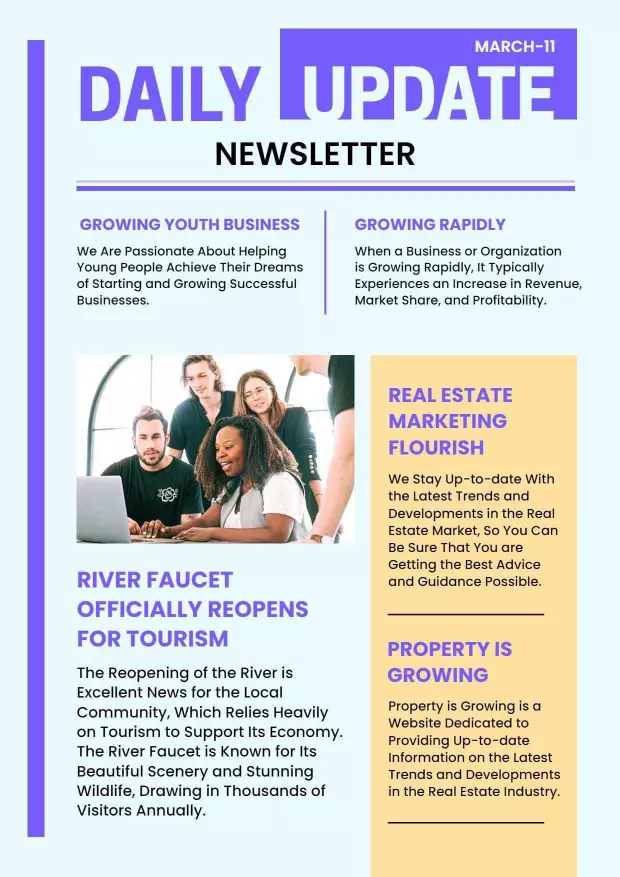
{"322953":{"name":"purple-modern-monthly-update-newsletter-template-xt1ni11833e2e5.jpg","webp_name":"purple-modern-monthly-update-newsletter-template-xt1ni11833e2e5.webp","height":1754,"width":1240}} 322953
Purple Modern Monthly Update Newsletter Template
1240 x 1754 px

newsletter
daily
Show all keywords
Purple Modern Monthly Update Newsletter Template
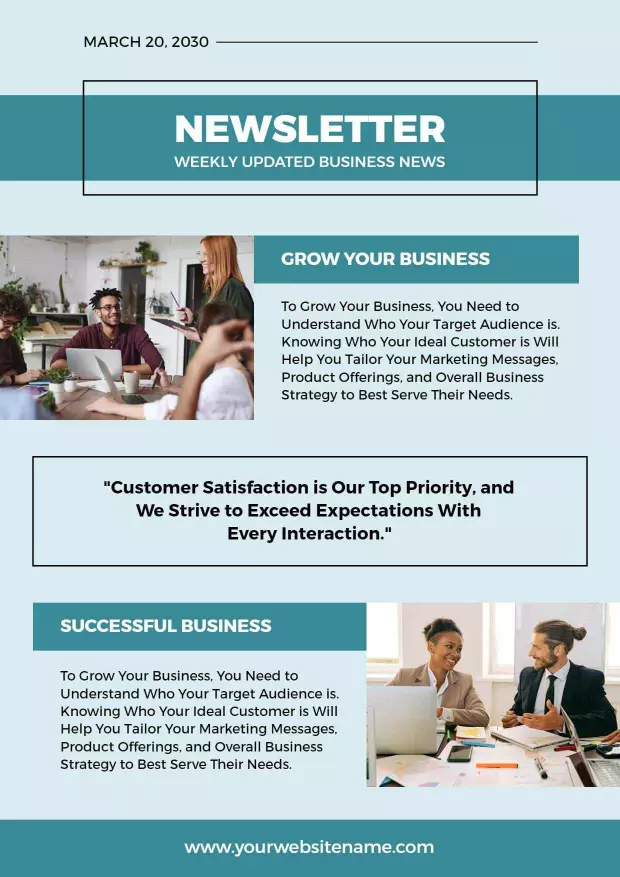
{"322953":{"name":"modern-blue-business-newsletter-for-customer-engagement-brochure-template-qjybwa183e18d0.jpg","webp_name":"modern-blue-business-newsletter-for-customer-engagement-brochure-template-qjybwa183e18d0.webp","height":1754,"width":1240}} 322953
Modern Blue Business Newsletter for Customer Engagement Brochure Template
1240 x 1754 px

newsletter
business
Show all keywords
Modern Blue Business Newsletter for Customer Engagement Brochure Template
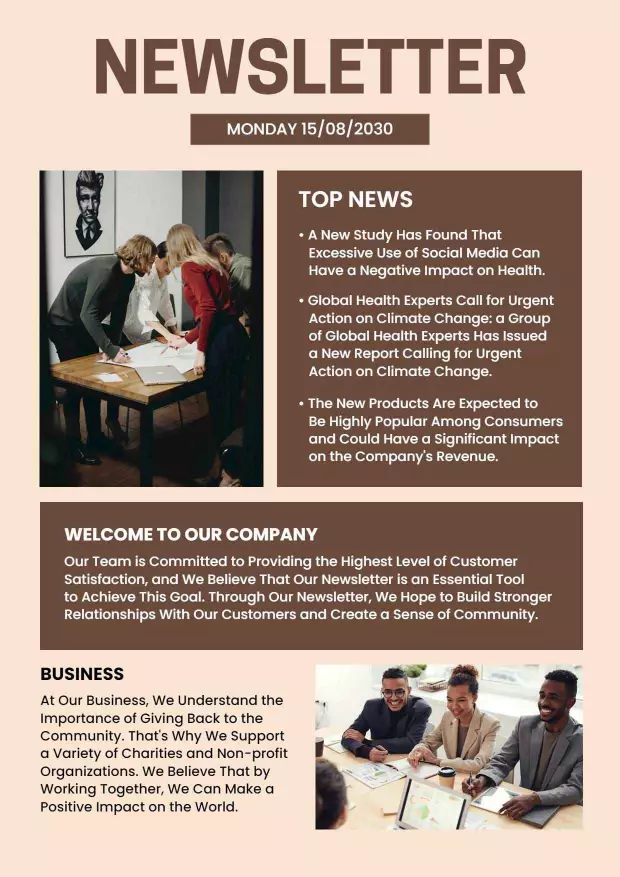
{"322953":{"name":"classic-beige-professional-newsletter-template-tnvynx18689f1d.jpg","webp_name":"classic-beige-professional-newsletter-template-tnvynx18689f1d.webp","height":1754,"width":1240}} 322953
Classic Beige Professional Newsletter Template
1240 x 1754 px

newsletter
business
Show all keywords
Classic Beige Professional Newsletter Template
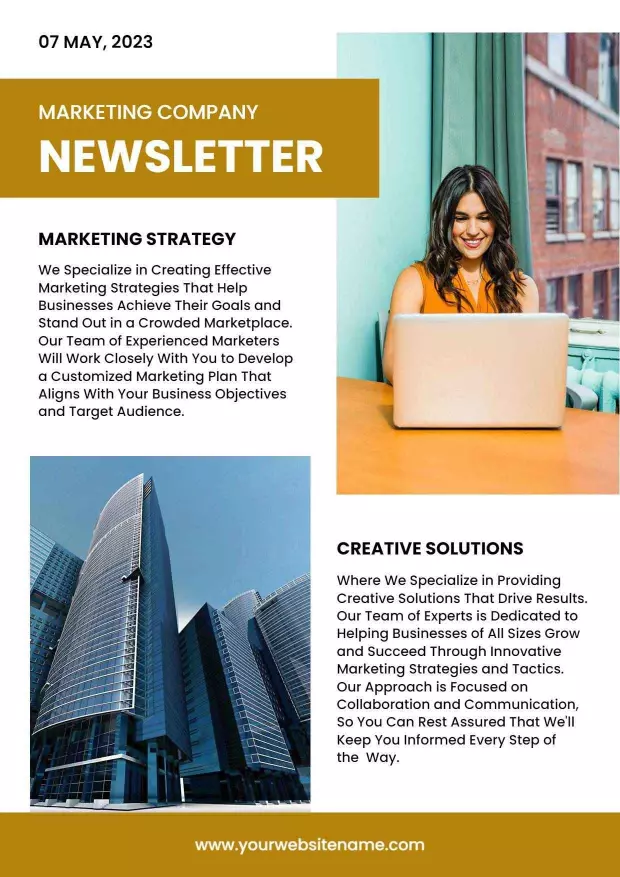
{"322953":{"name":"modern-marketing-company-newsletter-with-strategy-and-solutions-template-s4hf781841139a.jpg","webp_name":"modern-marketing-company-newsletter-with-strategy-and-solutions-template-s4hf781841139a.webp","height":1754,"width":1240}} 322953
Modern Marketing Company Newsletter with Strategy and Solutions Template
1240 x 1754 px

marketing
newsletter
Show all keywords
Modern Marketing Company Newsletter with Strategy and Solutions Template
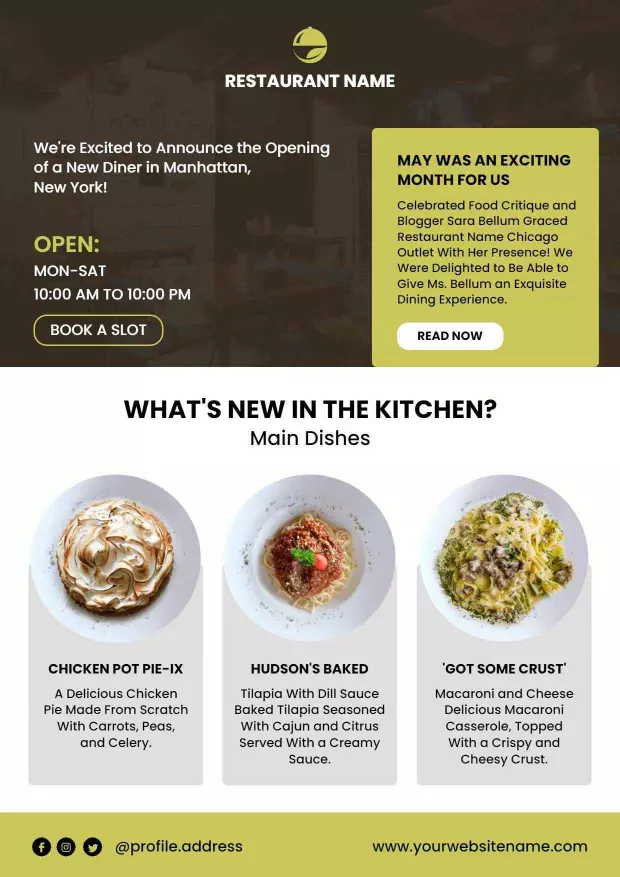
{"322953":{"name":"exciting-restaurant-new-diner-opening-announcement-newsletter-template-cgh05u7b8457d4.jpg","webp_name":"exciting-restaurant-new-diner-opening-announcement-newsletter-template-cgh05u7b8457d4.webp","height":1754,"width":1240}} 322953
Exciting Restaurant New Diner Opening Announcement Newsletter Template
1240 x 1754 px

restaurant
opening
Show all keywords
Exciting Restaurant New Diner Opening Announcement Newsletter Template
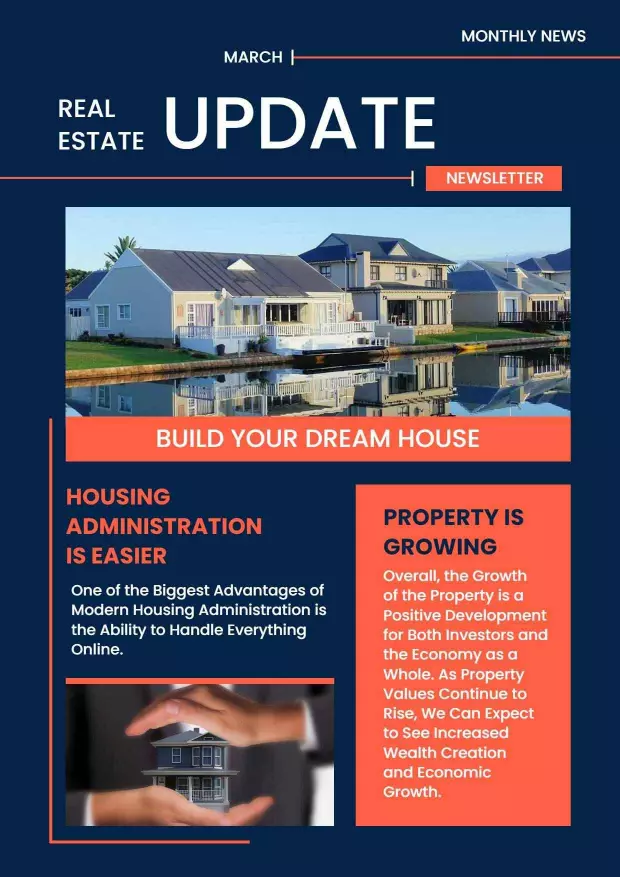
{"322953":{"name":"real-estate-monthly-update-and-housing-news-newsletter-template-ol1y2t7b317d34.jpg","webp_name":"real-estate-monthly-update-and-housing-news-newsletter-template-ol1y2t7b317d34.webp","height":1754,"width":1240}} 322953
Real Estate Monthly Update and Housing News Newsletter Template
1240 x 1754 px

real
estate
Show all keywords
Real Estate Monthly Update and Housing News Newsletter Template
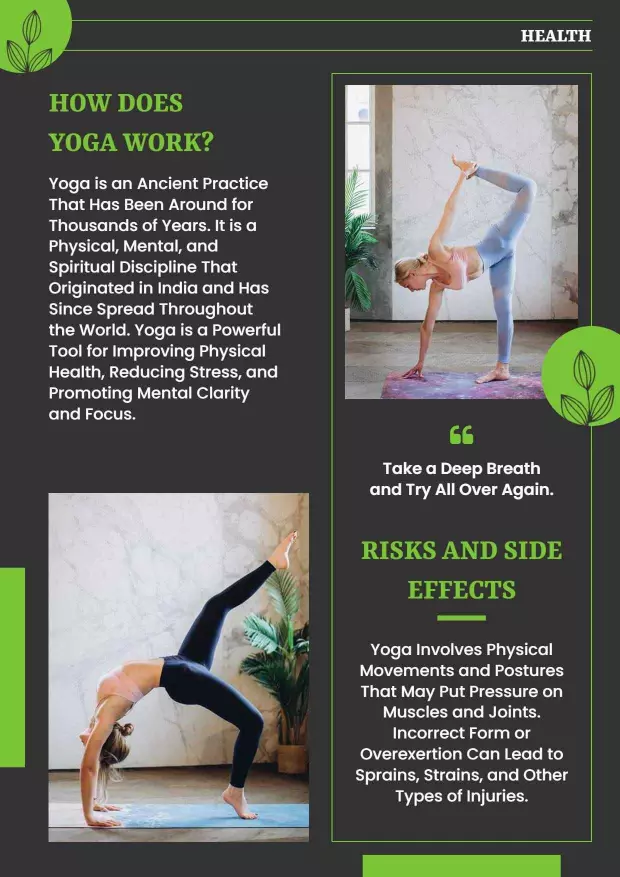
{"322953":{"name":"health-and-wellness-yoga-practices-and-benefits-newsletter-template-smy1ld5f04ce5c.jpg","webp_name":"health-and-wellness-yoga-practices-and-benefits-newsletter-template-smy1ld5f04ce5c.webp","height":1754,"width":1240}} 322953
Health and Wellness Yoga Practices and Benefits Newsletter Template
1240 x 1754 px

yoga
wellness
Show all keywords
Health and Wellness Yoga Practices and Benefits Newsletter Template

How to customize a newsletter brochure

No design skills needed. Choose a layout, add your articles and updates, adjust colors and photos, then export a file you can print or share in minutes.

Corporate Growth Poster
1.

1. Pick a layout

Pick a newsletter brochure layout that fits your industry and audience, then set page size to 8.5 x 11 inches. Place your main story and headline on the front cover for reader attention.

2.

2. Add key details

Add company name, feature article with headline and image, secondary news, upcoming events, team updates and contact details. Keep articles short and focused so readers find what they need.

3.

3. Use professional visuals

Use quality photos for main stories, match brand colors for sections and organize content with clear headings. Keep contrast high and use clean professional fonts for a polished newsletter look.

4.

4. Check print settings

Confirm text is within safe margins, check headlines and body text are easy to read and export at 300 DPI for print. Preview the newsletter at full size before sending to your print provider.

5.

5. Export and share

Export a print ready PDF plus a digital version for email and your website. Reuse articles and images in your email newsletter so readers see consistent content across print and digital channels.

Trusted by Thousands

Tata Consultancy Services
Boston Consulting
AT&T
Avelo Airlines
Procter & Gamble
Ministry Of Health, Malaysia
Veterans Affairs
Detroit Government
New York University
Texas A&M University
Decathlon America
Warby Parker
Tata Consultancy Services
Boston Consulting
AT&T
Avelo Airlines
Procter & Gamble
Ministry Of Health, Malaysia
Veterans Affairs
Detroit Government
New York University
Texas A&M University
Decathlon America
Warby Parker
High performer asia
Front runners
High performer small business

Other Brochure templates

Newsletter Brochure Templates Design Ideas and Examples

Customize colors, photos, and article layouts to match your brand, then keep the format consistent so readers find the latest updates quickly. DesignWiz offers 5+ newsletter brochures across business and industry styles, so you can start from a ready made layout and edit it for your audience. Use these ideas to decide headline style, photo placement, and what to emphasize for your readers, then browse brochure templates when you want more options beyond your first pick.

Weekly and monthly updates

Lead with your top stories and feature a main article with a headline, summary image, and call to action. Organize secondary news in a bullet list or brief section so readers scan quickly and find what matters. For newsletter examples with strong update sections, start from modern business newsletter with top news highlights brochure template and swap the articles and headlines with your own content.

Industry specific newsletters

Tailor your newsletter to your industry with relevant content sections, product highlights, and customer stories. Use themed colors and imagery that match your sector such as fashion, beauty, or tech to create an immediate visual connection. For an industry focused newsletter template, adapt colorful clothing brand weekly newsletter update template and add your product categories and brand stories.

Customer engagement and outreach

Design your newsletter to build relationships with dedicated sections for customer stories, tips, and special offers. Include a personal note from the team, a featured customer spotlight, and a clear call to action such as shop now or read more. For a customer focused engagement template, customize modern blue business newsletter for customer engagement brochure template and add your customer success stories and loyalty offers.

Create Your Brochure Template Now!

Frequently Asked Questions (FAQs)

A newsletter brochure should include your company name and logo, a main feature article with headline and image, secondary news items or updates, upcoming events or announcements, a message from leadership, and contact information. Add social media links, a call to action such as read more or visit our website, and an unsubscribe option if distributed by email.

Standard letter size of 8.5 by 11 inches works well for newsletter brochures because it fits in mailers, handout stacks, and presentation folders. This size gives you space for a main article, secondary stories, images, and a sidebar with announcements. For digital distribution, export a PDF version optimized for email attachments and online viewing.

Place the most important story on the front with a strong headline and image, then organize secondary news by category such as company updates, industry news, and employee highlights. Use consistent section headers and keep article lengths short so readers scan quickly. Include a table of contents or sidebar for longer editions with multiple stories.

Use your brand colors consistently across all newsletter issues to build recognition and trust. For readability, pair dark text with light backgrounds and use accent colors for headlines, pull quotes, and calls to action. Limit your palette to two or three main colors plus a neutral background. High contrast between text and background is essential for easy reading on both print and screen.

Yes, include relevant images such as product photos, team pictures, event shots, or infographics because they increase reader engagement and make the newsletter more visually appealing. Use high quality images at 300 DPI for print and optimize them for screen viewing. Add captions to photos and alt text for accessibility and search visibility.

Send newsletters on a consistent schedule such as weekly, biweekly, or monthly so readers know when to expect updates. Weekly works well for fast moving industries like retail or tech, while monthly suits professional services and nonprofits. Choose a frequency you can maintain reliably and keep each issue focused and valuable rather than adding filler content.

Use a clean layout with consistent margins, a clear hierarchy with headlines and subheadings, and professional quality images. Limit fonts to two and keep body text readable at 10 to 12 points. Include your logo in the same position each issue and use consistent section colors and headers. Proofread all articles for spelling, grammar, and factual accuracy before publishing.

Start with a print layout at 300 DPI and create a second version optimized for email by adjusting column widths and image sizes. For email distribution, test the newsletter on mobile and desktop clients to ensure text and images display correctly. Keep the same content and branding across both versions but adjust the format to suit each medium for the best reader experience.

Your company name and logo, the newsletter title and issue date, and a featured story with a compelling headline and image. Include a brief summary of the main article and a call to action such as read the full story inside. Add a secondary highlight or quick links to other sections so readers know what else is available in this issue.

Keep articles short and focused, use engaging headlines that promise value, and include a mix of content types such as news, tips, customer stories, and upcoming events. Add personal touches like a note from the CEO or an employee spotlight. Include clear calls to action and track open rates and click throughs to learn what content resonates with your audience over time.
Start Designing with AI
Can’t find the perfect design? Create instantly with AI.