



Training Certificate Templates
Training Certificate Templates help trainers, employers, educators, and course providers recognize completed learning with professional certificates tailored to each program.















How to create a professional training certificate
Choose a design that matches the training context, then personalize the certificate so every recipient, course, and authorization detail is accurate and easy to verify.
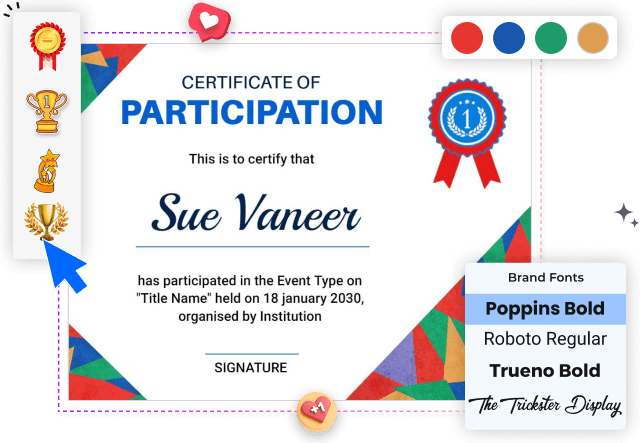
1. Select the training purpose
Identify whether the certificate covers employee development, safety instruction, a workshop, or a specialized course. This determines the wording, tone, and visual style.
2. Add the recipient and course details
Enter the recipient's full name, training title, completion date, and issuing organization. Keep these details prominent so the certificate can be reviewed quickly.
3. Apply your organization branding
Replace the sample logo, colors, and fonts with approved brand elements. Maintain strong contrast and consistent spacing so the certificate remains formal and readable.
4. Include authorization information
Add the instructor, manager, or authorized signatory with an appropriate title and signature area. Include a certificate number when your records require verification.
5. Review and export the certificate
Check every name, date, course title, logo, and signature before export. Save a clear digital copy and prepare a print version suitable for professional presentation.
Trusted by Thousands
 Tata Consultancy Services
 Boston Consulting
 AT&T
AT&T
 Avelo Airlines
 Procter & Gamble
 Ministry Of Health, Malaysia
 Veterans Affairs
 Detroit Government
 New York University
 Texas A&M University
 Decathlon America
 Warby Parker
Tata Consultancy Services
Boston Consulting
AT&T
Avelo Airlines
Procter & Gamble
Ministry Of Health, Malaysia
Veterans Affairs
Detroit Government
New York University
Texas A&M University
Decathlon America
Warby Parker
Warby Parker
Tata Consultancy Services
Boston Consulting
AT&T
Avelo Airlines
Procter & Gamble
Ministry Of Health, Malaysia
Veterans Affairs
Detroit Government
New York University
Texas A&M University
Decathlon America
Warby Parker



Other Certificate templates
Training certificates that document skills with clarity and credibility
Training certificate templates give organizations a consistent way to recognize course completion, skill development, workplace instruction, and professional learning. A clear certificate should identify the recipient, training topic, completion date, issuing organization, and authorized signatory without making the layout feel crowded.
Certificates for employee and professional development
Corporate trainers and HR teams can use certificates to document completed onboarding, sales instruction, leadership development, or internal learning programs. The Modern Purple and Yellow Sales Training Certificate Template provides a structured layout for recognizing role-specific professional development.
For broader training programs, the Classic Navy Blue and Cream Training Completion Certificate Template keeps the recipient name, program title, date, and authorization details easy to review.
Certificates for safety and compliance training
Safety certificates should clearly state what instruction was completed and when it occurred. The Modern Blue and White Safety Training Completion Certificate Template supports workplace programs that require a clean, formal record of participation.
For industrial environments, the Modern Black and Orange Industrial Training Certificate Template uses a stronger visual style while preserving space for the training subject, instructor, date, and company information.
Certificates for security and specialized instruction
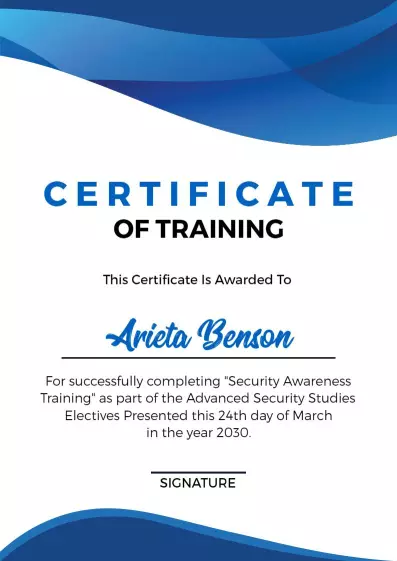
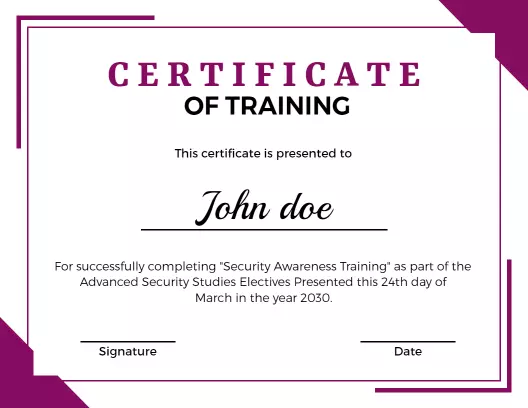
Specialized programs often need a certificate that feels connected to the subject rather than reused from a general award. The Dynamic Blue Wave Design for Security Awareness Training Certificate Template helps security-focused programs present completion details in a professional format.
Consistent recognition across every training session
Using one coordinated certificate structure across courses makes records easier to manage and strengthens the identity of the training provider. Keep logos, typography, signature placement, and wording consistent, then update only the recipient and program-specific details for each issue.