


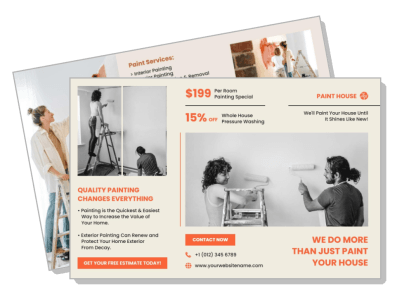
Painting Brochure Templates
DesignWiz Painting Brochure Templates help home service professionals showcase project portfolios and service areas using ready-made layouts. Edit project photos, service descriptions, and client testimonials without design experience.
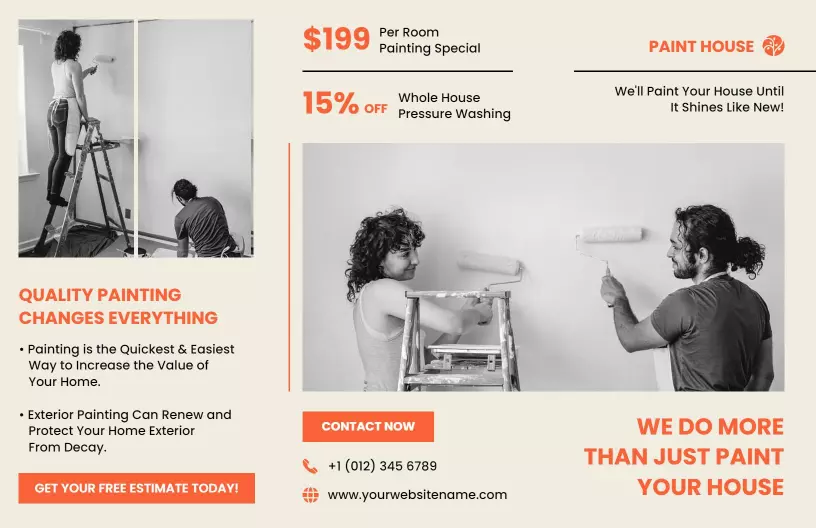


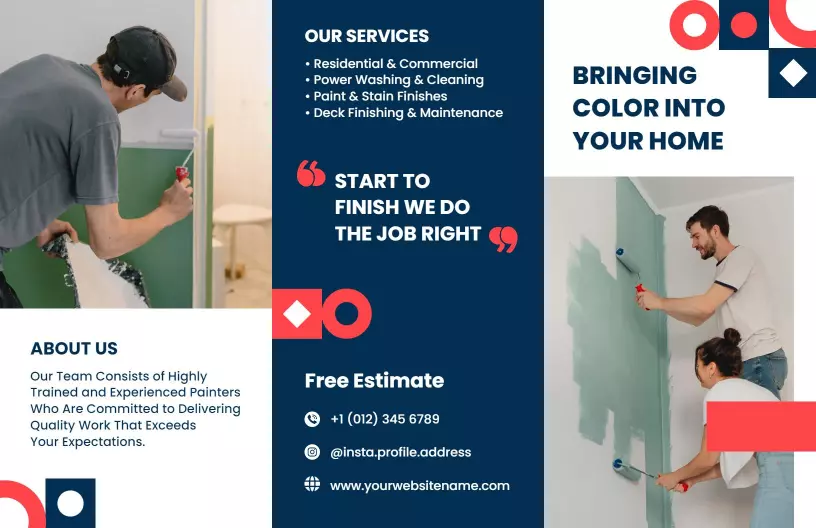





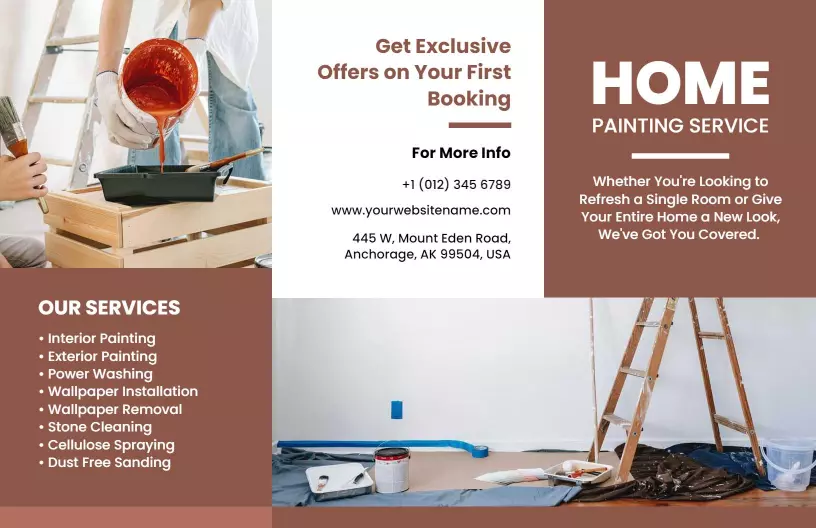
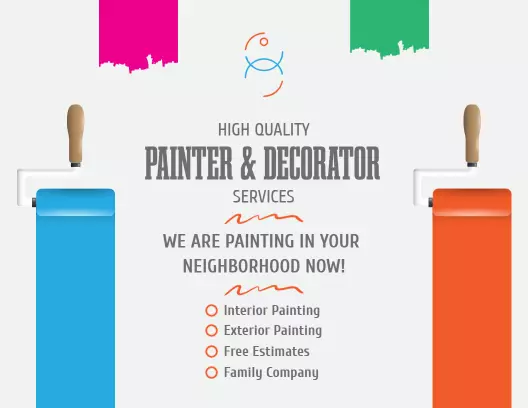
How to customize a painting brochure
No design skills needed. Choose a layout, add your services and project photos, adjust colors and fonts, then export a print-ready brochure for estimates and marketing.
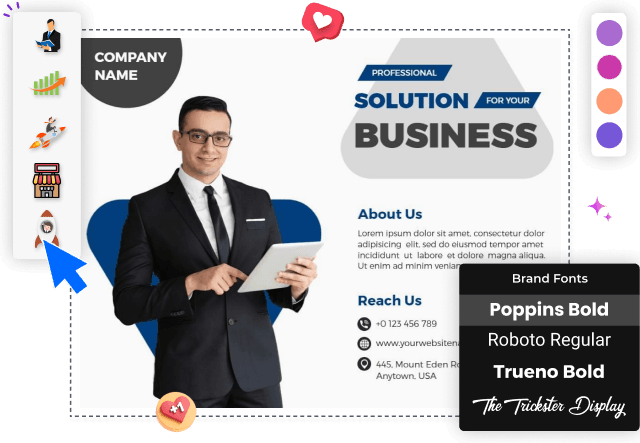
1. Pick a layout
Pick a brochure layout that matches your painting business. Bi-fold works for residential services and tri-fold fits firms offering both commercial and residential work with before/after visuals.
2. Add service details
List painting services like interior, exterior, cabinet, and commercial work. Add short descriptions so clients understand what you offer. Highlight specialties like faux finishes or wallpaper.
3. Showcase project photos
Show transformation stories with before and after photos of completed projects. Use high resolution images with good lighting. Place exterior and interior work on front and center panels.
4. Add contact and CTA
Add company name, phone, email, website, and office address. Include license and insurance details to build trust with clients. Add a call to action for a free estimate and color consultation.
5. Export and print
Export a print-ready PDF at 300 DPI in CMYK plus a digital version for web and email. Test both formats so images and text look correct. Reuse content in social posts and estimate packets.
Trusted by Thousands
 Tata Consultancy Services
 Boston Consulting
 AT&T
AT&T
 Avelo Airlines
 Procter & Gamble
 Ministry Of Health, Malaysia
 Veterans Affairs
 Detroit Government
 New York University
 Texas A&M University
 Decathlon America
 Warby Parker
Tata Consultancy Services
Boston Consulting
AT&T
Avelo Airlines
Procter & Gamble
Ministry Of Health, Malaysia
Veterans Affairs
Detroit Government
New York University
Texas A&M University
Decathlon America
Warby Parker
Warby Parker
Tata Consultancy Services
Boston Consulting
AT&T
Avelo Airlines
Procter & Gamble
Ministry Of Health, Malaysia
Veterans Affairs
Detroit Government
New York University
Texas A&M University
Decathlon America
Warby Parker



Other Brochure templates
Painting Brochure Templates Design Ideas and Examples
Customize colors, project photos, and service descriptions to match your painting brand, then keep the layout consistent so potential clients see your quality in seconds. DesignWiz offers painting brochure templates for residential and commercial services, so you can start from a ready-made layout and edit it for your business. Use these ideas to decide headline style, image placement, and what to emphasize for your audience, then browse brochure templates when you want more options beyond your first pick.
Service portfolio showcase
List your core painting services on the front or inside panel so readers see your range immediately. Include interior, exterior, cabinet, and commercial painting with short descriptions for each. Keep the language clear so homeowners and business owners understand what you offer. For a service focused brochure example, start from modern painting service special offer and home renovation brochure template and swap the service list and company name.
Before and after transformations
Dedicate one panel to before and after photo pairs that show the impact of your work. Use high resolution images with consistent lighting so the transformation is clear. Add short captions describing the project scope and paint type used. For a transformation focused layout, adapt warm earthy tones home painting services brochure template and replace project photos with your best work.
Residential and commercial services
Separate residential and commercial service sections so each audience finds relevant information. Highlight licenses, insurance, and safety protocols for commercial clients. Emphasize color consultation and free estimates for homeowners. For a dual audience brochure, use commercial and residential painting services brochure template and customize service panels for each audience.