


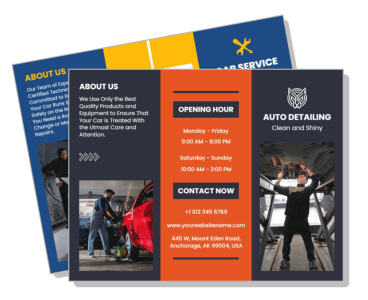
Automobile Brochure Templates
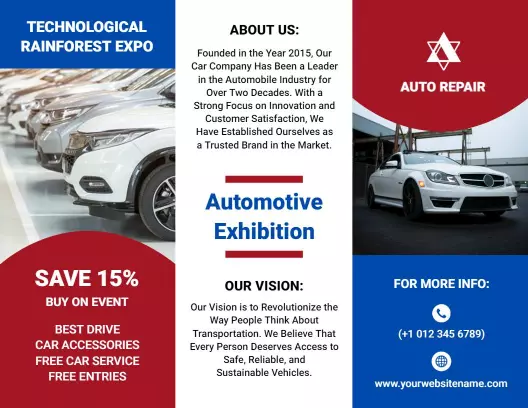
DesignWiz Automobile Brochure Templates help you promote your auto services fast with ready made tri-fold layouts, plus simple editing for service menus, pricing, repair categories, and contact details.
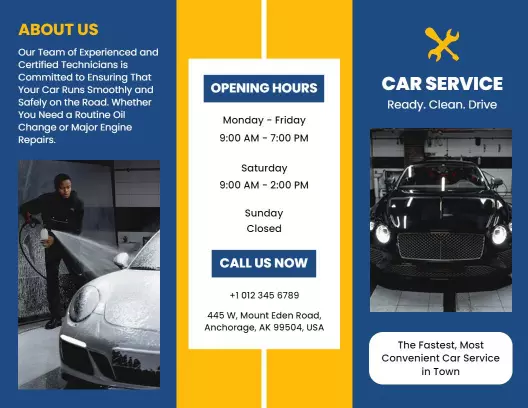





How to customize an automobile brochure
No design skills needed. Select a layout, add your services and pricing, adjust colors to match your brand, then export a brochure you can print or share in minutes.

1. Pick a layout
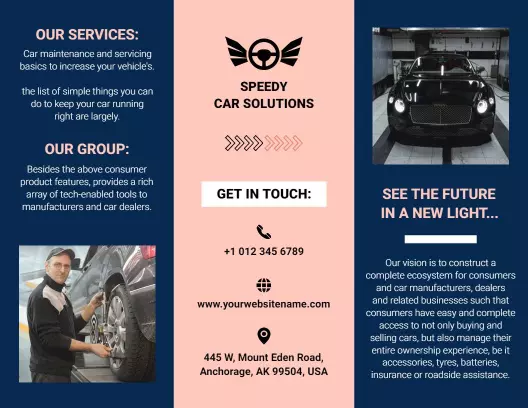
Choose an automobile brochure layout that fits your service menu and shop style. Set page size to letter or legal. Add your shop name and logo so customers recognize your business right away.
2. Add your service menu
List services grouped by category such as engine, brakes, tires, and detailing. Include a short description and price for each. Keep descriptions brief and consistent across all categories.
3. Set pricing clearly
Place each price next to its service name and use the same font size for all. Highlight seasonal or popular services with a small badge so customers notice them first when scanning.
4. Add location and contact
Include your full address, phone number, hours, and a small map on the back panel. Add website and social media links near the bottom. Use a QR code for easy mobile access to appointment booking.
5. Export and share
Export a print ready PDF at 300 DPI with crop marks and a digital PNG for social media. Test the print version at actual size. Share the digital file on your website and in email newsletters.
Trusted by Thousands
 Tata Consultancy Services
 Boston Consulting
 AT&T
AT&T
 Avelo Airlines
 Procter & Gamble
 Ministry Of Health, Malaysia
 Veterans Affairs
 Detroit Government
 New York University
 Texas A&M University
 Decathlon America
 Warby Parker
Tata Consultancy Services
Boston Consulting
AT&T
Avelo Airlines
Procter & Gamble
Ministry Of Health, Malaysia
Veterans Affairs
Detroit Government
New York University
Texas A&M University
Decathlon America
Warby Parker
Warby Parker
Tata Consultancy Services
Boston Consulting
AT&T
Avelo Airlines
Procter & Gamble
Ministry Of Health, Malaysia
Veterans Affairs
Detroit Government
New York University
Texas A&M University
Decathlon America
Warby Parker



Other Brochure templates
Automobile Brochure Templates Design Ideas and Examples
Customize colors, photos, and service details to match your auto shop brand, then keep the layout clean so customers can find repairs and pricing in seconds. DesignWiz offers automobile brochure templates across multiple styles, so you can start from a ready made layout and edit it for your business. Use these ideas to decide what to feature on each panel, then browse brochure templates when you want more options beyond your first pick.
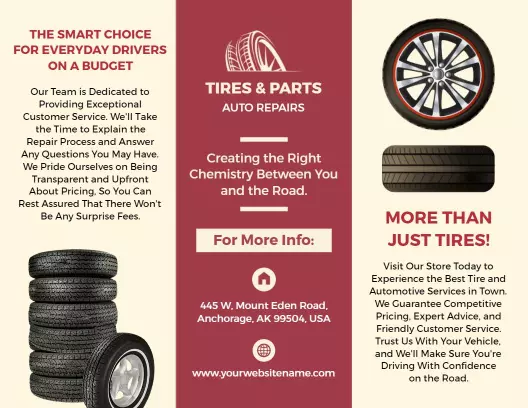
Repair services and maintenance menu
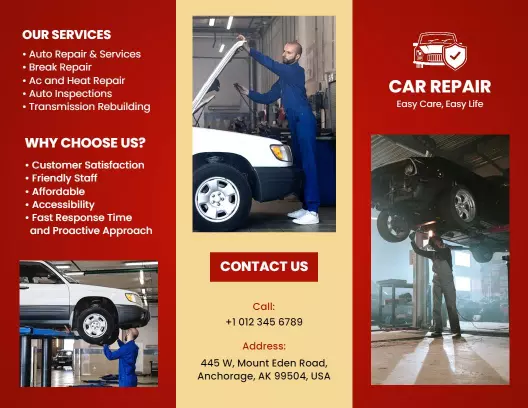
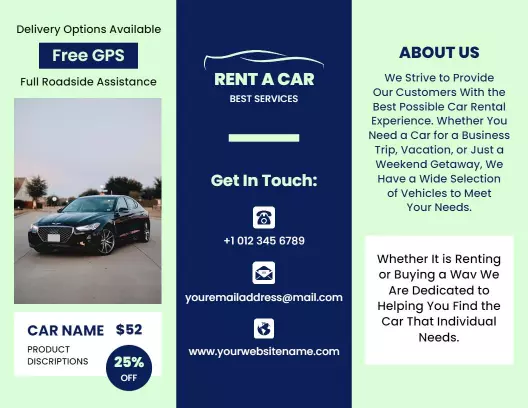
List your repair services by category such as engine, brakes, transmission, tires, and electrical with clear pricing or price ranges. Use a table or column layout so customers can find the service they need and understand what is included. Add a note about diagnostic fees and warranty coverage. For a professional starting point, look at red automotive car repair services and maintenance brochure template and update the service list and pricing for your shop.
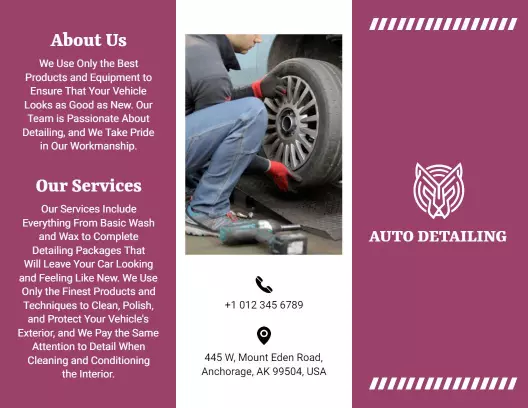
Detailing and car care packages
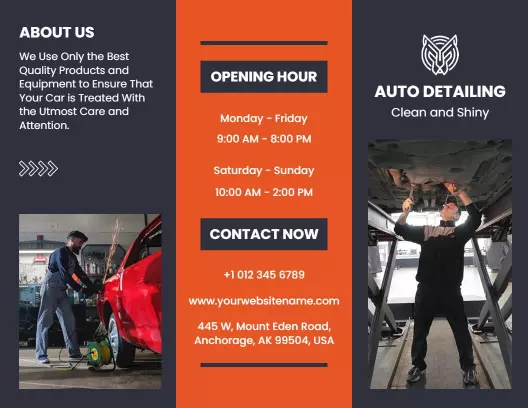
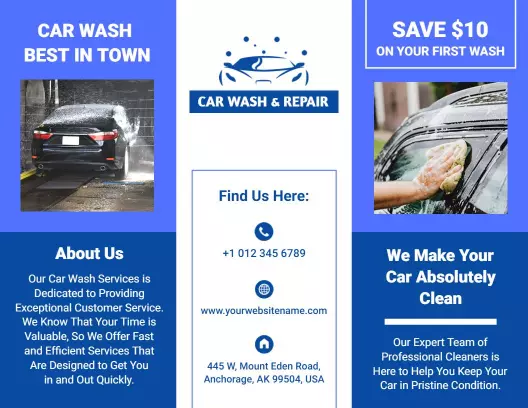
Dedicate a panel to detailing packages from basic wash and wax to full interior and exterior restoration. List what each package includes such as hand wash, clay bar treatment, polish, interior shampoo, and tire dressing. Use icons for each service so customers can scan the options quickly. For a bold and clean layout, try the bold orange auto detailing services clean and shine brochure template and replace the package details with your own service menu.
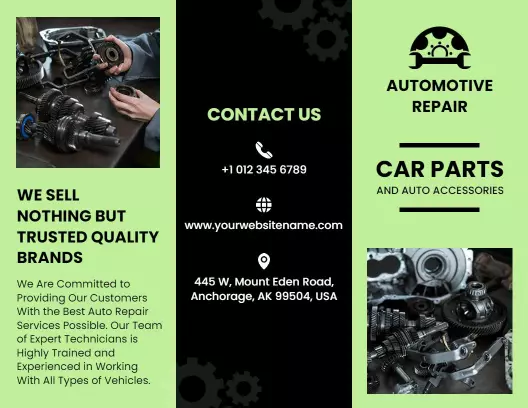
Auto parts and accessories showcase
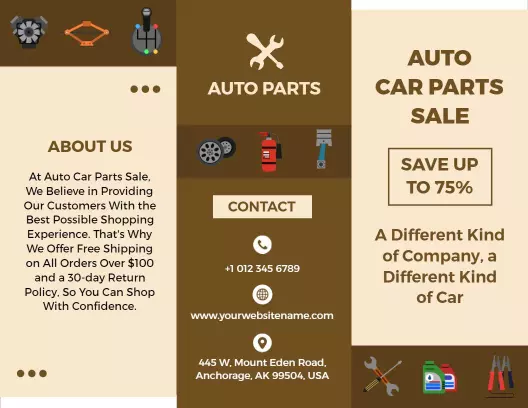
If you sell parts and accessories, use a panel to highlight popular product categories with brand names and price ranges. Include information about installation services and whether customers need to book ahead. Use product photos with short descriptions for each category such as performance parts, interior accessories, and maintenance supplies. For a layout with room for multiple product categories, start from green automotive repair car parts and services brochure template and add your product categories and pricing.